
Top 12 Melhores Softwares de Transcrição por IA de 2025 (Classificados)
Descubra os 12 melhores softwares de transcrição por IA de 2025. Comparamos as principais plataformas em precisão, privacidade e recursos para ajudá-lo a escolher a certa.
Kate, Praveen
November 13, 2025
Num mundo saturado de conteúdo de áudio e vídeo, transcrever manualmente reuniões, entrevistas, podcasts e palestras já não é uma opção viável. A IA transformou esta tarefa outrora tediosa num processo quase instantâneo, mas nem todas as ferramentas são criadas iguais. O mercado está repleto de plataformas que oferecem uma vasta gama de funcionalidades, desde a conversão básica de voz para texto até resumos sofisticados com IA e ferramentas de reutilização de conteúdo.
A escolha da plataforma certa depende muito das suas necessidades específicas, quer se trate de privacidade absoluta dos dados, integração perfeita num fluxo de trabalho criativo ou conformidade a nível empresarial para dados sensíveis. Por exemplo, os profissionais de marketing de conteúdo e os profissionais de redes sociais necessitam de ferramentas que possam transformar rapidamente conteúdo de vídeo em texto preciso; o software moderno de transcrição com IA também é adepto de ajudar os criadores a gerar legendas automáticas para o TikTok com IA, expandindo o alcance e a acessibilidade nas plataformas sociais. Da mesma forma, os requisitos de um profissional jurídico em termos de segurança e precisão diferirão vastamente dos de um podcaster que procura etiquetas de orador e carimbos de data/hora.
Quem Usa Software de Transcrição por IA Mais?
Podcasters
Transforme gravações longas em notas de show, legendas para redes sociais, resumos de episódios e conteúdo de blog pronto para SEO em minutos.
Equipes de Marketing
Converta webinars, entrevistas e vídeos em ativos escritos reutilizáveis para anúncios, posts e landing pages.
Equipes de Vendas
Capture automaticamente discussões de reuniões, objeções e próximos passos para atualizações de CRM e acompanhamento.
Educadores e Alunos
Transforme palestras e tutoriais em materiais de estudo pesquisáveis e notas de revisão.
Este guia corta o ruído de marketing para fornecer uma comparação detalhada e prática das 12 melhores opções de software de transcrição por IA disponíveis. Analisaremos os pontos fortes de cada ferramenta, exporem os seus limites e forneceremos recomendações claras de casos de uso. Cada entrada inclui links diretos e capturas de tela para ajudá-lo a encontrar a solução perfeita para o seu fluxo de trabalho, seja você um criador solo, uma equipe em rápido movimento ou uma grande empresa. Esta não é apenas uma lista; é um recurso projetado para ajudá-lo a tomar uma decisão informada e selecionar a solução mais eficaz para transformar seu áudio em texto acionável e preciso.
1. Transcript.LOL
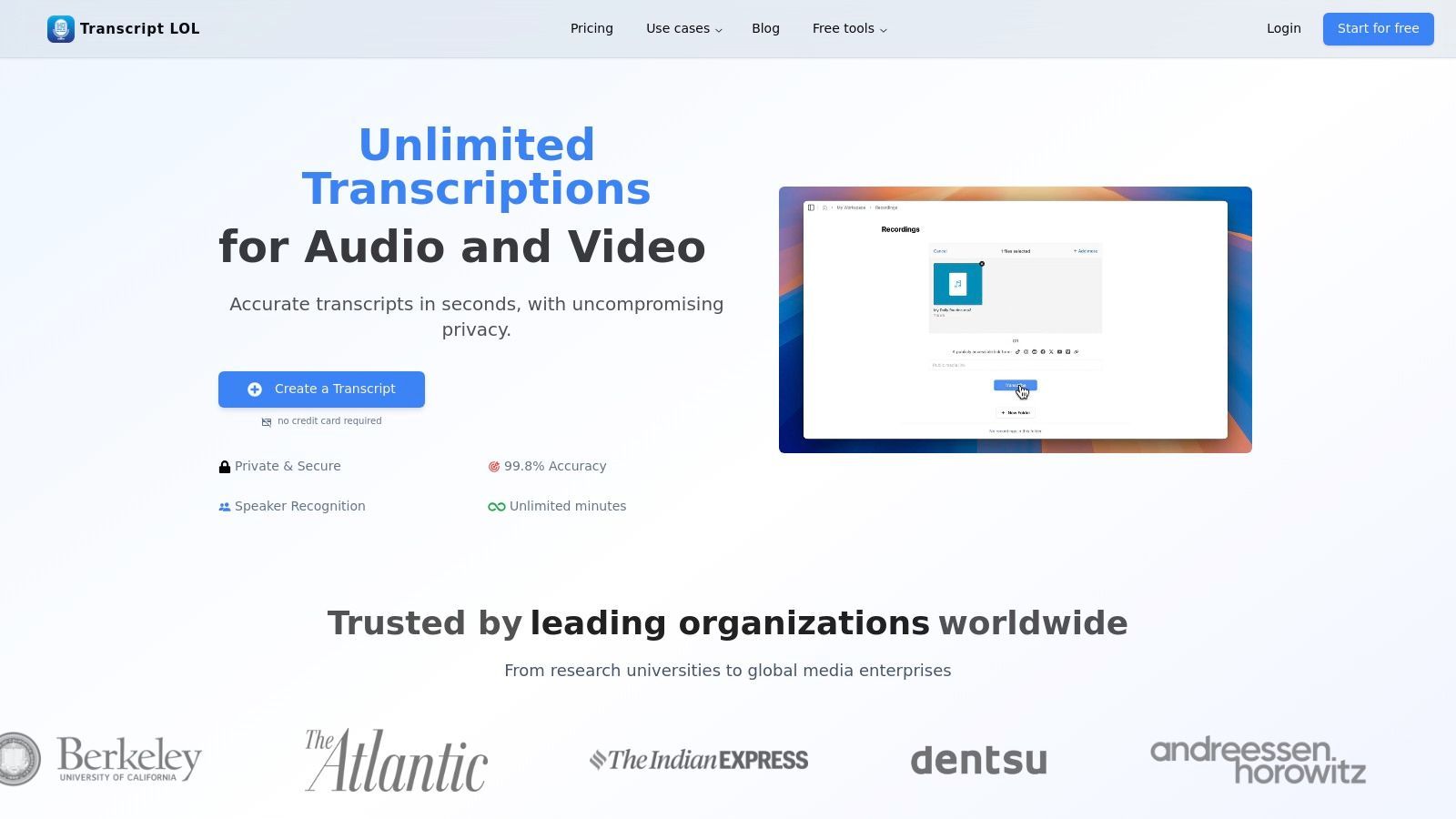
Transcript.LOL se posiciona como uma escolha de ponta para o melhor software de transcrição por IA, combinando alta precisão com um conjunto excepcional de ferramentas pós-transcrição. É uma plataforma abrangente construída para profissionais que precisam converter áudio e vídeo em mais do que apenas texto.
Motor Central de Transcrição por IA
IA de última geração
Alimentado pelo Whisper da OpenAI para precisão líder na indústria. Suporte para vocabulários personalizados, arquivos de até 10 horas e resultados ultra rápidos.

Importar de múltiplas fontes
Importe arquivos de áudio e vídeo de várias fontes, incluindo upload direto, Google Drive, Dropbox, URLs, Zoom e mais.

Exportar em múltiplos formatos
Exporte suas transcrições em múltiplos formatos incluindo TXT, DOCX, PDF, SRT e VTT com opções de formatação personalizáveis.
Ao alavancar o motor Whisper da OpenAI, ele oferece precisão rápida e quase humana, ao mesmo tempo em que suporta uma impressionante variedade de opções de importação, incluindo uploads diretos, drives na nuvem e até links do YouTube. Essa flexibilidade o torna um hub ideal para centralizar todas as necessidades de transcrição.
Por que a Transcrição Centralizada Economiza Horas Todas as Semanas?
Usar várias ferramentas de transcrição fragmenta seu fluxo de trabalho e aumenta os erros. Um sistema centralizado mantém arquivos, resumos e exportações em um só lugar, reduzindo a troca de ferramentas e acelerando a produção de conteúdo da gravação à publicação.
O recurso de destaque da plataforma é sua capacidade de transformar transcrições brutas em conteúdo acionável. Em vez de apenas entregar texto, ele gera resumos, itens de ação, posts para redes sociais e até mapas mentais. Isso transforma uma transcrição simples em uma poderosa ferramenta de produtividade, permitindo que podcasters criem notas de show, profissionais de marketing criem rascunhos de posts e equipes corporativas extraiam decisões-chave de reuniões automaticamente.
Recursos Principais e Análise
- Capacidade de Alto Volume: Suporta uploads de arquivos de até 10 horas de duração (5 GB), tornando-o perfeito para conteúdo de longa duração como podcasts, webinars e palestras.
- Saídas Inteligentes de IA: Vai além da transcrição para gerar resumos, quizzes, listas de tópicos e conteúdo para redes sociais, otimizando fluxos de trabalho de criação de conteúdo.
- Integrações Robustas: Oferece uma extensão do Chrome, acesso à API e conexões com Google Drive, Zoom, Zapier, WhatsApp e Telegram, garantindo que se encaixe nos processos existentes.
- Política de Privacidade em Primeiro Lugar: Criticamente, possui uma política rigorosa de não treinamento. Seu conteúdo nunca é usado para treinar modelos de IA externos, proporcionando privacidade essencial dos dados.
- Colaboração em Equipe: Espaços de trabalho compartilhados, pastas e gerenciamento de acesso facilitam o trabalho em equipe contínuo em projetos de transcrição.
Estrutura de Preços
| Plano | Preço | Principais Recursos |
|---|---|---|
| Grátis | R$0 | 2 transcrições/dia, limite de arquivo de 20 minutos |
| Ilimitado | R$120/ano | Transcrições ilimitadas, limite de arquivo de 10 horas, ferramentas de conteúdo de IA |
| Equipe | A partir de R$240/ano | Inclui 2 usuários, espaços de trabalho compartilhados, ferramentas de colaboração |
Prós e Contras
Prós:
- Alta precisão e velocidade, mesmo com arquivos longos
- Política rigorosa de não treinamento garante privacidade dos dados
- Ferramentas de fluxo de trabalho de ponta a ponta, da transcrição à criação de conteúdo
- Extensas opções de importação e integrações
- Preços acessíveis para usuários individuais frequentes
Contras:
- O plano gratuito é bastante limitado para uso profissional
- Falta menção explícita de HIPAA ou outras certificações regulatórias no site
Ferramentas Avançadas de Edição e Automação

Detecção de falantes
Identifique automaticamente diferentes falantes nas suas gravações e rotule-os com seus nomes.

Ferramentas de edição
Edite transcrições com ferramentas poderosas incluindo buscar e substituir, atribuição de falantes, formatos de texto rico e destaque.
Resumos e Chatbot
Gere resumos e outros insights da sua transcrição, prompts personalizados reutilizáveis e chatbot para o seu conteúdo.
Website: https://transcript.lol
2. Otter.ai
Otter.ai consolidou-se firmemente como uma plataforma de referência para transcrição de reuniões em tempo real e anotações colaborativas. Sua principal força reside no OtterPilot, um agente de IA para reuniões que pode ingressar automaticamente em suas chamadas do Zoom, Google Meet ou Microsoft Teams. Ele gera transcrições ao vivo, identifica diferentes falantes e captura automaticamente os slides da apresentação. Isso o torna uma das melhores soluções de software de transcrição de IA para equipes que dependem fortemente de reuniões virtuais.
A plataforma é construída em torno da criação de uma "única fonte de verdade" para conversas de reuniões. Após uma chamada, o Otter fornece um resumo automatizado, uma lista de itens de ação e uma transcrição pesquisável, sobre a qual os membros da equipe podem comentar e destacar. Esse aspecto colaborativo é um diferencial chave, transformando uma transcrição simples em um espaço de trabalho interativo.
Principais Recursos e Casos de Uso
- Transcrição ao Vivo e OtterPilot: O agente de IA ingressa nas reuniões para você, fornecendo uma transcrição em tempo real para que os participantes possam se concentrar na discussão em vez de fazer anotações.
- Resumos Automatizados: Após a reunião, você recebe um resumo conciso entregue diretamente em seu e-mail, perfeito para se atualizar rapidamente.
- Ferramentas de Colaboração: As equipes podem destacar, adicionar comentários e atribuir itens de ação diretamente na transcrição.
- Ideal para: Equipes de vendas revisando chamadas, gerentes de projeto acompanhando os próximos passos e educadores fornecendo anotações de aula acessíveis.
O Otter.ai oferece um plano gratuito com minutos de transcrição limitados por mês. Planos pagos desbloqueiam mais minutos, recursos avançados como o OtterPilot e maiores capacidades de colaboração. Embora seu suporte a idiomas seja melhor para o inglês, a interface do usuário é polida e intuitiva, facilitando o início. Você pode aprender mais sobre seu papel no mercado explorando várias opções de software de transcrição com tecnologia de IA.
Prós:
- Excelente para transcrição e colaboração de reuniões ao vivo.
- Interface de usuário polida e integração perfeita com os principais aplicativos de calendário/reunião.
- Oferece um plano gratuito funcional para testes.
Contras:
- A maioria dos recursos avançados de IA está bloqueada em planos de nível superior.
- O suporte a idiomas não é tão amplo quanto o de alguns concorrentes.
3. Rev.com
O Rev.com se destaca no mercado de transcrição, oferecendo um poderoso modelo híbrido. Ele combina transcrição rápida e acessível com tecnologia de IA com um serviço premium de transcrição humana com 99% de precisão, tornando-o uma plataforma excepcionalmente flexível. Essa abordagem dupla permite que os usuários escolham a ferramenta certa para o trabalho, quer precisem de um rascunho rápido de um mecanismo automatizado ou de uma transcrição polida e pronta para publicação revisada por um profissional.
Isso torna o Rev uma das melhores soluções de software de transcrição de IA para profissionais que exigem uma combinação de velocidade e precisão garantida. Você pode usar a IA para anotações internas ou primeiros rascunhos e, em seguida, atualizar facilmente para transcrição humana para arquivos críticos, como processos judiciais, legendas finais de vídeo ou conteúdo voltado para o público, onde a precisão é inegociável.
Principais Recursos e Casos de Uso
- Serviços Híbridos de IA e Humanos: Acesse transcrição automatizada (a partir de US$ 0,25/minuto) e transcrição humana (a partir de US$ 1,50/minuto) em uma única plataforma.
- Precisão Garantida: O serviço humano oferece uma garantia de 99% de precisão, o que é crucial para casos de uso de conformidade, jurídicos e acadêmicos.
- Ofertas Abrangentes: Além da transcrição, o Rev oferece legendas com tecnologia humana, legendas estrangeiras e um novo AI Notetaker para reuniões.
- Ideal para: Profissionais jurídicos que precisam de transcrições certificadas, produtores de vídeo que exigem legendas impecáveis e empresas que precisam de rascunhos rápidos de IA e resultados humanos de alta precisão.
O Rev oferece preços por uso e planos de assinatura para seus serviços de IA, proporcionando flexibilidade para diferentes níveis de uso. Embora os serviços humanos tenham um custo premium, a confiabilidade da plataforma e os tempos de resposta claros justificam o investimento para projetos de alto risco. Você pode explorar como o modelo de "loop humano" do Rev se compara a outras opções ao escolher software de transcrição para entrevistas.
Prós:
- Mistura flexível de serviços de IA de alta velocidade e serviços humanos de alta precisão.
- Preços claros e precisão garantida de 99% na transcrição humana.
- Forte reputação de qualidade, especialmente para uso profissional e de mídia.
Contras:
- Os serviços humanos são significativamente mais caros do que os concorrentes que usam apenas IA.
- A transcrição automatizada por IA não é tão rica em recursos quanto algumas plataformas de IA dedicadas.
4. Descript
O Descript redefine a transcrição integrando-a diretamente em um editor de áudio e vídeo tudo-em-um. Sua principal inovação é a "edição baseada em texto", onde você edita sua mídia simplesmente editando a transcrição, como um documento de texto. Excluir uma frase do texto remove automaticamente o segmento de áudio ou vídeo correspondente. Esse fluxo de trabalho exclusivo o torna uma das melhores opções de software de transcrição de IA para criadores de conteúdo, especialmente podcasters e editores de vídeo.
A plataforma vai muito além da simples transcrição, oferecendo um conjunto de ferramentas com tecnologia de IA projetadas para otimizar todo o processo de produção. Recursos como "Studio Sound" aprimoram a qualidade do áudio com um clique, enquanto "Overdub" permite criar um clone de voz por IA para corrigir erros. A combinação perfeita de um poderoso mecanismo de transcrição com um editor de mídia completo diferencia o Descript como um hub abrangente de criação de conteúdo.
Principais Recursos e Casos de Uso
- Edição de Mídia Baseada em Texto: Edite arquivos de áudio e vídeo manipulando a transcrição, tornando a pós-produção intuitiva e rápida.
- Ferramentas com Tecnologia de IA: Inclui remoção de palavras de preenchimento com um clique (por exemplo, "uhm", "ah"), Studio Sound para aprimoramento de áudio e resumos e clipes gerados por IA.
- Clonagem de Voz Overdub: Corrija erros de gravação ou adicione novas palavras digitando-as, usando um clone de voz por IA realista.
- Ideal para: Podcasters, YouTubers e editores de vídeo que precisam editar conteúdo com base em sua transcrição, bem como equipes que colaboram em projetos de mídia.
O Descript oferece um plano gratuito com horas limitadas de transcrição para testar seus recursos principais. Planos pagos desbloqueiam mais tempo de transcrição, ferramentas avançadas de IA e recursos colaborativos para equipes. Embora o editor completo tenha uma curva de aprendizado, seu poder de mesclar transcrição com criação é incomparável.
Prós:
- Combina edição e transcrição em um único fluxo de trabalho eficiente.
- Excelente conjunto de ferramentas de IA para criadores (remoção de palavras de preenchimento, Overdub).
- Plano gratuito generoso disponível para experimentar a funcionalidade principal.
Contras:
- O conjunto completo de recursos pode apresentar uma curva de aprendizado para novos usuários.
- Os limites de transcrição e horas de mídia são baseados no seu plano de assinatura.
5. Sonix.ai
O Sonix.ai é projetado para velocidade e precisão, oferecendo serviços automatizados de transcrição e tradução adaptados para profissionais de mídia e equipes globais. Sua principal força é um poderoso editor no navegador que sincroniza áudio/vídeo com uma transcrição com marcação de tempo, tornando simples revisar, editar e aperfeiçoar o texto. A plataforma se destaca no processamento de grandes volumes de arquivos e é uma forte concorrente para o melhor software de transcrição de IA para criadores de conteúdo que precisam reutilizar mídia em diferentes formatos rapidamente.
A plataforma suporta mais de 40 idiomas e dialetos, juntamente com recursos de tradução, tornando-a uma ferramenta versátil para colaboração internacional. Seus recursos colaborativos permitem que vários usuários trabalhem em uma transcrição simultaneamente, deixando comentários e anotações. Isso o torna ideal para produtoras, agências de marketing e jornalistas que precisam trabalhar juntos em prazos apertados para produzir legendas, legendas e conteúdo escrito precisos a partir de fontes de áudio ou vídeo.
Principais Recursos e Casos de Uso
- Editor no Navegador: Um editor robusto que permite edição fácil com marcação de tempo palavra por palavra e diarização de falantes.
- Transcrição e Tradução Multilíngue: Transcreva em mais de 40 idiomas e, em seguida, traduza a transcrição para dezenas de outros, expandindo o alcance do conteúdo.
- Ferramentas de Colaboração: Convide membros da equipe para visualizar e editar transcrições, otimizando o fluxo de trabalho de revisão e aprovação.
- Ideal para: Jornalistas transcrevendo entrevistas, podcasters criando notas de programas e produtores de vídeo gerando legendas e legendas precisas.
O Sonix.ai oferece preços flexíveis com taxas horárias por uso e assinaturas mensais com desconto. Embora alguns recursos avançados de análise de IA possam ter um custo extra, suas ferramentas principais de transcrição e colaboração são altamente eficazes. Você pode aprender mais visitando o site do Sonix.ai.
Prós:
- Modelos de preços flexíveis (por hora ou assinatura).
- Diarização precisa e forte suporte a formatos de exportação (SRT, VTT).
- Bom para trabalho em lote e colaboração em equipe.
Contras:
- Alguns recursos de análise de IA podem ter um custo extra.
- A alocação de armazenamento varia significativamente por plano.
6. Trint
O Trint é uma plataforma de transcrição de nível empresarial construída com jornalistas, criadores de conteúdo e grandes equipes em mente. Sua principal força reside em seu poderoso fluxo de trabalho colaborativo, que permite aos usuários transcrever, editar, destacar e verificar conteúdo de áudio e vídeo com segurança. A plataforma se destaca na transformação de gravações brutas em dados estruturados e pesquisáveis, tornando-a uma das melhores soluções de software de transcrição de IA para ambientes editoriais e de produção onde velocidade e precisão são primordiais.
A plataforma é projetada em torno de um fluxo de trabalho "Story Builder", permitindo que as equipes extraiam citações-chave de várias transcrições para criar narrativas, roteiros ou artigos. A robusta funcionalidade de pesquisa do Trint permite que os usuários encontrem instantaneamente momentos em toda a sua biblioteca de conteúdo. Com amplo suporte a idiomas e segurança de nível empresarial, ele fornece uma solução abrangente para organizações que gerenciam altos volumes de arquivos de áudio e vídeo confidenciais.
Principais Recursos e Casos de Uso
- Transcrição ao Vivo e Automatizada: Capture áudio em tempo real de eventos ou carregue arquivos em massa usando a API e o BulkScribe para ingestão de alto volume.
- Amplo Suporte a Idiomas: Transcreve em mais de 40 idiomas e oferece tradução para mais de 70 idiomas, ideal para equipes globais e conteúdo internacional.
- Fluxos de Trabalho Colaborativos: As equipes podem destacar, comentar e verificar transcrições juntas, com um Story Builder para criar narrativas a partir de momentos-chave.
- Ideal para: Redações, produtoras de mídia, instituições de pesquisa e grandes empresas que precisam de um ambiente de transcrição seguro, escalável e colaborativo.
A precificação do Trint é voltada para equipes e clientes corporativos, com custos específicos geralmente exigindo uma consulta de vendas. Embora isso o torne menos acessível para usuários individuais, o conjunto de recursos é adaptado para fluxos de trabalho de nível profissional onde segurança, colaboração e processamento de alto volume são inegociáveis.
Prós:
- Forte foco em fluxos de trabalho editoriais e voltados para redações.
- Opções de segurança corporativa e recursos de ingestão em massa.
- Excelente para ambientes de equipe de alto volume e colaborativos.
Contras:
- A precificação é menos transparente e voltada para equipes, não para indivíduos.
- Recursos avançados podem exigir um plano de nível superior ou contato de vendas.
7. Happy Scribe
O Happy Scribe ocupa um espaço único no mercado, oferecendo serviços automatizados de transcrição de IA e serviços profissionais feitos por humanos. Esse modelo híbrido o torna uma solução versátil para usuários que precisam da velocidade da IA para alguns projetos e da precisão garantida de um especialista humano para outros. A plataforma é particularmente forte em legendagem e tradução, com amplo suporte a idiomas que agrada a um público global.
A plataforma se concentra em fornecer um fluxo de trabalho direto, desde o upload de um arquivo até o recebimento de um arquivo de transcrição ou legenda finalizado. Ele se integra a plataformas de vídeo e ferramentas de reunião populares como Zoom, Google Meet e Microsoft Teams, simplificando o processo para equipes que precisam de legendas multilíngues. O editor interativo permite revisão e colaboração fáceis, garantindo que o resultado final atenda aos requisitos específicos do projeto. Essa combinação de IA e toque humano o torna uma das melhores opções de software de transcrição de IA para criadores de conteúdo que priorizam velocidade e qualidade.
Principais Recursos e Casos de Uso
- Serviços de IA e Humanos: Os usuários podem escolher entre transcrição de IA rápida e acessível ou serviços quase perfeitos com tecnologia humana para projetos críticos.
- Legendas e Tradução: Uma força central, oferecendo ferramentas robustas para gerar e traduzir legendas para vídeos em vários idiomas.
- Editor Colaborativo: Uma interface interativa onde os usuários podem revisar, editar e formatar transcrições e legendas com marcações de tempo.
- Ideal para: Criadores de vídeo que precisam de legendas multilíngues, pesquisadores que exigem transcrições de alta precisão e empresas que precisam de uma combinação de IA e serviços profissionais.
A precificação do Happy Scribe é transparente, com taxas claras por minuto para seu serviço de IA e orçamentos diretos para transcrição humana. Embora os serviços humanos naturalmente tenham um custo mais alto e um tempo de resposta mais longo, a flexibilidade de escolher o serviço certo para cada trabalho é uma vantagem significativa.
Prós:
- Excelente combinação de IA automatizada e serviços humanos profissionais.
- Amplo suporte a idiomas para transcrição e legendagem.
- Editor amigável e vários formatos de exportação.
Contras:
- A precisão da IA pode variar com a qualidade do áudio, às vezes exigindo revisão humana.
- Serviços feitos por humanos são significativamente mais caros do que as opções de IA.
8. Notta.ai
O Notta.ai se posiciona como um poderoso serviço de transcrição focado em reuniões que oferece valor excepcional, especialmente para equipes. Assim como seus concorrentes, ele fornece um bot para ingressar e transcrever suas chamadas ao vivo no Zoom, Google Meet e Microsoft Teams. Ele se destaca com seu modelo de preços agressivo, incluindo um plano Business que oferece minutos de transcrição "ilimitados", tornando-o uma opção atraente para usuários de alto volume.
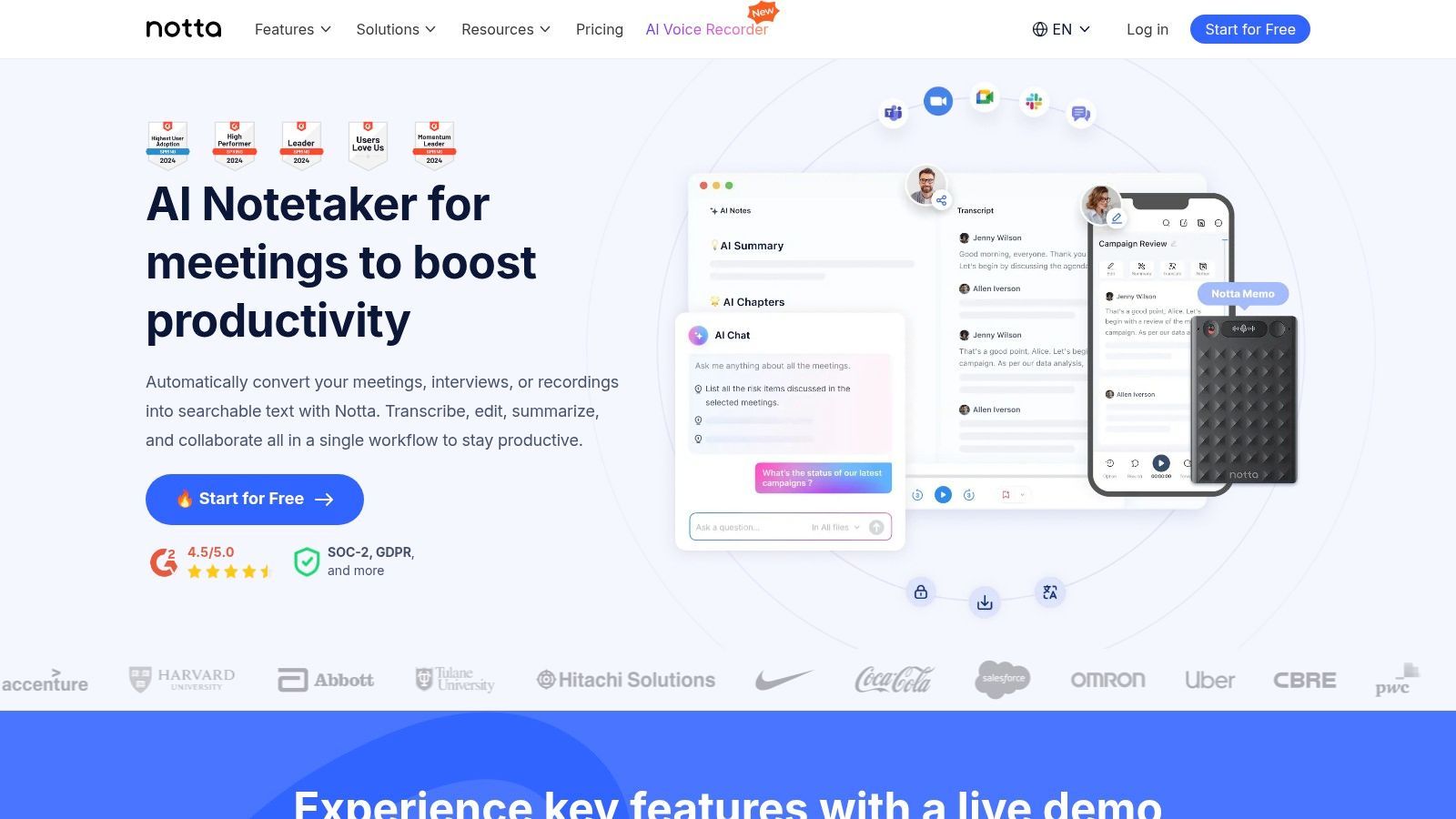
A plataforma é projetada para se integrar aos fluxos de trabalho de negócios existentes. Após uma reunião, o Notta gera resumos com tecnologia de IA, itens de ação e capítulos para ajudá-lo a digerir rapidamente as informações principais. Suas integrações com Zapier e CRMs importantes permitem automação robusta, enviando anotações de chamadas e dados diretamente para outros sistemas, o que é um grande benefício para equipes de vendas e suporte.
Principais Recursos e Casos de Uso
- Transcrição de Reuniões ao Vivo: Um bot de IA ingressa em suas chamadas em todas as principais plataformas para capturar conversas em tempo real com identificação de falantes.
- Resumos e Modelos de IA: Gera resumos estruturados usando modelos predefinidos, garantindo anotações consistentes e relevantes para cada chamada.
- Integrações Abrangentes: Conecta-se a ferramentas como Salesforce, Notion e Zapier para automatizar a entrada de dados e otimizar fluxos de trabalho.
- Ideal para: Equipes de vendas que precisam de integração com CRM, empresas com alto volume de reuniões e usuários que buscam uma das melhores soluções de software de transcrição de IA com uma forte proposta de valor.
O Notta oferece um plano gratuito com um limite curto para a duração da transcrição, enquanto seus planos pagos desbloqueiam significativamente mais recursos e minutos. O plano Business "ilimitado" tem limites por gravação, mas fornece uma capacidade geral massiva para equipes. Isso o torna uma ótima ferramenta para aprender como transcrever uma reunião do Zoom sem se preocupar com cotas de minutos.
Transcrição por Caso de Uso Profissional
Profissionais Jurídicos
Exigem precisão de timestamp, certificação de locutor e transcrições prontas para conformidade para uso em tribunal.
Prestadores de Cuidados de Saúde
Precisam de documentação de voz segura para HIPAA para notas de pacientes e ditados médicos.
Jornalistas
Dependem de retorno rápido de entrevistas com pesquisa de palavras-chave e extração de citações.
Criadores de Conteúdo
Priorizam a precisão de legendas, geração de clipes sociais e fluxos de trabalho de legendas do YouTube.
Prós:
- Excelente custo-benefício, especialmente com o plano "ilimitado" Business.
- Amplas opções de integração, incluindo Zapier e CRMs populares.
- Recursos robustos de captura de reuniões ao vivo e resumo por IA.
Contras:
- Limites de duração por gravação se aplicam mesmo no plano ilimitado.
- O plano gratuito é bastante restritivo com seus limites por conversa.
9. Microsoft Azure AI Speech to Text
Microsoft Azure AI Speech to Text é uma solução de nível empresarial projetada para desenvolvedores e grandes organizações que precisam incorporar recursos de transcrição diretamente em seus aplicativos e fluxos de trabalho. Diferente de aplicativos independentes, esta é uma API baseada em nuvem que oferece imensa escalabilidade e personalização profunda. Sua força reside em sua integração estreita com o ecossistema mais amplo do Azure, tornando-a uma escolha poderosa para empresas já investidas na plataforma de nuvem da Microsoft.
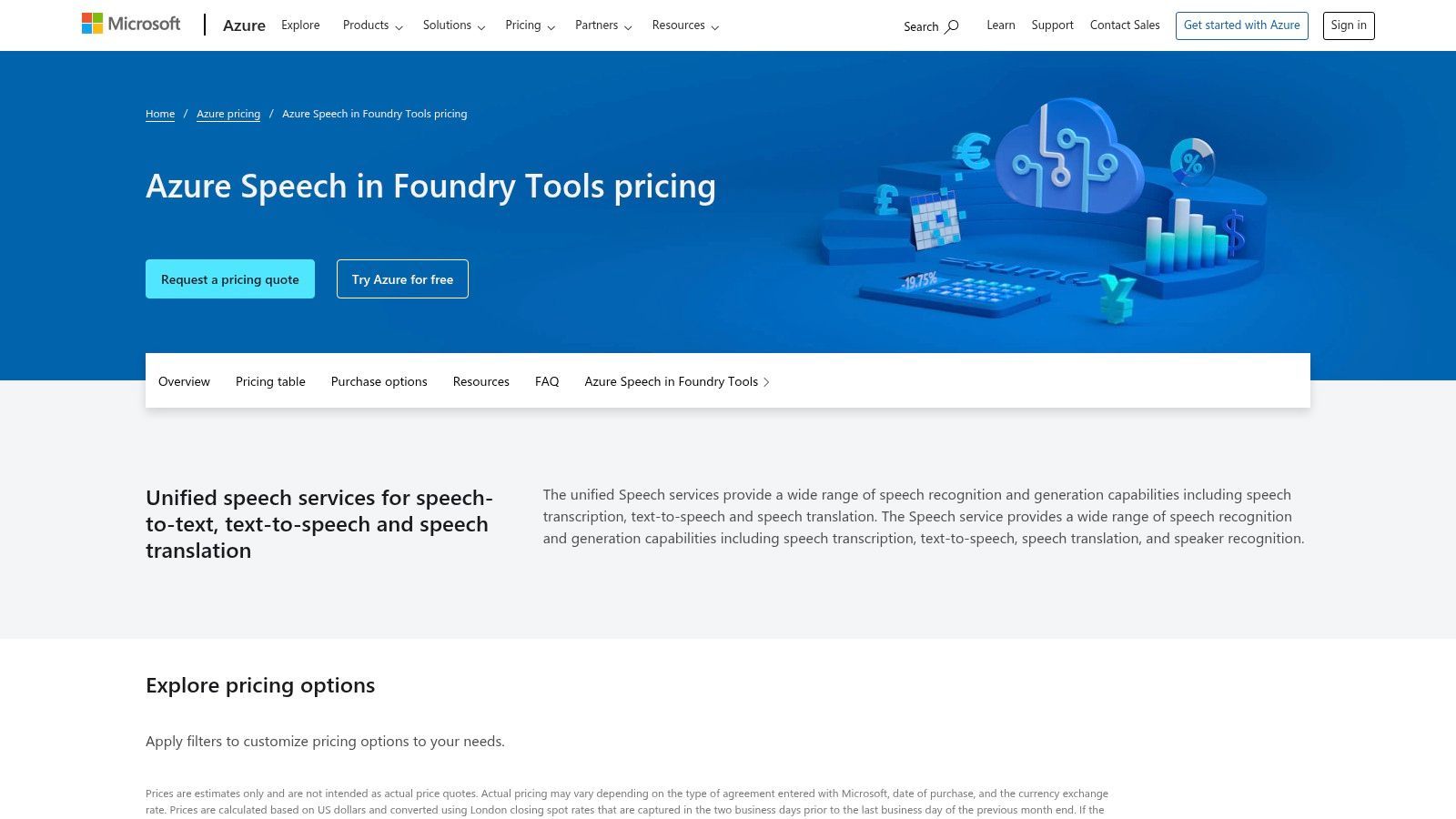
A plataforma é projetada para tarefas de alto volume e missão crítica, desde a transcrição de chamadas de centrais de atendimento em tempo real até o processamento de grandes lotes de arquivos de mídia. Ela se destaca por oferecer recursos avançados como Custom Speech, que permite treinar o modelo em jargões específicos da indústria ou ambientes acústicos únicos para melhorar a precisão. Com segurança e conformidade de nível empresarial, incluindo HIPAA, é uma das melhores opções de software de transcrição por IA para indústrias regulamentadas.
Principais Recursos e Casos de Uso
- APIs de Lote e Streaming: Oferece flexibilidade tanto para transcrição em tempo real (por exemplo, legendas ao vivo) quanto para processamento de grandes volumes de arquivos de áudio pré-gravados.
- Modelos de Fala Personalizados (Custom Speech): Os usuários podem adaptar o modelo de reconhecimento de fala às suas necessidades específicas, fornecendo dados de texto (modelos de linguagem) ou dados de áudio (modelos acústicos).
- Segurança de Nível Empresarial: Oferece robustas certificações de segurança, privacidade e conformidade adequadas para os setores de saúde, finanças e governo.
- Ideal Para: Desenvolvedores que criam transcrições em aplicativos, fluxos de trabalho de processamento de mídia em larga escala e análises de centrais de atendimento que exigem alta precisão e conformidade.
O preço do Azure é baseado no uso, com um modelo de pagamento conforme o uso, que inclui um nível gratuito de 5 horas de áudio por mês. Embora isso exija conhecimento técnico para implementação, oferece controle e poder incomparáveis para soluções personalizadas. Você pode aprender mais sobre seus preços no site do Azure Speech to Text.
Prós:
- Altamente escalável e confiável para casos de uso de nível empresarial.
- Fortes opções de personalização com modelos de Fala Personalizados.
- Excelente integração com outros serviços do Azure para fluxos de trabalho completos.
Contras:
- Requer conhecimento técnico e familiaridade com a plataforma Azure para implementação.
- O preço pode se tornar complexo, pois pode envolver custos de outros serviços do Azure.
10. Google Cloud Speech-to-Text
Para desenvolvedores e empresas que buscam um motor de transcrição poderoso e escalável para integrar em seus próprios aplicativos, o Google Cloud Speech-to-Text é uma plataforma fundamental. Em vez de um aplicativo independente, é uma API que oferece acesso aos modelos avançados de reconhecimento de fala do Google. Este serviço se destaca no manuseio de volumes massivos de dados de áudio, oferecendo processamento em lote para arquivos pré-gravados e transcrição em tempo real por streaming.
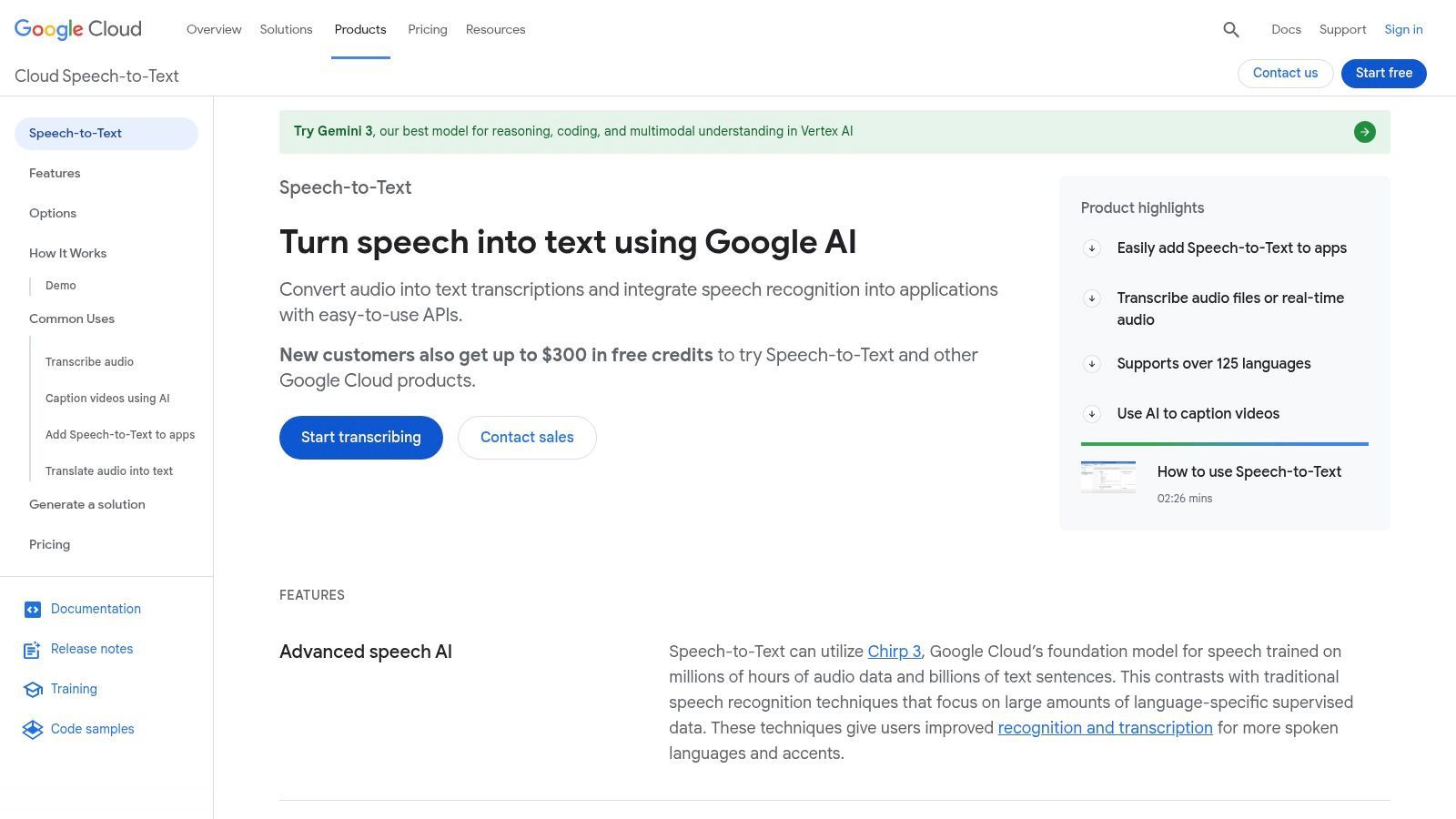
Seu principal diferencial é a capacidade de selecionar modelos especializados, adaptados para tipos específicos de áudio, como chamadas telefônicas, vídeo ou ditados médicos, o que melhora significativamente a precisão. Com suporte para mais de 120 idiomas e dialetos, é um dos motores mais versáteis disponíveis, tornando-o um concorrente para o melhor software de transcrição por IA para aplicações globais.
Principais Recursos e Casos de Uso
- Modelos de Reconhecimento Especializados: Escolha entre modelos treinados para cenários específicos como telefonia, vídeo de longa duração ou terminologia médica para aumentar a precisão.
- Amplo Suporte a Idiomas: Oferece recursos de transcrição para mais de 120 idiomas e vários dialetos.
- Modos de Streaming e Lote: Oferece transcrição em tempo real para aplicativos ao vivo e processamento em lote eficiente para grandes arquivos de áudio.
- Ideal Para: Desenvolvedores que criam aplicativos com reconhecimento de voz, grandes empresas que processam gravações de centrais de atendimento e empresas de mídia que precisam de legendas para audiências globais.
O preço é baseado no uso, com descontos por volume tornando-o econômico para projetos em larga escala. No entanto, a implementação requer conhecimento técnico e uma conta do Google Cloud Platform, que pode ser complexa para configurar e gerenciar. Você pode explorar como sua tecnologia subjacente se compara lendo mais sobre precisão de fala para texto.
Prós:
- Altamente preciso com modelos especializados para diferentes casos de uso.
- Excepcional cobertura de idiomas e dialetos.
- Flexível e escalável para processamento em tempo real e em lote de alto volume.
Contras:
- Requer recursos de desenvolvimento e conhecimento técnico para implementação.
- Configurar o faturamento e os projetos do GCP pode ser complexo para iniciantes.
11. Amazon Transcribe
Amazon Transcribe é um poderoso serviço de fala para texto da Amazon Web Services (AWS) projetado para desenvolvedores e empresas que precisam integrar recursos de transcrição em seus aplicativos e fluxos de trabalho. Sua principal força reside em sua escalabilidade e profunda integração no ecossistema AWS, permitindo o processamento automatizado de arquivos de áudio armazenados no S3 ou a transcrição em tempo real de fluxos de mídia. Isso o torna uma das melhores opções de software de transcrição por IA para pipelines de mídia de nível empresarial e análises de centrais de atendimento.
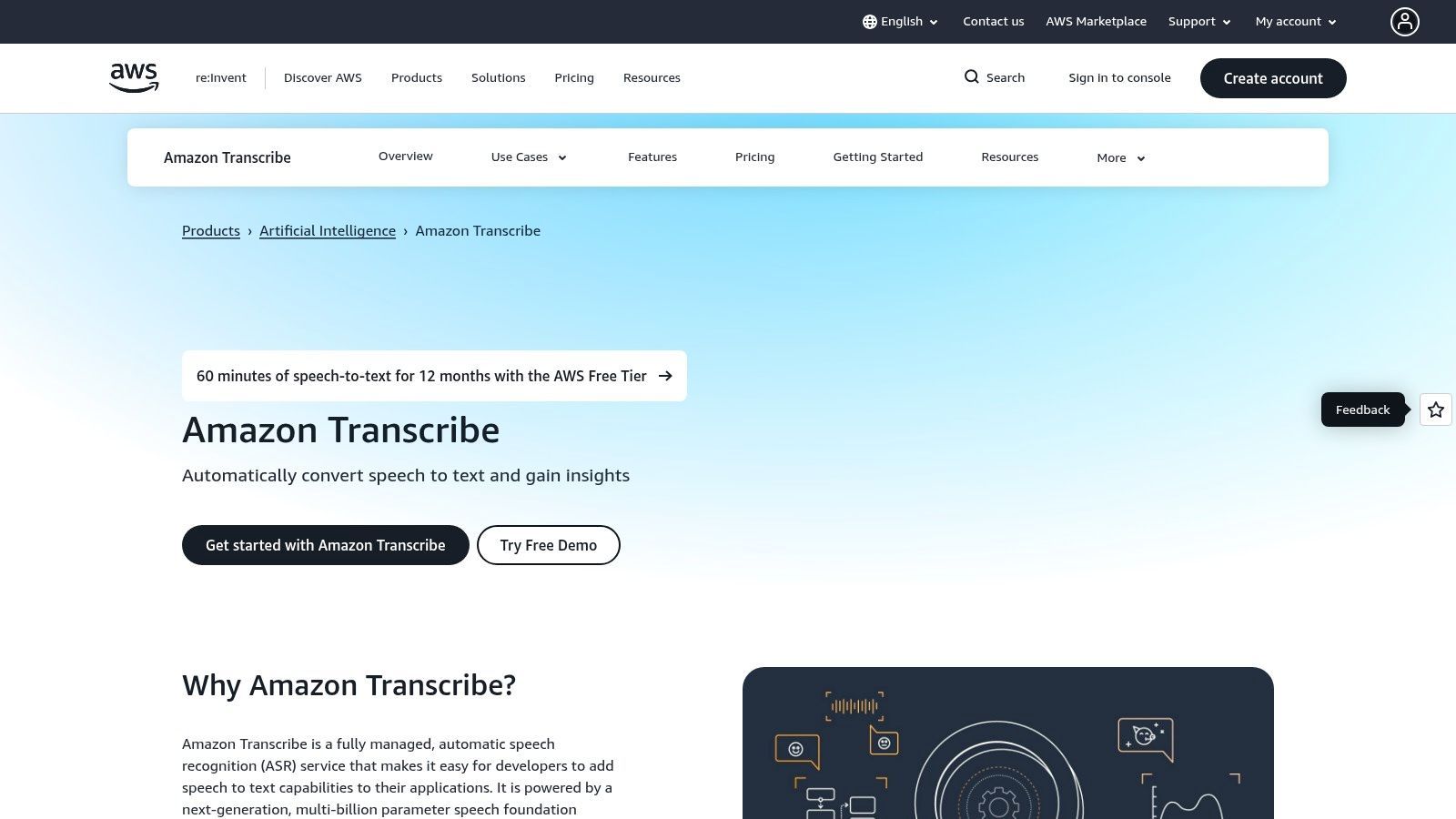
A plataforma é menos um aplicativo independente e mais um serviço fundamental, oferecendo modelos especializados para diferentes indústrias. O Amazon Transcribe Medical, por exemplo, é elegível para HIPAA e treinado em terminologia médica, enquanto seu recurso Call Analytics fornece insights ricos de conversas de clientes, incluindo análise de sentimento e detecção de problemas. Esse foco em casos de uso específicos e de alto risco o diferencia de ferramentas de propósito mais geral.
Nem Todas as Ferramentas de Transcrição por IA São Seguras para Dados Sensíveis
Muitas plataformas reutilizam silenciosamente arquivos de usuários para treinar modelos de IA. Se o seu conteúdo incluir informações legais, médicas, financeiras ou proprietárias, isso pode resultar em violações de privacidade irreversíveis e risco regulatório.
Principais Recursos e Casos de Uso
- Transcrição por Streaming e em Lote: Suporta transcrição em tempo real para eventos ao vivo e processamento para grandes arquivos de áudio pré-gravados.
- Modelos Especializados: Oferece modelos desenvolvidos para fins específicos, como o Amazon Transcribe Medical para documentação clínica e o Call Analytics para centrais de atendimento.
- Redação de Conteúdo: Identifica e remove automaticamente informações pessoalmente identificáveis (PII) de transcrições para auxiliar na conformidade e privacidade.
- Ideal Para: Desenvolvedores que criam aplicativos com recursos de transcrição, empresas de mídia que automatizam fluxos de trabalho de legendagem e centrais de atendimento que analisam chamadas de clientes.
O Amazon Transcribe utiliza um modelo de precificação "pague pelo uso", cobrado por segundo de áudio processado, com um nível gratuito que geralmente inclui 60 minutos por mês nos primeiros 12 meses. Embora ofereça imenso poder e personalização, requer uma conta AWS e alguma expertise técnica para configuração, tornando-o mais adequado para usuários com recursos de desenvolvimento.
Prós:
- Altamente escalável e integra-se perfeitamente ao ecossistema AWS.
- Modelos especializados para casos de uso médico e de centrais de atendimento oferecem alta precisão.
- Controle granular sobre recursos de transcrição, como vocabulários personalizados.
Contras:
- Requer conhecimento técnico e configuração AWS, não é amigável para iniciantes.
- A precificação pode se tornar complexa com vários add-ons e diferenças regionais.
12. G2 (Categoria de Software de Transcrição)
O G2 não é um serviço de transcrição em si, mas um marketplace abrangente de software B2B e plataforma de avaliações. Sua categoria de transcrição serve como um centro de pesquisa essencial para quem procura comparar os melhores fornecedores de software de transcrição de IA em um só lugar. A plataforma agrega avaliações de usuários, pontuações de satisfação e listas detalhadas de recursos, permitindo que os compradores filtrem e selecionem opções como Otter.ai, Rev e Descript com base em feedback do mundo real e necessidades específicas de negócios.
A força da plataforma reside em seus relatórios Grid®, que mapeiam visualmente os líderes de mercado, os de alto desempenho e os jogadores de nicho com base na satisfação do usuário e na presença de mercado. Essa abordagem orientada por dados ajuda a filtrar o marketing exagerado, fornecendo uma imagem mais clara de quais ferramentas estão realmente entregando valor aos seus usuários. Para as empresas, isso torna o processo inicial de seleção de fornecedores significativamente mais eficiente e transparente.
Principais Recursos e Casos de Uso
- Gráficos Comparativos e Filtros: Use o gráfico interativo e os filtros para comparar dezenas de fornecedores lado a lado em recursos, modelos de precificação e tamanho da empresa.
- Avaliações Verificadas de Usuários: Acesse avaliações detalhadas de usuários verificados, oferecendo insights sobre o desempenho de cada plataforma, facilidade de uso e qualidade do suporte ao cliente.
- Listas e Selos de "Melhores": Identifique rapidamente os softwares mais bem avaliados através dos relatórios sazonais e selos de líder do G2, que destacam produtos com desempenho consistentemente alto.
- Ideal Para: Gerentes de TI, equipes de compras e líderes empresariais que realizam a devida diligência antes de investir em uma solução de transcrição.
O uso do G2 é totalmente gratuito para compradores. Embora forneça uma visão geral inestimável do mercado, é importante verificar detalhes específicos nos sites dos fornecedores, pois posicionamentos patrocinados podem, às vezes, influenciar a visibilidade.
Prós:
- Visão de mercado ampla e atualizada para comparação rápida de fornecedores.
- Insights impulsionados por avaliações verificadas de usuários e pontuações de satisfação.
- Gratuito para navegar e excelente para criar uma lista inicial.
Contras:
- Listagens patrocinadas podem afetar quais fornecedores aparecem com mais destaque.
- Algumas avaliações podem ser solicitadas pelo fornecedor; sempre cruze as informações.
Comparativo das 12 Melhores Ferramentas de Transcrição de IA
| Produto | Recursos Principais | Qualidade (★) | Preço/valor (💰) | Público (👥) | Único (✨) |
|---|---|---|---|---|---|
| Transcript.LOL 🏆 | IA baseada em Whisper, detecção de falante, editor rico, exportação multiformato, integrações | ★★★★★ (4.8) | 💰 Nível gratuito; Ilimitado ≈ $120/ano; Equipe a partir de $240/ano | 👥 Criadores, podcasters, equipes, empresas | ✨ Foco em privacidade (política de não treinamento), uploads rápidos de 10 horas, saídas de IA (resumos, quizzes, posts sociais) |
| Otter.ai | Transcrição ao vivo e gravada, agente de reunião, integração com calendário/Zoom, aplicativos móveis | ★★★★☆ | 💰 Gratuito + planos pagos para equipes/agentes | 👥 Reuniões, vendas, educação, recrutadores | ✨ Agente de reunião em tempo real com itens de ação e perguntas e respostas |
| Rev.com | IA + transcrição/legendagem humana premium, editor interativo, integrações | ★★★★☆ | 💰 IA por minuto; serviços humanos com preços premium | 👥 Mídia, jurídico, projetos sensíveis à conformidade | ✨ Marketplace de transcrição humana para 99% de precisão |
| Descript | Edição de áudio/vídeo baseada em texto, transcrição automatizada, overdub, Studio Sound | ★★★★☆ | 💰 Nível gratuito; níveis de assinatura para criadores/equipes | 👥 Podcasters, criadores de vídeo, editores | ✨ Editor completo + voz overdub e geração de clipes integrada |
| Sonix.ai | Transcrição rápida por IA, mais de 40 idiomas, editor no navegador, API, pague pelo uso/assinatura | ★★★★☆ | 💰 Pague pelo uso ou assinatura (descontos por hora) | 👥 Equipes de mídia, fluxos de trabalho em lote | ✨ Forte diarização, suporte a tradução e exportação em lote |
| Trint | Captura ao vivo, transcrição/tradução multilíngue, Story Builder, ingestão em massa | ★★★★☆ | 💰 Preços para equipes/empresas; entre em contato com vendas para níveis | 👥 Jornalistas, redações, empresas | ✨ Fluxos de trabalho editoriais, ingestão em massa/arquivamento e opções empresariais |
| Happy Scribe | Transcrição/legendagem por IA + humana, integrações de reunião, editor colaborativo | ★★★★☆ | 💰 Pague pelo uso + assinatura; orçamentos para trabalho humano | 👥 Equipes multilíngues, projetos de legendagem | ✨ Orçamentos diretos para legendagem e legendas humanas profissionais |
| Notta.ai | Transcrição ao vivo/de arquivo, captura de reuniões, resumos, automações, integrações com CRM | ★★★★☆ | 💰 Preços agressivos; nível Business oferece minutos "ilimitados" (limites por gravação) | 👥 Equipes que capturam reuniões, fluxos de trabalho de vendas/CRM | ✨ Nível Business de minutos ilimitados e fortes automações |
| Microsoft Azure AI Speech to Text | Streaming e lote, diarização, Custom Speech, segurança/conformidade empresarial | ★★★★☆ | 💰 Baseado em uso (por segundo) com cota gratuita; faturamento empresarial | 👥 Desenvolvedores, centrais de atendimento, empresas regulamentadas | ✨ Conformidade de nível empresarial (opções HIPAA/BAA) e ecossistema Azure |
| Google Cloud Speech-to-Text | Streaming/lote, mais de 120 idiomas, modelos especializados (médico/telefone), níveis de volume | ★★★★☆ | 💰 Preços competitivos por minuto com descontos por volume | 👥 Desenvolvedores, fluxos de trabalho de grande escala/mídia | ✨ Amplo suporte a idiomas/dialetos e modelos especializados |
| Amazon Transcribe | Streaming e lote, diarização, análise de chamadas, redação de conteúdo, SKU médico | ★★★★☆ | 💰 Baseado em uso; nível gratuito nos primeiros 12 meses; preços regionais | 👥 Centrais de atendimento, pipelines de mídia, saúde | ✨ Análise de chamadas, redação de conteúdo e integrações estreitas com AWS |
| G2 (Categoria) | Diretório de mercado: avaliações, gráficos, selos de líder, filtros, links de fornecedores | — (Varia) | 💰 Gratuito para navegar | 👥 Compradores pesquisando/listas de transcrição | ✨ Comparações baseadas em avaliações, selos de líder/alto desempenho |
O Veredito Final: Qual Software de Transcrição de IA é Certo para Você?
Navegar no mercado lotado de software de transcrição de IA pode ser avassalador, mas após uma revisão abrangente dos principais concorrentes, um quadro claro emerge. A escolha ideal não é uma solução única para todos; é uma ferramenta que se alinha perfeitamente com seu fluxo de trabalho específico, prioridades e orçamento. Sua decisão final depende do que você mais valoriza: poder de edição bruto, integração de nível empresarial ou um motor de conteúdo seguro e completo.
Exploramos um cenário diversificado de plataformas poderosas. Para podcasters e criadores de vídeo, o Descript continua sendo um divisor de águas com seu fluxo de trabalho de edição intuitivo baseado em texto que confunde a linha entre transcrição e criação de conteúdo. Para grandes empresas já integradas a um ecossistema de nuvem específico, o poder bruto e a escalabilidade do Microsoft Azure AI Speech to Text, Google Cloud Speech-to-Text e Amazon Transcribe oferecem personalização e controle incomparáveis, embora com uma curva de aprendizado mais acentuada.
Enquanto isso, profissionais focados em maximizar a eficiência de reuniões encontrarão imenso valor em ferramentas como Otter.ai e Notta.ai, que se destacam na transcrição em tempo real e na tomada de notas colaborativa. Essas plataformas são projetadas para se integrar perfeitamente ao seu calendário diário e aplicativos de comunicação, transformando conversas em registros estruturados e acionáveis. Para aqueles que exigem a garantia de revisão humana, serviços híbridos como Rev.com e Happy Scribe fornecem uma rede de segurança valiosa, combinando a velocidade da IA com a precisão humana.
Agentes de Reunião por IA em Tempo Real Estão Substituindo a Tomada de Notas Manual
Agentes de reunião por IA modernos agora entram automaticamente em chamadas, identificam locutores, resumem discussões e extraem tarefas em tempo real. Isso remove completamente a necessidade de anotações manuais e melhora a execução pós-reunião.
Tomando Sua Decisão Final: Uma Abordagem Baseada em Necessidades
Para selecionar a ferramenta certa, você deve primeiro definir suas necessidades principais. Pergunte a si mesmo estas questões críticas:
- Qual é o meu caso de uso principal? Você está transcrevendo entrevistas para pesquisa, editando um podcast, documentando depoimentos legais ou gerando resumos de reuniões? A função dita os recursos necessários.
- Quão sensíveis são meus dados? Para conteúdo legal, de saúde ou corporativo proprietário, a privacidade e a segurança dos dados são inegociáveis. Procure serviços com políticas explícitas contra o uso de seus dados para treinamento de modelos.
- Como é o meu fluxo de trabalho? Considere todo o processo. Como você insere seu áudio/vídeo na ferramenta e o que precisa fazer com a transcrição depois? Procure opções robustas de importação/exportação e integrações que minimizem atritos.
- Preciso de mais do que apenas uma transcrição? Muitas ferramentas modernas agora oferecem recursos de valor agregado, como resumos, capítulos e reutilização de conteúdo. Determine se você precisa de uma plataforma de geração de conteúdo ponta a ponta ou apenas de um serviço simples de transcrição.
Nossa Principal Recomendação para a Maioria dos Profissionais
Embora ferramentas especializadas se destaquem em seus nichos, uma plataforma se destaca por seu equilíbrio excepcional entre privacidade, poder e versatilidade. Transcript.LOL atende às necessidades mais comuns e críticas de um amplo espectro de usuários, de profissionais de marketing de conteúdo e educadores a equipes corporativas e pesquisadores.
Seu compromisso inabalável com a privacidade de dados, com uma rigorosa política de não treinamento em dados do usuário, o torna a escolha padrão para qualquer pessoa que lide com informações confidenciais. Este é um diferencial crucial em uma indústria onde seus dados muitas vezes se tornam parte do produto. Além disso, sua capacidade de lidar com uploads massivos (até 10 horas) e suas extensas integrações o tornam uma das ferramentas mais flexíveis e sem atritos disponíveis.
Mais importante ainda, Transcript.LOL entende que uma transcrição é frequentemente apenas o ponto de partida. Ao gerar automaticamente resumos perspicazes, notas identificadas por falante e conteúdo pronto para mídias sociais, ele transforma áudio bruto em um conjunto de ativos valiosos e prontos para uso. Esse foco no ciclo de vida completo do conteúdo, da transcrição à publicação, o torna mais do que apenas uma utilidade; é um parceiro estratégico de produtividade. Para usuários que buscam o melhor software de transcrição de IA que oferece precisão, privacidade e resultados acionáveis, Transcript.LOL é nossa principal recomendação geral.
Pronto para experimentar um fluxo de trabalho de transcrição mais inteligente e seguro? Pare de se contentar com serviços que usam seus dados e comece a transformar suas conversas em ativos valiosos. Experimente Transcript.LOL hoje e veja como nossa abordagem focada em privacidade e recursos poderosos de IA podem otimizar todo o seu processo de criação de conteúdo.