
How to Transcribe an Interview Like a Pro
Learn how to transcribe an interview with this practical guide. Discover modern workflows, editing tips, and how to get accurate transcripts efficiently.
Kate
June 12, 2024
Knowing how to transcribe an interview is about so much more than just typing what you hear. It’s about turning a conversation into a powerful, reusable asset—and the process has changed dramatically. Gone are the days of spending hours manually typing. Today, it’s a smart, AI-assisted workflow that gets you accurate results in minutes.
Let's walk through how to create a polished transcript the modern way.
Why Accurate Transcription Is Your Secret Weapon
Before we get into the how, let’s talk about the why. A high-quality transcript isn't just a record; it's the bedrock for deep analysis, killer content, and verifiable facts. This holds true whether you're a journalist, a UX researcher, or a marketer. A sloppy transcript? It leads to misquotes, bad data, and a whole lot of wasted time.
The leap from manual transcription to AI-powered services has been a total game-changer. What used to take a pro 4-6 hours for a single hour of audio can now be drafted by AI in a fraction of the time. This frees you up to focus on what actually matters: pulling insights from the content, not just painstakingly capturing it.
The Real-World Value of Precision
Let's be blunt: inaccurate transcripts are a liability. One misunderstood word can flip the meaning of a quote. Poor speaker labels can attribute a critical statement to the wrong person. This is where modern tools make all the difference.
With a high-quality transcript, you can:
- Pull killer quotes for articles, case studies, or social media posts.
- Analyze qualitative data with total confidence for academic or market research.
- Repurpose content effortlessly, turning audio into video subtitles or blog posts.
- Boost your SEO by converting spoken words into text that search engines can actually read.
The demand for this is exploding. The global marketing transcription market was valued at USD 2.24 billion in 2025 and is projected to hit USD 5.64 billion by 2035. Interviews make up a huge 21.3% of that.
For a quick look at how the old and new methods stack up, here's a simple breakdown.
Manual vs AI Transcription at a Glance
| Feature | Manual Transcription | AI-Powered Transcription |
|---|---|---|
| Speed | Extremely slow (4-6 hours per audio hour) | Extremely fast (minutes per audio hour) |
| Cost | High (often $1.00 - $2.50 per minute) | Low (fractions of a cent per minute) |
| Initial Accuracy | High, but prone to human error/fatigue | High (95%+), but can struggle with noise/accents |
| Workflow | Linear and labor-intensive | Upload, edit, export—highly efficient |
| Scalability | Very limited; hard to handle volume | Highly scalable; process multiple files at once |
As you can see, AI handles the heavy lifting, but human oversight is still key to bridging that final accuracy gap.
Accuracy Is Everything
While AI gives you incredible speed, the end goal is always accuracy. Today's algorithms are incredibly precise, but things like background noise, thick accents, and people talking over each other can still trip them up. That’s why a final human review isn't just a suggestion—it's a non-negotiable step in any professional workflow.
A great transcript is a collaboration between powerful AI and a detail-oriented human. The AI does the grunt work, while you add the final polish to ensure 100% reliability and context.
Getting a feel for the nuances of speech-to-text accuracy will help you set realistic expectations and perfect your editing process. This guide will show you exactly how to strike that balance.
Get Great Audio Before You Hit Record
The secret to a flawless transcript starts long before you upload any files. It really comes down to this: the old saying "garbage in, garbage out" is the absolute truth in transcription. I’ve seen it time and time again—poor audio quality is the number one enemy of accuracy, forcing you to spend way more time editing and correcting mistakes than you should.
Your goal is to capture audio so clean that an AI can understand every word without having to guess. This means getting a few key things right before you even think about hitting that record button.
Smart AI Features That Improve Your Audio-to-Text Accuracy
Here are the essential AI-powered features every transcription tool should have for accuracy, speed, and convenience.
State-of-the-art AI
Powered by OpenAI's Whisper for industry-leading accuracy. Support for custom vocabularies, up to 10 hours long files, and ultra fast results.

Import from multiple sources
Import audio and video files from various sources including direct upload, Google Drive, Dropbox, URLs, Zoom, and more.

Speaker detection
Automatically identify different speakers in your recordings and label them with their names.
Choose Your Recording Environment Wisely
Where you record has a massive impact on sound quality. A busy coffee shop with clattering dishes and a hissing espresso machine is a recipe for disaster. Same goes for those big, empty rooms with hardwood floors and bare walls—the echo will muddy the audio and make voices really hard to distinguish.
Instead, find a small, quiet space with soft surfaces. Think rooms with carpets, curtains, or even a walk-in closet if you have to. These materials are great at absorbing sound and cutting down echo, giving you a much cleaner recording. And if you’re on a video call, remember the same rules apply to everyone on the line.
Master Your Microphone Placement
That little gap between the speaker's mouth and the microphone? It’s critical. Too far, and you'll pick up all the background noise in the room. Too close, and you'll get those annoying "pops" and distortion. A good rule of thumb I always stick to is keeping the mic about 6-12 inches away from the speaker.
Here are a few setups that work well for different situations:
- In-Person: Use individual lapel microphones for each speaker. This keeps audio levels consistent for everyone, even if they shift around.
- Remote Interviews: Every single person should use a dedicated external microphone. Seriously, even a basic USB mic is a huge improvement over a laptop's built-in one. For more on this, our guide on how to transcribe Zoom meetings has some specific tips.
- Phone Calls: Whatever you do, avoid speakerphone. Both people should use headsets or earbuds with built-in mics to keep their voices isolated and clear.
The Non-Negotiable Sound Check
Always, always do a sound check. It takes less than a minute and can save you from a completely unusable recording. Just have each person speak for 20-30 seconds at their normal volume.
Listen back to that quick test recording. Do you hear any background hum, distortion, or is someone’s volume just too low? This is your chance to adjust mic levels, move closer to the mic, or ask someone to close a window before the real interview starts.
Pro Tip: If you have the option, record in a lossless file format like WAV or FLAC. The files are bigger, sure, but they preserve all the original audio data. This gives transcription software the best possible source material to work with.
Beyond the tech setup, remember that how people speak matters, too. Clear, articulate delivery is a huge factor in transcription accuracy. Brushing up on mastering communication skills for interviews can help ensure every single word is captured perfectly. This prep work builds a solid foundation for your transcript.
Your Modern AI-Powered Transcription Workflow
Okay, you’ve got crystal-clear audio in hand. The prep work is done, and now it’s time to dive into the core of modern transcription. This is where you let the tech do the heavy lifting, turning what used to be a mind-numbing, multi-hour task into a process that’s done in minutes. Forget hitting pause, rewind, and typing every single word. Your new workflow is all about uploading, tweaking a few settings, and letting AI get you 95% of the way there.
It all starts with a simple file upload. A good platform like Transcript.LOL is built for real-world use, meaning you can pull your interview file from almost anywhere—your desktop, a cloud drive like Google, or even by pasting in a direct URL.
This chart really breaks down the simple but crucial steps you take before you even get to the AI.
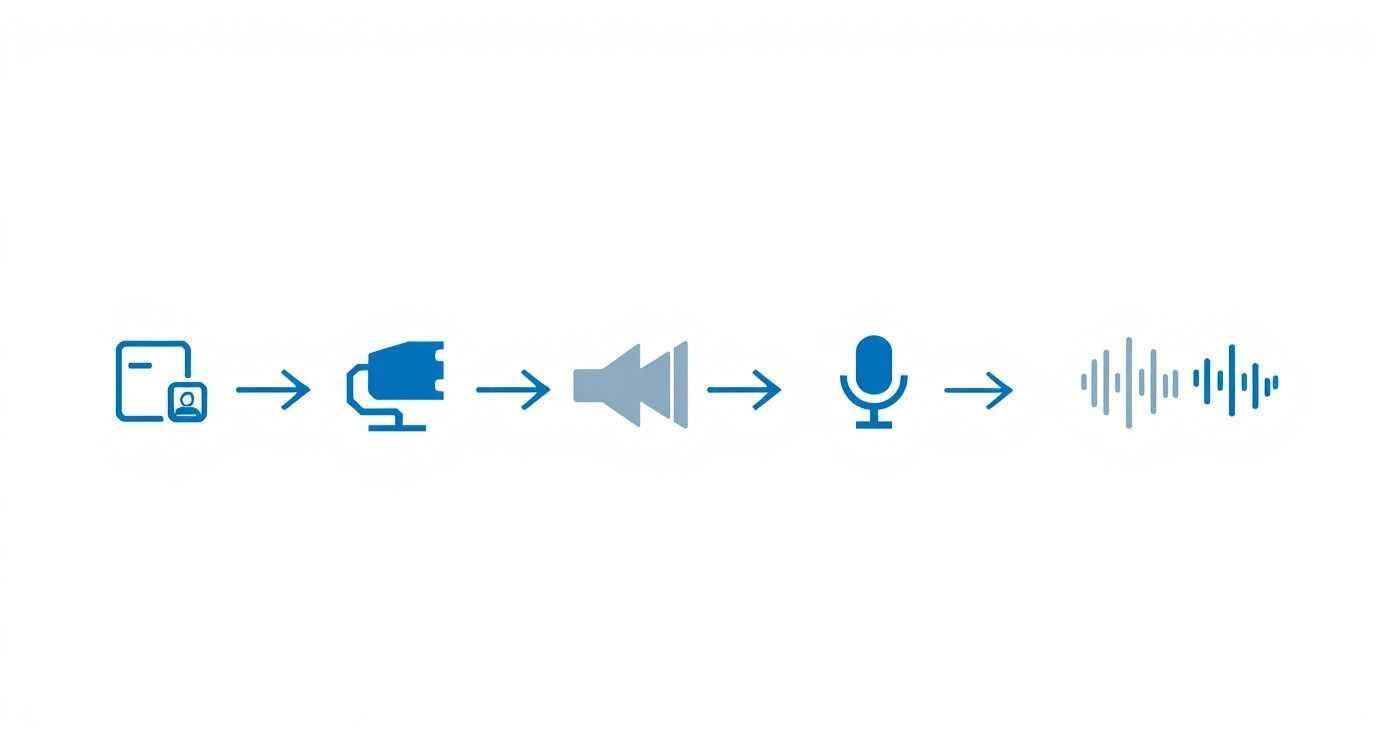
It’s a great visual reminder that a quiet room, a decent mic, and a quick sound check are the three pillars of high-quality audio. And better audio directly translates to better AI accuracy.
Setting the AI Up for Success
Once your file is in the system, you’ll make a couple of key choices. First and most important: confirm the language spoken in the recording. Modern AI models can juggle dozens of languages, but telling it the right one from the get-go is the easiest way to ensure top-notch accuracy.
Another feature you absolutely want is speaker identification, sometimes called diarization. By simply telling the AI how many people are talking, it will automatically tag each paragraph with "Speaker 1," "Speaker 2," and so on. This is a huge time-saver. It turns a potential wall of text into a structured, conversational draft that’s infinitely easier to clean up.
The AI's first draft is your new starting point. Think of it not as a finished product, but as an incredibly detailed set of notes that's already captured every word. Your job shifts from tedious typist to skilled editor.
This fundamental shift in how we work is a big reason the transcription market is booming. It was valued at around $21 billion in 2022 and is expected to blow past $35 billion by 2032, mainly because AI makes it feasible to process the massive volume of audio from interviews and online meetings.
Important Notes Before You Start Editing
Clean audio makes AI 2–3x more accurate. Spending a bit of time in setting up good recording environment will save you a lot of manual editing later. Always make sure the audio is as clear as possible.
From Upload to First Draft
After you’ve set your options, the AI goes to work. So, how long does it take? For a one-hour interview, a quality AI service will usually spit out the initial transcript in just a few minutes. That speed is what makes this whole workflow so powerful.
When you get that first draft, you'll have a text file where the AI has done its best to capture every word and assign it to the right person. The accuracy is often shockingly good, but it's not perfect—and that’s okay. This is where you come in. Your next step is to refine this draft into a polished, 100% accurate document, which is a core benefit of using AI-powered transcription software.
To really level up your efficiency, you can look into integrating various AI workflow automation tools to handle other repetitive tasks. These can help with everything from file organization to distributing the final content. The goal is to build a repeatable system for turning spoken words into valuable written assets with as little manual effort as possible.
How to Edit and Refine Your AI Transcript
The AI has done its part, turning hours of audio into text in just a few minutes. That’s an incredible head start, but the raw output is your starting block, not the finish line. The next step is where the real magic happens—adding the human touch to transform a good AI draft into a flawless, polished document.
This is where you catch the subtle errors that even the smartest AI can miss. Think of it as proofreading with an extra layer of context, making sure the text perfectly matches the spoken audio.
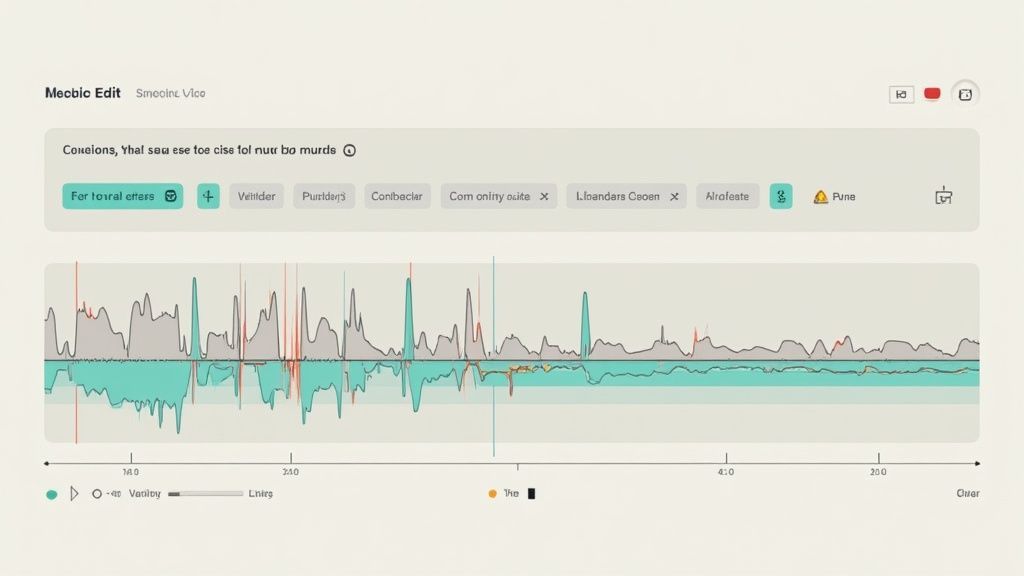
Your Essential Proofreading Checklist
When you dive into the review, keep an eye out for the most common AI tripwires. Platforms like Transcript.LOL make this super efficient with an interactive editor that syncs audio playback with the text. You can click on any word and instantly hear what was said.
Here’s what to hunt for:
- Misspelled Proper Nouns: AI often stumbles over unique names of people, companies, or specific places. A name like "Siobhan" might come out as "Sha'von."
- Confusing Homophones: Words that sound the same but mean different things are classic AI mistakes. Did the speaker say "their," "there," or "they're"?
- Industry-Specific Jargon: If your interview is packed with technical terms or acronyms, you'll want to double-check that the AI got them right.
- Incorrect Speaker Labels: Speaker detection is usually solid, but overlapping speech can sometimes confuse the algorithm. It's a quick fix to reassign any mislabeled paragraphs to the right person.
The editing process is your quality control. It's the step that elevates a machine-generated text into a reliable, professional-grade document you can confidently use for research, content, or legal records.
Fine-Tuning Timestamps and Formatting
Accuracy isn't just about the words; it's also about the timing. Precise timestamps are non-negotiable if you’re creating video subtitles or need to quickly find key moments in the audio. As you edit, you can easily adjust the start and end times of text blocks to ensure they sync up perfectly. For a deeper dive, check out our guide on transcription with timecode.
This level of detail is becoming more and more critical, especially in education and research. The academic transcription market in the U.S. is a huge part of the nearly $30 billion overall transcription industry. It's projected to grow by 5.5% each year through 2035, all thanks to the digital needs of educational institutions. You can find more insights about these academic transcription market trends on dittotranscripts.com.
Choosing Your Transcription Style
Finally, you need to decide on the right style for your transcript. This choice really comes down to how you handle the natural messiness of human speech.
| Style | Description | Best For |
|---|---|---|
| Verbatim | Captures every single sound—filler words ("um," "uh"), stutters, false starts, and even non-verbal cues. | Legal proceedings, psychological analysis, or any situation where the exact manner of speech is critical. |
| Clean Verbatim | Removes all the filler words, stutters, and repetitions to create a clean, readable text that preserves the speaker's original meaning. | Content creation, marketing materials, journalism, and most business or academic use cases. |
For most interviews, clean verbatim is the way to go. It makes the transcript much easier to read and pull quotes from without losing any of the core information. Once your edits are done and you've picked a style, your transcript is ready for action.
Quick Uses for Your Finished Transcript
Create Blog Posts
Turn long interviews into structured blog articles using insights and direct quotes.
Produce Social Media Content
Pull powerful one-liners and repurpose them into reels, carousels, and post captions.
Build Case Studies
Highlight key stories and results shared by your interviewee to create persuasive case studies.
Generate SEO Assets
Use transcripts to create keyword-rich pages that strengthen search visibility.
Putting Your Polished Transcript to Work
So you’ve cleaned up your transcript. It’s accurate, perfectly formatted, and ready to go. But don't just tuck it away in a folder and call it a day—this is where the real value kicks in.
The final piece of the puzzle in learning how to transcribe an interview is turning that text into a flexible asset you can use in all sorts of ways. And it all starts with picking the right export format for the job.
Workflow Features That Supercharge Productivity

Editing tools
Edit transcripts with powerful tools including find & replace, speaker assignment, rich text formats, and highlighting.

Export in multiple formats
Export your transcripts in multiple formats including TXT, DOCX, PDF, SRT, and VTT with customizable formatting options.
Summaries and Chatbot
Generate summaries & other insights from your transcript, reusable custom prompts and chatbot for your content.
Choosing the Best Export Format
Think of export formats like different tools in a toolbox. Making the right choice now will save you a ton of headaches later. If you just need a clean, readable document for your records or to share with a colleague, a .docx or .txt file is your best friend. They’re universal and dead simple to work with.
But the real magic happens with the more specialized formats.
Planning to add subtitles to a video of the interview? Exporting as an .srt (SubRip Subtitle) file is the industry standard. It’s a game-changer because the file doesn't just contain the text; it includes the precise timestamps needed to sync every word to your video. It makes the whole process ridiculously easy.
For most content needs, one of these will do the trick:
- .docx: Perfect for turning your interview into reports, articles, or any document that needs more formatting love.
- .txt: A simple, lightweight option that’s great for data analysis or importing into other apps.
- .srt / .vtt: The go-to formats for creating video captions and subtitles for platforms like YouTube or Vimeo.
Repurpose Your Content Like a Pro
A great interview transcript is a goldmine of content just waiting to be excavated. Instead of looking at it as a single, finished piece, you should see it as the raw material for a dozen others. This is how you get the biggest bang for your buck from every interview you do.
Your transcript isn't the end product; it's the beginning of your content strategy. One interview can fuel your content calendar for weeks if you know how to break it down.
For example, start by pulling the most powerful, punchy quotes directly from the text. In an instant, those become social media posts, testimonials for a landing page, or eye-catching callouts in a blog post. Don't let those golden nuggets get buried.
You can also zoom out and identify the main themes or key ideas that came up in the conversation. Each of those big topics can be spun out into its own dedicated blog post, giving your audience something deeper to chew on.
Did your interviewee share a compelling personal story? That’s the perfect foundation for a detailed case study or a narrative-driven article. The goal is to slice, dice, and repackage the core information for different platforms, turning one conversation into a content engine that works across multiple channels.
Common Interview Transcription Questions
When you’re first learning how to transcribe an interview, a few questions always seem to come up. The basic workflow is pretty clear, but the small details around timing, accuracy, and security can make a huge difference in how useful your final transcript is.
Let’s get into some of the most common questions people ask. Nailing these details upfront will help you set the right expectations for your project and avoid any headaches later on.
How Long Does It Really Take?
This is the big one. Manually transcribing a one-hour interview is a serious time sink. Even a seasoned pro usually needs 4 to 6 hours to get through a single hour of clear audio. It's a grind of constantly pausing, rewinding, and typing.
With an AI service, the initial draft is a completely different story—it's usually ready in just a few minutes. The real variable is the editing time, which all comes down to the audio quality and how precise you need to be. For a clean recording, a quick proofread might only take 30 to 60 minutes, which is a massive leap forward from doing it by hand.
Verbatim vs. Clean Verbatim
You'll hear these two terms thrown around a lot, and it’s important to know the difference.
- Verbatim Transcription: This style captures every single sound. We're talking filler words ("um," "uh"), stutters, false starts, and even background noises. It’s essential for things like legal depositions or psychological analysis, where the exact way something was said is critical.
- Clean Verbatim Transcription: This is what most people need. It’s also called intelligent verbatim, and it strips out all the distracting filler words and repetitions. The result is a smooth, readable transcript that keeps the speaker’s original meaning intact. For content creation, business meetings, or academic research, this is almost always the way to go.
Choosing clean verbatim makes your transcript way more usable for pulling quotes or repurposing content. You get the core message without all the clutter of natural speech patterns.
Can AI Handle Accents and Multiple Speakers?
Modern AI has gotten surprisingly good at this. Today's models can distinguish between multiple speakers and understand a wide range of accents with impressive accuracy. A high-quality AI can even automatically label speakers ("Speaker 1," "Speaker 2") for you.
Of course, it's not perfect. Heavy accents, people talking over each other, or poor audio quality can still trip up the AI. This is where the human editing part of the process becomes so important. The AI gives you an amazing head start, and from there, you can easily correct any speaker label mix-ups or misheard words right in the editor.
What About Sensitive or Confidential Interviews?
Security should be your top priority when you're handling sensitive information. Always go with a transcription service that has a strong, transparent privacy policy and uses end-to-end encryption to protect your files.
If you work in a regulated industry, look for platforms that are compliant with standards like GDPR or HIPAA. For maximum security, some services even offer on-device processing so your files never have to leave your computer. Whatever tool you use, just remember to manually anonymize any personal data in the final transcript if it's going to be shared or published.
Ready to transform your interviews into accurate, actionable text in minutes? Try Transcript.LOL and experience a smarter, faster transcription workflow. Get your first transcript today.