
Os 12 Melhores Softwares Gratuitos de Fala para Texto em 2026...
Descubra as 12 melhores ferramentas gratuitas de software de fala para texto para 2026. Compare recursos, precisão e privacidade para encontrar a solução perfeita para você.
Praveen
January 12, 2026
Das Palavras Faladas ao Texto Digital: Seu Guia Definitivo para Software de Fala para Texto
Transcrever manualmente conteúdo de áudio e vídeo é uma tarefa tediosa e demorada. Seja você um podcaster criando notas de show, um profissional de marketing reutilizando conteúdo de vídeo para um blog ou um estudante capturando detalhes de palestras, converter palavras faladas em texto preciso é um gargalo crítico. O software gratuito de fala para texto certo pode eliminar essa fricção, economizando horas de esforço e desbloqueando novo potencial para seu conteúdo. Este guia foi projetado para ajudá-lo a encontrar a ferramenta perfeita para suas necessidades específicas, cortando o ruído para comparar as melhores opções disponíveis hoje.
Por que a Fala para Texto é uma Melhoria de Fluxo de Trabalho?
Ferramentas de fala para texto não substituem apenas a digitação — elas melhoram fundamentalmente como a informação é capturada, reutilizada e distribuída. Uma vez que o áudio se torna texto, ele se torna pesquisável, editável e instantaneamente reutilizável em blogs, e-mails, relatórios e mídias sociais.
Avaliamos uma ampla gama de soluções, desde ferramentas de ditado simples e integradas até plataformas de transcrição poderosas e orientadas por IA. Para cada opção, fornecemos uma análise detalhada cobrindo os principais recursos, níveis de precisão, considerações de privacidade e casos de uso ideais. Você encontrará links diretos e capturas de tela para ver como cada plataforma funciona, juntamente com avaliações honestas de seus prós e contras. Exploraremos tudo, desde a precisão focada em privacidade do Transcript.LOL até a conveniência onipresente do Google Docs Voice Typing e o poder offline de modelos de código aberto como o Whisper da OpenAI.
Ao explorarmos essas soluções, é importante reconhecer como essas ferramentas alimentadas por IA contribuem para a tendência mais ampla de como a IA está transformando a criação de conteúdo para PMEs. Essa mudança torna a tecnologia de transcrição sofisticada mais acessível do que nunca, permitindo que criadores e profissionais otimizem seus fluxos de trabalho significativamente. Esta lista selecionada servirá como seu recurso definitivo, ajudando você a selecionar o software mais eficaz para transformar seu áudio em texto pesquisável, editável e compartilhável, sem o alto custo ou o trabalho manual.
IA de última geração
Alimentado pelo Whisper da OpenAI para precisão líder na indústria. Suporte para vocabulários personalizados, arquivos de até 10 horas e resultados ultra rápidos.

Importar de múltiplas fontes
Importe arquivos de áudio e vídeo de várias fontes, incluindo upload direto, Google Drive, Dropbox, URLs, Zoom e mais.

Exportar em múltiplos formatos
Exporte suas transcrições em múltiplos formatos incluindo TXT, DOCX, PDF, SRT e VTT com opções de formatação personalizáveis.
1. Transcript.LOL
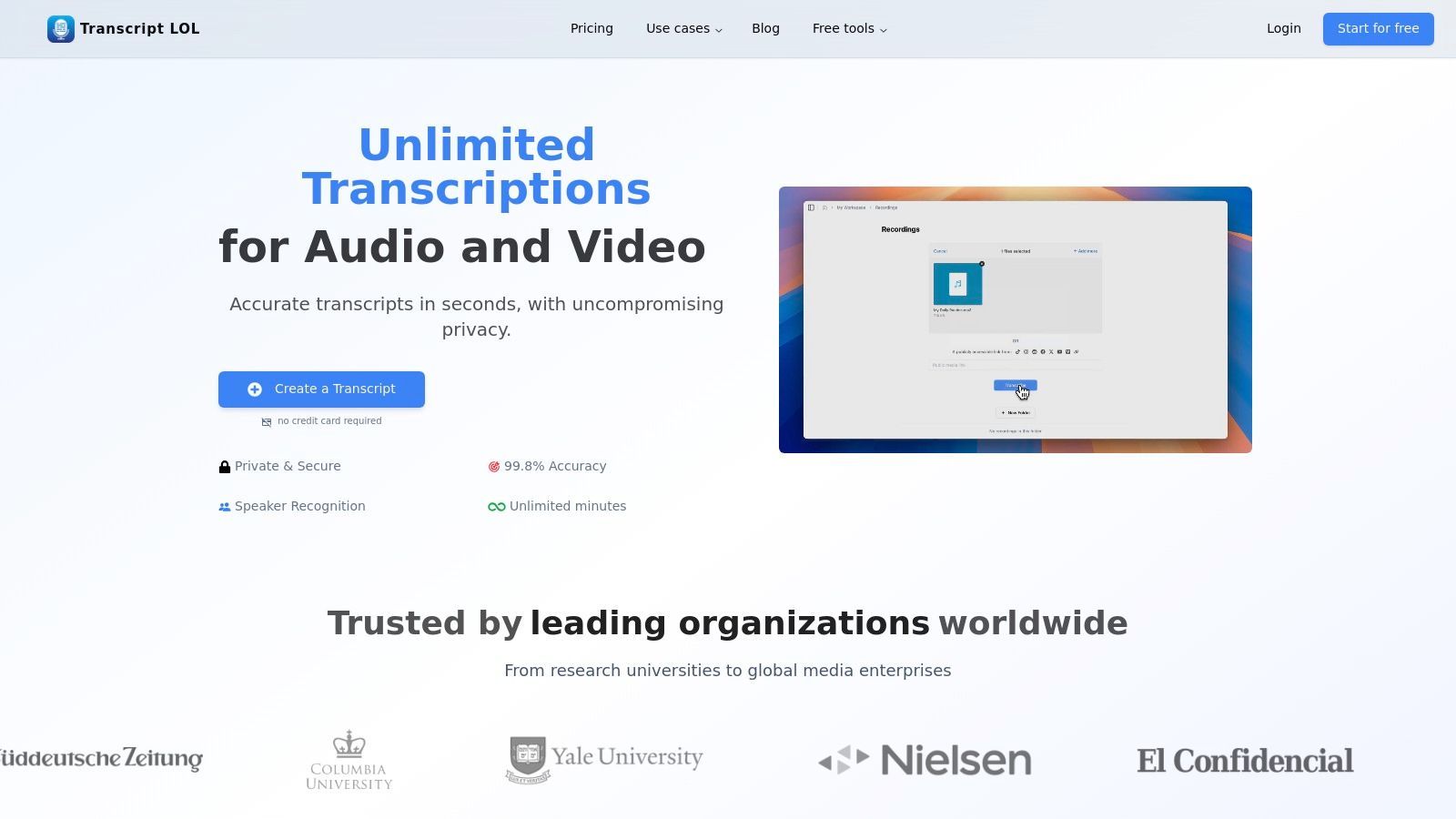
Transcript.LOL se destaca como uma escolha de primeira linha para profissionais que buscam transcrição robusta e impulsionada por IA, que combina precisão excepcional com poderosas ferramentas de criação de conteúdo. É mais do que apenas um conversor de fala para texto; é uma plataforma de fluxo de trabalho integrada, projetada para transformar áudio e vídeo brutos em ativos polidos e prontos para uso em minutos, tornando-o um forte concorrente para o melhor software gratuito de fala para texto disponível hoje.
Sua força principal reside no aproveitamento de uma versão ajustada do motor Whisper da OpenAI, entregando uma taxa de precisão anunciada de ~99,8%. Essa precisão é aprimorada pelo suporte a vocabulário personalizado, garantindo que termos especializados, nomes e jargões da indústria sejam capturados corretamente, um recurso crítico para usuários em campos técnicos, acadêmicos ou médicos.
Principais Diferenciais e Casos de Uso
O que realmente diferencia o Transcript.LOL é seu extenso conjunto de recursos pós-transcrição. Além de fornecer uma transcrição literal, a plataforma gera automaticamente conteúdo valioso como resumos, itens de ação, questionários e até mesmo posts para redes sociais. Isso transforma a ferramenta de uma simples utilidade em uma economia de tempo significativa para profissionais de marketing, educadores e criadores de conteúdo.

Detecção de falantes
Identifique automaticamente diferentes falantes nas suas gravações e rotule-os com seus nomes.

Ferramentas de edição
Edite transcrições com ferramentas poderosas incluindo buscar e substituir, atribuição de falantes, formatos de texto rico e destaque.
Resumos e Chatbot
Gere resumos e outros insights da sua transcrição, prompts personalizados reutilizáveis e chatbot para o seu conteúdo.
- Para Criadores de Conteúdo e Profissionais de Marketing: Transforme rapidamente um podcast ou webinar em um post de blog, notas de show e uma série de atualizações para redes sociais. A capacidade de lidar com arquivos de até 10 horas de duração o torna ideal para conteúdo de formato longo.
- Para Equipes e Empresas: Os espaços de trabalho compartilhados da plataforma, a organização de pastas e as integrações (Zoom, Zapier, Google Drive) otimizam os processos de revisão colaborativa. Transcrever gravações de reuniões e gerar itens de ação torna-se uma tarefa automatizada e eficiente.
- Para Pesquisadores e Estudantes: A alta precisão e o suporte para várias fontes de importação (incluindo URLs diretas) o tornam perfeito para transcrever palestras, entrevistas e áudios de pesquisa com confiança.
Abordagem Focada na Privacidade: Uma vantagem significativa é a política rigorosa de não treinamento do Transcript.LOL. Seus dados não são usados para treinar modelos de IA, um compromisso crucial para usuários que lidam com informações confidenciais ou proprietárias.
Detalhamento da Plataforma
| Recurso | Detalhes |
|---|---|
| Precisão e Velocidade | Utiliza OpenAI Whisper com vocabulário personalizado para resultados de alta precisão, quase em tempo real. |
| Manuseio de Arquivos | Aceita uploads únicos de até 10 horas / 5 GB. Suporta vários formatos e importações diretas de serviços em nuvem, Zoom e URLs. |
| Ferramentas de Conteúdo IA | Gera resumos, questionários, mapas mentais, posts de blog, cópias para redes sociais e mais diretamente da transcrição. |
| Colaboração | Apresenta espaços de trabalho compartilhados, pesquisa robusta e integrações com Zapier, WhatsApp, Telegram e os principais provedores de armazenamento em nuvem. |
| Preços | Nível Gratuito: 2 transcrições/dia (máximo de 20 minutos cada). Plano Ilimitado: US$ 120/ano para uso ilimitado, uploads longos e todos os recursos de IA. |
| Segurança | Aplica uma política rigorosa de não treinamento em dados de clientes e trabalha com subcontratados para evitar a reutilização de dados. |
Primeiros Passos
- Cadastre-se: Crie uma conta gratuita no site.
- Envie: Arraste e solte seu arquivo de áudio/vídeo, ou importe-o do Google Drive, Zoom, uma URL ou outros serviços conectados.
- Transcreva: A IA processa o arquivo, detecta automaticamente os falantes e gera a transcrição.
- Refine e Exporte: Use o editor de rich text para fazer ajustes. Em seguida, aproveite as ferramentas de IA para criar resumos ou outro conteúdo e exporte no formato desejado (DOCX, SRT, PDF, etc.).
Para uma comparação mais aprofundada de seus recursos em relação a outras opções de mercado, você pode explorar a análise fornecida em este guia de software de fala para texto.
Site: https://transcript.lol
2. Digitação por Voz do Google Docs
Para usuários já integrados ao ecossistema do Google, o software gratuito de fala para texto mais acessível é provavelmente aquele integrado diretamente nas ferramentas que eles usam diariamente. O recurso de Digitação por Voz do Google Docs é uma potência de conveniência, oferecendo ditado baseado em navegador e sem instalação para qualquer pessoa com uma conta Google e o navegador Chrome. Ele se destaca na conversão de palavras faladas em texto em tempo real, tornando-o ideal para rascunhar documentos, fazer anotações rápidas ou superar o bloqueio criativo.
O que torna a Digitação por Voz tão eficaz é sua simplicidade e precisão surpreendente para ditado claro, com um único falante. Ele suporta um vasto número de idiomas e até reconhece comandos básicos de formatação como "novo parágrafo" ou "negrito nisso". Embora falte os recursos avançados de serviços de transcrição dedicados, como identificação de falantes ou marcação de tempo, sua força reside em sua integração sem atritos no fluxo de trabalho de um escritor.
Início Rápido e Caso de Uso
Para começar, basta abrir um Google Doc, navegar para Ferramentas > Digitação por voz e clicar no ícone do microfone. Esta é uma ferramenta perfeita para estudantes que elaboram ensaios, criadores de conteúdo que esboçam roteiros ou profissionais que capturam atas de reuniões conforme elas acontecem. É uma ferramenta de ditado direto e ao vivo, não um serviço para enviar arquivos de áudio pré-gravados.
| Análise de Recurso | Detalhes |
|---|---|
| Função Principal | Ditado ao vivo diretamente em um documento |
| Acessibilidade | Gratuito com uma conta Google; funciona no Chrome |
| Recursos Principais | Suporte a vários idiomas, comandos de voz básicos |
| Limitações | Sem uploads de arquivos, sem diarização de falantes |
Em última análise, a ferramenta do Google é a preferida para a criação imediata e direta de documentos sem software adicional. Para um mergulho mais profundo no que influencia os resultados da transcrição, você pode aprender mais sobre os fatores que afetam a precisão da fala para texto.
Site: https://docs.google.com
3. Microsoft Windows 11 – Acesso por Voz e Digitação por Voz
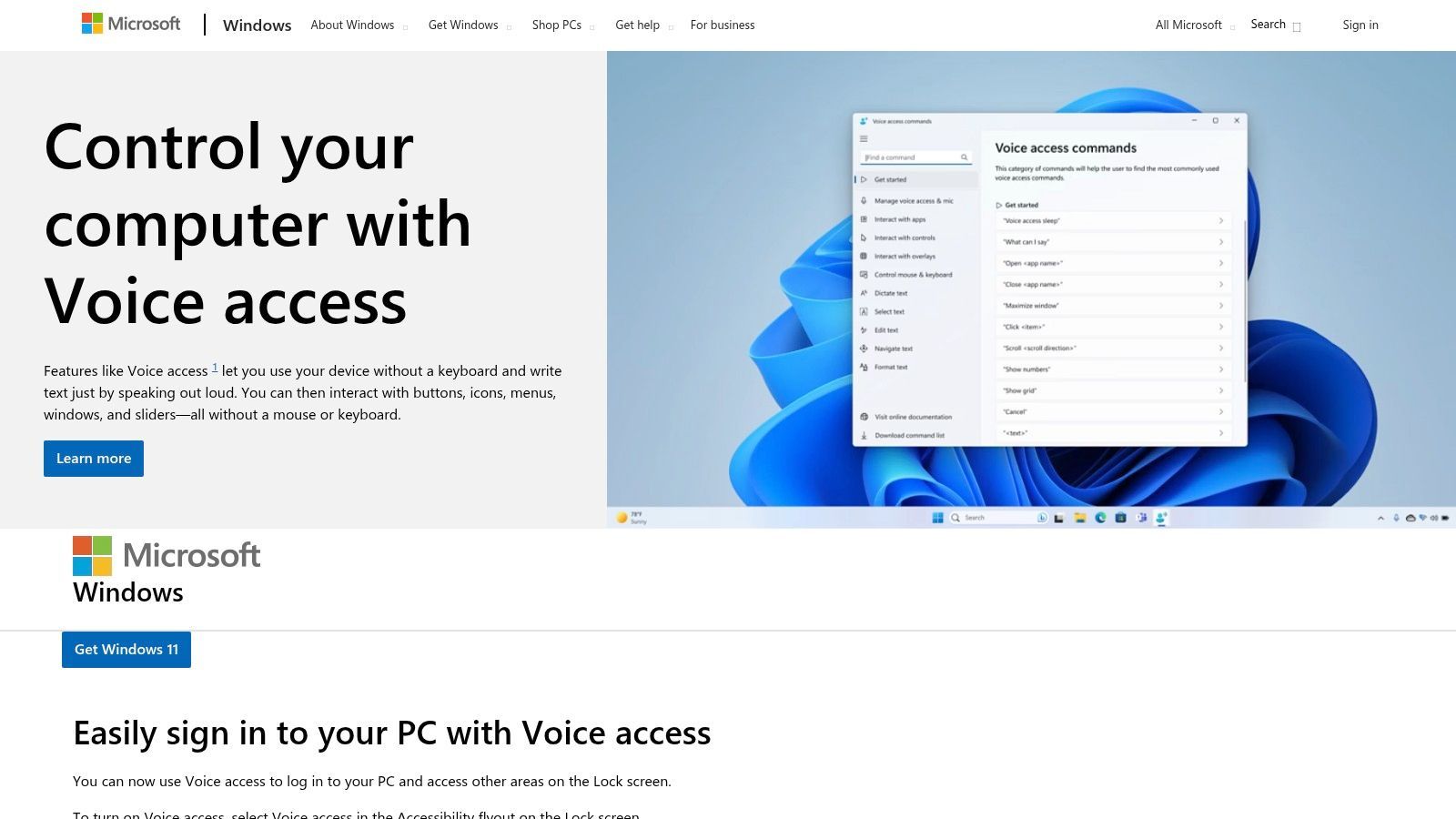
Para usuários do Windows 11, um software gratuito de fala para texto poderoso e focado em privacidade já está integrado diretamente ao sistema operacional. O Acesso por Voz e a Digitação por Voz no Windows 11 fornecem ditado robusto no dispositivo que funciona em todo o sistema, de processadores de texto a navegadores da web. Esta solução integrada é excelente para usuários que priorizam a funcionalidade offline e desejam manter seus dados locais, pois o reconhecimento de fala ocorre no próprio dispositivo.
Ele oferece ditado fluido com pontuação automática e suporta comandos de voz para edição de texto e navegação do sistema, como abrir aplicativos ou clicar em botões. Isso o torna uma ferramenta formidável tanto para acessibilidade quanto para produtividade geral, permitindo que você controle seu PC e crie texto sem tocar no teclado. Embora seus recursos mais avançados sejam otimizados para inglês dos EUA, ele oferece uma experiência perfeita sem a necessidade de instalações ou contas de terceiros.
Início Rápido e Caso de Uso
Para iniciar a Digitação por Voz, basta pressionar a tecla do logotipo do Windows + H em qualquer campo de texto ativo. Para controle total do sistema, habilite o Acesso por Voz em Configurações > Acessibilidade > Fala. Esta é uma solução ideal para profissionais que elaboram e-mails diretamente no Outlook, estudantes que fazem anotações no OneNote ou qualquer usuário que deseje reduzir a dependência do teclado para tarefas diárias do computador.
| Análise de Recurso | Detalhes |
|---|---|
| Função Principal | Ditado ao vivo em todo o sistema e controle do PC |
| Acessibilidade | Gratuito e integrado ao Windows 11 |
| Recursos Principais | Processamento no dispositivo, uso offline, comandos de voz |
| Limitações | O suporte a idiomas varia; melhor em inglês dos EUA |
Em última análise, as ferramentas nativas do Windows 11 são a principal escolha para usuários que buscam uma solução de ditado integrada, segura e capaz de funcionar offline que funcione em todos os seus aplicativos.
Site: https://www.microsoft.com/en-us/windows/tips/voice-access
4. Otter.ai
Para aqueles que precisam de mais do que simples ditado, o Otter.ai se posiciona como um poderoso assistente de IA para reuniões. Ele se destaca como um software gratuito de fala para texto de ponta, projetado especificamente para transcrever conversas, reuniões e entrevistas. Sua principal força reside em sua capacidade de lidar com vários falantes, identificando e rotulando quem disse o quê em tempo real ou a partir de um arquivo de áudio, tornando-o inestimável para ambientes colaborativos.
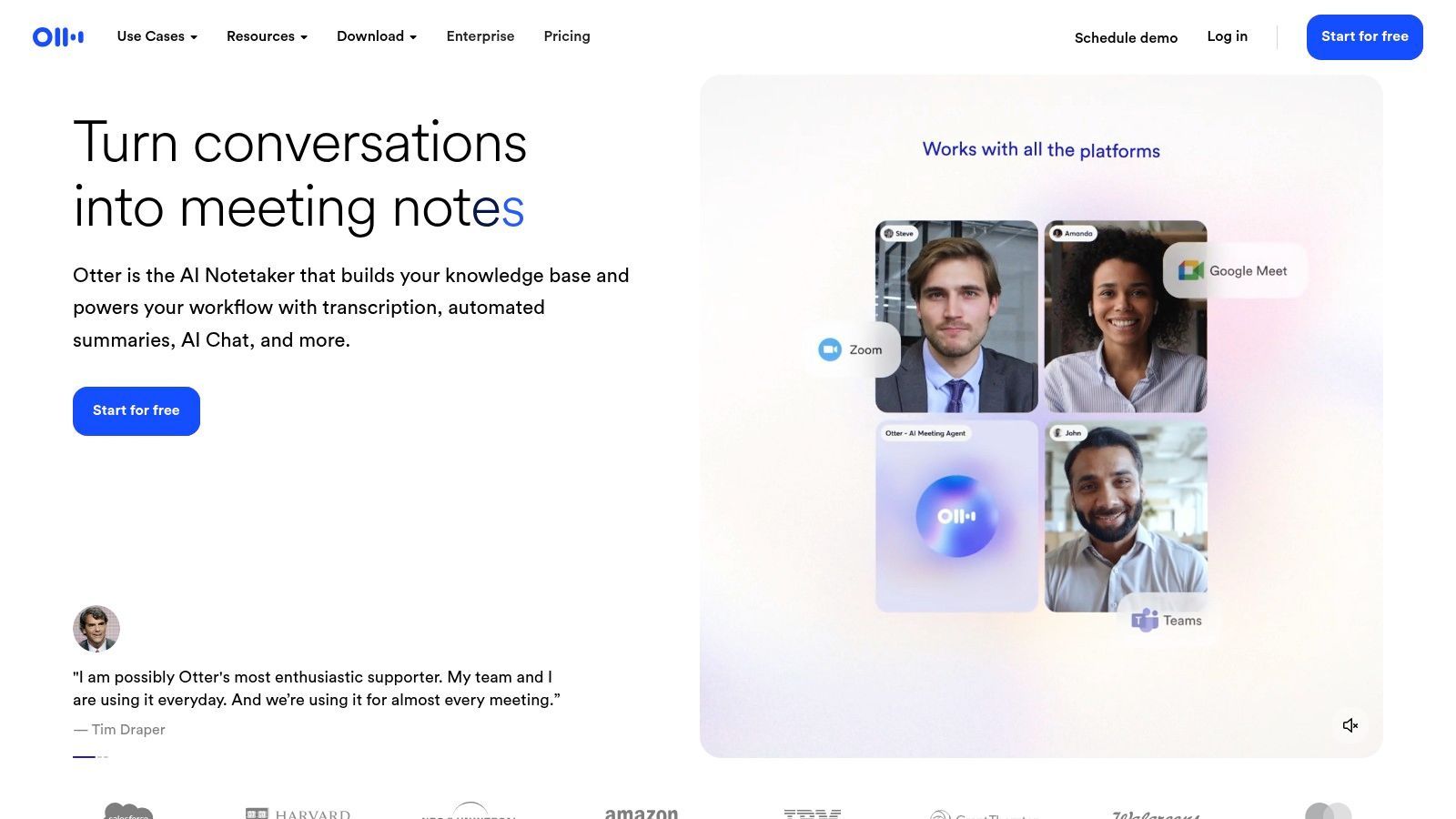
O que torna o Otter.ai particularmente útil para equipes é sua integração com plataformas como Zoom, Google Meet e Microsoft Teams. A IA gera notas pesquisáveis, itens de ação e resumos concisos de conversas, transformando discussões confusas em registros organizados e acionáveis. O generoso plano gratuito oferece uma quantidade substancial de minutos de transcrição por mês, embora com algumas limitações na duração de importação e recursos em comparação com seus planos pagos.
Início Rápido e Caso de Uso
Para começar, inscreva-se em uma conta gratuita e conecte-a ao seu calendário para que o Assistente Otter participe automaticamente e transcreva suas reuniões virtuais. Você também pode gravar conversas diretamente ou enviar arquivos de áudio. É uma ferramenta perfeita para gerentes de projeto que capturam reuniões de equipe, jornalistas que conduzem entrevistas ou estudantes que gravam palestras para revisão posterior. Se você é novo neste processo, entender como transcrever áudio para texto gratuitamente pode fornecer uma base sólida.
| Análise de Recurso | Detalhes |
|---|---|
| Função Principal | Transcrição de reuniões ao vivo e anotações |
| Acessibilidade | Modelo Freemium com aplicativos web e móveis |
| Recursos Principais | Identificação de falantes, resumos de IA, integrações de reunião |
| Limitações | O plano gratuito tem limites de duração de importação e minutos mensais |
Em última análise, o Otter.ai é a escolha ideal para quem precisa capturar, organizar e compartilhar insights de conversas com vários falantes, preenchendo a lacuna entre áudio bruto e notas estruturadas.
Site: https://otter.ai
5. Descript
O Descript vai além da simples transcrição, posicionando-se como um editor de áudio e vídeo tudo-em-um alimentado por texto. Para podcasters, YouTubers e criadores de conteúdo, é uma ferramenta revolucionária que une o processo de transcrição diretamente à edição de mídia. Em vez de apenas fornecer uma transcrição, o Descript permite editar seu vídeo ou áudio simplesmente editando o texto, tornando-o um software gratuito de fala para texto incrivelmente intuitivo para produção de mídia.
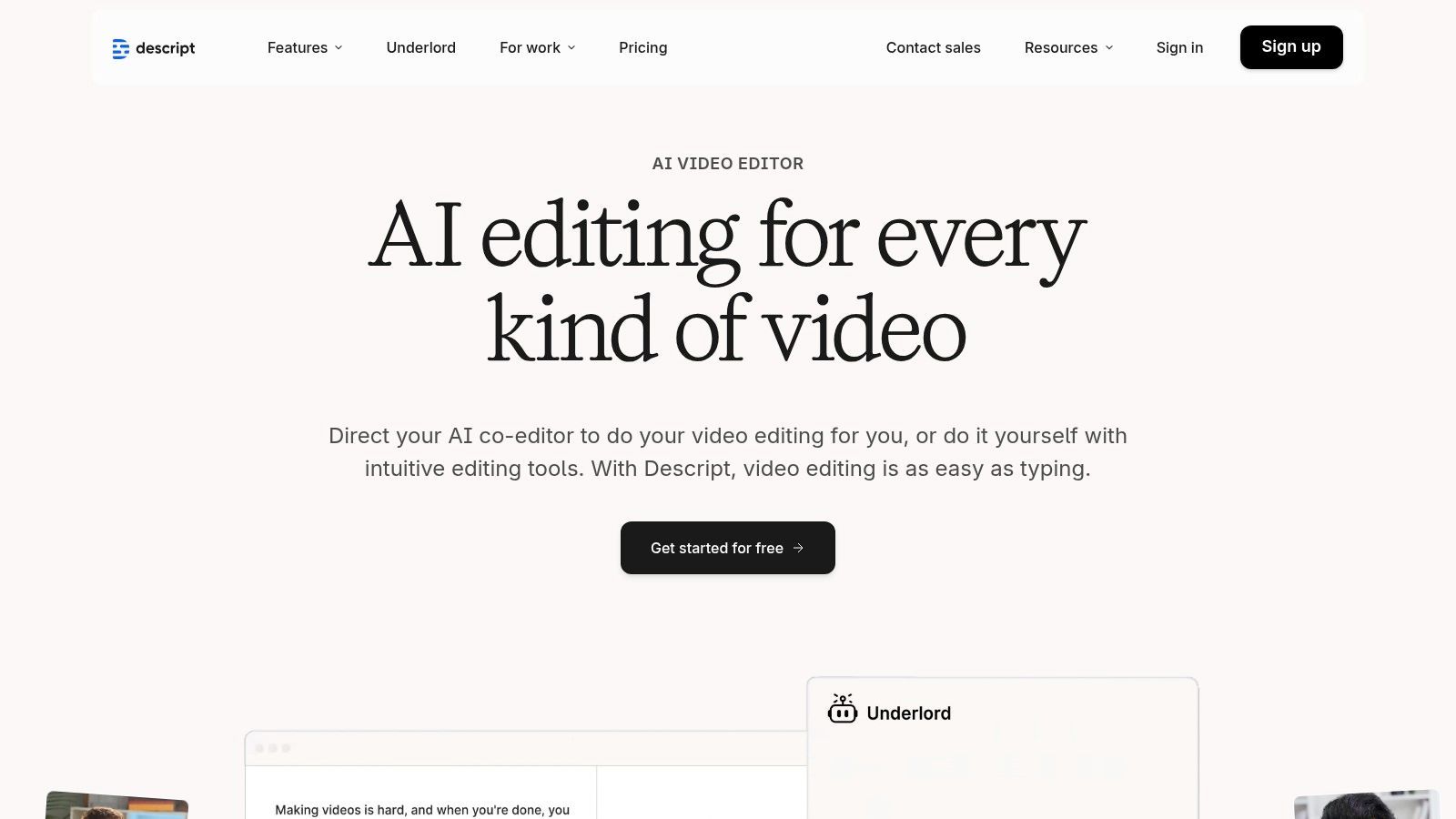
O que torna o Descript único é seu fluxo de trabalho baseado em transcrição. Excluir uma palavra ou frase no texto a remove automaticamente do arquivo de áudio ou vídeo, com transições perfeitas. Ele também inclui recursos poderosos de IA, como remoção de palavras de preenchimento ("hum", "ah") com um único clique e um recurso "Overdub" para criar um clone de IA de sua voz para corrigir erros. Embora seu plano gratuito seja mais uma avaliação com horas de transcrição limitadas, ele oferece um gostinho completo desse poderoso paradigma de edição.
Início Rápido e Caso de Uso
Para começar, inscreva-se em uma conta gratuita, crie um novo projeto e arraste e solte seu arquivo de áudio ou vídeo. O Descript o transcreverá automaticamente, apresentando o editor baseado em texto. Isso é ideal para podcasters que limpam entrevistas, profissionais de marketing que criam clipes de mídia social a partir de vídeos de formato longo ou equipes corporativas que editam webinars e materiais de treinamento sem a necessidade de software complexo de edição de vídeo.
| Análise de Recurso | Detalhes |
|---|---|
| Função Principal | Edição de áudio/vídeo integrada e baseada em texto |
| Acessibilidade | Nível de teste gratuito com horas limitadas; requer plano pago para uso contínuo |
| Recursos Principais | Remoção de palavras de preenchimento, limpeza de áudio por IA (Studio Sound), edição multifaixa |
| Limitações | Sem plano gratuito permanente; pode ter uma curva de aprendizado para recursos avançados |
Em última análise, o Descript é a melhor escolha para quem precisa que suas necessidades de transcrição estejam diretamente ligadas à criação de conteúdo e edição de mídia, oferecendo um fluxo de trabalho que nenhum serviço de transcrição tradicional pode igualar.
Site: https://www.descript.com
6. OpenAI Whisper (código aberto)
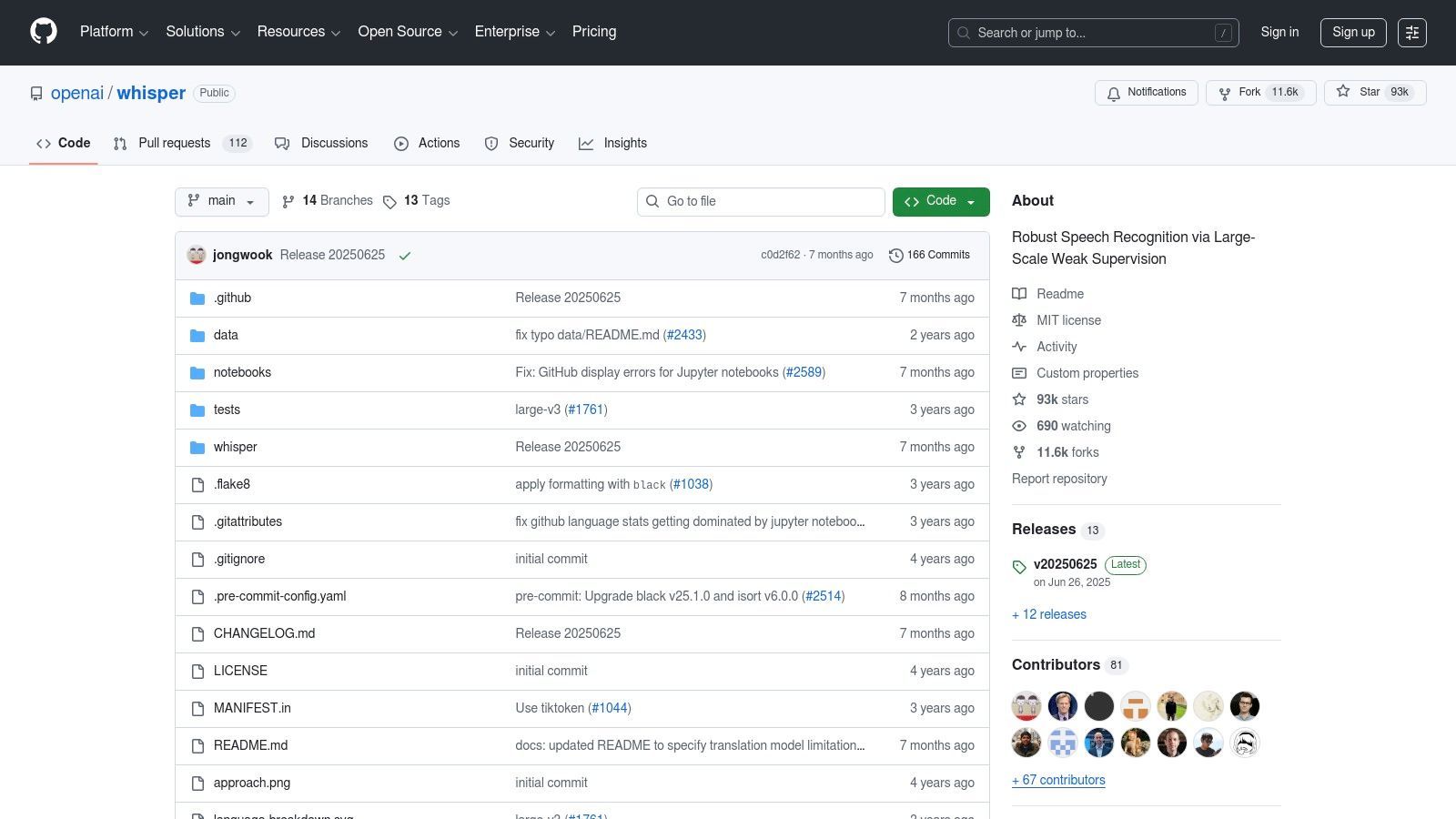
Para desenvolvedores e usuários com conhecimento técnico, o Whisper da OpenAI representa o auge do software gratuito de fala para texto de código aberto. Em vez de um serviço web pronto para uso, o Whisper é uma coleção de poderosos modelos de reconhecimento automático de fala (ASR) que você pode executar em seu próprio hardware. Essa abordagem oferece controle incomparável sobre a privacidade e elimina os custos contínuos de transcrição por minuto, pois o único custo é o poder de computação necessário.
O Whisper é renomado por sua precisão excepcional em uma ampla variedade de idiomas e sua capacidade de lidar com áudio desafiador com ruído de fundo. Sua verdadeira força reside em sua flexibilidade; ele pode ser integrado em aplicativos personalizados, usado para processamento em lote de grandes volumes de arquivos de áudio e até mesmo realizar tradução direta de fala para inglês. Embora exija uma configuração técnica, a contrapartida é um mecanismo de transcrição de nível profissional sem as taxas recorrentes de serviços comerciais.
Início Rápido e Caso de Uso
Para começar, é preciso instalar o Python e a biblioteca Whisper do seu repositório GitHub. A partir daí, você pode executar transcrições via linha de comando em seus arquivos de áudio locais. É ideal para pesquisadores que analisam grandes conjuntos de dados de áudio, desenvolvedores que criam recursos de transcrição em seus aplicativos ou podcasters que desejam processar em lote todo o seu catálogo antigo de forma privada e econômica.
| Análise de Recurso | Detalhes |
|---|---|
| Função Principal | Transcrição de alta precisão de arquivos de áudio |
| Acessibilidade | Gratuito e de código aberto; requer configuração local (Python, GPU) |
| Recursos Principais | Vários tamanhos de modelo, suporte multilíngue, tradução |
| Limitações | Requer configuração técnica, sem ditado em tempo real, pode "alucinar" |
Em última análise, o Whisper é a escolha para aqueles que priorizam controle, privacidade e precisão em detrimento da conveniência pronta para uso. Você pode descobrir mais sobre como modelos como este se encaixam no cenário mais amplo de software de transcrição com tecnologia de IA.
Site: https://github.com/openai/whisper
7. whisper.cpp (porta C/C++ do Whisper)
Para desenvolvedores e usuários focados em privacidade que buscam transcrição local de alto desempenho, o whisper.cpp oferece uma alternativa poderosa aos serviços baseados em nuvem. Este projeto é uma porta C/C++ do modelo Whisper da OpenAI, otimizada para desempenho eficiente de CPU, incluindo suporte nativo para Apple Silicon. Como uma ferramenta de linha de comando, ele oferece uma experiência robusta de software gratuito de fala para texto totalmente offline, garantindo que nenhum dado saia de sua máquina. É a solução ideal para processar áudio sensível sem depender de servidores externos ou dependências de Python.
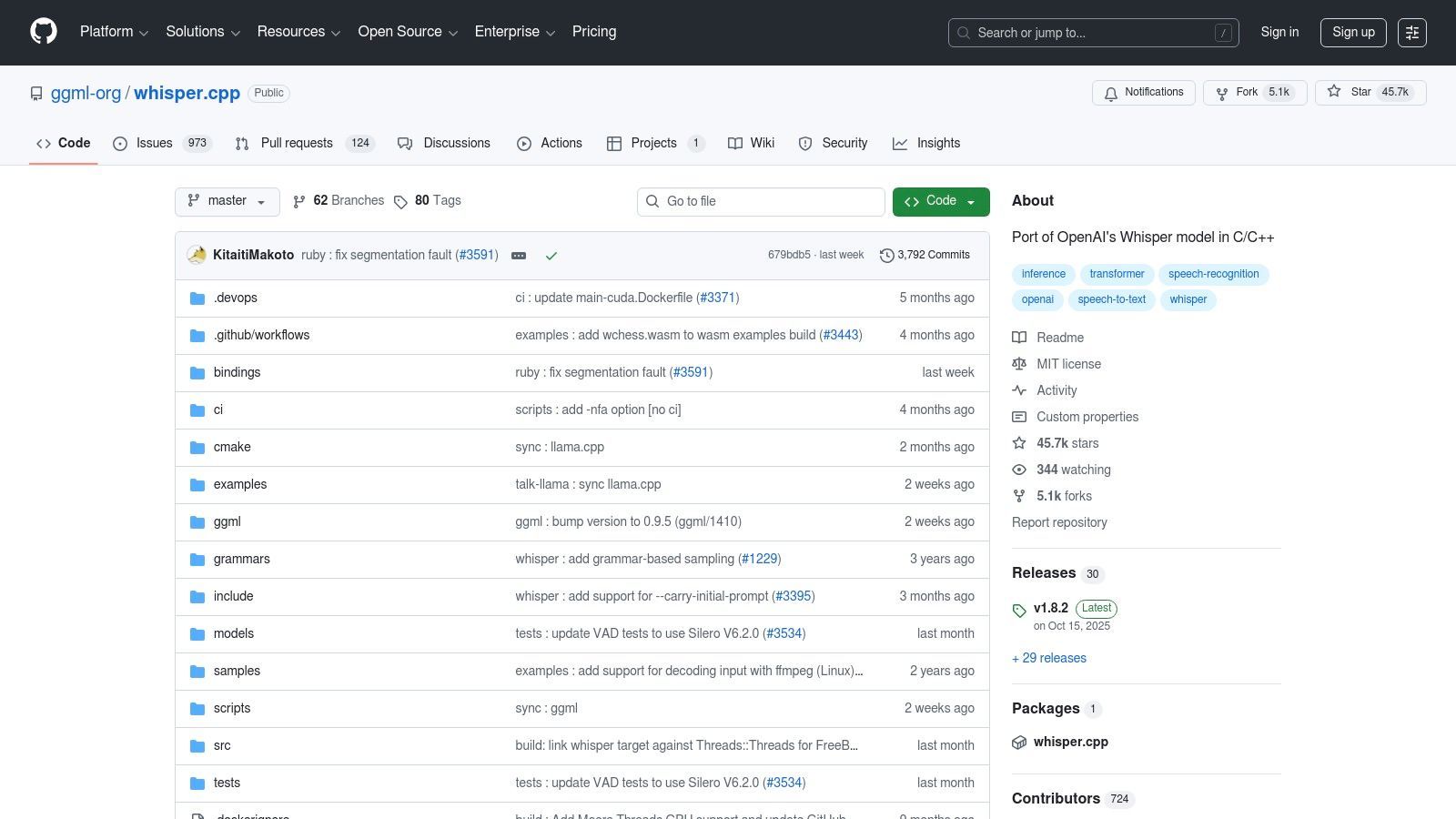
O que diferencia o whisper.cpp é sua pura eficiência e portabilidade. Ele é executado sem uma pilha de software pesada, tornando-o rápido e amigável em recursos em laptops e desktops modernos. Ao usar modelos quantizados, ele equilibra alta precisão com tamanhos de arquivo e velocidades de processamento gerenciáveis, tornando-o acessível mesmo sem uma GPU poderosa. Embora sua interface de linha de comando exija algum conforto técnico, a contrapartida é controle, privacidade e desempenho incomparáveis para transcrição de áudio offline.
Início Rápido e Caso de Uso
Para começar, é preciso clonar o repositório GitHub, compilar o código e baixar um modelo Whisper pré-treinado. A partir do terminal, você executa um comando simples apontando para seu arquivo de áudio. Esta ferramenta é perfeita para jornalistas que transcrevem entrevistas confidenciais, pesquisadores que processam gravações de campo sem conexão com a internet ou desenvolvedores que integram recursos de transcrição diretamente em aplicativos locais.
| Análise de Recurso | Detalhes |
|---|---|
| Função Principal | Transcrição de arquivos de áudio offline e de alto desempenho |
| Acessibilidade | Gratuito e de código aberto; requer compilação |
| Recursos Principais | Otimizado para Apple Silicon/AVX, sem necessidade de Python, quantização de modelo |
| Limitações | Apenas linha de comando (sem GUI), requer download e configuração manual do modelo |
Em última análise, o whisper.cpp é a escolha para usuários que priorizam privacidade e desempenho e se sentem confortáveis trabalhando em um ambiente de terminal.
Site: https://github.com/ggml-org/whisper.cpp
8. Vosk (código aberto, offline)
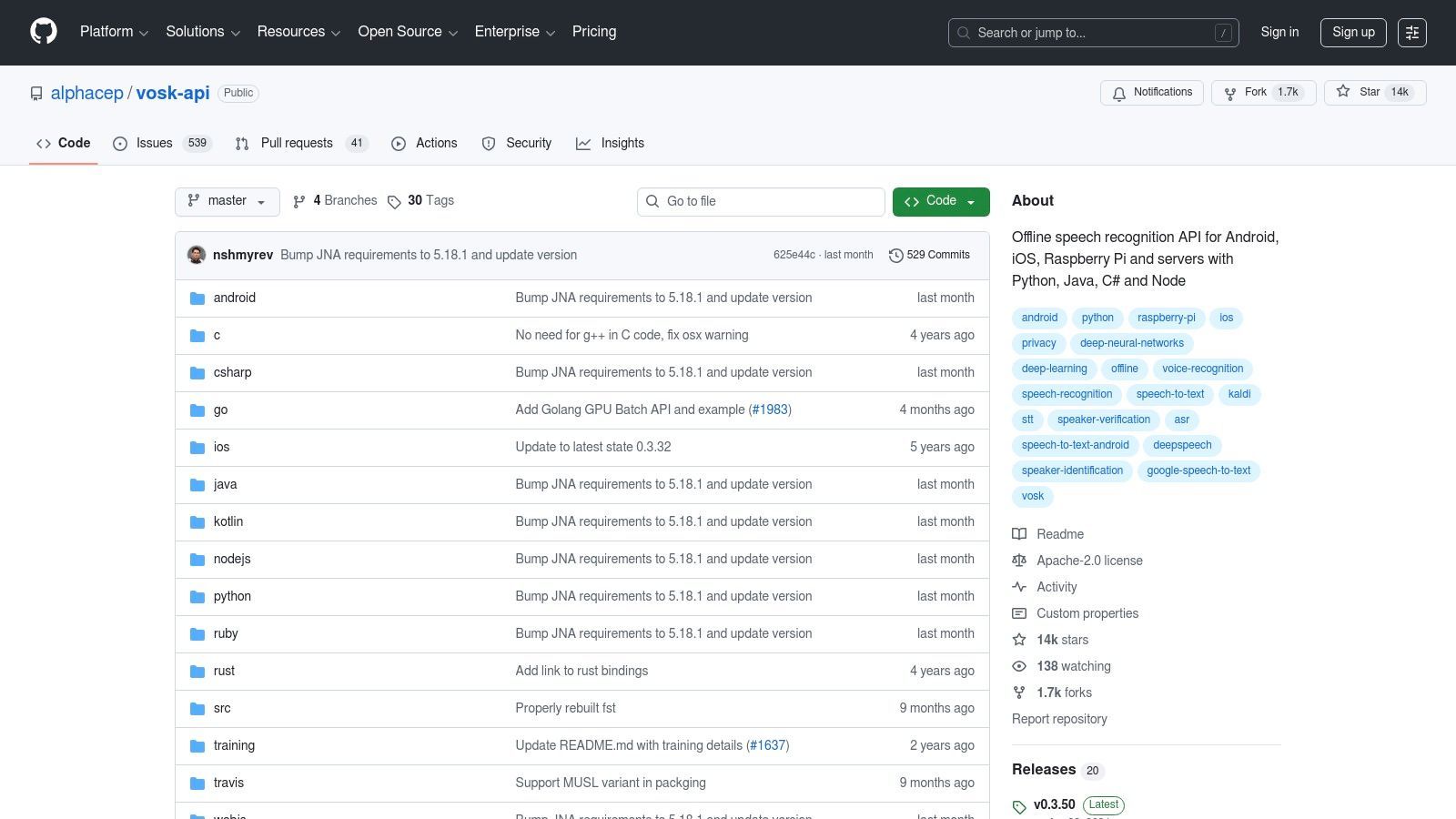
Para desenvolvedores e usuários focados em privacidade que buscam controle total sobre seus dados, o Vosk se destaca como um poderoso kit de ferramentas gratuito de fala para texto offline. Ao contrário dos serviços baseados em nuvem, o Vosk é executado inteiramente em sua máquina local, de um computador desktop a um Raspberry Pi. Isso o torna uma escolha fantástica para incorporar reconhecimento de voz em aplicativos onde a conectividade com a internet é pouco confiável ou a privacidade dos dados é uma preocupação primária.
Sua principal vantagem reside em seus modelos leves e eficientes e no amplo suporte para várias linguagens de programação. O Vosk fornece aos desenvolvedores os blocos de construção para criar aplicativos personalizados habilitados por voz, desde assistentes domésticos inteligentes até sistemas de comando em carros, sem enviar nenhum áudio para servidores de terceiros. Ele oferece um grau excepcional de flexibilidade para projetos que exigem processamento offline.
Início Rápido e Caso de Uso
Para começar, é preciso integrar a biblioteca Vosk a um projeto usando uma linguagem como Python ou Java. Um desenvolvedor baixaria um modelo de linguagem pré-treinado e, em seguida, usaria a API Vosk para reconhecimento de streaming em tempo real. É ideal para criar interfaces de controle por voz para aplicativos de desktop, transcrever áudio em um ambiente seguro ou criar recursos ativados por voz para sistemas embarcados. Sua licença permissiva Apache 2.0 também a torna adequada para uso comercial.
| Análise de Recurso | Detalhes |
|---|---|
| Função Principal | Kit de ferramentas de reconhecimento de fala offline para desenvolvedores |
| Acessibilidade | Gratuito e de código aberto (licença Apache 2.0) |
| Recursos Principais | Modelos offline leves, suporta mais de 20 idiomas, bindings para muitas linguagens de programação |
| Limitações | Requer conhecimento de codificação, a precisão pode ser menor que a de grandes modelos de nuvem, falta uma GUI pronta para uso |
Em última análise, o Vosk é a solução ideal para desenvolvedores que precisam de um mecanismo de reconhecimento de fala offline, personalizável e livre de royalties para integrar diretamente em seu software.
Site: https://github.com/alphacep/vosk-api
9. Amazon Transcribe (AWS)
Para desenvolvedores e empresas que precisam de um mecanismo de transcrição poderoso e escalável, o Amazon Transcribe oferece uma solução robusta dentro do ecossistema Amazon Web Services (AWS). Embora não seja um aplicativo simples para consumidores, ele oferece um generoso nível gratuito de software de fala para texto que permite testes extensivos e uso em pequena escala. O Transcribe se destaca tanto no streaming em tempo real quanto no processamento em lote de arquivos de áudio pré-gravados, tornando-o altamente versátil para aplicações técnicas como análise de call center ou indexação de conteúdo de mídia.
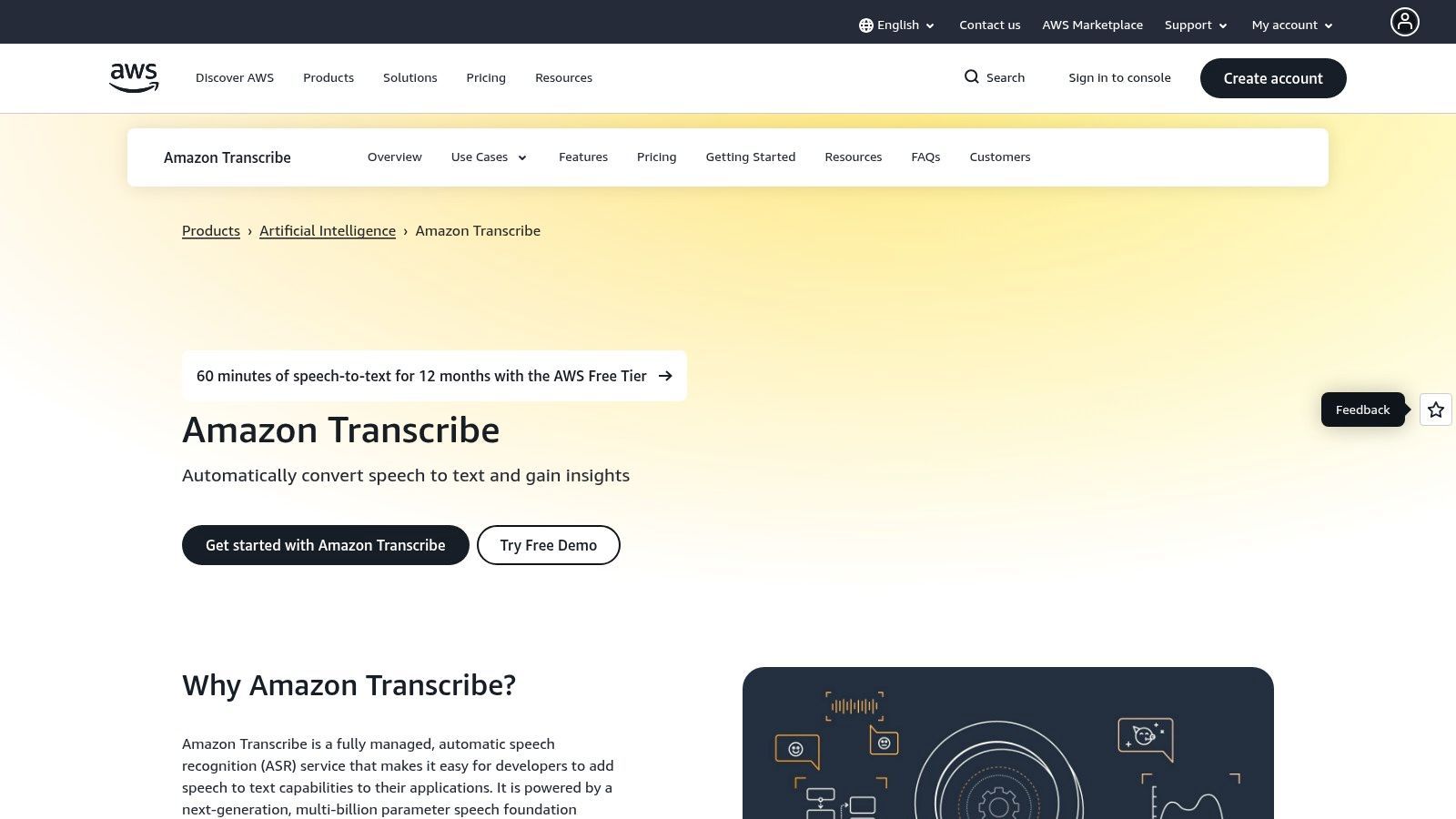
O que o diferencia é seu conjunto de recursos de nível empresarial, como redação automática de Informações de Identificação Pessoal (PII), construção de vocabulário personalizado para melhorar a precisão para jargões específicos e diarização de falantes. Seu nível gratuito, que dura 12 meses, fornece tempo de processamento suficiente para construir e implantar uma prova de conceito. É um serviço com API primeiro, projetado para ser integrado a outros softwares em vez de ser usado como uma ferramenta independente.
Início Rápido e Caso de Uso
Para começar, é preciso criar uma conta AWS e navegar até o console do Amazon Transcribe. Você pode criar um trabalho de transcrição enviando um arquivo de áudio diretamente do seu computador ou de um bucket S3. Este serviço é ideal para desenvolvedores que criam aplicativos habilitados por voz, empresas que analisam chamadas de atendimento ao cliente para garantia de qualidade ou empresas de mídia que buscam gerar legendas automaticamente para seus catálogos de vídeo em escala.
| Análise de Recurso | Detalhes |
|---|---|
| Função Principal | API para transcrição em lote e em tempo real |
| Acessibilidade | Nível gratuito por 12 meses, depois pago conforme o uso |
| Recursos Principais | Redação de PII, vocabulários personalizados, diarização de falantes |
| Limitações | Requer conta AWS; pode ser complexo para não desenvolvedores |
Em última análise, o Amazon Transcribe é o portal para usuários que precisam de recursos de fala para texto industriais, altamente personalizáveis, integrados diretamente em seus próprios produtos e fluxos de trabalho.
Site: https://aws.amazon.com/transcribe/
10. Google Cloud Speech‑to‑Text (API)
Para desenvolvedores e empresas que buscam um mecanismo de nível empresarial, a API Speech-to-Text do Google Cloud representa a poderosa tecnologia que sustenta muitas aplicações comerciais. Embora não seja uma ferramenta voltada para o consumidor, ela oferece um generoso nível gratuito em sua API v1, tornando-a uma opção viável de software gratuito de fala para texto para usuários técnicos que pilotam um projeto ou lidam com tarefas de transcrição de baixo volume. Ela fornece acesso a modelos altamente avançados otimizados para diferentes tipos de áudio, incluindo chamadas telefônicas e conteúdo de vídeo.
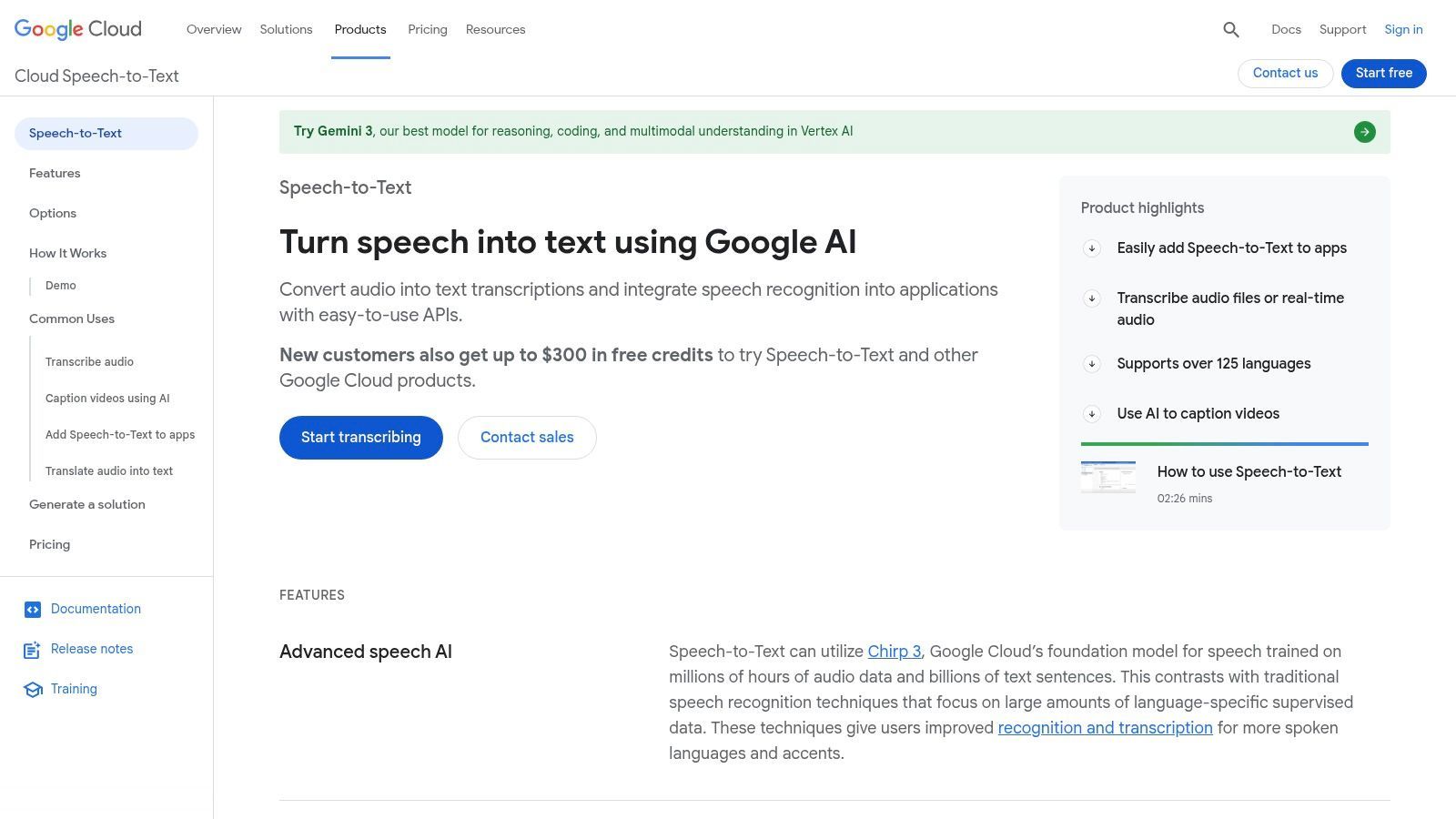
A plataforma se destaca por seus recursos poderosos como diarização de falantes, aumento de palavras-chave e suporte a áudio multicanal, que geralmente são encontrados em serviços pagos. Isso a torna uma forte opção para necessidades complexas de transcrição. No entanto, alavancar suas capacidades requer uma conta do Google Cloud Platform (GCP), configuração de faturamento e algum conhecimento técnico para interagir com a API. Os minutos gratuitos são específicos para a API v1 mais antiga, e os custos podem aumentar uma vez que o uso escala ou se os modelos v2 mais recentes forem necessários.
Início Rápido e Caso de Uso
Para começar, é preciso configurar um projeto GCP, habilitar a API Speech-to-Text e usar uma biblioteca cliente (como Python ou Node.js) para enviar arquivos de áudio para transcrição. Isso é ideal para desenvolvedores que criam recursos de transcrição em seus próprios aplicativos, cientistas de dados que analisam conjuntos de dados de áudio ou empresas que precisam de transcrição automatizada para gravações de call center. Ela se destaca tanto no streaming em tempo real quanto no processamento em lote de arquivos pré-gravados.
| Análise de Recurso | Detalhes |
|---|---|
| Função Principal | API para transcrição de áudio em lote e em tempo real |
| Acessibilidade | Nível gratuito disponível; requer conta GCP e configuração de faturamento |
| Recursos Principais | Diarização de falantes, aumento de palavras-chave, modelos especializados |
| Limitações | Requer configuração técnica, os custos podem aumentar com a escala |
Em última análise, a API do Google Cloud é uma solução para usuários técnicos que precisam de um mecanismo de transcrição poderoso, escalável e altamente preciso para projetos personalizados.
Site: https://cloud.google.com/speech-to-text
11. Live Transcribe (Android)
Para usuários Android que buscam uma ferramenta de transcrição instantânea e focada em acessibilidade, o Live Transcribe do Google se destaca como um poderoso software gratuito de fala para texto. Desenvolvido principalmente para a comunidade surda e com deficiência auditiva, este aplicativo fornece legendas em tempo real para conversas ao vivo, tornando-o uma ferramenta indispensável para comunicação cara a cara. Ele transforma o microfone do seu telefone em um dispositivo de transcrição altamente preciso e em tempo real.
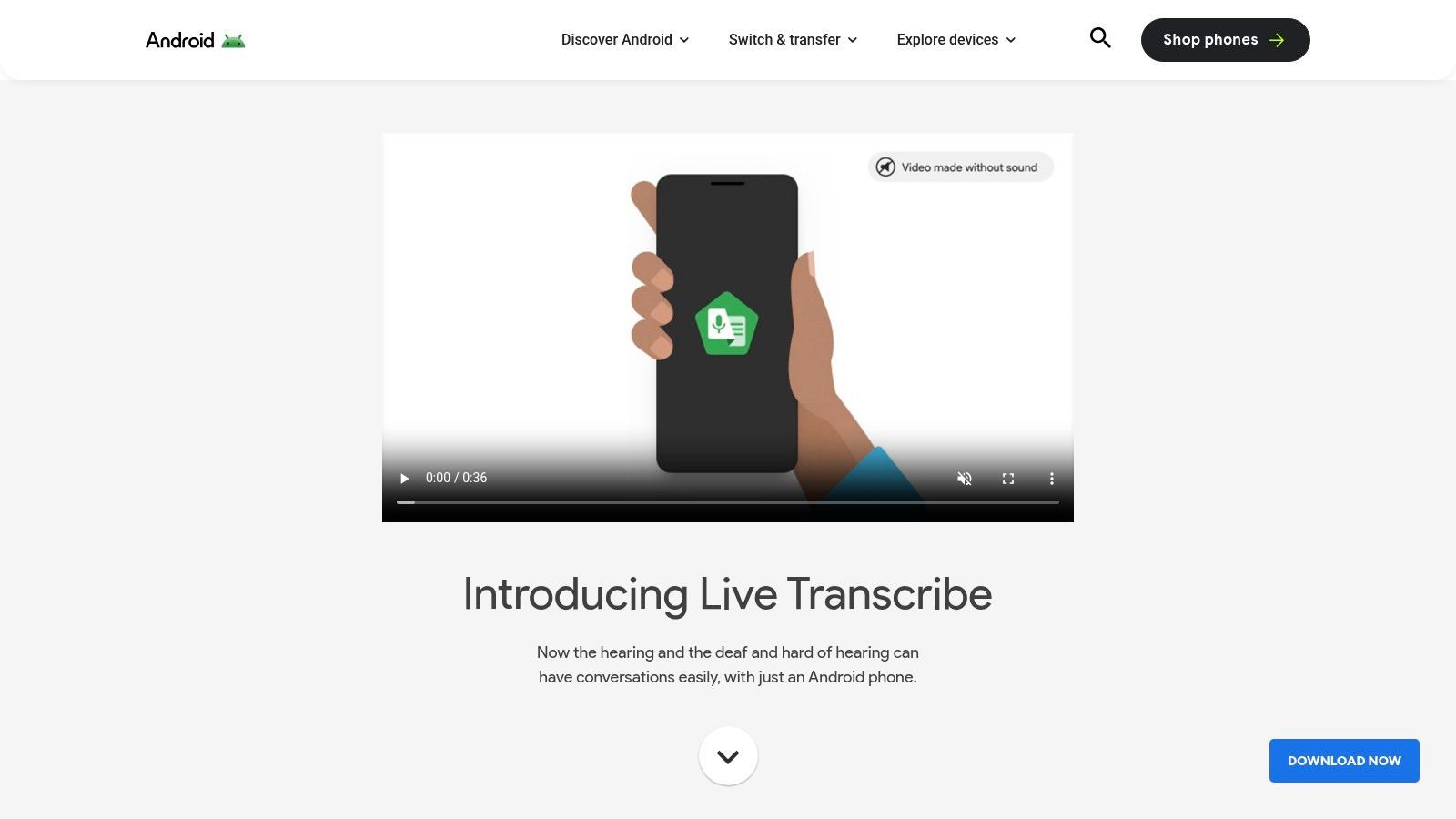
O que torna o Live Transcribe único é seu foco na consciência ambiental imediata. Além de transcrever palavras faladas em mais de 70 idiomas, ele também identifica sons não verbais como "latido de cachorro" ou "aplausos", fornecendo contexto crucial. Embora seja projetado para interação ao vivo e não suporte uploads de arquivos, sua opção de processamento no dispositivo oferece uma camada de privacidade que nem sempre é encontrada em serviços baseados em nuvem. O uso contínuo pode afetar a energia do seu dispositivo, portanto, aprender sobre gerenciamento de aplicativos que consomem bateria no Android é um passo prático para usuários frequentes.
Início Rápido e Caso de Uso
Para começar, baixe o Live Transcribe na Google Play Store ou encontre-o pré-instalado em dispositivos Pixel. Abra o aplicativo, conceda permissões de microfone e ele começará imediatamente a transcrever o som ambiente. Isso é perfeito para estudantes em palestras, profissionais em reuniões improvisadas ou qualquer pessoa que precise entender o diálogo falado em um ambiente barulhento. É um auxílio de acessibilidade excepcional, não uma ferramenta para transcrição pós-produção.
| Análise de Recurso | Detalhes |
|---|---|
| Função Principal | Legendas ao vivo para conversas presenciais |
| Acessibilidade | Gratuito na maioria dos dispositivos Android modernos |
| Recursos Principais | Mais de 70 idiomas, rótulos de eventos sonoros, modo no dispositivo |
| Limitações | Apenas Android, sem uploads de arquivos para transcrição |
Em última análise, o Live Transcribe se destaca em quebrar barreiras de comunicação em tempo real, oferecendo uma solução simples, mas poderosa, diretamente no dispositivo que você carrega todos os dias.
Site: https://www.android.com/accessibility/live-transcribe/
12. Deepgram
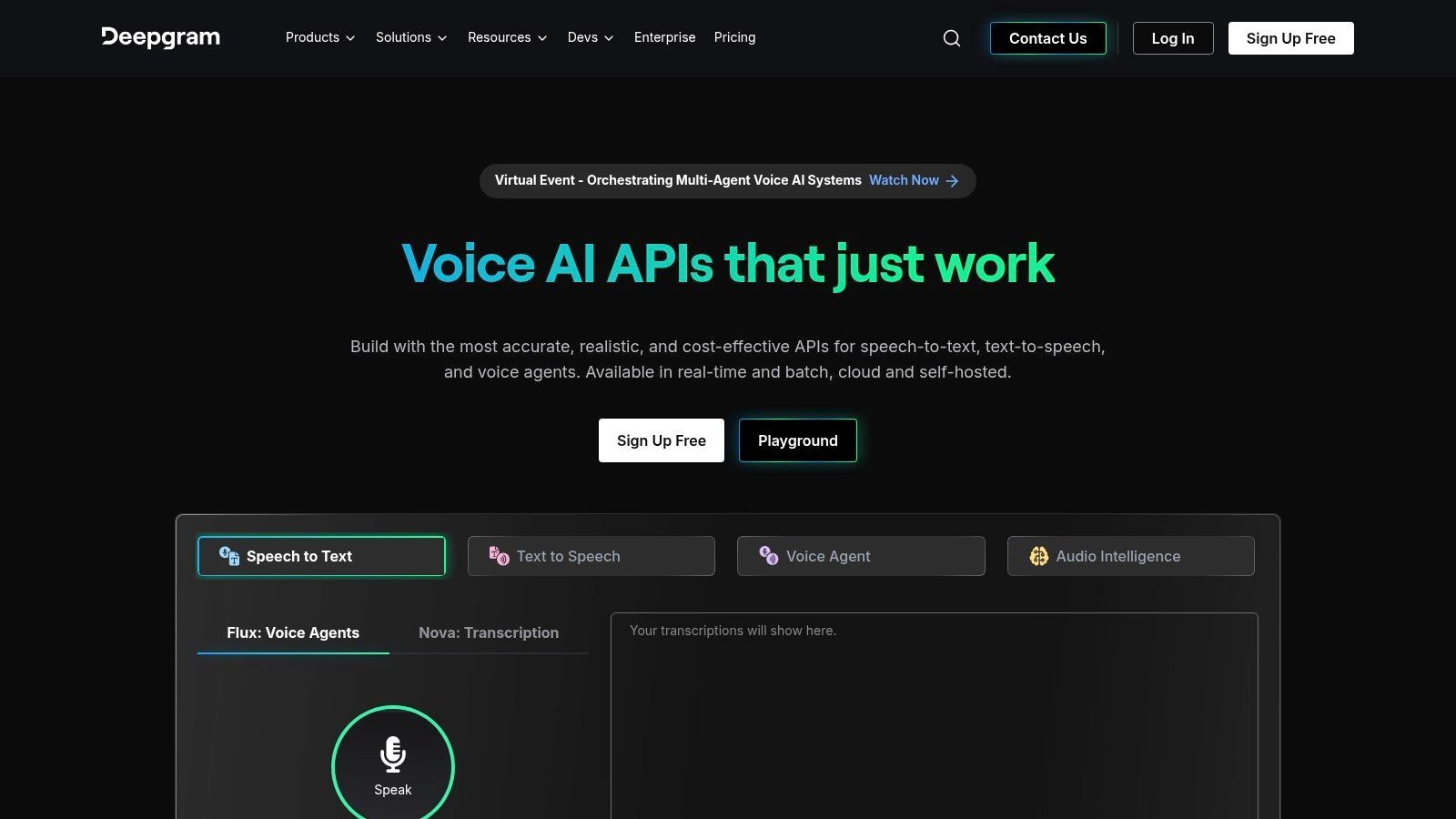
Para desenvolvedores e startups que buscam integrar recursos de transcrição poderosos em seus próprios aplicativos, a Deepgram oferece uma abordagem sofisticada, com API primeiro. Ao contrário das ferramentas para usuários finais, a Deepgram é um mecanismo projetado para criar soluções personalizadas, fornecendo US$ 200 em créditos gratuitos para novos usuários explorarem suas capacidades. Esta plataforma é celebrada por sua velocidade, precisão e recursos avançados como diarização de falantes, aumento de palavras-chave e formatação inteligente, tornando-a uma escolha de ponta para reconhecimento automático de fala (ASR) em nível de produção.
O que diferencia a Deepgram é seu foco em modelos modernos de IA, como sua série Nova, que oferecem alta precisão em várias qualidades de áudio e sotaques. Embora exija conhecimento técnico para implementar, a flexibilidade que oferece é incomparável para aqueles que precisam pilotar ou escalar serviços de transcrição. Ela funciona como uma peça de infraestrutura poderosa em vez de uma simples ferramenta gratuita de fala para texto pronta para uso.
Início Rápido e Caso de Uso
Para começar, os desenvolvedores podem se inscrever para uma chave de API gratuita e usar a documentação fornecida para enviar arquivos de áudio pré-gravados ou estabelecer uma conexão de streaming em tempo real. É uma solução ideal para empresas que criam assistentes habilitados por voz, empresas de mídia que automatizam a geração de legendas ou call centers que precisam analisar dados de conversação. Os créditos gratuitos permitem testes extensivos antes de se comprometer com um plano pago.
| Análise de Recurso | Detalhes |
|---|---|
| Função Principal | API para transcrição pré-gravada e em tempo real |
| Acessibilidade | Gratuito para começar com US$ 200 em créditos; pago conforme o uso |
| Recursos Principais | Diarização de falantes, aumento de palavras-chave, escolha de modelo |
| Limitações | Requer conhecimento de codificação; não é uma ferramenta para usuários finais |
Em última análise, a Deepgram é a escolha para usuários técnicos que precisam de um mecanismo de transcrição rápido, preciso e escalável para alimentar seus próprios softwares e produtos.
Site: https://deepgram.com
Comparação de 12 Ferramentas de Fala para Texto
| Produto | Recursos principais ✨ | Precisão e UX ★ | Preço / Valor 💰 | Público-alvo 👥 |
|---|---|---|---|---|
| Transcript.LOL 🏆 | Baseado em Whisper; uploads de 10h; rotulagem de falantes; resumos, exportações, integrações ✨ | ★4.8 (~99.8%); editor e pesquisa rápidos | 💰 Nível gratuito; Ilimitado US$ 120/ano; Equipe US$ 240/ano — alto valor | 👥 Podcasters, profissionais de marketing, educadores, equipes jurídicas |
| Digitação por Voz do Google Docs | Ditado no navegador; comandos de voz básicos ✨ | ★3–4; melhor para ditado claro com um único falante | 💰 Gratuito com conta Google | 👥 Estudantes, escritores, uso casual |
| Microsoft Windows 11 – Acesso por Voz | Ditado no dispositivo e controle do sistema; suporte offline ✨ | ★3–4; forte para acessibilidade; precisa de campo de texto | 💰 Incluído com o Windows 11 | 👥 Usuários de acessibilidade; preferem offline |
| Otter.ai | Transcrição de reuniões ao vivo; ID de falante; notas pesquisáveis; resumos ✨ | ★4; boa experiência de reunião; múltiplos falantes dependem do áudio | 💰 Freemium; níveis pagos para maior volume | 👥 Equipes, anotadores de reuniões |
| Descript | Edição de áudio/vídeo baseada em texto; remoção de preenchimento; ferramentas multifaixa ✨ | ★4; excelente fluxo de trabalho de editor + transcrição | 💰 Planos pagos (sem plano gratuito permanente) — focado no criador | 👥 Podcasters, criadores, editores |
| OpenAI Whisper (código aberto) | ASR multilíngue; tradução; CLI/biblioteca Python ✨ | ★4; forte precisão, mas requer configuração e QA | 💰 Código gratuito; custos de computação aplicáveis | 👥 Desenvolvedores, pesquisadores, usuários preocupados com privacidade |
| whisper.cpp | Porta Whisper otimizada para CPU; Apple Silicon e modelos quantizados ✨ | ★4; inferência rápida de CPU local (CLI) | 💰 Gratuito; custos de recursos e armazenamento locais | 👥 Desenvolvedores, usuários offline/Apple Silicon |
| Vosk (código aberto) | Pequenos modelos offline; multilíngue; muitos bindings de idioma ✨ | ★3–4; leve, precisão varia por modelo | 💰 Gratuito; licença Apache-2.0 | 👥 Aplicativos embarcados, ambientes de baixa capacidade |
| Amazon Transcribe (AWS) | Em lote e streaming; redação de PII; vocabulários personalizados ✨ | ★4; serviço empresarial escalável | 💰 Pago por minuto; nível gratuito limitado de 12 meses | 👥 Desenvolvedores, empresas na AWS |
| Google Cloud Speech‑to‑Text | Tempo real e em lote; diarização; aumento de palavras-chave; multicanal ✨ | ★4–5; forte precisão e suporte a idiomas | 💰 Pago por uso; minutos gratuitos limitados | 👥 Empresas, clientes GCP, desenvolvedores |
| Live Transcribe (Android) | Legendas em tempo real; rótulos de som; privacidade no dispositivo ✨ | ★4; confiável para conversas presenciais | 💰 Gratuito | 👥 Surdos/com deficiência auditiva, usuários do dia a dia |
| Deepgram | API de streaming e pré-gravada; diarização; aumento de palavras-chave ✨ | ★4; API de alto desempenho para uso em produção | 💰 US$ 200 em créditos gratuitos; preços por minuto | 👥 Startups, desenvolvedores, equipes de produção |
Fazendo a Escolha Certa: Nossas Recomendações Finais
🎯 Combine a Ferramenta com o Seu Tipo de Áudio
Ditado ao vivo, reuniões, podcasts ou arquivos pré-gravados — cada ferramenta é otimizada para cenários de áudio específicos. Escolha com base em como e quando seu áudio é criado.
🔍 Equilibre Precisão com Esforço
Alta precisão às vezes requer configuração ou edição. Decida se você prefere conveniência instantânea ou resultados de nível profissional com revisão mínima.
🔐 Decida Quanta Privacidade Importa
Ferramentas em nuvem são convenientes, mas plataformas offline ou sem treinamento são mais seguras para reuniões sensíveis, pesquisas ou conversas com clientes.
💸 Pense Além do Nível Gratuito
Planos gratuitos são ótimos para testes, mas o uso a longo prazo pode exigir atualizações. Entenda os limites de minutos, exportações e recursos antes de escalar.
Navegar no cenário de software gratuito de fala para texto pode ser avassalador, mas como exploramos, a ferramenta certa raramente é uma solução única para todos. Sua escolha ideal depende diretamente de suas necessidades específicas, desde o tipo de áudio que você está transcrevendo até suas prioridades em relação à privacidade, integração de fluxo de trabalho e acesso offline. A jornada da palavra falada ao texto escrito agora é mais acessível do que nunca, impulsionada por uma gama diversificada de ferramentas poderosas e muitas vezes gratuitas.
Fala para Texto Não é Mais Apenas Transcrição
Ferramentas modernas agora se estendem além da transcrição para sumarização, criação de conteúdo e colaboração. Escolher a plataforma certa hoje pode preparar seu fluxo de trabalho para o futuro à medida que as capacidades de IA continuam a se expandir.
Ao longo deste guia, analisamos tudo, desde ferramentas simples e integradas ao sistema operacional até modelos sofisticados de código aberto e APIs poderosas baseadas na nuvem. A principal conclusão é que o "melhor" software gratuito de fala para texto é aquele que se alinha perfeitamente ao seu fluxo de trabalho, não aquele com a lista de recursos mais longa.
Principais Conclusões para Selecionar Sua Ferramenta
Para destilar nossas descobertas, vamos revisitar os principais fatores de tomada de decisão. Sua escolha final provavelmente será um equilíbrio entre conveniência, precisão, custo e controle.
- Para Uso Diário Instantâneo: Se suas necessidades são simples, como redigir e-mails, fazer anotações rápidas ou criar documentos básicos, as soluções integradas são imbatíveis. A Digitação por Voz do Google Docs e o Acesso por Voz do Windows oferecem conveniência incrível com configuração zero, tornando-os perfeitos para tarefas espontâneas.
- Para Fluxos de Trabalho Colaborativos e Automatizados: Equipes e profissionais que precisam de anotações de reuniões automatizadas, identificação de falantes e colaboração baseada na nuvem encontrarão imenso valor em serviços como Otter.ai e Descript. Seus planos gratuitos oferecem um ponto de partida generoso para otimizar fluxos de trabalho de transcrição complexos.
- Para Máxima Privacidade e Controle: Quando a privacidade dos dados é inegociável ou você precisa processar informações confidenciais, modelos offline de código aberto são o padrão ouro. OpenAI Whisper e seu contraparte eficiente, whisper.cpp, fornecem precisão de ponta, garantindo que seus dados nunca saiam da sua máquina local.
- Para Necessidades Especializadas e de Alto Volume: Desenvolvedores e empresas que exigem transcrição escalável e de alta precisão para aplicações devem procurar as poderosas APIs oferecidas por Google Cloud Speech-to-Text, Amazon Transcribe e Deepgram. Seus planos gratuitos são projetados para permitir que você construa e teste antes de se comprometer com um plano pago.
Próximos Passos Acionáveis para Implementação
Agora que você tem uma visão mais clara das opções disponíveis, é hora de agir. Não fique preso na paralisia de análise; a melhor maneira de encontrar o ajuste certo é começar a experimentar.
- Identifique Seu Caso de Uso Principal: Você é um podcaster que precisa de transcrições de episódios, um estudante gravando palestras ou um desenvolvedor criando um aplicativo com reconhecimento de voz? Defina seu requisito mais importante primeiro.
- Teste Seus Dois Principais Candidatos: Com base em sua necessidade principal, selecione duas ferramentas de nossa lista que pareçam mais promissoras. Por exemplo, se você é um criador de vídeo, pode comparar o plano gratuito do Descript com uma instalação local do Whisper.
- Execute um Teste do Mundo Real: Use um arquivo de áudio curto e representativo (5-10 minutos) e processe-o com ambas as ferramentas. Compare os resultados com base na precisão, formatação, velocidade e na experiência geral do usuário. Uma ferramenta lidou melhor com jargões ou múltiplos falantes? O processo de edição foi mais fácil em uma do que na outra?
- Avalie o Impacto no Fluxo de Trabalho: Considere como cada ferramenta se encaixa em seu processo existente. Ela requer etapas extras ou economiza seu tempo? O melhor software gratuito de fala para texto não apenas produz uma ótima transcrição, mas também torna todo o seu fluxo de trabalho mais eficiente.
Em última análise, o poder da tecnologia moderna de fala para texto reside em sua capacidade de desbloquear o valor preso em seu conteúdo de áudio e vídeo. Ao transformar palavras faladas em texto pesquisável, editável e compartilhável, você abre novas possibilidades para criação de conteúdo, acessibilidade, pesquisa e produtividade. A ferramenta perfeita está esperando para ser integrada ao seu fluxo de trabalho, pronta para economizar seu tempo e esforço.
Pronto para experimentar uma ferramenta de transcrição que prioriza privacidade, precisão e um fluxo de trabalho maravilhosamente simples? Embora muitas ferramentas gratuitas venham com limitações de privacidade ou recursos, Transcript.LOL é projetado para profissionais que precisam de transcrições confiáveis e seguras sem a complexidade. Dê ao seu áudio a transcrição privada e de alta qualidade que ele merece experimentando o Transcript.LOL hoje.