
Los 12 mejores convertidores de voz a texto en línea gratuitos en 2025
¡Descubre las 12 mejores herramientas! Nuestra revisión detallada te ayuda a encontrar el mejor convertidor de voz a texto en línea gratuito para tus necesidades de transcripción en 2025.
Kate, Praveen
July 29, 2025
En un mundo impulsado por el contenido, la velocidad y la precisión lo son todo. Ya sea que seas un estudiante transcribiendo conferencias, un periodista capturando entrevistas, un creador de contenido subtitulando videos o un profesional documentando reuniones, convertir palabras habladas en texto escrito es una tarea crítica y a menudo que consume mucho tiempo. El desafío no es solo encontrar una herramienta, sino encontrar una que sea precisa, verdaderamente gratuita y fácil de usar. El mercado está inundado de opciones, pero muchas vienen con costos ocultos, limitaciones frustrantes o curvas de aprendizaje pronunciadas.
Por qué importan las herramientas de transcripción gratuitas
Las herramientas de transcripción gratuitas son más que una simple conveniencia: ahorran a estudiantes, creadores y profesionales incontables horas de toma de notas manual. En lugar de escribir conferencias, reuniones o entrevistas palabra por palabra, puedes concentrarte en comprender y crear. La herramienta adecuada hace que la transcripción no solo sea más rápida, sino también más inteligente.
IA de última generación
Impulsado por Whisper de OpenAI para una precisión líder en la industria. Soporte para vocabularios personalizados, archivos de hasta 10 horas y resultados ultra rápidos.

Detección de hablantes
Identifica automáticamente diferentes hablantes en tus grabaciones y etiquétalos con sus nombres.

Herramientas de edición
Edita transcripciones con herramientas potentes como buscar y reemplazar, asignación de hablantes, formatos de texto enriquecido y resaltado.
Ahí es donde Transcript.LOL se destaca: te ofrece 2 transcripciones gratuitas al día además de resúmenes y mapas mentales impulsados por IA, características que la mayoría de las herramientas gratuitas no ofrecen.
👉Prueba Transcript.LOL gratis hoy
Esta guía corta el ruido. Hemos probado y revisado meticulosamente las mejores herramientas gratuitas de conversión de voz a texto en línea disponibles en la actualidad. Vamos más allá de las listas genéricas de características para proporcionar un análisis detallado y del mundo real de cada plataforma. Para cada herramienta, encontrarás un desglose de sus fortalezas, una evaluación honesta de sus debilidades y enlaces directos con capturas de pantalla para guiarte. Señalamos los casos de uso específicos en los que cada convertidor realmente brilla, ayudándote a tomar una decisión informada.
Desde simples blocs de notas de dictado en vivo hasta potentes plataformas impulsadas por IA que transcriben archivos de audio largos, este recurso te equipará con el conocimiento para seleccionar el convertidor perfecto para tu flujo de trabajo específico. El texto generado por estas herramientas también es esencial para las estrategias digitales modernas. Por ejemplo, las transcripciones limpias son la base para crear contenido accesible y aprender a optimizar para la búsqueda por voz. Nuestro objetivo es ayudarte a ahorrar tiempo, esfuerzo y dinero al encontrar la solución adecuada sin tener que adivinar.
1. Transcript.LOL
Transcript.LOL se establece como un convertidor de voz a texto en línea gratuito de primer nivel al combinar una precisión líder en la industria con un conjunto completo de herramientas de productividad impulsadas por IA. Aprovecha el modelo Whisper avanzado de OpenAI, lo que garantiza una calidad de transcripción excepcional en varios acentos y dialectos, lo que establece un alto estándar de confiabilidad. La plataforma está diseñada para la versatilidad, admitiendo archivos de audio y video de hasta 10 horas de duración de numerosas fuentes como cargas directas, Google Drive, YouTube o incluso notas de voz de WhatsApp.
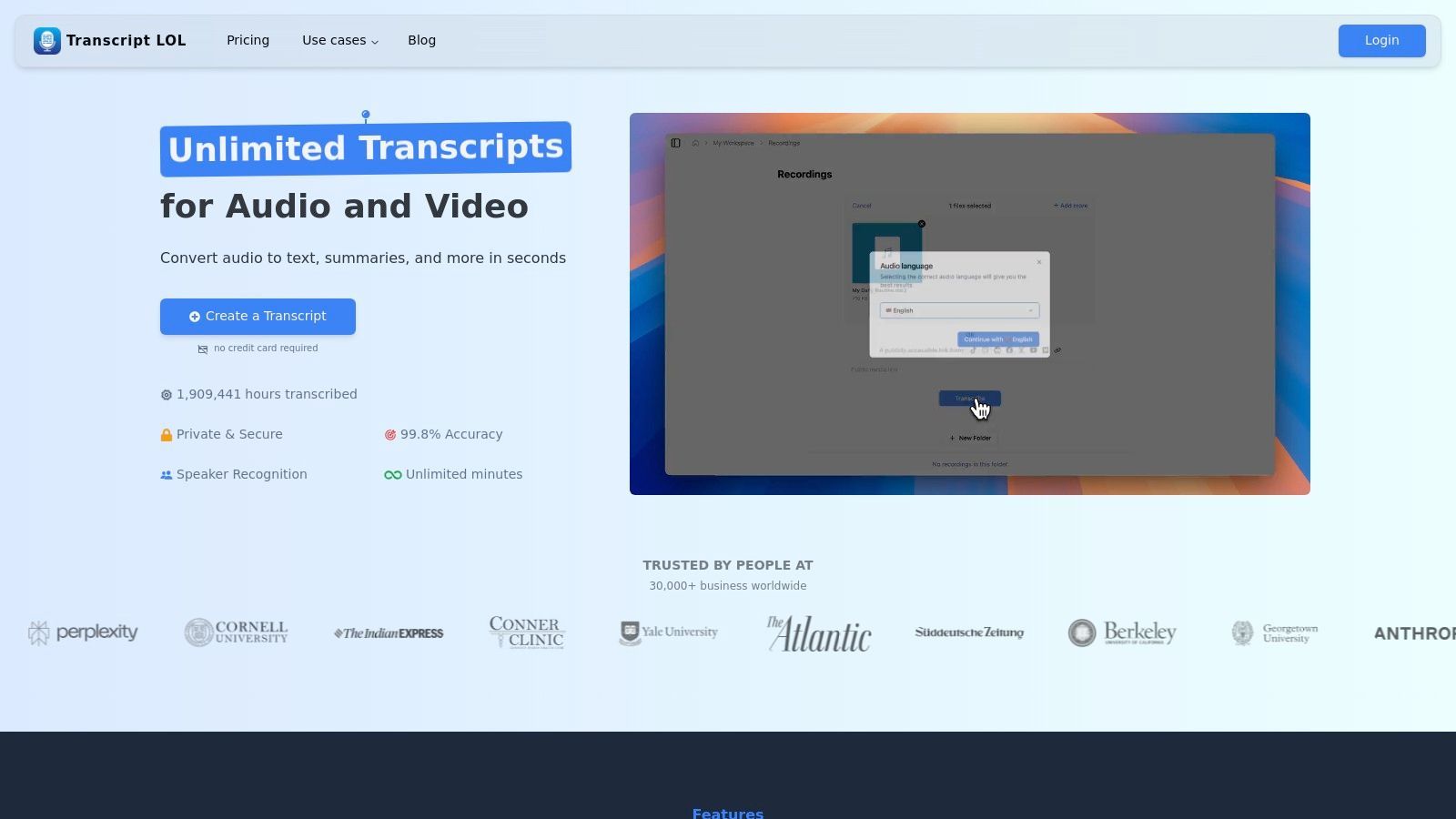
Esta sólida base la convierte en un activo indispensable para los profesionales que requieren más que una simple transcripción. Su sofisticado motor detecta y etiqueta automáticamente a los diferentes hablantes, aportando claridad organizativa a grabaciones complejas como entrevistas, mesas redondas o reuniones de equipo.
Características Principales y Experiencia de Usuario
Lo que realmente distingue a Transcript.LOL es su capacidad para transformar una transcripción en bruto en contenido procesable. Más allá de la simple conversión de texto, emplea IA para generar resúmenes concisos, crear mapas mentales para la lluvia de ideas visual, extraer elementos de acción clave e incluso redactar publicaciones en redes sociales o cuestionarios a partir del material transcrito. Esta capacidad de reutilización de contenido ahorra un tiempo considerable a los especialistas en marketing, educadores y creadores de contenido.
La interfaz de usuario es limpia e intuitiva, lo que facilita un flujo de trabajo fluido desde la carga hasta la exportación. Los usuarios pueden editar transcripciones en formato de texto enriquecido y exportarlas como archivos TXT, DOCX, PDF, SRT o VTT, lo que proporciona la máxima compatibilidad.
Transcript.LOL: Funciones más inteligentes que te ahorran tiempo
Transcript.LOL no es solo otra herramienta de transcripción, está diseñada para hacer que todo el proceso sea fluido, desde la carga de archivos hasta la conversión en información procesable. Esto es lo que la hace destacar:

Importar desde múltiples fuentes
Importa archivos de audio y video desde diversas fuentes, incluyendo carga directa, Google Drive, Dropbox, URLs, Zoom y más.

Exportar en múltiples formatos
Exporta tus transcripciones en múltiples formatos incluyendo TXT, DOCX, PDF, SRT y VTT con opciones de formato personalizables.
Resúmenes y Chatbot
Genera resúmenes y otros análisis de tu transcripción, prompts personalizados reutilizables y chatbot para tu contenido.
Casos de Uso Prácticos
- Podcasters y Periodistas: Genere rápidamente transcripciones de alta precisión con etiquetas de hablante para notas de programas, artículos o subtítulos de video (SRT/VTT).
- Equipos Corporativos: Transcriba reuniones virtuales de Zoom, extrayendo decisiones clave y elementos de acción para garantizar la alineación y la responsabilidad.
- Investigadores y Estudiantes: Convierta largas conferencias o entrevistas en texto buscable, utilizando resúmenes de IA para identificar rápidamente temas y hallazgos centrales.
- Profesionales de Marketing de Contenidos: Reutilice un solo seminario web o video en múltiples activos como publicaciones de blog, actualizaciones de redes sociales y boletines por correo electrónico con unos pocos clics.
Precios y Acceso
Transcript.LOL ofrece un atractivo nivel gratuito que permite a los usuarios procesar hasta 2 transcripciones diarias (límite de 20 minutos por archivo), lo que lo convierte en un excelente punto de partida. Para necesidades más exigentes, el plan Individual tiene un precio de $120/año para uso ilimitado, y un plan de Equipo está disponible por $240/año para dos usuarios, con opciones para agregar más. Una estricta política de no usar datos de entrenamiento subraya su compromiso con la privacidad del usuario.
| Característica | Nivel Gratuito | Niveles de Pago |
|---|---|---|
| Precisión de Transcripción | Alta (OpenAI Whisper) | Alta (OpenAI Whisper) |
| Cargas Diarias | 2 Transcripciones | Ilimitado |
| Duración Máxima del Archivo | 20 Minutos | Hasta 10 Horas |
| Herramientas de Contenido IA | Incluido | Incluido |
| Detección de Hablante | Sí | Sí |
| Formatos de Exportación | TXT, DOCX, PDF, SRT, VTT | TXT, DOCX, PDF, SRT, VTT |
Visita Transcript.LOL para empezar.
2. Google Docs – Escritura por Voz
Para aquellos que ya viven dentro del ecosistema de Google, el convertidor de voz a texto en línea gratuito más accesible es probablemente el que ya tienen: Escritura por Voz en Google Docs. Esta herramienta no es un sitio web independiente, sino una potente función integrada directamente en el procesador de texto, lo que la convierte en una opción perfecta para redactar documentos, tomar notas de reuniones o transcribir pensamientos grabados sin salir de su flujo de trabajo.
Su principal fortaleza es su conveniencia. No hay software que instalar ni una nueva interfaz que aprender. Simplemente abra un documento, navegue a Herramientas > Escritura por voz, haga clic en el icono del micrófono y comience a hablar. La transcripción en tiempo real aparece directamente en la página, lista para su edición y formato inmediatos.
Características Principales y Experiencia de Usuario
La experiencia de usuario es sencilla, priorizando la función sobre la ostentación. Más allá de la dictado básico, la herramienta de Google reconoce una amplia gama de comandos de voz para puntuación y formato, como "punto", "nuevo párrafo" y "seleccionar última palabra". Esto permite un proceso de escritura más manos libres, lo que es particularmente útil para escritores y estudiantes que intentan capturar ideas a medida que fluyen.
Conclusión Clave: La Escritura por Voz de Google Docs destaca por integrar el dictado directamente en un entorno de escritura con todas las funciones. Su fortaleza radica en su simplicidad e integración perfecta, lo que la hace perfecta para redactar contenido que requiere edición y colaboración inmediatas.
Casos de Uso Prácticos y Limitaciones
Mejor adaptado para:
- Estudiantes y Académicos: Tome notas de conferencias o redacte ensayos sin esfuerzo.
- Creadores de Contenido: Esboce rápidamente publicaciones de blog o guiones.
- Usuarios Cotidianos: Transcriba notas personales o actas de reuniones.
Sin embargo, la herramienta tiene limitaciones. Su precisión depende en gran medida de la calidad del micrófono y de un entorno silencioso. Funciona mejor dentro del navegador Google Chrome y puede ser menos confiable en otras plataformas. Si bien maneja bien los comandos básicos, carece de funciones avanzadas como la identificación del hablante o la marca de tiempo automática que se encuentran en los servicios de transcripción dedicados.
- Pros: Completamente gratuito, integración nativa con Google Workspace, admite docenas de idiomas.
- Contras: Requiere una conexión a Internet estable, el rendimiento varía fuera de Chrome, funciones de transcripción avanzadas limitadas.
Acceso: Disponible para cualquier persona con una cuenta gratuita de Google. Sitio web: https://docs.google.com
3. Otter.ai
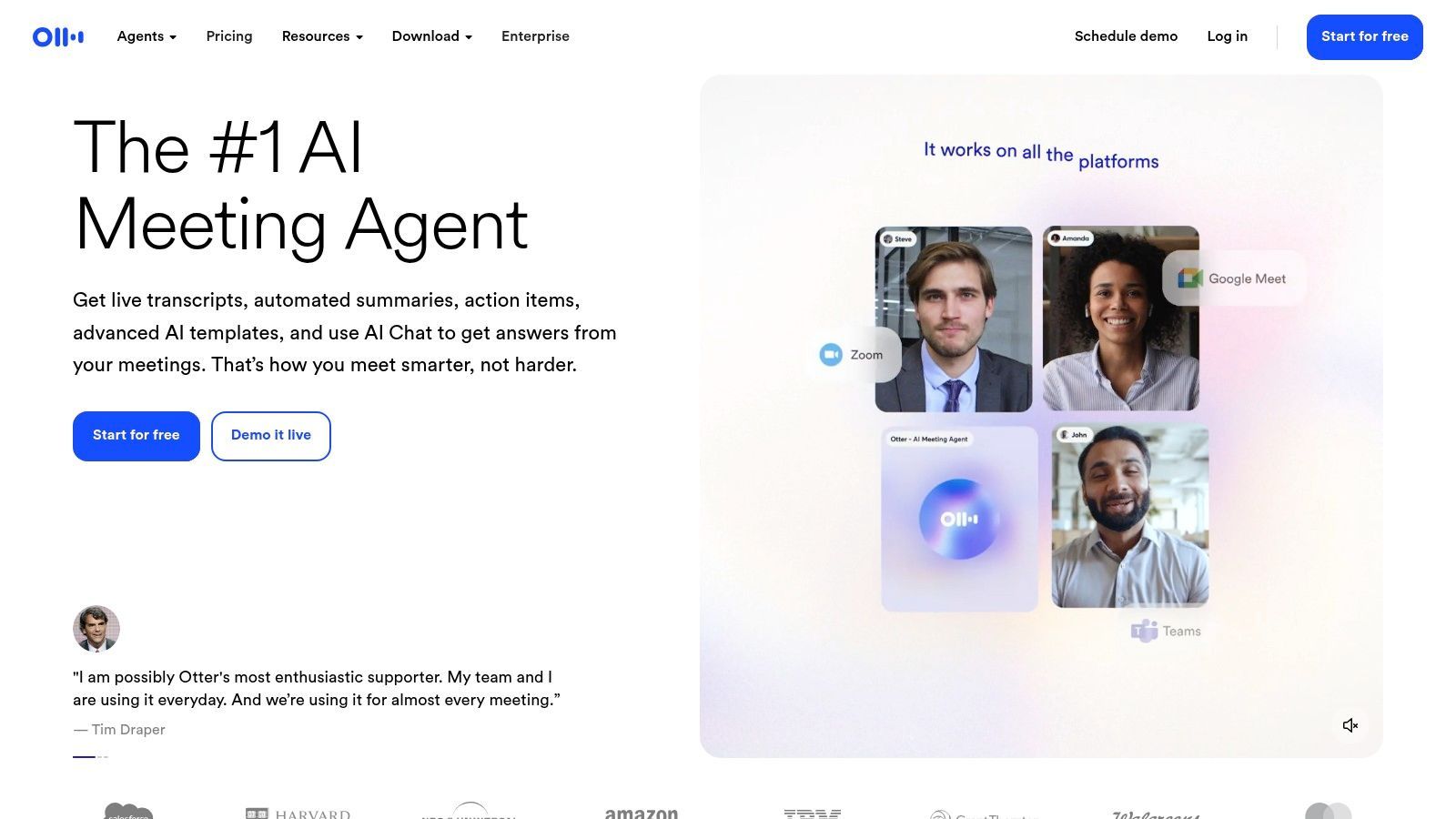
Para cualquiera que necesite transcribir reuniones o sesiones colaborativas, Otter.ai se destaca como un potente convertidor de voz a texto en línea gratuito impulsado por IA. A diferencia de las herramientas de dictado simples, Otter está diseñado específicamente para conversaciones, ofreciendo funciones como transcripción en vivo, identificación de hablantes y resúmenes automatizados, lo que lo hace indispensable para flujos de trabajo basados en equipos.
Su principal fortaleza radica en su capacidad para capturar y organizar audio con múltiples hablantes con una precisión notable. Ya sea que esté grabando una llamada de Zoom en vivo o cargando un archivo de audio, la IA de Otter no solo transcribe el contenido, sino que también distingue entre diferentes hablantes, creando una transcripción limpia, buscable y fácil de seguir.
Características Principales y Experiencia de Usuario
La plataforma ofrece una experiencia de usuario pulida e intuitiva. Después de conectarla a su calendario, OtterPilot puede unirse y grabar automáticamente sus reuniones en Zoom, Google Meet o Microsoft Teams. Durante la reunión, proporciona subtítulos en tiempo real y genera una transcripción colaborativa donde los asistentes pueden resaltar puntos clave, agregar comentarios y asignar elementos de acción. Los resúmenes automatizados y los resaltados de palabras clave son particularmente útiles para revisar rápidamente los resultados de la reunión. Para una guía detallada sobre cómo empezar, puede obtener más información sobre cómo transcribir audio con Otter.ai.
Conclusión Clave: Otter.ai se destaca en la transcripción de conversaciones con múltiples hablantes, especialmente reuniones. Su combinación de transcripción en vivo, identificación de hablantes y resúmenes impulsados por IA lo convierte en la herramienta ideal para la colaboración profesional y académica.
Casos de Uso Prácticos y Limitaciones
Mejor adaptado para:
- Profesionales de Negocios: Captura de actas de reuniones, elementos de acción y decisiones clave.
- Periodistas e Investigadores: Transcripción de entrevistas con etiquetas de hablante claras.
- Estudiantes: Grabación y revisión de conferencias o sesiones de estudio en grupo.
Sin embargo, el plan gratuito tiene restricciones notables. Incluye 300 minutos de transcripción mensual (con un límite de 30 minutos por conversación) y un límite de por vida de solo tres importaciones de archivos de audio o video. Para usuarios frecuentes o aquellos que necesitan transcribir grabaciones existentes, esto puede ser una limitación significativa, lo que los impulsa a una suscripción paga.
- Pros: Excelente identificación de hablantes, integraciones perfectas de reuniones, generosa asignación de minutos mensuales en el plan gratuito.
- Contras: El plan gratuito tiene un estricto límite de importación de 3 archivos de por vida, la duración de la conversación está limitada en los niveles inferiores.
Acceso: Un generoso plan gratuito está disponible con niveles de pago para funciones avanzadas. Sitio web: https://otter.ai
Si bien muchas herramientas gratuitas limitan la duración de la transcripción, Transcript.LOL le ofrece 2 transcripciones gratuitas diarias (20 minutos cada una) y hasta 10 horas por archivo en planes de pago.
4. Notta.ai
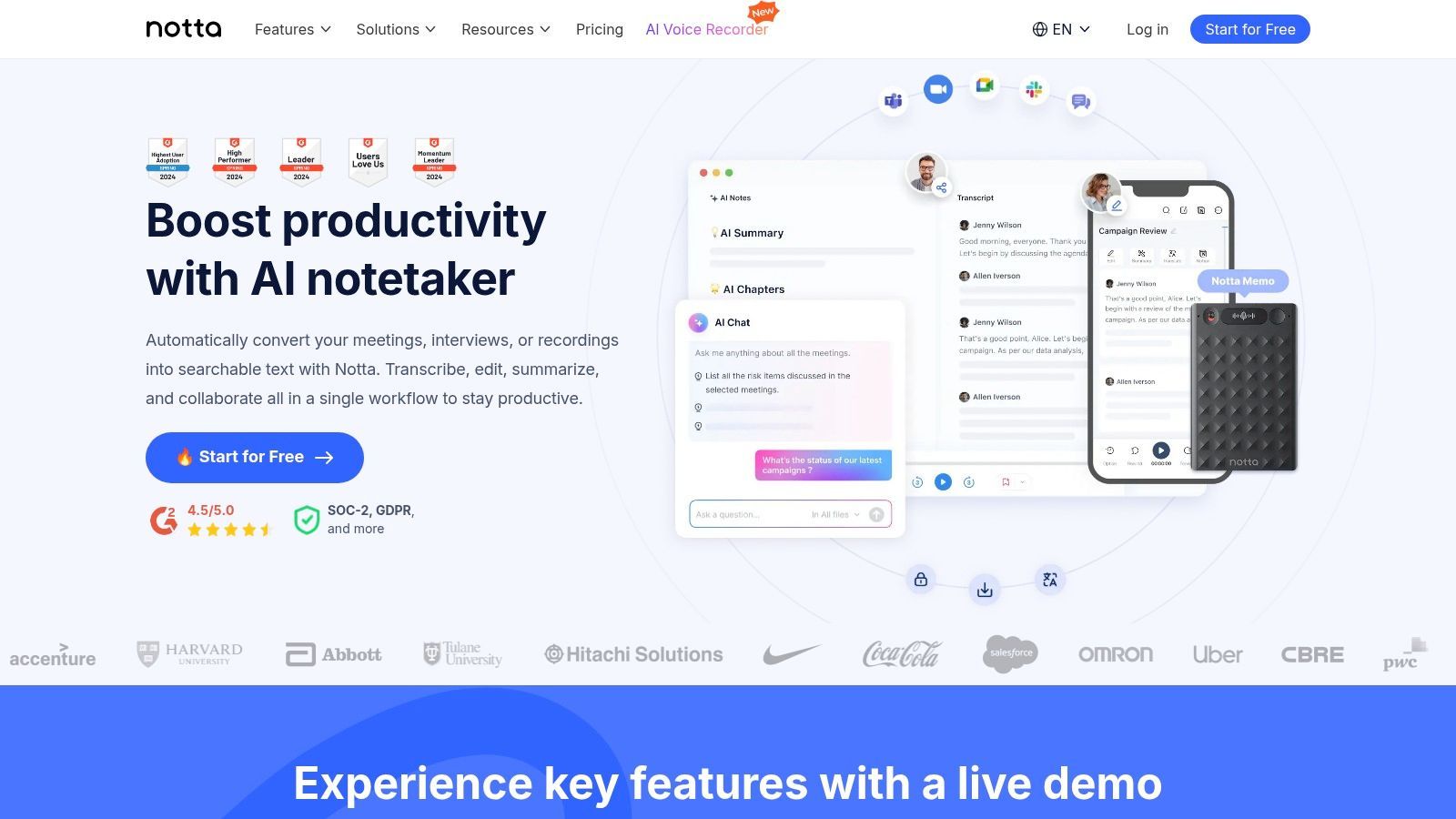
Notta.ai se posiciona como un convertidor de voz a texto en línea gratuito moderno y versátil, que combina una interfaz de usuario limpia con potentes funciones impulsadas por IA. Atiende a usuarios que necesitan más que un dictado básico, ofreciendo herramientas para transcribir audio en vivo y archivos cargados, lo que lo convierte en un fuerte competidor para transcribir entrevistas, reuniones y conferencias académicas con mayor precisión.
Su característica destacada es la pulida experiencia de usuario. Desde el momento en que se registra, la plataforma lo guía a través de sus capacidades, incluida la transcripción de reuniones en vivo a través de su extensión de navegador o la grabación de audio directa. Este enfoque en la facilidad de uso hace que la transcripción avanzada sea accesible para todos, independientemente de su habilidad técnica.
Características Principales y Experiencia de Usuario
Notta.ai proporciona un panel completo donde los usuarios pueden administrar grabaciones y transcripciones en un solo lugar. La plataforma admite la importación de archivos de audio y video, que luego procesa para crear una transcripción con marca de tiempo y hablantes separados. Su herramienta de resumen de IA es particularmente útil, ya que genera automáticamente una descripción concisa de los puntos clave, los elementos de acción y las decisiones de una conversación larga.
Conclusión Clave: Notta.ai es una excelente opción para usuarios que necesitan una plataforma de transcripción dedicada que maneje audio en vivo y pregrabado con mejoras de IA. Su generoso plan gratuito es perfecto para probar sus capacidades para reuniones y entrevistas.
Casos de Uso Prácticos y Limitaciones
Mejor adaptado para:
- Estudiantes e Investigadores: Transcribir conferencias o entrevistas y generar resúmenes rápidos.
- Periodistas y Podcasters: Crear versiones de texto precisas de grabaciones de audio.
- Profesionales: Documentar reuniones e identificar elementos de acción de manera eficiente.
La principal limitación del plan gratuito es el límite en la duración de la grabación, con transcripciones individuales en vivo limitadas a tres minutos y cargas de archivos a cinco minutos por archivo. Si bien la asignación mensual de 120 minutos es generosa para tareas cortas, las grabaciones largas e ininterrumpidas requieren una suscripción paga. Las funciones avanzadas como la traducción y el vocabulario personalizado también están bloqueadas detrás de un muro de pago.
- Pros: Interfaz limpia e intuitiva, generosa asignación de minutos mensuales en el plan gratuito, resúmenes impulsados por IA.
- Contras: Límites de duración cortos en grabaciones individuales en la versión gratuita, las funciones avanzadas son premium.
Acceso: Plan gratuito disponible con registro. Sitio web: https://notta.ai
5. Speechnotes
Para los usuarios que buscan un convertidor de voz a texto en línea gratuito dedicado y sin complicaciones, sin necesidad de una cuenta, Speechnotes ofrece una solución atractiva. Funciona como un bloc de notas en línea minimalista diseñado para una función principal: convertir su voz en texto de manera rápida y eficiente. Su distinción radica en ofrecer dictado continuo e ilimitado directamente en su navegador, lo que lo hace ideal para sesiones de transcripción de formato largo donde no desea ser interrumpido.
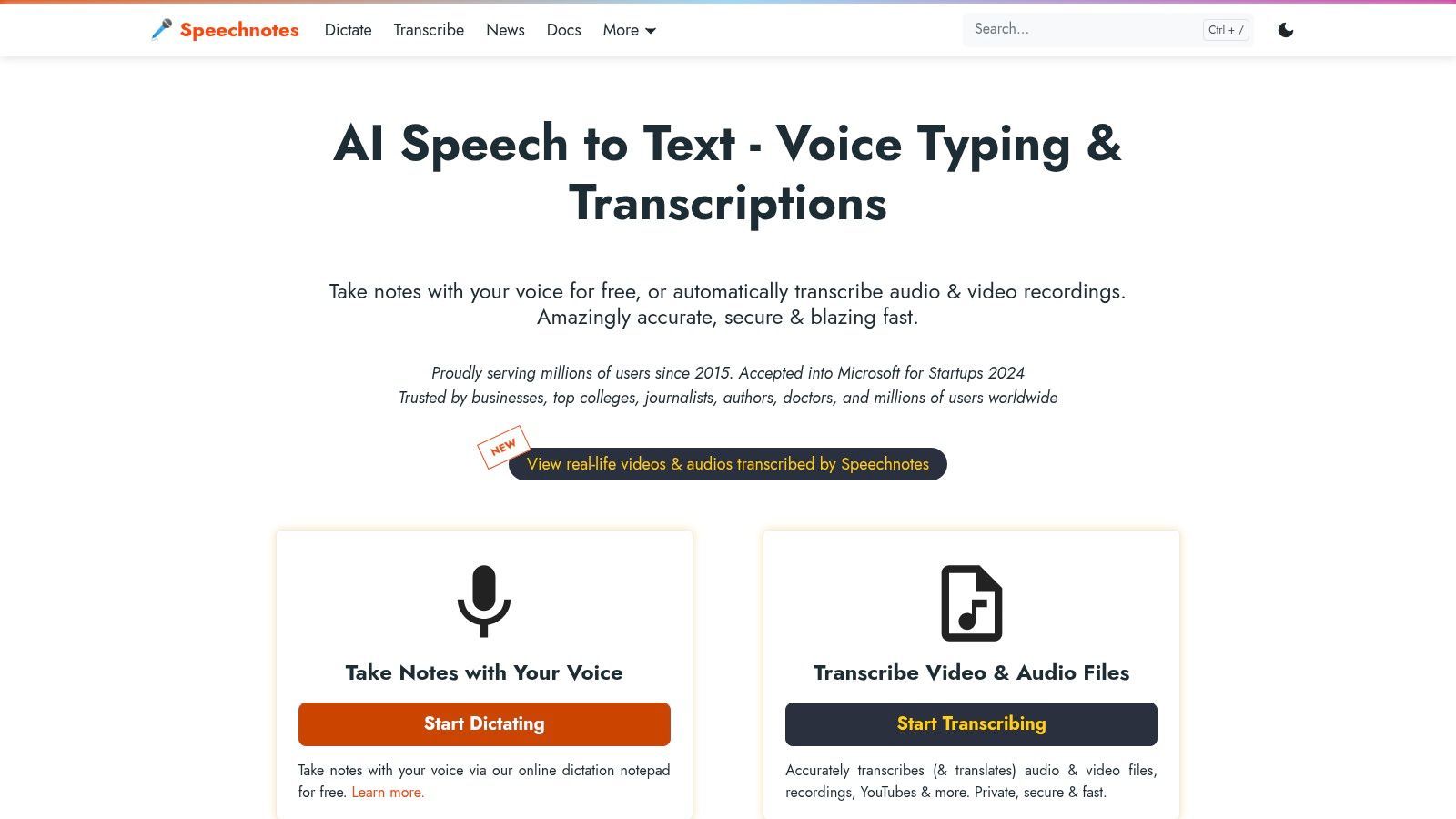
La plataforma está construida para la velocidad y la simplicidad. Visita el sitio, haz clic en el micrófono y comienza a hablar. Speechnotes sigue escuchando incluso durante pausas largas, una característica que lo diferencia de muchas otras herramientas que caducan. También incorpora capitalización inteligente y admite comandos de voz para la puntuación.
Características Principales y Experiencia de Usuario
La experiencia de usuario es increíblemente sencilla, presentando un entorno de escritura limpio y sin distracciones. Si bien la versión gratuita se enfoca en el dictado en vivo, Speechnotes también ofrece un servicio profesional de pago por uso para transcribir archivos de audio y video cargados. La herramienta guarda las sesiones automáticamente, lo que garantiza que no pierda su trabajo si su conexión se interrumpe. La precisión es generalmente alta, aunque, como cualquier herramienta, funciona mejor con un micrófono claro. Para aquellos interesados en el lado técnico, pueden leer más sobre lo que impulsa la precisión del habla a texto.
Conclusión Clave: Speechnotes se destaca como una herramienta de dictado rápida, accesible e ilimitada y gratuita. Su enfoque de "sin registro, sin instalación, sin tiempo de espera" lo convierte en una de las opciones más fluidas disponibles para la transcripción en tiempo real.
Casos de Uso Prácticos y Limitaciones
Mejor adaptado para:
- Escritores y Periodistas: Capturar entrevistas o redactar artículos en una sola sesión ininterrumpida.
- Estudiantes: Tomar notas de formato largo durante conferencias sin tener que reiniciar constantemente la herramienta.
- Usuarios Casuales: Dictar correos electrónicos, listas de tareas pendientes o pensamientos personales rápidamente.
La principal limitación es que su oferta gratuita se restringe al dictado en vivo. La transcripción de archivos de audio pregrabados es una función de pago, aunque tiene un precio asequible de $0.10 por minuto. El mejor rendimiento también se concentra en Chrome y otros navegadores basados en Chromium como Edge. Carece de las funciones colaborativas avanzadas que se encuentran en herramientas integradas como Google Docs.
- Pros: Completamente gratuito para dictado en vivo ilimitado, no requiere registro ni instalación, escucha continua sin tiempos de espera.
- Contras: La transcripción de archivos es un servicio de pago, el rendimiento óptimo se limita a los navegadores basados en Chrome, carece de herramientas avanzadas de formato o colaboración.
Acceso: Gratuito para dictado en el navegador; planes de pago para transcripción de archivos. Sitio web: https://speechnotes.co
6. SpeechTexter
SpeechTexter ofrece una solución minimalista e inmediata para cualquiera que necesite un convertidor de voz a texto en línea gratuito sin la molestia de registrarse o instalar software. Es una herramienta basada en web diseñada para dictado rápido y en tiempo real, eliminando características complejas para centrarse puramente en convertir palabras habladas en texto directamente en su navegador. Su atractivo principal es la velocidad y la simplicidad, lo que lo hace ideal para notas rápidas, redacción de correos electrónicos o captura de pensamientos fugaces.
La plataforma se destaca por su soporte para más de 70 idiomas y la capacidad de agregar comandos de voz personalizados para puntuación y caracteres especiales. Esta personalización permite a los usuarios adaptar la experiencia de dictado a sus necesidades específicas, mejorando la eficiencia del flujo de trabajo sin una curva de aprendizaje pronunciada.
Características Principales y Experiencia de Usuario
La experiencia de usuario es increíblemente sencilla: navegue al sitio, seleccione su idioma, haga clic en el botón del micrófono y comience a hablar. La interfaz es un editor de texto limpio y sin distracciones que muestra el texto transcrito mientras habla. Este enfoque sin adornos garantiza que los usuarios puedan centrarse por completo en su contenido sin sentirse abrumados por menús o configuraciones.
La función de comandos personalizados es una ventaja significativa. Los usuarios pueden, por ejemplo, crear un comando como "nueva línea" para comenzar un nuevo párrafo o "insertar firma" para pegar un bloque de texto predefinido, lo que es una función potente para una herramienta gratuita.
Conclusión Clave: SpeechTexter es la herramienta ideal para el dictado instantáneo que no requiere inicio de sesión. Su fortaleza radica en su simplicidad, soporte multilingüe y comandos de voz personalizables, lo que lo hace perfecto para usuarios que necesitan una herramienta de captura de texto rápida y eficiente.
Casos de Uso Prácticos y Limitaciones
Mejor adaptado para:
- Usuarios Multilingües: Transcriba notas en cualquiera de los más de 70 idiomas admitidos.
- Bloggers y Escritores: Redacte rápidamente contenido o esquemas sobre la marcha.
- Estudiantes: Capture notas de conferencias o genere ideas sin escribir.
Sin embargo, su simplicidad tiene sus compensaciones. La herramienta está optimizada para el navegador Google Chrome y no es compatible con dispositivos iOS como iPhones o iPads. Crucialmente, no permite a los usuarios cargar y transcribir archivos de audio o video preexistentes; solo funciona con dictado en vivo a través de un micrófono.
- Pros: Completamente gratuito sin registro, amplio soporte de idiomas, comandos de voz personalizados.
- Contras: No admite cargas de archivos de audio, el rendimiento es mejor en Chrome, no está disponible en iOS.
Acceso: Gratuito para todos los usuarios, no se necesita cuenta. Sitio web: https://speechtexter.com
7. Dictation.io
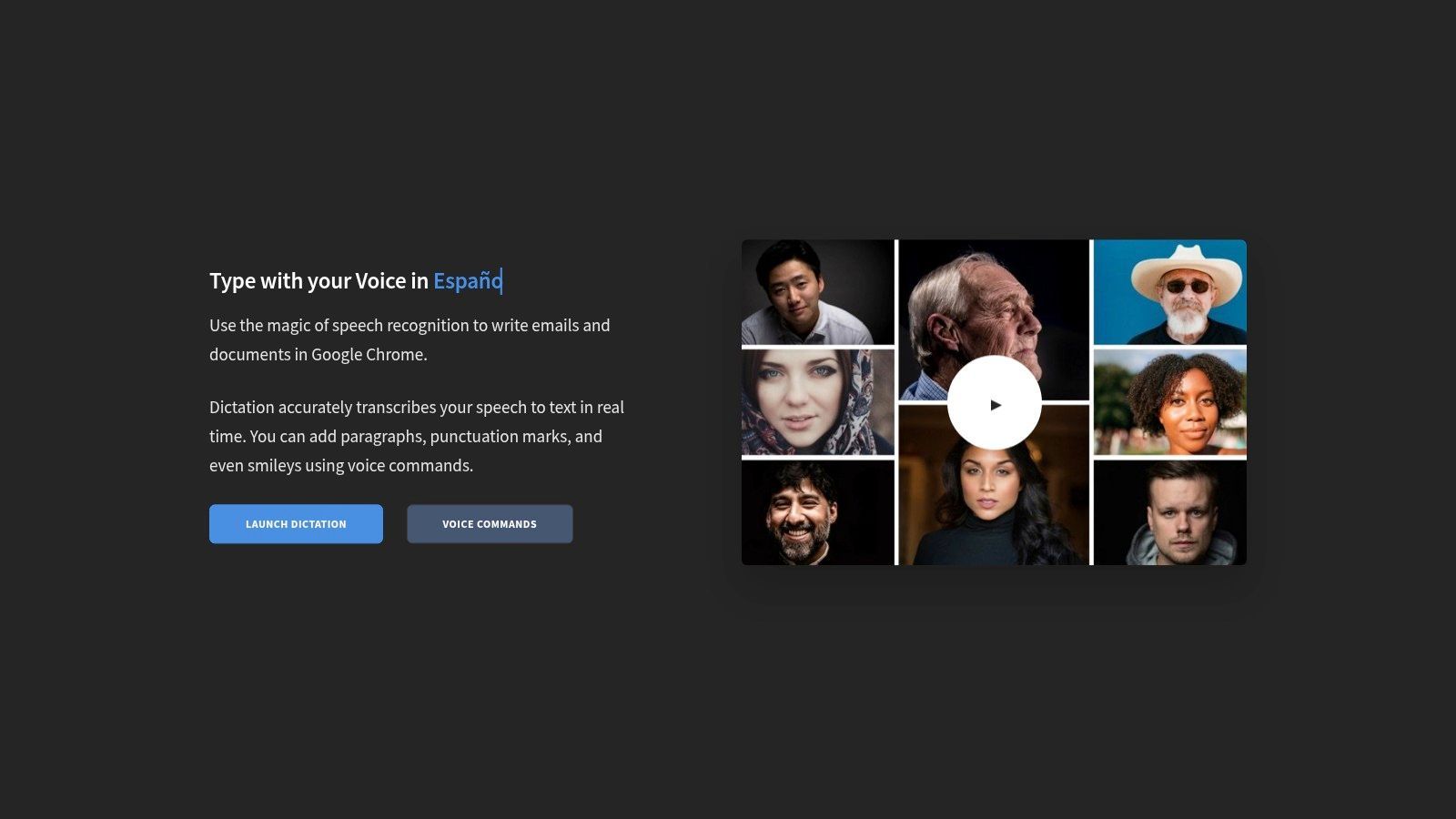
Dictation.io es un convertidor de voz a texto en línea gratuito diseñado para usuarios que priorizan la simplicidad, la privacidad y la velocidad. A diferencia de las plataformas que requieren cuentas o almacenamiento en la nube, esta herramienta opera completamente dentro de su navegador. Ofrece una interfaz limpia y sin distracciones donde puede comenzar inmediatamente a dictar notas, correos electrónicos o borradores sin ninguna configuración.
Su característica destacada es su compromiso con la privacidad. Todo el procesamiento de transcripción se realiza localmente y su texto se almacena en el almacenamiento local del navegador, lo que significa que sus palabras nunca se envían ni se almacenan en un servidor. Esto lo convierte en una excelente opción para usuarios que manejan información confidencial o para aquellos que desconfían de los servicios basados en la nube.
Características Principales y Experiencia de Usuario
La experiencia de usuario es minimalista e intuitiva. La interfaz es esencialmente un bloc de notas en blanco con un botón de micrófono. Admite comandos de voz para puntuación y formato, como "nueva línea" o "coma", lo que ayuda a optimizar el proceso de dictado. Con soporte para docenas de idiomas y dialectos, es accesible para una audiencia global.
Conclusión Clave: Dictation.io se destaca por proporcionar una experiencia de dictado segura y sin complicaciones. Su enfoque basado en navegador y centrado en la privacidad lo convierte en la herramienta ideal para transcripciones rápidas y confidenciales sin necesidad de una cuenta o instalación de software.
Casos de Uso Prácticos y Limitaciones
Mejor adaptado para:
- Periodistas y Escritores: Redactar rápidamente notas o artículos teniendo en cuenta la privacidad.
- Usuarios Conscientes de la Privacidad: Transcribir pensamientos personales o información confidencial.
- Tomadores de Notas Rápidos: Capturar ideas sin la sobrecarga de un procesador de texto completo.
La principal limitación de la plataforma es su falta de funciones avanzadas. No permite la carga de archivos de audio, lo que la hace inadecuada para transcribir grabaciones existentes; para tareas como esa, los usuarios pueden explorar otros métodos para transcribir notas de voz. También requiere el navegador Google Chrome y no admite Safari en iOS, lo que limita su accesibilidad en diferentes dispositivos.
- Pros: Completamente gratuito y sin registro, excelente privacidad con almacenamiento de texto local, interfaz limpia y simple.
- Contras: Solo funciona en Chrome, no tiene capacidad de carga de archivos de audio, comandos de formato limitados.
Acceso: Gratuito para todos, no se requiere cuenta. Sitio web: https://dictation.io
8. Kapwing – Auto Subtitulador
Aunque no es una herramienta de dictado tradicional, el Auto Subtitulador de Kapwing es un convertidor de voz a texto en línea gratuito especializado diseñado específicamente para contenido de video. Funciona como un potente editor de video en el navegador que transcribe automáticamente el audio de un archivo de video y lo convierte en subtítulos editables y estilizados. Esto lo convierte en un recurso invaluable para los creadores de contenido que buscan hacer que sus videos sean accesibles y atractivos en las plataformas de redes sociales.
Su valor principal radica en la integración de la transcripción y la edición de video. Los usuarios pueden cargar un video, y la IA de la plataforma generará una transcripción con marca de tiempo. Este texto se puede editar rápidamente para verificar su precisión y estilizarlo con diferentes fuentes, colores y animaciones directamente en la vista previa del video, optimizando todo el flujo de trabajo de subtitulado de principio a fin.
Características Principales y Experiencia de Usuario
La experiencia de usuario es visual e intuitiva, dirigida a creadores que pueden no tener experiencia en edición de video profesional. Kapwing permite ajustes fáciles en la sincronización de subtítulos simplemente arrastrando los bloques de texto en la línea de tiempo. La plataforma también admite la exportación de la transcripción generada como un archivo SRT o VTT, lo que la hace versátil para su uso en otras plataformas de video. Para una inmersión más profunda en el proceso, puede encontrar una guía sobre cómo crear subtítulos para videos.
Conclusión Clave: Kapwing se destaca en la conversión de voz a texto basada en video, combinando transcripción automática con un editor de video fácil de usar. Es la opción ideal para agregar rápidamente subtítulos precisos y visualmente atractivos al contenido de redes sociales.
Casos de Uso Prácticos y Limitaciones
Mejor adaptado para:
- Gerentes de Redes Sociales: Creación de clips de video subtitulados para Instagram, TikTok y Facebook.
- Creadores de Video: Hacer que el contenido sea más accesible y mejorar la participación de los espectadores.
- Profesionales de Marketing: Agregar subtítulos a videos promocionales y anuncios.
La principal limitación es su enfoque en el video; no está diseñado para transcribir archivos de audio independientes o dictado en vivo. El plan gratuito es generoso pero tiene restricciones, que incluyen una marca de agua en los videos exportados, un límite mensual de 10 minutos de subtitulado automático y una resolución máxima de exportación de 720p. Los usuarios que necesiten más capacidad deberán actualizar a una suscripción Pro.
- Pros: Excelente para subtitulado de video, interfaz fácil de usar, exporta en formatos SRT/VTT.
- Contras: El plan gratuito tiene una marca de agua y límites de uso, no es adecuado para transcripción solo de audio.
Acceso: Plan gratuito disponible con limitaciones; planes Pro de pago desbloquean más funciones. Sitio web: https://www.kapwing.com
9. VEED – Subtítulos Automáticos y Transcripción
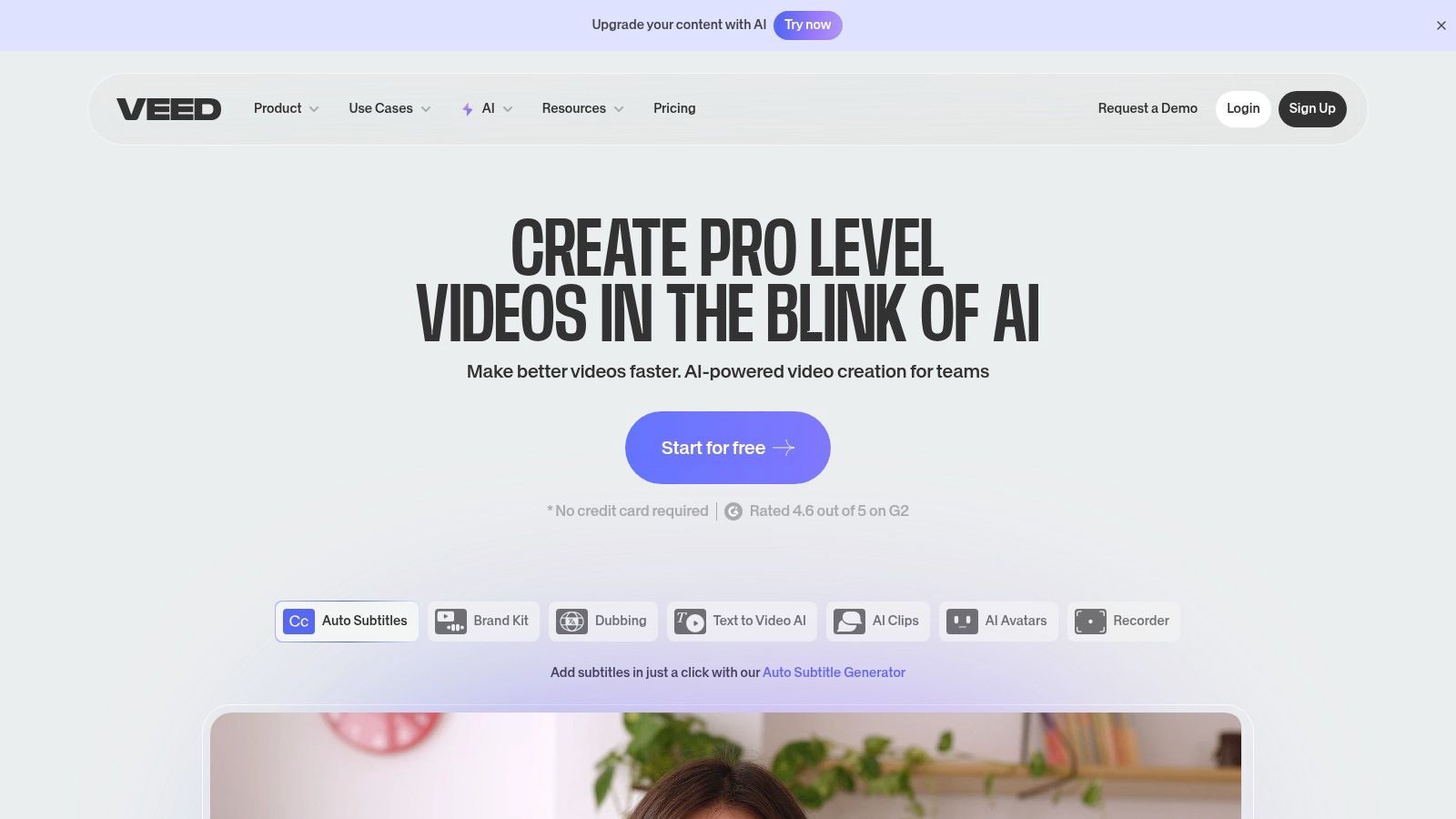
Para los creadores de video, VEED se destaca como un potente convertidor de voz a texto en línea gratuito basado en navegador, envuelto dentro de una suite completa de edición de video. A diferencia de las herramientas de dictado puras, VEED está diseñado específicamente para generar subtítulos y transcripciones a partir de archivos de video o audio. Este enfoque integrado permite a los usuarios no solo transcribir, sino también estilizar, editar y codificar subtítulos directamente en su contenido de video, optimizando todo el flujo de trabajo de producción.
Su principal ventaja es esta integración perfecta. Puede cargar un video, hacer que la IA de VEED genere automáticamente una transcripción con marca de tiempo y luego usar el editor integrado para realizar correcciones o exportar el texto en varios formatos. Esto lo convierte en una solución integral para podcasters, gerentes de redes sociales y cualquier persona que cree contenido de video accesible.
Características Principales y Experiencia de Usuario
La experiencia de usuario es moderna e intuitiva, dirigida a creadores que necesitan resultados rápidos. La IA de VEED genera subtítulos rápidamente, presentándolos en un formato de línea de tiempo fácil de editar. Los usuarios pueden descargar transcripciones como archivos TXT para reutilizarlos o en formatos de subtítulos estándar como SRT y VTT. También admite la traducción de subtítulos a docenas de idiomas, ampliando el alcance potencial de un video.
Conclusión Clave: VEED se destaca en la transcripción centrada en video, combinando un editor de video capaz con una herramienta de subtitulado de IA precisa. Es la solución ideal para creadores que necesitan producir videos subtitulados de manera eficiente sin tener que lidiar con múltiples aplicaciones.
Casos de Uso Prácticos y Limitaciones
Mejor adaptado para:
- Creadores de Redes Sociales: Agregue rápidamente subtítulos atractivos y codificados a videos para plataformas como Instagram y TikTok.
- Educadores: Cree videos de conferencias accesibles con subtítulos precisos.
- Profesionales de Marketing: Genere transcripciones de seminarios web o videos promocionales para la reutilización de contenido.
Sin embargo, el plan gratuito es restrictivo. Incluye una marca de agua en los videos exportados y ofrece minutos de transcripción mensual muy limitados. Para aquellos que producen contenido de video con frecuencia, una suscripción paga se vuelve casi necesaria para desbloquear todo su potencial. Para maximizar el impacto de los videos subtitulados, combinar la salida con una estrategia de contenido inteligente, quizás utilizando un generador de contenido de redes sociales con IA, puede ayudar a adaptar los mensajes para diferentes plataformas.
- Pros: Editor de video y transcriptor todo en uno, admite múltiples formatos de subtítulos (SRT, VTT, TXT), incluye traducción de subtítulos.
- Contras: La versión gratuita tiene una marca de agua y un tiempo de transcripción muy limitado, la funcionalidad principal está detrás de un muro de pago.
Acceso: Plan gratuito disponible con funciones limitadas; suscripciones de pago ofrecen más capacidades. Sitio web: https://www.veed.io
10. TurboScribe
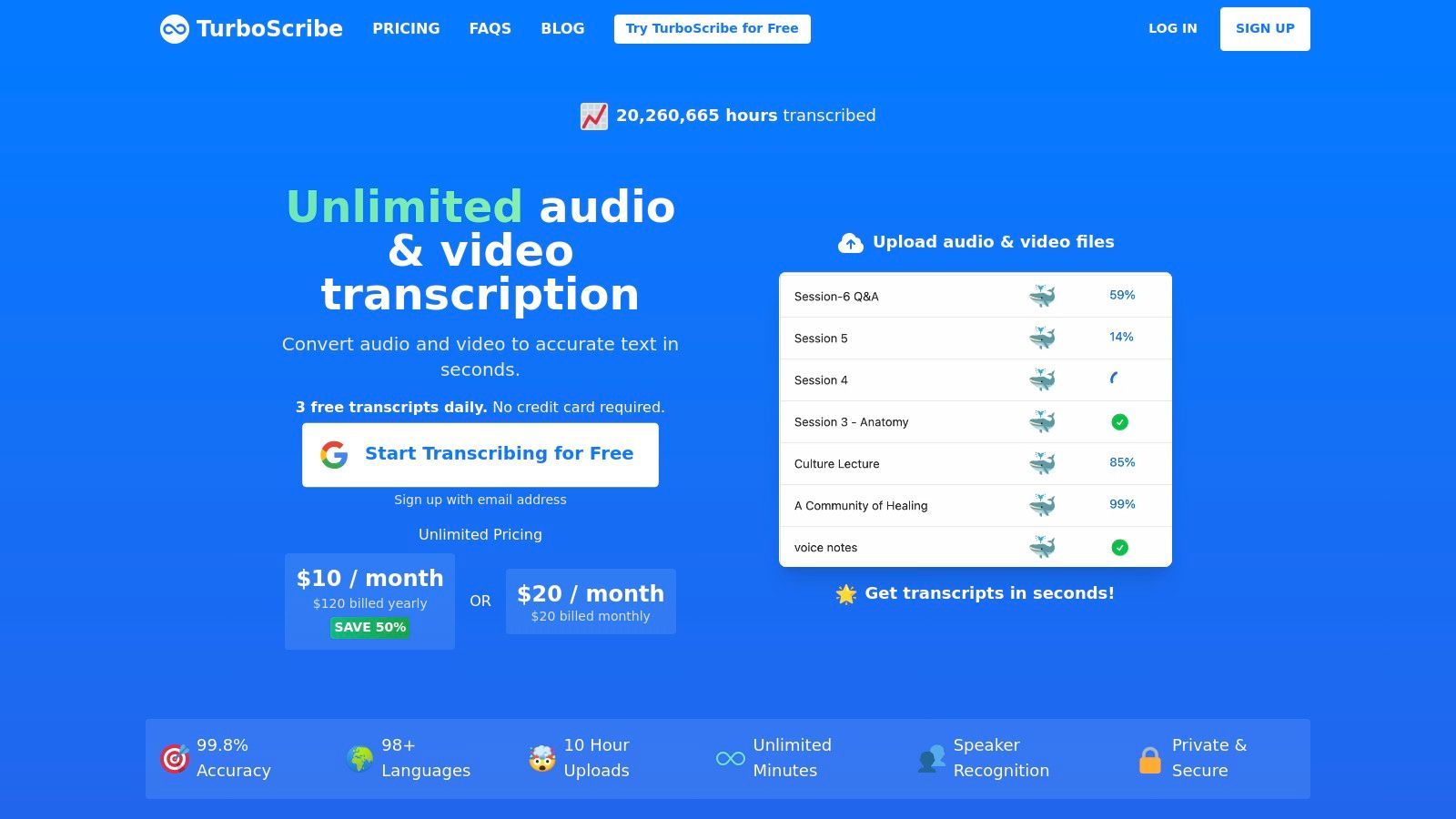
Para los usuarios que necesitan transcribir archivos de audio o video pregrabados en lugar de voz en vivo, TurboScribe emerge como un potente convertidor de voz a texto en línea gratuito. Construida sobre el avanzado modelo Whisper de OpenAI, esta aplicación web está diseñada específicamente para el procesamiento de archivos por lotes, ofreciendo alta precisión para entrevistas, conferencias, podcasts y contenido de video. Evita la necesidad de dictado en vivo en favor de un robusto sistema de carga de archivos.
Su principal fortaleza radica en su enfoque especializado en la transcripción basada en archivos. A diferencia de las herramientas de dictado basadas en navegador, TurboScribe está optimizado para convertir medios existentes en texto, lo que lo convierte en una herramienta de posproducción ideal. El plan gratuito proporciona una asignación generosa, lo que hace que la transcripción de nivel profesional sea accesible sin una inversión inicial.
Características Principales y Experiencia de Usuario
La experiencia de usuario es limpia y centrada en la carga. Simplemente arrastre y suelte sus archivos de audio o video, y la plataforma se encargará del resto, devolviendo una transcripción detallada. Incluye funciones valiosas como reconocimiento de hablantes, marcas de tiempo automáticas e incluso traducción a más de 98 idiomas. El nivel gratuito permite a los usuarios transcribir hasta tres archivos por día, con cada archivo de hasta 30 minutos de duración.
Conclusión Clave: TurboScribe es la solución ideal para transcribir archivos multimedia grabados con alta precisión. Su generoso nivel gratuito y funciones avanzadas como la identificación de hablantes lo convierten en una opción principal para podcasters, periodistas e investigadores.
Casos de Uso Prácticos y Limitaciones
Mejor adaptado para:
- Podcasters y Periodistas: Transcribir entrevistas y contenido de audio para notas de programas o artículos.
- Estudiantes e Investigadores: Convertir conferencias grabadas o entrevistas de investigación en texto.
- Creadores de Video: Generar subtítulos y transcripciones para contenido de video.
La principal limitación es su falta de una función de dictado en vivo; es exclusivamente para cargas de archivos. Esto significa que no es adecuado para tomar notas en tiempo real o redactar documentos por voz. El proceso requiere que tenga una grabación terminada primero, lo que es un flujo de trabajo diferente en comparación con herramientas integradas como la Escritura por Voz de Google Docs.
- Pros: Alta precisión a través de Whisper, generoso nivel gratuito (3 archivos/día), admite reconocimiento de hablantes y marcas de tiempo.
- Contras: Sin dictado en vivo, el flujo de trabajo se basa enteramente en cargas de archivos.
Acceso: Plan gratuito disponible con límites diarios; planes de pago asequibles para uso ilimitado. Sitio web: https://turboscribe.ai
11. AssemblyAI – Streaming Playground
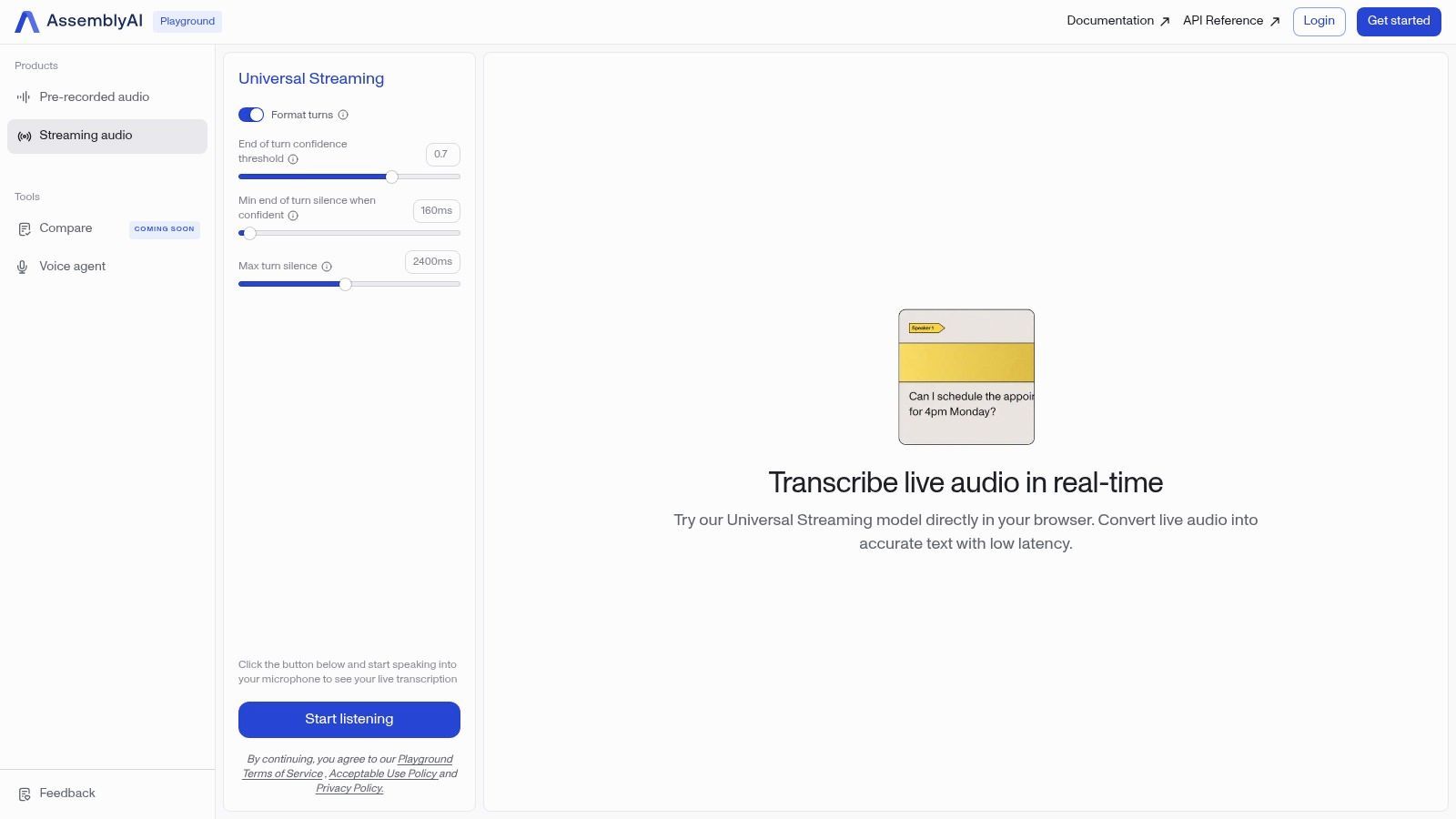
Para los usuarios que desean probar el poder bruto de un motor de transcripción de nivel de desarrollador sin escribir una sola línea de código, el AssemblyAI Streaming Playground es un convertidor de voz a texto en línea gratuito excepcional. Esta herramienta no es una aplicación de productividad a largo plazo, sino una demostración en vivo de la API de transmisión en tiempo real de AssemblyAI, que ofrece una visión de la precisión y velocidad de nivel empresarial directamente en su navegador.
Su propósito principal es mostrar el potencial de los modelos avanzados de IA. Los usuarios simplemente pueden hacer clic en el botón "Iniciar transmisión" y comenzar a hablar para ver una transcripción en vivo y de alta precisión aparecer instantáneamente. Proporciona una visión inmediata e impresionante de lo que la tecnología de transcripción moderna es capaz de hacer, lo que la convierte en un punto de referencia valioso para cualquiera que evalúe diferentes servicios.
Características Principales y Experiencia de Usuario
La experiencia de usuario es minimalista y se centra en una sola función: demostrar la transcripción en tiempo real. No hay cuentas que crear ni software que instalar. La interfaz presenta el texto en vivo a medida que se procesa, mostrando funciones como la puntuación y la capitalización automáticas. Si bien carece de herramientas de edición, su valor radica en demostrar la pura velocidad y precisión de la tecnología subyacente.
Conclusión Clave: El AssemblyAI Playground es una potente demostración tecnológica que ofrece una forma gratuita e inmediata de experimentar la transcripción en vivo de calidad de desarrollador. Es perfecto para probar la precisión y la latencia antes de comprometerse con una solución más avanzada.
Casos de Uso Prácticos y Limitaciones
Mejor adaptado para:
- Desarrolladores: Probar rápidamente la calidad de la transcripción antes de la integración de la API.
- Podcasters y Creadores: Evaluar servicios potenciales para su flujo de trabajo de producción.
- Entusiastas de la Tecnología: Explorar las capacidades de la IA de voz de vanguardia.
La principal limitación es que el Playground es una demostración, no un producto completo. Tiene límites de uso y carece de funciones para guardar o exportar transcripciones. Su propósito es probar el rendimiento del modelo central, no servir como una herramienta de transcripción diaria. Piense en ello como un "pruébelo antes de comprarlo" para una potente API.
- Pros: Completamente gratuito para usar sin inicio de sesión, muestra modelos de desarrollador de alta precisión, proporciona resultados en tiempo real instantáneos.
- Contras: No es un producto completo con funciones de guardado o edición, el uso es limitado, diseñado como una herramienta de demostración.
Acceso: Acceso completamente gratuito y abierto en el navegador. Sitio web: https://www.assemblyai.com/playground/streaming
12. Rev AI – Demostración de Streaming Gratuita
Para desarrolladores o usuarios que desean probar el poder de un motor de transcripción de nivel profesional, Rev AI ofrece un potente convertidor de voz a texto en línea gratuito en forma de su demostración de transmisión en vivo. Si bien Rev es un servicio de pago para empresas, esta demostración proporciona una forma sin compromisos de experimentar su precisión y velocidad en tiempo real directamente en su navegador sin crear una cuenta ni escribir una sola línea de código.
Su principal ventaja es proporcionar un punto de referencia para la calidad. Los usuarios simplemente pueden hacer clic en un botón, comenzar a hablar y ver una transcripción en vivo y de alta precisión aparecer instantáneamente. Esto lo convierte en una herramienta invaluable para evaluar si una API de nivel profesional vale la inversión para un proyecto futuro.
Características Principales y Experiencia de Usuario
La interfaz es minimalista y está diseñada para un solo propósito: demostrar la capacidad de la IA. Una vez que inicia la demostración, puede hablar de forma natural y ver cómo aparece el texto en tiempo real. El panel le permite descargar la transcripción resultante e incluso un archivo de subtítulos (.SRT), que es una característica única para una herramienta de demostración gratuita. Esto le permite probar inmediatamente la salida en un editor de video u otra aplicación.
Conclusión Clave: La demostración gratuita de Rev AI es menos una herramienta de uso diario y más una experiencia de "prueba antes de comprar" de alta fidelidad. Se destaca por mostrar la precisión de nivel empresarial para desarrolladores, podcasters y creadores de video que necesitan evaluar un motor de voz a texto de primer nivel.
Casos de Uso Prácticos y Limitaciones
Mejor adaptado para:
- Desarrolladores: Probar rápidamente el motor Rev AI antes de la integración de la API.
- Creadores de Video: Generar un archivo de subtítulos rápido y preciso para un clip corto.
- Usuarios Curiosos: Comparar la precisión de la IA profesional con otras herramientas gratuitas.
La principal limitación de la herramienta es que es solo una demostración. No está diseñada para transcribir archivos de audio largos ni para guardar su trabajo a largo plazo. La funcionalidad completa, incluidas las cargas de archivos y las funciones avanzadas, requiere registrarse en un plan de pago de Rev AI. Es una exhibición, no una aplicación gratuita con todas las funciones.
- Pros: Precisión líder en la industria, sin inicio de sesión ni configuración requerida, proporciona transcripciones descargables y archivos de subtítulos SRT.
- Contras: No es una herramienta con todas las funciones (es una demostración), carece de cargas de archivos, el uso completo requiere una cuenta de desarrollador de pago.
Acceso: La demostración de transmisión en vivo es completamente gratuita y abierta a todos. Sitio web: https://rev.ai/Streaming
Comparación de Herramientas Gratuitas de Voz a Texto
| Plataforma | Características Principales/Precisión ★ | Experiencia de Usuario y Métricas de Calidad ★ | Valor y Precios 💰 | Audiencia Objetivo 👥 | Puntos de Venta Únicos ✨ |
|---|---|---|---|---|---|
| 🏆 Transcript.LOL | Whisper impulsado por IA, máx. 10 h, multiformato, detección de hablante | Calificado 4.8/5 por más de 240 usuarios, texto enriquecido y opciones de exportación | Nivel gratuito + $120/año individual + $240/año equipo | Podcasters, profesionales de marketing, educadores, profesionales legales | Resúmenes de IA, cuestionarios, mapas mentales, fuerte privacidad (política de no entrenamiento) |
| Otter.ai | Subtítulos en vivo, ID de hablante, 300 min gratis | Flujos de trabajo de reuniones fluidos, transcripciones buscables | 300 min/mes gratis, mejoras de pago | Equipos, usuarios con muchas reuniones | Integración Zoom/Google Meet, notas de IA |
Tomando Tu Decisión Final en el Mundo de la Transcripción Gratuita
Navegar por el panorama de los conversores gratuitos de voz a texto en línea puede resultar abrumador, pero como hemos explorado, la diversidad de herramientas disponibles significa que existe una solución perfecta para prácticamente todas las necesidades. El viaje de la palabra hablada al texto escrito ya no es una tarea costosa o que consuma mucho tiempo. Desde simples herramientas de dictado basadas en el navegador hasta sofisticadas plataformas impulsadas por IA, el poder de transcribir ahora es accesible para todos.
La conclusión clave es que la "mejor" herramienta gratuita es completamente subjetiva y depende de tu caso de uso principal. No existe una respuesta única para todos. Tu elección ideal depende de una comprensión clara de tu flujo de trabajo específico, el tipo de audio con el que estás trabajando y las características que proporcionarán el impulso más significativo a tu productividad.
Recapitulación de Tus Mejores Opciones
Hemos cubierto un amplio espectro de herramientas, cada una con sus fortalezas únicas. Para dictado rápido en tiempo real para redactar correos electrónicos, tomar notas o escribir contenido, herramientas como Google Docs Voice Typing, Speechnotes y Dictation.io son opciones destacadas. Son increíblemente fáciles de usar, no requieren registro y son perfectas para capturar ideas a medida que surgen.
Para profesionales y equipos que necesitan transcribir reuniones, entrevistas o conferencias pregrabadas, la decisión se vuelve más matizada. Otter.ai y Notta.ai ofrecen soluciones integrales con identificación de hablantes y funciones colaborativas, aunque sus niveles gratuitos tienen limitaciones de tiempo notables por transcripción. Aquí es donde una herramienta como Transcript.LOL brilla, ofreciendo un plan gratuito más generoso, mayor precisión y valiosas funciones de IA como la resumen que pueden reducir drásticamente el trabajo posterior a la transcripción.
Los creadores de contenido que trabajan con video encontrarán un valor inmenso en plataformas integradas como Kapwing y VEED. Su capacidad para generar y estilizar subtítulos automáticamente directamente dentro de un editor de video agiliza el proceso de creación, haciendo que el contenido sea más accesible. Para desarrolladores o entusiastas de la tecnología que desean explorar la tecnología subyacente, los entornos de prueba de AssemblyAI y Rev AI brindan una visión fascinante y práctica del poder de las APIs de transcripción de vanguardia.
Un Marco Práctico para Tu Decisión
Antes de comprometerte con una sola herramienta, incluso una gratuita, tómate un momento para evaluar tus necesidades frente a estos factores críticos. Esta simple autoevaluación te guiará hacia el conversor de voz a texto en línea gratuito más efectivo para tu situación específica.
- Caso de Uso Principal: ¿Estás haciendo dictado en vivo o transcribiendo archivos de audio/video grabados? Tu respuesta reducirá inmediatamente el campo.
- Precisión y Entorno: Considera la calidad de tu audio. Si a menudo transcribes en entornos ruidosos o tratas con múltiples hablantes y acentos, necesitarás una herramienta con precisión superior, como las impulsadas por modelos avanzados de IA.
- Conjunto de Funciones: ¿Necesitas identificación de hablantes? ¿Marcas de tiempo? ¿La capacidad de exportar en varios formatos (como SRT para subtítulos)? Enumera tus funciones imprescindibles y compáralas con las herramientas revisadas.
- Privacidad y Seguridad: Si tu audio contiene información sensible, revisa cuidadosamente la política de privacidad de cualquier servicio en línea que utilices. Algunas herramientas procesan datos localmente, mientras que otras los suben a la nube.
- Integración del Flujo de Trabajo: La mejor herramienta es una que realmente usarás. Considera cuán perfectamente un servicio se adapta a tu flujo de trabajo existente. ¿Requiere pasos adicionales o te ahorra tiempo de principio a fin?
Recomendamos encarecidamente probar dos o tres de los principales contendientes de nuestra lista que se alineen con tus necesidades. Sube el mismo archivo de audio a cada uno o dicta el mismo párrafo y compara los resultados de primera mano. Esta experiencia práctica es el desempate definitivo y revelará qué interfaz y salida prefieres. Al alinear las capacidades de una herramienta con tus tareas diarias, desbloqueas un método poderoso para mejorar la eficiencia, mejorar la accesibilidad y transformar cómo interactúas con el contenido de audio, todo sin afectar tu presupuesto.
¿Listo para experimentar una transcripción que va más allá de las simples palabras en una página? Para un conversor gratuito de voz a texto en línea que combina precisión líder en la industria con potentes herramientas de resumen de IA y generación de contenido, prueba Transcript.LOL. Descubre por ti mismo cómo puede agilizar tu flujo de trabajo y convertir tu audio en contenido procesable en minutos en Transcript.LOL.
Prueba Transcript.LOL hoy mismo — 2 transcripciones gratuitas diarias, resúmenes impulsados por IA y cero curva de aprendizaje.