
Les 12 meilleurs outils de création de contenu pour les réseaux sociaux en 2026
Découvrez les 12 meilleurs outils de création de contenu pour les réseaux sociaux en 2026. Un guide détaillé des meilleures applications pour le design, la vidéo, les légendes et la planification.
Kate
January 19, 2026
En 2026, le succès sur les réseaux sociaux ne repose pas seulement sur la créativité ; il s'agit d'efficacité. La pression de produire quotidiennement du contenu de haute qualité et multi-format sur des plateformes comme TikTok, Instagram et YouTube Shorts est immense. Jongler entre le montage vidéo, la conception graphique, la rédaction de légendes et la planification peut rapidement mener à l'épuisement professionnel, entravant votre capacité à vous connecter de manière constante avec votre public. C'est là qu'une pile technologique bien organisée devient votre avantage concurrentiel.
Fonctionnalités dont chaque pile d'outils de réseaux sociaux moderne a besoin
IA de pointe
Alimenté par Whisper d'OpenAI pour une précision de premier plan. Prise en charge des vocabulaires personnalisés, des fichiers jusqu'à 10 heures et des résultats ultra rapides.

Importer depuis plusieurs sources
Importez des fichiers audio et vidéo depuis diverses sources, y compris le téléchargement direct, Google Drive, Dropbox, les URL, Zoom et plus encore.

Exporter en plusieurs formats
Exportez vos transcriptions en plusieurs formats dont TXT, DOCX, PDF, SRT et VTT avec des options de formatage personnalisables.
Les bons outils de création de contenu pour les réseaux sociaux ne vous font pas seulement gagner du temps. Ils ouvrent de nouvelles possibilités créatives, garantissent la cohérence de la marque et fournissent les données dont vous avez besoin pour vous développer. Disposer du bon logiciel rationalise votre flux de travail, vous permettant de vous concentrer sur la stratégie et l'engagement plutôt que de vous enliser dans des tâches manuelles et répétitives. Pour vraiment réussir, vous devrez réfléchir à la manière dont l'IA peut s'intégrer dans votre flux de travail, et cette ressource sur la maîtrise de la création de contenu par IA pour les réseaux sociaux peut fournir des stratégies concrètes.
Fonctionnalités qui différencient les bons outils des excellents

Détection des intervenants
Identifiez automatiquement les différents intervenants dans vos enregistrements et étiquetez-les avec leurs noms.

Outils d'édition
Modifiez les transcriptions avec des outils puissants incluant rechercher et remplacer, attribution des intervenants, formats de texte enrichi et surlignage.
Résumés et Chatbot
Générez des résumés et d'autres analyses de votre transcription, des prompts personnalisés réutilisables et un chatbot pour votre contenu.
Dans ce guide, nous irons au-delà des listes de fonctionnalités génériques pour fournir une analyse pratique des 12 outils essentiels qui résolvent des problèmes spécifiques pour les créateurs modernes et les gestionnaires de réseaux sociaux. Nous explorerons tout, des éditeurs vidéo alimentés par l'IA qui transforment le contenu long en clips viraux aux plateformes de planification qui simplifient la publication multi-canal, vous aidant à construire un moteur de contenu plus intelligent et plus durable.
La création de contenu moderne ne concerne plus les outils isolés. Les créateurs les plus performants construisent des systèmes où la transcription, le montage, la conception et la publication fonctionnent ensemble comme un flux de travail unique, multipliant la production sans augmenter l'effort.
Chaque outil examiné ci-dessous comprend une analyse détaillée de ses meilleurs cas d'utilisation, de ses avantages et inconvénients, ainsi que de sa tarification actuelle, avec des captures d'écran et des liens directs. Cette ressource est conçue pour vous aider à sélectionner en toute confiance les plateformes qui correspondent le mieux à vos besoins spécifiques, à votre budget et à votre stratégie de contenu, vous permettant ainsi de produire un meilleur contenu, plus rapidement.
1. Transcript.LOL
Idéal pour : Transcription et réutilisation de contenu alimentées par l'IA
Transcript.LOL est un outil essentiel pour les créateurs de contenu modernes, allant bien au-delà de la simple fonctionnalité de parole à texte. Il fonctionne comme un moteur puissant pour transformer l'audio et la vidéo bruts en une multitude d'actifs de contenu de grande valeur. Basé sur Whisper d'OpenAI, il offre des transcriptions exceptionnellement précises (~99,8 %) et rapides, renvoyant souvent des résultats en quelques secondes pour les fichiers typiques et prenant en charge des téléchargements massifs allant jusqu'à 10 heures. Cette précision fondamentale en fait l'un des outils de création de contenu les plus fiables pour les médias sociaux, garantissant que tout le contenu en aval repose sur une base solide et sans erreur.
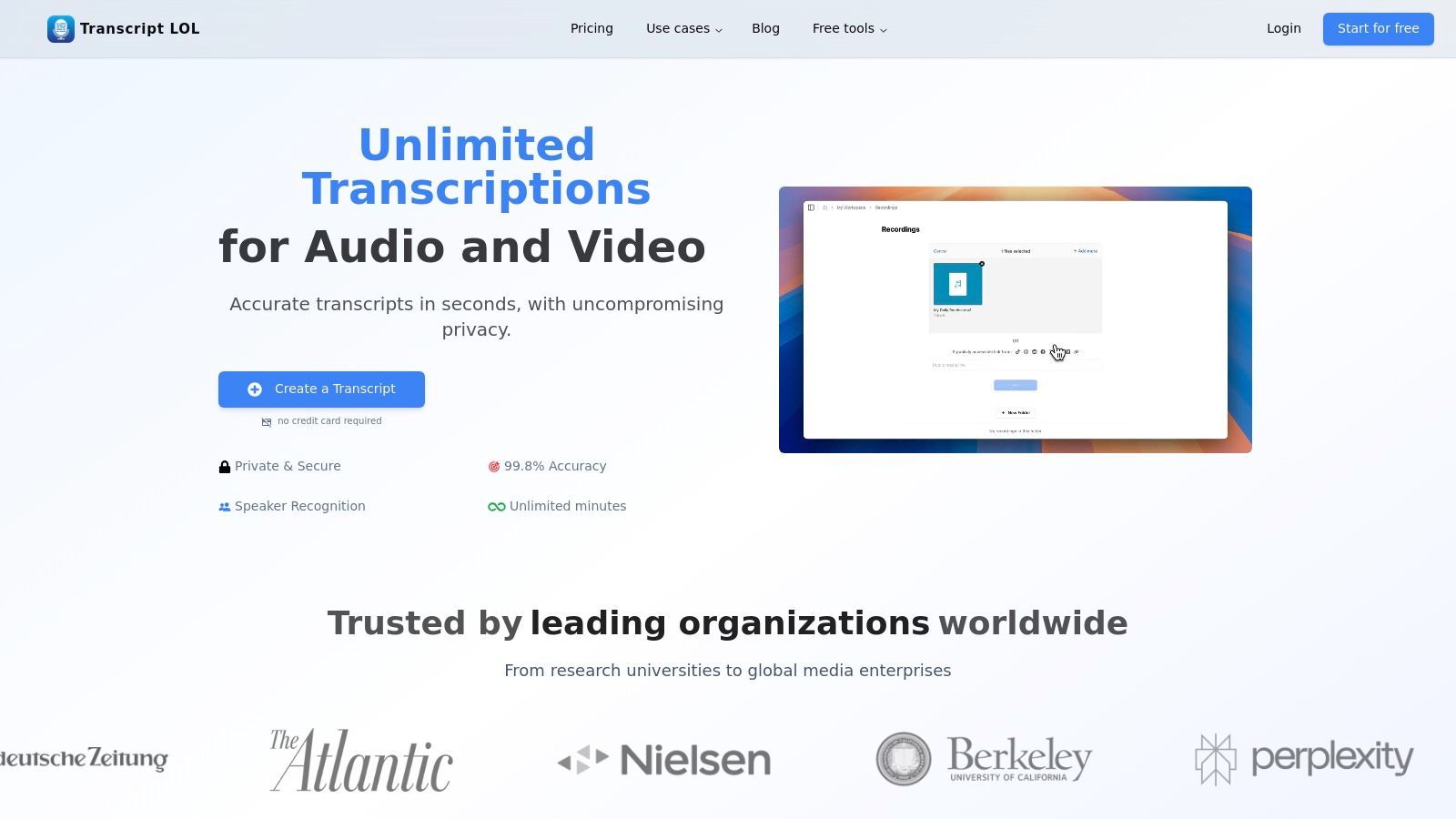
La véritable force de la plateforme réside dans ses sorties avancées post-transcription. En un seul clic, un épisode de podcast complet peut être transformé en un résumé concis, une carte mentale détaillée pour un article de blog, un ensemble d'éléments d'action clés pour une newsletter et une série de publications sur les réseaux sociaux adaptées à des plateformes comme X (anciennement Twitter) et LinkedIn. Cette capacité accélère considérablement le flux de travail de réutilisation du contenu, permettant à un seul élément de contenu long de alimenter le calendrier des réseaux sociaux d'une semaine entière.
Fonctionnalités clés et intégration du flux de travail
L'expérience utilisateur est optimisée pour l'efficacité. Vous pouvez importer des médias depuis pratiquement n'importe où : téléchargements directs, Google Drive, URL YouTube, enregistrements Zoom, ou même via des bots WhatsApp et Telegram. Une fois transcrit, le texte est entièrement modifiable avec des fonctionnalités telles que l'étiquetage automatique des intervenants et la recherche-remplacement, ce qui minimise le nettoyage.
Pour les équipes, Transcript.LOL propose des espaces de travail partagés, permettant l'édition collaborative et la gestion centralisée du contenu. La politique stricte de confidentialité sans formation de la plateforme est un différenciateur clé, garantissant que le contenu sensible ou propriétaire reste confidentiel.
Notre avis : Transcript.LOL n'est pas seulement un service de transcription ; c'est une plateforme de multiplication de contenu. Sa capacité à extraire, résumer et reformater des idées à partir de l'audio et de la vidéo en fait un atout indispensable pour tout créateur cherchant à maximiser sa production avec un minimum d'effort.
Tarification et répartition des plans
- Gratuit : Comprend 2 transcriptions par jour (maximum 20 minutes par fichier). Idéal pour les tests et une utilisation très légère.
- Illimité : 120 $/an pour un utilisateur. Offre des transcriptions illimitées, des limites de fichiers de 10 heures/5 Go et l'accès à toutes les sorties IA avancées.
- Équipe : 240 $/an pour deux utilisateurs. Comprend toutes les fonctionnalités Illimitées plus les outils collaboratifs tels que les espaces de travail partagés et la gestion des utilisateurs.
Avantages :
- Précision et vitesse d'élite : Le moteur OpenAI Whisper offre une qualité de transcription leader de l'industrie.
- Sorties IA avancées : Génère des résumés, des publications sur les réseaux sociaux, des cartes mentales, etc., à partir d'une seule transcription.
- Confidentialité d'abord : Garantit que les données de l'utilisateur ne sont jamais utilisées pour la formation des modèles d'IA.
- Intégrations flexibles : Prend en charge un large éventail de sources d'importation, y compris les lecteurs cloud, les plateformes vidéo et une intégration Zapier.
Inconvénients :
- Niveau gratuit restrictif : La limite de 20 minutes du plan gratuit est insuffisante pour les podcasteurs ou les créateurs vidéo avec du contenu long.
- Aucune certification de conformité officielle : Manque de certifications HIPAA/SOC2 listées, ce qui peut nécessiter une vérification pour une utilisation dans des industries hautement réglementées.
Site web : https://transcript.lol
Explorez des exemples détaillés de transformation de vidéos longues en contenu prêt pour les réseaux sociaux en en savoir plus sur la transcription de podcasts et YouTube sur Transcript.LOL.
2. Canva
Canva est devenu la suite de conception de référence pour les non-concepteurs, ce qui en fait un outil indispensable pour la création de contenu sur les réseaux sociaux. Il excelle dans la production rapide de graphiques, de carrousels, d'histoires et de vidéos courtes d'aspect professionnel sans courbe d'apprentissage abrupte. Sa force principale réside dans une bibliothèque massive de modèles et d'actifs de stock, qui permet aux utilisateurs de créer du contenu conforme à la marque en quelques minutes, et non en quelques heures. Pour les gestionnaires de réseaux sociaux, c'est un écosystème complet qui couvre la création, la gestion de la marque et même la planification.
Ce qui distingue Canva, c'est l'intégration d'outils d'IA conviviaux et de fonctionnalités de flux de travail. La fonction Redimensionnement Magique peut adapter une seule conception à plusieurs plateformes sociales (par exemple, une publication Instagram en une Story et une bannière Facebook) en un seul clic. Sa fonction Kit de Marque garantit la cohérence en stockant les logos, les palettes de couleurs et les polices, tandis que le Planificateur de Contenu intégré permet une planification directe sur les principales plateformes, réduisant ainsi le besoin d'un outil de planification distinct.
Fonctionnalités clés et cas d'utilisation
- Idéal pour : Conception rapide basée sur des modèles pour les non-concepteurs, création d'actifs statiques et vidéo cohérents avec la marque, et réutilisation rapide multiplateforme.
- Fonctionnalités remarquables :
- Magic Studio : Une suite de plus de 25 outils alimentés par l'IA pour des tâches telles que la suppression d'arrière-plan, la génération de copies et le montage vidéo.
- Kits de Marque : Centralisez les actifs de marque pour maintenir la cohérence sur toutes les conceptions et tous les membres de l'équipe.
- Planificateur de Contenu : Planifiez des publications directement sur Instagram, Facebook, LinkedIn, et plus encore depuis l'interface Canva.
- Tarification : Canva propose un plan Gratuit robuste avec un accès généreux aux modèles et aux actifs. Le plan Pro (119,99 $/an pour une personne) débloque les actifs premium, la suite complète Magic Studio et les Kits de Marque.
- Site web : https://www.canva.com
Avantages :
- Extrêmement intuitif et facile à apprendre pour les débutants.
- Une vaste bibliothèque de modèles et de médias de stock simplifie le processus créatif.
- Les outils intégrés de planification et de gestion de marque rationalisent les flux de travail.
Inconvénients :
- Les capacités de montage vidéo et de mouvement sont basiques par rapport aux logiciels dédiés.
- Certains actifs premium ont des règles de licence spécifiques qui nécessitent un examen attentif pour une utilisation commerciale.
3. Adobe Express
Adobe Express est la réponse du géant créatif à la création de contenu simplifiée et tout-en-un, se positionnant comme une alternative puissante pour ceux qui sont intégrés dans l'écosystème Adobe. Il simplifie le processus de création de graphiques professionnels pour les réseaux sociaux, de pages Web et de courtes vidéos, en tirant parti de la technologie créative renommée d'Adobe dans un package plus accessible. Pour les équipes qui s'appuient sur des actifs Adobe comme les photos et les polices de Stock, Express offre un flux de travail cohérent qui comble le fossé entre les outils professionnels complexes et le besoin de rapidité dans le marketing des réseaux sociaux.
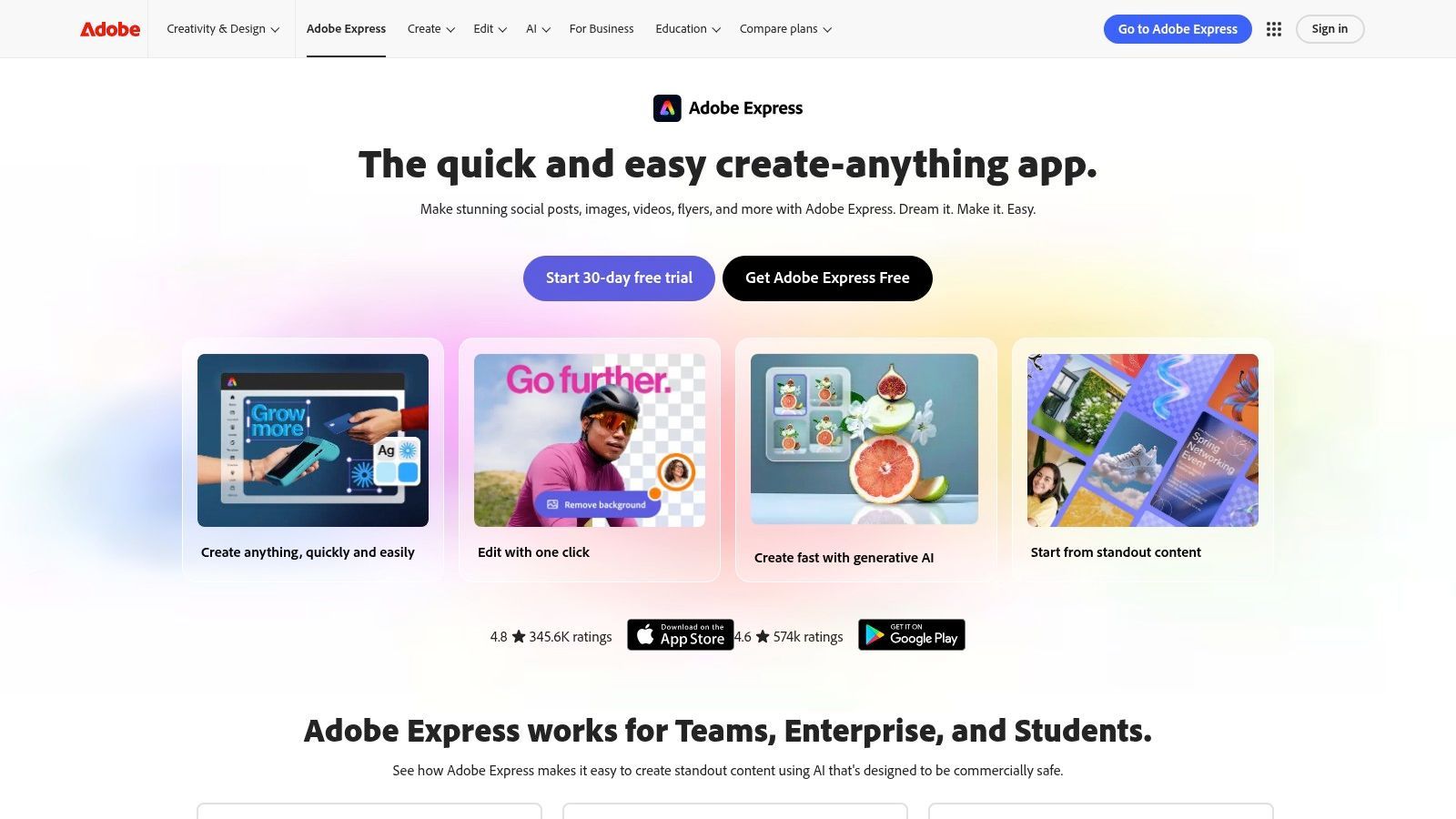
Ce qui distingue Adobe Express, c'est son intégration profonde avec la suite Creative Cloud complète et ses puissantes fonctionnalités d'IA, alimentées par Adobe Firefly. Les utilisateurs peuvent accéder de manière transparente aux bibliothèques et aux kits de marque créés dans Photoshop ou Illustrator, garantissant une cohérence de marque inégalée. La plateforme comprend une IA générative pour créer des images à partir d'invites textuelles et appliquer des effets de texte, le tout entraîné sur des images Adobe Stock commercialement sûres. Cela en fait l'un des outils de création de contenu les plus robustes pour les équipes de réseaux sociaux qui exigent à la fois la facilité d'utilisation et des actifs de qualité professionnelle.
Fonctionnalités clés et cas d'utilisation
- Idéal pour : Les équipes déjà investies dans l'écosystème Adobe, la création de contenu de marque de haute qualité et l'exploitation d'actifs de stock de qualité professionnelle et d'IA générative.
- Fonctionnalités remarquables :
- Adobe Firefly IA Générative : Créez des images et des effets de texte uniques à partir d'invites textuelles simples, avec des crédits inclus dans le plan premium.
- Actifs et bibliothèques liés : Synchronisez les actifs tels que les logos, les couleurs et les graphiques directement à partir d'autres applications Adobe Creative Cloud pour une cohérence parfaite.
- Planificateur de contenu : Planifiez, prévisualisez et programmez du contenu directement sur Instagram, Facebook, X (Twitter) et d'autres plateformes majeures.
- Tarification : Un plan Gratuit généreux est disponible avec les fonctionnalités de base. Le plan Premium (9,99 $/mois) débloque la collection complète de plus de 200 millions d'actifs Adobe Stock, plus de 1 000 polices premium et plus de crédits d'IA générative.
- Site web : https://www.adobe.com/express
Avantages :
- Intégration profonde avec l'écosystème Adobe Creative Cloud, les polices et le stock.
- Fonctionnalités d'IA générative puissantes et commercialement sûres.
- Excellent flux de travail pour maintenir la cohérence de la marque entre les équipes.
Inconvénients :
- L'interface peut sembler légèrement plus lourde que celle des concurrents pour des tâches très simples.
- Certaines fonctionnalités et effets avancés sont limités à la version de bureau.
4. CapCut
CapCut est rapidement devenu l'éditeur vidéo dominant pour le contenu court, en particulier pour des plateformes comme TikTok, Reels et YouTube Shorts. Il offre un équilibre parfait entre des fonctionnalités d'édition puissantes et une interface remarquablement simple, axée sur le mobile. Son principal avantage est sa rapidité ; les créateurs peuvent rapidement exploiter les modèles, les effets et les sons tendance pour produire des vidéos culturellement pertinentes en quelques minutes. Il simplifie les tâches complexes comme le keyframing, le speed ramping et l'ajout de légendes attrayantes, rendant la vidéo de qualité professionnelle accessible à tous.
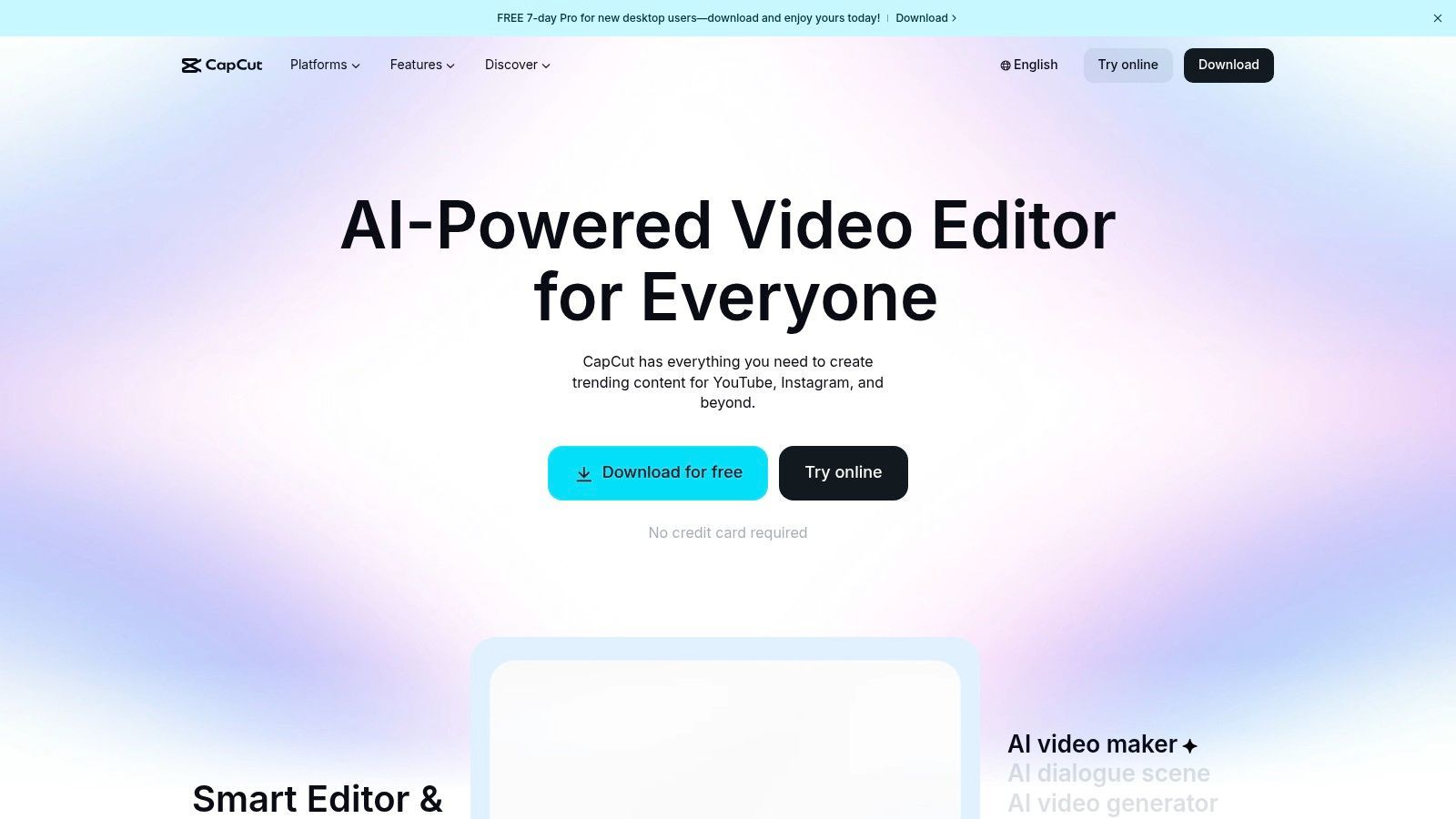
Ce qui distingue CapCut, c'est son puissant moteur de sous-titrage automatique et de personnalisation du texte, essentiel pour les habitudes de visionnage modernes sans son. Sa capacité à générer et animer des sous-titres avec une grande précision en fait l'un des outils de création de contenu les plus efficaces pour les réseaux sociaux. Combiné à sa suite croissante d'outils d'IA, comme la suppression d'arrière-plan et le suivi de mouvement, et sa disponibilité multiplateforme (mobile, bureau et web), il offre un flux de travail transparent pour les créateurs qui montent en déplacement.
Fonctionnalités clés et cas d'utilisation
- Idéal pour : Créer des vidéos courtes tendance pour TikTok, Reels et Shorts ; sous-titrage automatique rapide et de haute qualité ; et flux de travail d'édition axés sur le mobile.
- Fonctionnalités remarquables :
- Sous-titres automatiques : Transcription automatique leader de l'industrie et styles de texte animés hautement personnalisables. Vous pouvez en savoir plus sur la création de sous-titres vidéo et pourquoi c'est si important.
- Vaste bibliothèque de modèles et d'effets : Constamment mise à jour avec des formats vidéo, de l'audio et des effets visuels tendance qui peuvent être appliqués en un seul clic.
- Synchronisation cloud et collaboration : Les projets peuvent être synchronisés sur différents appareils (mobile, bureau, web) et partagés avec les membres de l'équipe pour une édition collaborative.
- Tarification : CapCut offre une version Gratuite très performante. Le plan Pro (prix variable, mais environ 7,99 $/mois) débloque le stockage cloud, les effets premium et les fonctionnalités d'IA avancées.
- Site web : https://www.capcut.com
Avantages :
- Extrêmement rapide pour produire des montages vidéo courts tendance.
- Excellentes fonctionnalités de sous-titrage automatique et de synthèse vocale très précises.
- Niveau gratuit généreux et synchronisation transparente entre les plateformes.
Inconvénients :
- La tarification et la disponibilité des fonctionnalités peuvent être incohérentes entre les différentes plateformes et régions.
- En tant que produit ByteDance, sa disponibilité aux États-Unis et ses politiques de données ont fait l'objet d'incertitudes périodiques.
5. Descript
Descript révolutionne le montage vidéo et audio en le rendant aussi simple que l'édition d'un document texte. C'est un outil puissant pour les créateurs qui travaillent avec du contenu parlé comme des podcasts, des interviews ou des tutoriels. Au lieu de manipuler des chronologies complexes, vous éditez la transcription générée automatiquement, et les coupes vidéo ou audio correspondantes sont effectuées automatiquement. Ce flux de travail unique accélère considérablement le processus de création et de réutilisation de contenu long en clips attrayants pour les réseaux sociaux.
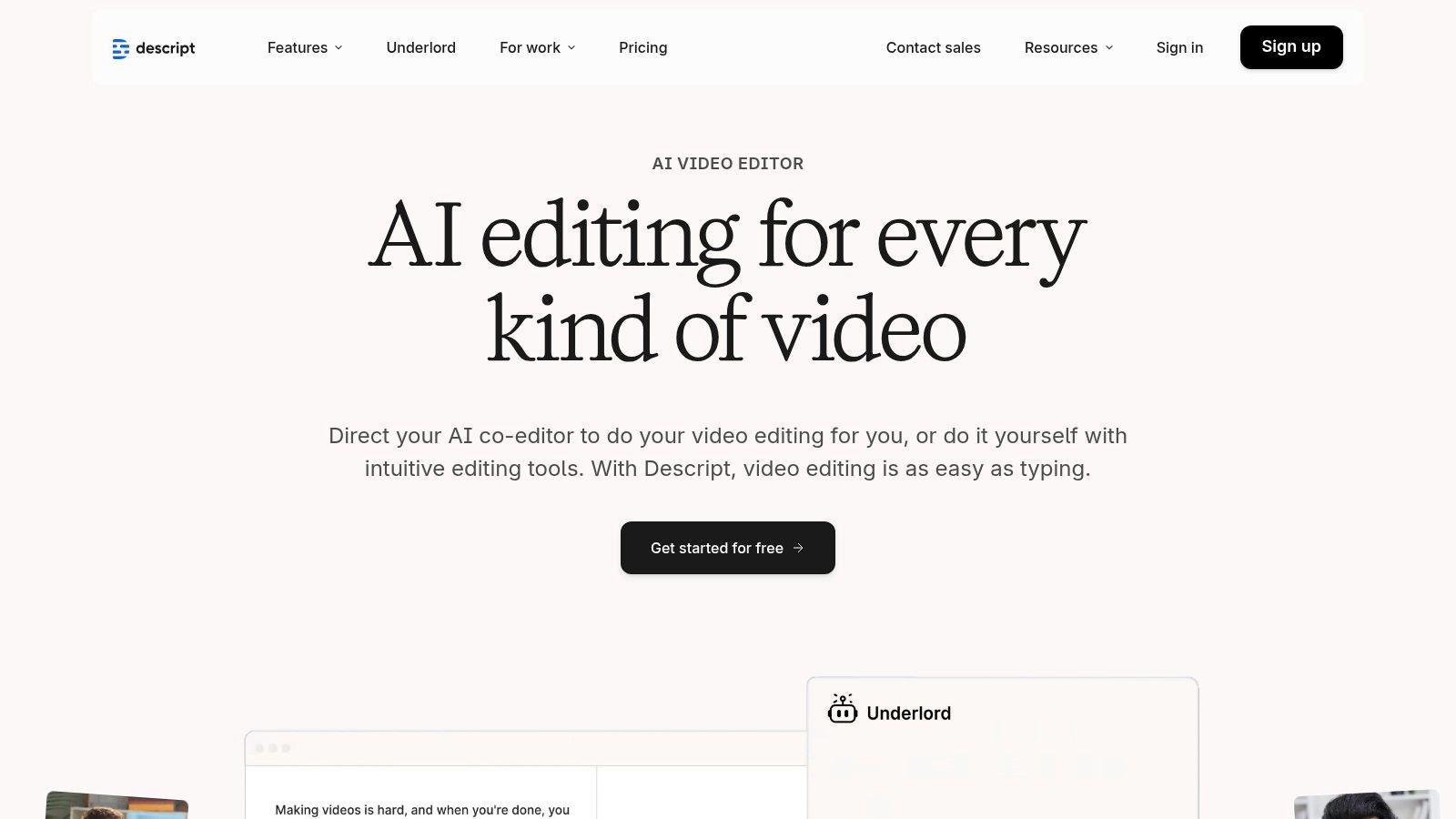
Ce qui distingue vraiment Descript, c'est sa suite de fonctionnalités alimentées par l'IA conçues pour l'efficacité. Studio Sound améliore les enregistrements vocaux à une qualité professionnelle en un seul clic, éliminant le bruit de fond et l'écho. La plateforme peut également détecter et supprimer automatiquement les mots de remplissage comme "euh" et "hum" de l'ensemble de votre projet. Pour les créateurs souhaitant apporter des corrections ou ajouter de nouvelles lignes, la fonction de clonage vocal par IA Overdub peut générer de l'audio dans votre propre voix, économisant ainsi d'innombrables heures de réenregistrement.
Fonctionnalités clés et cas d'utilisation
- Idéal pour : Podcasteurs, intervieweurs et créateurs vidéo qui souhaitent éditer rapidement du contenu parlé et le réutiliser en clips courts avec des légendes.
- Fonctionnalités remarquables :
- Édition basée sur le texte : Modifiez la vidéo et l'audio en éditant simplement la transcription, rendant la création de contenu incroyablement rapide et intuitive.
- Studio Sound et suppression des mots de remplissage : Outils alimentés par l'IA pour nettoyer instantanément l'audio, éliminer le bruit de fond et les mots de remplissage répétitifs.
- Overdub (Voix IA) : Corrigez les erreurs audio ou ajoutez une nouvelle narration en tapant, en utilisant un clone réaliste de votre propre voix.
- Tarification : Descript propose un plan Gratuit pour l'édition de base. Le plan Creator (12 $/utilisateur/mois) ajoute plus d'heures de transcription et des exportations sans filigrane, tandis que le plan Pro (24 $/utilisateur/mois) débloque Overdub illimité et l'ensemble des fonctionnalités.
- Site web : https://www.descript.com
Avantages :
- Flux de travail extrêmement rapide et intuitif pour l'édition de contenu parlé.
- La transcription intégrée de haute qualité est incluse dans tous les plans.
- Les puissantes fonctionnalités d'IA comme Studio Sound et Overdub permettent de gagner un temps d'édition considérable.
Inconvénients :
- L'édition de chronologie est moins granulaire et moins puissante par rapport aux éditeurs vidéo professionnels comme Adobe Premiere Pro.
- Les heures de transcription supplémentaires au-delà de l'allocation du plan peuvent être coûteuses.
6. VEED
VEED est une plateforme de montage vidéo puissante, basée sur navigateur, conçue spécifiquement pour la vitesse et les exigences des réseaux sociaux. Elle centralise une suite d'outils pilotés par l'IA qui rationalisent des tâches autrement chronophages comme le sous-titrage, le nettoyage audio et la réutilisation de clips. Son attrait principal est l'accessibilité ; n'importe qui peut produire du contenu vidéo soigné et attrayant sans télécharger de logiciel ni avoir besoin de compétences avancées en montage, ce qui en fait un excellent choix pour les équipes ayant besoin de flux de travail vidéo rapides et collaboratifs.
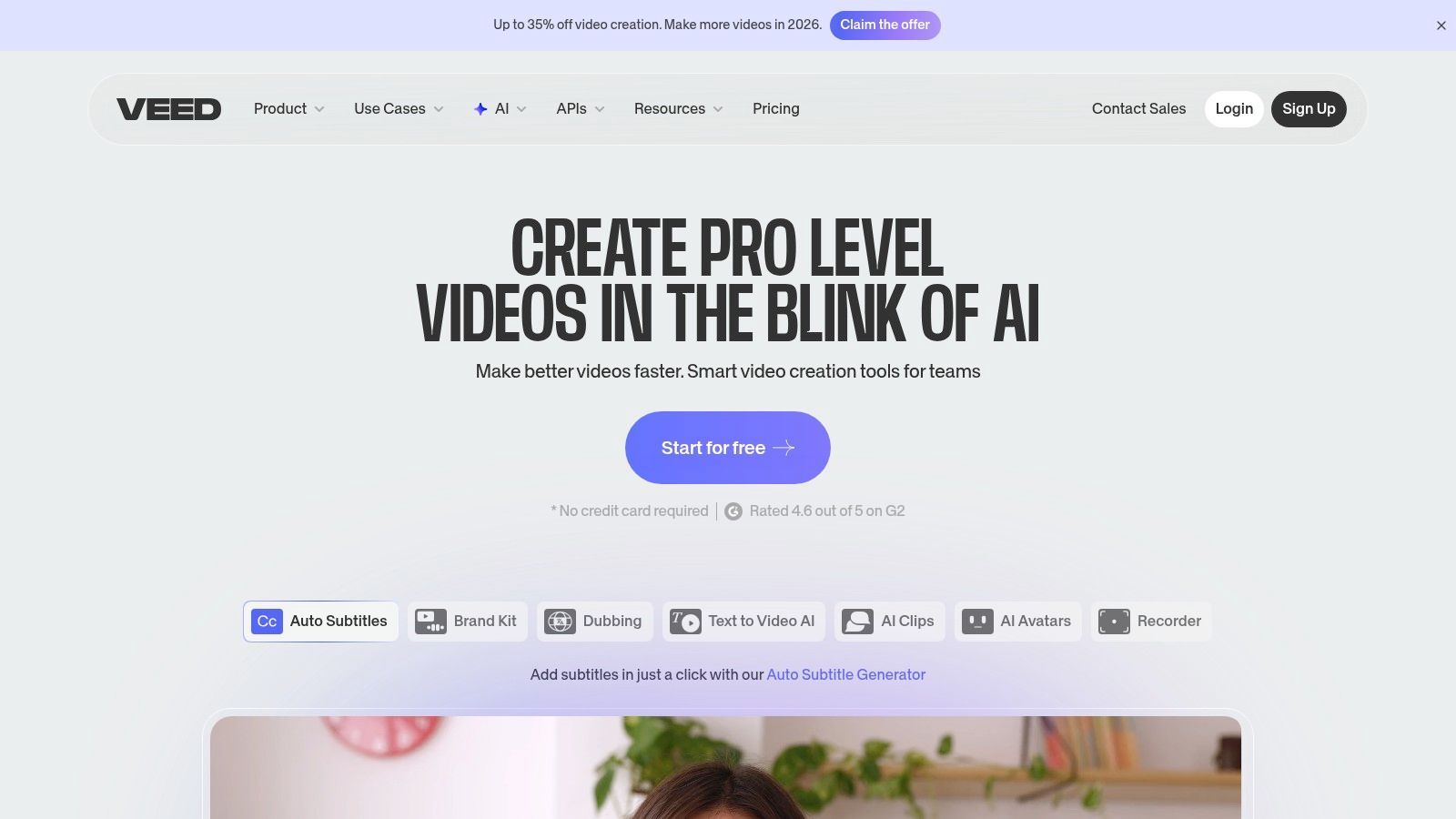
Ce qui distingue vraiment VEED, c'est son accent sur les améliorations alimentées par l'IA qui répondent directement aux défis de la vidéo sur les réseaux sociaux. La fonctionnalité phare de la plateforme est son sous-titrage automatique et sa traduction très précis, un élément crucial pour maximiser la portée et l'accessibilité. Des outils comme le correcteur de contact visuel par IA et le suppresseur de bruit de fond aident les créateurs à paraître et à sonner professionnels, même avec des configurations d'enregistrement simples. Pour les équipes, les espaces de travail collaboratifs et les liens de révision partageables simplifient le processus de rétroaction, éliminant les goulots d'étranglement et accélérant l'approbation du contenu. Si vous souhaitez approfondir la technologie derrière ces fonctionnalités, vous pouvez en savoir plus sur l'impact de la parole au texte sur le contenu vidéo.
Fonctionnalités clés et cas d'utilisation
- Idéal pour : Les gestionnaires de réseaux sociaux et les équipes qui ont besoin d'un outil en ligne rapide et tout-en-un pour monter, sous-titrer et améliorer les vidéos courtes.
- Fonctionnalités remarquables :
- Outils vidéo et audio IA : Comprend des sous-titres automatiques, une traduction en un clic, une suppression du bruit et une correction du contact visuel pour améliorer la qualité vidéo.
- AI Clipper : Trouve automatiquement les moments les plus attrayants dans les vidéos plus longues et crée des clips courts et partageables.
- Espaces de travail collaboratifs : Permet aux membres de l'équipe de commenter, modifier et réviser des projets dans un environnement centralisé basé sur navigateur.
- Tarification : VEED propose un plan Gratuit avec des fonctionnalités de base et des exportations filigranées. Les plans payants commencent avec Basic (216 $/an par utilisateur) qui supprime le filigrane, et Pro (384 $/an par utilisateur) qui débloque les sous-titres automatiques et les fonctionnalités de traduction.
- Site web : https://www.veed.io
Avantages :
- Entièrement basé sur navigateur, ne nécessitant aucune installation de logiciel.
- Un large éventail d'outils d'IA accélère considérablement les tâches courantes de montage vidéo pour les réseaux sociaux.
- Les fonctionnalités collaboratives permettent aux équipes et aux parties prenantes de réviser facilement le contenu.
Inconvénients :
- Les fonctionnalités avancées sont verrouillées derrière des plans de niveau supérieur.
- Le support de chat en direct est limité sur les plans gratuit et de niveau inférieur.
7. Kapwing
Kapwing est un éditeur vidéo puissant, basé sur navigateur, conçu pour la vitesse et les exigences de la création de contenu sur les réseaux sociaux. Il excelle dans la transformation de vidéos longues en clips courts attrayants, en mèmes et en Reels, ce qui en fait un favori parmi les créateurs et les gestionnaires de réseaux sociaux. Sa force réside dans son interface intuitive basée sur une chronologie combinée à des outils d'IA intelligents qui automatisent les tâches de montage fastidieuses, permettant une production rapide de contenu vidéo de haute qualité sans logiciel complexe.
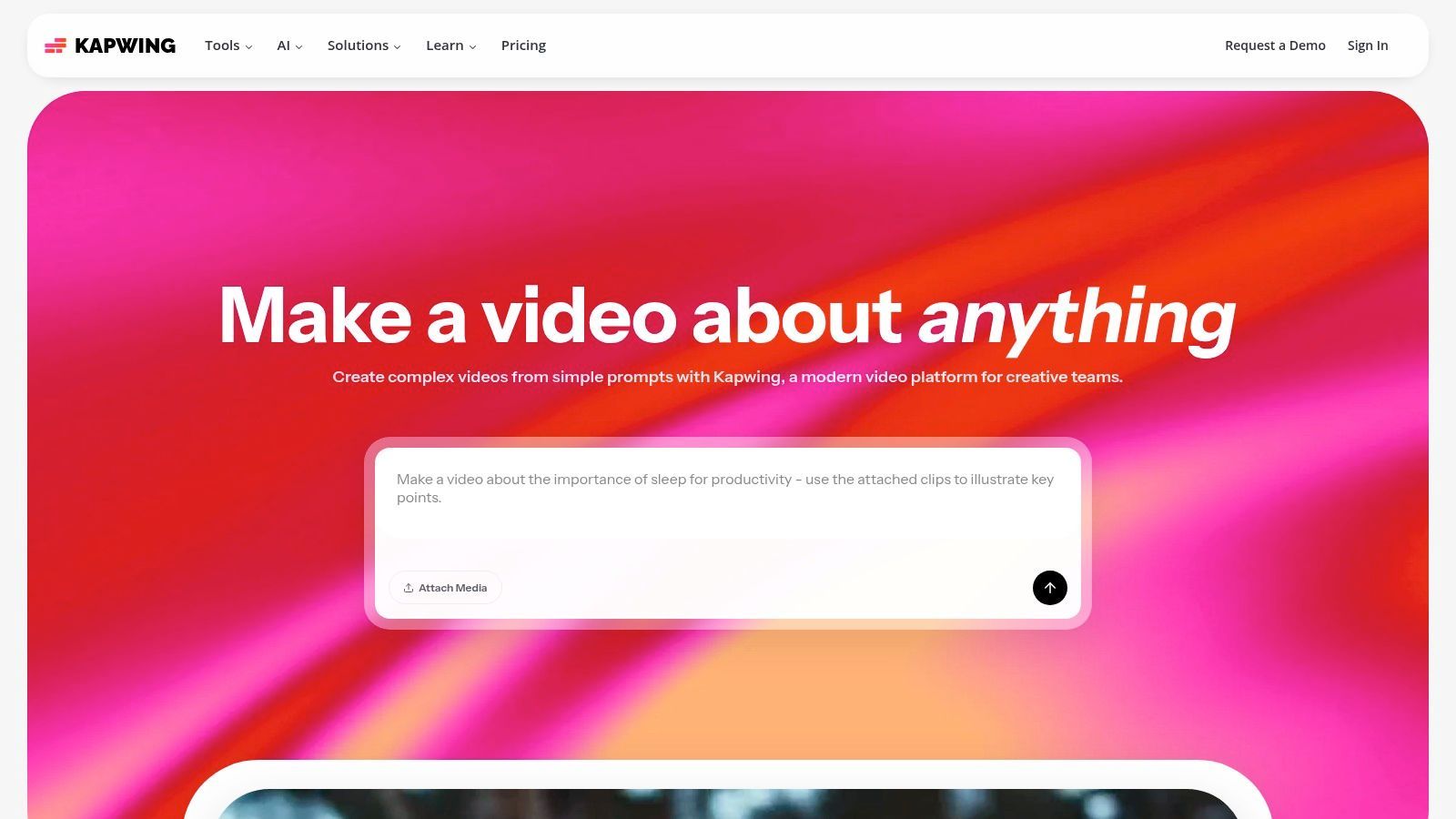
Ce qui distingue vraiment Kapwing, c'est son accent sur les flux de travail centrés sur le créateur et l'efficacité alimentée par l'IA. Des fonctionnalités comme Smart Cut suppriment automatiquement les silences, tandis que son outil de sous-titrage automatique, le meilleur de sa catégorie, génère des légendes précises qui peuvent être facilement personnalisées et animées. Pour les équipes, Kapwing propose des Kits de Marque pour maintenir la cohérence visuelle et des espaces de travail partagés pour une collaboration transparente, se positionnant comme l'un des outils de création de contenu les plus polyvalents pour la vidéo sur les réseaux sociaux.
Fonctionnalités clés et cas d'utilisation
- Idéal pour : Réutiliser du contenu long en clips courts, ajouter rapidement des sous-titres animés à des vidéos et le montage vidéo collaboratif en équipe.
- Fonctionnalités remarquables :
- Montage alimenté par l'IA : Comprend des outils pour générer automatiquement des sous-titres, supprimer les silences (Smart Cut), nettoyer l'audio et créer des clips à partir de vidéos longues.
- Kit de Marque et Collaboration : Stockez les actifs de marque tels que les logos, les couleurs et les polices, et utilisez des espaces de travail partagés pour les projets d'équipe.
- Exportations de haute qualité : Les plans payants prennent en charge les exportations vidéo 4K et offrent un stockage cloud illimité pour les projets.
- Tarification : Kapwing a un plan Gratuit avec des exportations filigranées limitées à 4 minutes. Le plan Pro (16 $/mois facturé annuellement) supprime les filigranes, augmente les limites et donne accès à toutes les fonctionnalités d'IA.
- Site web : https://www.kapwing.com
Avantages :
- L'interface utilisateur extrêmement simple rend le montage vidéo rapide accessible aux non-éditeurs.
- D'excellents outils de sous-titrage IA et de coupe intelligente permettent de gagner un temps considérable.
- Des limites de crédits IA et des fonctionnalités généreuses sur les plans payants offrent une grande valeur.
Inconvénients :
- Les exportations gratuites incluent un filigrane proéminent et ont des limites de longueur strictes.
- Les performances du navigateur peuvent parfois ralentir sur des chronologies 4K complexes ou longues.
8. Buffer
Buffer est l'un des noms originaux et les plus fiables en matière de planification des réseaux sociaux, apprécié pour son interface épurée, sa fiabilité et son approche simple. Il rationalise le processus de publication en permettant aux utilisateurs de charger une file d'attente avec du contenu et de le publier automatiquement selon un calendrier prédéfini pour chaque chaîne sociale. Bien que connu pour la planification, il est devenu une plateforme plus complète qui prend en charge la création, l'engagement et les analyses de base, ce qui en fait un excellent outil pour les gestionnaires solo et les petites équipes.
Ce qui distingue Buffer, c'est son accent sur la simplicité et une expérience utilisateur intuitive. Contrairement aux suites plus grandes et plus complexes, Buffer permet de visualiser facilement l'ensemble de votre calendrier de contenu et de gérer plusieurs chaînes sans se sentir dépassé. Son assistant IA intégré est un ajout puissant pour surmonter le blocage de l'écrivain, aidant à générer des idées de publication, à réécrire des textes et à réutiliser le contenu existant directement dans le compositeur. Cela en fait un outil de création de contenu très efficace pour les réseaux sociaux, surtout lorsque la vitesse est une priorité.
Fonctionnalités clés et cas d'utilisation
- Idéal pour : Les particuliers et les petites équipes ayant besoin d'une plateforme de planification fiable, abordable et facile à utiliser avec une aide à la rédaction IA utile.
- Fonctionnalités remarquables :
- Assistant IA : Intégré au compositeur pour aider à brainstormer des idées, générer des légendes et réutiliser du contenu pour différentes plateformes.
- Planification par file d'attente : Définissez un calendrier de publication unique pour chaque chaîne sociale et ajoutez simplement du contenu à la file d'attente pour une publication automatisée.
- Start Page : Créez une page de destination simple et attrayante pour le lien de votre bio afin de générer du trafic depuis les réseaux sociaux vers votre contenu le plus important.
- Tarification : Buffer propose un plan Gratuit généreux pour jusqu'à 3 chaînes. Le plan Essentials (6 $/mois par chaîne) ajoute des outils d'analyse et d'engagement.
- Site web : https://buffer.com
Avantages :
- Interface utilisateur extrêmement épurée et intuitive, facile à maîtriser.
- Tarification abordable et transparente basée sur le nombre de chaînes.
- Planification de publication fiable et cohérente avec un minimum d'erreurs.
Inconvénients :
- Les analyses et les rapports sont moins robustes que ceux des plateformes d'analyse dédiées.
- Les fonctionnalités de collaboration et de gestion des actifs sont plus légères par rapport aux suites de niveau entreprise.
9. Later
Later s'est taillé une place de choix en tant que plateforme de gestion des réseaux sociaux axée sur le visuel, ce qui en fait un favori parmi les marques et les créateurs qui privilégient l'esthétique sur des plateformes comme Instagram, Pinterest et TikTok. Elle va au-delà de la simple planification en offrant des outils qui aident les utilisateurs à planifier visuellement l'ensemble de leur grille de contenu. Son calendrier glisser-déposer offre un aperçu clair de l'apparence d'un flux, garantissant une présence cohérente et conforme à la marque avant que quoi que ce soit ne soit publié.

Ce qui distingue Later, c'est son intégration profonde avec les flux de travail centrés sur le créateur. La plateforme comprend un outil Lien dans la Bio qui crée une page de destination personnalisable et achetable, transformant les profils sociaux en moteurs de trafic et de ventes. Elle simplifie également la gestion du contenu généré par les utilisateurs (UGC) en permettant aux utilisateurs de trouver, collecter et planifier des publications de leur communauté. Pour les équipes, les flux de travail d'approbation et un rédacteur de légendes IA rationalisent le processus de création de contenu, de l'idéation à la publication.
Fonctionnalités clés et cas d'utilisation
- Idéal pour : Planifier visuellement les flux Instagram et Pinterest, gérer les campagnes UGC et créer une page de lien dans la bio complète.
- Fonctionnalités remarquables :
- Planificateur visuel : Glisser-déposer pour organiser les publications à venir et prévisualiser l'apparence de votre grille Instagram.
- Lien dans la Bio : Un outil puissant pour créer une page de destination personnalisée avec des liens cliquables et des publications taguées pour la bio de vos réseaux sociaux.
- Rédacteur de légendes IA : Génère des idées de légendes et des variations pour surmonter le blocage de l'écrivain et accélérer la création de contenu.
- Tarification : Later propose un plan Gratuit avec une planification de base pour un ensemble social. Les plans payants commencent avec le plan Starter (25 $/mois) pour un utilisateur et vont jusqu'au plan Growth (45 $/mois) qui ajoute plus d'analyses et de fonctionnalités.
- Site web : https://later.com
Avantages :
- Un excellent calendrier visuel et un aperçu de la grille sont idéaux pour les marques axées sur l'esthétique.
- L'outil intégré Lien dans la Bio est puissant et hautement personnalisable.
- Les fonctionnalités de collaboration d'équipe et d'approbation des publications simplifient les flux de travail de contenu.
Inconvénients :
- Les plans gratuit et de niveau inférieur ont des limitations importantes sur les quotas de publication et les fonctionnalités.
- Les analyses avancées et les outils d'écoute sont réservés aux plans les plus chers.
10. Jasper
Jasper est un assistant d'écriture IA leader sur le marché, conçu pour aider les équipes marketing à développer leur création de contenu pour les réseaux sociaux. Il va au-delà de la génération de texte IA générique en apprenant la voix, le ton et le guide de style spécifiques d'une marque. Cela permet aux créateurs de produire des légendes de réseaux sociaux, des textes publicitaires, des scripts vidéo et des articles de blog de haute qualité et conformes à la marque à un rythme accéléré. Sa force réside dans la standardisation des messages d'une marque sur tous les canaux et tous les membres de l'équipe, ce qui en fait l'un des outils de création de contenu les plus efficaces pour le marketing des réseaux sociaux.
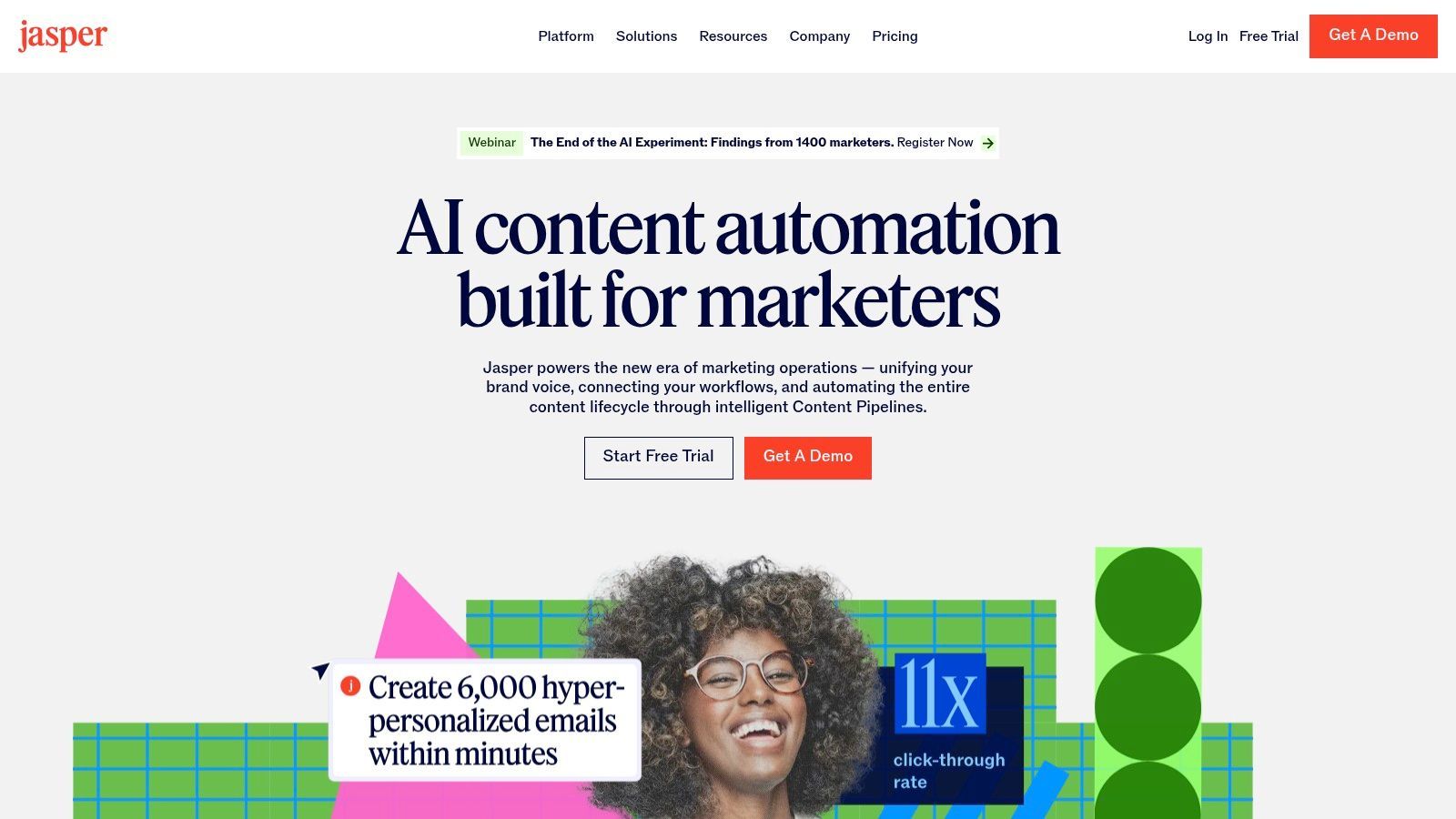
Ce qui distingue Jasper, c'est son accent sur la cohérence de marque de niveau entreprise et l'intégration des flux de travail. La fonction Voix de Marque de la plateforme analyse votre contenu existant, vos guides de style et vos catalogues de produits pour créer un modèle d'IA unique qui sonne comme votre marque. Ceci est inestimable pour générer plusieurs variantes de légendes pour les tests A/B ou pour adapter rapidement du contenu long aux réseaux sociaux, ce qui s'aligne parfaitement avec les stratégies de réutilisation de contenu modernes. Bien que Jasper soit un outil puissant, il est toujours bon d'être conscient des autres options. Envisagez d'explorer les alternatives à Jasper AI pour voir quels autres outils de génération de contenu alimentés par l'IA sont disponibles.
Fonctionnalités clés et cas d'utilisation
- Idéal pour : Les équipes marketing cherchant à standardiser la voix de la marque, à générer rapidement des textes et des légendes pour les réseaux sociaux, et à rationaliser les flux de travail de contenu.
- Fonctionnalités remarquables :
- Voix de Marque Personnalisée : Entraînez Jasper sur le style, le ton et les messages de votre entreprise pour un contenu généré par IA cohérent et conforme à la marque.
- Modèles et Recettes : Accédez à une vaste bibliothèque de modèles pré-construits pour des tâches spécifiques comme les légendes Instagram, les scripts vidéo et les textes publicitaires Facebook.
- Outils de Collaboration : Le niveau Business offre des flux de travail basés sur l'équipe, des dossiers de projet et des autorisations d'utilisateur pour une collaboration transparente.
- Tarification : Jasper propose un plan Creator à partir de 49 $/mois (facturé mensuellement) pour une voix de marque. Le plan Pro est destiné aux équipes et offre plus de voix de marque et de fonctionnalités de collaboration. Un essai gratuit est disponible.
- Site web : https://www.jasper.ai
Avantages :
- Conçu spécifiquement pour les équipes marketing, accélérant considérablement la création de légendes et de variantes.
- Les ressources d'intégration structurées et un essai utile facilitent la prise en main.
- Excellent pour maintenir une voix de marque cohérente sur toutes les sorties des réseaux sociaux.
Inconvénients :
- La tarification est plus élevée que celle de nombreux outils d'écriture IA légers, avec la meilleure valeur sur la facturation annuelle.
- Le contenu généré nécessite toujours une supervision et une édition humaines pour une qualité et une précision optimales.
11. Envato Elements
Envato Elements est un service d'abonnement tout compris pour les actifs créatifs, ce qui en fait une ressource essentielle pour les équipes de réseaux sociaux qui ont besoin d'un flux constant d'images de haute qualité, de modèles vidéo et d'audio. Sa valeur réside dans la fourniture de téléchargements illimités à partir d'une bibliothèque de millions d'articles sous une licence commerciale unique et simple. Cela élimine les frictions de l'achat par actif et permet aux créateurs d'expérimenter librement avec différents graphiques, effets de mouvement et paysages sonores sans contraintes budgétaires.
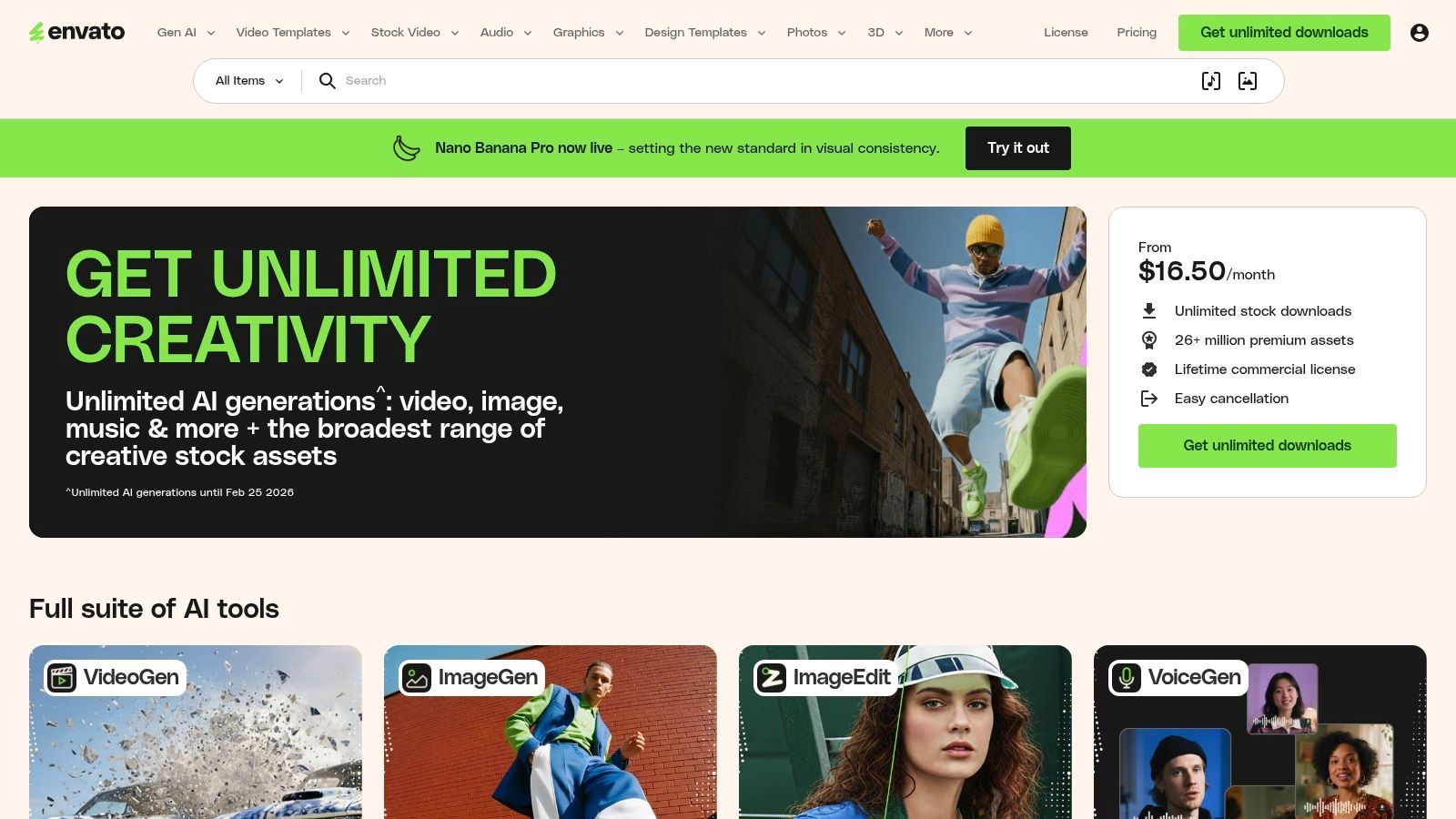
Ce qui distingue Envato Elements, c'est l'ampleur de son catalogue combinée à sa licence simple. Au lieu de simples photos, il offre tout, des modèles After Effects pour des intros vidéo attrayantes aux modèles de présentation pour les carrousels Instagram et la musique libre de droits pour les TikToks. Cela en fait l'un des outils de création de contenu les plus complets pour les agences de réseaux sociaux et les équipes internes cherchant à produire du contenu diversifié et de qualité professionnelle à grande échelle sans gérer plusieurs abonnements ou accords de licence complexes.
Fonctionnalités clés et cas d'utilisation
- Idéal pour : Les équipes ayant besoin d'une bibliothèque vaste et variée d'actifs créatifs, y compris des modèles vidéo, des graphiques, de la musique et des polices, sous une licence simple de téléchargement illimité.
- Fonctionnalités remarquables :
- Plus de 26 millions d'actifs créatifs : Une immense bibliothèque couvrant les modèles vidéo, la vidéo de stock, la musique libre de droits, les effets sonores, les modèles graphiques, et plus encore.
- Licence commerciale simple : Une seule licence couvre la plupart des utilisations commerciales, simplifiant la conformité légale pour le contenu des réseaux sociaux.
- Téléchargements illimités : Téléchargez autant d'actifs que nécessaire dans le cadre d'une politique d'utilisation équitable, encourageant l'expérimentation créative.
- Tarification : Le plan Individuel est de 16,50 $/mois (facturé annuellement). Les plans Équipes commencent à 29 $/mois par membre, offrant des fonctionnalités de gestion d'équipe.
- Site web : https://elements.envato.com
Avantages :
- Extrêmement rentable par rapport à l'achat d'actifs individuellement sur des sites de stock.
- Une grande variété de types d'actifs couvre presque tous les besoins en contenu des réseaux sociaux.
- Le modèle de licence simplifié réduit les frais administratifs pour les projets commerciaux.
Inconvénients :
- La qualité des actifs peut être incohérente, nécessitant un certain temps pour sélectionner les meilleures options.
- Les crédits de génération d'IA et les fonctionnalités varient en fonction du plan d'abonnement spécifique.
12. Storyblocks
Storyblocks est une puissance de médias de stock conçue pour les créateurs et les équipes qui produisent un volume élevé de contenu vidéo pour les réseaux sociaux. Son offre principale tourne autour d'un modèle d'abonnement qui fournit des téléchargements illimités de vidéos, d'audio et d'images de haute qualité, éliminant les coûts par actif. Cela en fait une ressource essentielle pour les agences, les indépendants et les marques ayant besoin d'une bibliothèque vaste et prévisible pour alimenter leurs calendriers de contenu sans se soucier des budgets fluctuants.
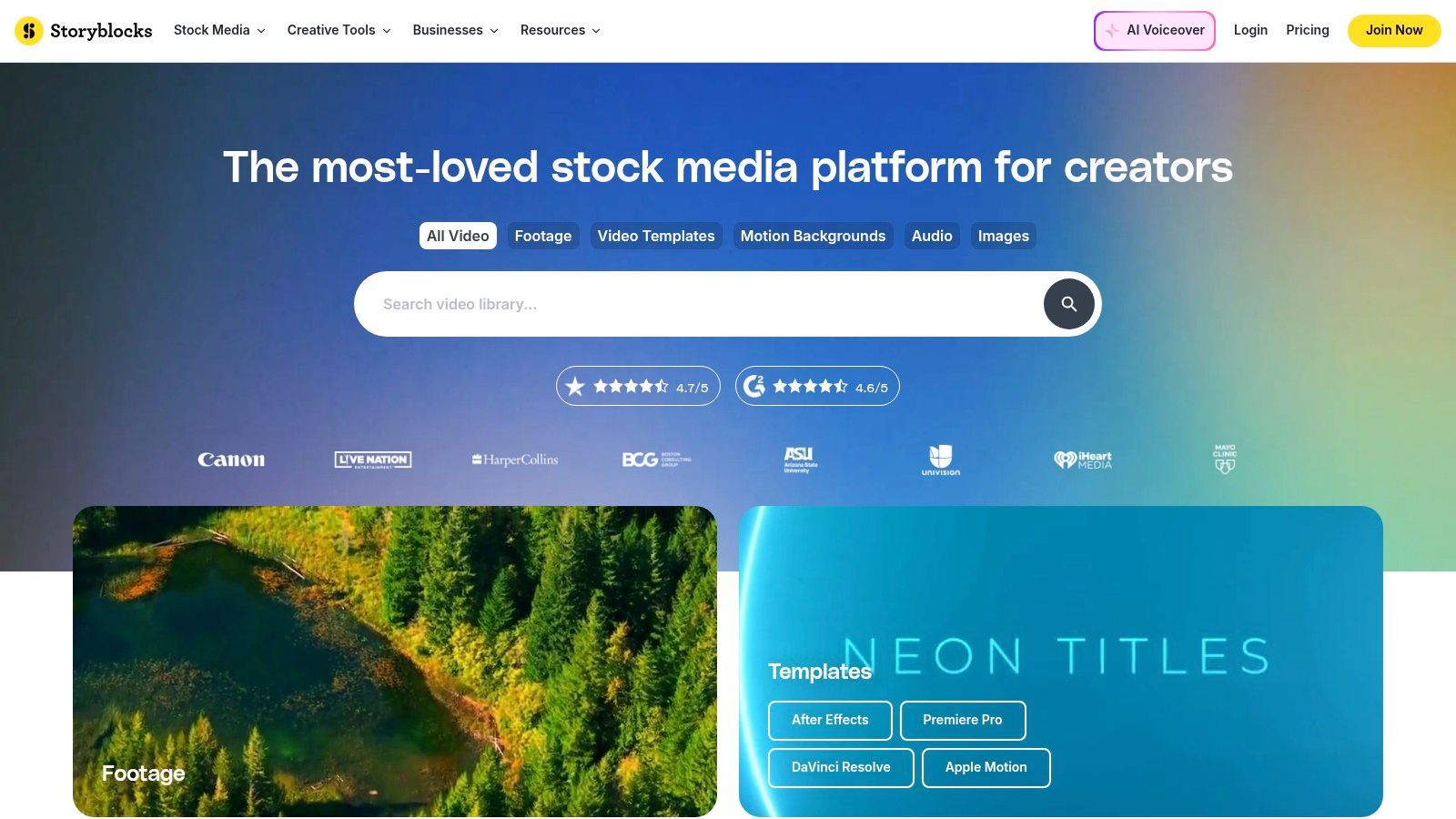
Ce qui distingue Storyblocks des autres bibliothèques de stock, c'est sa boîte à outils et sa licence axées sur le créateur. La plateforme comprend Maker, un éditeur vidéo léger pour assembler rapidement des clips, ajouter du texte et exporter des vidéos prêtes pour les réseaux sociaux directement dans le navigateur. De plus, leur licence simple et libre de droits couvre les projets commerciaux et personnels dans le monde entier, à perpétuité, offrant une tranquillité d'esprit pour le contenu de marque sur les réseaux sociaux. Cette combinaison d'actifs illimités et d'outils d'édition intégrés en fait une partie précieuse de la boîte à outils de création de contenu pour les professionnels des réseaux sociaux.
Fonctionnalités clés et cas d'utilisation
- Idéal pour : Les créateurs vidéo à haut volume, les agences et les gestionnaires de réseaux sociaux qui ont besoin d'un approvisionnement constant en B-roll, en musique et en modèles avec un budget prévisible.
- Fonctionnalités remarquables :
- Accès illimité à tout : Téléchargez autant de vidéos 4K/HD, d'audio, de photos et de modèles que vous le souhaitez à partir d'une bibliothèque de plus d'un million d'actifs.
- Maker pour les réseaux sociaux : Un éditeur vidéo simple, basé sur navigateur, conçu pour la création rapide de publicités, d'histoires et de publications pour les réseaux sociaux à l'aide d'actifs de stock.
- Licence flexible : Une licence unique et simple couvre presque tous les cas d'utilisation, y compris le marketing commercial sur les réseaux sociaux.
- Tarification : Le plan Starter est de 29 $/mois pour 5 téléchargements mensuels. Le plan Unlimited All-Access (65 $/mois) offre le meilleur rapport qualité-prix, avec des téléchargements illimités de tous les types de médias.
- Site web : https://www.storyblocks.com
Avantages :
- La tarification prévisible à prix fixe est très rentable pour les utilisateurs intensifs.
- Forte concentration sur les actifs vidéo de haute qualité, y compris les séquences 4K et les motion graphics.
- L'éditeur vidéo intégré simplifie la création d'actifs rapides pour les réseaux sociaux.
Inconvénients :
- Moins rentable pour les utilisateurs qui n'ont besoin que de quelques actifs par mois.
- La bibliothèque d'actifs, bien que vaste, peut présenter des chevauchements avec d'autres services de stock majeurs.
Comparaison des 12 meilleurs outils de création de contenu pour les réseaux sociaux
| Produit | Fonctionnalités principales | Expérience utilisateur / Qualité | Valeur / Prix | Public cible | Points de vente uniques |
|---|---|---|---|---|---|
| Transcript.LOL 🏆 | Transcription basée sur Whisper, détection des intervenants, téléchargements de 10 heures, exportation multi-formats, intégrations | ★★★★★ (~4,8) | 💰 Niveau gratuit ; Illimité 120 $/an ; Équipe 240 $/an | 👥 Podcasteurs, créateurs, équipes, chercheurs, juristes | ✨ Précision Whisper + vocabulaire personnalisé, confidentialité stricte sans formation, résumés IA et réutilisation de contenu |
| Canva | Modèles, outils de conception + vidéo, kits de marque, assistants IA | ★★★★★ (très facile) | 💰 Freemium ; abonnement Pro | 👥 Marketeurs, équipes sociales, non-concepteurs | ✨ Bibliothèque de modèles massive, Redimensionnement Magique, planificateur intégré |
| Adobe Express | Modèles, accès Adobe Stock, crédits IA génératifs, contrôle de marque | ★★★★ | 💰 Freemium ; Premium (stock et crédits) | 👥 Équipes ayant besoin d'actifs Adobe et de cohérence de marque | ✨ Écosystème Adobe profond, flux de travail stock + marque |
| CapCut | Éditeur court, modèles, sous-titres automatiques, effets, projets cloud | ★★★★ | 💰 Niveau gratuit ; fonctionnalités payantes / tarification régionale | 👥 Créateurs de contenu court (TikTok/Shorts/Reels) | ✨ Montages tendance rapides, sous-titrage automatique performant |
| Descript | Édition par texte, transcription de haute qualité, Overdub, Studio Sound | ★★★★★ | 💰 Freemium ; plans payants avec heures de transcription | 👥 Podcasteurs, intervieweurs, éducateurs | ✨ Édition axée sur la transcription, overdub vocal IA, suppression des mots de remplissage |
| VEED | Éditeur navigateur, sous-titres automatiques, doublage IA, hébergement et collaboration | ★★★★ | 💰 Freemium ; niveaux payants | 👥 Équipes et réviseurs à distance, éditeurs sociaux | ✨ Flux de travail web sans installation + doublage IA et hébergement |
| Kapwing | Éditeur web, sous-titres automatiques, kit de marque, espaces de travail partagés | ★★★★ | 💰 Freemium (filigrane) ; payant supprime les limites | 👥 Créateurs réutilisant du contenu long en court | ✨ Interface utilisateur simple, réutilisation rapide, crédits IA généreux aux niveaux supérieurs |
| Buffer | Planification par file d'attente, idéation de légendes IA, analyses de base, boîte de réception | ★★★★ | 💰 Plans payants abordables par canal | 👥 Gestionnaires sociaux, PME | ✨ Publication fiable par file d'attente et analyses simples |
| Later | Planificateur visuel, planification en masse, lien dans la bio, collecte UGC | ★★★★ | 💰 Freemium ; plans payants Growth et Enterprise | 👥 Créateurs Instagram/TikTok, influenceurs | ✨ Calendrier visuel, approbations, marquage UGC/produits |
| Jasper | Rédaction IA, voix de marque et guides de style, modèles | ★★★★ | 💰 Abonnement (meilleure valeur annuelle) | 👥 Équipes marketing, rédacteurs | ✨ Modèles conscients de la marque pour les légendes, scripts et publicités |
| Envato Elements | Bibliothèque illimitée d'actifs : modèles, vidéo, audio, polices | ★★★★ | 💰 Abonnement (téléchargements illimités) | 👥 Équipes de conception, agences, créateurs | ✨ Immense pool d'actifs à usage commercial sous une seule licence |
| Storyblocks | Stock illimité (vidéo/audio/photos), boîte à outils IA, éditeur Maker | ★★★★ | 💰 Abonnement pour accès illimité (4K inclus) | 👥 Créateurs vidéo intensifs, agences | ✨ Stock illimité prévisible, prise en charge 4K et plugins Adobe |
Choisir la bonne pile pour votre stratégie de réseaux sociaux
Naviguer dans le paysage tentaculaire des outils de création de contenu pour les réseaux sociaux peut sembler écrasant, mais le parcours pour construire votre boîte à outils parfaite ne doit pas être complexe. Comme nous l'avons exploré, le secret d'un flux de travail efficace et puissant ne réside pas dans la recherche d'un seul outil magique qui fait tout. Il s'agit plutôt d'assembler stratégiquement une "pile" d'applications spécialisées qui se complètent et s'attaquent directement à vos goulots d'étranglement créatifs et opérationnels uniques.
Les stratégies de contenu les plus efficaces sont construites sur une base solide. En commençant par un actif principal, tel qu'un enregistrement vidéo ou audio, et en le décomposant systématiquement, vous débloquez une multitude d'opportunités de réutilisation. C'est là qu'une transcription de haute qualité devient un catalyseur inestimable, transformant un seul enregistrement long en des dizaines d'actifs distincts pour les réseaux sociaux avec un minimum d'effort.
Repurposing de contenu plus rapide
Une vidéo ou un podcast long peut être transformé en des dizaines de clips courts, de légendes et de publications, économisant ainsi des heures de travail manuel chaque semaine.
Présence de marque cohérente
Les modèles, les kits de marque et la rédaction assistée par IA garantissent que chaque publication correspond à la voix de votre marque, même lorsque plusieurs outils ou membres de l'équipe sont impliqués.
Production de contenu évolutive
Les flux de travail automatisés permettent aux créateurs et aux équipes d'augmenter leur production sans augmenter leur charge de travail, rendant la publication quotidienne durable.
Réduction de l'épuisement professionnel créatif
En éliminant les tâches répétitives, les créateurs peuvent consacrer plus de temps à l'idéation et à l'engagement plutôt qu'au montage, à la mise en forme et à la retouche.
Construire votre flux de travail intégré
Considérez le flux de travail pratique que nous avons décrit : un créateur commence avec un outil fondamental comme Transcript.LOL pour générer instantanément une version textuelle précise de son contenu. À partir de là, le processus se ramifie de manière transparente. La transcription alimente des outils basés sur l'IA comme Jasper pour créer des légendes et des résumés convaincants, tout en identifiant les citations et les extraits sonores les plus percutants.
Ces moments identifiés sont ensuite transmis à un éditeur vidéo comme CapCut ou Descript pour être transformés en clips courts et engageants. Pendant ce temps, une plateforme de conception telle que Canva ou Adobe Express est utilisée pour créer des miniatures et des graphiques de citations visuellement attrayants. Enfin, un outil de planification comme Buffer ou Later garantit que cet éventail diversifié de contenu est distribué de manière cohérente et efficace sur toutes vos plateformes choisies. Ce système intégré transforme la création de contenu d'une série de tâches disjointes en un processus rationalisé et répétable.
Facteurs clés pour votre décision
Lorsque vous sélectionnez votre ensemble idéal d'outils de création de contenu pour les réseaux sociaux, il est crucial de regarder au-delà des listes de fonctionnalités et de prendre en compte les réalités pratiques de votre situation. Votre choix doit être guidé par une compréhension claire de vos besoins et objectifs spécifiques.
Posez-vous ces questions critiques :
- Quel est mon format de contenu principal ? Êtes-vous un podcasteur, un créateur de vidéos ou un écrivain ? Votre format central déterminera les outils les plus importants de votre pile.
- Où se situent mes plus grandes pertes de temps ? Identifiez les parties les plus fastidieuses et chronophages de votre processus actuel. Est-ce la rédaction de légendes, le montage de clips ou la création de graphiques ? Priorisez les outils qui automatisent ou simplifient ces tâches spécifiques.
- Quel est mon budget ? De nombreux outils puissants offrent des niveaux gratuits robustes. Commencez par là, et n'investissez dans des plans payants que lorsque vous pouvez clairement justifier le retour sur investissement grâce au temps économisé ou à l'amélioration des résultats.
- Quelle est l'importance de la collaboration ? Si vous travaillez en équipe, privilégiez les outils dotés de solides fonctionnalités de collaboration, telles que les espaces de travail partagés, les commentaires et les flux de travail d'approbation.
En fin de compte, l'objectif est de créer une relation symbiotique entre vos outils, où la sortie de l'un devient l'entrée de l'autre. En sélectionnant soigneusement des applications qui résolvent des problèmes spécifiques et s'intègrent bien ensemble, vous pouvez construire un puissant moteur de contenu qui non seulement vous fait gagner d'innombrables heures, mais améliore également la qualité et l'impact de votre présence sur les réseaux sociaux. La bonne boîte à outils vous permet de vous concentrer moins sur le travail manuel de création et davantage sur ce qui compte vraiment : votre message.
Prêt à construire les fondations de votre moteur de réutilisation de contenu ? Commencez par transformer votre audio et votre vidéo en texte précis et exploitable. Transcript.LOL offre le point de départ idéal, vous permettant de générer rapidement des transcriptions qui alimentent l'ensemble de votre flux de travail, de l'idéation à la distribution. Essayez-le gratuitement dès aujourd'hui sur Transcript.LOL et découvrez comment une excellente transcription peut libérer tout le potentiel de votre contenu.