
12 beste kostenlose Online-Sprache-zu-Text-Konverter-Tools im Jahr 2025
Entdecken Sie die Top 12 Tools! Unsere detaillierte Bewertung hilft Ihnen, 2025 den besten kostenlosen Online-Sprache-zu-Text-Konverter für Ihre Transkriptionsbedürfnisse zu finden.
Kate, Praveen
July 29, 2025
In einer von Inhalten getriebenen Welt sind Geschwindigkeit und Genauigkeit alles. Egal, ob Sie ein Student sind, der Vorlesungen transkribiert, ein Journalist, der Interviews aufzeichnet, ein Content-Ersteller, der Videos mit Untertiteln versieht, oder ein Profi, der Besprechungen dokumentiert – die Umwandlung gesprochener Worte in geschriebenen Text ist eine kritische, oft zeitaufwändige Aufgabe. Die Herausforderung besteht nicht nur darin, ein Werkzeug zu finden, sondern eines, das genau, wirklich kostenlos und einfach zu bedienen ist. Der Markt ist überflutet mit Optionen, aber viele haben versteckte Kosten, frustrierende Einschränkungen oder steile Lernkurven.
Warum kostenlose Transkriptionstools wichtig sind
Kostenlose Transkriptionstools sind mehr als nur ein Komfort – sie sparen Studenten, Kreativen und Fachleuten unzählige Stunden manueller Notizen. Anstatt Vorlesungen, Besprechungen oder Interviews Wort für Wort abzutippen, können Sie sich auf das Verstehen und Erstellen konzentrieren. Das richtige Werkzeug macht die Transkription nicht nur schneller, sondern auch intelligenter.
Modernste KI
Angetrieben von OpenAIs Whisper für branchenführende Genauigkeit. Unterstützung für benutzerdefinierte Vokabulare, bis zu 10 Stunden lange Dateien und ultraschnelle Ergebnisse.

Sprechererkennung
Identifiziere automatisch verschiedene Sprecher in deinen Aufnahmen und beschrifte sie mit ihren Namen.

Bearbeitungswerkzeuge
Bearbeite Transkripte mit leistungsstarken Werkzeugen wie Suchen und Ersetzen, Sprecherzuordnung, Rich-Text-Formate und Hervorhebungen.
Das ist, wo Transcript.LOL heraussticht: Es bietet Ihnen täglich 2 kostenlose Transkripte plus KI-gestützte Zusammenfassungen und Mindmaps – Funktionen, die die meisten kostenlosen Tools nicht bieten.
👉Probieren Sie Transcript.LOL noch heute kostenlos aus
Dieser Leitfaden durchdringt den Lärm. Wir haben die besten kostenlosen Online-Spracherkennungstools, die heute verfügbar sind, sorgfältig getestet und überprüft. Wir gehen über generische Funktionslisten hinaus, um eine detaillierte, reale Analyse jeder Plattform zu bieten. Für jedes Tool finden Sie eine Aufschlüsselung seiner Stärken, eine ehrliche Einschätzung seiner Schwächen und direkte Links mit Screenshots, die Sie leiten. Wir identifizieren die spezifischen Anwendungsfälle, in denen jeder Konverter wirklich glänzt, und helfen Ihnen, eine fundierte Entscheidung zu treffen.
Von einfachen Live-Diktier-Notizblöcken bis hin zu leistungsstarken KI-gesteuerten Plattformen, die lange Audiodateien transkribieren, wird Ihnen diese Ressource das Wissen vermitteln, um den perfekten Konverter für Ihren spezifischen Workflow auszuwählen. Der von diesen Tools generierte Text ist auch für moderne digitale Strategien unerlässlich. Saubere Transkripte sind beispielsweise die Grundlage für die Erstellung zugänglicher Inhalte und das Erlernen, wie man für die Sprachsuche optimiert. Unser Ziel ist es, Ihnen zu helfen, Zeit, Mühe und Geld zu sparen, indem wir die richtige Lösung ohne Rätselraten finden.
1. Transcript.LOL
Transcript.LOL etabliert sich als ein führender kostenloser Online-Spracherkennungskonverter, indem es branchenführende Genauigkeit mit einer umfassenden Suite von KI-gestützten Produktivitätstools kombiniert. Es nutzt das fortschrittliche Whisper-Modell von OpenAI und gewährleistet eine außergewöhnliche Transkriptionsqualität über verschiedene Akzente und Dialekte hinweg, was einen hohen Standard an Zuverlässigkeit setzt. Die Plattform ist auf Vielseitigkeit ausgelegt und verarbeitet Audio- und Videodateien mit einer Länge von bis zu 10 Stunden aus zahlreichen Quellen wie direkten Uploads, Google Drive, YouTube oder sogar WhatsApp-Sprachnachrichten.
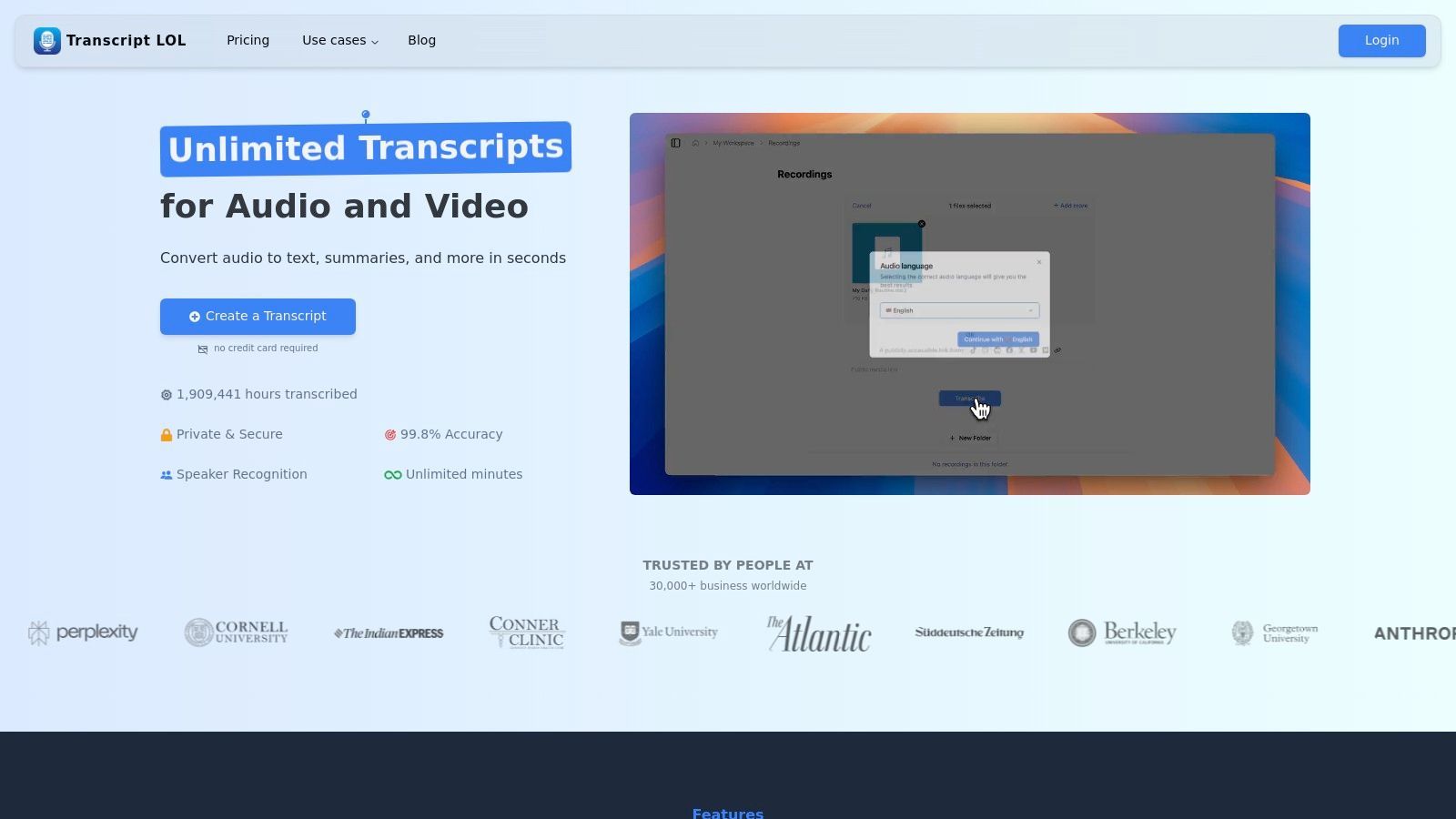
Diese robuste Grundlage macht es zu einem unverzichtbaren Werkzeug für Fachleute, die mehr als nur ein einfaches Transkript benötigen. Seine hochentwickelte Engine erkennt und kennzeichnet automatisch verschiedene Sprecher und bringt so organisatorische Klarheit in komplexe Aufnahmen wie Interviews, Podiumsdiskussionen oder Teambesprechungen.
Kernfunktionen und Benutzererfahrung
Was Transcript.LOL wirklich auszeichnet, ist seine Fähigkeit, ein rohes Transkript in umsetzbare Inhalte zu verwandeln. Über die einfache Textkonvertierung hinaus nutzt es KI, um prägnante Zusammenfassungen zu erstellen, Mindmaps für visuelles Brainstorming zu generieren, wichtige Aktionspunkte zu extrahieren und sogar Social-Media-Posts oder Quizfragen aus dem transkribierten Material zu entwerfen. Diese Fähigkeit zur Wiederverwendung von Inhalten ist eine erhebliche Zeitersparnis für Vermarkter, Pädagogen und Content-Ersteller.
Die Benutzeroberfläche ist sauber und intuitiv und ermöglicht einen reibungslosen Workflow vom Upload bis zum Export. Benutzer können Transkripte in einem Rich-Text-Format bearbeiten und sie als TXT-, DOCX-, PDF-, SRT- oder VTT-Dateien exportieren, was maximale Kompatibilität bietet.
Transcript.LOL: Intelligentere Funktionen, die Ihnen Zeit sparen
Transcript.LOL ist nicht nur ein weiteres Transkriptionstool – es wurde entwickelt, um den gesamten Prozess nahtlos zu gestalten, vom Hochladen von Dateien bis zur Umwandlung in umsetzbare Erkenntnisse. Hier ist, was es auszeichnet:

Aus mehreren Quellen importieren
Importiere Audio- und Videodateien aus verschiedenen Quellen, einschließlich direktem Upload, Google Drive, Dropbox, URLs, Zoom und mehr.

In mehreren Formaten exportieren
Exportiere deine Transkripte in mehreren Formaten, einschließlich TXT, DOCX, PDF, SRT und VTT mit anpassbaren Formatierungsoptionen.
Zusammenfassungen und Chatbot
Erstelle Zusammenfassungen und andere Erkenntnisse aus deinem Transkript, wiederverwendbare benutzerdefinierte Prompts und Chatbot für deine Inhalte.
Praktische Anwendungsfälle
- Podcaster und Journalisten: Erstellen Sie schnell hochgenaue Transkripte mit Sprecherkennzeichnung für Show-Notizen, Artikel oder Video-Untertitel (SRT/VTT).
- Unternehmens-Teams: Transkribieren Sie virtuelle Besprechungen von Zoom und extrahieren Sie wichtige Entscheidungen und Aktionspunkte, um Ausrichtung und Verantwortlichkeit sicherzustellen.
- Forscher und Studenten: Wandeln Sie lange Vorlesungen oder Interviews in durchsuchbaren Text um und nutzen Sie KI-Zusammenfassungen, um schnell Kernthemen und Ergebnisse zu identifizieren.
- Content-Marketer: Verwerten Sie ein einzelnes Webinar oder Video mit wenigen Klicks in mehrere Assets wie Blogbeiträge, Social-Media-Updates und E-Mail-Newsletter um.
Preise und Zugang
Transcript.LOL bietet eine überzeugende kostenlose Stufe, mit der Benutzer täglich bis zu 2 Transkripte verarbeiten können (20-Minuten-Limit pro Datei), was es zu einem hervorragenden Ausgangspunkt macht. Für anspruchsvollere Bedürfnisse kostet der Individual-Plan 120 $/Jahr für unbegrenzte Nutzung, und ein Team-Plan ist für 240 $/Jahr für zwei Benutzer erhältlich, mit Optionen zur Hinzufügung weiterer Benutzer. Eine strikte Richtlinie zur Nichtverwendung von Trainingsdaten unterstreicht das Engagement für die Privatsphäre der Benutzer.
| Merkmal | Kostenlose Stufe | Kostenpflichtige Stufen |
|---|---|---|
| Transkriptionsgenauigkeit | Hoch (OpenAI Whisper) | Hoch (OpenAI Whisper) |
| Tägliche Uploads | 2 Transkripte | Unbegrenzt |
| Maximale Dateidauer | 20 Minuten | Bis zu 10 Stunden |
| KI-Content-Tools | Enthalten | Enthalten |
| Sprechererkennung | Ja | Ja |
| Exportformate | TXT, DOCX, PDF, SRT, VTT | TXT, DOCX, PDF, SRT, VTT |
Besuchen Sie Transcript.LOL, um loszulegen.
2. Google Docs – Spracheingabe
Für diejenigen, die bereits im Google-Ökosystem leben, ist der zugänglichste kostenlose Online-Sprache-zu-Text-Konverter wahrscheinlich der, den sie bereits haben: Spracheingabe in Google Docs. Dieses Tool ist keine eigenständige Website, sondern eine leistungsstarke Funktion, die direkt in den Textverarbeitungsprozessor integriert ist und es zu einer nahtlosen Option für das Entwerfen von Dokumenten, das Führen von Besprechungsnotizen oder das Transkribieren von aufgezeichneten Gedanken macht, ohne Ihren Workflow zu verlassen.
Seine Hauptstärke ist die Bequemlichkeit. Es muss keine Software installiert oder eine neue Benutzeroberfläche erlernt werden. Öffnen Sie einfach ein Dokument, navigieren Sie zu Tools > Spracheingabe, klicken Sie auf das Mikrofon-Symbol und beginnen Sie zu sprechen. Die Echtzeit-Transkription erscheint direkt auf der Seite, bereit für sofortige Bearbeitung und Formatierung.
Kernfunktionen und Benutzererfahrung
Die Benutzererfahrung ist unkompliziert und priorisiert Funktion vor Schnickschnack. Über die grundlegende Diktierfunktion hinaus erkennt das Tool von Google eine breite Palette von Sprachbefehlen für Satzzeichen und Formatierung, wie z. B. "Punkt", "neuer Absatz" und "letztes Wort auswählen". Dies ermöglicht einen freihändigeren Schreibprozess, der besonders nützlich für Autoren und Studenten ist, die Ideen festhalten möchten, während sie fließen.
Wichtige Erkenntnis: Die Spracheingabe in Google Docs zeichnet sich durch die direkte Integration der Diktierfunktion in eine voll ausgestattete Schreibumgebung aus. Ihre Stärke liegt in ihrer Einfachheit und nahtlosen Integration, was sie perfekt für die Erstellung von Inhalten macht, die sofortige Bearbeitung und Zusammenarbeit erfordern.
Praktische Anwendungsfälle und Einschränkungen
Am besten geeignet für:
- Studenten und Akademiker: Müheloses Führen von Vorlesungsnotizen oder Entwerfen von Essays.
- Content-Ersteller: Schnelles Skizzieren von Blogbeiträgen oder Skripten.
- Allgemeine Benutzer: Transkribieren von persönlichen Notizen oder Besprechungsprotokollen.
Das Tool hat jedoch Einschränkungen. Seine Genauigkeit hängt stark von der Mikrofonqualität und einer ruhigen Umgebung ab. Es funktioniert am besten im Google Chrome-Browser und kann auf anderen Plattformen weniger zuverlässig sein. Während es grundlegende Befehle gut verarbeitet, fehlen ihm erweiterte Funktionen wie Sprecheridentifizierung oder automatische Zeitstempelung, die in dedizierten Transkriptionsdiensten zu finden sind.
- Vorteile: Komplett kostenlos, native Integration mit Google Workspace, unterstützt Dutzende von Sprachen.
- Nachteile: Benötigt eine stabile Internetverbindung, die Leistung variiert außerhalb von Chrome, begrenzte erweiterte Transkriptionsfunktionen.
Zugang: Verfügbar für jeden mit einem kostenlosen Google-Konto. Website: https://docs.google.com
3. Otter.ai
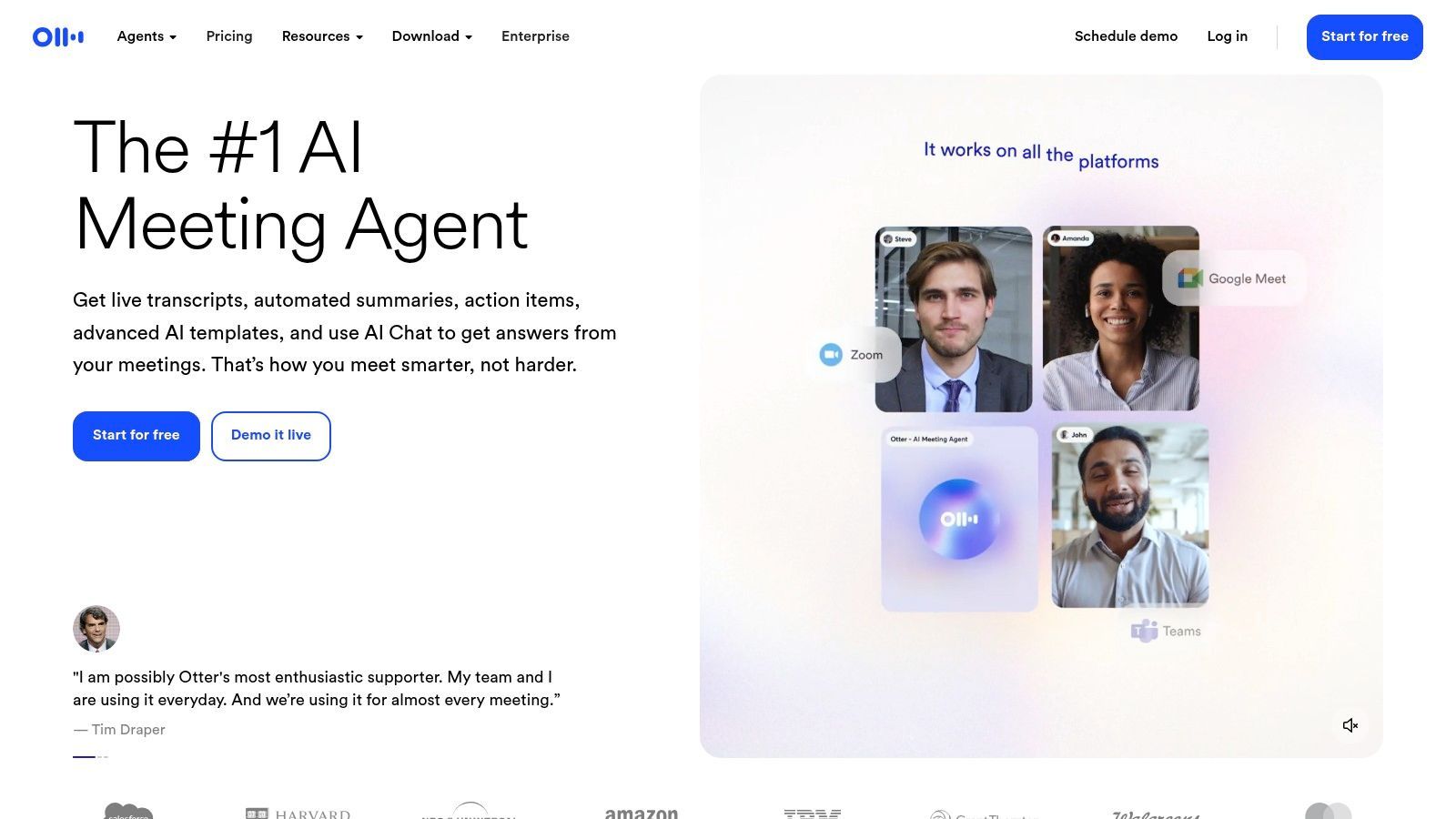
Für alle, die Besprechungen oder kollaborative Sitzungen transkribieren müssen, sticht Otter.ai als leistungsstarker, KI-gesteuerter kostenloser Online-Sprache-zu-Text-Konverter hervor. Im Gegensatz zu einfachen Diktierwerkzeugen ist Otter speziell für Konversationen konzipiert und bietet Funktionen wie Live-Transkription, Sprecheridentifizierung und automatisierte Zusammenfassungen, was es für teamorientierte Arbeitsabläufe unverzichtbar macht.
Seine Kernstärke liegt in der Fähigkeit, Audio mit mehreren Sprechern mit bemerkenswerter Genauigkeit zu erfassen und zu organisieren. Egal, ob Sie einen Live-Zoom-Anruf aufzeichnen oder eine Audiodatei hochladen, Otters KI transkribiert nicht nur den Inhalt, sondern unterscheidet auch zwischen verschiedenen Sprechern und erstellt ein sauberes, durchsuchbares und leicht verständliches Transkript.
Kernfunktionen und Benutzererfahrung
Die Plattform bietet eine polierte und intuitive Benutzererfahrung. Nach der Verbindung mit Ihrem Kalender kann der OtterPilot automatisch an Ihren Besprechungen auf Zoom, Google Meet oder Microsoft Teams teilnehmen und diese aufzeichnen. Während der Besprechung bietet er Echtzeit-Untertitel und generiert ein kollaboratives Transkript, in dem Teilnehmer wichtige Punkte hervorheben, Kommentare hinzufügen und Aktionspunkte zuweisen können. Die automatisierten Zusammenfassungen und hervorgehobenen Schlüsselwörter sind besonders nützlich, um Besprechungsergebnisse schnell zu überprüfen. Eine ausführliche Anleitung zur Vorgehensweise finden Sie unter Audio mit Otter.ai transkribieren.
Wichtige Erkenntnis: Otter.ai zeichnet sich durch die Transkription von Gesprächen mit mehreren Sprechern, insbesondere von Besprechungen, aus. Seine Kombination aus Live-Transkription, Sprecheridentifizierung und KI-gestützten Zusammenfassungen macht es zum bevorzugten Werkzeug für professionelle und akademische Zusammenarbeit.
Praktische Anwendungsfälle und Einschränkungen
Am besten geeignet für:
- Geschäftsleute: Erfassen von Besprechungsprotokollen, Aktionspunkten und wichtigen Entscheidungen.
- Journalisten und Forscher: Transkribieren von Interviews mit klaren Sprecherkennzeichnungen.
- Studenten: Aufzeichnen und Überprüfen von Vorlesungen oder Gruppenstudien.
Der kostenlose Plan hat jedoch bemerkenswerte Einschränkungen. Er beinhaltet 300 monatliche Transkriptionsminuten (mit einem Limit von 30 Minuten pro Gespräch) und ein lebenslanges Limit von nur drei Importen von Audio- oder Videodateien. Für Vielnutzer oder diejenigen, die vorhandene Aufnahmen transkribieren müssen, kann dies eine erhebliche Einschränkung darstellen und sie zu einem kostenpflichtigen Abonnement drängen.
- Vorteile: Hervorragende Sprecheridentifizierung, nahtlose Meeting-Integrationen, großzügige monatliche Minutenkontingente im kostenlosen Plan.
- Nachteile: Der kostenlose Plan hat ein striktes lebenslanges Importlimit von 3 Dateien, die Gesprächsdauer ist auf niedrigeren Stufen begrenzt.
Zugang: Ein großzügiger kostenloser Plan ist mit kostenpflichtigen Stufen für erweiterte Funktionen verfügbar. Website: https://otter.ai
Während viele kostenlose Tools die Transkriptionslänge begrenzen, bietet Transcript.LOL Ihnen 2 kostenlose Transkripte pro Tag (jeweils 20 Minuten) und bis zu 10 Stunden pro Datei in kostenpflichtigen Plänen.
4. Notta.ai
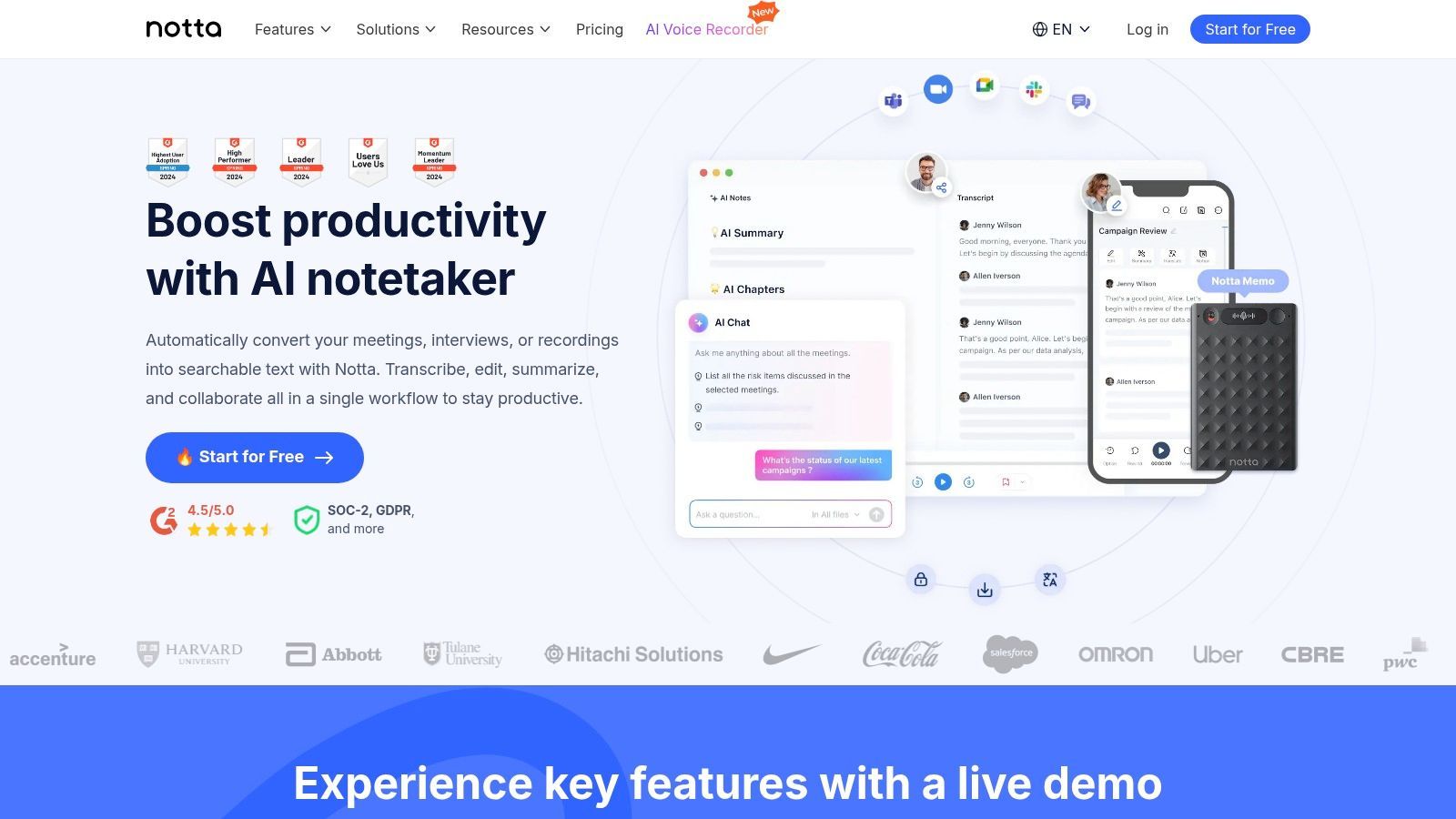
Notta.ai positioniert sich als moderner und vielseitiger kostenloser Online-Sprache-zu-Text-Konverter, der eine saubere Benutzeroberfläche mit leistungsstarken KI-gesteuerten Funktionen kombiniert. Es richtet sich an Benutzer, die mehr als nur grundlegende Diktierfunktionen benötigen, und bietet Tools zum Transkribieren von Live-Audio und hochgeladenen Dateien, was es zu einem starken Anwärter für die präzisere Transkription von Interviews, Besprechungen und akademischen Vorlesungen macht.
Sein herausragendes Merkmal ist die polierte Benutzererfahrung. Vom Zeitpunkt der Anmeldung an führt Sie die Plattform durch ihre Funktionen, einschließlich der Live-Meeting-Transkription über die Browser-Erweiterung oder direkte Audioaufnahme. Dieser Fokus auf Benutzerfreundlichkeit macht erweiterte Transkription für jedermann zugänglich, unabhängig von technischen Fähigkeiten.
Kernfunktionen und Benutzererfahrung
Notta.ai bietet ein umfassendes Dashboard, auf dem Benutzer Aufzeichnungen und Transkripte an einem Ort verwalten können. Die Plattform unterstützt den Import von Audio- und Videodateien, die sie dann verarbeitet, um ein zeitgestempeltes und sprechergetrenntes Transkript zu erstellen. Sein KI-Zusammenfassungstool ist besonders nützlich und generiert automatisch eine prägnante Übersicht über die wichtigsten Punkte, Aktionspunkte und Entscheidungen aus einem langen Gespräch.
Wichtige Erkenntnis: Notta.ai ist eine ausgezeichnete Wahl für Benutzer, die eine dedizierte Transkriptionsplattform benötigen, die sowohl Live- als auch voraufgezeichnetes Audio mit KI-Verbesserungen verarbeitet. Sein großzügiger kostenloser Plan ist perfekt zum Testen seiner Fähigkeiten für Besprechungen und Interviews.
Praktische Anwendungsfälle und Einschränkungen
Am besten geeignet für:
- Studenten und Forscher: Transkribieren von Vorlesungen oder Interviews und Generieren von schnellen Zusammenfassungen.
- Journalisten und Podcaster: Erstellen von genauen Textversionen von Audioaufnahmen.
- Profis: Effizientes Dokumentieren von Besprechungen und Identifizieren von Aktionspunkten.
Die Haupteinschränkung des kostenlosen Plans ist die Begrenzung der Aufzeichnungsdauer, wobei einzelne Live-Transkriptionen auf drei Minuten und Datei-Uploads auf fünf Minuten pro Datei beschränkt sind. Während das monatliche Kontingent von 120 Minuten für kurze Aufgaben großzügig ist, erfordern längere, ununterbrochene Aufzeichnungen ein kostenpflichtiges Abonnement. Erweiterte Funktionen wie Übersetzung und benutzerdefinierter Wortschatz sind ebenfalls hinter einer Paywall gesperrt.
- Vorteile: Saubere, intuitive Benutzeroberfläche, großzügiges monatliches Minutenkontingent im kostenlosen Plan, KI-gestützte Zusammenfassungen.
- Nachteile: Kurze Dauerlimits für einzelne Aufzeichnungen in der kostenlosen Version, erweiterte Funktionen sind Premium.
Zugang: Kostenloser Plan nach Registrierung verfügbar. Website: https://notta.ai
5. Speechnotes
Für Benutzer, die einen dedizierten, schnörkellosen kostenlosen Online-Sprache-zu-Text-Konverter ohne die Notwendigkeit eines Kontos suchen, bietet Speechnotes eine überzeugende Lösung. Es funktioniert als minimalistischer Online-Notizblock, der für eine Hauptfunktion entwickelt wurde: Ihre Stimme schnell und effizient in Text umwandeln. Seine Besonderheit liegt darin, dass es kontinuierliche, unbegrenzte Diktierfunktion direkt in Ihrem Browser bietet, was es ideal für Langform-Transkriptionssitzungen macht, bei denen Sie nicht unterbrochen werden möchten.
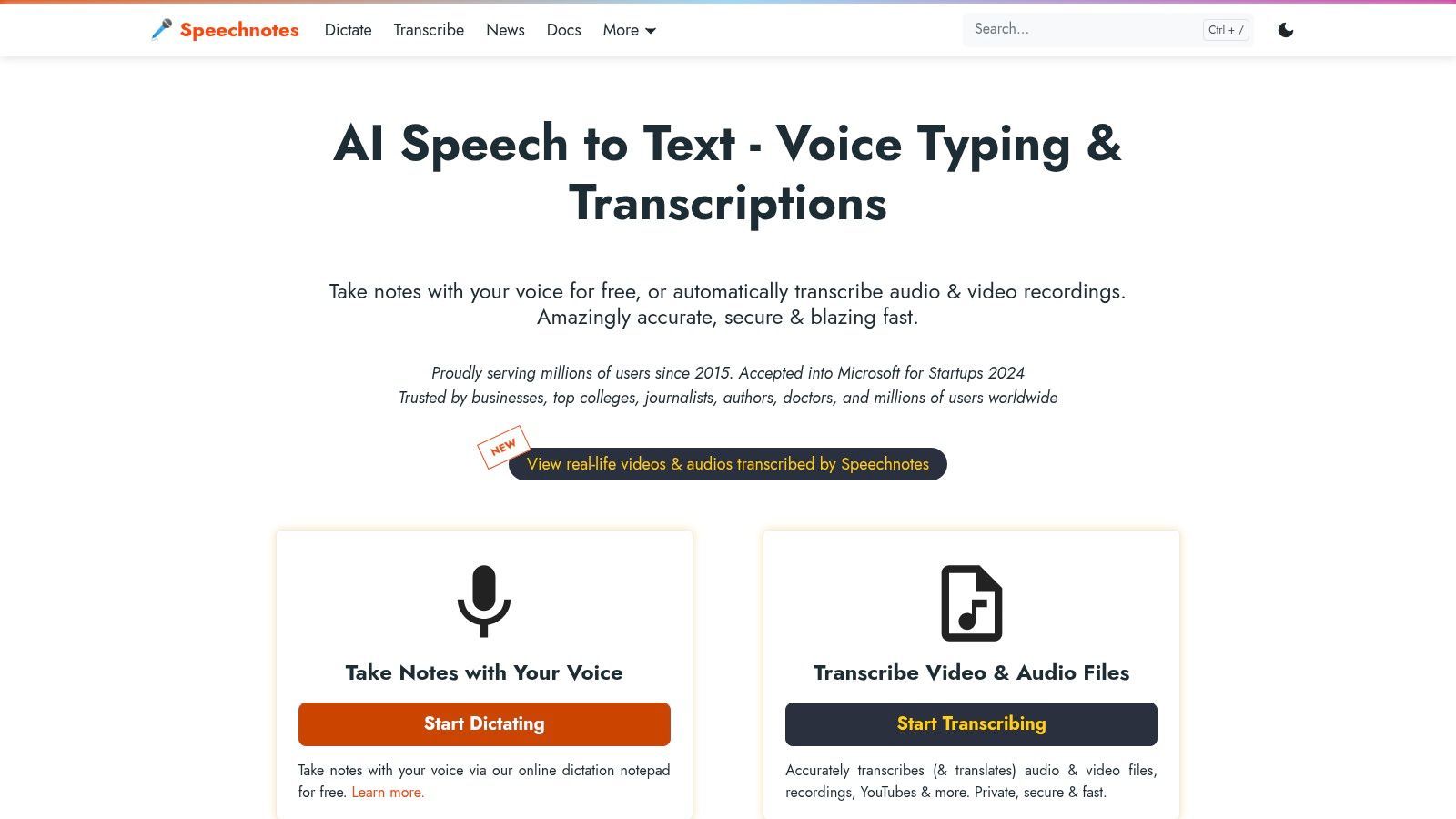
Die Plattform ist auf Geschwindigkeit und Einfachheit ausgelegt. Sie besuchen die Website, klicken auf das Mikrofon und beginnen zu sprechen. Speechnotes hört auch bei langen Pausen weiter zu, eine Funktion, die es von vielen anderen Tools unterscheidet, die sich nach einer Weile abschalten. Es integriert auch intelligente Großschreibung und unterstützt Sprachbefehle für Satzzeichen.
Kernfunktionen und Benutzererfahrung
Die Benutzererfahrung ist unglaublich unkompliziert und bietet eine saubere, ablenkungsfreie Schreibumgebung. Während sich die kostenlose Version auf Live-Diktierfunktion konzentriert, bietet Speechnotes auch einen professionellen Pay-as-you-go-Service für die Transkription von hochgeladenen Audio- und Videodateien an. Das Tool speichert Sitzungen automatisch, sodass Sie Ihre Arbeit nicht verlieren, wenn Ihre Verbindung abbricht. Die Genauigkeit ist im Allgemeinen hoch, obwohl es wie jedes Werkzeug am besten mit einem klaren Mikrofon funktioniert. Für diejenigen, die sich für die technische Seite interessieren, können Sie mehr darüber lesen, was Sprache-zu-Text-Genauigkeit antreibt.
Wichtige Erkenntnis: Speechnotes zeichnet sich als schnelles, zugängliches und unbegrenztes kostenloses Diktierwerkzeug aus. Sein Ansatz "keine Anmeldung, keine Installation, kein Timeout" macht es zu einer der reibungslosesten verfügbaren Optionen für die Echtzeit-Transkription.
Praktische Anwendungsfälle und Einschränkungen
Am besten geeignet für:
- Autoren und Journalisten: Erfassen von Interviews oder Entwerfen von Artikeln in einer einzigen, ununterbrochenen Sitzung.
- Studenten: Führen von Langform-Notizen während Vorlesungen, ohne das Tool ständig neu starten zu müssen.
- Gelegenheitsnutzer: Schnelles Diktieren von E-Mails, To-Do-Listen oder persönlichen Gedanken.
Die Haupteinschränkung besteht darin, dass sein kostenloses Angebot auf Live-Diktierfunktion beschränkt ist. Die Transkription von voraufgezeichneten Audiodateien ist ein kostenpflichtiger Dienst, obwohl er mit 0,10 $ pro Minute erschwinglich ist. Die beste Leistung konzentriert sich auch auf Chrome und andere Chromium-basierte Browser wie Edge. Es fehlen erweiterte Kollaborationsfunktionen, die in integrierten Tools wie Google Docs zu finden sind.
- Vorteile: Komplett kostenlos für unbegrenzte Live-Diktierfunktion, keine Anmeldung oder Installation erforderlich, kontinuierliches Zuhören ohne Timeouts.
- Nachteile: Dateitranskription ist ein kostenpflichtiger Dienst, optimale Leistung ist auf Chrome-basierte Browser beschränkt, es fehlen erweiterte Formatierungs- oder Kollaborationstools.
Zugang: Kostenlos für In-Browser-Diktierfunktion; kostenpflichtige Pläne für Dateitranskription. Website: https://speechnotes.co
6. SpeechTexter
SpeechTexter bietet eine minimalistische und sofortige Lösung für alle, die einen kostenlosen Online-Sprache-zu-Text-Konverter ohne den Aufwand der Registrierung oder Installation von Software benötigen. Es ist ein webbasiertes Tool, das für schnelle, Echtzeit-Diktierfunktion entwickelt wurde und komplexe Funktionen entfernt, um sich ausschließlich auf die Umwandlung von gesprochenen Worten in Text direkt in Ihrem Browser zu konzentrieren. Sein Hauptreiz sind Geschwindigkeit und Einfachheit, was es ideal für schnelle Notizen, das Entwerfen von E-Mails oder das Erfassen flüchtiger Gedanken macht.
Die Plattform zeichnet sich durch ihre Unterstützung für über 70 Sprachen und die Möglichkeit aus, benutzerdefinierte Sprachbefehle für Satzzeichen und Sonderzeichen hinzuzufügen. Diese Anpassung ermöglicht es Benutzern, die Diktierfunktion an ihre spezifischen Bedürfnisse anzupassen und die Effizienz des Arbeitsablaufs zu verbessern, ohne eine steile Lernkurve.
Kernfunktionen und Benutzererfahrung
Die Benutzererfahrung ist unglaublich unkompliziert: Navigieren Sie zur Website, wählen Sie Ihre Sprache, klicken Sie auf die Mikrofontaste und beginnen Sie zu sprechen. Die Benutzeroberfläche ist ein sauberer, ablenkungsfreier Texteditor, der den transkribierten Text anzeigt, während Sie sprechen. Dieser schnörkellose Ansatz stellt sicher, dass sich die Benutzer vollständig auf ihre Inhalte konzentrieren können, ohne von Menüs oder Einstellungen überwältigt zu werden.
Das benutzerdefinierte Befehlsfeature ist ein erheblicher Vorteil. Benutzer können beispielsweise einen Befehl wie "neue Zeile" erstellen, um einen neuen Absatz zu beginnen, oder "Signatur einfügen", um einen vordefinierten Textblock einzufügen, was eine leistungsstarke Funktion für ein kostenloses Tool ist.
Wichtige Erkenntnis: SpeechTexter ist das Werkzeug der Wahl für sofortige Diktierfunktion ohne Anmeldung. Seine Stärke liegt in seiner Einfachheit, der mehrsprachigen Unterstützung und den anpassbaren Sprachbefehlen, was es perfekt für Benutzer macht, die ein schnelles und effizientes Werkzeug zur Texterfassung benötigen.
Praktische Anwendungsfälle und Einschränkungen
Am besten geeignet für:
- Mehrsprachige Benutzer: Transkribieren Sie Notizen in einer der über 70 unterstützten Sprachen.
- Blogger und Autoren: Entwerfen Sie schnell Inhalte oder Gliederungen unterwegs.
- Studenten: Erfassen Sie Vorlesungsnotizen oder brainstormen Sie Ideen, ohne tippen zu müssen.
Die Einfachheit bringt jedoch Kompromisse mit sich. Das Tool ist für den Google Chrome-Browser optimiert und wird auf iOS-Geräten wie iPhones oder iPads nicht unterstützt. Entscheidend ist, dass es Benutzern nicht erlaubt, vorab aufgezeichnete Audio- oder Videodateien hochzuladen und zu transkribieren; es funktioniert nur mit Live-Diktierfunktion über ein Mikrofon.
- Vorteile: Komplett kostenlos ohne Registrierung, umfangreiche Sprachunterstützung, benutzerdefinierte Sprachbefehle.
- Nachteile: Unterstützt keine Audio-Datei-Uploads, die Leistung ist am besten in Chrome, nicht auf iOS verfügbar.
Zugang: Kostenlos für alle Benutzer, kein Konto erforderlich. Website: https://speechtexter.com
7. Dictation.io
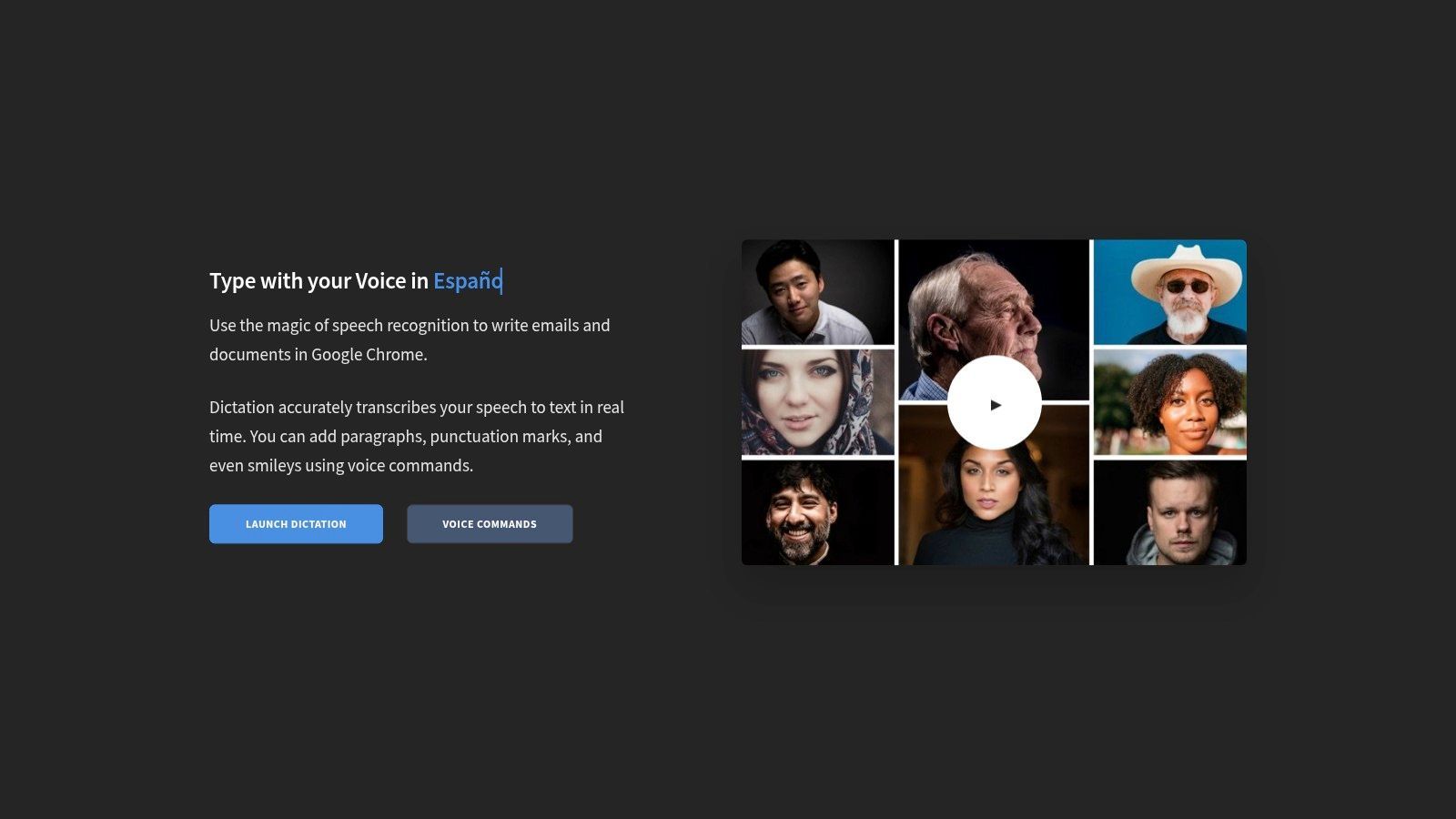
Dictation.io ist ein kostenloser Online-Sprache-zu-Text-Konverter, der für Benutzer entwickelt wurde, die Einfachheit, Privatsphäre und Geschwindigkeit priorisieren. Im Gegensatz zu Plattformen, die Konten oder Cloud-Speicher erfordern, funktioniert dieses Tool vollständig in Ihrem Browser. Es bietet eine saubere, ablenkungsfreie Benutzeroberfläche, auf der Sie sofort Notizen, E-Mails oder Entwürfe diktieren können, ohne jegliche Einrichtung.
Sein herausragendes Merkmal ist sein Engagement für den Datenschutz. Die gesamte Transkriptionsverarbeitung erfolgt lokal, und Ihr Text wird im lokalen Speicher des Browsers gespeichert, was bedeutet, dass Ihre Worte niemals an einen Server gesendet oder dort gespeichert werden. Dies macht es zu einer ausgezeichneten Wahl für Benutzer, die mit sensiblen Informationen umgehen, oder für diejenigen, die Cloud-basierten Diensten misstrauen.
Kernfunktionen und Benutzererfahrung
Die Benutzererfahrung ist minimalistisch und intuitiv. Die Benutzeroberfläche ist im Wesentlichen ein leeres Notizbuch mit einer Mikrofontaste. Es unterstützt Sprachbefehle für Satzzeichen und Formatierung, wie z. B. "neue Zeile" oder "Komma", was den Diktierprozess optimiert. Mit Unterstützung für Dutzende von Sprachen und Dialekten ist es für ein globales Publikum zugänglich.
Wichtige Erkenntnis: Dictation.io zeichnet sich durch eine sichere, schnörkellose Diktierfunktion aus. Sein datenschutzorientierter, browserbasierter Ansatz macht es zum Werkzeug der Wahl für schnelle, vertrauliche Transkriptionen ohne die Notwendigkeit eines Kontos oder einer Softwareinstallation.
Praktische Anwendungsfälle und Einschränkungen
Am besten geeignet für:
- Journalisten und Autoren: Schnelles Entwerfen von Notizen oder Artikeln unter Berücksichtigung des Datenschutzes.
- Datenschutzbewusste Benutzer: Transkribieren von persönlichen Gedanken oder sensiblen Informationen.
- Schnelle Notiznehmer: Erfassen von Ideen ohne den Overhead eines vollständigen Textverarbeitungsprogramms.
Die Haupteinschränkung ist das Fehlen erweiterter Funktionen. Es erlaubt keine Uploads von Audiodateien, was es für die Transkription vorhandener Aufnahmen ungeeignet macht; für Aufgaben wie diese können Benutzer andere Methoden zur Transkription von Sprachnotizen erkunden. Es erfordert auch den Google Chrome-Browser und unterstützt Safari auf iOS nicht, was seine Zugänglichkeit über verschiedene Geräte hinweg einschränkt.
- Vorteile: Komplett kostenlos und keine Anmeldung erforderlich, ausgezeichneter Datenschutz mit lokaler Textspeicherung, saubere und einfache Benutzeroberfläche.
- Nachteile: Funktioniert nur in Chrome, keine Audio-Datei-Upload-Funktion, begrenzte Formatierungsbefehle.
Zugang: Kostenlos für alle Benutzer, kein Konto erforderlich. Website: https://dictation.io
8. Kapwing – Auto Subtitler
Obwohl es sich nicht um ein traditionelles Diktierwerkzeug handelt, ist Kapwings Auto Subtitler ein spezialisierter kostenloser Online-Sprache-zu-Text-Konverter, der speziell für Videoinhalte entwickelt wurde. Er fungiert als leistungsstarker In-Browser-Videoeditor, der automatisch Audio aus einer Videodatei transkribiert und in bearbeitbare, stilisierbare Untertitel umwandelt. Dies macht ihn zu einer unschätzbaren Ressource für Content-Ersteller, die ihre Videos auf Social-Media-Plattformen zugänglich und ansprechend gestalten möchten.
Sein Kernwert liegt in der Integration von Transkription und Videobearbeitung. Benutzer können ein Video hochladen, und die KI der Plattform generiert ein zeitgestempeltes Transkript. Dieser Text kann dann schnell auf Genauigkeit bearbeitet und mit verschiedenen Schriftarten, Farben und Animationen direkt auf der Videovorschau gestylt werden, was den gesamten Untertitel-Workflow von Anfang bis Ende optimiert.
Kernfunktionen und Benutzererfahrung
Die Benutzererfahrung ist visuell und intuitiv und richtet sich an Ersteller, die möglicherweise keinen Hintergrund in professioneller Videobearbeitung haben. Kapwing ermöglicht einfache Anpassungen der Untertitel-Zeitgebung durch einfaches Ziehen der Textblöcke auf der Zeitleiste. Die Plattform unterstützt auch den Export des generierten Transkripts als SRT- oder VTT-Datei, was es vielseitig für die Verwendung auf anderen Videoplattformen macht. Für eine tiefere Betrachtung des Prozesses finden Sie eine Anleitung zur Erstellung von Untertiteln für Videos.
Wichtige Erkenntnis: Kapwing zeichnet sich durch sprachbasierte Sprache-zu-Text-Konvertierung aus und kombiniert automatische Transkription mit einem benutzerfreundlichen Videoeditor. Es ist die ideale Wahl, um schnell genaue und optisch ansprechende Untertitel für Social-Media-Inhalte hinzuzufügen.
Praktische Anwendungsfälle und Einschränkungen
Am besten geeignet für:
- Social-Media-Manager: Erstellen von untertitelten Videoclips für Instagram, TikTok und Facebook.
- Video-Ersteller: Inhalte zugänglicher machen und das Zuschauerengagement verbessern.
- Vermarkter: Hinzufügen von Untertiteln zu Werbevideos und Anzeigen.
Die Haupteinschränkung ist der Fokus auf Videos; es ist nicht für die Transkription von eigenständigen Audiodateien oder Live-Diktierfunktion konzipiert. Der kostenlose Plan ist großzügig, hat aber Einschränkungen, einschließlich eines Wasserzeichens auf exportierten Videos, eines monatlichen Auto-Subtitling-Limits von 10 Minuten und einer maximalen Exportauflösung von 720p. Benutzer, die mehr Kapazität benötigen, müssen auf ein Pro-Abonnement upgraden.
- Vorteile: Hervorragend für Video-Untertitelung, benutzerfreundliche Oberfläche, Exporte in SRT/VTT-Formaten.
- Nachteile: Der kostenlose Plan hat ein Wasserzeichen und Nutzungslimits, nicht für reine Audio-Transkription geeignet.
Zugang: Kostenloser Plan mit Einschränkungen verfügbar; kostenpflichtige Pro-Pläne schalten mehr Funktionen frei. Website: https://www.kapwing.com
9. VEED – Auto Subtitles & Transcription
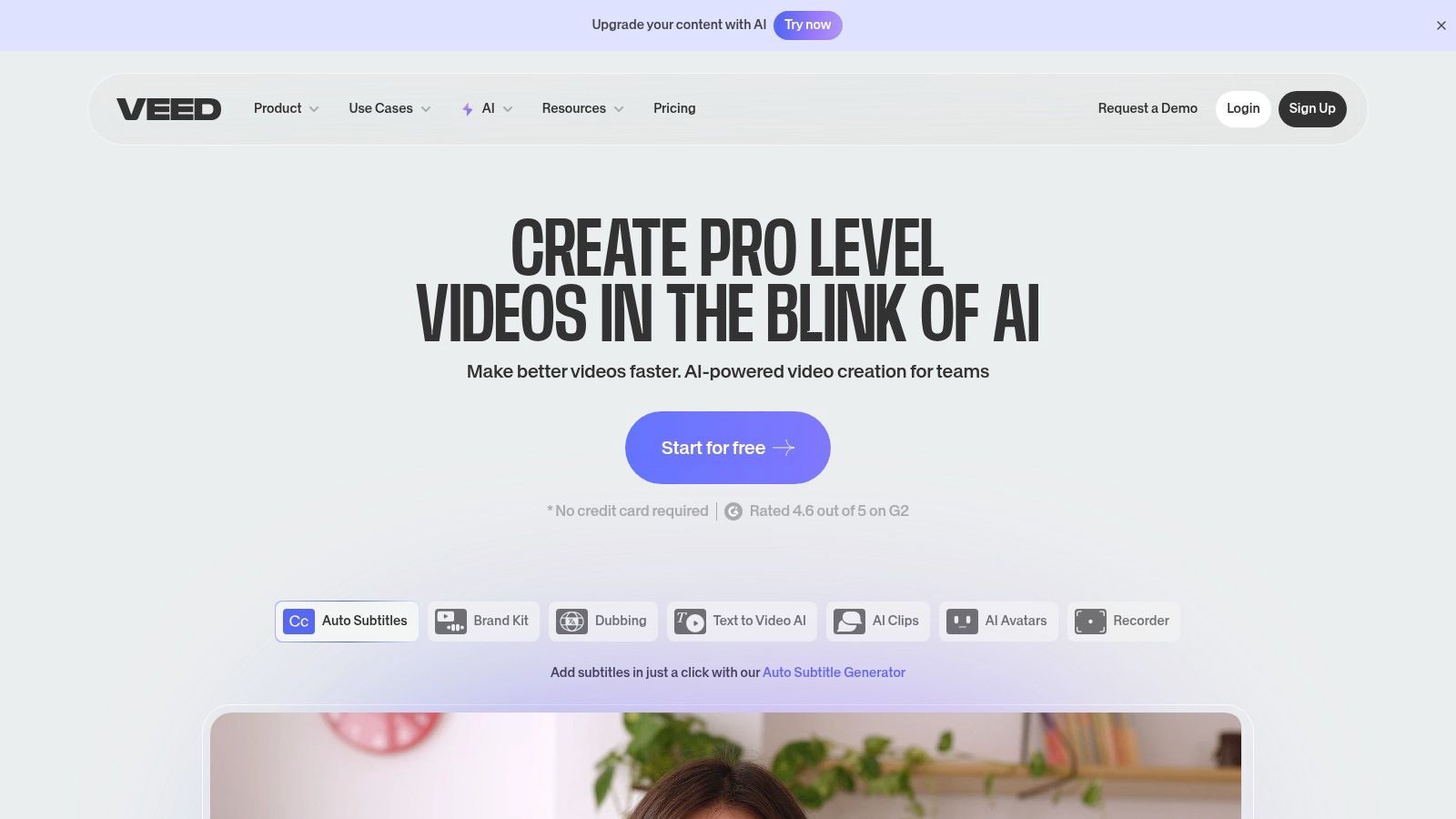
Für Video-Ersteller sticht VEED als leistungsstarker, browserbasierter kostenloser Online-Sprache-zu-Text-Konverter hervor, der in eine umfassende Videobearbeitungs-Suite integriert ist. Im Gegensatz zu reinen Diktierwerkzeugen ist VEED speziell für die Generierung von Untertiteln und Transkriptionen aus Video- oder Audiodateien konzipiert. Dieser integrierte Ansatz ermöglicht es Benutzern, nicht nur zu transkribieren, sondern auch Untertitel zu stylen, zu bearbeiten und direkt auf ihre Videoinhalte zu "brennen", was den gesamten Produktionsworkflow optimiert.
Sein Hauptvorteil ist diese nahtlose Integration. Sie können ein Video hochladen, VEEDs KI ein zeitgestempeltes Transkript automatisch generieren lassen und dann den integrierten Editor verwenden, um Korrekturen vorzunehmen oder den Text in verschiedenen Formaten zu exportieren. Dies macht es zu einer Komplettlösung für Podcaster, Social-Media-Manager und alle, die zugängliche Videoinhalte erstellen.
Kernfunktionen und Benutzererfahrung
Die Benutzererfahrung ist modern und intuitiv und richtet sich an Ersteller, die schnelle Ergebnisse benötigen. VEEDs KI generiert Untertitel schnell und präsentiert sie in einem einfach zu bearbeitenden Zeitleistenformat. Benutzer können Transkripte als TXT-Dateien zur Wiederverwendung oder in Standard-Untertitelformaten wie SRT und VTT herunterladen. Es unterstützt auch die Untertitelübersetzung in Dutzende von Sprachen, was die potenzielle Reichweite eines Videos erweitert.
Wichtige Erkenntnis: VEED zeichnet sich durch videozentrierte Transkription aus und kombiniert einen leistungsfähigen Videoeditor mit einem genauen KI-Untertitel-Tool. Es ist die ideale Lösung für Ersteller, die effizient untertitelte Videos erstellen müssen, ohne mehrere Anwendungen zu jonglieren.
Praktische Anwendungsfälle und Einschränkungen
Am besten geeignet für:
- Social-Media-Ersteller: Schnelles Hinzufügen von ansprechenden, "eingebrannten" Untertiteln zu Videos für Plattformen wie Instagram und TikTok.
- Pädagogen: Erstellen von zugänglichen Vorlesungsvideos mit genauen Untertiteln.
- Vermarkter: Generieren von Transkripten aus Webinaren oder Werbevideos zur Wiederverwertung von Inhalten.
Der kostenlose Plan ist jedoch restriktiv. Er beinhaltet ein Wasserzeichen auf exportierten Videos und bietet sehr begrenzte monatliche Transkriptionsminuten. Für diejenigen, die häufig Videoinhalte produzieren, wird ein kostenpflichtiges Abonnement fast notwendig, um sein volles Potenzial auszuschöpfen. Um die Wirkung von untertitelten Videos zu maximieren, kann die Kombination der Ausgabe mit einer intelligenten Content-Strategie, vielleicht unter Verwendung eines KI-Social-Media-Content-Generators, helfen, die Botschaft für verschiedene Plattformen anzupassen.
- Vorteile: All-in-One-Videoeditor und Transkriptionsprogramm, unterstützt mehrere Untertitelformate (SRT, VTT, TXT), beinhaltet Untertitelübersetzung.
- Nachteile: Die kostenlose Version hat ein Wasserzeichen und sehr begrenzte Transkriptionszeit, die Kernfunktionalität ist hinter einer Paywall.
Zugang: Kostenloser Plan mit eingeschränkten Funktionen verfügbar; kostenpflichtige Abonnements bieten mehr Funktionen. Website: https://www.veed.io
10. TurboScribe
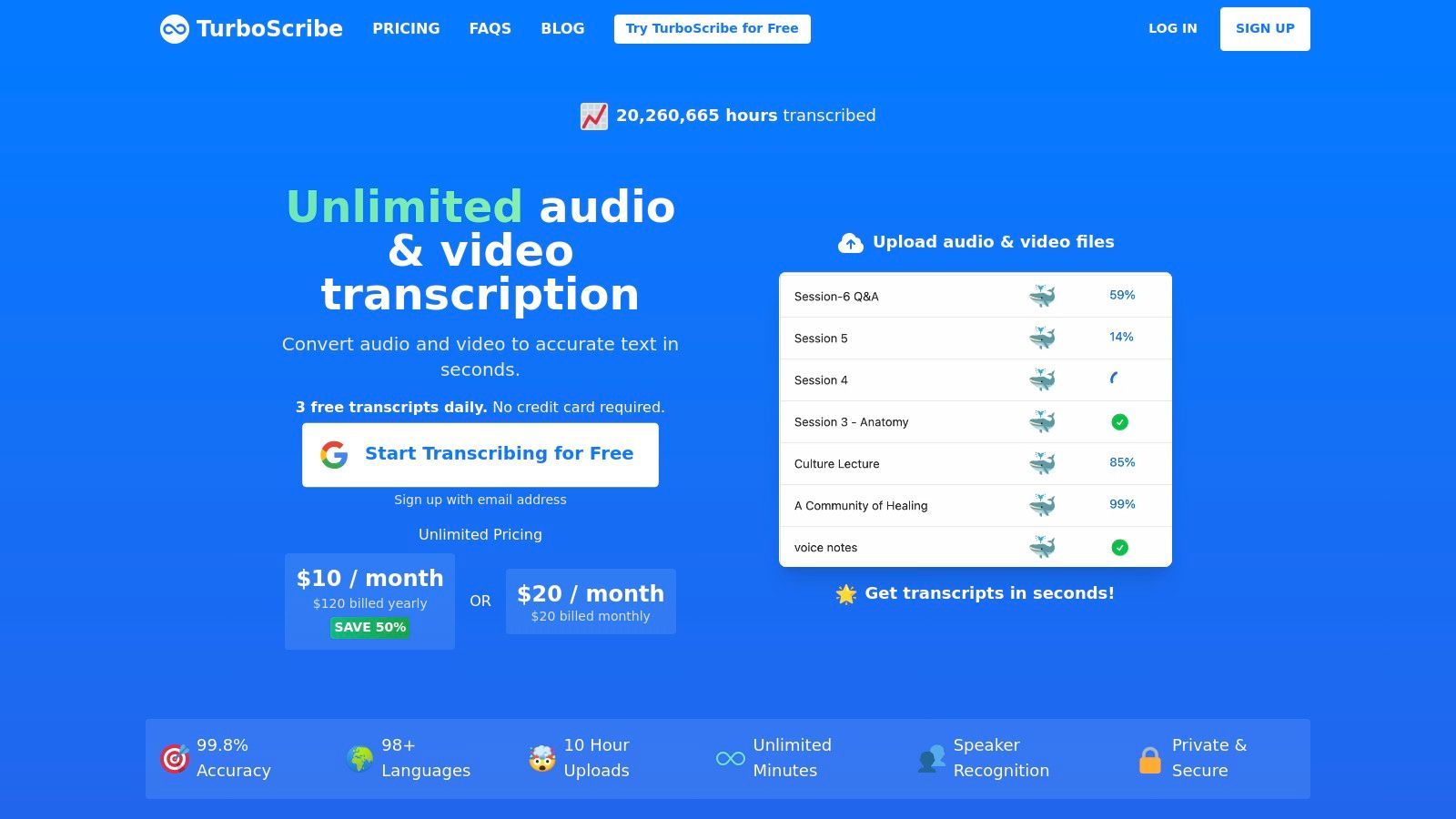
Für Benutzer, die vorab aufgezeichnete Audio- oder Videodateien anstelle von Live-Sprache transkribieren müssen, erweist sich TurboScribe als leistungsstarker kostenloser Online-Sprache-zu-Text-Konverter. Diese Web-App basiert auf dem fortschrittlichen Whisper-Modell von OpenAI und ist speziell für die Stapelverarbeitung von Dateien konzipiert und bietet hohe Genauigkeit für Interviews, Vorlesungen, Podcasts und Videoinhalte. Sie umgeht die Notwendigkeit von Live-Diktierfunktion zugunsten eines robusten Dateiupload-Systems.
Seine Kernstärke liegt in seinem spezialisierten Fokus auf dateibasierte Transkription. Im Gegensatz zu browserbasierten Diktierwerkzeugen ist TurboScribe für die Umwandlung vorhandener Medien in Text optimiert, was es zu einem idealen Werkzeug für die Nachproduktion macht. Der kostenlose Plan bietet eine großzügige Zuteilung, wodurch professionelle Transkriptionen ohne anfängliche Investition zugänglich werden.
Kernfunktionen und Benutzererfahrung
Die Benutzererfahrung ist sauber und auf Uploads zentriert. Sie ziehen einfach Ihre Audio- oder Videodateien per Drag & Drop, und die Plattform erledigt den Rest und liefert ein detailliertes Transkript zurück. Es enthält wertvolle Funktionen wie Sprechererkennung, automatische Zeitstempelung und sogar Übersetzung in über 98 Sprachen. Die kostenlose Stufe ermöglicht es Benutzern, bis zu drei Dateien pro Tag zu transkribieren, wobei jede Datei bis zu 30 Minuten lang ist.
Wichtige Erkenntnis: TurboScribe ist die Lösung der Wahl für die Transkription von aufgezeichneten Mediendateien mit hoher Genauigkeit. Seine großzügige kostenlose Stufe und erweiterte Funktionen wie Sprecheridentifizierung machen es zu einer Top-Wahl für Podcaster, Journalisten und Forscher.
Praktische Anwendungsfälle und Einschränkungen
Am besten geeignet für:
- Podcaster und Journalisten: Transkribieren von Interviews und Audioinhalten für Show-Notizen oder Artikel.
- Studenten und Forscher: Umwandeln von aufgezeichneten Vorlesungen oder Forschungsinterviews in Text.
- Video-Ersteller: Generieren von Untertiteln und Texten für Videoinhalte.
Die Haupteinschränkung ist das Fehlen einer Live-Diktierfunktion; es ist ausschließlich für Datei-Uploads gedacht. Das bedeutet, dass es nicht für Echtzeit-Notizen oder das Entwerfen von Dokumenten per Sprache geeignet ist. Der Prozess erfordert, dass Sie zuerst eine fertige Aufnahme haben, was ein anderer Arbeitsablauf ist als bei integrierten Tools wie der Spracheingabe in Google Docs.
- Vorteile: Hohe Genauigkeit über Whisper, großzügige kostenlose Stufe (3 Dateien/Tag), unterstützt Sprechererkennung und Zeitstempel.
- Nachteile: Keine Live-Diktierfunktion im Browser, der Arbeitsablauf basiert ausschließlich auf Datei-Uploads.
Zugang: Kostenloser Plan mit täglichen Limits verfügbar; erschwingliche kostenpflichtige Pläne für unbegrenzte Nutzung. Website: https://turboscribe.ai
11. AssemblyAI – Streaming Playground
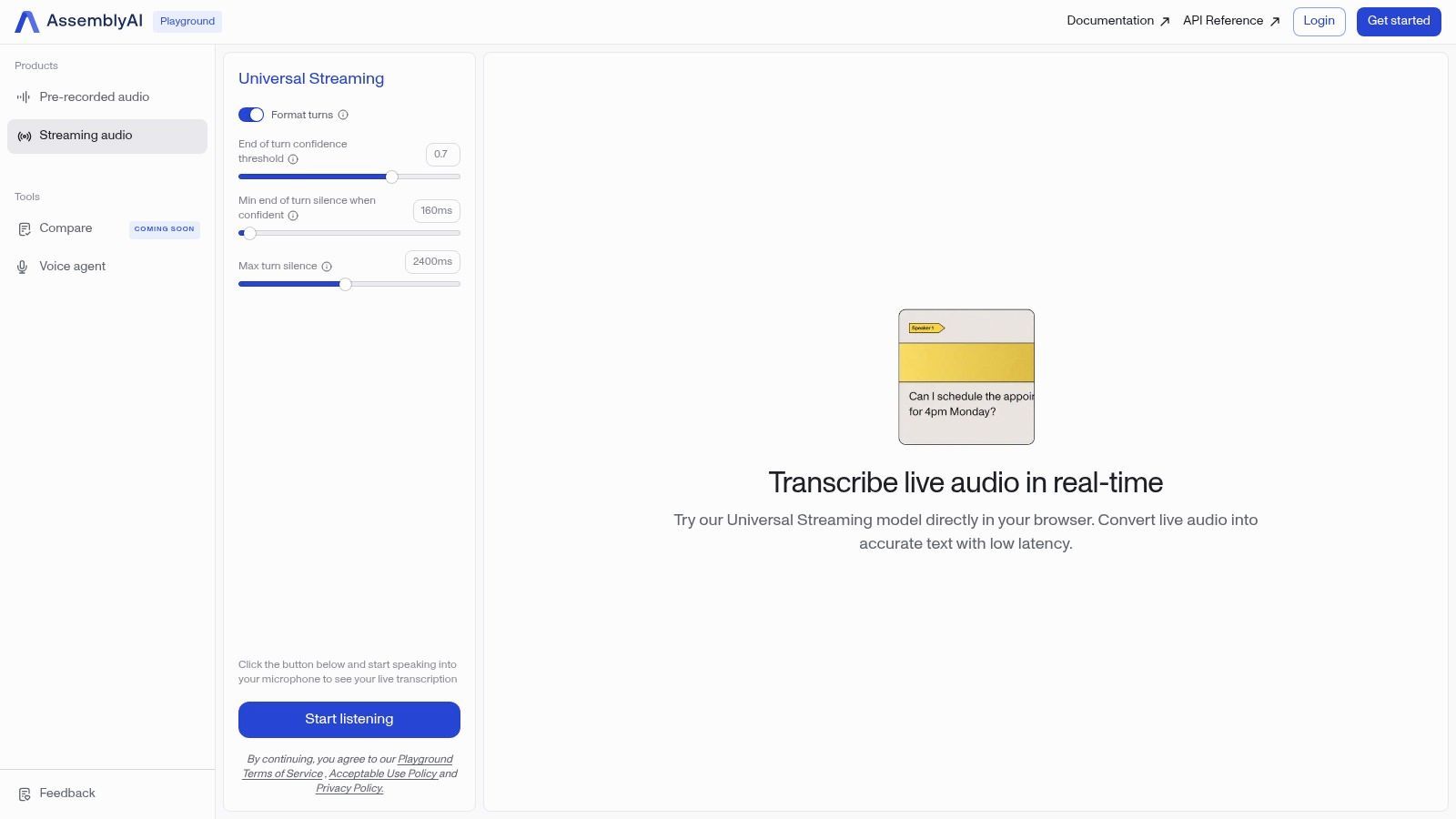
Für Benutzer, die die rohe Leistung einer Transkriptions-Engine auf Entwickler-Niveau testen möchten, ohne eine einzige Zeile Code zu schreiben, ist der AssemblyAI Streaming Playground ein außergewöhnlicher kostenloser Online-Sprache-zu-Text-Konverter. Dieses Tool ist keine langfristige Produktivitäts-App, sondern eine Live-Demonstration der Echtzeit-Streaming-API von AssemblyAI, die einen Einblick in unternehmensweite Genauigkeit und Geschwindigkeit direkt in Ihrem Browser bietet.
Sein Hauptzweck ist die Präsentation des Potenzials fortschrittlicher KI-Modelle. Benutzer können einfach auf die Schaltfläche "Streaming starten" klicken und zu sprechen beginnen, um eine Live-, hochgenaue Transkription sofort erscheinen zu sehen. Es bietet einen sofortigen und beeindruckenden Einblick in die Fähigkeiten moderner Transkriptionstechnologie und macht es zu einem wertvollen Maßstab für jeden, der verschiedene Dienste bewertet.
Kernfunktionen und Benutzererfahrung
Die Benutzererfahrung ist minimalistisch und auf eine einzige Funktion konzentriert: die Demonstration der Echtzeit-Transkription. Es müssen keine Konten erstellt oder Software installiert werden. Die Benutzeroberfläche präsentiert den Live-Text, während er verarbeitet wird, und zeigt Funktionen wie automatische Satzzeichen und Großschreibung. Obwohl ihm Bearbeitungswerkzeuge fehlen, liegt sein Wert in der Demonstration der schieren Geschwindigkeit und Präzision der zugrunde liegenden Technologie.
Wichtige Erkenntnis: Der AssemblyAI Playground ist eine leistungsstarke Tech-Demo, die eine kostenlose, sofortige Möglichkeit bietet, Transkriptionen in Entwicklerqualität in Echtzeit zu erleben. Er ist perfekt zum Testen von Genauigkeit und Latenz, bevor man sich für eine fortschrittlichere Lösung entscheidet.
Praktische Anwendungsfälle und Einschränkungen
Am besten geeignet für:
- Entwickler: Schnelles Testen der Transkriptionsqualität vor der API-Integration.
- Podcaster & Ersteller: Bewertung potenzieller Dienste für ihren Produktions-Workflow.
- Technik-Enthusiasten: Erkundung der Fähigkeiten modernster Sprach-KI.
Die Haupteinschränkung besteht darin, dass der Playground eine Demo und kein vollwertiges Produkt ist. Er hat Nutzungslimits und keine Funktionen zum Speichern oder Exportieren von Transkripten. Sein Zweck ist es, die Leistung des Kernmodells zu testen, nicht als tägliches Transkriptionswerkzeug zu dienen. Betrachten Sie es als "Ausprobieren vor dem Kauf" für eine leistungsstarke API.
- Vorteile: Komplett kostenlos nutzbar ohne Login, zeigt hochgenaue Entwicklermodelle, liefert sofortige Echtzeit-Ergebnisse.
- Nachteile: Kein vollwertiges Produkt mit Speicher- oder Bearbeitungsfunktionen, Nutzung ist begrenzt, als Demo-Tool konzipiert.
Zugang: Komplett kostenlos und offen im Browser zugänglich. Website: https://www.assemblyai.com/playground/streaming
12. Rev AI – Kostenlose Streaming-Demo
Für Entwickler oder Benutzer, die die Leistung einer professionellen Transkriptions-Engine testen möchten, bietet Rev AI einen leistungsstarken kostenlosen Online-Sprache-zu-Text-Konverter in Form seiner Live-Streaming-Demo. Während Rev ein kostenpflichtiger Dienst für Unternehmen ist, bietet diese Demo eine Möglichkeit ohne Verpflichtungen, seine Echtzeit-Genauigkeit und Geschwindigkeit direkt in Ihrem Browser zu erleben, ohne ein Konto erstellen oder eine einzige Zeile Code schreiben zu müssen.
Sein Hauptvorteil ist die Bereitstellung eines Qualitätsmaßstabs. Benutzer können einfach auf eine Schaltfläche klicken, zu sprechen beginnen und sehen, wie eine hochgenaue Live-Transkription sofort erscheint. Dies macht es zu einem unschätzbaren Werkzeug, um zu bewerten, ob eine professionelle API die Investition für ein zukünftiges Projekt wert ist.
Kernfunktionen und Benutzererfahrung
Die Benutzeroberfläche ist minimalistisch und zweckgebunden für eine Sache: die Demonstration der Fähigkeit der KI. Sobald Sie die Demo starten, können Sie natürlich sprechen und zusehen, wie der Text in Echtzeit erscheint. Das Dashboard ermöglicht es Ihnen, das resultierende Transkript und sogar eine Untertiteldatei (.SRT) herunterzuladen, was eine einzigartige Funktion für ein kostenloses Demo-Tool ist. Dies ermöglicht es Ihnen, die Ausgabe sofort in einem Videoeditor oder einer anderen Anwendung zu testen.
Wichtige Erkenntnis: Die kostenlose Demo von Rev AI ist weniger ein Werkzeug für den täglichen Gebrauch als vielmehr eine High-Fidelity-Erfahrung zum "Ausprobieren vor dem Kauf". Sie zeichnet sich durch die Demonstration von Genauigkeit auf Unternehmensebene für Entwickler, Podcaster und Video-Ersteller aus, die eine erstklassige Sprache-zu-Text-Engine bewerten müssen.
Praktische Anwendungsfälle und Einschränkungen
Am besten geeignet für:
- Entwickler: Schnelles Testen der Rev AI-Engine vor der API-Integration.
- Video-Ersteller: Generieren einer schnellen, genauen Untertiteldatei für einen kurzen Clip.
- Neugierige Benutzer: Vergleichen der professionellen KI-Genauigkeit mit anderen kostenlosen Tools.
Die Hauptbeschränkung des Tools ist, dass es sich nur um eine Demo handelt. Es ist nicht für die Transkription langer Audiodateien oder das langfristige Speichern Ihrer Arbeit konzipiert. Volle Funktionalität, einschließlich Datei-Uploads und erweiterter Funktionen, erfordert die Anmeldung für einen kostenpflichtigen Rev AI-Plan. Es ist eine Präsentation, keine vollwertige kostenlose Anwendung.
- Vorteile: Branchenführende Genauigkeit, keine Anmeldung oder Einrichtung erforderlich, liefert herunterladbare Transkripte und SRT-Untertiteldateien.
- Nachteile: Kein vollwertiges Tool (es ist eine Demo), keine Datei-Uploads, die volle Nutzung erfordert ein kostenpflichtiges Entwicklerkonto.
Zugang: Die Live-Streaming-Demo ist komplett kostenlos und für alle offen. Website: https://rev.ai/Streaming
Vergleich der kostenlosen Online-Sprache-zu-Text-Tools
| Plattform | Kernfunktionen/Genauigkeit ★ | Benutzererfahrung & Qualitätsmetriken ★ | Wert & Preise 💰 | Zielgruppe 👥 | Einzigartige Verkaufsargumente ✨ |
|---|---|---|---|---|---|
| 🏆 Transcript.LOL | KI-gestützter Whisper, 10 Std. max, Multi-Format, Sprechererkennung | Von 240+ Benutzern mit 4,8/5 bewertet, Rich-Text & Exportoptionen | Kostenlose Stufe + 120 $/Jahr Einzelperson + 240 $/Jahr Team | Podcaster, Vermarkter, Pädagogen, Juristen | KI-Zusammenfassungen, Quizze, Mindmaps, starker Datenschutz (keine Trainingsrichtlinie) |
| Otter.ai | Live-Untertitel, Sprecher-ID, 300 Min. kostenlos | Reibungslose Meeting-Workflows, durchsuchbare Transkripte | Kostenlos 300 Min./Monat, kostenpflichtige Upgrades | Teams, stark Meeting-abhängige Benutzer | Zoom/Google Meet-Integration, KI-Notizen |
| Notta.ai | Live-Aufnahme, KI-Zusammenfassungen, Multi-Format-Export | Saubere UI, einfache Onboarding | 120 Min. kostenlos/Monat, kostenpflichtige erweiterte Funktionen | Gelegenheitsnutzer, leichte Transkription | KI-Zusammenfassungen, Browser- & mobile Unterstützung |
| Google Docs – Spracheingabe | Echtzeit-Diktierfunktion, Satzzeichenbefehle | Kostenlos, Integration mit Google Docs Kollaboration | Komplett kostenlos mit Google-Konto | Studenten, Autoren, Alltagsnutzer | Keine Installation, mehrsprachige Unterstützung |
| Speechnotes | Unbegrenzte kostenlose Diktierfunktion, Chrome-Erweiterung | Schneller Start, kostengünstige Transkription | Diktierfunktion kostenlos, 0,10 $/Min. Transkription | Diktierfunktion-Nutzer, preisbewusste Nutzer | Pay-as-you-go-Transkription, Satzzeichen-Sprachbefehle |
| SpeechTexter | 70+ Sprachen, benutzerdefinierte Sprachbefehle | Schneller Start, einfach zu bedienen | Komplett kostenlos | Mehrsprachige Nutzer, schnelle Notiznehmer | Ein-Klick-Mikrofon, keine Registrierung |
| Dictation.io | Echtzeit-Diktierfunktion, lokale Textspeicherung | Datenschutzfreundlich, minimale Benutzeroberfläche | Kostenlos | Datenschutzbewusste, Minimalisten | Keine Daten an Server gesendet, keine Anmeldung erforderlich |
| Kapwing – Auto Subtitler | Auto-Untertitel, In-Browser-Videoeditor | Benutzerfreundlich, Social-Media-fokussiert | Kostenlos 10 Min./Monat, Wasserzeichen auf kostenloser Version | Content-Ersteller, Social-Media-Vermarkter | Videobearbeitung & Untertitel-Styling |
| VEED – Auto Subtitles | KI-Untertitel, Untertitel-Download & Übersetzung | Unterstützt mehrere Sprachen, Videoeditor | Eingeschränkte kostenlose Version mit Wasserzeichen | Video-Ersteller, mehrsprachige Bedürfnisse | Untertitelübersetzung, Multi-Format-Export |
| TurboScribe | Stapelverarbeitung von Dateien, Sprechererkennung | Gute kostenlose Stufe (3 Dateien/Tag), erschwinglicher Plan für unbegrenzte Nutzung | Kostenlose tägliche Quote, kostenpflichtiger Plan für unbegrenzte Nutzung | Nutzer mit vielen Datei-Uploads | Whisper-basiert, Zeitstempel & Übersetzung |
| AssemblyAI – Streaming Demo | Echtzeit-Streaming-Transkriptions-Demo | Kostenlos, keine Anmeldung, Entwickler-Qualitätsmodelle | Kostenlose Demo, begrenzte Nutzung | Entwickler, Tester | Sofortige Transkription, Streaming-API-Demo |
| Rev AI – Kostenlose Streaming | Live-Streaming-Demo, mehrsprachige Unterstützung | Einfach auszuprobieren, Vergleich von Engines Seite an Seite | Kostenlose Demo, kostenpflichtige API erforderlich | Entwickler, Bewerter | Herunterladbare Transkripte & Untertiteldateien |
Ihre endgültige Wahl in der Welt der kostenlosen Transkription
Die Navigation durch die Landschaft kostenloser Online-Spracherkennungsprogramme kann überwältigend sein, aber wie wir gesehen haben, bedeutet die Vielfalt der verfügbaren Tools, dass es für praktisch jeden Bedarf eine perfekte Lösung gibt. Die Reise vom gesprochenen Wort zum geschriebenen Text ist kein kostspieliges oder zeitaufwändiges Unterfangen mehr. Von einfachen, browserbasierten Diktierwerkzeugen bis hin zu hochentwickelten KI-gestützten Plattformen steht die Transkriptionsleistung nun jedem zur Verfügung.
Die wichtigste Erkenntnis ist, dass das "beste" kostenlose Tool rein subjektiv ist und von Ihrem primären Anwendungsfall abhängt. Es gibt keine Einheitslösung. Ihre ideale Wahl hängt von einem klaren Verständnis Ihres spezifischen Workflows, der Art der Audio, mit der Sie arbeiten, und den Funktionen ab, die Ihre Produktivität am meisten steigern.
Zusammenfassung Ihrer Top-Optionen
Wir haben ein breites Spektrum an Tools abgedeckt, die jeweils ihre einzigartigen Stärken haben. Für schnelle Echtzeit-Diktate zum Entwerfen von E-Mails, Notizen oder zum Schreiben von Inhalten sind Tools wie Google Docs Voice Typing, Speechnotes und Dictation.io herausragende Optionen. Sie sind unglaublich einfach zu bedienen, erfordern keine Anmeldung und sind perfekt, um Gedanken festzuhalten, sobald sie entstehen.
Für Fachleute und Teams, die vorab aufgenommene Besprechungen, Interviews oder Vorlesungen transkribieren müssen, wird die Entscheidung nuancierter. Otter.ai und Notta.ai bieten umfassende Lösungen mit Sprechererkennung und Kollaborationsfunktionen, obwohl ihre kostenlosen Tarife bemerkenswerte Zeitbeschränkungen pro Transkription haben. Hier glänzt ein Tool wie Transcript.LOL, das einen großzügigeren kostenlosen Plan, höhere Genauigkeit und wertvolle KI-Funktionen wie Zusammenfassungen bietet, die den Aufwand nach der Transkription drastisch reduzieren können.
Content-Ersteller, die mit Videos arbeiten, werden den immensen Wert von integrierten Plattformen wie Kapwing und VEED erkennen. Ihre Fähigkeit, Untertitel automatisch zu generieren und zu formatieren, direkt in einem Videoeditor, optimiert den Erstellungsprozess und macht Inhalte zugänglicher. Für Entwickler oder Technikbegeisterte, die die zugrunde liegende Technologie erkunden möchten, bieten die Playgrounds von AssemblyAI und Rev AI einen faszinierenden, praxisnahen Einblick in die Leistungsfähigkeit modernster Transkriptions-APIs.
Ein praktischer Rahmen für Ihre Entscheidung
Bevor Sie sich für ein einzelnes Tool entscheiden, auch ein kostenloses, nehmen Sie sich einen Moment Zeit, um Ihre Bedürfnisse anhand dieser kritischen Faktoren zu bewerten. Diese einfache Selbsteinschätzung wird Sie zu dem effektivsten kostenlosen Online-Spracherkennungsprogramm für Ihre spezifische Situation führen.
- Primärer Anwendungsfall: Führen Sie Live-Diktate durch oder transkribieren Sie aufgenommene Audio-/Videodateien? Ihre Antwort wird das Feld sofort eingrenzen.
- Genauigkeit und Umgebung: Berücksichtigen Sie Ihre Audioqualität. Wenn Sie oft in lauten Umgebungen transkribieren oder mit mehreren Sprechern und Akzenten zu tun haben, benötigen Sie ein Tool mit überlegener Genauigkeit, wie z. B. solche, die von fortschrittlichen KI-Modellen angetrieben werden.
- Funktionsumfang: Benötigen Sie Sprechererkennung? Zeitstempel? Die Möglichkeit, in verschiedenen Formaten zu exportieren (z. B. SRT für Untertitel)? Listen Sie Ihre Must-Have-Funktionen auf und gleichen Sie sie mit den überprüften Tools ab.
- Datenschutz und Sicherheit: Wenn Ihre Audio sensible Informationen enthält, überprüfen Sie sorgfältig die Datenschutzrichtlinien jedes Online-Dienstes, den Sie nutzen. Einige Tools verarbeiten Daten lokal, während andere sie in die Cloud hochladen.
- Workflow-Integration: Das beste Tool ist eines, das Sie tatsächlich verwenden werden. Berücksichtigen Sie, wie nahtlos ein Dienst in Ihren bestehenden Workflow passt. Erfordert er zusätzliche Schritte oder spart er Ihnen von Anfang bis Ende Zeit?
Wir empfehlen dringend, zwei oder drei der Top-Anwärter aus unserer Liste, die Ihren Bedürfnissen entsprechen, auszuprobieren. Laden Sie dieselbe Audiodatei in jedes hoch oder diktieren Sie denselben Absatz und vergleichen Sie die Ergebnisse aus erster Hand. Diese praktische Erfahrung ist der ultimative Tie-Breaker und wird offenbaren, welche Benutzeroberfläche und Ausgabe Sie bevorzugen. Indem Sie die Fähigkeiten eines Tools mit Ihren täglichen Aufgaben in Einklang bringen, erschließen Sie eine leistungsstarke Methode zur Steigerung der Effizienz, zur Verbesserung der Zugänglichkeit und zur Transformation Ihrer Interaktion mit Audioinhalten – und das alles, ohne Ihr Budget zu belasten.
Sind Sie bereit, eine Transkription zu erleben, die über bloße Worte auf dem Papier hinausgeht? Für ein kostenloses Online-Spracherkennungsprogramm, das branchenführende Genauigkeit mit leistungsstarken KI-Zusammenfassungs- und Content-Generierungstools kombiniert, probieren Sie Transcript.LOL aus. Überzeugen Sie sich selbst, wie es Ihren Workflow optimieren und Ihre Audios in wenigen Minuten in umsetzbare Inhalte verwandeln kann, unter Transcript.LOL.
Probieren Sie Transcript.LOL noch heute aus – 2 kostenlose Transkripte täglich, KI-gestützte Zusammenfassungen und keine Lernkurve.