
Die 12 besten KI-Transkriptionssoftware-Programme des Jahres 2025 (bewertet)
Entdecken Sie die 12 besten KI-Transkriptionssoftware-Programme des Jahres 2025. Wir vergleichen Top-Plattformen in Bezug auf Genauigkeit, Datenschutz und Funktionen, um Ihnen bei der Auswahl der richtigen zu helfen.
Kate, Praveen
November 13, 2025
In einer Welt, die mit Audio- und Videoinhalten übersättigt ist, ist die manuelle Transkription von Besprechungen, Interviews, Podcasts und Vorträgen keine praktikable Option mehr. KI hat diese einst mühsame Aufgabe in einen nahezu augenblicklichen Prozess verwandelt, aber nicht alle Werkzeuge sind gleich. Der Markt ist überfüllt mit Plattformen, die eine breite Palette von Funktionen bieten, von grundlegender Sprache-zu-Text-Umwandlung bis hin zu hochentwickelten KI-gestützten Zusammenfassungen und Werkzeugen zur Wiederverwendung von Inhalten.
Die Wahl der richtigen Plattform hängt stark von Ihren spezifischen Bedürfnissen ab, sei es absolute Datensicherheit, nahtlose Integration in einen kreativen Workflow oder die Einhaltung von Unternehmensstandards für sensible Daten. Content-Vermarkter und Social-Media-Profis benötigen beispielsweise Werkzeuge, die Videoinhalte schnell in präzisen Text umwandeln können; moderne KI-Transkriptionssoftware ist auch gut darin, Erstellern zu helfen, automatisch TikTok-Untertitel mit KI zu generieren, was die Reichweite und Zugänglichkeit auf sozialen Plattformen erweitert. Ebenso werden die Anforderungen eines Juristen an Sicherheit und Genauigkeit stark von denen eines Podcasters abweichen, der nach Sprecherkennzeichnungen und Zeitstempeln sucht.
Wer nutzt KI-Transkriptionssoftware am häufigsten?
Podcaster
Verwandeln Sie lange Aufnahmen in wenigen Minuten in Show Notes, Social-Media-Captions, Episoden-Zusammenfassungen und SEO-optimierte Blog-Inhalte.
Marketingteams
Konvertieren Sie Webinare, Interviews und Videos in wiederverwendbare schriftliche Assets für Anzeigen, Beiträge und Landing Pages.
Vertriebsteams
Erfassen Sie automatisch Besprechungsdiskussionen, Einwände und nächste Schritte für CRM-Updates und Follow-ups.
Lehrer & Studenten
Verwandeln Sie Vorlesungen und Tutorials in durchsuchbare Lernmaterialien und Wiederholungshilfen.
Dieser Leitfaden durchdringt das Marketingrauschen, um einen detaillierten, praktischen Vergleich der 12 besten KI-Transkriptionssoftware-Optionen zu bieten. Wir analysieren die Kernstärken jedes Tools, decken seine Einschränkungen auf und geben klare Empfehlungen für Anwendungsfälle. Jeder Eintrag enthält direkte Links und Screenshots, die Ihnen helfen, die perfekte Lösung für Ihren Workflow zu finden, egal ob Sie ein Solo-Künstler, ein schnell agierendes Team oder ein großes Unternehmen sind. Dies ist nicht nur eine Liste; es ist eine Ressource, die Ihnen helfen soll, eine fundierte Entscheidung zu treffen und die effektivste Lösung auszuwählen, um Ihre Audiodaten in umsetzbare, genaue Texte zu verwandeln.
1. Transcript.LOL
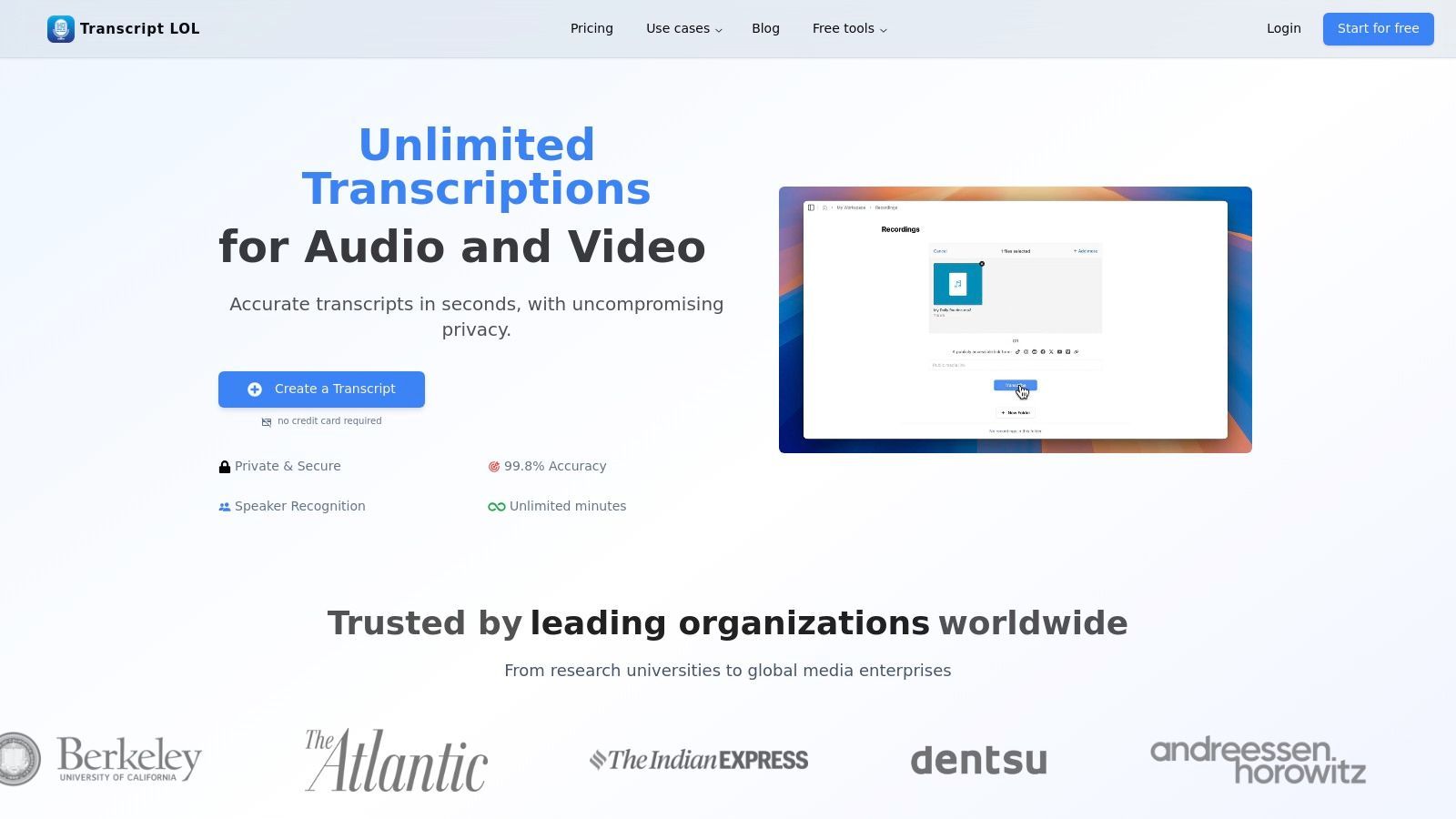
Transcript.LOL positioniert sich als Top-Wahl für die beste KI-Transkriptionssoftware, indem es hochpräzise Genauigkeit mit einer außergewöhnlichen Suite von Post-Transkriptions-Tools kombiniert. Es ist eine umfassende Plattform, die für Profis entwickelt wurde, die Audio und Video in mehr als nur Text umwandeln müssen.
Kern-KI-Transkriptions-Engine
Modernste KI
Angetrieben von OpenAIs Whisper für branchenführende Genauigkeit. Unterstützung für benutzerdefinierte Vokabulare, bis zu 10 Stunden lange Dateien und ultraschnelle Ergebnisse.

Aus mehreren Quellen importieren
Importiere Audio- und Videodateien aus verschiedenen Quellen, einschließlich direktem Upload, Google Drive, Dropbox, URLs, Zoom und mehr.

In mehreren Formaten exportieren
Exportiere deine Transkripte in mehreren Formaten, einschließlich TXT, DOCX, PDF, SRT und VTT mit anpassbaren Formatierungsoptionen.
Durch die Nutzung der Whisper-Engine von OpenAI liefert es schnelle, nahezu menschliche Genauigkeit und unterstützt eine beeindruckende Bandbreite an Importoptionen, einschließlich direkter Uploads, Cloud-Speicher und sogar YouTube-Links. Diese Flexibilität macht es zu einer idealen Zentrale für die Bündelung aller Transkriptionsanforderungen.
Warum zentralisierte Transkription jede Woche Stunden spart?
Die Verwendung mehrerer Transkriptionstools fragmentiert Ihren Workflow und erhöht Fehler. Ein zentralisiertes System hält Dateien, Zusammenfassungen und Exporte an einem Ort, reduziert den Werkzeugwechsel und beschleunigt die Inhaltsproduktion von der Aufnahme bis zur Veröffentlichung.
Die herausragende Funktion der Plattform ist ihre Fähigkeit, Roh-Transkripte in umsetzbare Inhalte zu verwandeln. Anstatt nur Text zu liefern, generiert sie Zusammenfassungen, Aktionspunkte, Social-Media-Posts und sogar Mindmaps. Dies verwandelt ein einfaches Transkript in ein leistungsstarkes Produktivitätstool, das es Podcastern ermöglicht, Show Notes zu erstellen, Marketern, Posts zu entwerfen, und Unternehmens-Teams, wichtige Entscheidungen aus Besprechungen automatisch zu extrahieren.
Kernfunktionen & Analyse
- Hohes Volumen: Unterstützt Datei-Uploads von bis zu 10 Stunden Länge (5 GB), was es perfekt für Langform-Inhalte wie Podcasts, Webinare und Vorträge macht.
- Intelligente KI-Ausgaben: Geht über die reine Transkription hinaus und generiert Zusammenfassungen, Quizfragen, Themenlisten und Social-Media-Inhalte, was die Workflows zur Inhaltserstellung optimiert.
- Robuste Integrationen: Bietet eine Chrome-Erweiterung, API-Zugriff und Verbindungen mit Google Drive, Zoom, Zapier, WhatsApp und Telegram, um sicherzustellen, dass es in bestehende Prozesse passt.
- Datenschutzorientierte Richtlinie: Entscheidend ist, dass es eine strikte "No-Training"-Richtlinie gibt. Ihre Inhalte werden niemals zum Trainieren externer KI-Modelle verwendet, was einen wesentlichen Datenschutz gewährleistet.
- Teamkollaboration: Gemeinsame Arbeitsbereiche, Ordner und Zugriffsverwaltung erleichtern die nahtlose Teamarbeit an Transkriptionsprojekten.
Preisstruktur
| Plan | Preis | Wichtige Funktionen |
|---|---|---|
| Kostenlos | $0 | 2 Transkripte/Tag, 20-Minuten-Dateilimit |
| Unbegrenzt | $120/Jahr | Unbegrenzte Transkripte, 10-Stunden-Dateilimit, KI-Content-Tools |
| Team | Ab $240/Jahr | Enthält 2 Benutzer, gemeinsame Arbeitsbereiche, Kollaborationstools |
Vor- und Nachteile
Vorteile:
- Hohe Genauigkeit und Geschwindigkeit, auch bei langen Dateien
- Strikte "No-Training"-Richtlinie gewährleistet Datenschutz
- End-to-End-Workflow-Tools von der Transkription bis zur Inhaltserstellung
- Umfangreiche Importoptionen und Integrationen
- Günstige Preise für intensive Einzelnutzer
Nachteile:
- Der kostenlose Plan ist für professionelle Nutzung recht eingeschränkt
- Fehlende explizite Erwähnung von HIPAA oder anderen regulatorischen Zertifizierungen auf der Website
Erweiterte Bearbeitungs- und Automatisierungswerkzeuge

Sprechererkennung
Identifiziere automatisch verschiedene Sprecher in deinen Aufnahmen und beschrifte sie mit ihren Namen.

Bearbeitungswerkzeuge
Bearbeite Transkripte mit leistungsstarken Werkzeugen wie Suchen und Ersetzen, Sprecherzuordnung, Rich-Text-Formate und Hervorhebungen.
Zusammenfassungen und Chatbot
Erstelle Zusammenfassungen und andere Erkenntnisse aus deinem Transkript, wiederverwendbare benutzerdefinierte Prompts und Chatbot für deine Inhalte.
Website: https://transcript.lol
2. Otter.ai
Otter.ai hat sich fest als eine Anlaufstelle für Echtzeit-Meeting-Transkription und kollaboratives Notieren etabliert. Seine Kernstärke liegt im OtterPilot, einem KI-Meeting-Agenten, der automatisch an Ihren Zoom-, Google Meet- oder Microsoft Teams-Anrufen teilnehmen kann. Er generiert Live-Transkripte, identifiziert verschiedene Sprecher und erfasst automatisch Präsentationsfolien. Dies macht es zu einer der besten KI-Transkriptionssoftwarelösungen für Teams, die stark auf virtuelle Meetings angewiesen sind.
Die Plattform ist darauf ausgelegt, eine "Single Source of Truth" für Meeting-Gespräche zu schaffen. Nach einem Anruf liefert Otter eine automatisierte Zusammenfassung, eine Liste von Aktionspunkten und ein durchsuchbares Transkript, zu dem Teammitglieder Kommentare abgeben und Markierungen setzen können. Dieser kollaborative Aspekt ist ein wichtiges Unterscheidungsmerkmal und verwandelt ein einfaches Transkript in einen interaktiven Arbeitsbereich.
Wichtige Funktionen und Anwendungsfälle
- Live-Transkription & OtterPilot: Der KI-Agent nimmt an Meetings teil und liefert ein Echtzeit-Transkript, damit sich die Teilnehmer auf die Diskussion konzentrieren können, anstatt Notizen zu machen.
- Automatisierte Zusammenfassungen: Nach dem Meeting erhalten Sie eine prägnante Zusammenfassung direkt per E-Mail, perfekt zum schnellen Nachholen.
- Kollaborationstools: Teams können direkt im Transkript Markierungen setzen, Kommentare hinzufügen und Aktionspunkte zuweisen.
- Am besten geeignet für: Vertriebsteams, die Anrufe überprüfen, Projektmanager, die nächste Schritte verfolgen, und Pädagogen, die zugängliche Vorlesungsnotizen bereitstellen.
Otter.ai bietet eine kostenlose Stufe mit begrenzten Transkriptionsminuten pro Monat. Bezahlte Pläne schalten mehr Minuten, erweiterte Funktionen wie den OtterPilot und größere Kollaborationsmöglichkeiten frei. Während die Sprachunterstützung am besten für Englisch ist, ist die Benutzeroberfläche poliert und intuitiv, was den Einstieg erleichtert. Sie können mehr über seine Rolle auf dem Markt erfahren, indem Sie verschiedene KI-gestützte Transkriptionssoftwareoptionen erkunden.
Vorteile:
- Hervorragend für Live-Meeting-Transkription und Kollaboration.
- Polierte Benutzeroberfläche und nahtlose Integration mit wichtigen Kalender-/Meeting-Apps.
- Bietet eine funktionale kostenlose Stufe zum Testen.
Nachteile:
- Die meisten fortschrittlichen KI-Funktionen sind hinter teureren Tarifen gesperrt.
- Die Sprachunterstützung ist nicht so breit gefächert wie bei einigen Konkurrenten.
3. Rev.com
Rev.com hebt sich auf dem Transkriptionsmarkt durch ein leistungsstarkes Hybridmodell ab. Es kombiniert schnelle, kostengünstige KI-gestützte Transkription mit einem Premium-Service für menschliche Transkription mit 99% Genauigkeit, was es zu einer einzigartig flexiblen Plattform macht. Dieser duale Ansatz ermöglicht es den Benutzern, das richtige Werkzeug für die jeweilige Aufgabe auszuwählen, egal ob sie einen schnellen Entwurf von einer automatisierten Engine oder ein poliertes, veröffentlichungsreifes Transkript benötigen, das von einem Profi überprüft wurde.
Dies macht Rev zu einer der besten KI-Transkriptionssoftwarelösungen für Fachleute, die eine Mischung aus Geschwindigkeit und garantierter Genauigkeit benötigen. Sie können die KI für interne Notizen oder erste Entwürfe verwenden und dann einfach auf menschliche Transkription für kritische Dateien wie Gerichtsverfahren, endgültige Videountertitel oder öffentlich zugängliche Inhalte upgraden, bei denen Präzision nicht verhandelbar ist.
Wichtige Funktionen und Anwendungsfälle
- Hybride KI- & Menschliche Dienste: Greifen Sie von einer einzigen Plattform aus auf automatisierte Transkription (ab 0,25 $/Minute) und menschliche Transkription (ab 1,50 $/Minute) zu.
- Garantierte Genauigkeit: Der menschliche Dienst bietet eine Genauigkeitsgarantie von 99 %, was für Compliance-, Rechts- und akademische Anwendungsfälle entscheidend ist.
- Umfassende Angebote: Neben der Transkription bietet Rev menschlich erstellte Untertitel, fremdsprachige Untertitel und einen neuen KI-Notetaker für Meetings.
- Am besten geeignet für: Juristen, die beglaubigte Transkripte benötigen, Videoproduzenten, die fehlerfreie Untertitel benötigen, und Unternehmen, die sowohl schnelle KI-Entwürfe als auch hochpräzise menschliche Ergebnisse benötigen.
Rev bietet sowohl Pay-as-you-go-Preise als auch Abonnementpläne für seine KI-Dienste an, was Flexibilität für unterschiedliche Nutzungsniveaus bietet. Während die menschlichen Dienste einen Premium-Preis haben, rechtfertigen die Zuverlässigkeit der Plattform und die klaren Bearbeitungszeiten die Investition für Projekte mit hohem Einsatz. Sie können untersuchen, wie das menschliche Loop-Modell von Rev mit anderen Optionen verglichen wird, wenn Sie Transkriptionssoftware für Interviews auswählen.
Vorteile:
- Flexible Mischung aus Hochgeschwindigkeits-KI und hochpräzisen menschlichen Diensten.
- Klare Preisgestaltung und garantierte 99% Genauigkeit bei menschlicher Transkription.
- Starker Ruf für Qualität, insbesondere für professionelle und Mediennutzung.
Nachteile:
- Menschliche Dienste sind deutlich teurer als reine KI-Konkurrenten.
- Die automatisierte KI-Transkription ist nicht so funktionsreich wie bei einigen dedizierten KI-Plattformen.
4. Descript
Descript definiert Transkription neu, indem es sie direkt in einen All-in-One-Audio- und Videoeditor integriert. Seine Kerninnovation ist das "textbasierte Bearbeiten", bei dem Sie Ihre Medien bearbeiten, indem Sie einfach das Transkript bearbeiten, wie ein Textdokument. Das Löschen eines Satzes aus dem Text entfernt automatisch den entsprechenden Audio- oder Videoteil. Dieser einzigartige Workflow macht es zu einer der besten KI-Transkriptionssoftwareoptionen für Content Creators, insbesondere für Podcaster und Videoschnittprofis.
Die Plattform geht weit über einfache Transkription hinaus und bietet eine Reihe von KI-gestützten Tools, die den gesamten Produktionsprozess optimieren sollen. Funktionen wie "Studio Sound" verbessern die Audioqualität mit einem Klick, während "Overdub" es Ihnen ermöglicht, eine KI-Kopie Ihrer Stimme zu erstellen, um Fehler zu korrigieren. Die nahtlose Verschmelzung einer leistungsstarken Transkriptions-Engine mit einem vollwertigen Media-Editor hebt Descript als umfassendes Content-Creation-Hub hervor.
Wichtige Funktionen und Anwendungsfälle
- Textbasiertes Medien-Editing: Bearbeiten Sie Audio- und Videodateien, indem Sie das Transkript manipulieren, was die Nachbearbeitung intuitiv und schnell macht.
- KI-gestützte Tools: Enthält Füllwortentfernung mit einem Klick (z. B. "ähm", "äh"), Studio Sound zur Audioverbesserung sowie KI-generierte Zusammenfassungen und Clips.
- Overdub Voice Cloning: Korrigieren Sie Aufnahmefehler oder fügen Sie neue Wörter hinzu, indem Sie sie tippen und eine realistische KI-Kopie Ihrer eigenen Stimme verwenden.
- Am besten geeignet für: Podcaster, YouTuber und Videoschnittprofis, die Inhalte basierend auf ihrem Transkript bearbeiten müssen, sowie für Teams, die an Medienprojekten zusammenarbeiten.
Descript bietet einen kostenlosen Plan mit begrenzten Transkriptionsstunden, um seine Kernfunktionen zu testen. Bezahlte Pläne schalten mehr Transkriptionszeit, erweiterte KI-Tools und Kollaborationsfunktionen für Teams frei. Obwohl der vollständige Editor eine Lernkurve hat, ist seine Fähigkeit, Transkription mit Kreation zu verschmelzen, unübertroffen.
Vorteile:
- Kombiniert Bearbeitung und Transkription in einem einzigen, effizienten Workflow.
- Hervorragende Suite von KI-Tools für Kreative (Füllwortentfernung, Overdub).
- Großzügige kostenlose Stufe zum Ausprobieren der Kernfunktionalität.
Nachteile:
- Der vollständige Funktionsumfang kann für neue Benutzer eine Lernkurve darstellen.
- Transkriptions- und Medienstundenlimits basieren auf Ihrem Abonnementplan.
5. Sonix.ai
Sonix.ai ist auf Geschwindigkeit und Präzision ausgelegt und bietet automatisierte Transkriptions- und Übersetzungsdienste, die auf Medienprofis und globale Teams zugeschnitten sind. Seine Kernstärke ist ein leistungsstarker In-Browser-Editor, der Audio/Video mit einem zeitgestempelten Transkript synchronisiert, was die Überprüfung, Bearbeitung und Perfektionierung des Textes vereinfacht. Die Plattform zeichnet sich durch die Verarbeitung großer Dateimengen aus und ist ein starker Anwärter auf die beste KI-Transkriptionssoftware für Content Creators, die Medien schnell in verschiedene Formate umwandeln müssen.
Die Plattform unterstützt über 40 Sprachen und Dialekte sowie Übersetzungsfunktionen, was sie zu einem vielseitigen Werkzeug für die internationale Zusammenarbeit macht. Ihre Kollaborationsfunktionen ermöglichen es mehreren Benutzern, gleichzeitig an einem Transkript zu arbeiten und Kommentare und Notizen zu hinterlassen. Dies macht sie ideal für Produktionshäuser, Marketingagenturen und Journalisten, die eng zusammenarbeiten müssen, um genaue Untertitel und geschriebene Inhalte aus Audio- oder Videodateien zu erstellen.
Wichtige Funktionen und Anwendungsfälle
- In-Browser-Editor: Ein robuster Editor, der einfache Bearbeitung mit Wort-für-Wort-Zeitstempelung und Sprecher-Diarisierung ermöglicht.
- Mehrsprachige Transkription & Übersetzung: Transkribieren Sie in über 40 Sprachen und übersetzen Sie das Transkript dann in Dutzende weitere, um die Reichweite der Inhalte zu erweitern.
- Kollaborationstools: Laden Sie Teammitglieder ein, Transkripte anzuzeigen und zu bearbeiten, was den Überprüfungs- und Genehmigungsworkflow optimiert.
- Am besten geeignet für: Journalisten, die Interviews transkribieren, Podcaster, die Shownotes erstellen, und Videoproduzenten, die genaue Untertitel und Captions erstellen.
Sonix.ai bietet flexible Preismodelle mit stündlichen Pay-as-you-go-Tarifen und ermäßigten monatlichen Abonnements. Während einige erweiterte KI-Analysefunktionen zusätzliche Kosten verursachen können, sind die Kernfunktionen für Transkription und Kollaboration sehr effektiv. Sie können mehr erfahren, indem Sie die Sonix.ai-Website besuchen.
Vorteile:
- Flexible Preismodelle (pro Stunde oder Abonnement).
- Präzise Diarisierung und starke Unterstützung für Exportformate (SRT, VTT).
- Gut für Stapelverarbeitung und Teamkollaboration.
Nachteile:
- Einige KI-Analysefunktionen können extra kosten.
- Die Speicherzuweisung variiert je nach Plan erheblich.
6. Trint
Trint ist eine Transkriptionsplattform der Enterprise-Klasse, die für Journalisten, Content Creators und große Teams entwickelt wurde. Ihre Kernstärke liegt in ihrem leistungsstarken kollaborativen Workflow, der es Benutzern ermöglicht, Audio- und Videoinhalte sicher zu transkribieren, zu bearbeiten, hervorzuheben und zu verifizieren. Die Plattform zeichnet sich dadurch aus, Rohaufnahmen in strukturierte, durchsuchbare Daten umzuwandeln, was sie zu einer der besten KI-Transkriptionssoftwarelösungen für redaktionelle und Produktionsumgebungen macht, in denen Geschwindigkeit und Genauigkeit von größter Bedeutung sind.
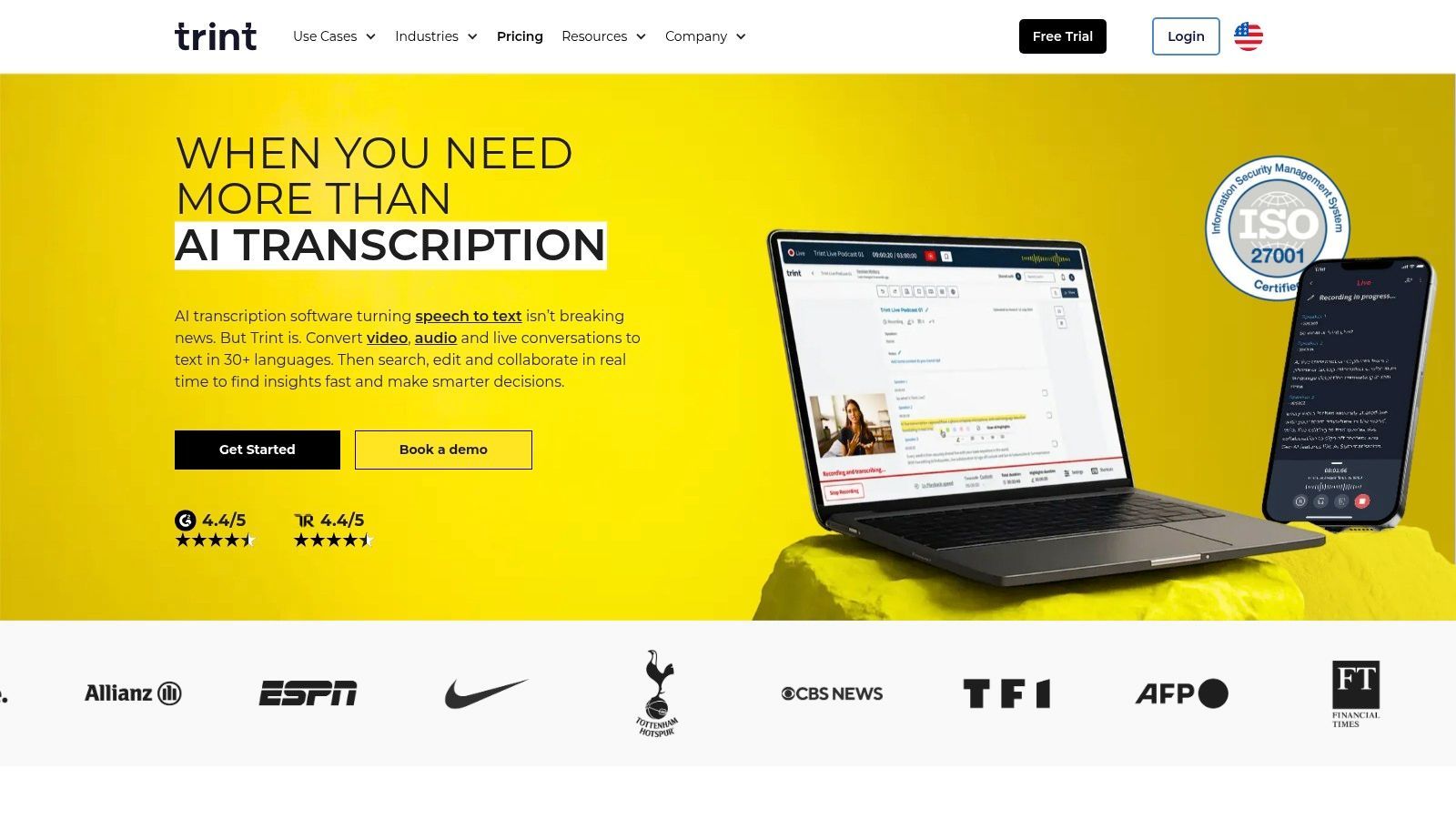
Die Plattform ist um einen "Story Builder"-Workflow herum aufgebaut, der es Teams ermöglicht, Schlüsselzitate aus mehreren Transkripten zu extrahieren, um Erzählungen, Skripte oder Artikel zu erstellen. Die robuste Suchfunktion von Trint ermöglicht es Benutzern, Momente in ihrer gesamten Content-Bibliothek sofort zu finden. Mit umfangreicher Sprachunterstützung und Enterprise-Sicherheit bietet es eine umfassende Lösung für Organisationen, die große Mengen sensibler Audio- und Videodateien verwalten.
Wichtige Funktionen und Anwendungsfälle
- Live- & Automatisierte Transkription: Erfassen Sie Echtzeit-Audio von Veranstaltungen oder laden Sie Dateien im Stapel über die API und BulkScribe für die Massenaufnahme hoch.
- Umfangreiche Sprachunterstützung: Transkribiert in über 40 Sprachen und bietet Übersetzungen in mehr als 70 Sprachen, ideal für globale Teams und internationale Inhalte.
- Kollaborative Workflows: Teams können Transkripte gemeinsam hervorheben, kommentieren und verifizieren, mit einem Story Builder zum Erstellen von Erzählungen aus Schlüsselmomenten.
- Am besten geeignet für: Nachrichtenredaktionen, Medienproduktionshäuser, Forschungseinrichtungen und große Unternehmen, die eine sichere, skalierbare und kollaborative Transkriptionsumgebung benötigen.
Die Preisgestaltung von Trint richtet sich an Teams und Enterprise-Kunden, wobei für spezifische Kosten oft eine Verkaufsberatung erforderlich ist. Obwohl dies die Zugänglichkeit für einzelne Benutzer einschränkt, ist der Funktionsumfang auf professionelle Workflows zugeschnitten, bei denen Sicherheit, Kollaboration und Massenverarbeitung nicht verhandelbar sind.
Vorteile:
- Starker Fokus auf redaktionelle und nachrichtenorientierte Workflows.
- Enterprise-Sicherheitsoptionen und Stapelverarbeitungsfunktionen.
- Hervorragend für Umgebungen mit hohem Volumen und kollaborativen Teams.
Nachteile:
- Die Preisgestaltung ist weniger transparent und richtet sich an Teams, nicht an Einzelpersonen.
- Erweiterte Funktionen erfordern möglicherweise einen höheren Tarif oder eine Kontaktaufnahme mit dem Vertrieb.
7. Happy Scribe
Happy Scribe besetzt eine einzigartige Nische im Markt, indem es sowohl automatisierte KI-Transkription als auch professionelle menschliche Dienstleistungen anbietet. Dieses Hybridmodell macht es zu einer vielseitigen Lösung für Benutzer, die die Geschwindigkeit der KI für einige Projekte und die garantierte Genauigkeit eines menschlichen Experten für andere benötigen. Die Plattform ist besonders stark in den Bereichen Untertitelung und Übersetzung, mit umfangreicher Sprachunterstützung, die ein globales Publikum anspricht.
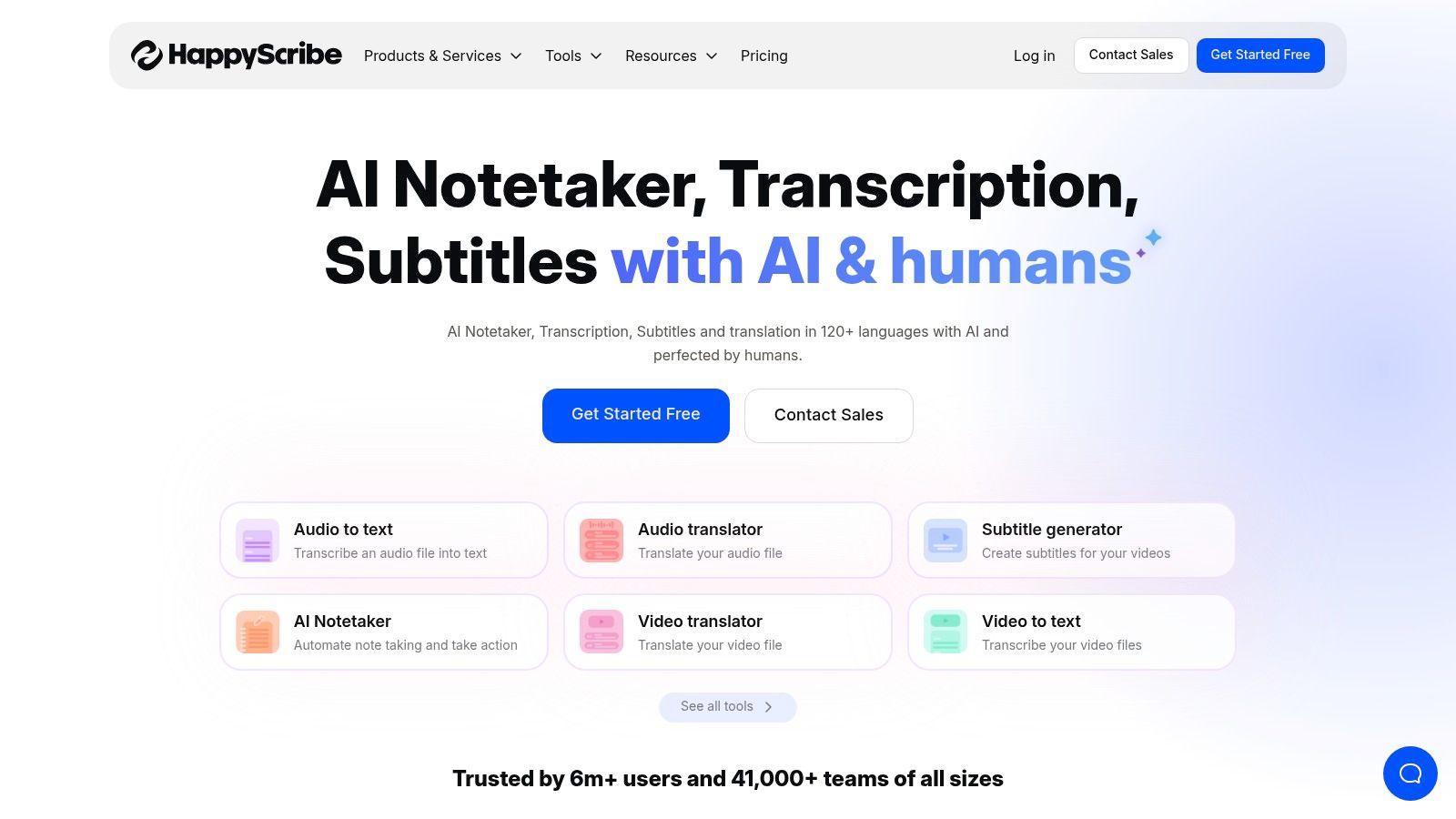
Die Plattform konzentriert sich auf einen unkomplizierten Workflow, vom Hochladen einer Datei bis zum Erhalt einer fertigen Transkript- oder Untertiteldatei. Sie integriert sich mit beliebten Videoplattformen und Meeting-Tools wie Zoom, Google Meet und Microsoft Teams, was den Prozess für Teams, die mehrsprachige Untertitel benötigen, vereinfacht. Der interaktive Editor ermöglicht eine einfache Überprüfung und Kollaboration und stellt sicher, dass die endgültige Ausgabe den spezifischen Projektanforderungen entspricht. Diese Mischung aus KI und menschlicher Note macht es zu einer der besten KI-Transkriptionssoftwareoptionen für Content Creators, die sowohl Geschwindigkeit als auch Qualität priorisieren.
Wichtige Funktionen und Anwendungsfälle
- KI- & Menschliche Dienste: Benutzer können zwischen schneller, kostengünstiger KI-Transkription oder nahezu perfekter, menschlich erstellter Dienstleistungen für kritische Projekte wählen.
- Untertitelung und Übersetzung: Eine Kernstärke, die robuste Tools zur Erstellung und Übersetzung von Untertiteln für Videos in zahlreichen Sprachen bietet.
- Kollaborativer Editor: Eine interaktive Oberfläche, auf der Benutzer Transkripte und Untertitel mit Zeitstempeln Korrektur lesen, bearbeiten und formatieren können.
- Am besten geeignet für: Video-Creators, die mehrsprachige Untertitel benötigen, Forscher, die hochpräzise Transkripte benötigen, und Unternehmen, die eine Mischung aus KI- und professionellen Dienstleistungen benötigen.
Die Preisgestaltung von Happy Scribe ist transparent, mit klaren Minutentarifen für seinen KI-Service und einfachen Angeboten für menschliche Transkription. Während die menschlichen Dienste natürlich höhere Kosten und längere Bearbeitungszeiten haben, ist die Flexibilität, den richtigen Service für jede Aufgabe zu wählen, ein erheblicher Vorteil.
Vorteile:
- Hervorragende Mischung aus automatisierter KI und professionellen menschlichen Dienstleistungen.
- Umfangreiche Sprachunterstützung für Transkription und Untertitelung.
- Benutzerfreundlicher Editor und mehrere Exportformate.
Nachteile:
- Die KI-Genauigkeit kann je nach Audioqualität variieren und erfordert manchmal eine menschliche Überprüfung.
- Menschlich erstellte Dienstleistungen sind deutlich teurer als KI-Optionen.
8. Notta.ai
Notta.ai positioniert sich als leistungsstarker, auf Meetings fokussierter Transkriptionsdienst, der einen außergewöhnlichen Wert bietet, insbesondere für Teams. Wie seine Konkurrenten bietet es einen Bot, der an Ihren Anrufen auf Zoom, Google Meet und Microsoft Teams teilnimmt und diese live transkribiert. Es zeichnet sich durch sein aggressives Preismodell aus, einschließlich einer Business-Stufe, die "unbegrenzte" Transkriptionsminuten bietet, was es zu einer attraktiven Option für Benutzer mit hohem Volumen macht.
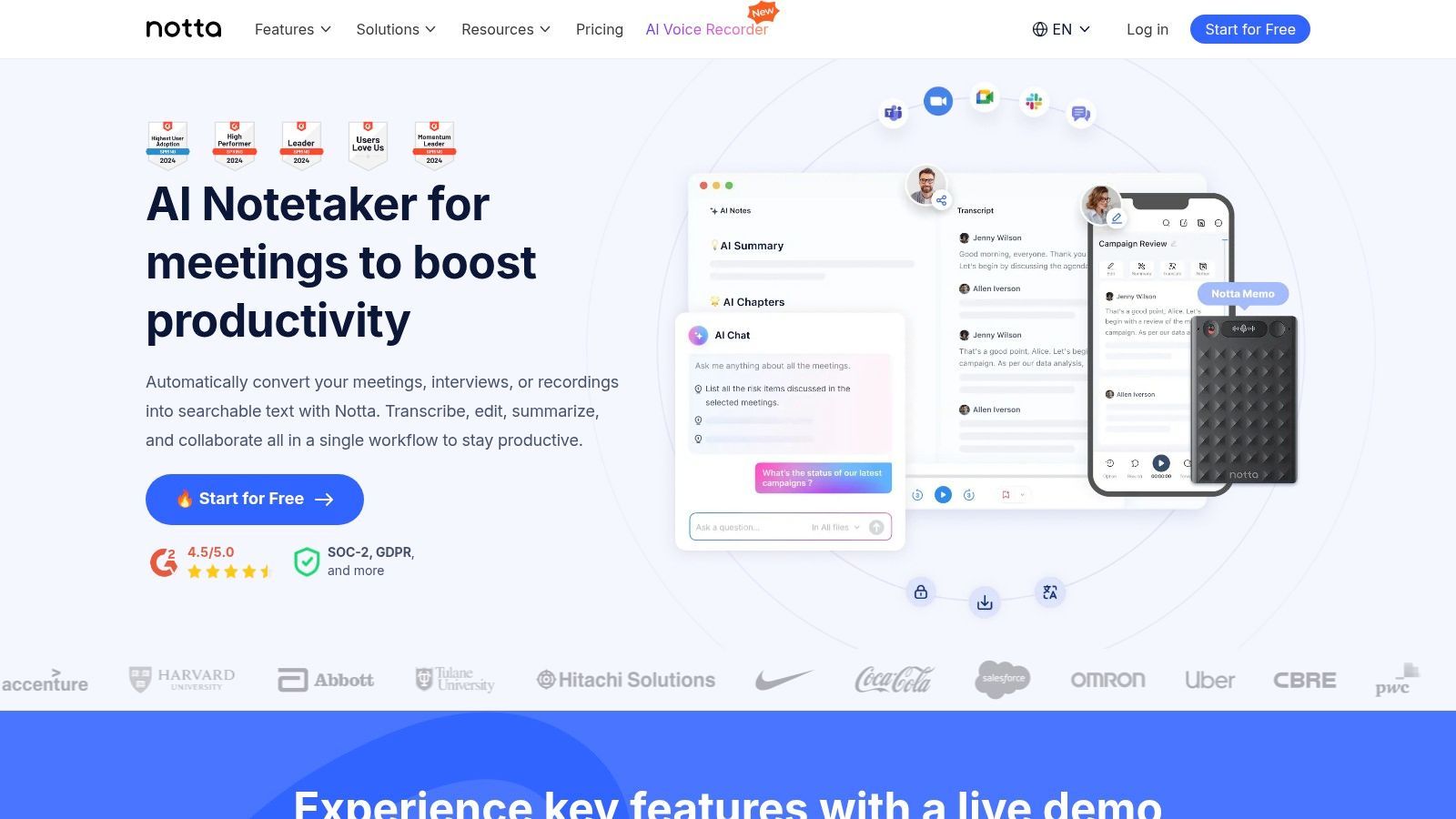
Die Plattform ist darauf ausgelegt, in bestehende Geschäftsabläufe integriert zu werden. Nach einem Meeting generiert Notta KI-gestützte Zusammenfassungen, Aktionspunkte und Kapitel, die Ihnen helfen, die wichtigsten Informationen schnell zu erfassen. Seine Integrationen mit Zapier und wichtigen CRMs ermöglichen eine robuste Automatisierung, indem Anrufnotizen und Daten direkt in andere Systeme übertragen werden, was ein großer Vorteil für Vertriebs- und Supportteams ist.
Wichtige Funktionen und Anwendungsfälle
- Live-Meeting-Transkription: Ein KI-Bot nimmt an Ihren Anrufen auf allen wichtigen Plattformen teil, um Gespräche in Echtzeit mit Sprechererkennung zu erfassen.
- KI-Zusammenfassungen und Vorlagen: Generiert strukturierte Zusammenfassungen mithilfe vordefinierter Vorlagen, um eine konsistente und relevante Notiznahme für jeden Anruf zu gewährleisten.
- Umfangreiche Integrationen: Verbindet sich mit Tools wie Salesforce, Notion und Zapier, um die Dateneingabe zu automatisieren und Workflows zu optimieren.
- Am besten geeignet für: Vertriebsteams, die CRM-Integration benötigen, Unternehmen mit hohem Meeting-Aufkommen und Benutzer, die eine der besten KI-Transkriptionssoftwarelösungen mit einem starken Preis-Leistungs-Verhältnis suchen.
Notta bietet einen kostenlosen Plan mit einer kurzen Begrenzung der Transkriptionslänge, während seine kostenpflichtigen Tarife deutlich mehr Funktionen und Minuten freischalten. Der "unbegrenzte" Business-Plan hat pro Aufnahme Limits, bietet aber eine massive Gesamtkapazität für Teams. Dies macht es zu einem großartigen Werkzeug, um zu lernen, wie man ein Zoom-Meeting transkribiert, ohne sich um Minutenquoten sorgen zu müssen.
Transkription nach professionellem Anwendungsfall
Juristen
Benötigen Zeitstempelpräzision, Sprecherzertifizierung und konformitätsbereite Transkripte für Gerichtsverfahren.
Gesundheitsdienstleister
Benötigen HIPAA-sichere Sprachdokumentation für Patientennotizen und medizinische Diktate.
Journalisten
Verlassen sich auf schnelle Interview-Bearbeitungszeiten mit Stichwortsuche und Zitatextraktion.
Content Creators
Priorisieren Sie die Genauigkeit von Untertiteln, die Erstellung von Social-Media-Clips und YouTube-Caption-Workflows.
Vorteile:
- Hervorragendes Preis-Leistungs-Verhältnis, insbesondere mit der "unbegrenzten" Business-Stufe.
- Breite Integrationsmöglichkeiten, einschließlich Zapier und beliebter CRMs.
- Starke Funktionen zur Erfassung von Live-Besprechungen und KI-Zusammenfassungen.
Nachteile:
- Längenbeschränkungen pro Aufnahme gelten auch im unbegrenzten Tarif.
- Die kostenlose Stufe ist mit ihren Gesprächslimits recht restriktiv.
9. Microsoft Azure AI Speech to Text
Microsoft Azure AI Speech to Text ist eine professionelle Lösung, die für Entwickler und große Organisationen entwickelt wurde, die Transkriptionsfunktionen direkt in ihre Anwendungen und Arbeitsabläufe integrieren müssen. Im Gegensatz zu eigenständigen Apps handelt es sich hierbei um eine cloudbasierte API, die immense Skalierbarkeit und tiefe Anpassungsmöglichkeiten bietet. Seine Stärke liegt in der engen Integration mit dem breiteren Azure-Ökosystem, was es zu einer leistungsstarken Wahl für Unternehmen macht, die bereits in die Cloud-Plattform von Microsoft investiert haben.
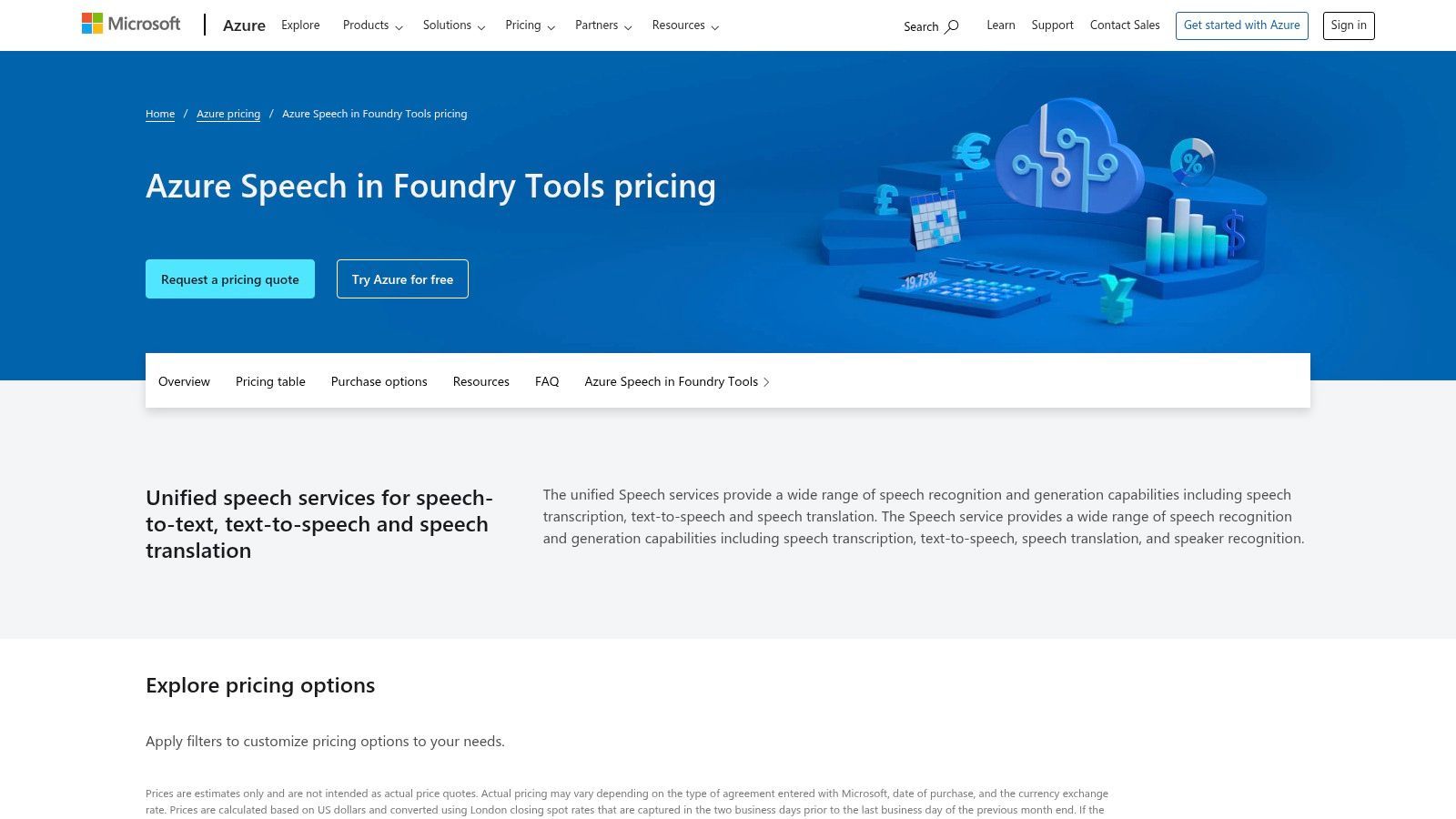
Die Plattform ist für volumenintensive, geschäftskritische Aufgaben konzipiert, von der Echtzeit-Transkription von Contact-Center-Anrufen bis zur Verarbeitung großer Stapel von Mediendateien. Sie zeichnet sich durch erweiterte Funktionen wie Custom Speech aus, mit denen Sie das Modell auf spezifische Branchenterminologie oder einzigartige akustische Umgebungen trainieren können, um die Genauigkeit zu verbessern. Mit unternehmensweiter Sicherheit und Compliance, einschließlich HIPAA, ist es eine der besten KI-Transkriptionssoftwareoptionen für regulierte Branchen.
Hauptmerkmale und Anwendungsfälle
- Batch- und Streaming-APIs: Bieten Flexibilität sowohl für die Echtzeit-Transkription (z. B. Live-Untertitel) als auch für die Verarbeitung großer Mengen vorab aufgezeichneter Audiodateien.
- Benutzerdefinierte Sprachmodelle: Benutzer können das Spracherkennungsmodell an ihre spezifischen Bedürfnisse anpassen, indem sie Textdaten (Sprachmodelle) oder Audiodaten (akustische Modelle) bereitstellen.
- Unternehmensweite Sicherheit: Bietet robuste Sicherheits-, Datenschutz- und Compliance-Zertifizierungen, die für den Gesundheits-, Finanz- und Regierungssektor geeignet sind.
- Am besten geeignet für: Entwickler, die Transkription in Apps integrieren, groß angelegte Medienverarbeitungs-Workflows und Contact-Center-Analysen, die hohe Genauigkeit und Compliance erfordern.
Die Preisgestaltung von Azure basiert auf der Nutzung mit einem Pay-as-you-go-Modell, das eine kostenlose Stufe von 5 Audiostunden pro Monat beinhaltet. Obwohl die Implementierung technisches Wissen erfordert, bietet sie unübertroffene Kontrolle und Leistung für kundenspezifische Lösungen. Weitere Informationen zu den Preisen finden Sie auf der Website von Azure Speech to Text.
Vorteile:
- Hochgradig skalierbar und zuverlässig für Anwendungsfälle auf Unternehmensebene.
- Starke Anpassungsoptionen mit Custom Speech-Modellen.
- Hervorragende Integration mit anderen Azure-Diensten für vollständige Workflows.
Nachteile:
- Erfordert technisches Fachwissen und Kenntnisse der Azure-Plattform für die Implementierung.
- Die Preisgestaltung kann komplex werden, da sie andere Azure-Dienstkosten beinhalten kann.
10. Google Cloud Speech-to-Text
Für Entwickler und Unternehmen, die eine leistungsstarke, skalierbare Transkriptions-Engine suchen, um sie in ihre eigenen Anwendungen zu integrieren, ist Google Cloud Speech-to-Text eine grundlegende Plattform. Anstatt einer eigenständigen App handelt es sich um eine API, die Zugriff auf die fortschrittlichen Spracherkennungsmodelle von Google bietet. Dieser Dienst eignet sich hervorragend für die Verarbeitung riesiger Mengen von Audiodaten und bietet sowohl Stapelverarbeitung für vorab aufgezeichnete Dateien als auch Echtzeit-Streaming-Transkription.
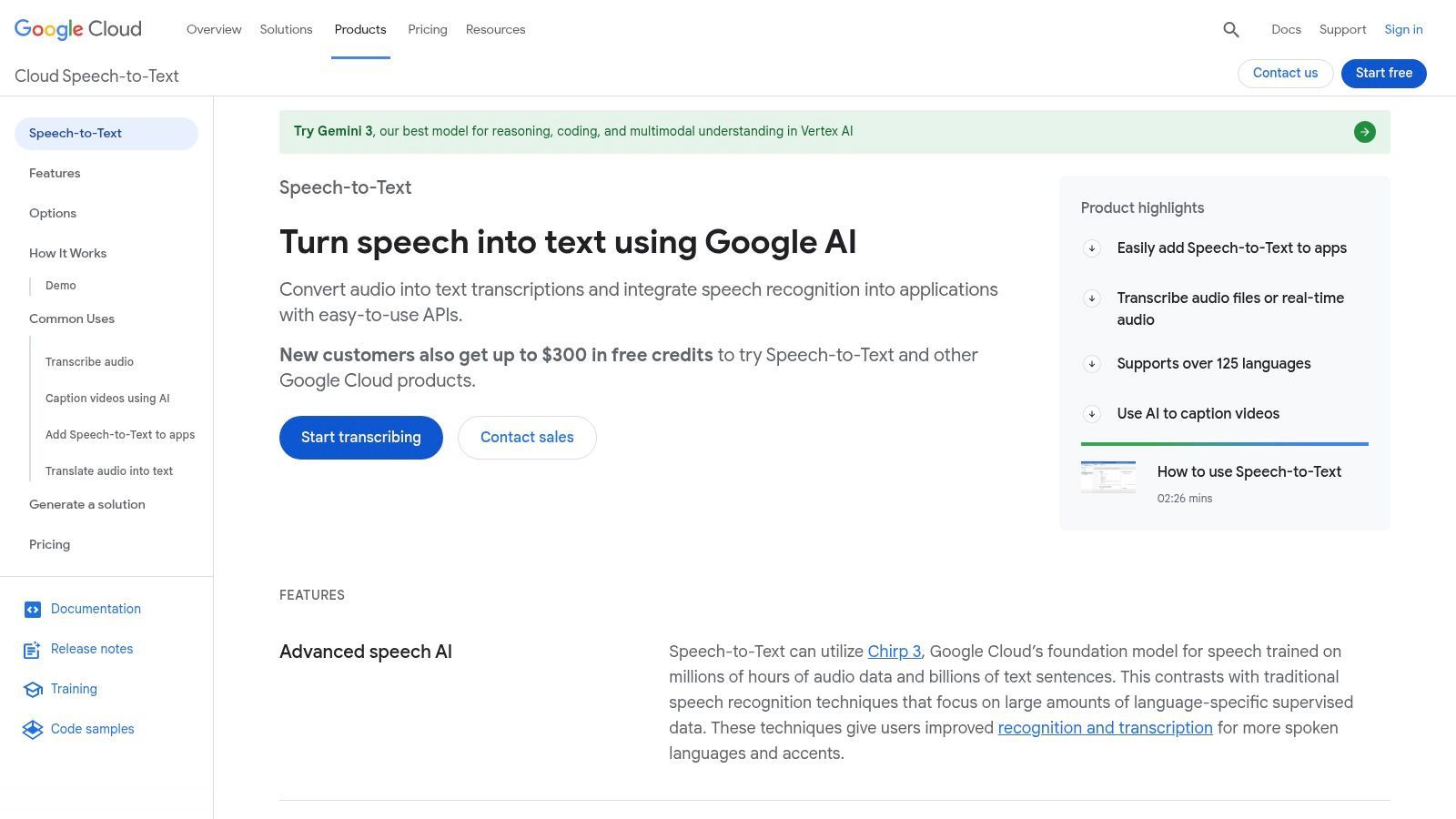
Sein Hauptunterscheidungsmerkmal ist die Möglichkeit, spezialisierte Modelle auszuwählen, die auf bestimmte Audiotypen wie Anrufe, Videos oder medizinische Diktate zugeschnitten sind, was die Genauigkeit erheblich verbessert. Mit Unterstützung für über 120 Sprachen und Dialekte ist es eine der vielseitigsten verfügbaren Engines und damit ein Anwärter auf die beste KI-Transkriptionssoftware für globale Anwendungen.
Hauptmerkmale und Anwendungsfälle
- Spezialisierte Erkennungsmodelle: Wählen Sie aus Modellen, die für spezifische Szenarien wie Telefonie, Langform-Video oder medizinische Terminologie trainiert wurden, um die Genauigkeit zu erhöhen.
- Umfangreiche Sprachunterstützung: Bietet Transkriptionsfunktionen für mehr als 120 Sprachen und verschiedene Dialekte.
- Streaming- und Batch-Modi: Bietet Echtzeit-Transkription für Live-Anwendungen und effiziente Stapelverarbeitung für große Archive von Audiodateien.
- Am besten geeignet für: Entwickler, die sprachgesteuerte Apps erstellen, große Unternehmen, die Callcenter-Aufzeichnungen verarbeiten, und Medienunternehmen, die Untertitel für ein globales Publikum benötigen.
Die Preisgestaltung basiert auf der Nutzung, wobei volumenbasierte Rabatte sie für groß angelegte Projekte kostengünstig machen. Die Implementierung erfordert jedoch technisches Fachwissen und ein Google Cloud Platform-Konto, dessen Einrichtung und Verwaltung komplex sein kann. Sie können erfahren, wie sich die zugrunde liegende Technologie vergleicht, indem Sie mehr über Genauigkeit von Speech-to-Text lesen.
Vorteile:
- Hohe Genauigkeit mit spezialisierten Modellen für verschiedene Anwendungsfälle.
- Außergewöhnliche Sprach- und Dialektabdeckung.
- Flexibel und skalierbar für Echtzeit- und großvolumige Stapelverarbeitung.
Nachteile:
- Erfordert Entwicklungsressourcen und technisches Fachwissen für die Implementierung.
- Die Einrichtung der GCP-Abrechnung und -Projekte kann für Anfänger komplex sein.
11. Amazon Transcribe
Amazon Transcribe ist ein leistungsstarker Speech-to-Text-Dienst von Amazon Web Services (AWS), der für Entwickler und Unternehmen entwickelt wurde, die Transkriptionsfunktionen in ihre Anwendungen und Arbeitsabläufe integrieren müssen. Seine Kernstärke liegt in seiner Skalierbarkeit und tiefen Integration in das AWS-Ökosystem, was die automatisierte Verarbeitung von in S3 gespeicherten Audiodateien oder die Echtzeit-Transkription von Medienströmen ermöglicht. Dies macht es zu einer der besten KI-Transkriptionssoftwareoptionen für Media-Pipelines auf Unternehmensebene und Contact-Center-Analysen.
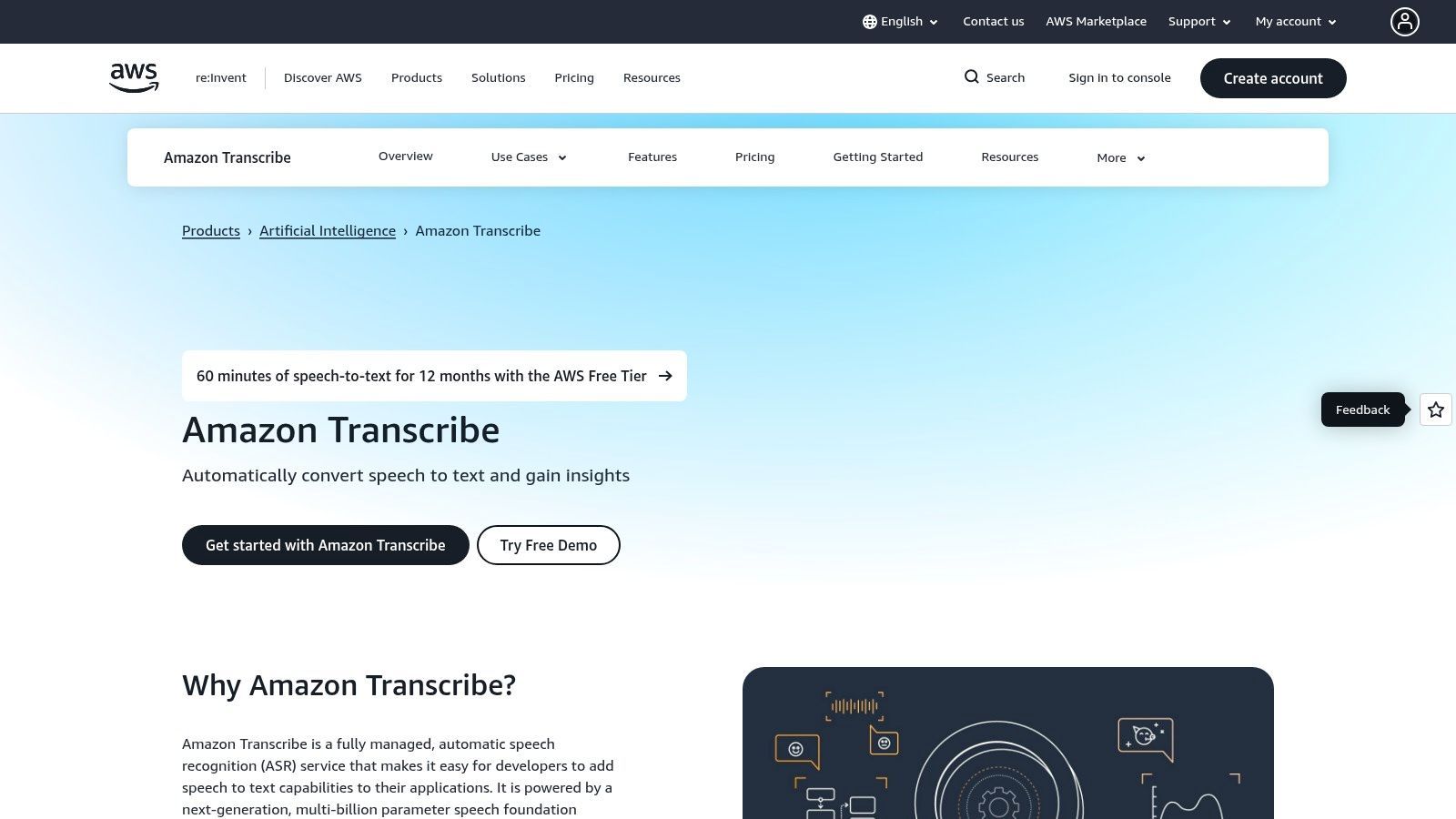
Die Plattform ist weniger eine eigenständige App als vielmehr ein grundlegender Dienst, der spezialisierte Modelle für verschiedene Branchen anbietet. Amazon Transcribe Medical ist beispielsweise HIPAA-konform und auf medizinische Terminologie trainiert, während seine Call Analytics-Funktion tiefgreifende Einblicke in Kundenkonversationen liefert, einschließlich Stimmungsanalyse und Problemidentifizierung. Dieser Fokus auf spezifische, risikoreiche Anwendungsfälle unterscheidet es von allgemeineren Werkzeugen.
Nicht alle KI-Transkriptionstools sind sicher für sensible Daten
Viele Plattformen verwenden Benutzerdateien heimlich wieder, um KI-Modelle zu trainieren. Wenn Ihre Inhalte rechtliche, medizinische, finanzielle oder proprietäre Informationen enthalten, kann dies zu irreversiblen Datenschutzverletzungen und regulatorischen Risiken führen.
Hauptmerkmale und Anwendungsfälle
- Streaming- und Stapeltranskription: Unterstützt sowohl Echtzeit-Transkription für Live-Veranstaltungen als auch die Verarbeitung großer Archive vorab aufgenommener Audiodaten.
- Spezialisierte Modelle: Bietet zweckgebundene Modelle wie Amazon Transcribe Medical für klinische Dokumentation und Call Analytics für Contact Center.
- Inhaltsredaktion: Identifiziert und schwärzt automatisch persönlich identifizierbare Informationen (PII) aus Transkripten, um die Einhaltung von Vorschriften und den Datenschutz zu unterstützen.
- Am besten geeignet für: Entwickler, die Transkriptions-Apps erstellen, Medienunternehmen, die Untertitel-Workflows automatisieren, und Contact Center, die Kundenanrufe analysieren.
Amazon Transcribe verwendet ein nutzungsbasiertes Preismodell, das pro Sekunde verarbeiteter Audiodaten abgerechnet wird, mit einer kostenlosen Stufe, die in der Regel die ersten 12 Monate 60 Minuten pro Monat umfasst. Obwohl es immense Leistung und Anpassungsmöglichkeiten bietet, erfordert es ein AWS-Konto und etwas technisches Fachwissen für die Einrichtung, wodurch es besser für Benutzer mit Entwicklungsressourcen geeignet ist.
Vorteile:
- Hoch skalierbar und nahtlose Integration in das AWS-Ökosystem.
- Spezialisierte Modelle für medizinische und Contact-Center-Anwendungsfälle bieten hohe Genauigkeit.
- Granulare Kontrolle über Transkriptionsfunktionen wie benutzerdefinierte Vokabulare.
Nachteile:
- Erfordert technisches Wissen und eine AWS-Einrichtung, nicht benutzerfreundlich für Anfänger.
- Die Preisgestaltung kann mit verschiedenen Add-ons und regionalen Unterschieden komplex werden.
12. G2 (Kategorie Transkriptionssoftware)
G2 ist kein Transkriptionsdienst an sich, sondern ein umfassender B2B-Softwaremarktplatz und eine Bewertungsplattform. Seine Transkriptionskategorie dient als wesentlicher Recherche-Hub für alle, die die besten KI-Transkriptionssoftware-Anbieter an einem Ort vergleichen möchten. Die Plattform aggregiert Benutzerbewertungen, Zufriedenheitswerte und detaillierte Funktionslisten, sodass Käufer Optionen wie Otter.ai, Rev und Descript basierend auf realem Feedback und spezifischen Geschäftsanforderungen filtern und eine Vorauswahl treffen können.
Die Stärke der Plattform liegt in ihren Grid®-Berichten, die Marktführer, Hochleister und Nischenanbieter visuell abbilden, basierend auf Benutzerzufriedenheit und Marktpräsenz. Dieser datengesteuerte Ansatz hilft, Marketing-Hype zu durchbrechen und ein klareres Bild davon zu vermitteln, welche Tools ihren Benutzern wirklich einen Mehrwert bieten. Für Unternehmen macht dies den anfänglichen Auswahlprozess des Anbieters erheblich effizienter und transparenter.
Hauptmerkmale und Anwendungsfälle
- Vergleichsgitter & Filter: Verwenden Sie das interaktive Gitter und die Filter, um Dutzende von Anbietern nebeneinander nach Funktionen, Preismodellen und Unternehmensgröße zu vergleichen.
- Verifizierte Benutzerbewertungen: Greifen Sie auf detaillierte Bewertungen von verifizierten Benutzern zu, die Einblicke in die Leistung, Benutzerfreundlichkeit und Qualität des Kundensupports jeder Plattform bieten.
- „Best Of“-Listen & Abzeichen: Identifizieren Sie schnell Top-bewertete Software durch G2s saisonale Berichte und Leader-Abzeichen, die durchweg leistungsstarke Produkte hervorheben.
- Am besten geeignet für: IT-Manager, Beschaffungsteams und Unternehmensleiter, die Due Diligence durchführen, bevor sie in eine Transkriptionslösung investieren.
Die Nutzung von G2 ist für Käufer völlig kostenlos. Obwohl es einen unschätzbaren Überblick über den Markt bietet, ist es wichtig, spezifische Details auf den Websites der Anbieter zu überprüfen, da gesponserte Platzierungen die Sichtbarkeit manchmal beeinflussen können.
Vorteile:
- Breiter, aktueller Marktüberblick für schnellen Anbietervergleich.
- Einblicke basieren auf verifizierten Benutzerbewertungen und Zufriedenheitswerten.
- Kostenlos zum Durchsuchen und hervorragend zur Erstellung einer ersten Vorauswahl.
Nachteile:
- Gesponserte Einträge können beeinflussen, welche Anbieter am prominentesten erscheinen.
- Einige Bewertungen können vom Anbieter angefordert worden sein; kreuzen Sie Behauptungen immer an.
Vergleich der 12 besten KI-Transkriptionstools
| Produkt | Kernfunktionen | Qualität (★) | Preis/Wert (💰) | Zielgruppe (👥) | Einzigartig (✨) |
|---|---|---|---|---|---|
| Transcript.LOL 🏆 | Whisper-basierte KI, Sprechererkennung, Rich Editor, Multi-Format-Export, Integrationen | ★★★★★ (4,8) | 💰 Kostenlose Stufe; Unbegrenzt ca. 120 $/Jahr; Team ab 240 $/Jahr | 👥 Kreative, Podcaster, Teams, Unternehmen | ✨ Datenschutzorientiert (keine Trainingsrichtlinie), schnelle 10-Stunden-Uploads, KI-Ausgaben (Zusammenfassungen, Quiz, Social-Media-Posts) |
| Otter.ai | Live- & aufgezeichnete Transkription, Meeting-Agent, Kalender-/Zoom-Integration, mobile Apps | ★★★★☆ | 💰 Kostenlos + kostenpflichtige Pläne für Teams/Agenten | 👥 Meetings, Vertrieb, Bildung, Recruiter | ✨ Echtzeit-Meeting-Agent mit Aktionspunkten & Q&A |
| Rev.com | KI + Premium-Transkription/Untertitelung durch Menschen, interaktiver Editor, Integrationen | ★★★★☆ | 💰 KI Pay-per-Minute; Premium-Preise für menschliche Dienstleistungen | 👥 Medien, Recht, Compliance-sensitive Projekte | ✨ Marktplatz für menschliche Transkription für 99% Genauigkeit |
| Descript | Textbasierte Audio-/Video-Bearbeitung, automatisierte Transkription, Overdub, Studio Sound | ★★★★☆ | 💰 Kostenlose Stufe; Abonnementstufen für Kreative/Teams | 👥 Podcaster, Video-Kreative, Redakteure | ✨ Vollständiger Editor + Overdub-Stimme und integrierte Clip-Erstellung |
| Sonix.ai | Schnelle KI-Transkription, über 40 Sprachen, Browser-Editor, API, Pay-as-you-go/Abonnement | ★★★★☆ | 💰 Pay-as-you-go oder Abonnement (Rabatte pro Stunde) | 👥 Medienteams, Stapel-Workflows | ✨ Starke Diarisierung, Übersetzungs- und Stapel-Exportunterstützung |
| Trint | Live-Aufnahme, mehrsprachige Transkription/Übersetzung, Story Builder, Stapelverarbeitung | ★★★★☆ | 💰 Team-/Unternehmenspreise; kontaktieren Sie den Vertrieb für Stufen | 👥 Journalisten, Nachrichtenredaktionen, Unternehmen | ✨ Redaktionelle Workflows, Stapel-/Archivverarbeitung & Unternehmensoptionen |
| Happy Scribe | KI + menschliche Transkription/Untertitelung, Meeting-Integrationen, kollaborativer Editor | ★★★★☆ | 💰 Pay-as-you-go + Abonnement; Angebote für menschliche Arbeit | 👥 Mehrsprachige Teams, Untertitelungsprojekte | ✨ Unkomplizierte Angebote für professionelle menschliche Untertitelung & Untertitel |
| Notta.ai | Live-/Datei-Transkription, Meeting-Erfassung, Zusammenfassungen, Automatisierungen, CRM-Integrationen | ★★★★☆ | 💰 Aggressive Preisgestaltung; Business-Stufe bietet „unbegrenzte“ Minuten (pro Aufnahme Limits) | 👥 Teams, die Meetings erfassen, Vertriebs-/CRM-Workflows | ✨ Unbegrenzte Minuten in der Business-Stufe & starke Automatisierungen |
| Microsoft Azure AI Speech to Text | Streaming & Stapel, Diarisierung, Custom Speech, Unternehmenssicherheit/Compliance | ★★★★☆ | 💰 Nutzungsbasiert (pro Sekunde) mit kostenlosem Kontingent; Unternehmensabrechnung | 👥 Entwickler, Contact Center, regulierte Unternehmen | ✨ Unternehmenskonformität (HIPAA/BAA-Optionen) und Azure-Ökosystem |
| Google Cloud Speech-to-Text | Streaming/Stapel, über 120 Sprachen, spezialisierte Modelle (Medizin/Telefon), Volumenstufen | ★★★★☆ | 💰 Wettbewerbsfähige Preise pro Minute mit Volumenrabatten | 👥 Entwickler, groß angelegte/Medien-Workflows | ✨ Breite Sprach-/Dialektunterstützung und spezialisierte Modelle |
| Amazon Transcribe | Streaming & Stapel, Diarisierung, Call Analytics, Inhaltsredaktion, Medical SKU | ★★★★☆ | 💰 Nutzungsbasiert; kostenlose Stufe die ersten 12 Monate; regionale Preise | 👥 Contact Center, Medien-Pipelines, Gesundheitswesen | ✨ Call Analytics, Inhaltsredaktion und enge AWS-Integrationen |
| G2 (Kategorie) | Marktverzeichnis: Bewertungen, Gitter, Leader-Abzeichen, Filter, Anbieterlinks | — (Variiert) | 💰 Kostenlos zum Durchsuchen | 👥 Käufer recherchieren/erstellen Vorauswahllisten für Transkription | ✨ Bewertungsgesteuerte Vergleiche, Leader-/Hochleistungs-Abzeichen |
Das endgültige Urteil: Welche KI-Transkriptionssoftware ist die richtige für Sie?
Die Navigation auf dem überfüllten Markt für die beste KI-Transkriptionssoftware kann überwältigend sein, aber nach einer umfassenden Überprüfung der Top-Anwärter zeichnet sich ein klares Bild ab. Die ideale Wahl ist keine Einheitslösung; es ist ein Werkzeug, das perfekt zu Ihrem spezifischen Workflow, Ihren Prioritäten und Ihrem Budget passt. Ihre endgültige Entscheidung hängt davon ab, was Sie am meisten schätzen: rohe Bearbeitungsleistung, Integration auf Unternehmensebene oder eine sichere All-in-One-Content-Engine.
Wir haben eine vielfältige Landschaft leistungsstarker Plattformen erkundet. Für Podcaster und Video-Kreative bleibt Descript ein Game-Changer mit seinem intuitiven textbasierten Bearbeitungs-Workflow, der die Grenze zwischen Transkription und Content-Erstellung verwischt. Für große Unternehmen, die bereits in ein bestimmtes Cloud-Ökosystem integriert sind, bieten die rohe Leistung und Skalierbarkeit von Microsoft Azure AI Speech to Text, Google Cloud Speech-to-Text und Amazon Transcribe unübertroffene Anpassungsmöglichkeiten und Kontrolle, wenn auch mit einer steileren Lernkurve.
In der Zwischenzeit werden Fachleute, die sich auf die Maximierung der Meeting-Effizienz konzentrieren, immensen Wert in Tools wie Otter.ai und Notta.ai finden, die sich durch Echtzeit-Transkription und kollaboratives Notieren auszeichnen. Diese Plattformen sind darauf ausgelegt, sich nahtlos in Ihren täglichen Kalender und Ihre Kommunikations-Apps zu integrieren und Gespräche in strukturierte, umsetzbare Aufzeichnungen zu verwandeln. Für diejenigen, die die Gewissheit einer menschlichen Überprüfung benötigen, bieten hybride Dienste wie Rev.com und Happy Scribe ein wertvolles Sicherheitsnetz, das KI-Geschwindigkeit mit menschlicher Genauigkeit kombiniert.
KI-Meeting-Agenten in Echtzeit ersetzen manuelle Notizen
Moderne KI-Meeting-Agenten treten jetzt automatisch Anrufen bei, identifizieren Sprecher, fassen Diskussionen zusammen und extrahieren Aufgaben in Echtzeit. Dies macht die manuelle Notizenerstellung überflüssig und verbessert die Ausführung nach dem Meeting.
Ihre endgültige Entscheidung treffen: Ein bedürfnisorientierter Ansatz
Um das richtige Werkzeug auszuwählen, müssen Sie zunächst Ihre Kernbedürfnisse definieren. Stellen Sie sich diese kritischen Fragen:
- Was ist mein primärer Anwendungsfall? Transkribieren Sie Interviews für die Forschung, bearbeiten Sie einen Podcast, dokumentieren Sie juristische Aussagen oder erstellen Sie Besprechungszusammenfassungen? Die Funktion bestimmt die notwendigen Merkmale.
- Wie sensibel sind meine Daten? Für juristische, gesundheitliche oder proprietäre Unternehmensinhalte sind Datenschutz und Sicherheit nicht verhandelbar. Suchen Sie nach Diensten mit ausdrücklichen Richtlinien, die die Nutzung Ihrer Daten für das Modelltraining verbieten.
- Wie sieht mein Workflow aus? Betrachten Sie den gesamten Prozess. Wie bringen Sie Ihre Audio-/Videoinhalte in das Tool und was müssen Sie anschließend mit der Transkription machen? Suchen Sie nach robusten Import-/Exportoptionen und Integrationen, die Reibungsverluste minimieren.
- Brauche ich mehr als nur eine Transkription? Viele moderne Tools bieten mittlerweile Mehrwertfunktionen wie Zusammenfassungen, Kapitelmarkierungen und die Wiederverwendung von Inhalten. Ermitteln Sie, ob Sie eine End-to-End-Plattform zur Inhaltserstellung oder nur einen einfachen Transkriptionsdienst benötigen.
Unsere Top-Empfehlung für die meisten Fachleute
Während spezialisierte Tools in ihren Nischen glänzen, sticht eine Plattform durch ihr außergewöhnliches Gleichgewicht zwischen Datenschutz, Leistung und Vielseitigkeit hervor. Transcript.LOL erfüllt die häufigsten und kritischsten Bedürfnisse eines breiten Spektrums von Benutzern, von Content-Vermarktern und Pädagogen bis hin zu Unternehmens-Teams und Forschern.
Sein unerschütterliches Engagement für den Datenschutz mit einer strengen "No-Training"-Richtlinie für Benutzerdaten macht es zur Standardwahl für alle, die mit sensiblen Informationen umgehen. Dies ist ein entscheidender Unterschied in einer Branche, in der Ihre Daten oft Teil des Produkts werden. Darüber hinaus machen seine Fähigkeit, massive Uploads (bis zu 10 Stunden) zu verarbeiten, und seine umfangreichen Integrationen es zu einem der flexibelsten und reibungslosesten verfügbaren Tools.
Am wichtigsten ist, dass Transcript.LOL versteht, dass eine Transkription oft nur der Ausgangspunkt ist. Durch die automatische Generierung aufschlussreicher Zusammenfassungen, sprecheridentifizierter Notizen und für soziale Medien geeigneter Inhalte verwandelt es Roh-Audio in eine Reihe wertvoller, sofort einsatzbereiter Assets. Dieser Fokus auf den gesamten Content-Lebenszyklus, von der Transkription bis zur Veröffentlichung, macht es mehr als nur ein Dienstprogramm; es ist ein strategischer Produktivitätspartner. Für Benutzer, die die beste KI-Transkriptionssoftware suchen, die Genauigkeit, Datenschutz und umsetzbare Ergebnisse liefert, ist Transcript.LOL unsere Top-Gesamtempfehlung.
Bereit, einen intelligenteren und sichereren Transkriptions-Workflow zu erleben? Hören Sie auf, Dienste zu nutzen, die Ihre Daten verwenden, und beginnen Sie, Ihre Gespräche in wertvolle Assets zu verwandeln. Probieren Sie Transcript.LOL noch heute aus und sehen Sie, wie unser datenschutzorientierter Ansatz und unsere leistungsstarken KI-Funktionen Ihren gesamten Content-Erstellungsprozess optimieren können.