
12 Best Collaboration Tools for Remote Teams in 2025
Discover the 12 best collaboration tools for remote teams in 2025. In-depth reviews on tools for chat, PM, and async work to boost productivity.
Praveen
September 25, 2025
Remote work isn't a trend; it's the new standard for high-performing teams. The key difference between a disconnected group and a cohesive, digital-first organization lies in the technology stack that powers it. With countless applications promising seamless collaboration, identifying the right tools for your specific workflow can feel overwhelming. This guide is designed to cut through the noise and provide a clear, actionable roadmap.
We will explore the 12 best collaboration tools for remote teams, moving beyond marketing jargon to deliver practical insights. Each entry includes a concise description, key features, ideal use cases, pros and cons, and current pricing, complete with screenshots and direct links. Our goal is to help you find the perfect platform, whether you're a podcaster, a corporate executive, a content marketer, or an educator.
Key AI-Powered Capabilities That Modern Collaboration Tools Rely On
State-of-the-art AI
Powered by OpenAI's Whisper for industry-leading accuracy. Support for custom vocabularies, up to 10 hours long files, and ultra fast results.

Import from multiple sources
Import audio and video files from various sources including direct upload, Google Drive, Dropbox, URLs, Zoom, and more.

Export in multiple formats
Export your transcripts in multiple formats including TXT, DOCX, PDF, SRT, and VTT with customizable formatting options.
This resource breaks down solutions into essential categories like asynchronous communication, project management, and knowledge capture. We will analyze how tools like Slack, Asana, and Transcript.LOL function independently and, more importantly, how they integrate to create powerful, automated workflows that save time and boost productivity. We'll show you how to build a tech stack that truly connects your team, no matter where they are. For an extensive exploration of solutions, delve into The Ultimate Guide to Collaboration Tools for Remote Teams, offering proven strategies for virtual success. Let's dive into the platforms that can transform your remote operations from functional to exceptional.
1. Transcript.LOL
Best for Automated Knowledge Capture and Content Repurposing
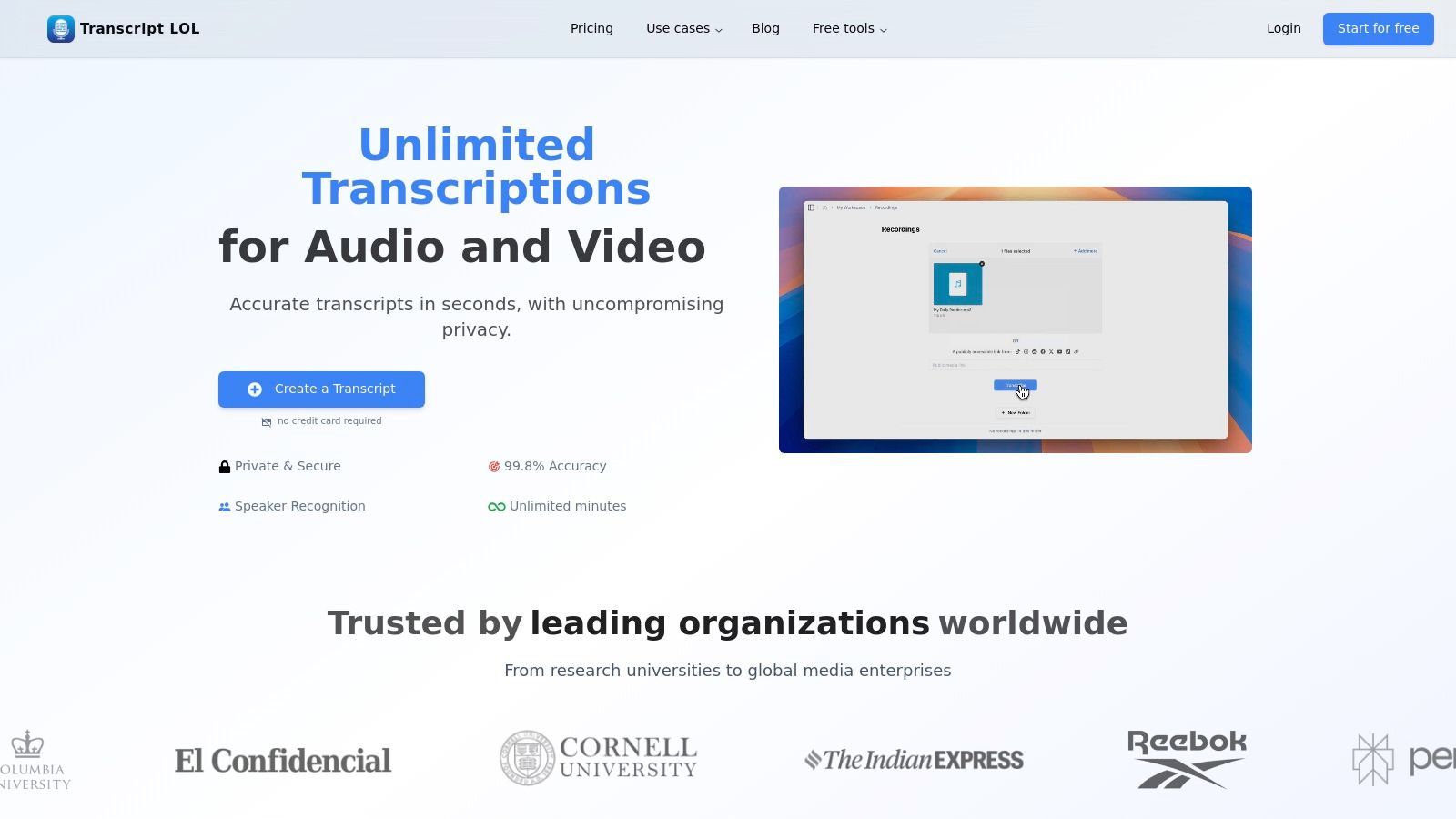
Transcript.LOL sets a high bar for AI-powered transcription services, establishing itself as a foundational tool for teams looking to extract maximum value from their audio and video assets. It moves beyond simple speech-to-text, functioning as a comprehensive knowledge-capture and content-generation engine. By leveraging a fine-tuned version of OpenAI's Whisper, it delivers exceptionally fast and accurate transcripts, even for lengthy, multi-speaker recordings.
This platform is a standout choice because it addresses the entire post-meeting or post-recording workflow. Instead of just delivering a wall of text, it automatically detects and labels speakers, provides a rich-text editor for quick refinements, and generates a suite of AI-powered assets. This makes it an indispensable part of the toolkit for the best collaboration tools for remote teams, transforming raw conversations into structured, actionable intelligence.
Key Features & Use Cases
- Industry-Leading Accuracy: Its claim of 99.8% accuracy, supported by custom vocabulary, means minimal editing is required. This is crucial for teams in technical fields, healthcare, or legal professions where precision is non-negotiable.
- AI Content Generation: A single recording can be instantly transformed into concise summaries, action item lists, mind maps for strategic planning, and even a series of social media posts. This dramatically accelerates content marketing and internal communication workflows.
- Seamless Integration: With direct imports from Zoom, Google Drive, YouTube, and a robust Zapier integration, it fits effortlessly into existing tech stacks. Teams can automate the entire process from a meeting's end to the distribution of its summary and action items.
- Team-Centric Collaboration: Shared workspaces and folder-based access controls allow teams to securely manage, search, and collaborate on a centralized repository of transcribed knowledge, preventing information silos.
Pricing and Plans
Transcript.LOL offers a scalable pricing model suitable for individuals and growing teams.
- Free Tier: Includes 2 transcripts per day (up to 20 minutes each) with standard features.
- Unlimited Plan: $120 per year for a single user, offering unlimited transcriptions, 10-hour file uploads, AI summaries, and priority processing.
- Team Plan: Starts at $240 per year for 2 users, adding shared workspaces, centralized billing, and user management.
Learn more at Transcript.LOL
2. Slack
Slack is a powerhouse in the world of real-time team messaging and one of the most widely adopted collaboration tools for remote teams. It serves as a digital headquarters, replacing internal email with organized conversation channels for projects, topics, or teams. This channel-based system creates a searchable, transparent archive of all communication, which is invaluable for asynchronous work and keeping distributed team members in the loop.
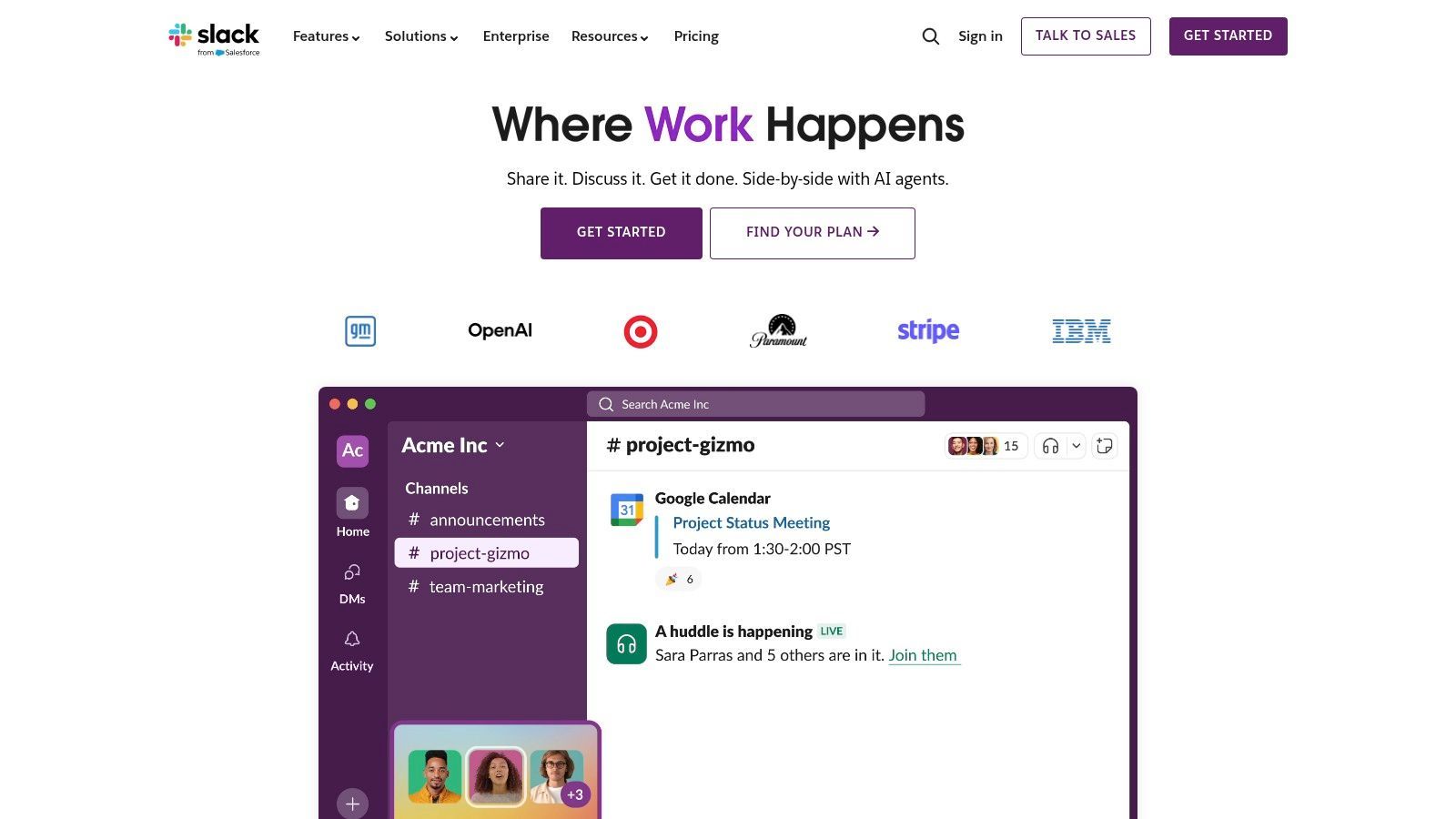
What sets Slack apart is its vast ecosystem of integrations and its powerful workflow automation capabilities. With over 2,600 apps in its directory, teams can pull notifications from tools like Asana, Google Drive, and Salesforce directly into relevant channels, centralizing information flow. The Workflow Builder allows even non-technical users to automate routine tasks, such as new employee onboarding messages or daily stand-up reminders. Features like Huddles for quick voice/video calls and Slack Connect for secure collaboration with external partners further cement its position as a central communication hub.
Key Details & Recommendation
- Ideal For: Fast-paced teams of all sizes, from startups to large enterprises, that rely on quick communication and deep software integrations.
- Pricing: Offers a free plan with a 90-day message history limit. Paid plans (Pro, Business+, Enterprise Grid) start at $7.25 per user/month (billed annually) and unlock unlimited history, more integrations, and advanced features like Slack AI for summaries and recaps.
- Pros: Massive integration ecosystem, powerful search functionality, mature enterprise-grade security and admin controls.
- Cons: Can become expensive as teams scale, the 90-day message limit on the free plan can be restrictive.
Best for: Teams needing a central, highly-integrated communication hub to reduce context switching and streamline workflows. Visit Slack
3. Microsoft Teams
For organizations deeply embedded in the Microsoft 365 ecosystem, Microsoft Teams is the natural hub for teamwork. It's an all-encompassing platform that combines persistent chat, video meetings, file storage, and deep application integration into a single workspace. By leveraging SharePoint and OneDrive on the back end, Teams ensures all files and conversations are centrally managed and secured under one admin umbrella, making it a powerful choice for businesses prioritizing compliance and streamlined IT management.
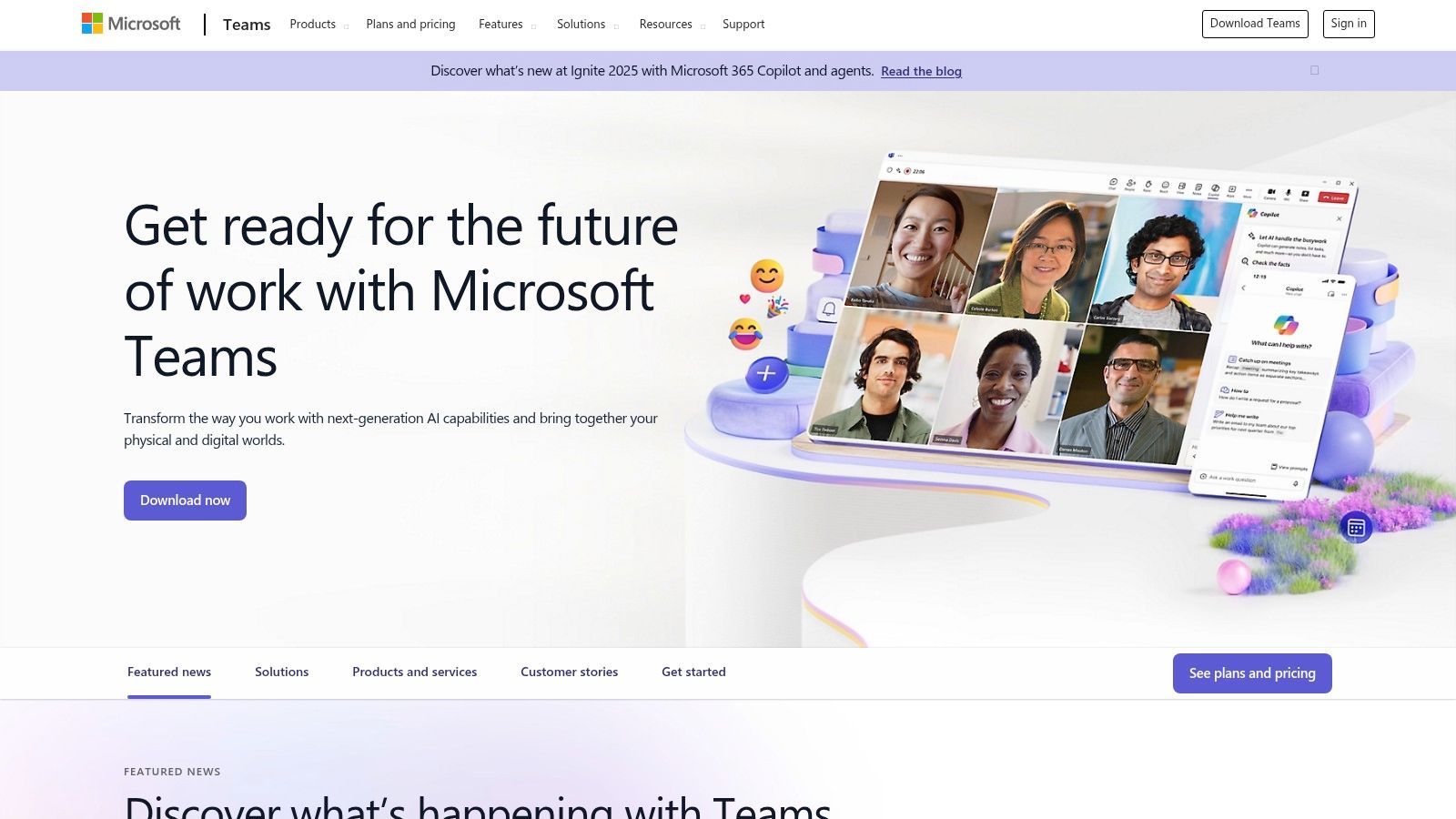
What truly defines Teams is its seamless integration with core Office apps like Word, Excel, and Outlook. Users can co-author documents in real time directly within a chat or channel, eliminating the need to switch applications. The platform extends its functionality with add-ons like Teams Phone for a complete VoIP solution, Teams Rooms for hybrid meeting spaces, and Copilot AI for intelligent meeting recaps and summaries. This makes it one of the best collaboration tools for remote teams looking to consolidate their tech stack. For those who frequently record meetings, learning about how to transcribe a Teams meeting can significantly boost productivity by creating searchable notes and action items.
Key Details & Recommendation
- Ideal For: Organizations of all sizes that are standardized on Microsoft 365 and want a single, integrated platform for communication, meetings, and file collaboration.
- Pricing: A basic free version is available. Full functionality is included with most Microsoft 365 Business and Enterprise plans, which start at $6 per user/month. Add-ons like Teams Phone and Copilot are priced separately.
- Pros: Unmatched integration with Outlook, OneDrive, and Office apps; strong security, governance, and compliance controls.
- Cons: The platform can feel heavy and less intuitive if you only need basic chat; its best value is realized when bundled with a Microsoft 365 subscription.
Best for: Businesses invested in the Microsoft ecosystem seeking a unified hub for all communication and collaboration needs. Visit Microsoft Teams
4. Google Workspace
Google Workspace is a deeply integrated, all-in-one productivity suite that has become a foundational tool for countless remote teams. It bundles essential applications like Gmail, Calendar, Drive, Docs, Sheets, and Meet into a single, cohesive ecosystem. This web-first approach ensures that every team member, regardless of their location or device, has access to the same centralized information, from shared documents to project calendars, making it one of the most straightforward and best collaboration tools for remote teams.
What sets Google Workspace apart is its seamless real-time co-authoring and simplicity. Multiple users can simultaneously edit a Doc, Sheet, or Slide, seeing each other's changes instantly, which eliminates version control issues common in distributed environments. The recent integration of Gemini AI adds powerful capabilities like summarizing long email threads in Gmail or drafting content in Docs. With generous pooled storage and robust admin controls, it offers a powerful, unified solution that simplifies the tech stack for businesses prioritizing efficiency and ease of use.
Key Details & Recommendation
- Ideal For: SMBs and enterprises looking for a unified, cost-effective solution for email, file sharing, video conferencing, and real-time document collaboration.
- Pricing: Business Starter plan begins at $6 per user/month, offering 30GB of pooled storage. Higher tiers (Business Standard, Business Plus, Enterprise) increase storage, meeting participant limits, and add advanced security features.
- Pros: Excellent real-time collaboration on documents, simple web-first interface, and competitive per-user pricing that bundles many essential tools.
- Cons: Advanced security and compliance features are often locked behind more expensive Enterprise tiers.
Best for: Teams needing a simple, all-in-one suite for core productivity and seamless real-time document co-editing. Visit Google Workspace
5. Asana
Asana is a comprehensive work management platform designed to provide clarity and structure for remote teams. It excels at connecting day-to-day tasks with overarching company objectives, making it one of the best collaboration tools for remote teams that require deep strategic alignment. The platform allows teams to manage everything from individual to-do lists to complex, cross-functional projects using various views like lists, boards, timelines (Gantt charts), and calendars.
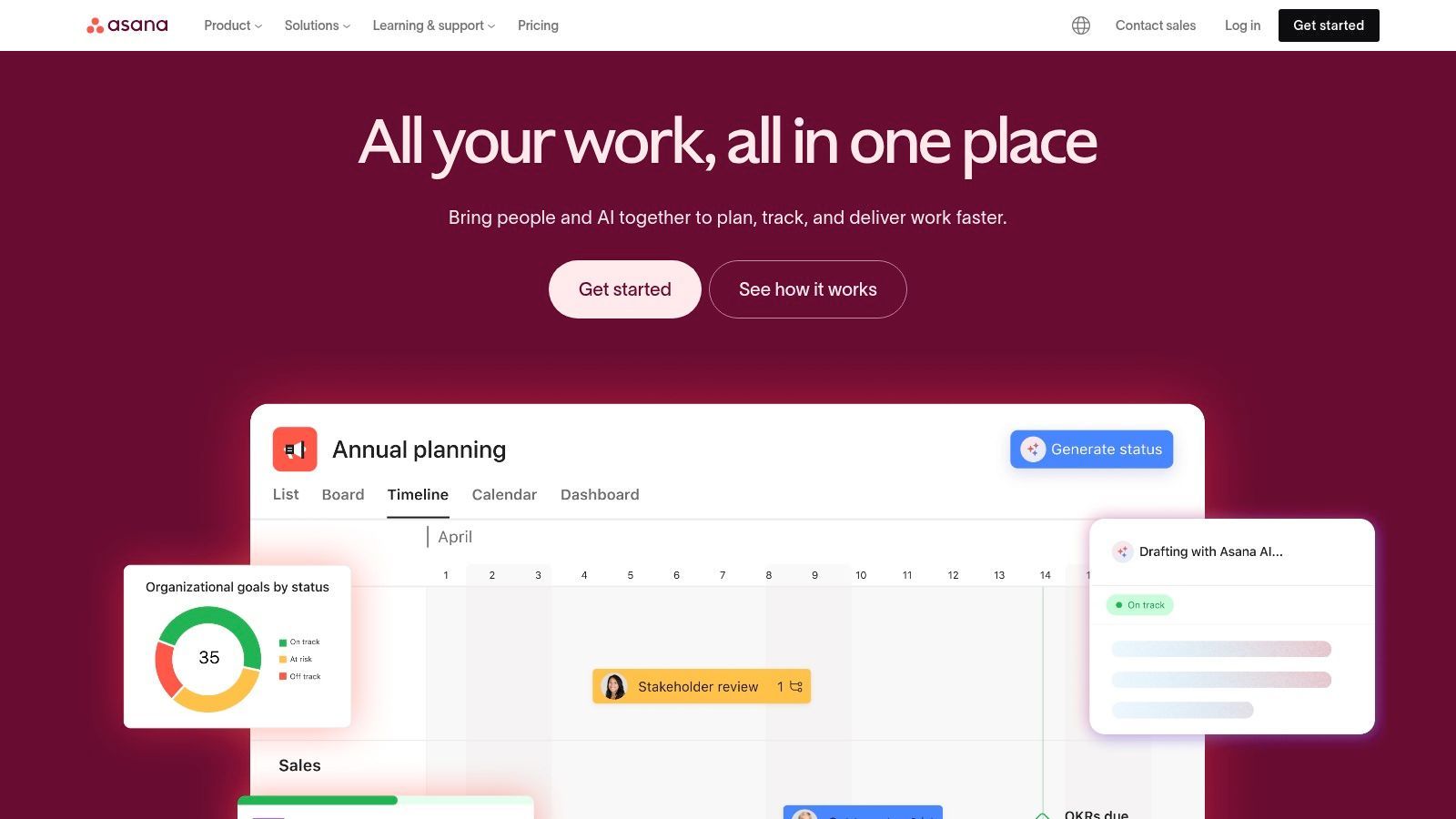
What truly distinguishes Asana is its hierarchical structure that links individual tasks to projects, projects to portfolios, and portfolios to company-wide Goals. This creates a clear line of sight, ensuring every team member understands how their work contributes to the bigger picture. Powerful automation capabilities allow teams to streamline routine processes, while features like workload management provide managers with visibility into team capacity. Asana AI features are also emerging to help summarize progress and identify project risks, further enhancing team efficiency. For instance, after a planning meeting, you can use Asana to assign action items, effectively transforming your meeting minutes into a trackable project plan.
Key Details & Recommendation
- Ideal For: Cross-functional teams and organizations that need a single source of truth for planning, executing, and monitoring strategic initiatives.
- Pricing: Offers a free plan for up to 10 members. Paid plans (Starter, Advanced, Enterprise) start at $10.99 per user/month (billed annually) and unlock features like timelines, custom fields, and advanced reporting.
- Pros: Excellent for aligning tasks with strategic goals, powerful reporting and portfolio visibility, highly customizable workflows.
- Cons: The learning curve can be steep for new users, and key features like portfolios and workload management are gated behind higher-priced tiers.
Best for: Teams needing a structured platform to manage complex projects and maintain clear alignment with company objectives. Visit Asana
6. Trello (Atlassian)
Trello is a cornerstone of visual project management, famed for its simple and intuitive Kanban-style board interface. It visualizes workflows using boards, lists, and cards, making it one of the most approachable collaboration tools for remote teams who need to get started quickly. For many, it's the perfect entry point into organized task management, allowing users to track project progress, assign tasks, and set deadlines with minimal setup.
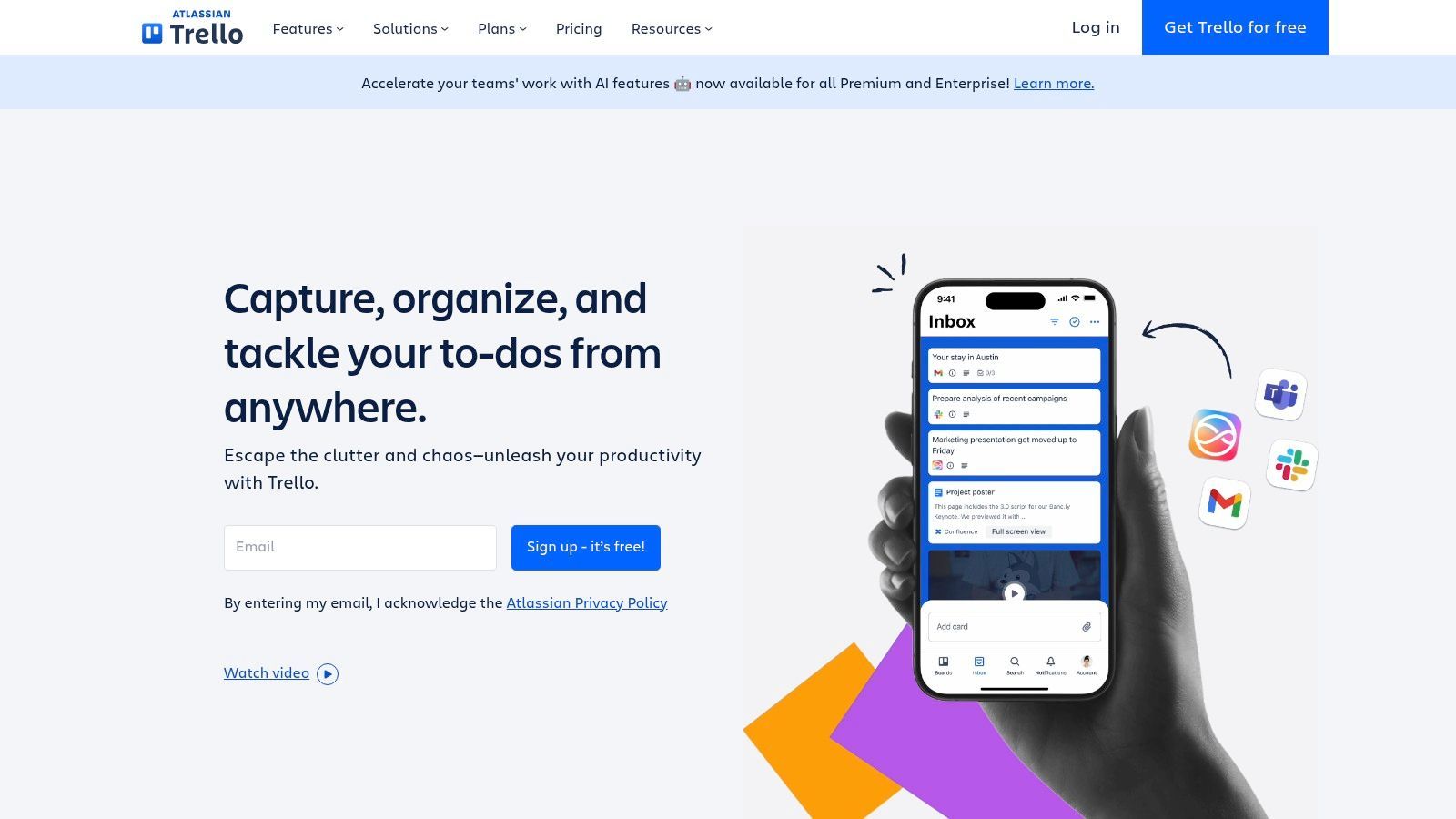
What makes Trello stand out is its blend of simplicity and power. While the core drag-and-drop functionality is easy to master, its capabilities expand significantly with "Power-Ups," which integrate third-party apps like Slack, Google Drive, and Salesforce directly onto your boards. The built-in automation feature, Butler, helps teams create rules and commands to automate repetitive actions, such as moving cards or notifying team members. With different views like Timeline and Calendar, and newer AI-powered features on paid plans, Trello adapts from simple to-do lists to more complex project timelines, all while maintaining its signature user-friendly experience.
Key Details & Recommendation
- Ideal For: Small to mid-sized teams, marketing departments, and content creators who need a highly visual and flexible way to manage projects without a steep learning curve.
- Pricing: A generous free plan is available with up to 10 boards. Paid plans (Standard, Premium, Enterprise) start at $5 per user/month (billed annually) and add unlimited boards, advanced checklists, and more powerful automations.
- Pros: Extremely low learning curve and quick to onboard new users, highly flexible for a wide variety of workflows.
- Cons: Can lack the robust reporting and governance features needed for large, complex projects, often requiring a move to Jira within the Atlassian ecosystem.
Best for: Teams seeking a simple, visual, and highly flexible project board that's easy to adopt and scale. Visit Trello
7. monday.com
monday.com positions itself as a "Work OS," a highly visual and flexible platform that allows teams to build custom workflows for nearly any process. It moves beyond simple task management, providing a centralized space where remote teams can manage projects, track sales pipelines, and handle development sprints. Its core strength lies in its customizable "Boards," which can be configured with various column types, views (like Kanban, Gantt, and Calendar), and automations to fit specific team needs.
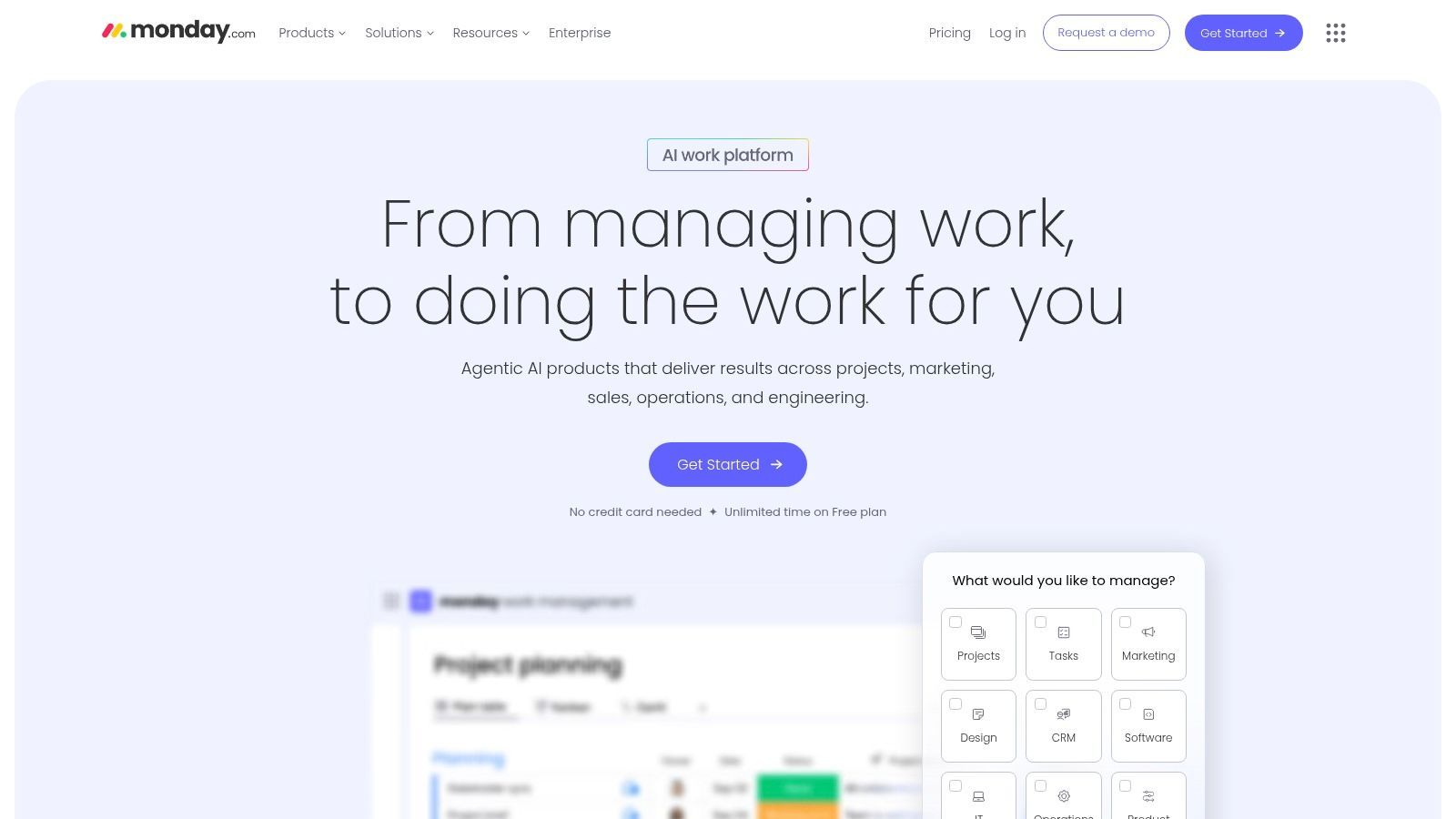
What makes monday.com stand out for remote collaboration is its emphasis on cross-team visibility through powerful, shareable dashboards. These dashboards pull real-time data from multiple boards, giving managers and stakeholders a high-level overview of project progress, team workload, and key performance indicators without needing to dig into individual tasks. Combined with built-in automations (e.g., "when status changes to Done, notify the project manager") and integrations with tools like Slack, Dropbox, and Google Drive, it streamlines communication and reduces manual updates, making it one of the best collaboration tools for remote teams seeking a single source of truth.
Key Details & Recommendation
- Ideal For: Teams that need a highly customizable platform to manage diverse types of work and require strong cross-functional visibility.
- Pricing: A free plan is available for up to 2 users. Paid plans (Basic, Standard, Pro, Enterprise) start at $9 per user/month (billed annually) with a 3-seat minimum. Pricing varies by product family (Work Management, Sales CRM, etc.).
- Pros: Extremely flexible and customizable with a vast template library, excellent for creating high-level dashboards for executive reporting.
- Cons: The seat-based pricing can become costly for larger teams, and the sheer number of features can present a learning curve for new users.
Best for: Organizations needing a central, highly visual platform to unify project management, CRM, and other workflows across multiple departments. Visit monday.com
8. ClickUp
ClickUp aims to be the "one app to replace them all," positioning itself as a unified work hub that consolidates tasks, documents, whiteboards, goals, and chat into a single platform. For remote teams struggling with tool fatigue, ClickUp offers an all-in-one solution that combines project management with collaborative documentation and strategic planning. Its core strength lies in its extreme customizability, allowing teams to build workflows that precisely match their needs, from simple task lists to complex Gantt charts and Kanban boards.
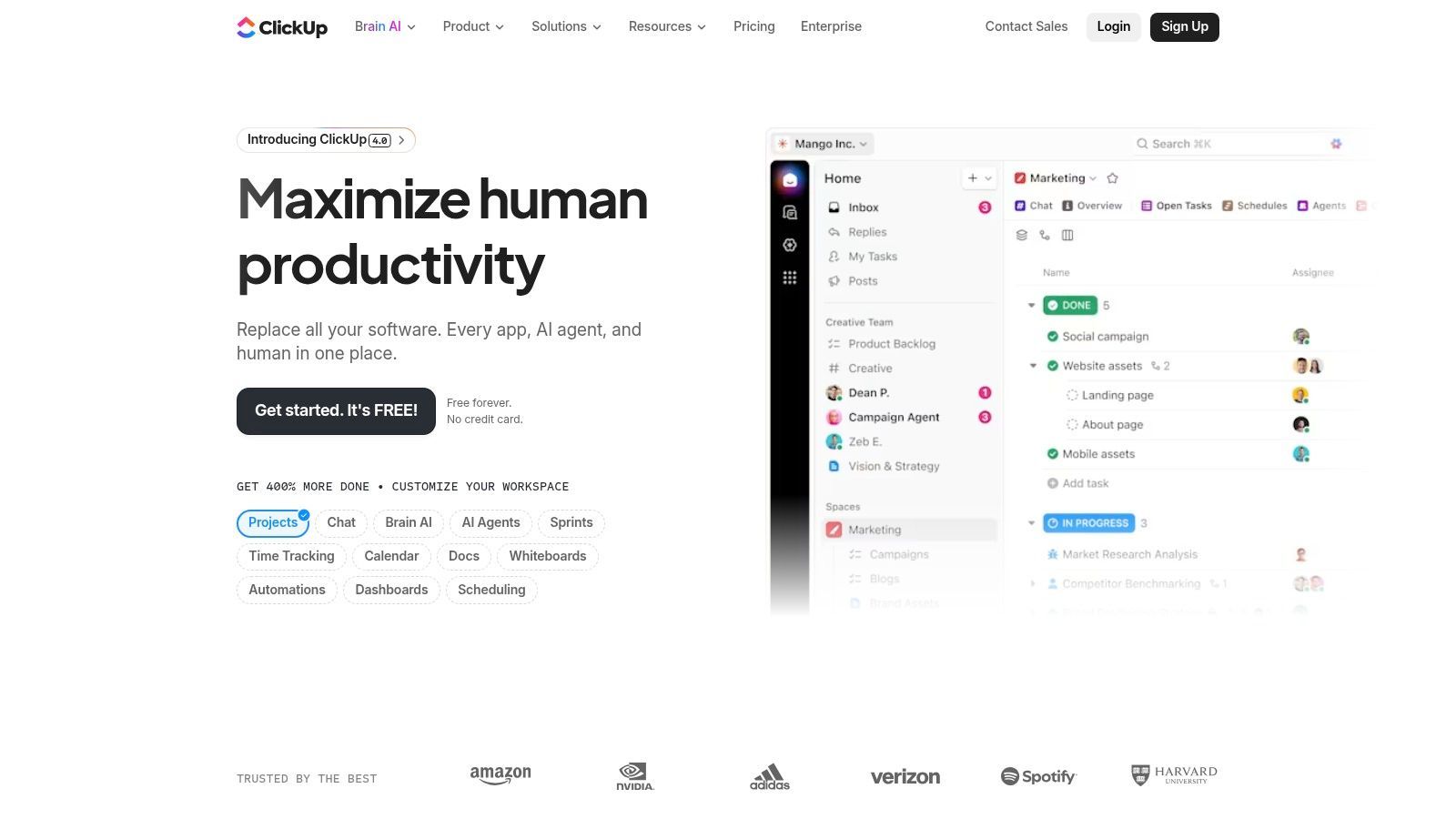
What sets ClickUp apart is the sheer breadth of its feature set at a competitive price point. It includes native time tracking, robust automation capabilities, and a powerful connected search that pulls information from tasks, docs, and comments. The platform’s Docs feature allows teams to create and collaborate on documents and wikis, directly linking them to tasks to keep work organized. This integration is crucial for remote teams, ensuring that project context and action items are always connected. When you document action items from your meeting minutes, they can live right alongside the tasks they generate in ClickUp. The recent addition of AI tools further streamlines workflows by helping to generate content, summarize discussions, and create tasks.
Key Details & Recommendation
- Ideal For: Teams looking to consolidate their tech stack and reduce costs by replacing multiple specialized tools with a single, highly customizable platform.
- Pricing: Offers a generous "Free Forever" plan for personal use. Paid plans (Unlimited, Business, Enterprise) start at $7 per user/month (billed annually) and unlock more storage, advanced features, and unlimited dashboards.
- Pros: Extremely broad feature set for the price, a true consolidation alternative to multiple tools, highly customizable views and workflows.
- Cons: The vast number of features can feel overwhelming and complex to configure initially for new users.
Best for: Cost-conscious remote teams that want a powerful, all-in-one platform to manage everything from tasks and projects to internal documentation. Visit ClickUp
9. Miro
Miro is a visual collaboration platform that acts as an infinite online whiteboard, designed to bring teams together for brainstorming, planning, and creative work, regardless of their location. It excels at replacing the physical whiteboard in a remote setting, offering a flexible canvas for everything from agile ceremonies and user story mapping to complex system diagramming. This makes it one of the best collaboration tools for remote teams focused on visual planning and creative ideation.

What truly sets Miro apart is its best-in-class facilitation and workshop features. The platform is packed with pre-built templates for icebreakers, retrospectives, and strategic planning, while tools like voting, timers, and presentation mode empower facilitators to run engaging, interactive sessions. Its asynchronous capabilities, like Talktrack for recording board walkthroughs, allow team members to contribute on their own time. Miro AI further enhances productivity by helping to generate ideas, summarize sticky notes, and create diagrams, streamlining the process from initial brainstorm to actionable plan.
Key Details & Recommendation
- Ideal For: Product teams, UX/UI designers, agile coaches, and any remote team that relies on visual collaboration for workshops, mapping, and strategic planning.
- Pricing: A free plan is available for up to three editable boards. Paid plans (Starter, Business, Enterprise) begin at $8 per member/month (billed annually) and unlock unlimited boards, private board sharing, and advanced features like Miro AI.
- Pros: Excellent for remote facilitation and workshops, extensive template library, easy for external stakeholders to join and contribute.
- Cons: Can have a slight learning curve for complex features, advanced security and admin controls are reserved for higher-tier Business and Enterprise plans.
Best for: Teams needing a powerful digital whiteboard to facilitate creative workshops and visually map out complex projects. Visit Miro
10. Airtable
Airtable is a powerful, low-code platform that combines the familiarity of a spreadsheet with the complexity of a database. For remote teams, it serves as a central source of truth for everything from project roadmaps and content calendars to user research and applicant tracking. It moves beyond static spreadsheets by allowing teams to build custom, collaborative applications and workflows that fit their exact needs, all without writing a single line of code.
What makes Airtable one of the best collaboration tools for remote teams is its extreme flexibility and integration depth. Teams can create relational "bases" that link different data sets, such as connecting marketing campaigns to product features and sales leads. Its powerful automations can trigger notifications in Slack or create tasks in Asana based on changes within a base, reducing manual work. With features like custom Interfaces to visualize data for stakeholders and a robust API for deeper integrations, Airtable scales from a simple tracker to the operational backbone of a distributed organization.
Key Details & Recommendation
- Ideal For: Operations, marketing, and product teams that need a highly customizable, central database to manage complex, cross-functional workflows.
- Pricing: Offers a free plan for individuals or small teams. Paid plans (Team, Business, Enterprise Scale) start at $20 per seat/month (billed annually) and unlock greater record limits, automations, and advanced admin controls.
- Pros: Highly customizable without code, powerful automations, strong API and integration capabilities for connecting data across tools.
- Cons: The learning curve can be steep for complex setups, and advanced features for governance and capacity are locked behind higher-tier plans.
Best for: Teams needing to build custom, interconnected workflows and a central source of truth for operational data. Visit Airtable
11. Dropbox
Dropbox has evolved far beyond a simple file storage service into a comprehensive content cloud for remote teams. It provides a secure, centralized hub for all team assets, from design files to contracts, ensuring everyone works from the most current version. Its legendary file sync technology is the bedrock, offering reliable access across all devices, which is critical for distributed teams handling large files or working with inconsistent internet access.
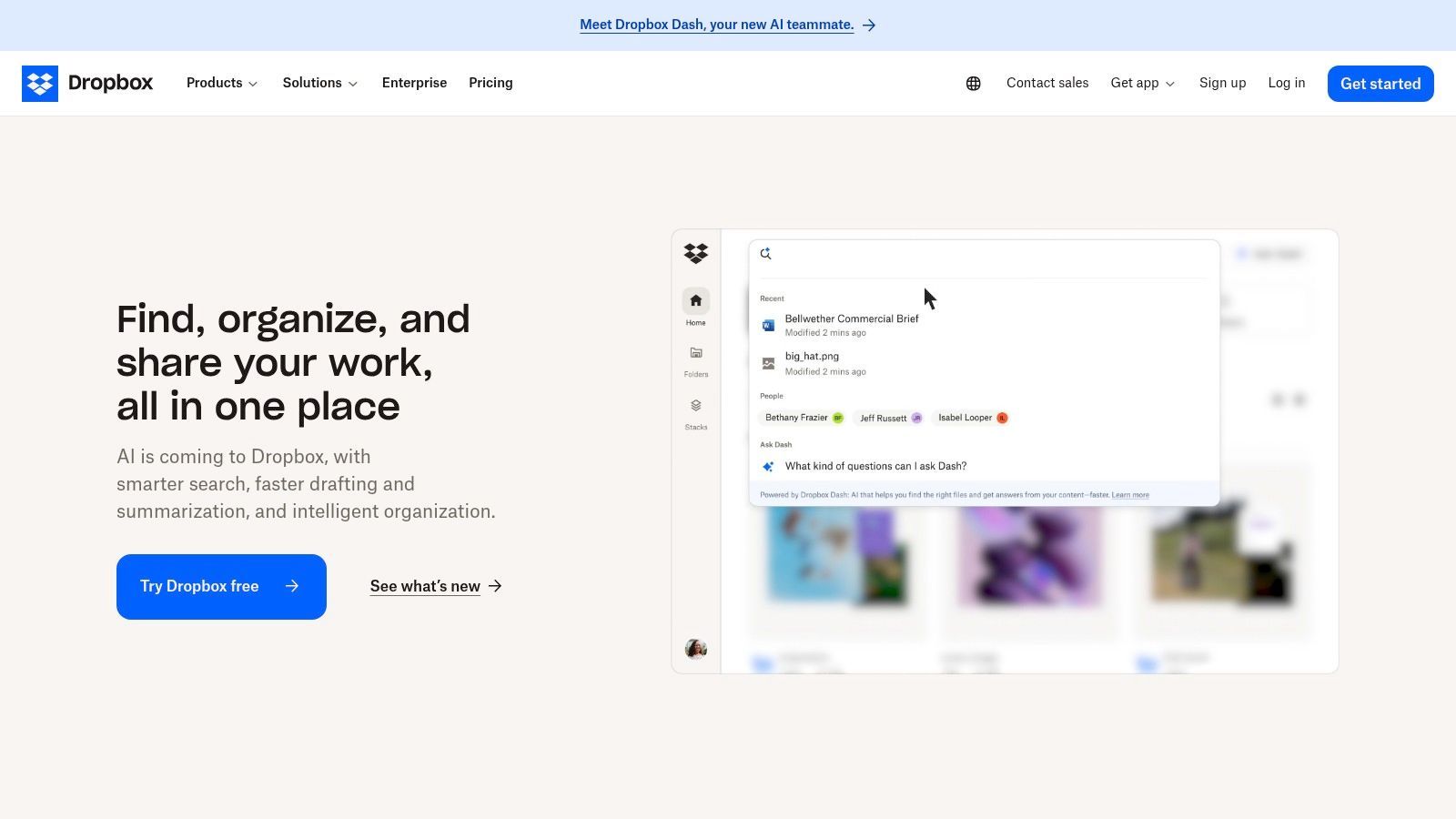
What distinguishes Dropbox among collaboration tools for remote teams is its expanding suite of content-centric features. Dropbox Sign streamlines eSignature workflows, while Dropbox Transfer allows for the secure delivery of massive files (up to 250 GB) with branding and analytics. For creative teams, tools like Replay for video feedback and Capture for screen recordings simplify asynchronous reviews. This focus on the entire content lifecycle, from creation and collaboration to delivery and signature, makes it an invaluable asset for media, legal, and design-focused organizations.
Key Details & Recommendation
- Ideal For: Creative agencies, legal firms, and any business that manages a high volume of large files and requires robust sharing controls and content-specific workflows.
- Pricing: Business plans start at $15 per user/month (billed annually, 3 user minimum), offering pooled storage and team features. Advanced and Enterprise plans add more security, admin controls, and add-on access.
- Pros: Industry-leading file sync reliability, strong ecosystem of content tools (Sign, Transfer, Replay), granular sharing permissions and security controls.
- Cons: The most powerful team features and storage options are locked behind higher-tier plans with user minimums, which can be costly for smaller teams.
Best for: Teams needing a secure and highly reliable central hub for the entire lifecycle of their digital content. Visit Dropbox
12. Loom
Loom is an asynchronous video messaging tool that fundamentally changes how remote teams communicate by replacing lengthy emails and unnecessary meetings with shareable screen and camera recordings. It allows users to quickly record their screen, camera, or both to create instant walkthroughs, project updates, or feedback sessions. This "show, don't just tell" approach provides a layer of context and personality that text-based communication often lacks, making it one of the best collaboration tools for remote teams focused on clarity and efficiency.
What makes Loom so effective is its blend of simplicity and power. Recordings are instantly available via a shareable link, complete with interactive features like comments and emoji reactions. The platform automatically generates transcripts and closed captions for accessibility. More recently, Loom AI has introduced features that auto-generate titles, summaries, and action items, turning a simple recording into a structured asset. Teams can use these polished videos for everything from onboarding new hires to documenting complex workflows, and even discover more about content repurposing strategies to get more value from each recording.
Key Details & Recommendation
- Ideal For: Distributed teams, engineering, sales, and support departments that need to provide clear, visual explanations and reduce their meeting load.
- Pricing: Offers a free Starter plan with limits (25 videos/person, 5 min/video). The Business plan starts at $12.50 per user/month (billed annually) and unlocks unlimited videos and length, AI features, and more.
- Pros: Radically reduces time spent in meetings, excellent for providing nuanced feedback and demos, AI features speed up content creation and consumption.
- Cons: The free plan's video count and length caps can be restrictive for active users, advanced security features are gated behind the Enterprise plan.
Best for: Teams wanting to improve asynchronous communication with rich, contextual video messaging to save time and increase clarity. Visit Loom
Top 12 Remote Collaboration Tools — Feature Comparison
| Platform | Core features | Quality ★ | Price & Value 💰 | Target audience 👥 | Unique strengths ✨ |
|---|---|---|---|---|---|
| Transcript.LOL 🏆 | Fast AI transcription, speaker labeling, multi-format export, AI summaries/quizzes | ★★★★☆ (4.8) | 💰 Free tier; Unlimited $120/yr; Team $240/yr | 👥 Podcasters, marketers, researchers, educators, teams | ✨ 10‑hr uploads, strict no‑training privacy, content generation |
| Slack | Real‑time chat, channels, huddles, 2,600+ apps | ★★★★☆ | 💰 Free + per‑seat paid plans (scales with users) | 👥 Remote teams needing async + integrations | ✨ Large app ecosystem, Workflow Builder |
| Microsoft Teams | Chat, video meetings, file collaboration with M365, telephony | ★★★★☆ | 💰 Included with Microsoft 365 or as add‑ons | 👥 Enterprises standardizing on Microsoft stack | ✨ Deep Office/Outlook/SharePoint integration |
| Google Workspace | Gmail, Drive, Docs/Meet with Gemini AI features | ★★★★ | 💰 Per‑user tiers; competitive SMB pricing | 👥 Web‑first teams wanting unified email/apps | ✨ Integrated productivity apps + pooled storage |
| Asana | Tasks, timelines, portfolios, automation, reporting | ★★★★ | 💰 Free + tiered per‑seat plans | 👥 PMs, cross‑functional teams needing structure | ✨ Portfolio & goal tracking, strong reporting |
| Trello (Atlassian) | Kanban boards, automations, multiple views | ★★★★ | 💰 Free + paid plans; simple pricing per user | 👥 Small teams, lightweight workflows | ✨ Very low learning curve, flexible boards |
| monday.com | Configurable boards, automations, dashboards | ★★★★ | 💰 Tiered per‑seat pricing; product families | 👥 Teams needing high customization & dashboards | ✨ Highly configurable templates & dashboards |
| ClickUp | Tasks, docs, whiteboards, goals, native time tracking | ★★★★ | 💰 Free + generous paid tiers (competitive) | 👥 Teams consolidating multiple tools | ✨ Broad feature set (all‑in‑one) for the price |
| Miro | Infinite whiteboards, templates, facilitation tools | ★★★★ | 💰 Free + paid plans with team/enterprise options | 👥 Facilitators, product teams, workshops | ✨ Best‑in‑class remote whiteboarding & collaboration |
| Airtable | Relational bases, views, automations, APIs | ★★★★ | 💰 Free + tiered per‑user plans | 👥 Ops, marketing, product teams needing apps | ✨ No‑code DB + strong API/integration depth |
| Dropbox | File sync/share, pooled storage, eSign, Transfer | ★★★★ | 💰 Paid team plans; add‑ons for eSign/storage | 👥 Content teams, creative workflows | ✨ Reliable sync, large file workflows, eSign |
| Loom | Screen/camera recording, transcripts, Loom AI summaries | ★★★★ | 💰 Free + paid plans; enterprise features by sales | 👥 Async communicators, onboarding teams | ✨ Fast async video + auto transcripts & chapters |
How to Choose the Right Collaboration Stack for Your Team
Navigating the vast landscape of digital tools can feel overwhelming, but selecting the best collaboration tools for remote teams isn't about finding one single, magical application. The goal is to build a cohesive, integrated ecosystem-a digital headquarters-that mirrors your team's unique culture, communication style, and project workflows. As we've explored tools from project management powerhouses like Asana and monday.com to communication hubs like Slack and Microsoft Teams, the recurring theme is synergy. The most effective remote teams don't just use tools; they strategically weave them together.
The first step is a practical audit of your current processes. Don't start by shopping for software. Instead, start by identifying your team's biggest pain points. Are you drowning in back-to-back video calls? Are action items from meetings consistently getting lost? Is feedback on creative assets chaotic and spread across multiple email threads? Answering these questions will reveal the specific problems you need your technology to solve.
Why Problem-First Thinking Always Wins?
Reinforce that tool selection should always begin with diagnosing gaps — not trends or hype. Clarify that understanding process bottlenecks leads to better long-term adoption and reduced tool fatigue.
From Individual Tools to an Integrated Workflow
Once you’ve identified your needs, you can begin to assemble your stack. The key is to think in terms of workflows, not just individual features. For instance, a content marketing team might use Trello for its visual Kanban boards to track article progress, Slack for quick daily check-ins, and Loom to provide asynchronous video feedback on drafts. This simple stack addresses project visibility, real-time communication, and detailed, contextual feedback without requiring a meeting.
The true power, however, is unlocked through deeper integration and automation. Consider this advanced workflow: a product development team conducts a sprint planning session on Zoom. That meeting is automatically processed by Transcript.LOL, which generates a full transcript, a concise summary, and a list of key decisions and action items. This output can then be automatically pushed into the team's Asana project board, creating new tasks assigned to the correct team members with deadlines. This closes the loop between discussion and execution, creating a searchable, permanent record of decisions and eliminating the manual work of translating meeting notes into actionable tasks.
Features That Enable Full Workflow Automation

Speaker detection
Automatically identify different speakers in your recordings and label them with their names.

Editing tools
Edit transcripts with powerful tools including find & replace, speaker assignment, rich text formats, and highlighting.
Summaries and Chatbot
Generate summaries & other insights from your transcript, reusable custom prompts and chatbot for your content.
Key Factors for Making Your Decision
As you evaluate the options, move beyond the feature lists and consider these crucial factors for long-term success:
- Scalability: Will this tool grow with your team? A solution that's perfect for a team of five might become cumbersome for a team of fifty. Consider the pricing tiers and feature sets available for larger organizations.
- Integration Capability: How well does the tool play with others? A powerful tool that exists in a silo can create more friction than it resolves. Look for robust native integrations or support for platforms like Zapier to connect your entire stack. Beyond core communication and project management, remote teams often enhance their digital stack with specialized tools. When you're considering how to choose the right collaboration stack for your team, explore options like these best no-code automation tools for streamlining workflows and integrating with your collaboration platforms.
Four Pillars of a High-Performance Remote Collaboration Stack
Visibility & Transparency
Clear dashboards, shared timelines, and centralized communication ensure every team member knows what’s happening and what’s next. Visibility reduces follow-ups and eliminates blockers.
Automation & Workflow Speed
Modern teams thrive when repetitive tasks are automated. From task creation to meeting summarization, automation removes friction and saves hours each week.
Knowledge Retention
Centralized documentation prevents information fragmentation. Keeping everything searchable helps new hires ramp up quickly and ensures nothing gets lost.
Communication Flexibility
Mix synchronous and asynchronous communication to reduce unnecessary meetings. This creates healthier team rhythms and more focused work time.
- User Adoption and Training: The most feature-rich tool is useless if your team finds it difficult or unintuitive. Prioritize tools with a clean user interface and consider the level of training and support required to get everyone onboarded effectively.
- Security and Compliance: For teams handling sensitive information-such as in healthcare, legal, or enterprise environments-security is non-negotiable. Scrutinize the security protocols, data encryption standards, and compliance certifications (like SOC 2 or HIPAA) of any tool you consider.
Ultimately, building the right digital workspace is an ongoing process of refinement. Start small, focus on solving your most significant challenges first, and gather feedback from your team regularly. By focusing on creating a seamless, automated, and user-friendly ecosystem, you can empower your remote team to collaborate effectively and achieve incredible results, no matter where they are.
Ready to eliminate manual note-taking and turn your team's conversations into actionable knowledge? Transcript.LOL integrates seamlessly with your existing video conferencing tools to automatically transcribe, summarize, and identify key insights from every meeting. Start building your team's searchable intelligence hub today at Transcript.LOL.