
12 Best Audio to Text Converter Tools in 2025 (Reviewed)
Discover the best audio to text converter for your needs. We review 12 top tools for accuracy, speed, and features to help you transcribe content effortlessly.
Kate, Praveen
January 31, 2025
In the age of podcasts, video meetings, and endless voice notes, raw audio is an asset waiting to be unlocked. Manually transcribing hours of recordings is a tedious, time-consuming task that drains productivity. The right audio-to-text converter can transform this process, saving you valuable time, making your content more accessible, and creating searchable, reusable assets from your spoken words. Whether you're a podcaster creating show notes, a marketer repurposing webinar content, or a researcher analyzing interviews, finding the perfect tool is crucial.
This guide cuts through the noise to help you find the best audio to text converter for your specific needs. We’ve analyzed the top platforms, from user-friendly automated services like Otter.ai and Descript to the powerful APIs offered by Google and OpenAI. You won’t find generic marketing copy here. Instead, we provide a detailed breakdown of each tool's real-world performance, unique features, pricing structures, and ideal use cases.
Each entry includes screenshots and direct links to help you evaluate your options quickly. We’ll explore who each service is built for, from individual creators to large enterprise teams, so you can make an informed decision and start converting your audio into actionable text efficiently.
1. Transcript.LOL: Best for Accuracy and AI-Powered Content Repurposing
Transcript.LOL positions itself as more than just an audio to text converter; it's a comprehensive content creation engine. By leveraging OpenAI's advanced Whisper model and allowing users to add a custom vocabulary, it achieves an impressive 99.8% transcription accuracy, significantly reducing the time spent on manual corrections. This precision is crucial for professionals in fields like journalism, law, and research where every word matters.
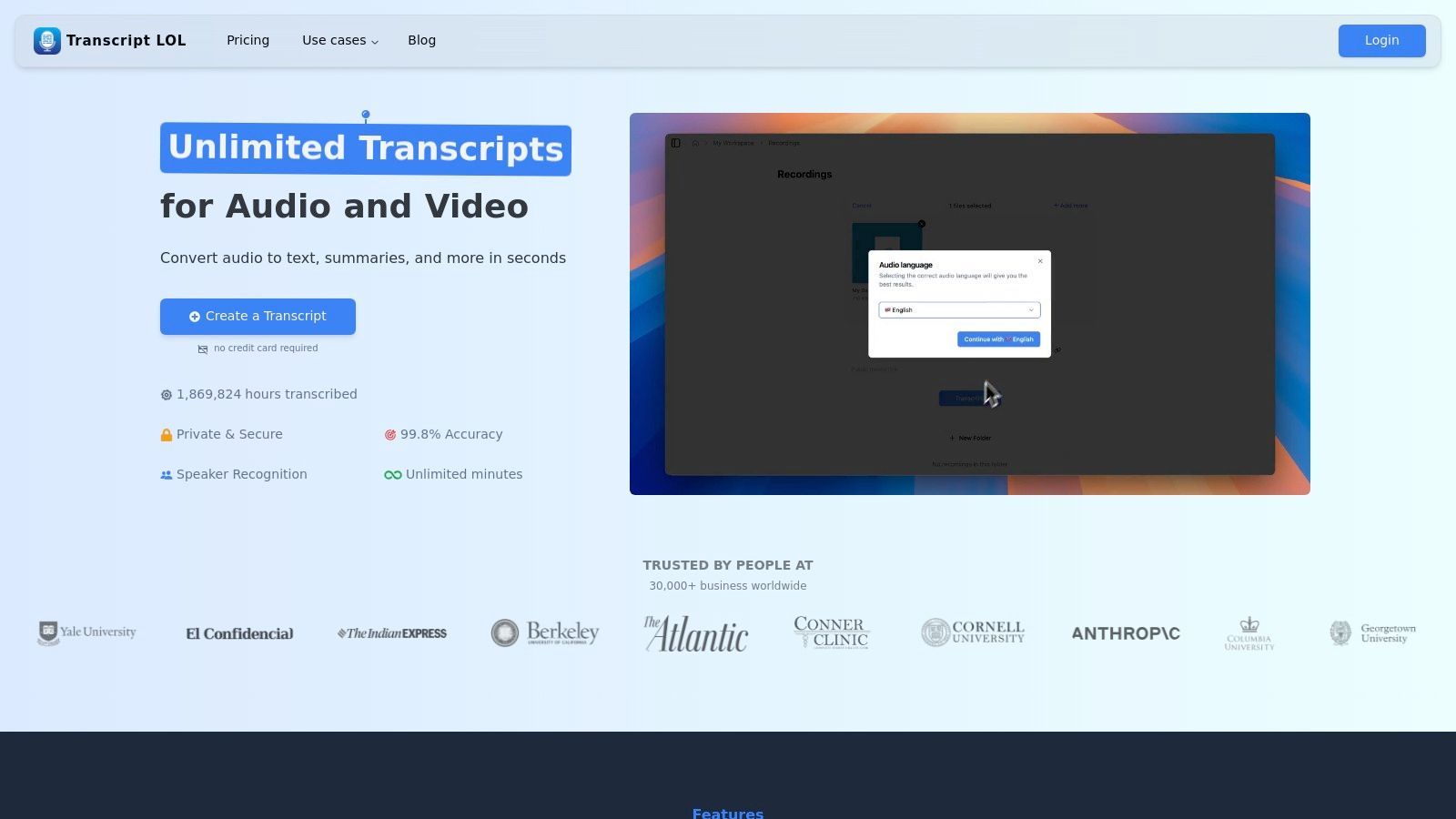
The platform’s real power lies in its AI-powered suite of post-transcription tools. Once your audio is converted, you can instantly generate summaries, show notes, social media posts, email newsletters, quizzes, and even mind maps. This feature is a game-changer for marketers and creators looking to maximize their output. For those focused on growth, integrating these tools is key to executing effective content repurposing strategies without adding hours of manual work. The user interface is clean and intuitive, making the entire process from upload to content generation seamless.
Key Features & Ideal Use Cases
| Feature | Description | Best For |
|---|---|---|
| 99.8% Accuracy | Combines Whisper AI with custom vocabulary to minimize errors. | Legal, medical, and academic professionals. |
| AI Content Suite | Instantly creates summaries, social posts, quizzes, and more. | Content marketers and podcasters. |
| Speaker Identification | Automatically detects and labels different speakers in the audio. | Interviews, meetings, and panel discussions. |
| Multiple Export Options | Download transcripts in various formats (TXT, SRT, VTT). | Video editors and researchers. |
Pricing:
- Offers a free plan with 2 free transcripts daily (upto 20 minutes per file).
- Unlimited Transcription from $10 per month
- Automated Transcription from $0.25 per hour (that's 0.0042 per minute)
Website: Transcript.LOL
2. Otter.ai: Best for Live Meetings and Team Collaboration
Otter.ai has carved out a niche as the go-to audio to text converter for real-time meeting transcription and collaborative note-taking. It shines in its ability to integrate seamlessly with platforms like Zoom, Google Meet, and Microsoft Teams, sending its "OtterPilot" to automatically join, record, and transcribe conversations. This functionality transforms meetings into searchable, actionable records without requiring manual effort from participants.
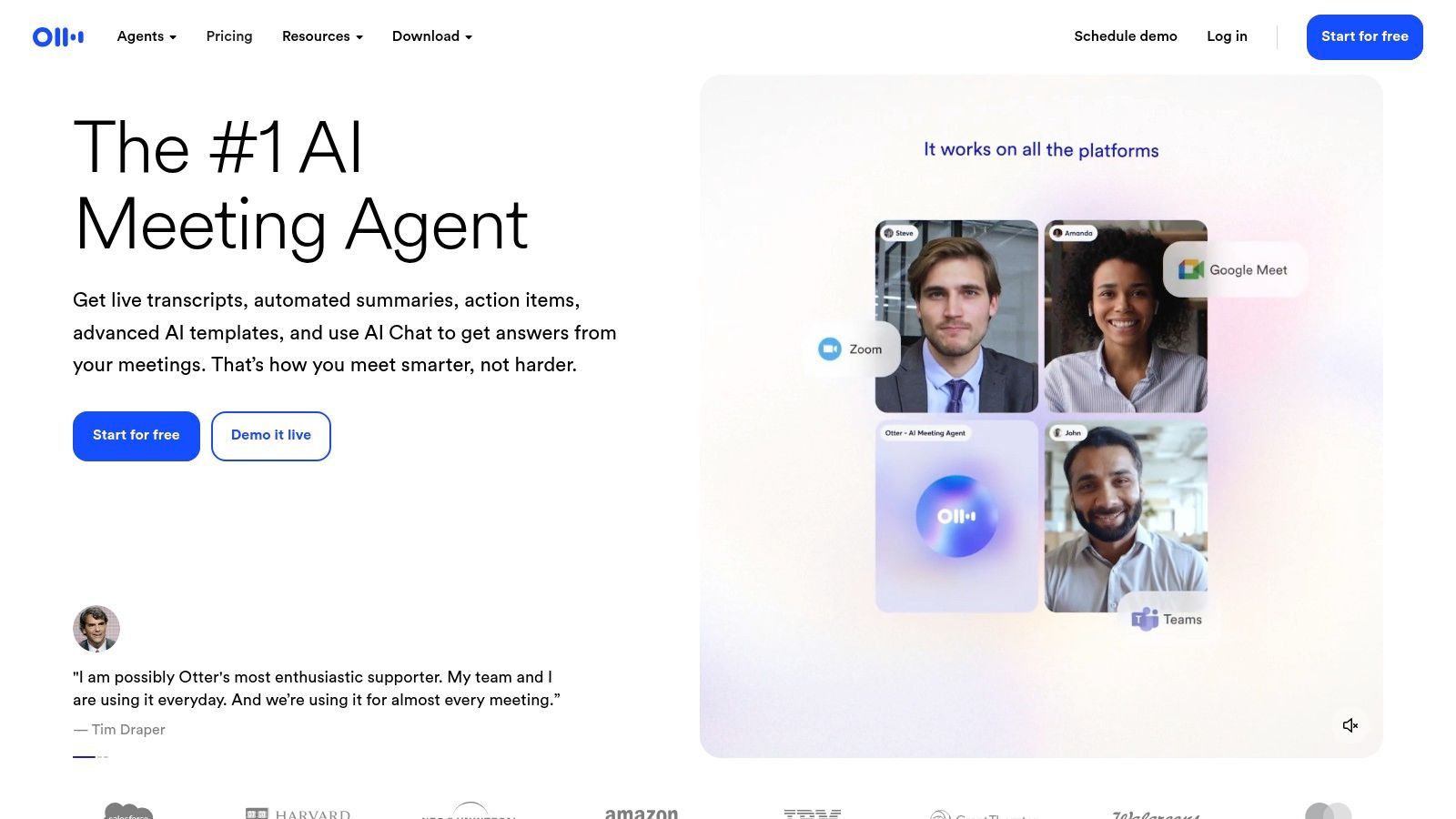
The platform's strength lies in its collaborative features. Team members can highlight key points, add comments, and assign action items directly within the transcript, fostering alignment and accountability. Its AI Chat allows users to ask questions about past meetings, generate summaries, and find information instantly across all conversations. For teams heavily reliant on virtual communication, implementing a solution for online meeting transcription is essential for productivity. Otter.ai’s robust mobile apps and intuitive interface make it a powerful tool for capturing insights on the go.
Key Features & Ideal Use Cases
| Feature | Description | Best For |
|---|---|---|
| Live Transcription | Transcribes meetings in real-time with speaker identification. | Business teams and virtual meetings. |
| OtterPilot Automation | An AI bot that automatically joins and records calendar meetings. | Professionals with back-to-back meetings. |
| Collaborative Workspace | Allows teams to highlight, comment, and share meeting notes. | Project managers and collaborative teams. |
| AI Chat & Summaries | Instantly generates summaries and answers questions about meetings. | Users needing quick meeting recaps. |
Pricing: Offers a free plan with limited transcription minutes and import capabilities. Paid plans start at $16.99 per user/month, unlocking more features and higher usage limits.
3. Rev: Best for Guaranteed Human-Level Accuracy
Rev is a major player in the audio to text converter space, distinguishing itself by offering both rapid AI-powered transcription and a premium human-powered service that guarantees 99% accuracy. This dual approach provides unmatched flexibility, allowing users to choose between the speed of automation for everyday tasks and the precision of a professional transcriptionist for critical projects where nuance and context are non-negotiable. It's the go-to solution for those who need a reliable, high-quality output without any compromises.
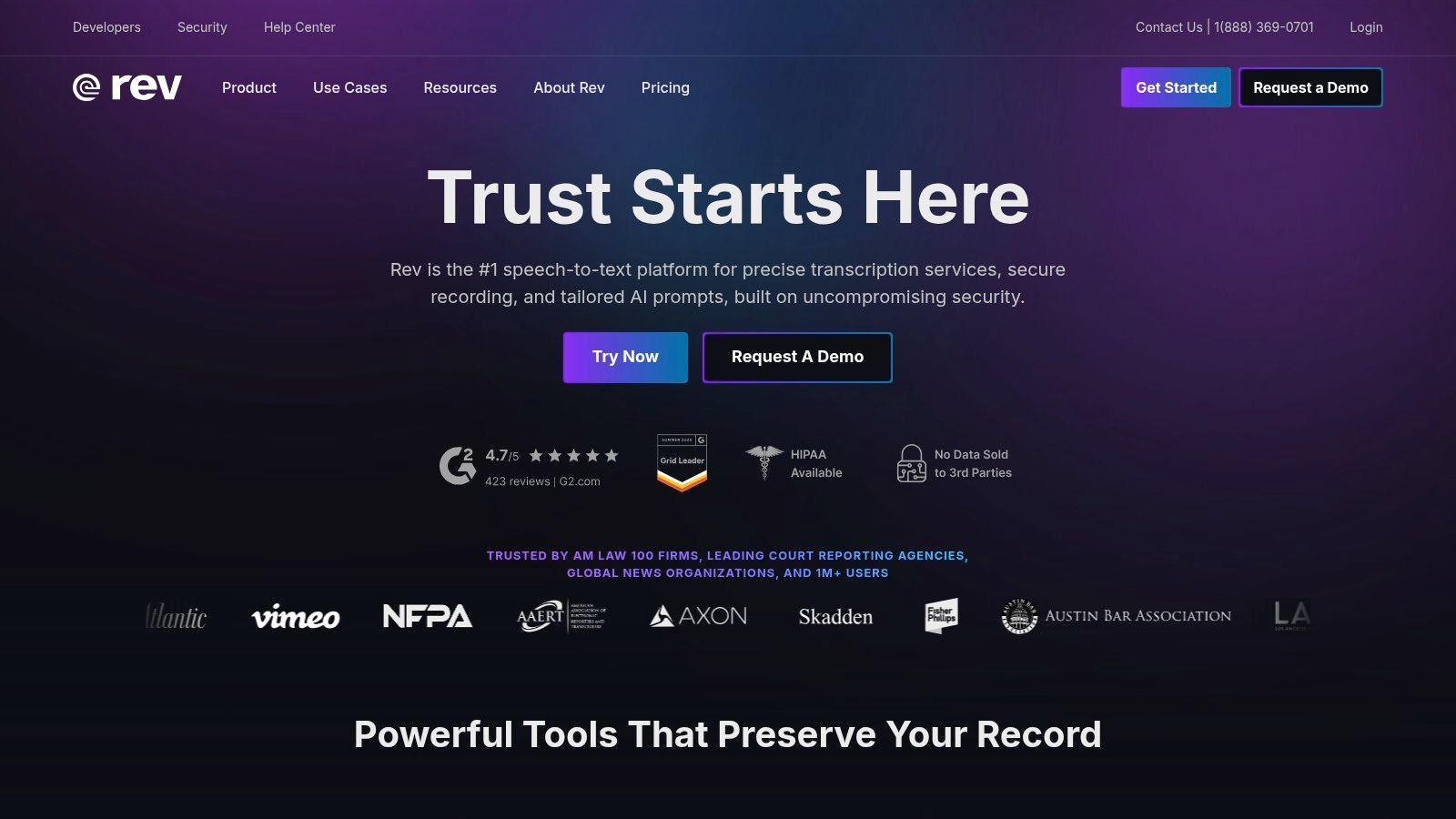
The platform is more than just transcription; it offers a full suite of services including captions, subtitles, and global translated subtitles, making it a comprehensive resource for content creators. Its robust editor allows for easy review and refinement of transcripts, while the mobile app enables users to capture and submit audio on the go. For an in-depth look at its unique text-based editing features for podcasters and video creators, you can explore more about Descript's capabilities. Rev's scalability, from simple one-off orders to integrated team plans, makes it suitable for individuals and large enterprises alike.
Key Features & Ideal Use Cases
| Feature | Description | Best For |
|---|---|---|
| Human & AI Transcription | Choose between 99% accurate human service or instant automated transcription. | Legal proceedings, published research, and final-cut video production. |
| Comprehensive Services | Offers English captions, global subtitles, and translation services. | Global content creators and media companies. |
| Interactive Editor | A dedicated interface to review, edit, and collaborate on transcripts. | Teams needing to ensure accuracy and consistency. |
| Rush Service | Option to receive human-completed transcripts up to 5x faster for an additional fee. | Journalists and producers working on tight deadlines. |
Pricing: Automated transcription starts at $0.25 per minute. Human transcription is priced at $1.50 per minute, with add-ons available. Team subscriptions offer additional features and collaborative tools.
4. Temi (by Rev): Best Pay-As-You-Go AI Transcription
Temi, backed by the industry-leading transcription company Rev, offers a streamlined and accessible audio to text converter for users who need quick, automated results without a subscription. It operates on a simple pay-as-you-go model, making it an excellent choice for occasional projects or for those testing the waters of AI transcription. The platform is designed for simplicity, allowing users to upload a file and receive a machine-generated transcript within minutes.
While Temi doesn't offer the 99% accuracy of Rev's human-powered service, it provides a powerful automated alternative at a fraction of the cost. Its main strength lies in its no-commitment pricing and ease of use. The platform includes a user-friendly interactive editor that allows you to review and correct the transcript, with timestamps tied to the audio playback for efficient editing. This makes it a practical tool for quickly converting clear recordings of meetings, interviews, or lectures into usable text.
Key Features & Ideal Use Cases
| Feature | Description | Best For |
|---|---|---|
| Pay-As-You-Go Model | Simple, per-minute pricing with no subscriptions required. | Freelancers and small businesses with infrequent transcription needs. |
| Interactive Editor | Play audio and edit the text simultaneously with synchronized timestamps. | Journalists and students refining interview or lecture transcripts. |
| Speaker Identification | Automatically identifies and labels different speakers. | Transcribing multi-person meetings and podcast episodes. |
| Multiple Export Options | Download transcripts as DOCX, PDF, TXT, SRT, and VTT files. | Video creators needing captions and researchers compiling notes. |
Pricing: A straightforward rate of $0.25 per audio minute. New users can test the service with their first 45 minutes free.
Website: Temi
5. Descript: Best for Integrated Audio/Video Editing
Descript revolutionizes the content creation workflow by treating audio and video editing like a simple text document. It stands out as an all-in-one platform where the transcript is the foundation for the entire editing process. This approach is incredibly intuitive for podcasters and video creators who can now edit complex media simply by deleting words or sentences from the text, making it a powerful audio to text converter fused with a production studio.
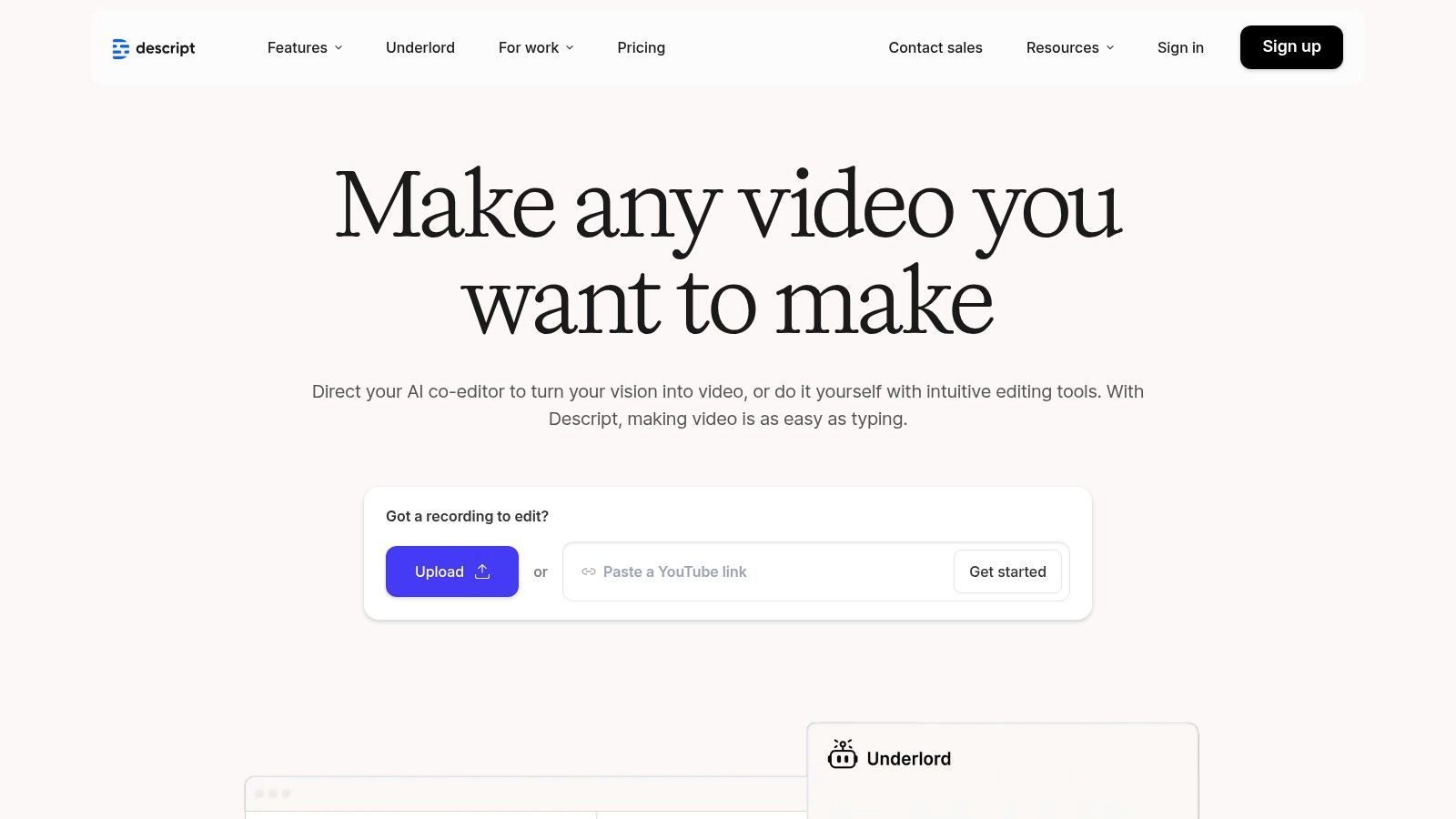
The platform’s strength lies in its seamless integration of transcription with powerful editing tools. Features like the AI-powered Overdub allow users to clone their voice and correct misspoken words without re-recording, while screen recording and multi-track editing capabilities support a complete production cycle. While there is a learning curve for those new to editing software, the value for users needing both transcription and post-production tools is unmatched. Descript centralizes tasks that would otherwise require multiple applications.
Key Features & Ideal Use Cases
| Feature | Description | Best For |
|---|---|---|
| Text-Based Editing | Edit audio and video files by manipulating the transcribed text. | Podcasters and YouTubers seeking an intuitive editing workflow. |
| Overdub AI Voice | Correct or add words using an ultra-realistic clone of your own voice. | Creators needing to make quick audio corrections without re-recording. |
| Screen Recording | Capture screen and camera footage directly within the editor. | Educators creating tutorials and teams recording presentations. |
| Team Collaboration | Share projects and manage brand assets in a collaborative workspace. | Marketing teams and content agencies managing multiple projects. |
Pricing: Offers a free plan with limited transcription hours. Paid plans start at $12 per user/month (billed annually) for more features and transcription time.
Website: https://www.descript.com
6. Trint: Best for Collaborative Editorial and Newsroom Workflows
Trint is engineered for teams that need more than a simple audio to text converter; it’s a dynamic, collaborative workspace designed for building narratives. It shines in environments like newsrooms, marketing agencies, and research teams where multiple stakeholders need to work on a transcript simultaneously. The platform’s strength lies in turning raw audio or video into a story-building asset, complete with tools for commenting, highlighting, and assembling key moments.
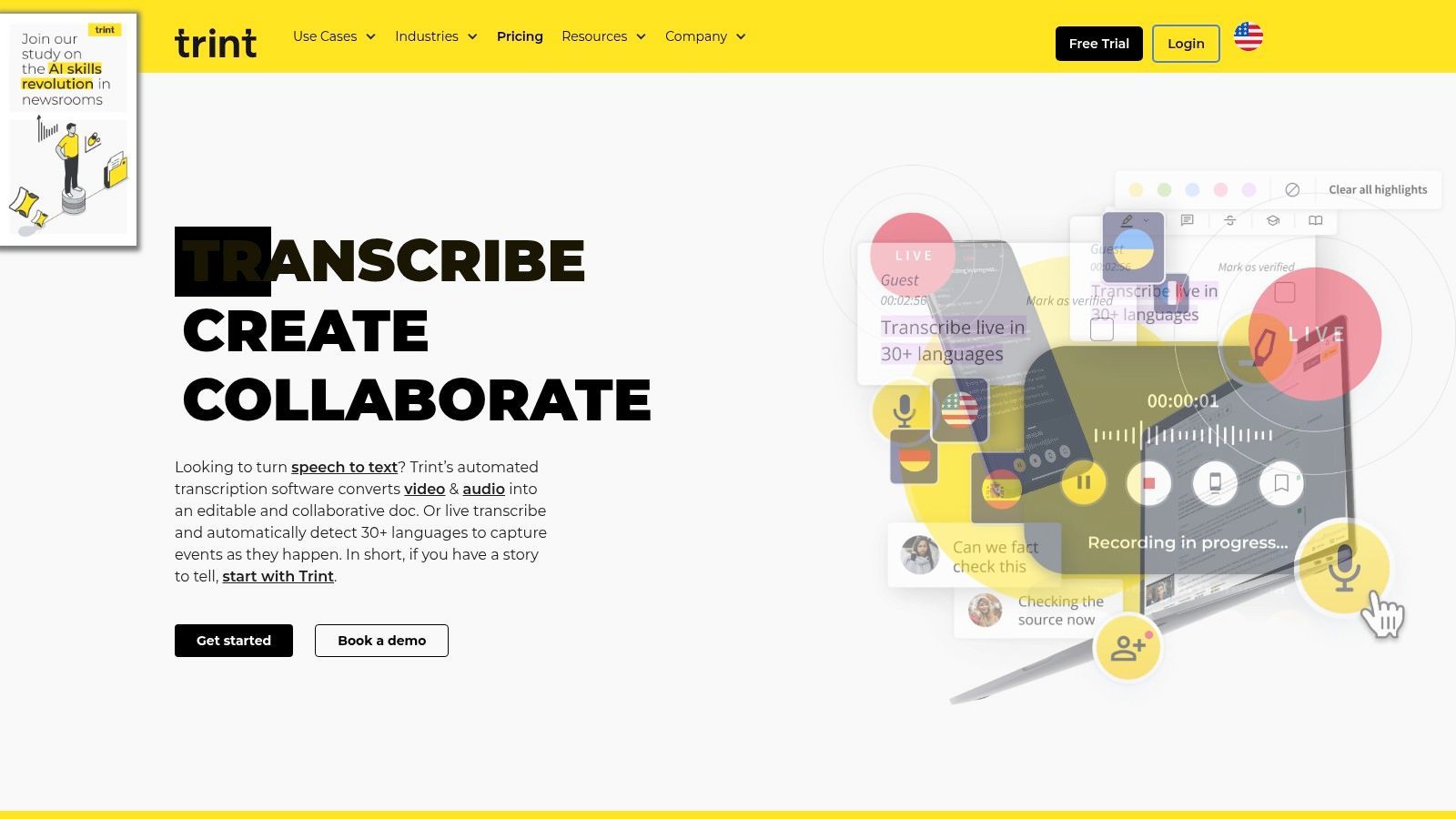
What sets Trint apart is its focus on collaborative, editorial workflows. Users can transcribe in over 40 languages and then instantly translate that content into more than 50 other languages, making it invaluable for global teams. Its "Story Builder" feature allows users to drag and drop key quotes from multiple transcripts to craft a compelling narrative, while enterprise-grade security (ISO 27001) ensures sensitive content remains protected. This makes it an exceptional tool for journalists and creators who need to produce content quickly and securely.
Key Features & Ideal Use Cases
| Feature | Description | Best For |
|---|---|---|
| Real-time Collaboration | Allows multiple users to comment on and edit transcripts simultaneously. | Newsrooms, marketing agencies, and research teams. |
| Story Builder | Assemble key quotes from various transcripts into a single narrative document. | Journalists, documentarians, and content creators. |
| Multi-Language Support | Transcribes in 40+ languages and translates into 50+ languages. | Global corporations and international media outlets. |
| Enterprise-Grade Security | ISO 27001 certified with dedicated US and EU data centers. | Legal, corporate, and government organizations. |
Pricing: Starts at $80 per user/month for the Starter plan. Custom pricing is available for Pro and Enterprise plans tailored to team needs.
Website: https://www.trint.com
7. Sonix: Best for Collaborative Teams and Multilingual Content
Sonix establishes itself as a powerful and highly collaborative audio to text converter designed for teams that need more than just a simple transcript. It supports over 40 languages and dialects, making it an excellent choice for global businesses and content creators. The platform’s standout feature is its in-browser editor, which allows multiple users to review, edit, and comment on a transcript simultaneously, streamlining the review process and ensuring accuracy.
Beyond transcription, Sonix offers automated translation, allowing users to quickly repurpose their content for international audiences. Its robust API access also appeals to developers looking to integrate automated transcription into their own applications. While the subscription model includes a base fee plus per-hour transcription costs, its transparent, per-second billing ensures you only pay for what you use. The platform is ideal for organizations that require a centralized hub for managing, editing, and sharing media files across different departments.
Key Features & Ideal Use Cases
| Feature | Description | Best For |
|---|---|---|
| Collaborative Editor | In-browser editor allows multiple users to highlight, comment, and edit transcripts. | Marketing teams, research groups, and production houses. |
| 40+ Languages | Provides transcription and translation across a wide range of languages and dialects. | Global businesses and international journalists. |
| Developer API | Offers API access for integrating Sonix's transcription engine into custom workflows. | Tech companies and software developers. |
| Advanced Export Options | Extensive export formats including Microsoft Word, SRT, and VTT with timestamps. | Video editors, filmmakers, and content creators. |
Pricing: Offers a pay-as-you-go plan at $10/hour. Subscription plans start at $22/month plus a lower per-hour transcription rate.
Website: https://sonix.ai
8. Happy Scribe: Best for Human-Assisted Transcription and Subtitling
Happy Scribe offers a versatile, two-pronged approach to audio-to-text conversion, blending powerful AI with human expertise. This dual-service model makes it a strong contender for users who need a balance between speed and guaranteed accuracy. The platform is particularly well-suited for video creators and marketing professionals who require precise subtitles and captions for their content, supporting a vast array of export formats that integrate directly into video editing workflows.
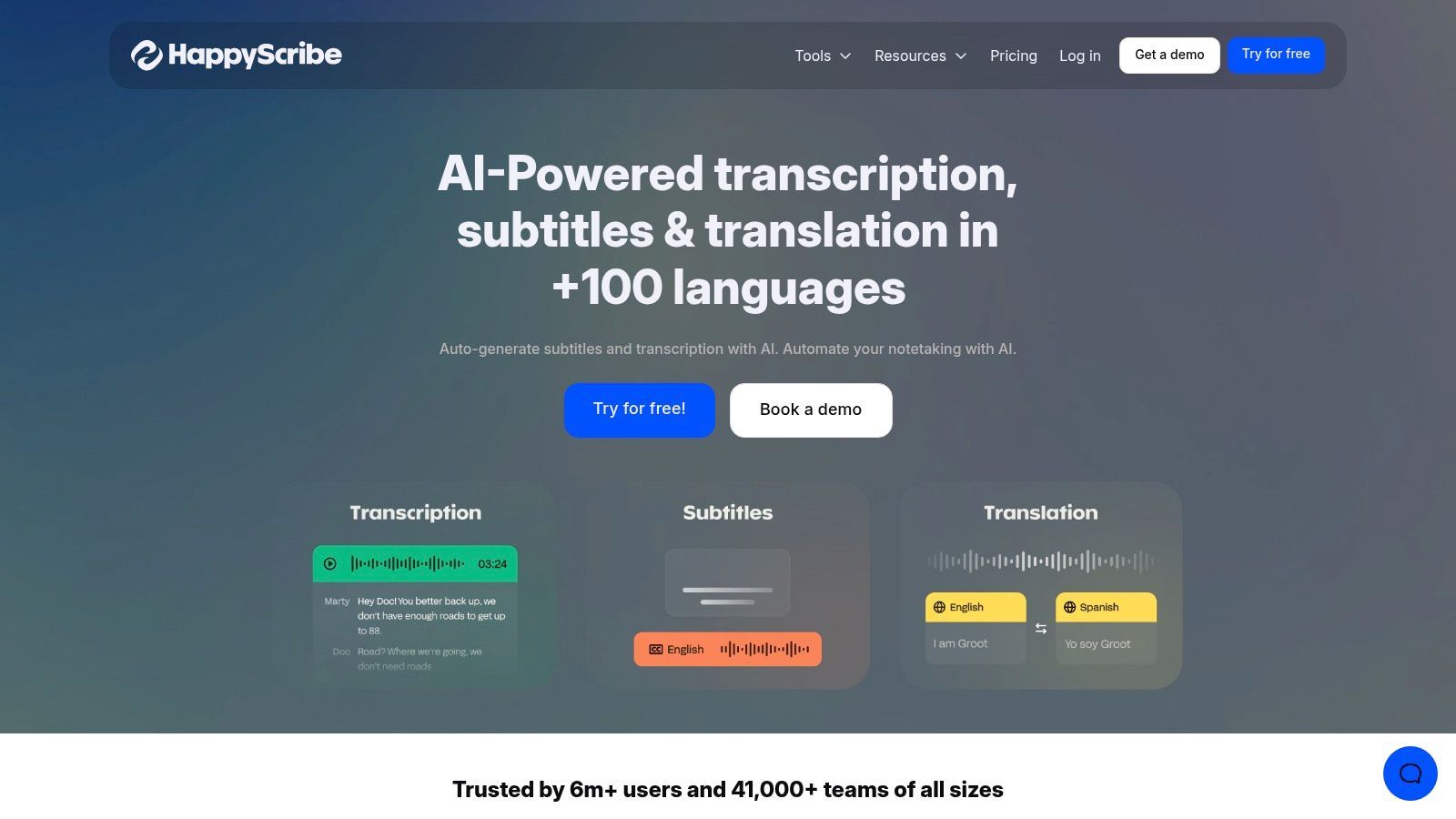
Its core strength lies in flexibility. You can opt for a fast AI-generated transcript or elevate the quality by choosing the human-made service, which promises 99% accuracy delivered by a global team of transcribers. This makes it an excellent audio to text converter for final-version projects like documentaries, corporate training videos, or published interviews. For those specifically interested in generating captions for video content, exploring the best AI generated captions tools can significantly enhance your workflow. The platform also includes team features for collaborative editing and project management, as detailed in many guides on converting video to text.
Key Features & Ideal Use Cases
| Feature | Description | Best For |
|---|---|---|
| Dual Transcription Service | Choose between fast AI transcription or a 99% accurate human service. | Professionals needing guaranteed accuracy. |
| Extensive Subtitle Exports | Supports a wide range of formats like SRT, VTT, and FCPXML. | Video editors and content creators. |
| Multi-Language Support | Provides transcription, translation, and subtitling in over 60 languages. | Global businesses and multilingual content. |
| Interactive Editor | A user-friendly editor to review and polish AI or human transcripts. | Teams collaborating on transcription projects. |
Pricing: AI transcription starts at $10/month for 120 minutes. Human-made transcription is priced from $1.75 per minute.
Website: Happy Scribe
9. Google Cloud Speech-to-Text (V2)
Google Cloud Speech-to-Text is a powerful, developer-focused API designed for integrating transcription capabilities directly into applications and enterprise workflows. Unlike user-facing platforms, this service provides the raw engine for processing audio at scale, making it a top choice for businesses building products that require voice commands, call center analytics, or content captioning. It offers both real-time streaming for live audio and batch processing for pre-recorded files.
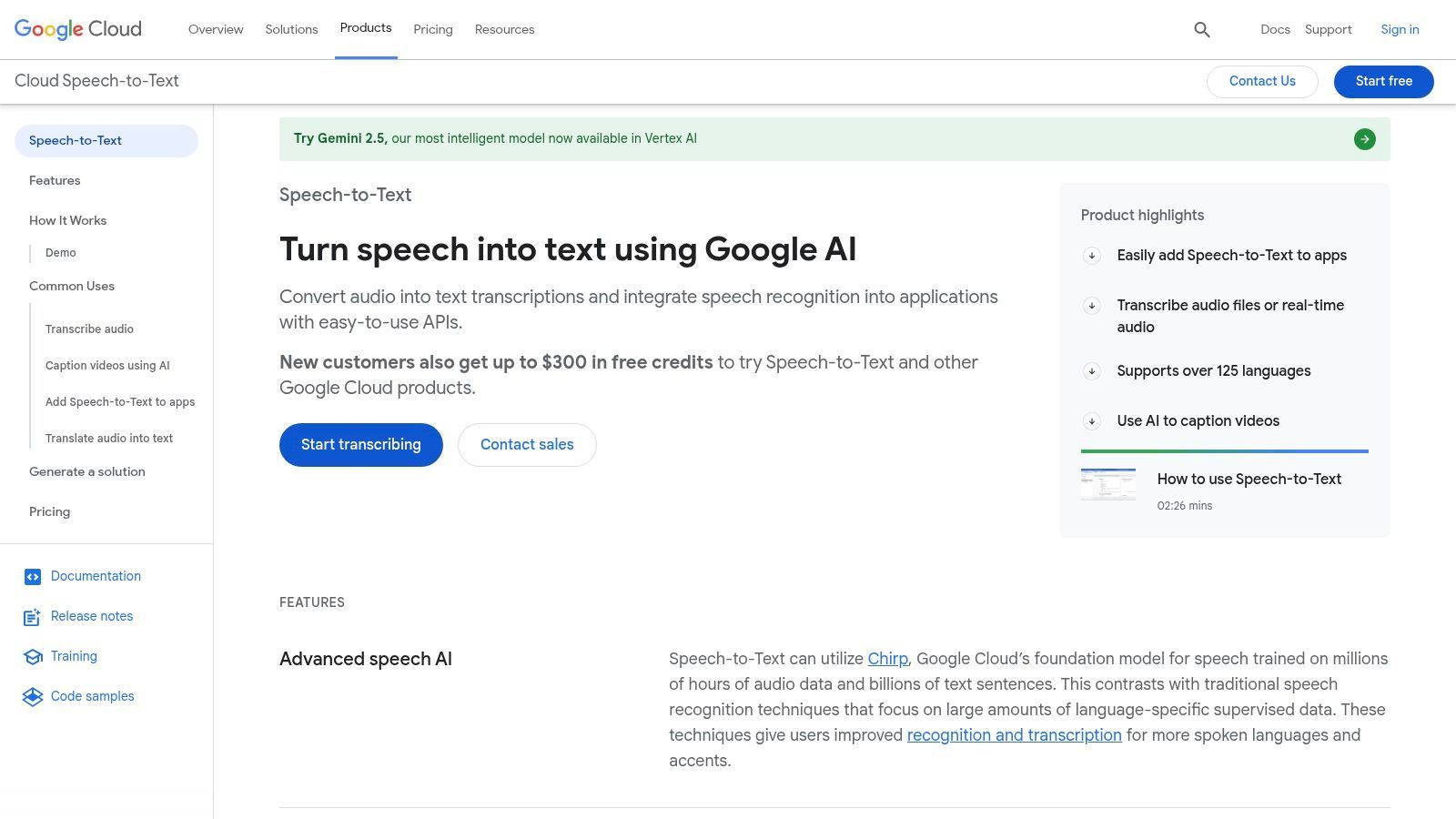
The platform stands out for its reliability, scalability, and integration with the vast Google Cloud ecosystem. Features like speaker diarization and a dynamic batch option provide flexibility for various needs, from transcribing meetings to optimizing costs for large volumes of audio. While it lacks a simple user interface for direct uploads, its performance is a key factor in overall speech-to-text accuracy benchmarks across the industry. This is the best audio to text converter for teams that need to build transcription directly into their own software.
Key Features & Ideal Use Cases
| Feature | Description | Best For |
|---|---|---|
| API-First Approach | Provides robust APIs for both batch and real-time transcription. | Developers building voice-enabled applications. |
| Speaker Diarization | Identifies and separates different speakers in the audio. | Call centers and multi-speaker meeting analysis. |
| Dynamic Batch Option | A cost-effective mode for processing short audio files in large volumes. | IoT devices and short voice command processing. |
| High Scalability | Backed by Google's infrastructure to handle massive workloads reliably. | Enterprise-level transcription and data analytics. |
Pricing: Billed per second of audio processed, with a generous free tier and volume-based discounts. For example, the V2 API costs $0.016 per minute. Requires a Google Cloud account and billing setup.
Website: Google Cloud Speech-to-Text
10. Amazon Transcribe (AWS): Best for Enterprise-Scale and AWS Integration
Amazon Transcribe is a fully managed speech-to-text service from AWS, designed for developers and businesses needing scalable, high-quality transcription integrated directly into their existing cloud infrastructure. It excels in both real-time streaming and batch processing of audio files, making it a powerful tool for applications ranging from live closed captioning to large-scale call center analytics. The service is built for the enterprise, offering robust compliance features like HIPAA eligibility and PII redaction.
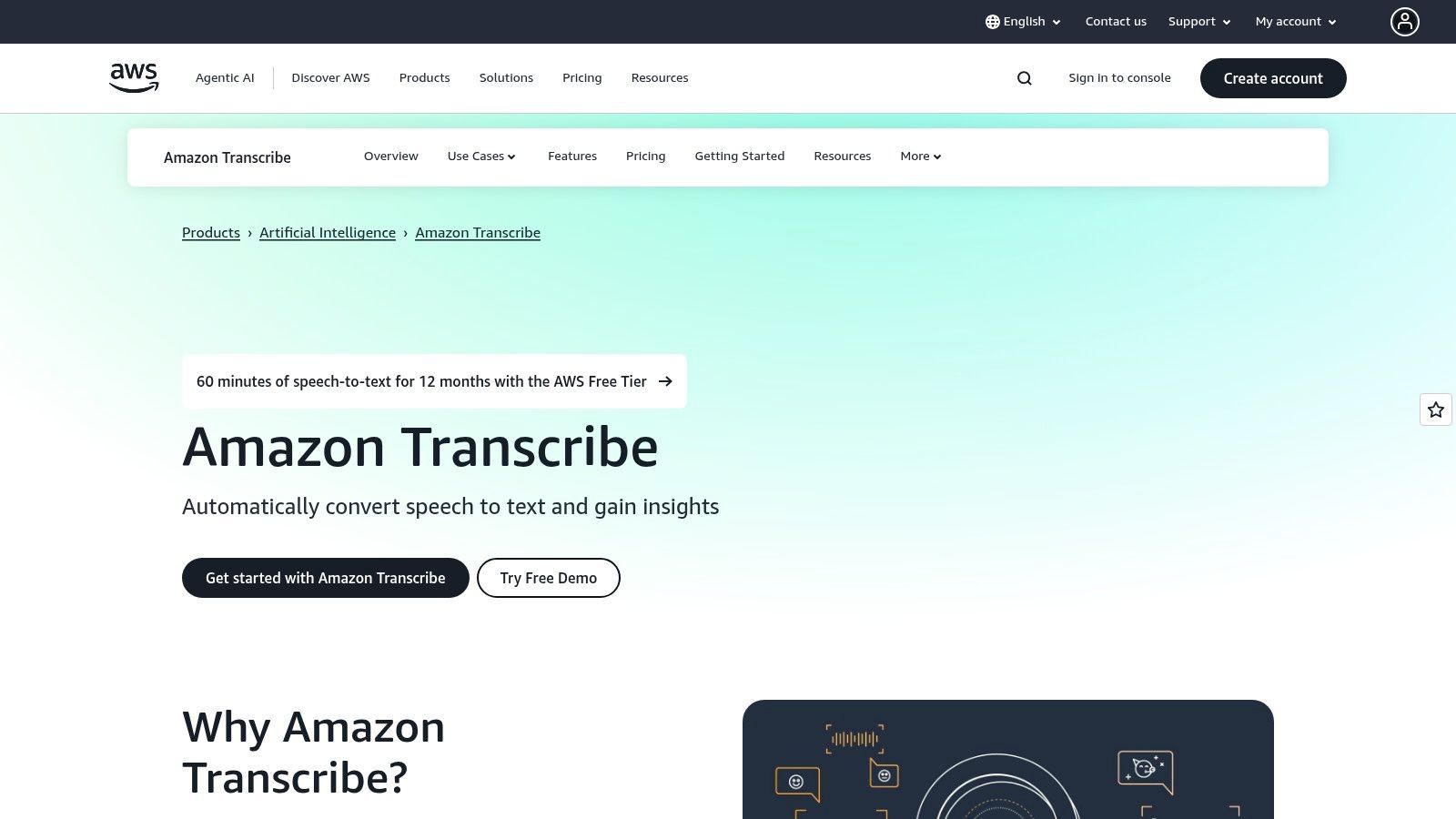
What sets this best audio to text converter apart is its deep integration within the extensive AWS ecosystem and its advanced customization options. Users can create custom vocabularies to improve accuracy for domain-specific terms or adapt acoustic models for unique audio environments. While this requires a more technical setup through an AWS account and IAM configuration, the flexibility and power it provides are unparalleled for organizations building sophisticated voice-enabled applications or analyzing vast audio archives securely and efficiently.
Key Features & Ideal Use Cases
| Feature | Description | Best For |
|---|---|---|
| Call Analytics | Provides detailed call transcription with turn-by-turn data and sentiment analysis. | Customer service centers and sales teams. |
| PII Redaction | Automatically identifies and redacts sensitive personally identifiable information. | Healthcare, finance, and legal industries. |
| Custom Vocabularies | Allows users to define specific terms, names, or jargon to improve accuracy. | Technical fields and specialized industries. |
| Streaming Transcription | Converts audio to text in real-time from a live audio stream. | Live event captioning and media broadcasting. |
Pricing: Billed per second with a 15-second minimum. Standard tier starts at $0.024 per minute, but costs vary based on features enabled. A generous free tier is available.
Website: aws.amazon.com/transcribe
11. Microsoft Azure Speech to Text (Azure AI Speech): Best for Enterprise-Scale Integration
Microsoft Azure Speech to Text is an enterprise-grade service designed for developers and businesses already embedded in the Azure ecosystem. As a powerful audio to text converter, it offers robust capabilities for both real-time and batch transcription, ensuring high accuracy and scalability for large-volume projects. Its strength lies in its deep integration with other Azure services, providing a secure and compliant environment for handling sensitive data, which is critical for corporate, healthcare, and governmental applications.
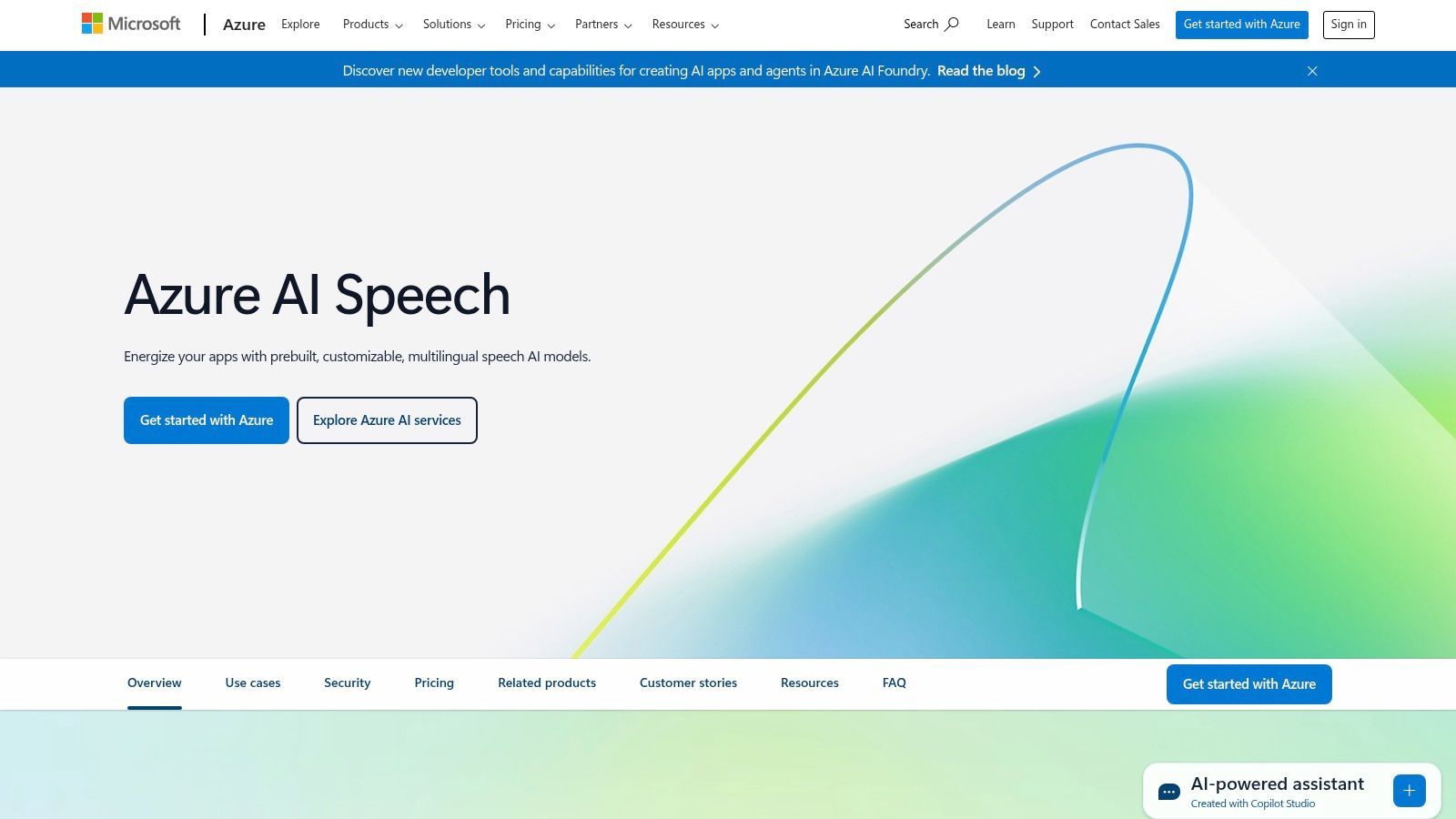
The platform stands out with its advanced customization features. Users can train custom speech models to recognize specific jargon, product names, or unique acoustic environments, significantly improving transcription accuracy for niche use cases. This makes it ideal for specialized industries where standard models might falter. While the interface is developer-focused and less intuitive for casual users, its performance and enterprise security controls are top-tier, making it a reliable choice for organizations prioritizing data integrity and custom model deployment within a unified cloud platform.
Key Features & Ideal Use Cases
| Feature | Description | Best For |
|---|---|---|
| Custom Speech Models | Train and deploy models tailored to specific vocabulary or acoustics. | Specialized industries (legal, medical, finance). |
| Real-time & Batch | Offers both live streaming transcription and processing of pre-recorded files. | Call centers and large-scale media archiving. |
| Speaker Diarization | Identifies and labels who is speaking and when in multi-participant audio. | Meetings, interviews, and call analysis. |
| Enterprise Security | Strong compliance, data privacy, and security controls within the Azure cloud. | Corporations and government agencies. |
Pricing: Utilizes a pay-as-you-go model with a free tier; pricing can be complex with various SKUs for different features and commitment levels.
Website: Microsoft Azure Speech to Text
12. OpenAI Whisper (API): Best for Developers and Custom Solutions
OpenAI's Whisper API provides developers with direct access to the state-of-the-art speech recognition model that powers many other transcription services. It stands out for its exceptional accuracy across a wide range of accents, languages, and even in noisy background conditions. This makes it an ideal audio to text converter for building custom applications, integrating transcription into existing workflows, or handling high-volume, complex audio processing tasks where control and scalability are paramount.
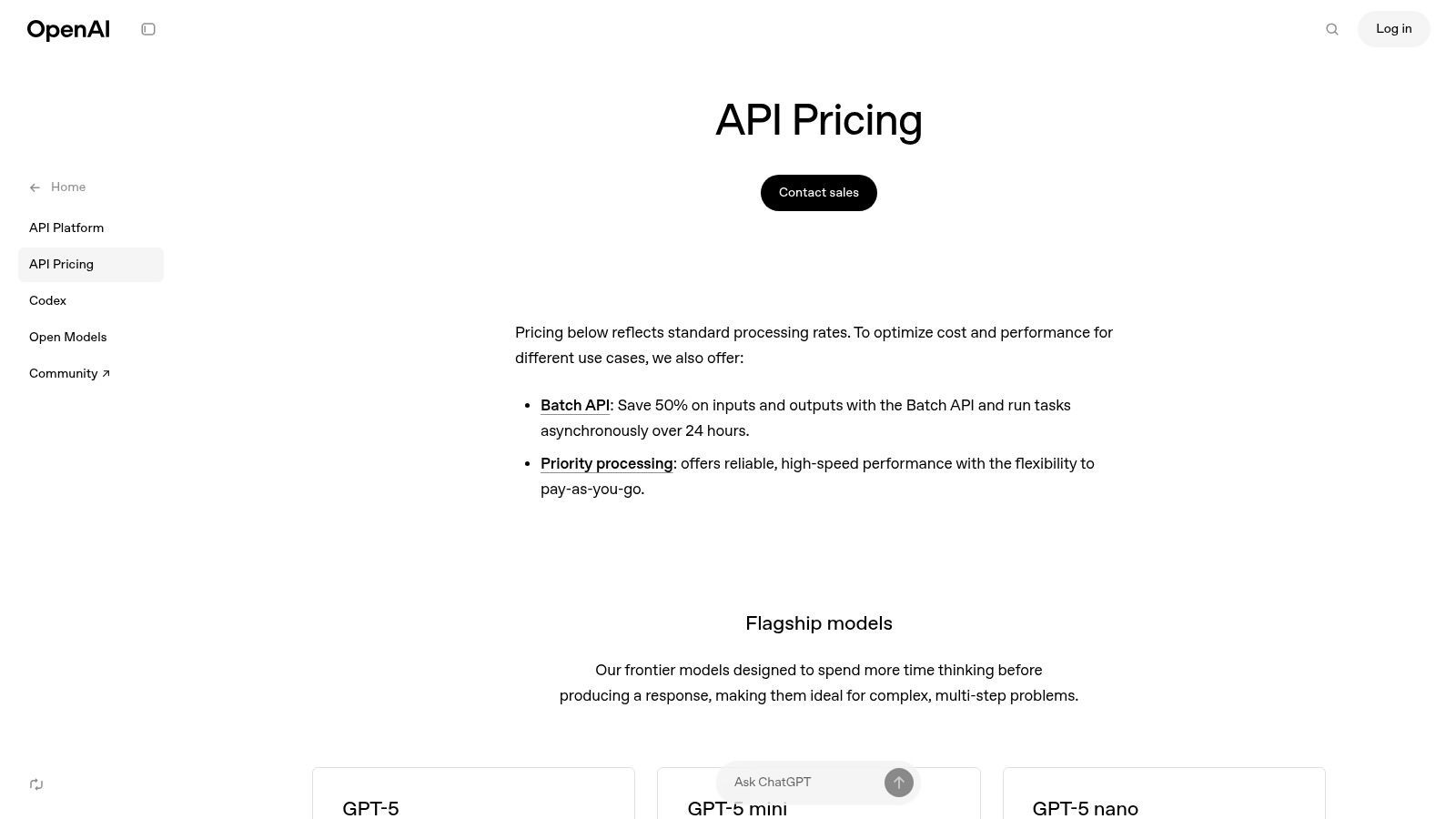
The primary advantage of using the Whisper API is its blend of top-tier performance and cost-effectiveness. The simple REST interface allows for straightforward integration, while the model's robustness minimizes the need for extensive pre-processing of audio files. For those seeking complete autonomy, the open-source model can be self-hosted, offering unparalleled control over data privacy and infrastructure. If you're interested in leveraging this technology, you can learn more about how to transcribe audio to text for free using open-source tools.
Key Features & Ideal Use Cases
| Feature | Description | Best For |
|---|---|---|
| High Accuracy | Excels with diverse accents and challenging audio environments. | Developers building voice-enabled applications. |
| Simple API Integration | A straightforward REST API for easy implementation into projects. | Integrating transcription into existing software. |
| Open-Source Model | Option to self-host the model for complete control and privacy. | Companies with strict data security requirements. |
| Per-Second Billing | A low-cost, pay-as-you-go pricing model for the API. | Startups and projects with variable workloads. |
Pricing: The API is priced at $0.006 per minute, billed on a per-second basis. Self-hosting costs depend on your own infrastructure.
Website: https://openai.com/api/pricing
Top 12 Audio-to-Text Converters Comparison
| Platform | Core Features/Accuracy | User Experience ★★★★☆ | Value Proposition 💰 | Target Audience 👥 | Unique Selling Points ✨ | Price Points 💰 |
|---|---|---|---|---|---|---|
| 🏆 Transcript.LOL | 99.8% accuracy, 10hr uploads, multi-format | Fast, speaker detection, rich editing | Flexible free & paid plans, team features | Podcasters, marketers, educators, legal, enterprises | AI summaries, quizzes, mind maps, strict no-training policy | Free tier; $10/mo indiv.; $20/mo team (annual billing) |
| Otter.ai | Live transcription, meeting summaries | Easy workflow, strong mobile UX | Free plan limits; upgrade for teams | Meeting-heavy professionals, mobile users | Calendar bot, multi-language support, Zapier | Free + subscription tiers |
| Rev | AI + 99% human transcription option | Editor, mobile app | Pay-as-you-go & team subscriptions | Professionals needing high-accuracy transcripts | Human transcription, rush service | Human: higher per min; AI lower |
| Temi (by Rev) | AI-only, quick turnaround | Simple web uploader, interactive editor | Pay-per-use, no subscription | Occasional users, no commitments | First 45 min free, straightforward pricing | Per-minute pricing only |
| Descript | Audio/video editing + transcripts | Integrated text-based editing | Great for creators editing audio/video | Podcasters, creators, teams | Overdub AI voices, multi-track video editing | Subscription based |
| Trint | Multi-language, collaboration, editorial focus | Real-time collaboration | Enterprise-grade security | Newsrooms, teams, enterprises | Story Builder for narratives, ISO 27001 certified | Enterprise pricing; team focus |
| Sonix | AI transcription + translation, multi-lang | Browser editor, team features | Transparent pay-as-you-go; subscriptions | Teams needing multi-lang transcription | Per-second billing, API access | Pay-as-you-go + subscription |
| Happy Scribe | AI & human transcription, subtitles support | Wide export formats, team tools | Flexible plans, human proofreading | Creators, subtitle workflows | Human review option, 60+ languages | Tiered plans + human transcription |
| Google Cloud Speech-to-Text V2 | Batch/streaming, speaker diarization | Stable, API-based | Competitive volume pricing | Developers, enterprises | Dynamic Batch, per-second billing | Pay-as-you-go |
| Amazon Transcribe (AWS) | Custom vocab, PII redaction, call analytics | AWS ecosystem integration | Feature-dependent pricing | AWS users, call centers | HIPAA eligible, call analytics | Per-second billing + fees |
| Microsoft Azure Speech to Text | Real-time & batch, custom models | Enterprise-grade security | Complex pricing, pay-as-you-go | Enterprises, Azure customers | Fast preview, continuous language ID | Pay-as-you-go |
| OpenAI Whisper (API) | High accuracy, open-source model | Simple API, per-second billing | Very affordable, self-host option | Developers, tech-savvy users | Open-source, strong in noisy audio | Low cost per audio minute |
Making Your Final Choice: Which Converter Is Right for You?
Navigating the crowded market of transcription tools can feel overwhelming, but as we've explored, the journey to finding the best audio to text converter is about matching the right features to your specific needs. The ideal solution isn't one-size-fits-all; it's a carefully considered choice based on your workflow, budget, and desired level of accuracy.
We've covered a wide spectrum of options, from the powerful, developer-focused APIs like Google Cloud Speech-to-Text and OpenAI Whisper to user-friendly platforms like Otter.ai and Descript that integrate transcription directly into creative workflows. We also examined services like Rev, which set the gold standard for human-powered accuracy when precision is non-negotiable.
Key Takeaways for Your Decision
Your final choice hinges on a few critical factors. Reflect on these points to clarify which tool aligns best with your goals:
- Automation vs. Human Touch: Is near-perfect accuracy from a human transcriber (like Rev) essential for legal or broadcast purposes? Or is a highly accurate but slightly imperfect AI-generated transcript (like those from Sonix or Trint) sufficient for your internal notes, content creation, or research needs?
- Workflow Integration: Consider how a tool fits into your existing process. Descript is a game-changer for video and podcast editors, while API solutions from AWS, Google, or Microsoft are built for integration into custom applications and large-scale data processing.
- Budget and Scale: Your financial commitment will guide your decision. Pay-as-you-go models like Temi or API services offer flexibility for infrequent use. Subscription plans from Otter.ai or Happy Scribe provide value for high-volume, consistent transcription needs.
Actionable Next Steps
Before you commit, take these final steps to ensure you're making a confident and informed decision.
- Identify Your Primary Use Case: Are you transcribing interviews for journalism, creating subtitles for marketing videos, or logging meeting minutes? Your primary function will immediately narrow the field. For example, a podcaster's needs are vastly different from a legal professional's.
- Run a Pilot Test: Nearly every service offers a free trial or a small amount of free credit. Take the same audio file, a representative sample of your typical content, and run it through your top two or three choices. Compare the accuracy, turnaround time, and ease of use of the editor firsthand.
- Evaluate the Editor: Don't just look at the raw transcript. Spend time in the tool's post-transcription editor. A user-friendly interface that makes correcting timestamps, speaker labels, and misspellings quick and easy can save you hours of frustration.
Ultimately, the best audio to text converter is the one that seamlessly removes friction from your workflow, saves you valuable time, and delivers the level of accuracy you require to achieve your goals. By aligning your specific needs with the unique strengths of the tools we've detailed, you can unlock new levels of efficiency and transform your spoken content into a powerful, accessible asset.
Ready to experience a transcription tool that prioritizes simplicity, speed, and affordability without the complexity? For lightning-fast, highly accurate transcripts with a clean and intuitive interface, give Transcript.LOL a try. See how easy transcription can be at Transcript.LOL.