
El Mejor Software de Transcripción para Entrevistas en 2026
Encuentre el mejor software de transcripción para entrevistas con nuestra revisión en profundidad. Comparamos precisión, funciones y precios para ayudarle a elegir la herramienta adecuada.
Kate, Praveen
January 5, 2026
Transcribir entrevistas es una tarea innegociable para periodistas, investigadores, podcasters y creadores de contenido. Es el puente entre una conversación hablada y conocimientos prácticos, archivos consultables y contenido final pulido. Pero el tedioso proceso tradicional de escribir manualmente cada palabra, marcar los tiempos de los hablantes y volver a escuchar las secciones poco claras es una pérdida de tiempo masiva que agota la energía creativa y analítica. Afortunadamente, la IA ha revolucionado este flujo de trabajo.
El mejor software de transcripción para entrevistas de hoy en día puede entregar una versión de texto altamente precisa de su archivo de audio o video en minutos, no en horas, liberándolo para que se concentre en la sustancia de la conversación. Pero con una docena de opciones competitivas en el mercado, cada una con diferentes fortalezas, debilidades y modelos de precios, ¿cómo elige la correcta? Esta guía elimina el ruido. Hemos probado y analizado rigurosamente las principales plataformas específicamente para las demandas de la transcripción de entrevistas.
Nos centramos en los factores críticos:
- Precisión con múltiples hablantes, acentos y ruido de fondo.
- Políticas de privacidad y manejo de datos (¿quién entrena con sus datos?).
- Velocidad de entrega desde la carga hasta la transcripción final.
- Herramientas de colaboración para edición y compartición en equipo.
- Funciones avanzadas como identificación de hablantes y vocabularios personalizados.
¿Por qué la Calidad de la Transcripción de Entrevistas es Importante?
La transcripción de alta calidad no se trata solo de convertir audio a texto. La identificación precisa de los hablantes, las marcas de tiempo limpias y la comprensión contextual impactan directamente en la validez de la investigación, la credibilidad del contenido y la velocidad de publicación. Elegir la herramienta incorrecta puede costar horas de corrección manual.
Para quienes realizan entrevistas en video, un primer paso crucial antes de la transcripción es aprender a extraer audio de video de manera efectiva para asegurarse de tener un archivo de sonido limpio.
Ya sea que seas un podcaster independiente con presupuesto limitado, un periodista con plazos ajustados o un equipo de investigación grande con estrictas necesidades de seguridad, esta comparación detallada te ayudará a encontrar la solución perfecta. Cada reseña incluye capturas de pantalla, enlaces directos y una evaluación honesta para ayudarte a tomar una decisión informada.
1. Transcript.LOL
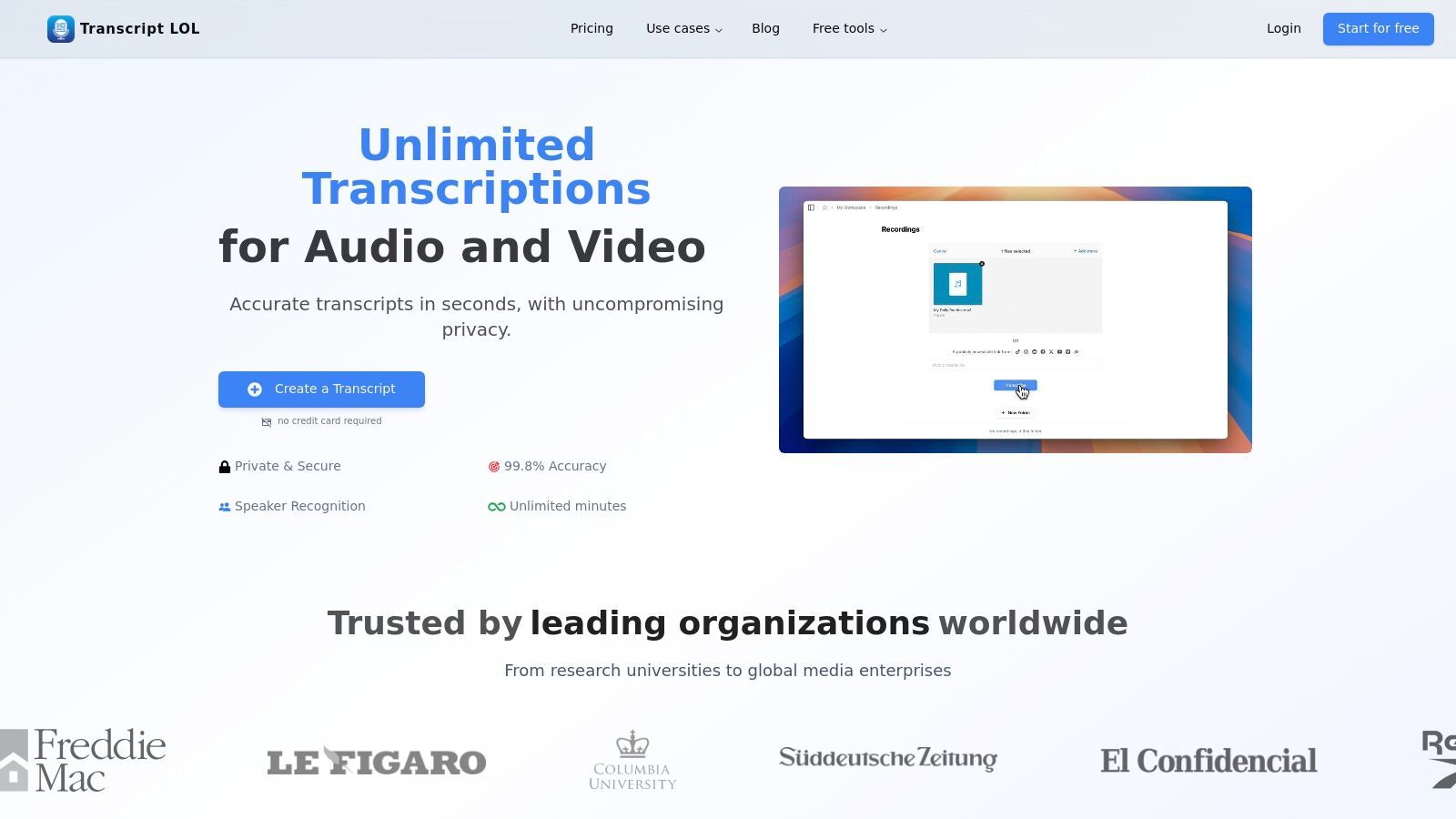
Transcript.LOL se posiciona como una solución integral y destaca como el mejor software de transcripción para entrevistas debido a su excepcional combinación de velocidad, precisión y funciones avanzadas impulsadas por IA. Aprovecha una versión mejorada del modelo Whisper de OpenAI, ofreciendo una precisión casi humana (~99.8%) que maneja de manera confiable a múltiples hablantes, diversos acentos y terminología compleja. Esta precisión reduce significativamente la necesidad de correcciones manuales, lo que ahorra un tiempo crítico para periodistas, investigadores y podcasters que trabajan con grabaciones de entrevistas largas.
Herramientas Flexibles de Importación, Exportación y Edición

Importar desde múltiples fuentes
Importa archivos de audio y video desde diversas fuentes, incluyendo carga directa, Google Drive, Dropbox, URLs, Zoom y más.

Herramientas de edición
Edita transcripciones con herramientas potentes como buscar y reemplazar, asignación de hablantes, formatos de texto enriquecido y resaltado.

Exportar en múltiples formatos
Exporta tus transcripciones en múltiples formatos incluyendo TXT, DOCX, PDF, SRT y VTT con opciones de formato personalizables.
La plataforma está diseñada para manejar cargas de trabajo exigentes. Acepta archivos grandes de hasta 10 horas o 5 GB cada uno, lo que permite procesar desde entrevistas de podcast de formato largo hasta seminarios académicos de día completo. Sus versátiles opciones de importación, que incluyen carga directa, unidades en la nube (Google Drive, Dropbox), Zoom y pegado de URL directo, agilizan el flujo de trabajo para profesionales que obtienen contenido de múltiples plataformas.
Por qué destaca para entrevistas
Lo que realmente distingue a Transcript.LOL es su conjunto de herramientas de IA posteriores a la transcripción diseñadas para maximizar el valor de cada entrevista. Más allá de un simple archivo de texto, genera automáticamente resúmenes concisos, identifica temas clave para marcadores de capítulos e incluso puede crear cuestionarios, mapas mentales o publicaciones en redes sociales a partir del contenido. Esto convierte una sola entrevista en un repositorio de activos reutilizables, ideal para especialistas en marketing y creadores de contenido. Para aquellos nuevos en el proceso, Transcript.LOL ofrece consejos prácticos sobre cómo transcribir correctamente una entrevista para garantizar los mejores resultados.
Características principales y usabilidad
- Alta precisión y velocidad: Impulsado por Whisper de OpenAI y mejorado con soporte de vocabulario personalizado para un rendimiento superior.
- Amplio soporte de archivos: Maneja archivos masivos de 10 horas/5 GB y se integra con Zoom, YouTube, Google Drive y más.
- Generación de contenido con IA: Crea resúmenes, capítulos, elementos de acción, publicaciones sociales y otros activos directamente a partir de transcripciones.
- Política de privacidad sólida: Una estricta política de no entrenamiento garantiza que los datos de su entrevista nunca se utilicen para entrenar modelos de IA.
- Colaboración en equipo: Ofrece espacios de trabajo compartidos, organización de carpetas y gestión de acceso para proyectos colaborativos.
Capacidades de Transcripción con IA
IA de última generación
Impulsado por Whisper de OpenAI para una precisión líder en la industria. Soporte para vocabularios personalizados, archivos de hasta 10 horas y resultados ultra rápidos.

Detección de hablantes
Identifica automáticamente diferentes hablantes en tus grabaciones y etiquétalos con sus nombres.
Resúmenes y Chatbot
Genera resúmenes y otros análisis de tu transcripción, prompts personalizados reutilizables y chatbot para tu contenido.
Precios y Limitaciones
Transcript.LOL ofrece un generoso nivel gratuito que incluye dos transcripciones por día (hasta 20 minutos cada una) sin necesidad de tarjeta de crédito. Para profesionales, el plan Ilimitado ($120/año) proporciona transcripciones ilimitadas, límites de carga de 10 horas y acceso a todas las funciones de IA. Un plan de equipo ($240/año para 2 usuarios) añade espacios de trabajo colaborativos.
Una limitación potencial es la falta de certificaciones de cumplimiento públicas como HIPAA o SOC 2 en su sitio web. Las organizaciones con requisitos regulatorios estrictos deben realizar su propia diligencia debida antes de la adopción. Sin embargo, para la gran mayoría de los usuarios, su combinación de precisión de primer nivel, potentes herramientas de IA y un fuerte compromiso con la privacidad lo convierten en una opción inigualable.
Sitio web: https://transcript.lol
2. Otter.ai
Otter.ai se ha convertido en una herramienta de referencia para la transcripción en tiempo real, especialmente para entrevistas y reuniones en vivo. Su principal fortaleza reside en sus profundas integraciones con plataformas de videoconferencia como Zoom, Google Meet y Microsoft Teams. Puede unirse automáticamente a llamadas programadas, grabar audio y generar una transcripción en vivo con etiquetas de orador, actuando como un dedicado tomador de notas con IA.
Esta funcionalidad en vivo cambia las reglas del juego para periodistas e investigadores que necesitan concentrarse en la conversación sin preocuparse por perder detalles clave. Después de la entrevista, Otter proporciona una transcripción interactiva donde puede hacer clic en cualquier palabra para escuchar el audio correspondiente. Su "OtterPilot" impulsado por IA también puede generar automáticamente resúmenes, elementos de acción y un esquema de la reunión, lo que acelera el proceso de extracción de citas y perspectivas clave. Esto lo convierte en uno de los mejores software de transcripción para entrevistas realizadas de forma remota.
Precios y Características Clave
Otter.ai opera con un modelo freemium. El plan Básico gratuito ofrece minutos de transcripción limitados y un límite de 30 minutos por conversación. Los planes de pago desbloquean más capacidad:
- Plan Pro: Comienza en $16.99/mes, ofreciendo más minutos mensuales y un límite de 90 minutos por transcripción.
- Plan Business: Por $35/usuario/mes, proporciona 6.000 minutos generosos por usuario y un límite de 4 horas, ideal para usuarios intensivos.
La plataforma es menos adecuada para investigadores cualitativos que necesitan una precisión y separación de oradores sin concesiones, como se detalla en esta guía de software de transcripción para investigación cualitativa. Sin embargo, para giros rápidos y notas de reuniones colaborativas, sobresale.
Mejor para: Periodistas, estudiantes y equipos corporativos que necesitan transcripción en vivo y resúmenes automatizados de reuniones virtuales.
Sitio web: https://otter.ai
3. Rev
Rev se destaca en el espacio de la transcripción al ofrecer un potente modelo híbrido que combina transcripción de IA rápida y asequible con un servicio profesional impulsado por humanos. Este doble enfoque lo convierte en una excelente opción cuando la precisión es innegociable, como con grabaciones de entrevistas ruidosas, conversaciones con acentos fuertes o entrevistas que involucran a varios oradores difíciles de distinguir. Los usuarios pueden elegir el servicio que mejor se adapte a sus necesidades por archivo.
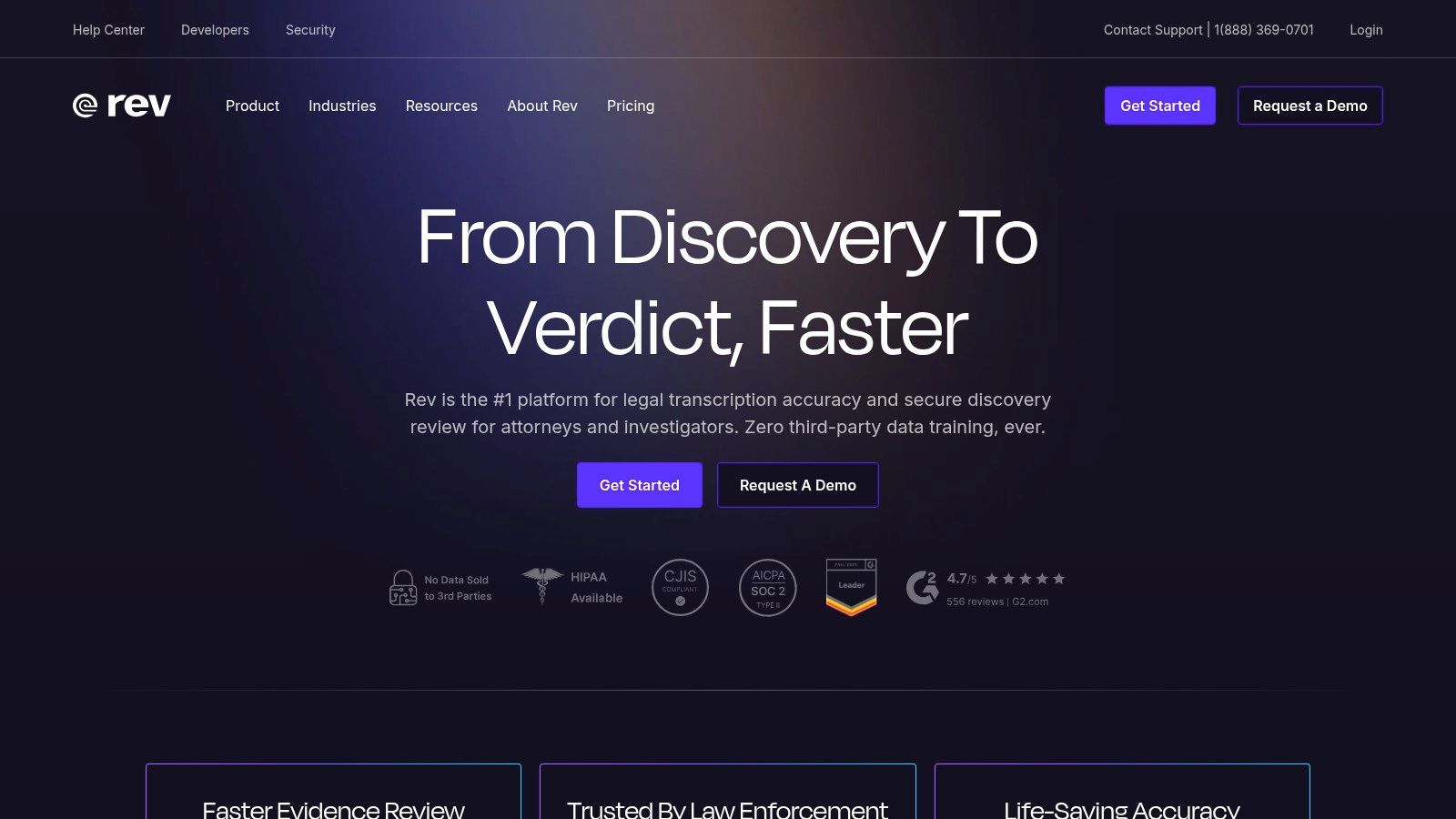
La plataforma proporciona un editor interactivo pulido para revisar y refinar transcripciones, una aplicación móvil para grabar sobre la marcha y un Tomador de Notas con IA que se integra con las principales plataformas de reuniones. Para organizaciones en industrias reguladas, Rev también ofrece opciones de cumplimiento a nivel empresarial como HIPAA y SOC 2, garantizando la seguridad y privacidad de los datos para contenido de entrevistas sensible. Esta flexibilidad lo convierte en una herramienta versátil para una amplia gama de necesidades de transcripción profesional.
Precios y Características Clave
Los precios de Rev se dividen entre sus servicios de IA y humanos. La transcripción de IA se basa en suscripción, mientras que los servicios humanos se pagan por minuto.
- Transcripción Humana: Comienza en $1.50 por minuto de audio con una garantía de precisión del 99%.
- Suscripción Rev Max: Por $29.99/mes (facturado anualmente), este plan incluye 20 horas de transcripción de IA, el Tomador de Notas con IA y descuentos en servicios humanos.
- Suscripción de IA: Hay una prueba gratuita disponible, con planes de pago que ofrecen más minutos y funciones.
El servicio humano puede resultar costoso para usuarios con grandes volúmenes de audio, pero proporciona un nivel de calidad que la IA por sí sola a menudo no puede igualar. Puede obtener más información sobre los matices de la precisión del habla a texto para decidir qué opción es la mejor. El flujo de compra claro de Rev le permite mezclar y combinar servicios fácilmente.
Mejor para: Investigadores, profesionales legales y periodistas que necesitan una alta precisión garantizada para grabaciones de audio complejas o de baja calidad.
Sitio web: https://www.rev.com
4. Trint
Trint es una potente plataforma de transcripción al estilo de una sala de redacción diseñada para flujos de trabajo editoriales y de producción de alto riesgo. Su principal fortaleza es la combinación de transcripción rápida impulsada por IA con sólidas herramientas colaborativas. Los equipos pueden resaltar, comentar y editar transcripciones simultáneamente, lo que facilita la extracción de citas clave, la construcción de narrativas y la producción de contenido a partir de metraje de entrevistas en bruto a gran velocidad.
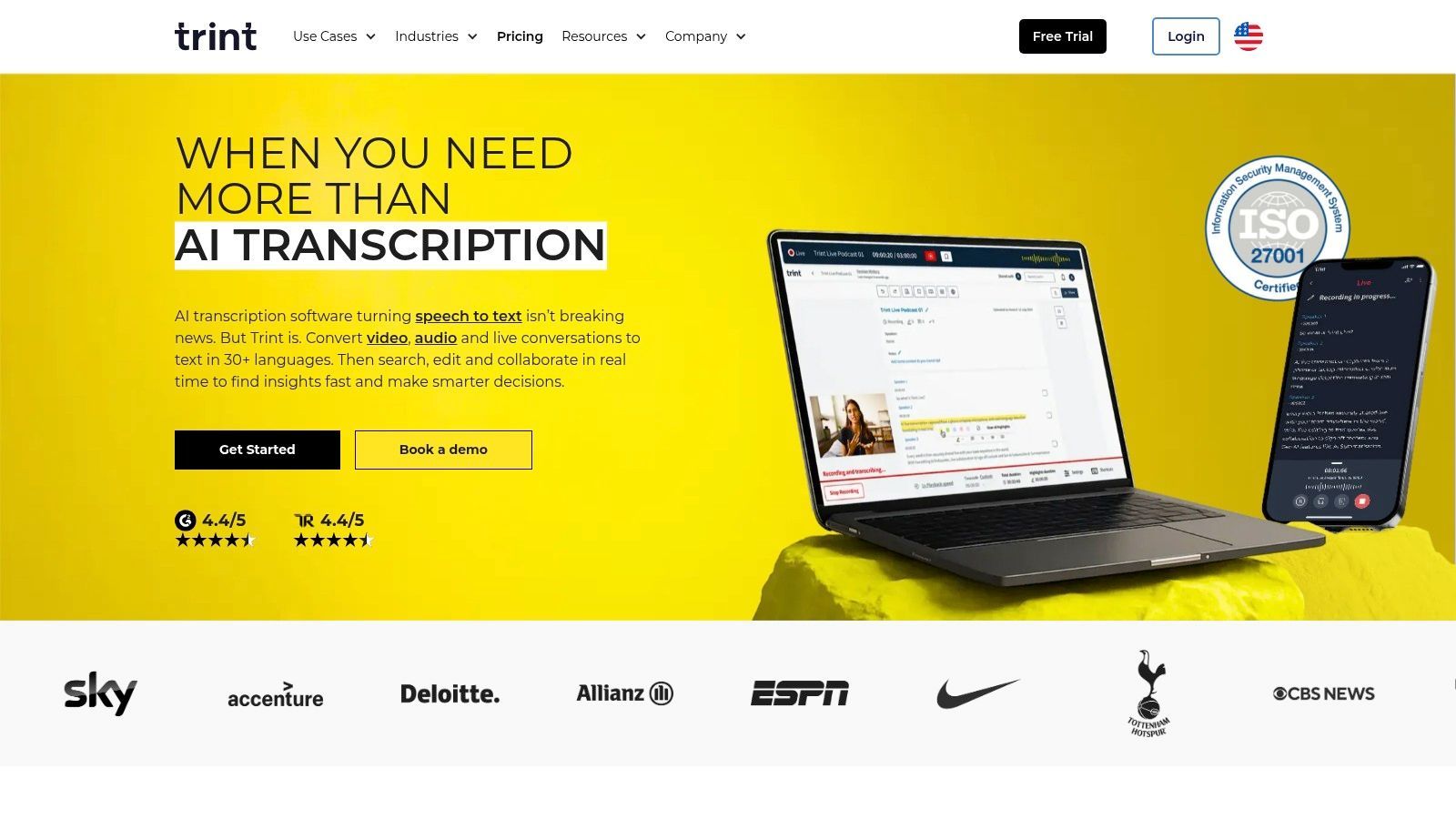
La plataforma admite transcripción en más de 40 idiomas y puede traducir el texto final a más de 70 idiomas, una característica crucial para medios de comunicación globales y creadores de contenido. Sus capacidades de transcripción en vivo permiten a los equipos capturar eventos a medida que suceden, lo que la convierte en una excelente opción para conferencias de prensa, entrevistas transmitidas en vivo y medios de difusión. El enfoque de Trint en la seguridad de nivel empresarial y los flujos de trabajo basados en equipos lo convierte en uno de los mejores software de transcripción para entrevistas en entornos de medios profesionales.
Precios y Características Clave
Los precios de Trint están orientados a equipos profesionales con suscripciones basadas en asientos. Los planes pueden resultar restrictivos para usuarios individuales o aquellos con necesidades infrecuentes.
- Plan Starter: Por $80/usuario/mes, este plan se limita a transcribir 7 archivos por usuario cada mes.
- Plan Advanced: A partir de $100/usuario/mes, ofrece transcripción "ilimitada", funciones en tiempo real y colaboración.
- Plan Enterprise: Precios personalizados para equipos más grandes que necesitan seguridad avanzada y acceso a API.
Si bien los planes "ilimitados" son generosos, están sujetos a políticas de uso razonable que pueden afectar a los usuarios extremadamente intensivos. El alto costo de la plataforma y los límites de archivos en el plan de nivel de entrada la hacen menos adecuada para usuarios ocasionales, pero su conjunto de herramientas especializado es invaluable para su público objetivo.
Mejor para: Periodistas, productoras y equipos de marketing que necesitan una plataforma colaborativa y segura para convertir entrevistas en contenido publicado.
Sitio web: https://trint.com
5. Descript
Descript revoluciona la postproducción de entrevistas al fusionar la transcripción con un editor de audio y video completo. Su característica destacada es la edición basada en texto; transcribes tu entrevista y luego editas el audio o video simplemente eliminando palabras o frases en la transcripción. Este flujo de trabajo intuitivo ahorra mucho tiempo a podcasters, periodistas y creadores de video que necesitan convertir rápidamente metraje de entrevistas en bruto en contenido pulido.
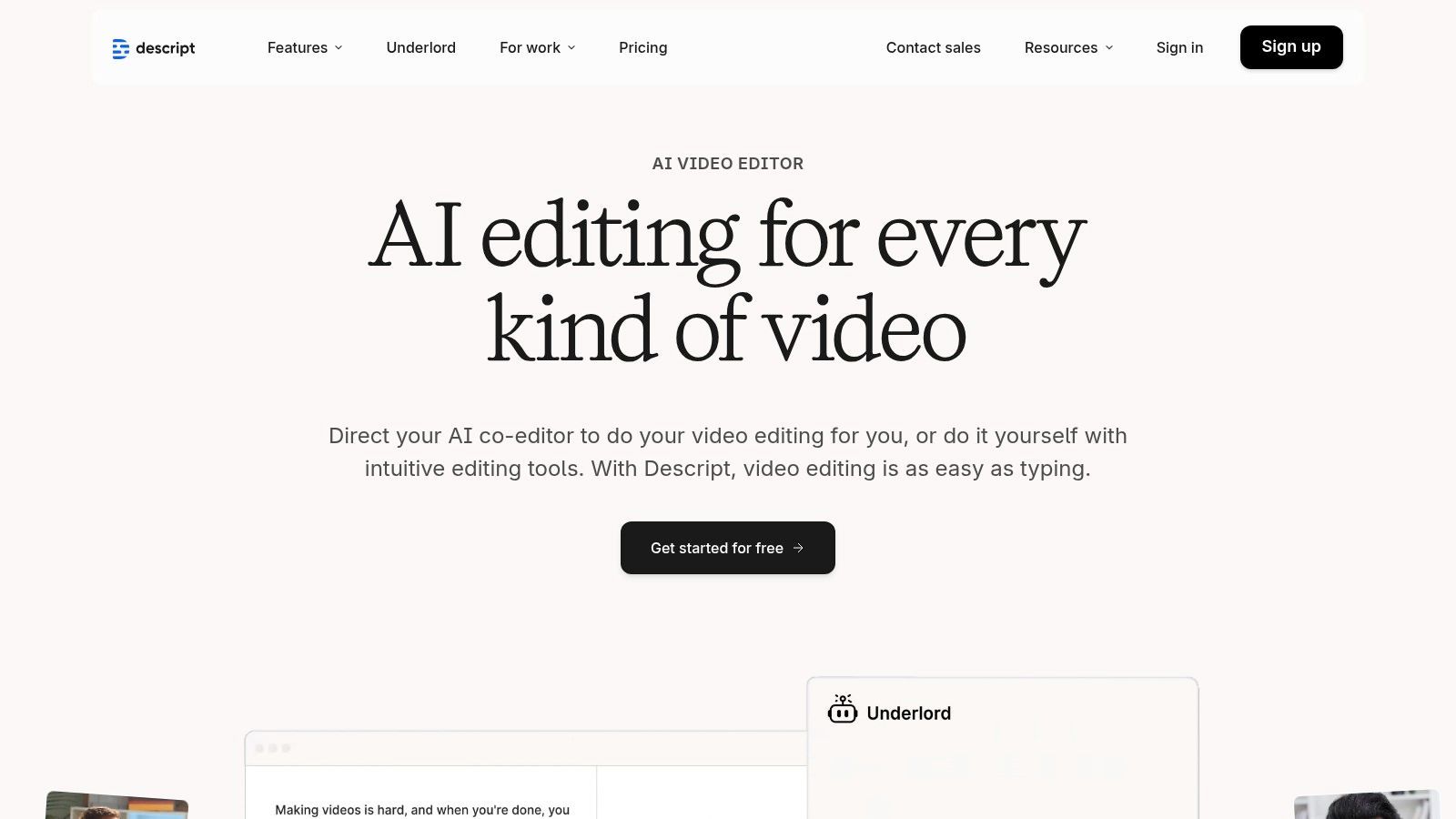
La plataforma también incluye potentes herramientas como la eliminación de palabras de relleno con un solo clic ("eh", "um"), etiquetado automático de oradores y capacidades de grabación remota a través de la integración de SquadCast. Esto convierte a Descript en una solución todo en uno para todo el ciclo de vida de la entrevista, desde la grabación hasta la transcripción y la edición final. Para los usuarios que aprovechan sus capacidades más allá de la simple transcripción, sus sólidas funciones son comparables a las mejores software de edición de podcasts disponibles. Este enfoque integrado lo convierte en uno de los mejores software de transcripción para entrevistas cuando el producto final es un activo publicado.
Precios y Características Clave
Los precios de Descript se basan en un modelo de "minutos de medios", que incluye transcripción, grabación remota y otras funciones. Hay un plan gratuito disponible con funciones limitadas.
- Plan Creator: Comienza en $15/usuario/mes, incluyendo 10 horas de transcripción y grabación remota por mes.
- Plan Pro: Por $30/usuario/mes, ofrece 30 horas por mes y acceso a funciones avanzadas de IA como Studio Sound para mejora de audio.
Si bien su principal fortaleza radica en la edición de medios, la curva de aprendizaje puede ser pronunciada para aquellos que solo necesitan una transcripción simple. Su flujo de trabajo centrado en la edición puede ser excesivo para los investigadores que se centran principalmente en analizar datos de entrevistas en lugar de crear contenido multimedia.
Mejor para: Podcasters, creadores de video y periodistas que necesitan editar entrevistas de audio/video directamente desde la transcripción.
Sitio web: https://www.descript.com
6. Sonix
Sonix se posiciona como un servicio de transcripción de IA premium centrado en la precisión, diseñado para profesionales que requieren resultados pulidos y capacidades de edición avanzadas. Combina transcripción automatizada rápida con un sofisticado editor en el navegador que permite una fácil revisión y corrección. La plataforma se destaca en la producción de transcripciones con una diarización precisa de oradores y marcas de tiempo palabra por palabra, lo que facilita la navegación por grabaciones de entrevistas largas.
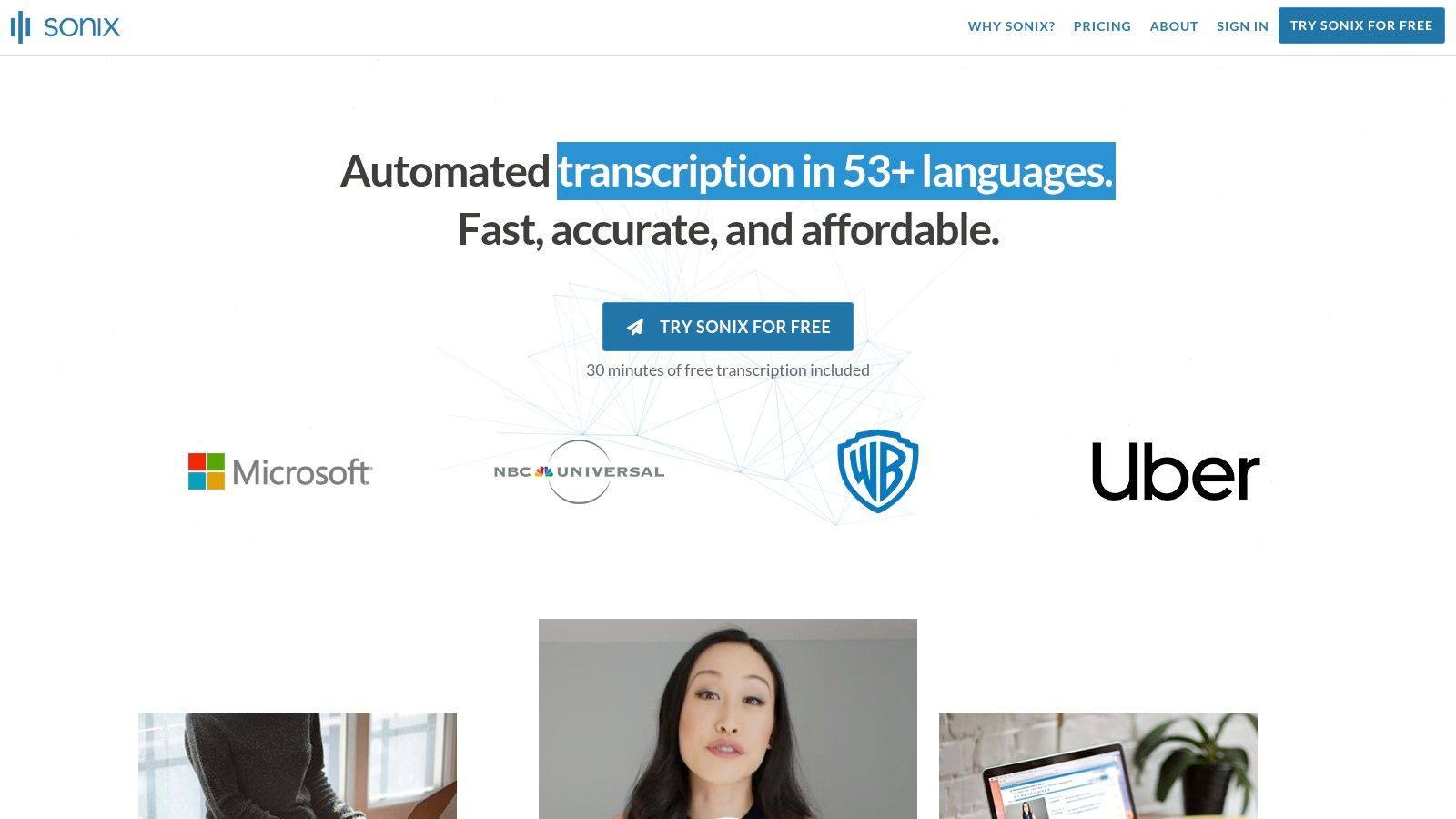
Su fortaleza radica en su completo conjunto de herramientas, que incluye funciones de colaboración, un diccionario personalizado para mejorar la precisión de jerga o nombres específicos y amplias opciones de exportación (incluyendo SRT para subtítulos y varios formatos de texto). Esto lo convierte en una excelente opción para equipos de producción de medios, profesionales legales e investigadores académicos que necesitan más que un archivo de texto sin procesar y valoran un flujo de trabajo de post-transcripción refinado.
Precios y Características Clave
Sonix ofrece opciones de suscripción y pago por uso, con facturación transparente por segundo para que solo pague por lo que usa.
- Estándar (Pago por uso): $10 por hora. Bueno para proyectos infrecuentes y únicos.
- Suscripción Premium: Comienza en $22/usuario/mes, que incluye 1 hora de crédito de transcripción y una tarifa con descuento de $5 por hora adicional. Este plan desbloquea funciones de colaboración y el diccionario personalizado.
- Enterprise: Precios personalizados para equipos que necesitan seguridad avanzada, acceso a API y facturación centralizada.
Si bien es potente, vale la pena señalar que los servicios avanzados como la traducción automática y el análisis de IA conllevan tarifas adicionales. Sin embargo, para los equipos que necesitan un editor de transcripción confiable y rico en funciones, Sonix es una opción de primer nivel.
Mejor para: Investigadores, equipos legales y profesionales de medios que necesitan alta precisión y un editor colaborativo robusto.
Sitio web: https://sonix.ai
7. Happy Scribe
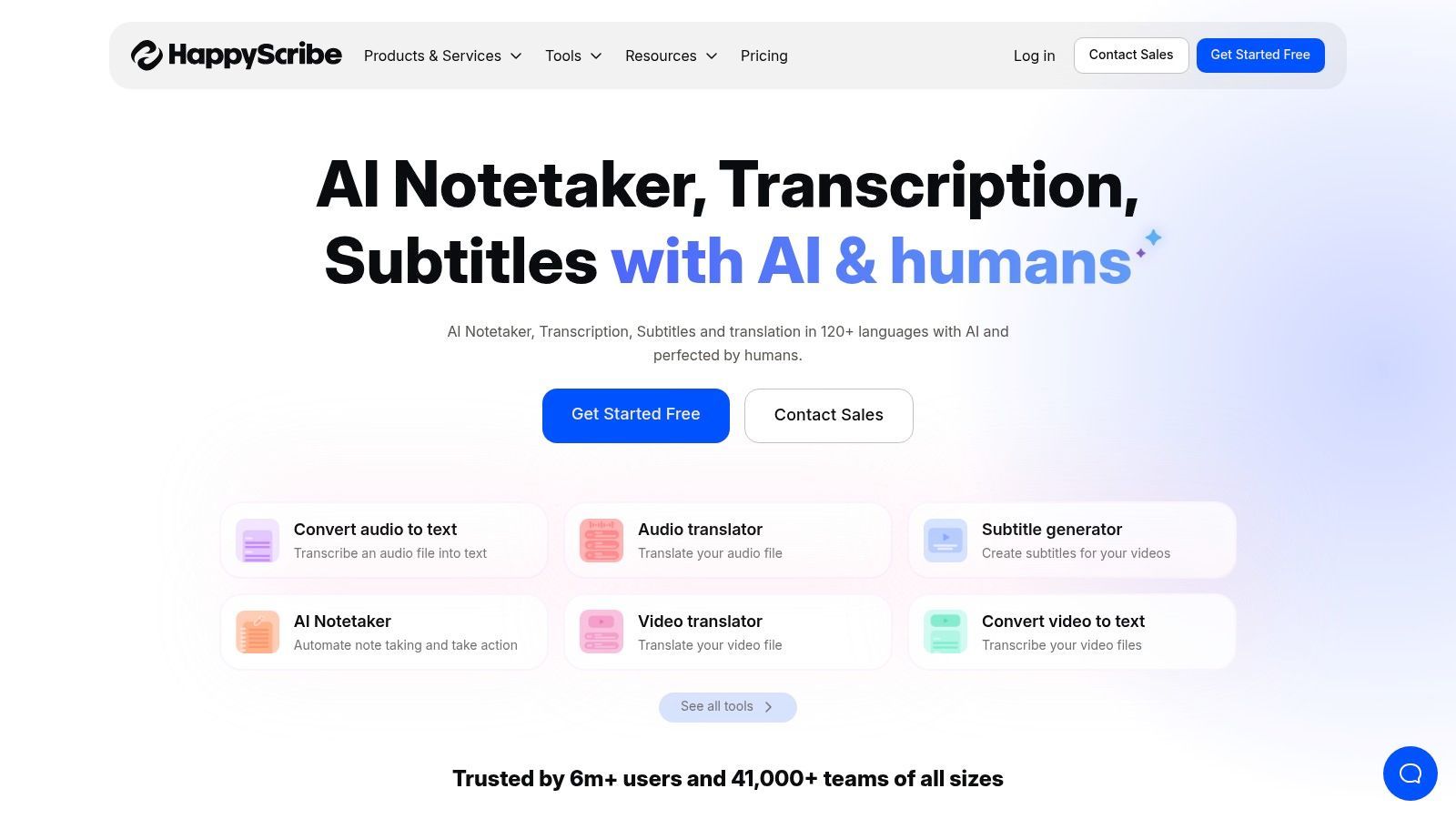
Happy Scribe es una plataforma de transcripción versátil que se destaca al ofrecer servicios de transcripción tanto automatizados por IA como impulsados por humanos. Este modelo híbrido es ideal para usuarios que necesitan la velocidad de la IA para borradores iniciales pero requieren el pulido de la corrección humana para transcripciones de entrevistas finales y listas para publicar. Su amplio soporte de idiomas, que cubre más de 120 idiomas y dialectos, también la convierte en un fuerte contendiente para periodistas e investigadores internacionales.
La plataforma se integra perfectamente con plataformas populares de almacenamiento en la nube y video como Google Drive, Dropbox, YouTube y Zoom, optimizando el flujo de trabajo desde la grabación hasta la transcripción. Esto la convierte en uno de los mejores software de transcripción para entrevistas cuando se necesita un equilibrio entre automatización y precisión a nivel humano.
Precios y Características Clave
Happy Scribe utiliza un modelo de pago por uso y suscripción para sus servicios de IA, mientras que su transcripción humana se cotiza por minuto.
- Plan Gratuito: Ofrece una prueba limitada para probar el servicio.
- Plan Básico: Comienza en $17/mes por 120 minutos de transcripción de IA.
- Plan Pro: Por $29/mes, incluye 300 minutos.
- Transcripción Humana: Se cotiza por minuto, a partir de alrededor de $2.00/minuto, ofreciendo una precisión casi perfecta con un tiempo de respuesta de 24 horas.
El principal inconveniente es que los servicios humanos pueden resultar costosos para entrevistas de larga duración o proyectos extensos. Sin embargo, la capacidad de mezclar la velocidad de la IA con el control de calidad humano bajo demanda proporciona una solución flexible y potente para profesionales que no pueden comprometer la precisión en su resultado final.
Mejor para: Periodistas, podcasters e investigadores que necesitan transcripciones multilingües de alta precisión y desean la opción de actualizar a corrección humana.
Sitio web: https://www.happyscribe.com
8. Temi
Temi, propiedad del gigante de la transcripción humana Rev, ofrece un servicio de transcripción automatizada sencillo y de pago por uso. Su principal diferenciador es su simplicidad y la falta de requisitos de suscripción, lo que la convierte en la opción perfecta para usuarios que necesitan transcripciones de IA de alta calidad de forma ocasional. Simplemente subes tu archivo de audio o video, y su motor automatizado entrega una transcripción, generalmente en minutos.
La plataforma es ideal para periodistas, investigadores o propietarios de pequeñas empresas que tienen necesidades de transcripción esporádicas y desean evitar un compromiso mensual. Después de recibir la transcripción, puede usar el editor intuitivo basado en web de Temi para corregir cualquier inexactitud, ajustar las etiquetas de los oradores y modificar las marcas de tiempo. Esta combinación de velocidad, simplicidad y un editor potente la convierte en uno de los mejores software de transcripción para entrevistas cuando solo necesita un resultado rápido y sin complicaciones sin una tarifa recurrente.
Precios y Características Clave
Los precios de Temi son notoriamente transparentes y se basan completamente en el uso. No hay planes mensuales, niveles ni tarifas ocultas.
- Pago por uso: Una tarifa fija de $0.25 por minuto de audio.
- Prueba gratuita: Tu primer archivo de menos de 45 minutos se transcribe gratis, ofreciendo una oportunidad generosa para probar el servicio.
La plataforma incluye un editor interactivo y le permite exportar su transcripción final en varios formatos, incluyendo Word, PDF, TXT, SRT y VTT. Si bien el modelo solo de IA significa que la precisión puede fluctuar con una mala calidad de audio o acentos fuertes, su enlace directo con Rev proporciona una ruta de actualización perfecta si decide que la perfección humana es necesaria.
Mejor para: Freelancers, estudiantes y profesionales que necesitan transcripción de IA rápida y asequible para entrevistas de forma ad hoc.
Sitio web: https://www.temi.com
9. Scribie
Scribie se destaca como un servicio de transcripción humana dedicado, que ofrece un proceso sencillo de cuatro pasos para usuarios que priorizan la precisión sobre la entrega instantánea de la IA. Es una excelente opción para entrevistas con audio desafiante, como aquellas con acentos fuertes, varios oradores que se superponen o ruido de fondo significativo, donde los sistemas automatizados a menudo luchan. El servicio garantiza una precisión del 99% para audio claro, lo cual es crucial para trabajos legales, académicos o periodísticos donde la precisión es innegociable.
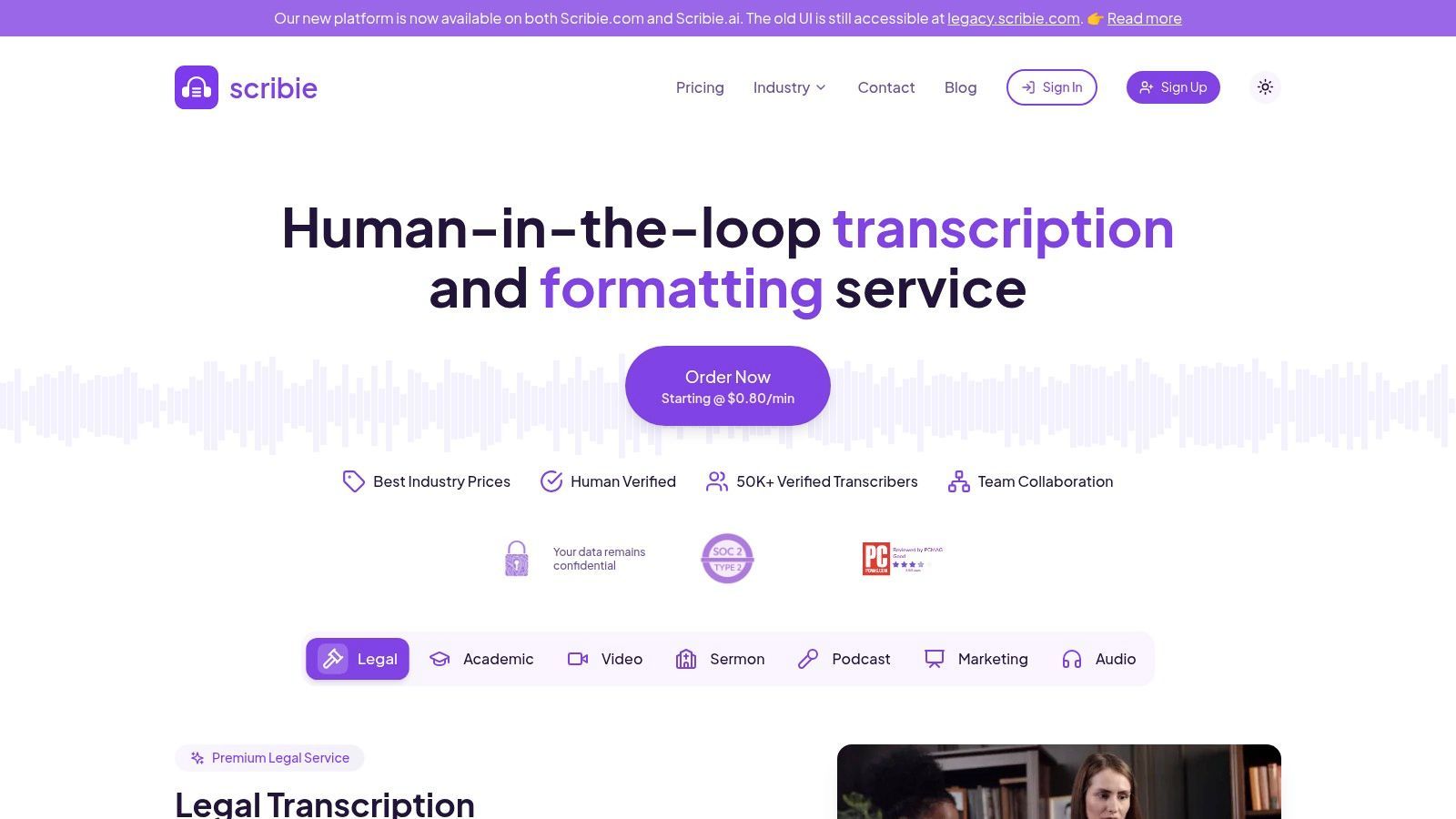
La fortaleza de la plataforma reside en su proceso de pedido transparente y simple. Subes tu archivo, seleccionas el tiempo de entrega deseado y cualquier complemento, y recibes una transcripción de alta calidad. A diferencia de las soluciones de software puras, Scribie no ofrece transcripción en vivo ni bots de reuniones. En cambio, se enfoca en entregar un producto final pulido, lo que la convierte en una de las mejores opciones de transcripción cuando la revisión humana es esencial para una entrevista. La plataforma también incluye revisiones gratuitas si no está satisfecho con la calidad.
Precios y Características Clave
Los precios de Scribie son transparentes y se basan en minutos de audio, con costos que varían según el tiempo de entrega y los complementos.
- Automatizado: $0.10/minuto por una transcripción generada por IA.
- Manual: Comienza en $1.25/minuto para un tiempo de entrega de 24 horas. Los costos aumentan para entregas más rápidas.
- Complementos: Funciones como transcripción literal estricta (incluyendo "ums" y "ahs"), codificación de tiempo de audio y entrega más rápida están disponibles por una tarifa adicional por minuto.
Si bien es un servicio solo en inglés y carece de las funciones en tiempo real de las herramientas de IA, Scribie es un caballo de batalla confiable para proyectos que exigen el más alto nivel de precisión de grabaciones de entrevistas complejas.
Mejor para: Investigadores, profesionales legales y periodistas que necesitan transcripciones de alta precisión y verificadas por humanos de entrevistas con mala calidad de audio o varios oradores.
Sitio web: https://scribie.com
10. Microsoft 365 – Transcribir en Word
Para individuos y organizaciones que ya están integradas en el ecosistema de Microsoft, la función Transcribir integrada en Word para la web es una opción sorprendentemente capaz y conveniente. En lugar de agregar otra suscripción o software a su flujo de trabajo, esta herramienta aprovecha su suscripción existente de Microsoft 365. Le permite cargar un archivo de audio/video pregrabado o grabar una entrevista directamente en su navegador.
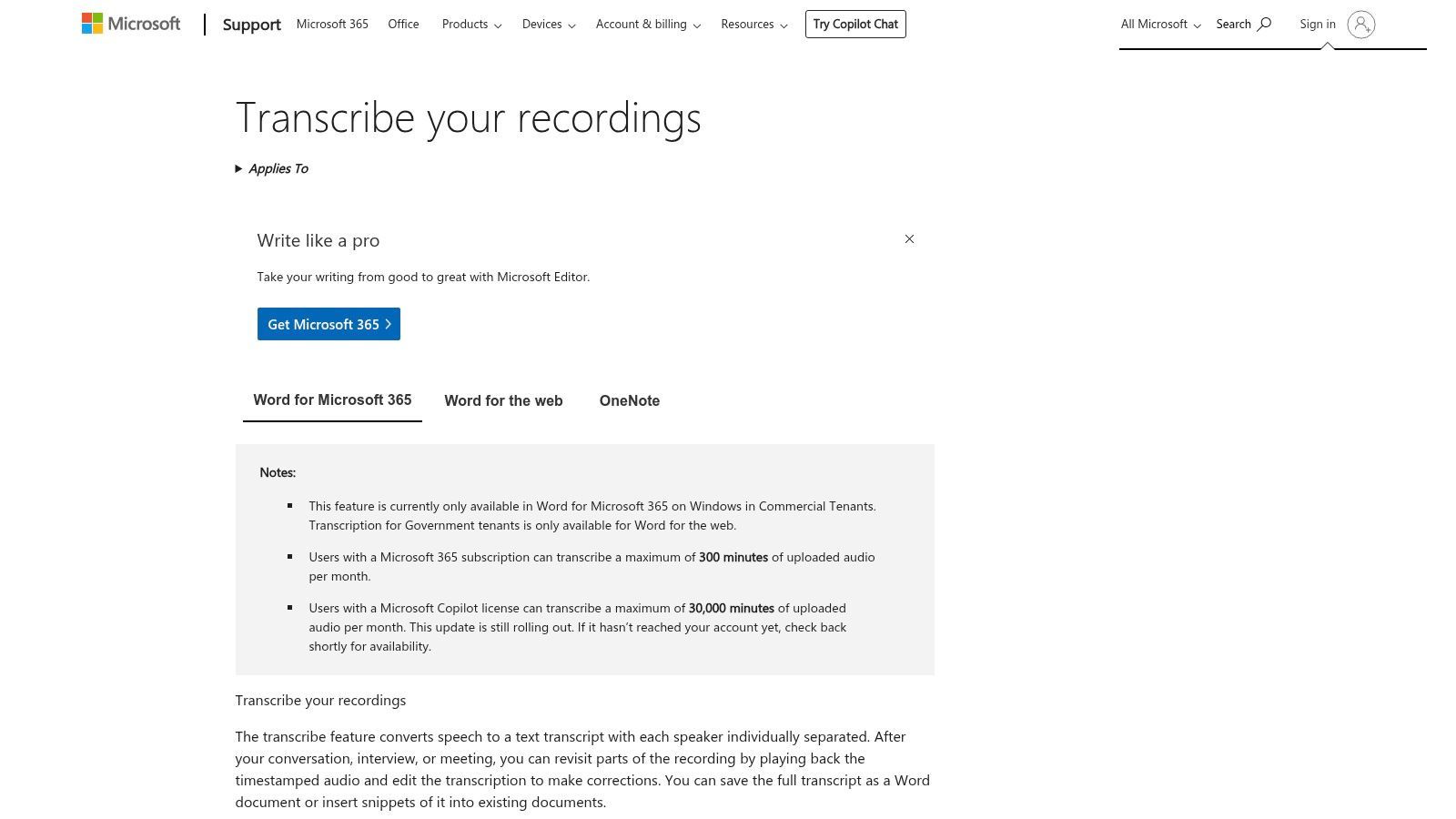
La plataforma separa automáticamente a los oradores y proporciona marcas de tiempo, almacenando la transcripción de forma segura en su OneDrive. Con un solo clic, puede insertar la transcripción completa o citas específicas directamente en su documento de Word, optimizando el proceso de redacción de informes, artículos o notas de investigación. Gobernado por los estándares de privacidad y seguridad de nivel empresarial de Microsoft, proporciona un entorno seguro para contenido de entrevistas sensible, lo que lo convierte en uno de los mejores software de transcripción para entrevistas dentro de un entorno corporativo.
Precios y Características Clave
El acceso a Transcribir en Word está incluido con las suscripciones elegibles de Microsoft 365; no hay una tarifa separada. Sin embargo, el uso está limitado, lo cual es una consideración clave:
- Límite de carga: Los suscriptores suelen recibir 300 minutos de transcripción de audio cargado por mes. Este límite se aplica solo a los archivos cargados, no a las grabaciones en vivo.
- Grabación en vivo: No hay límites establecidos en la cantidad de audio que puede grabar y transcribir directamente dentro de Word.
Si bien su conjunto de funciones es menos extenso que las suites de transcripción especializadas, su integración perfecta con Word y OneDrive lo hace increíblemente eficiente para usuarios que no necesitan herramientas avanzadas de edición o colaboración. Es una solución potente y rentable oculta a plena vista para millones de usuarios de Microsoft 365.
Mejor para: Usuarios corporativos, investigadores y estudiantes que ya tienen una suscripción a Microsoft 365 y necesitan una herramienta simple e integrada para la transcripción básica de entrevistas.
11. Riverside
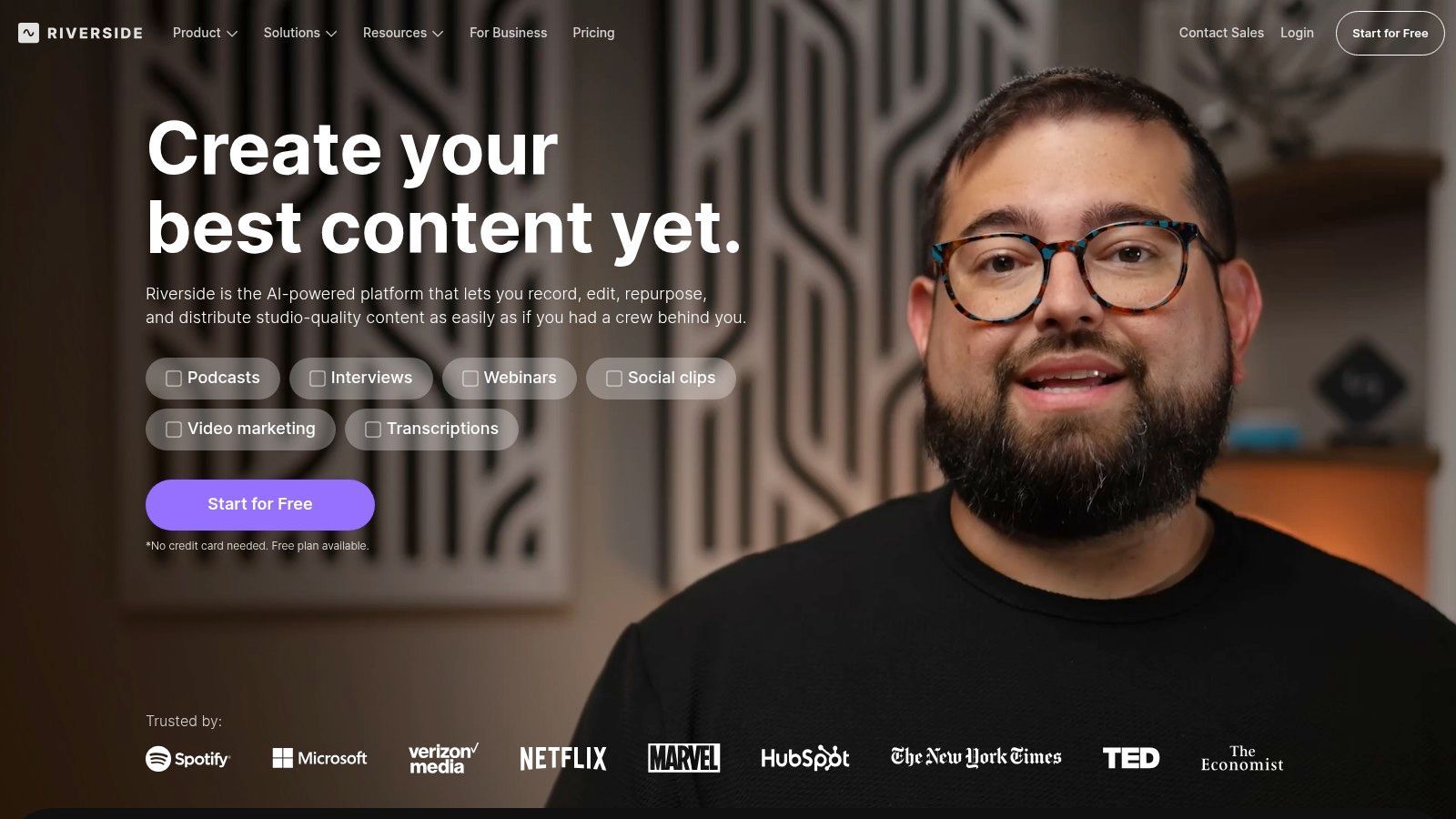
Riverside es más que una simple herramienta de transcripción; es un estudio de grabación remota de alta fidelidad que viene con una potente transcripción integrada. Está diseñado para podcasters y creadores de video que necesitan una calidad de audio y video impecable de sus entrevistas. La plataforma graba pistas separadas de video 4K y audio de 48 kHz para cada participante, eliminando problemas de calidad causados por conexiones a Internet deficientes.
Este enfoque en la calidad de la fuente lo convierte en una oferta única en el espacio de la transcripción. En lugar de ser un servicio independiente, su función de transcripción es parte de un flujo de trabajo completo de creación de contenido. Después de grabar, la IA de Riverside puede generar una transcripción de alta precisión a partir de estas pistas de audio limpias y aisladas. Luego, los usuarios pueden usar el editor basado en texto para editar el video en sí, crear clips cortos para redes sociales y eliminar palabras de relleno, lo que lo convierte en uno de los mejores software de transcripción para entrevistas donde la calidad de la grabación es primordial.
Precios y Características Clave
Los precios de Riverside se basan en horas de grabación, no en minutos de transcripción. El plan gratuito ofrece una muestra con grabación limitada y marcas de agua.
- Plan Estándar: Comienza en $19/mes por 5 horas de grabación de pistas separadas y transcripción ilimitada.
- Plan Pro: Por $29/mes, aumenta la grabación a 15 horas y agrega capacidades de transmisión en vivo.
- Plan Business: Precios personalizados para necesidades empresariales, incluyendo soporte dedicado y funciones de equipo.
La plataforma es excesiva si solo necesita transcribir archivos de audio existentes. Sin embargo, para aquellos que desean capturar, transcribir y editar entrevistas dentro de un ecosistema único y sin interrupciones, su valor es inigualable. Sus funciones de IA, como Magic Clips y edición automatizada, están diseñadas para convertir entrevistas grabadas en contenido pulido con un mínimo esfuerzo.
Mejor para: Podcasters, creadores de video y especialistas en marketing que necesitan una solución completa para grabar entrevistas de alta calidad y transcribirlas para la producción de contenido.
Sitio web: https://riverside.fm
12. Notta
Notta se posiciona como un potente servicio de transcripción todo en uno diseñado para equipos que realizan y analizan entrevistas con frecuencia. Sobresale tanto en la transcripción en tiempo real para reuniones en vivo como en el procesamiento de archivos de audio/video cargados. La plataforma se integra directamente con los calendarios para unirse, grabar y transcribir automáticamente reuniones de plataformas como Zoom y Google Meet, lo que la convierte en una parte integral del flujo de trabajo para equipos de ventas, reclutadores y periodistas.
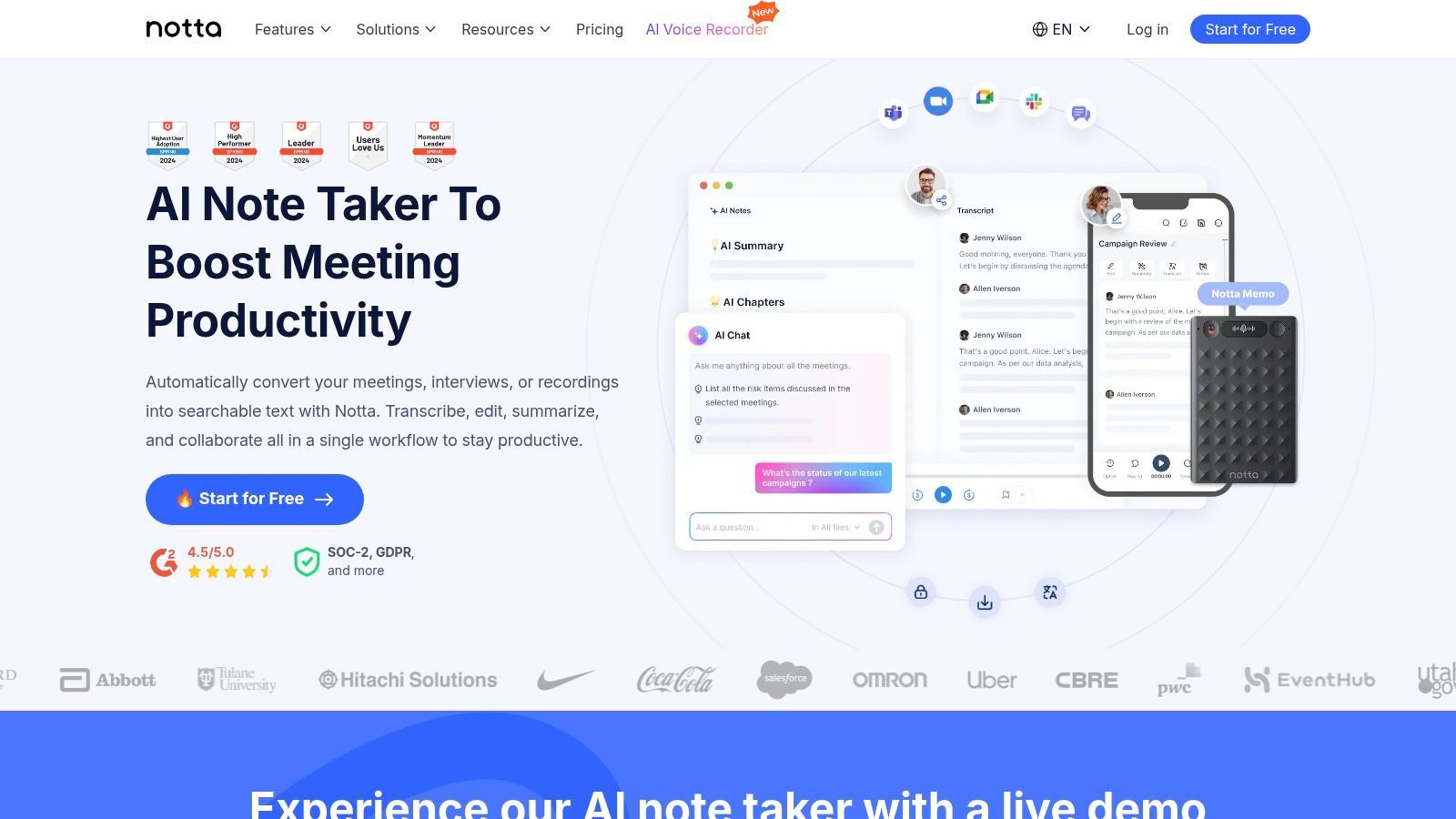
Lo que distingue a Notta para flujos de trabajo con muchas entrevistas son sus resúmenes impulsados por IA, elementos de acción y capacidades de traducción. Después de transcribir una entrevista, la IA puede generar resúmenes concisos utilizando plantillas personalizables, lo cual es invaluable para informar rápidamente a los miembros del equipo o registrar notas en un CRM. Sus funciones de traducción también la convierten en uno de los mejores software de transcripción para entrevistas realizadas en varios idiomas, ampliando su atractivo para equipos internacionales.
Precios y Características Clave
Notta ofrece un modelo de precios escalonado, que incluye un plan gratuito con una pequeña asignación mensual de minutos. Sus planes de pago están diseñados para un mayor volumen y colaboración en equipo:
- Plan Pro: A partir de $13.99/mes, este plan proporciona 1.800 minutos por mes y desbloquea la transcripción en tiempo real y más opciones de exportación.
- Plan Business: Por $59/usuario/mes, ofrece transcripción "ilimitada" (con un límite de 5 horas por grabación) y funciones de equipo como controles de administrador.
- Plan Enterprise: Precios personalizados con funciones avanzadas como SAML SSO y soporte dedicado.
Si bien algunas funciones de traducción avanzadas son complementos de pago y el plan ilimitado tiene límites por grabación, las generosas asignaciones de minutos de Notta y su sólido conjunto de integración (incluyendo Zapier y Salesforce) la convierten en un fuerte contendiente para entornos empresariales.
Mejor para: Equipos de ventas, reclutadores y organizaciones internacionales que necesitan transcripción integrada con resúmenes de IA y traducción.
Sitio web: https://www.notta.ai
Comparación de las 12 Mejores Herramientas de Transcripción de Entrevistas
| Producto | Características principales | Calidad ★ | Precios y valor 💰 | Público objetivo 👥 | Destacado ✨ |
|---|---|---|---|---|---|
| Transcript.LOL 🏆 | IA basada en Whisper, vocabulario personalizado, hasta 10h/5GB de carga, detección de orador, exportaciones TXT/DOCX/PDF/SRT/VTT, amplias integraciones | ★★★★★ 4.8/5 (1.246 reseñas) | 💰 Gratis (2/día, 20m); Ilimitado Individual $120/año; Equipo $240/año (2 usuarios) | 👥 Podcasters, creadores, especialistas en marketing, investigadores, equipos, empresas | ✨ Ultra-rápido + ~99.8% de precisión, privacidad estricta sin entrenamiento, resúmenes de IA/mapas mentales/cuestionarios y integraciones profundas |
| Otter.ai | Transcripción en vivo, identificación de orador, aplicaciones móviles, integración Zoom/Meet/Teams | ★★★★☆ | 💰 Freemium; Niveles Business con minutos generosos | 👥 Periodistas, investigadores, equipos, tomadores de notas de reuniones | ✨ Unirse automáticamente a reuniones, flujos de trabajo y plantillas de reuniones con IA |
| Rev | Transcripción de IA + humana, subtítulos/captions, editor interactivo, opciones de cumplimiento | ★★★★☆ | 💰 IA + opción humana de pago por minuto; mezcla de compras de IA/humana | 👥 Legal, medios, entrevistas críticas de precisión, empresas | ✨ Transcripciones humanas bajo demanda 99%+, cumplimiento empresarial (opciones HIPAA/SOC2) |
| Trint | Transcripción de IA multilingüe, traducción, colaboración en tiempo real, búsqueda | ★★★★☆ | 💰 Planes por asiento; Starter tiene límites de archivos | 👥 Periodistas, equipos de producción, proyectos multilingües | ✨ Traducción a más de 70 idiomas, flujos de trabajo editoriales de sala de redacción |
| Descript | Edición de audio/video basada en texto, eliminación de palabras de relleno, grabación remota (Rooms) | ★★★★☆ | 💰 Freemium; modelo de minutos de medios en planes de pago | 👥 Podcasters, editores, creadores de contenido | ✨ Edición/publicación integrada, eliminación de relleno y flujos de trabajo Overdub |
| Sonix | Diarización de oradores, marcas de tiempo, editor web pulido, API, herramientas de exportación | ★★★★☆ | 💰 Pago por uso + suscripciones; facturación prorrateada por segundo | 👥 Investigadores, equipos legales y de medios | ✨ Precios transparentes por segundo, diccionario personalizado y acceso a API |
| Happy Scribe | Transcripción/subtitulado de IA + humano, traducciones, muchos formatos de exportación | ★★★★☆ | 💰 Pago por minuto para humanos; créditos de IA/suscripciones | 👥 Editores, proyectos multilingües, editores que necesitan control de calidad humano | ✨ Opción de corrección humana, fuertes integraciones de exportación/plataforma |
| Temi | Transcripciones rápidas de IA basadas en web, editor simple, exportaciones estándar | ★★★★☆ | 💰 Pago por uso de bajo costo; primer archivo gratis (≤45m) | 👥 Usuarios ocasionales, entrevistadores ad hoc | ✨ Sin suscripción, flujo de trabajo muy simple y rápido |
| Scribie | Transcripción humana con codificación de tiempo, seguimiento de oradores, opciones urgentes | ★★★★☆ | 💰 Precios por minuto para humanos; tarifas competitivas | 👥 Entrevistas críticas de precisión, investigadores | ✨ Complementos transparentes, política de revisión, flujo de pedido claro |
| Microsoft 365 – Transcribir en Word | Grabar/cargar en Word web, etiquetado de oradores, almacenamiento OneDrive | ★★★★☆ | 💰 Incluido con suscripción M365 elegible (límites mensuales de minutos) | 👥 Organizaciones que usan M365, flujos de trabajo básicos de entrevistas/documentos | ✨ Integración nativa de Word/OneDrive y controles empresariales |
| Riverside | Grabaciones locales de alta calidad multipista, limpieza de IA, generación de transcripciones, publicación | ★★★★☆ | 💰 Planes escalonados; Pro+ ofrece transcripciones ilimitadas | 👥 Podcasters, productores, creadores de entrevistas remotas | ✨ Captura local multipista 4K/48kHz + postproducción integrada |
| Notta | Grabación en vivo, importaciones, resúmenes de IA, traducciones, opciones de administrador y SSO | ★★★★☆ | 💰 Freemium; Business 'ilimitado' (límites por grabación) | 👥 Equipos con muchas entrevistas, pipelines de ventas e investigación | ✨ Asignaciones generosas de minutos por usuario, integraciones CRM/Zapier y controles de administrador |
La Transcripción con IA Evoluciona Rápidamente
Las herramientas de transcripción ahora van más allá del texto, ofreciendo resúmenes, ideas y reutilización de contenido. Las funciones y los precios cambian con frecuencia, por lo que revisar su elección de herramienta cada 6-12 meses puede desbloquear mejores flujos de trabajo.
Tomando Tu Decisión Final: Del Transcrito a la Perspicacia
Navegar por el panorama del software de transcripción puede resultar abrumador, pero el viaje desde el audio en bruto hasta el texto procesable es ahora más accesible que nunca. Hemos explorado una docena de potentes contendientes, desde potencias impulsadas por IA como Transcript.LOL y Descript hasta servicios aumentados por humanos como Rev y Scribie. Cada herramienta ofrece una combinación única de precisión, velocidad, características y precios, lo que subraya una verdad crítica: el mejor software de transcripción para entrevistas no es una solución única para todos.
Tu elección ideal dependerá directamente de tus necesidades y flujo de trabajo específicos. Un periodista que trabaja con plazos ajustados priorizará la velocidad y la identificación de los hablantes, mientras que un investigador académico podría valorar la precisión de las marcas de tiempo y las funciones de colaboración por encima de todo. La clave es ir más allá de una simple lista de características y mapear las capacidades del software directamente a tus tareas diarias.
Resumiendo Tus Mejores Opciones
Vamos a destilar nuestros hallazgos en casos de uso principales para guiar tu decisión:
- Para Creadores de Contenido y Podcasters: Herramientas como Descript, Riverside y nuestra principal elección, Transcript.LOL, cambian las reglas del juego. Transforman la transcripción de un simple registro a la base de tu motor de contenido, permitiendo una fácil edición, creación de clips y reutilización. La capacidad de editar audio editando texto es una mejora revolucionaria del flujo de trabajo.
- Para Investigadores y Académicos: La precisión, la seguridad y los resultados detallados son primordiales. Servicios como Trint y Sonix ofrecen funciones sólidas para el análisis, mientras que Transcript.LOL proporciona una ventaja crucial con su estricta política de privacidad de no entrenamiento con datos del usuario, lo que garantiza que los datos sensibles de las entrevistas permanezcan confidenciales.
- Para Colaboración Corporativa y en Equipo: La integración fluida es clave. Otter.ai y Notta destacan en esto, conectándose directamente a plataformas de reuniones como Zoom y Google Meet para proporcionar transcripciones y resúmenes en tiempo real, impulsando la productividad del equipo y el intercambio de conocimientos.
- Para Máxima Precisión y Uso Legal/Médico: Cuando la precisión es irrenunciable, los servicios híbridos son el estándar de oro. Rev y Happy Scribe aprovechan a profesionales humanos para revisar y perfeccionar las transcripciones generadas por IA, ofreciendo una precisión casi perfecta para aplicaciones críticas.
Factores Clave para Guiar Tu Decisión
Cómo Elegir la Herramienta de Transcripción de Entrevistas Adecuada
Precisión por Encima de la Velocidad
Una alta precisión de transcripción reduce el tiempo de edición y evita citas erróneas, lo cual es crítico para el periodismo, la investigación y las entrevistas legales.
Privacidad y Uso de Datos
Verifique siempre si su audio se utiliza para entrenar modelos de IA. Las herramientas centradas en la privacidad protegen las conversaciones sensibles y la propiedad intelectual.
Compatibilidad con el Flujo de Trabajo
La mejor herramienta se integra de forma natural en cómo graba, edita y publica entrevistas, sin forzar pasos o herramientas adicionales.
Escalabilidad y Control de Costos
Mire más allá de las pruebas gratuitas. Evalúe cómo escalan los precios a medida que aumenta su volumen de entrevistas a lo largo de meses o años.
Antes de comprometerte, reflexiona sobre estas preguntas esenciales. Responderlas iluminará el camino hacia la herramienta adecuada.
- ¿Cuál es tu objetivo principal? ¿Estás transcribiendo para documentación, creación de contenido, análisis cualitativo o accesibilidad? Tu objetivo final dicta qué características son esenciales frente a las que son deseables.
- ¿Cuál es tu presupuesto? Tus opciones van desde herramientas gratuitas y limitadas como la función Transcribir en Word hasta plataformas basadas en suscripción y servicios de pago por minuto. Determina tu presupuesto mensual o por proyecto para acotar el campo.
- ¿Qué importancia tiene la privacidad de los datos? Para quienes manejan entrevistas confidenciales o sensibles, la política de datos de un proveedor es un factor crítico. Busca servicios que indiquen explícitamente que no utilizarán tus datos para entrenar sus modelos de IA.
- ¿Cómo es tu flujo de trabajo? Considera todo el proceso. ¿De dónde proviene tu audio? ¿En qué formato está? ¿Qué necesitas hacer con la transcripción después de que se genere? El mejor software se integrará sin problemas en tu proceso existente, no te obligará a adoptar uno nuevo.
En última instancia, el objetivo de usar software de transcripción es ahorrar tiempo, desbloquear información y optimizar tu trabajo. El esfuerzo inicial que inviertas en elegir la plataforma adecuada te dará dividendos durante años, transformando una tarea que antes se temía en una parte fluida y productiva de tu proceso. Ya no solo conviertes voz a texto; estás creando un activo buscable, editable y compartible que extiende el valor de cada conversación.
Maximice el Valor de sus Transcripciones
La transcripción ya no es solo una conveniencia, es un activo estratégico. Las transcripciones de alta calidad hacen que sus entrevistas sean buscables, fáciles de citar y listas para publicar, editar o reutilizar en diversas plataformas. Cuando se elige cuidadosamente, la herramienta adecuada no solo ahorra tiempo, sino que transforma la forma en que organiza, analiza y comparte contenido conversacional.
¿Listo para transformar su flujo de trabajo de entrevistas con una herramienta que prioriza la privacidad, la potencia y la simplicidad? Descubra cómo Transcript.LOL combina transcripción de IA ultrarrápida y de alta precisión con un editor fácil de usar y un firme compromiso de nunca entrenar con sus datos. Comience hoy mismo y convierta sus conversaciones en contenido valioso, ideas y registros con confianza.