
12 Mejores Opciones de Software de Transcripción Gratuita para 2025
Descubre las 12 mejores herramientas de software de transcripción gratuitas de 2025. Obtén voz a texto precisa, rápida y confiable para reuniones, podcasts y entrevistas.
Praveen
September 12, 2025
En un mundo saturado de contenido de audio y video, convertir palabras habladas en texto ya no es un lujo, es una necesidad. Desde podcasters que crean notas de programas y estudiantes que capturan detalles de conferencias hasta periodistas que buscan citas y especialistas en marketing que reutilizan contenido de seminarios web, la necesidad de una transcripción rápida y precisa es universal. Pero con tantas opciones disponibles, ¿cómo encontrar la herramienta adecuada sin gastar una fortuna? Aquí es donde encontrar el mejor software de transcripción gratuito se vuelve fundamental para flujos de trabajo eficientes.
Esta guía elimina el ruido. No solo enumeramos aplicaciones; desglosamos las principales plataformas de software de transcripción gratuitas disponibles hoy en día, centrándonos en lo que realmente importa: precisión, casos de uso específicos, limitaciones y la letra pequeña de sus niveles 'gratuitos'. Exploraremos todo, desde aplicaciones web fáciles de usar como Otter.ai y Descript hasta modelos potentes centrados en desarrolladores como Whisper de OpenAI y Vosk. Cada reseña está diseñada para brindarle una evaluación clara y honesta, completa con capturas de pantalla y enlaces directos, para que pueda ver exactamente cómo funciona cada herramienta.
Nuestro objetivo es ayudarlo a encontrar la combinación perfecta para sus necesidades específicas. Ya sea que sea un creador de contenido que busca una herramienta simple para uso ocasional, un investigador que necesita procesamiento sin conexión o un equipo empresarial que requiere funciones colaborativas, esta revisión integral lo ayudará a tomar una decisión informada. Al seleccionar su herramienta ideal, considere cuánto posprocesamiento podría necesitar la transcripción bruta generada por IA y explore varias formas gratuitas de humanizar texto de IA para garantizar que su contenido final suene natural y auténtico. Sumergámonos y encontremos el socio de transcripción adecuado para su flujo de trabajo.
1. Transcript.LOL: Mejor para alta precisión y reutilización de contenido
Funciones Principales de Transcripción con IA
IA de última generación
Impulsado por Whisper de OpenAI para una precisión líder en la industria. Soporte para vocabularios personalizados, archivos de hasta 10 horas y resultados ultra rápidos.

Importar desde múltiples fuentes
Importa archivos de audio y video desde diversas fuentes, incluyendo carga directa, Google Drive, Dropbox, URLs, Zoom y más.

Exportar en múltiples formatos
Exporta tus transcripciones en múltiples formatos incluyendo TXT, DOCX, PDF, SRT y VTT con opciones de formato personalizables.
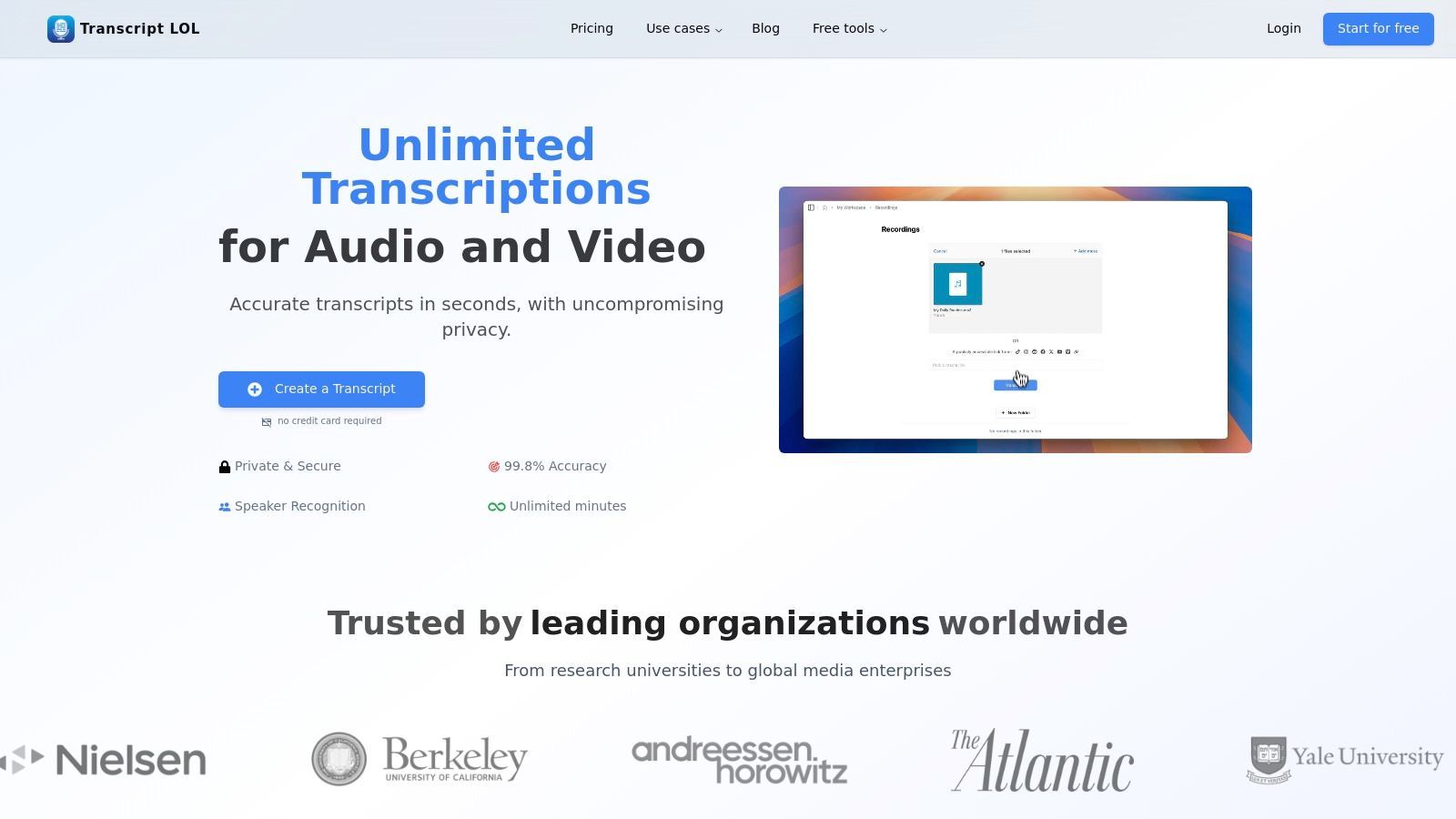
Transcript.LOL se posiciona como una opción principal en el panorama del mejor software de transcripción gratuito, ofreciendo una potente combinación de precisión, velocidad y reutilización inteligente de contenido. Aprovecha el avanzado modelo Whisper de OpenAI, mejorado con soporte de vocabulario personalizado, para lograr una precisión declarada de hasta el 99.8%. Esto lo hace excepcionalmente confiable para transcribir audio con múltiples hablantes, acentos diversos o terminología especializada común en campos legales, académicos o técnicos.
La plataforma sobresale no solo en la conversión de voz a texto, sino en la transformación de transcripciones en bruto en activos accionables. Sus herramientas de IA integradas son un diferenciador significativo, permitiendo a los usuarios generar instantáneamente resúmenes, borradores de publicaciones de blog, contenido para redes sociales o incluso mapas mentales directamente desde sus archivos de audio o video. Esta funcionalidad transforma la herramienta de un simple servicio de transcripción en un motor integral de creación de contenido, ahorrando horas de trabajo manual para especialistas en marketing, creadores e investigadores.
Por Qué Importa la Reutilización de Contenido
La reutilización ayuda a maximizar el valor de cada pieza de audio o video que creas. Una sola grabación puede convertirse en blogs, publicaciones en redes sociales, resúmenes y puntos de acción. Esto ahorra tiempo, reduce los costos de creación de contenido y aumenta la visibilidad en todas las plataformas.
Características Clave y Experiencia de Usuario
La interfaz de Transcript.LOL es limpia y orientada al flujo de trabajo. Los usuarios pueden importar archivos de varias fuentes, incluyendo cargas directas, enlaces de YouTube, Google Drive y Zoom, lo que agiliza la configuración inicial. Una vez procesado, el editor interactivo permite correcciones fáciles, etiquetado de oradores y resaltado.
Capacidades Destacadas:
- Vocabulario Personalizado: Agrega nombres específicos, acrónimos o jerga para mejorar el reconocimiento y reducir la post-edición.
- Generación de Contenido con un Clic: Transforma transcripciones en resúmenes, puntos de acción, cuestionarios, publicaciones de blog y actualizaciones de redes sociales.
- Exportaciones Flexibles: Descarga transcripciones en múltiples formatos (TXT, DOCX, PDF, SRT, VTT) con marcas de tiempo para una fácil integración en flujos de trabajo de edición de video o documentación.
- Colaboración en Equipo: Funciones como espacios de trabajo compartidos, carpetas y gestión de acceso lo hacen adecuado para uso organizacional.
Funciones de Transcripción

Detección de hablantes
Identifica automáticamente diferentes hablantes en tus grabaciones y etiquétalos con sus nombres.

Herramientas de edición
Edita transcripciones con herramientas potentes como buscar y reemplazar, asignación de hablantes, formatos de texto enriquecido y resaltado.
Resúmenes y Chatbot
Genera resúmenes y otros análisis de tu transcripción, prompts personalizados reutilizables y chatbot para tu contenido.
Precios y Limitaciones del Plan
El plan gratuito es un excelente punto de partida, que ofrece dos transcripciones por día con una duración máxima de archivo de 20 minutos. Para los usuarios que trabajan con contenido de formato más largo como podcasts, conferencias o deposiciones legales, el plan de pago "Ilimitado" desbloquea todo su potencial, admitiendo archivos de hasta 10 horas de duración (5 GB).
| Característica | Plan Gratuito | Plan de Pago ("Ilimitado") |
|---|---|---|
| Duración Máxima del Archivo | 20 minutos | 10 horas / 5 GB |
| Transcripciones Diarias | 2 por día | Ilimitadas |
| Funciones Principales | Acceso completo a funciones de IA y editor | Acceso completo |
| Prioridad de Procesamiento | Baja | Alta (tiempo de respuesta más rápido) |
| Integraciones | Limitadas | Acceso completo (API, Zapier, Google Drive, etc.) |
¿Quién se Beneficia Más de Transcript.LOL?
Podcasters
Convierte largas grabaciones de podcasts en transcripciones limpias, resúmenes y descripciones de episodios en minutos en lugar de horas.
Estudiantes
Convierte conferencias en notas buscables para una fácil preparación de exámenes y revisión de conceptos.
Profesionales del Marketing
Transforma webinars en blogs, subtítulos para redes sociales y contenido de correo electrónico a partir de una sola grabación.
Equipos Legales y de Investigación
Transcribe con precisión entrevistas, audiencias y material de investigación con soporte de vocabulario personalizado.
Pros y Contras
- Pros:
- Precisión excepcionalmente alta impulsada por un modelo Whisper afinado.
- Herramientas robustas de reutilización de contenido que aceleran los flujos de trabajo de creación de contenido.
- Maneja archivos de audio/video muy largos en planes de pago, ideal para uso profesional.
- Fuerte política de privacidad con un estricto compromiso de no entrenar con datos de usuario.
- Contras:
- Los límites del plan gratuito en la duración de los archivos y las cargas diarias pueden ser restrictivos para usuarios frecuentes.
- Como servicio basado en la nube, puede no ser adecuado para organizaciones con estrictos requisitos de datos locales.
Sitio web: https://transcript.lol
2. Otter.ai
Otter.ai se ha convertido en una fuerza dominante en el espacio de la transcripción, especialmente para estudiantes y profesionales que necesitan capturar conversaciones en vivo. Sobresale en la conversión de palabras habladas de reuniones, entrevistas y conferencias en texto buscable y compartible en tiempo real. La interfaz fácil de usar de la plataforma en web y móvil la convierte en una de las mejores opciones de software de transcripción gratuito para aquellos que necesitan grabar sobre la marcha o importar archivos de audio existentes.
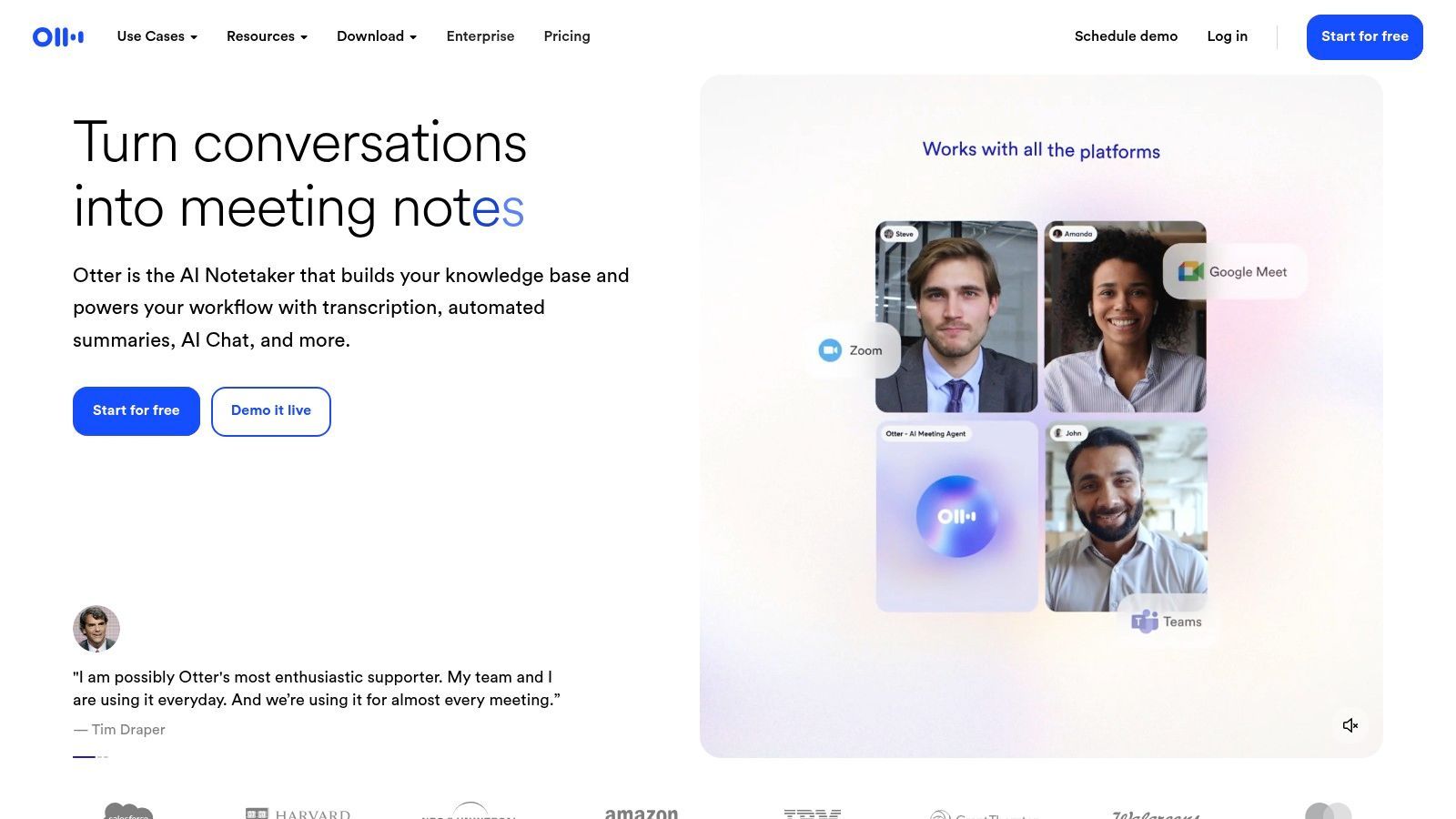
Lo que distingue a Otter.ai es su enfoque en funciones colaborativas. Durante una grabación en vivo, los usuarios pueden agregar comentarios, resaltar puntos clave e incluso asignar elementos de acción directamente dentro de la transcripción. La función "OtterPilot" puede unirse automáticamente a tus reuniones de Zoom, Google Meet o Microsoft Teams para tomar notas por ti, lo que cambia las reglas del juego para la productividad. Puedes explorar más sobre Otter.ai y su lugar entre herramientas de software de transcripción automática para ver cómo se compara.
Casos de uso, pros y contras
Ideal para: Estudiantes que graban conferencias, profesionales en reuniones virtuales consecutivas y periodistas que realizan entrevistas.
Pros:
- Generosa Nivel Gratuito: El plan "Básico" es siempre gratuito y ofrece un buen punto de partida para usuarios ocasionales con 300 minutos de transcripción mensual.
- Excelente Transcripción en Vivo: La transcripción en tiempo real con identificación de hablante es muy precisa y útil para tomar notas en vivo.
- Fuertes Integraciones: Se conecta sin problemas con plataformas populares de videoconferencia.
Contras:
- Estrictos Límites de Minutos: El plan gratuito limita la transcripción a 30 minutos por conversación y tiene un límite mensual general.
- Importaciones Limitadas: Solo puedes importar tres archivos de audio o video en el plan gratuito en total.
Sitio web: https://otter.ai/
3. Descript
Descript revoluciona el proceso de edición al tratar el audio y el video como texto. Es una plataforma todo en uno que transcribe automáticamente tus medios, lo que te permite editar tu video o podcast simplemente editando el texto en la transcripción. Este flujo de trabajo basado en texto lo convierte en una opción increíblemente intuitiva para los creadores, ofreciendo una forma fluida de grabar, transcribir, editar y exportar contenido desde una sola aplicación disponible tanto en escritorio como en la web.
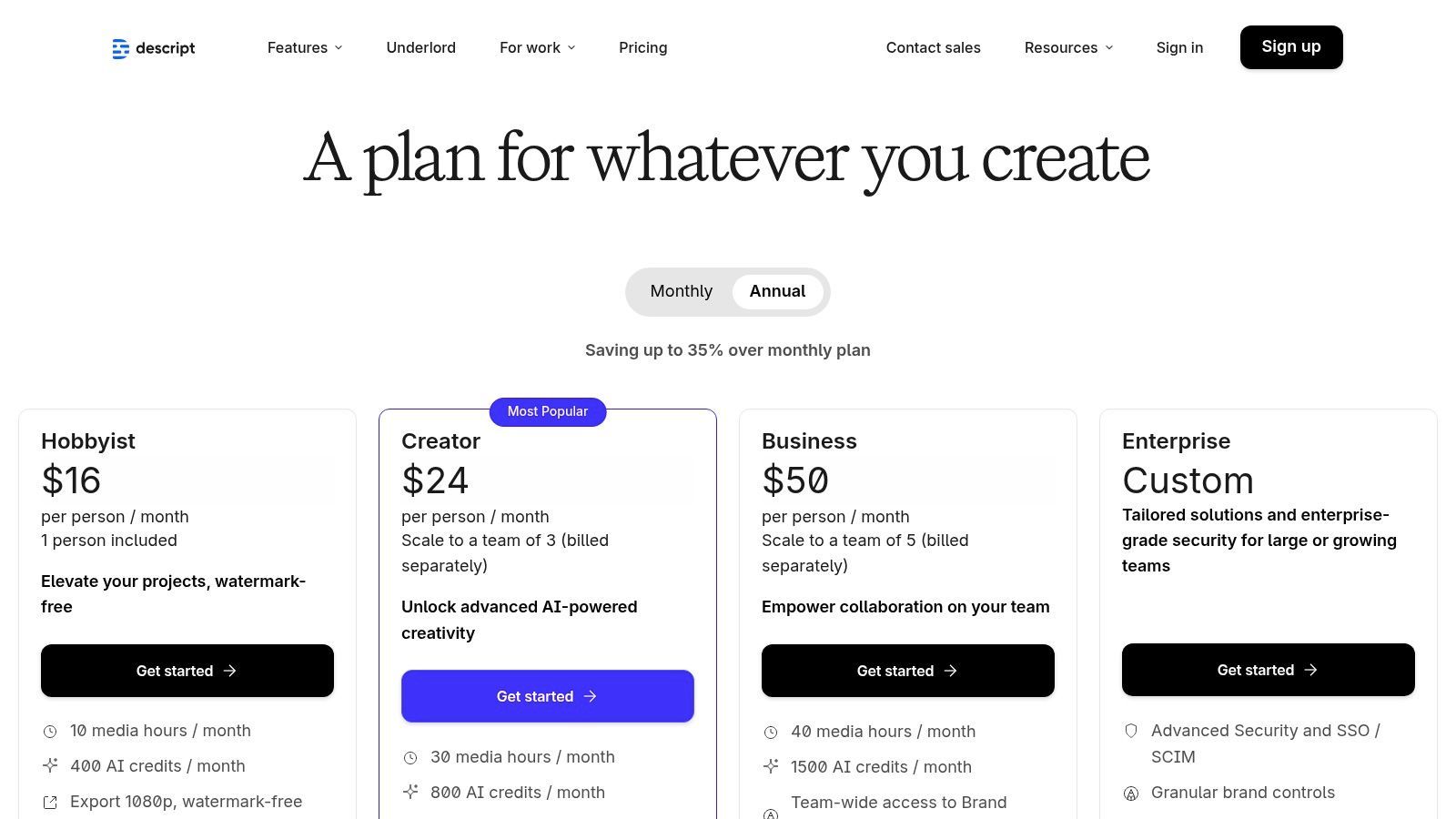
Lo que hace que Descript destaque es su potente función "Overdub" y la eliminación de palabras de relleno. Con un solo clic, puedes eliminar todos los "eh" y "ah" de tu grabación, limpiando tu audio al instante. La plataforma está diseñada para un flujo de trabajo creativo, desde la generación de subtítulos hasta el uso de herramientas impulsadas por IA para resúmenes y mejoras de audio. Para los profesionales que buscan optimizar su proceso creativo, comprender el panorama más amplio de la integración de IA en la postproducción puede revelar aún más formas de aprovechar herramientas como Descript para una máxima eficiencia.
Casos de uso, pros y contras
Ideal para: Podcasters, creadores de video y especialistas en marketing de contenidos que necesitan una herramienta unificada para transcripción y edición de medios.
Pros:
- Edición Intuitiva Basada en Texto: Editar medios manipulando texto es rápido de aprender y acelera significativamente el flujo de trabajo de postproducción.
- Plataforma Todo en Uno: Combina grabación, transcripción, edición de audio/video y exportación de subtítulos en un solo lugar.
- Funciones Potentes: La eliminación de palabras de relleno con un clic y un fuerte soporte comunitario lo convierten en una opción robusta.
Contras:
- Horas Gratuitas Limitadas: El plan gratuito solo incluye una hora de transcripción por mes, lo cual es bajo para creadores frecuentes.
- Herramientas de IA de Pago: Las funciones avanzadas de IA como Overdub y la mayor calidad de exportación están reservadas para suscriptores de pago.
Sitio web: https://www.descript.com/pricing
4. OpenAI Whisper
Para desarrolladores y usuarios avanzados que buscan el máximo control y privacidad, OpenAI Whisper se destaca como una potente solución de código abierto. A diferencia de las plataformas basadas en la nube, Whisper es un modelo de reconocimiento de voz que ejecutas localmente en tu propia computadora. Este enfoque elimina las tarifas por minuto y las preocupaciones de privacidad, lo que lo convierte en una de las mejores opciones de software de transcripción gratuito para aquellos con los conocimientos técnicos para configurarlo. Su alta precisión en múltiples idiomas lo ha convertido en una tecnología fundamental para muchas otras aplicaciones de transcripción.
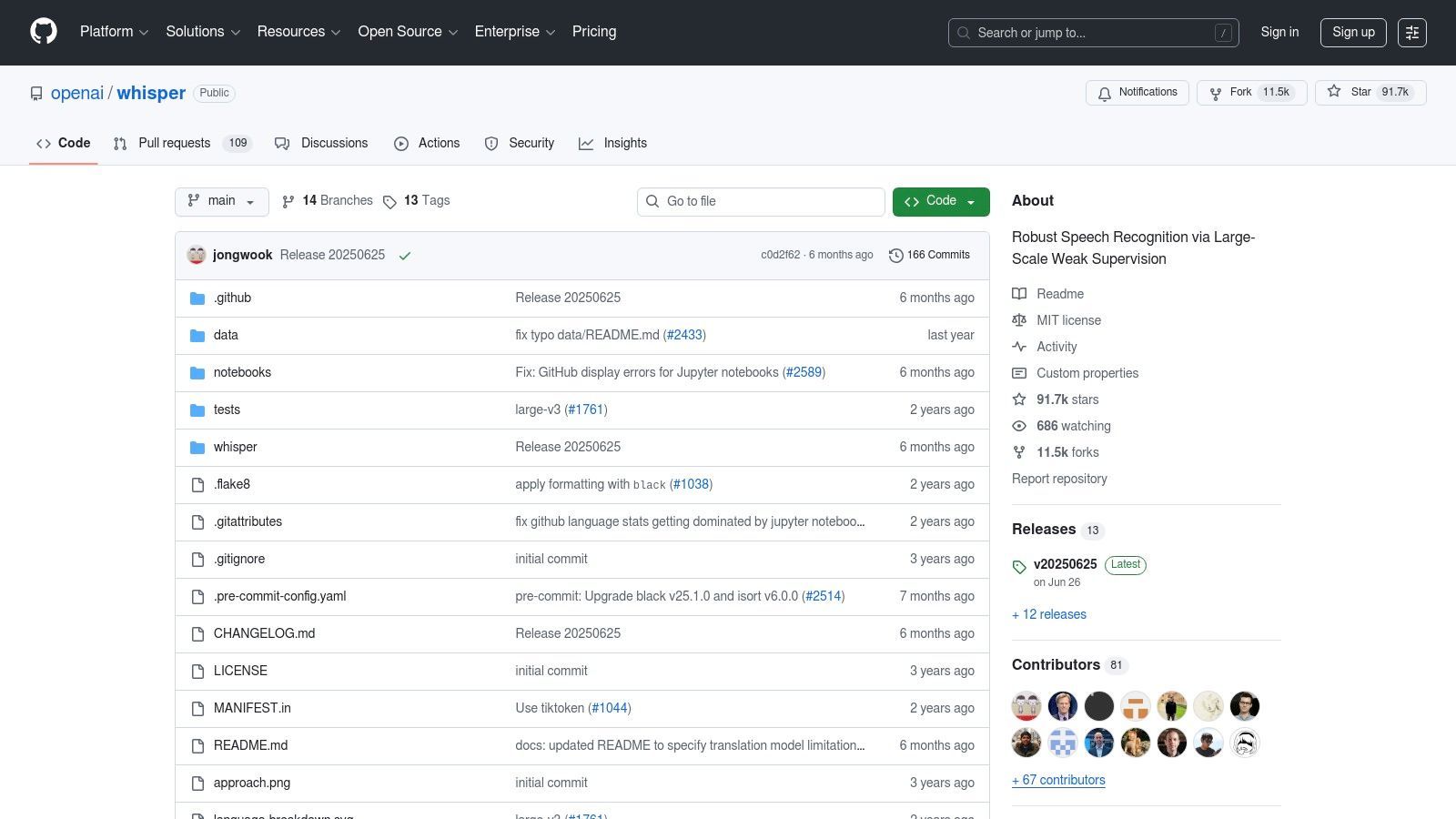
Lo que hace único a Whisper es su flexibilidad. Los usuarios pueden elegir entre diferentes tamaños de modelo, intercambiando entre velocidad y precisión para adaptarse a las capacidades de su hardware. Se puede ejecutar a través de una interfaz de línea de comandos o integrarse en aplicaciones personalizadas utilizando su paquete de Python. Si bien carece de una interfaz de usuario integrada, su naturaleza de código abierto significa que una comunidad vibrante ha construido varias aplicaciones fáciles de usar sobre él. Puedes aprender a convertir audio a texto gratis usando Whisper y otras herramientas potentes.
Casos de uso, pros y contras
Ideal para: Desarrolladores que integran transcripción en aplicaciones, investigadores que analizan grandes conjuntos de datos de audio y usuarios preocupados por la privacidad que prefieren el procesamiento sin conexión.
Pros:
- Completamente Gratis: Sin costos por minuto ni suscripciones cuando lo ejecutas en tu propio hardware.
- Alta Precisión: Los modelos más grandes proporcionan una calidad de transcripción que rivaliza o supera a muchos servicios de pago.
- Sin Conexión y Privado: Todo el procesamiento ocurre localmente, lo que garantiza que tus datos permanezcan seguros y confidenciales.
Contras:
- Configuración Técnica: Requiere familiaridad con la línea de comandos o Python y la instalación de las dependencias necesarias.
- Dependiente del Hardware: El rendimiento y la velocidad dependen en gran medida de la CPU de tu computadora o, idealmente, de una GPU potente.
Sitio web: https://github.com/openai/whisper
5. MacWhisper
Para los usuarios de Mac que buscan una solución de transcripción potente, privada y sin conexión, MacWhisper proporciona una interfaz gráfica fácil de usar para los modelos Whisper avanzados de OpenAI. Elimina la necesidad de cualquier codificación o interacción con la línea de comandos, llevando la transcripción de vanguardia directamente al escritorio de macOS. Esto la convierte en una de las mejores opciones de software de transcripción gratuito para entusiastas de Apple que priorizan la privacidad de los datos y desean procesar audio localmente en su máquina.
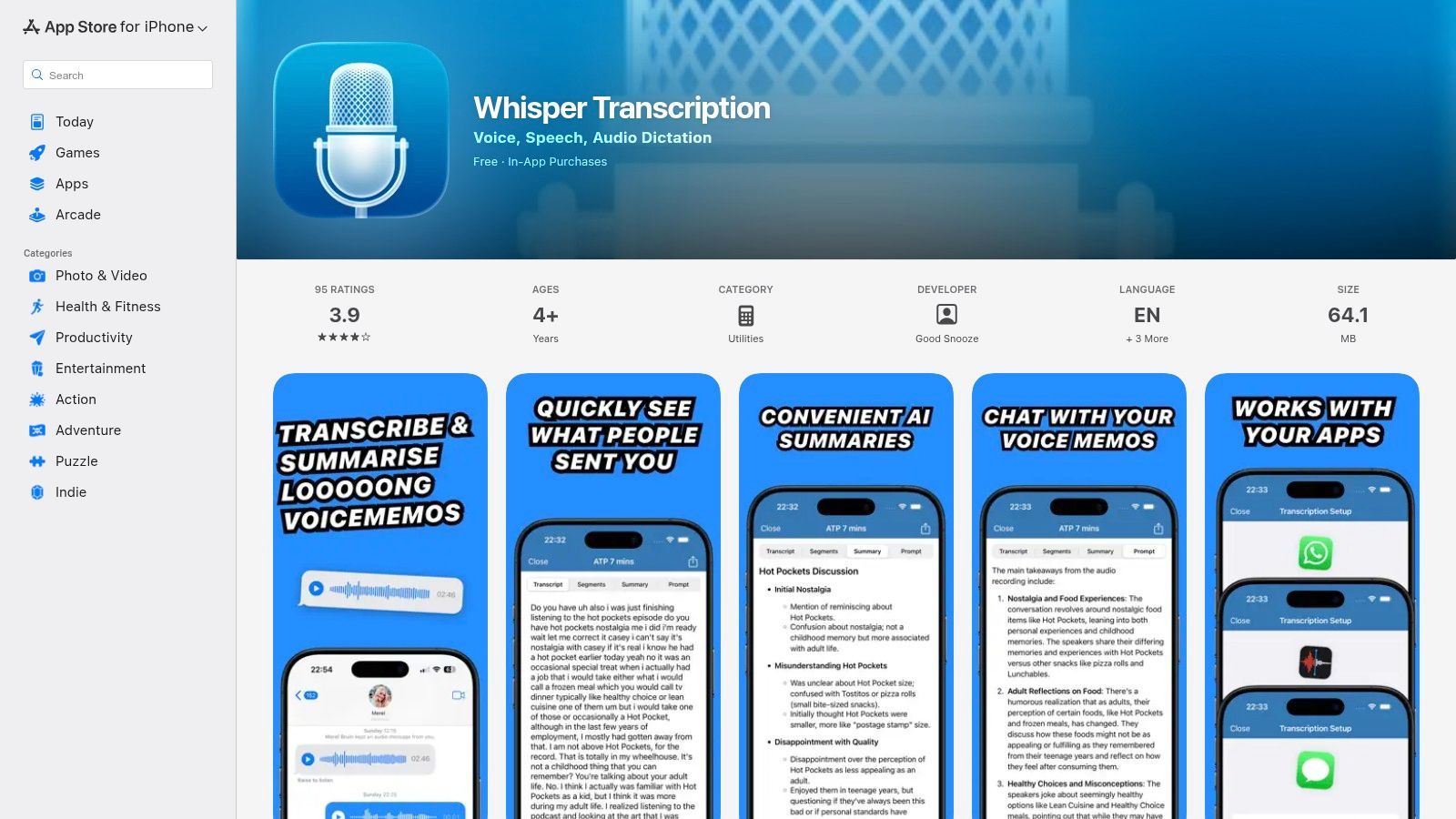
Lo que hace que MacWhisper destaque es su procesamiento en el dispositivo. Tus archivos de audio nunca salen de tu computadora, lo que garantiza una confidencialidad completa. La aplicación aprovecha la potencia de Apple Silicon (chips M1/M2/M3) y la aceleración Metal para un rendimiento sorprendentemente rápido. El flujo de trabajo es increíblemente simple: simplemente arrastra y suelta tu archivo de audio o video, selecciona el modelo de transcripción deseado y deja que se ejecute. La versión gratuita proporciona acceso a los modelos "Tiny" y "Base" en inglés, que son perfectos para audio claro y de alta calidad.
Casos de uso, pros y contras
Ideal para: Periodistas que transcriben entrevistas sensibles, investigadores que procesan datos confidenciales y cualquier usuario de Mac que necesite una herramienta de transcripción sin conexión confiable.
Pros:
- Completamente Privado y Sin Conexión: Toda la transcripción se maneja localmente en tu Mac, por lo que tus archivos nunca se suben a un servidor.
- Interfaz Simple de Arrastrar y Soltar: Un excelente front-end sin código para la potente tecnología Whisper, lo que la hace accesible para todos.
- Gratis para Empezar: Los modelos esenciales para la transcripción en inglés están disponibles de forma gratuita, sin costos recurrentes ni límites de minutos.
Contras:
- Solo para Mac: Como su nombre indica, no está disponible para Windows u otros sistemas operativos.
- Intensivo en Recursos: Los modelos más grandes y precisos (disponibles en la versión Pro) requieren un espacio en disco y RAM significativos, y funcionan mejor en Macs más nuevas.
- Se Requiere Versión Pro para Funciones Avanzadas: Los modelos de mayor precisión y el soporte de idiomas adicionales están bloqueados detrás de una compra única.
Sitio web: https://apps.apple.com/us/app/whisper-transcription/id1668083311
6. Google Live Transcribe
Google Live Transcribe es una potente aplicación centrada en la accesibilidad para Android que proporciona subtítulos en tiempo real y en el dispositivo para conversaciones en vivo. Aunque no es un servicio de transcripción tradicional basado en archivos, su rendimiento instantáneo y preciso para capturar palabras habladas lo convierte en una herramienta invaluable para cualquiera que necesite transcripción sobre la marcha. Está diseñado principalmente para interacciones cara a cara, convirtiendo tu dispositivo Android en una máquina de subtitulado de bolsillo.
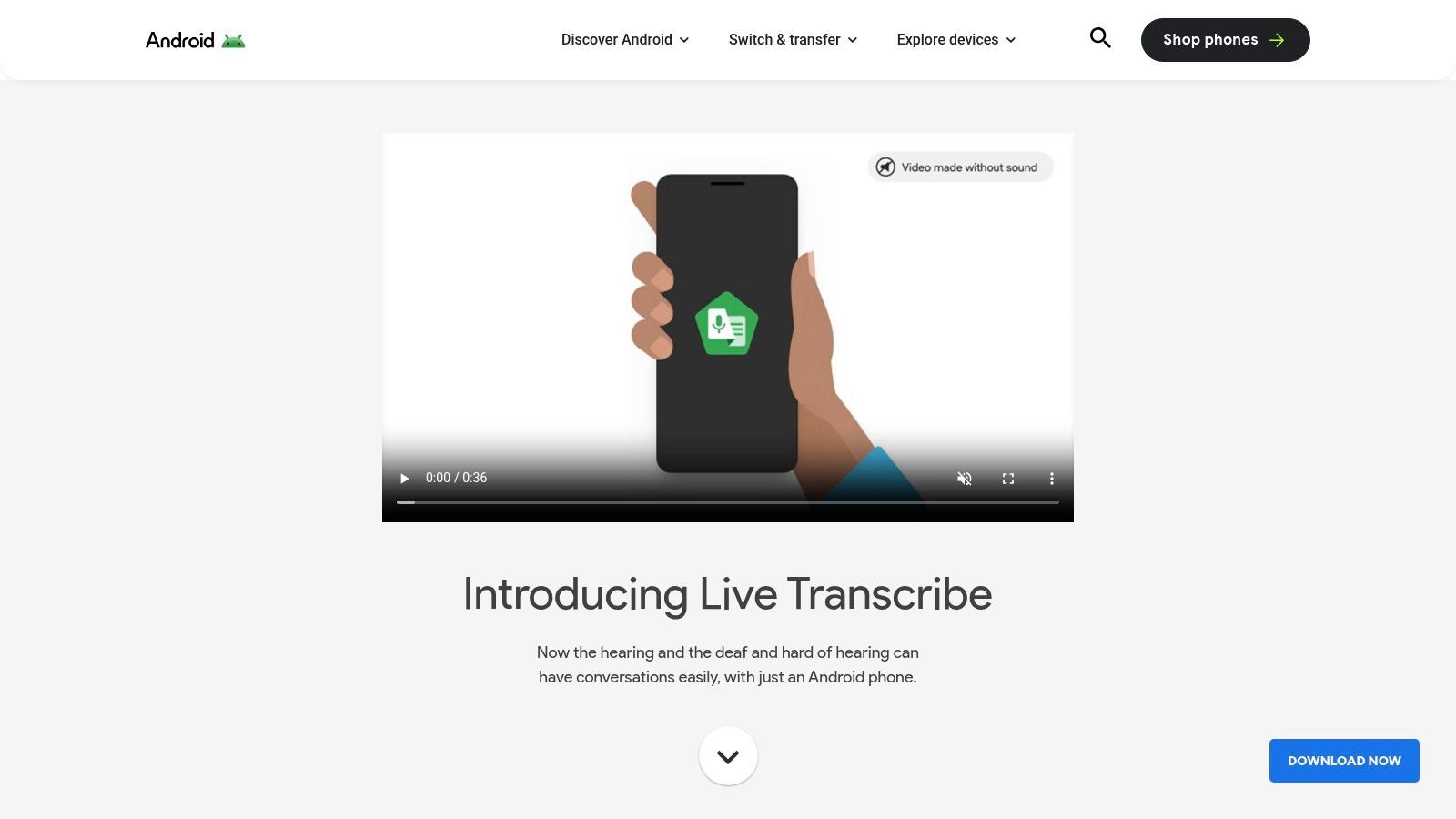
Lo que hace único a Live Transcribe es su enfoque en la privacidad y su simplicidad. Las conversaciones se procesan en el dispositivo y no se almacenan en los servidores de Google, lo que garantiza que tus discusiones permanezcan privadas. La aplicación admite más de 70 idiomas y dialectos, lo que proporciona una solución increíblemente versátil para usuarios de todo el mundo. Para aquellos que necesitan con frecuencia convertir voz a texto en línea gratis, esta herramienta ofrece un método inmediato y gratuito para situaciones en vivo.
Casos de uso, pros y contras
Ideal para: Personas con discapacidades auditivas, usuarios que necesitan subtítulos instantáneos para reuniones presenciales y cualquier persona que desee capturar rápidamente notas habladas en vivo sin usar servicios en la nube.
Pros:
- Completamente Gratis: La aplicación es genuinamente gratuita para usar en dispositivos Android compatibles sin costos ocultos ni límites de minutos.
- Alta Precisión y Velocidad: Ofrece transcripción en tiempo real rápida y sorprendentemente precisa impulsada por la tecnología de reconocimiento de voz de Google.
- Enfoque en la Privacidad: Las transcripciones no se guardan en los servidores por defecto, lo que la hace ideal para conversaciones sensibles.
Contras:
- Funcionalidad Solo en Vivo: No está diseñada para transcribir archivos de audio o video pregrabados.
Limitación Solo en Vivo
Google Live Transcribe solo funciona con conversaciones en tiempo real. No puede procesar archivos cargados, podcasts ni entrevistas grabadas. Los usuarios que necesiten transcripción basada en archivos deben usar herramientas como Transcript.LOL o Whisper.
- Exclusivo de Android: La aplicación solo está disponible en la plataforma Android, dejando a los usuarios de iOS sin acceso.
Sitio web: https://www.android.com/accessibility/live-transcribe/
7. Google Grabadora (recorder.google.com)
Para los usuarios de Google Pixel, la aplicación Grabadora es una joya oculta que ofrece una de las mejores experiencias de software de transcripción gratuita disponibles, integrada perfectamente en el hardware. Realiza transcripciones en vivo y en el dispositivo con una precisión sorprendente, lo que significa que no necesita una conexión de datos para capturar y convertir voz a texto. Una vez grabados, su audio y transcripciones se sincronizan automáticamente con su cuenta de Google, lo que los hace accesibles y buscables desde cualquier navegador a través de la interfaz web recorder.google.com.
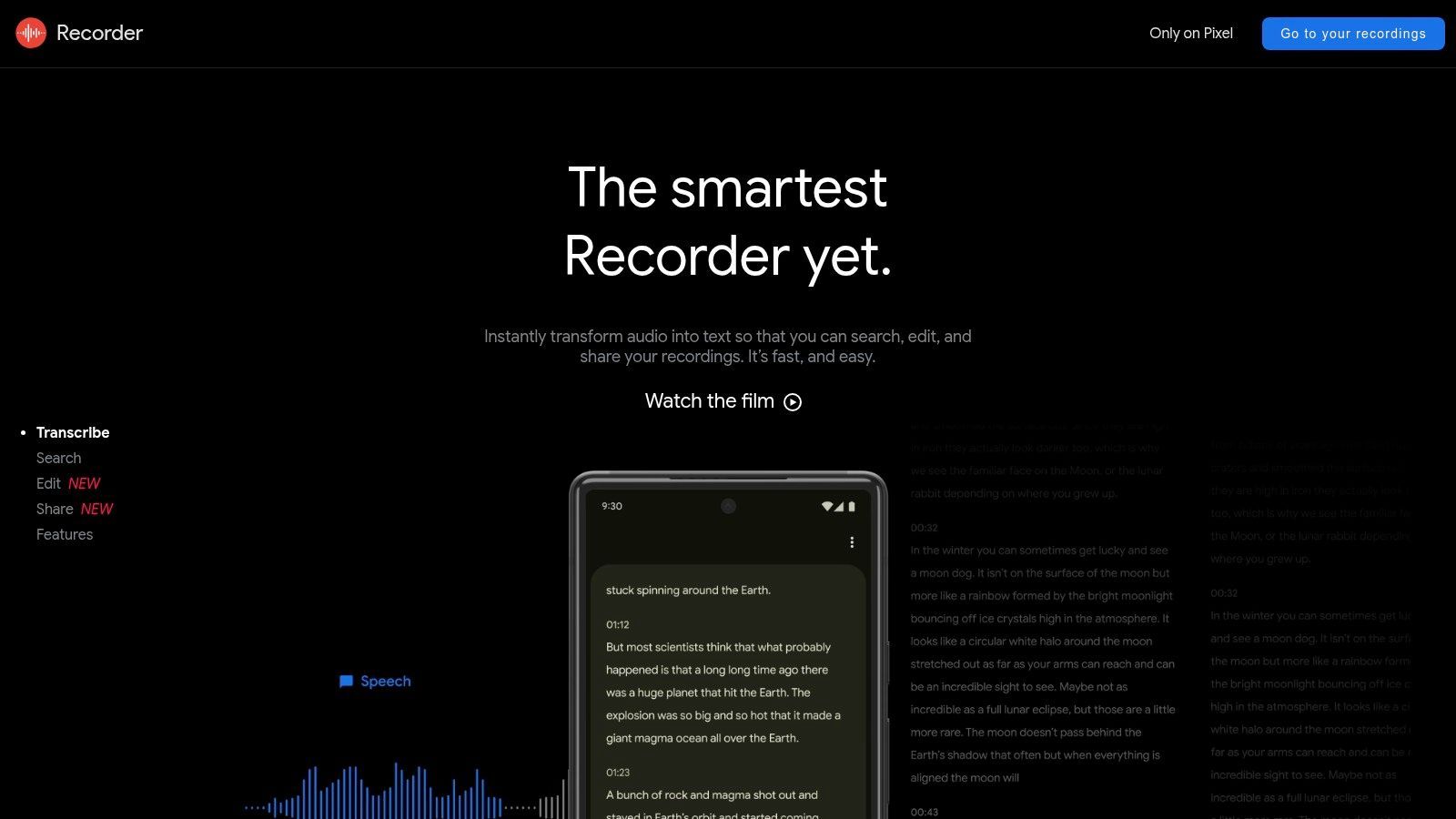
Lo que hace que Google Grabadora sea tan potente es su simplicidad y privacidad. Dado que la transcripción ocurre directamente en su teléfono, sus grabaciones permanecen privadas hasta que usted decida compartirlas. La aplicación web le permite revisar transcripciones, reproducir audio que resalta el texto correspondiente a medida que se habla, y copiar y pegar o compartir fragmentos fácilmente. Esta integración directa de hardware y software crea un flujo de trabajo sin fricciones para capturar notas personales, entrevistas improvisadas o cualquier pensamiento hablado.
Casos de uso, pros y contras
Ideal para: Propietarios de teléfonos Google Pixel, periodistas, estudiantes y cualquier persona que necesite notas de voz y transcripciones rápidas, privadas y sobre la marcha.
Pros:
- Completamente Gratis: No hay tarifas, suscripciones ni límites de minutos asociados con el servicio.
- Transcripción Rápida y Privada en el Dispositivo: Funciona sin conexión y procesa el audio instantáneamente en dispositivos Pixel compatibles, garantizando la privacidad de los datos.
- Excelente Funcionalidad de Búsqueda: Puede buscar palabras dentro de toda su biblioteca de grabaciones, y la aplicación encontrará el momento exacto del audio.
Contras:
- Exclusividad del Dispositivo: Su principal limitación es estar disponible oficialmente solo en teléfonos Google Pixel.
- Discrepancias en las Funciones: Las funciones avanzadas como las etiquetas de altavoz o los resúmenes de IA pueden variar según el modelo específico de Pixel y la versión del sistema operativo Android.
Sitio web: https://recorder.google.com/
8. YouTube (transcripciones de video)
Aunque no es un servicio de transcripción dedicado, YouTube ofrece una forma sorprendentemente potente y accesible de obtener texto de contenido de video. Para una gran biblioteca de videos públicos, desde conferencias y tutoriales hasta entrevistas y clips de noticias, la plataforma a menudo proporciona transcripciones generadas automáticamente o cargadas por el creador. Esta función integrada la convierte en una opción de primer nivel, aunque poco convencional, entre el mejor software de transcripción gratuito para cualquiera que necesite extraer diálogos rápidamente sin herramientas externas.
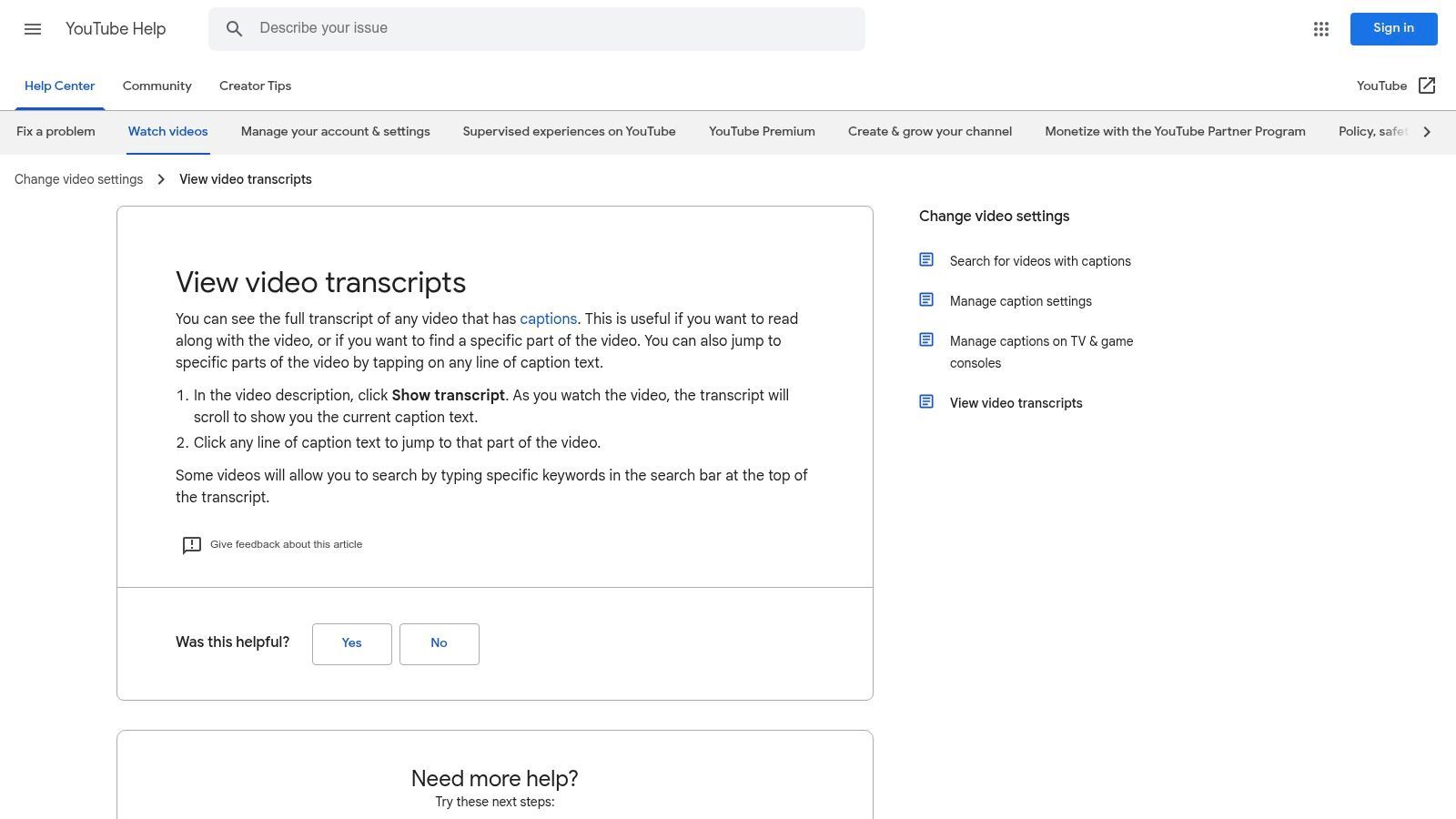
La principal ventaja de YouTube es su integración perfecta y facilidad de uso. Si hay una transcripción disponible, puede abrir un panel completo y con marca de tiempo justo al lado del reproductor de video. Esto le permite leer, buscar palabras clave específicas y hacer clic en cualquier línea para saltar directamente a ese punto en el video. Esta funcionalidad es invaluable para investigadores, estudiantes y creadores de contenido que buscan citar o referenciar segmentos de video específicos. Puede obtener más información sobre cómo transcribir un video de YouTube para obtener una guía detallada.
Casos de uso, pros y contras
Ideal para: Estudiantes que extraen citas de videos educativos, periodistas que hacen referencia a charlas públicas y creadores de contenido que analizan videos de la competencia.
Pros:
- Completamente Gratis: Acceder y copiar transcripciones existentes no cuesta nada y está disponible en una gran cantidad de videos.
- Con Marca de Tiempo e Interactivo: La capacidad de hacer clic en cualquier línea y saltar a la marca de tiempo de video correspondiente es extremadamente útil.
- Ubicuidad e Inmediatez: No se necesita software adicional ni cargas; si el video está en YouTube, la transcripción podría estar allí.
Contras:
- La Disponibilidad No Está Garantizada: Las transcripciones solo existen si son generadas automáticamente o proporcionadas por el creador, lo que no siempre es el caso.
- No para Archivos Privados: No puede usar este método para archivos de audio o video privados a menos que los cargue primero en YouTube.
- La Precisión Varía: Las subtítulos generados automáticamente pueden contener errores, especialmente con audio complejo o varios hablantes.
Sitio web: https://support.google.com/youtube/answer/15930243
9. Vosk
Vosk es un potente kit de herramientas de reconocimiento de voz de código abierto diseñado para desarrolladores y usuarios que priorizan la funcionalidad sin conexión y la privacidad. A diferencia de los servicios basados en la nube, Vosk se ejecuta completamente en su máquina local, desde una potente computadora de escritorio hasta una Raspberry Pi ligera. Esto lo convierte en una opción ideal para proyectos donde los datos no pueden enviarse a servidores de terceros, o donde la conectividad a Internet es poco confiable, estableciéndolo como una opción única entre el mejor software de transcripción gratuito disponible.
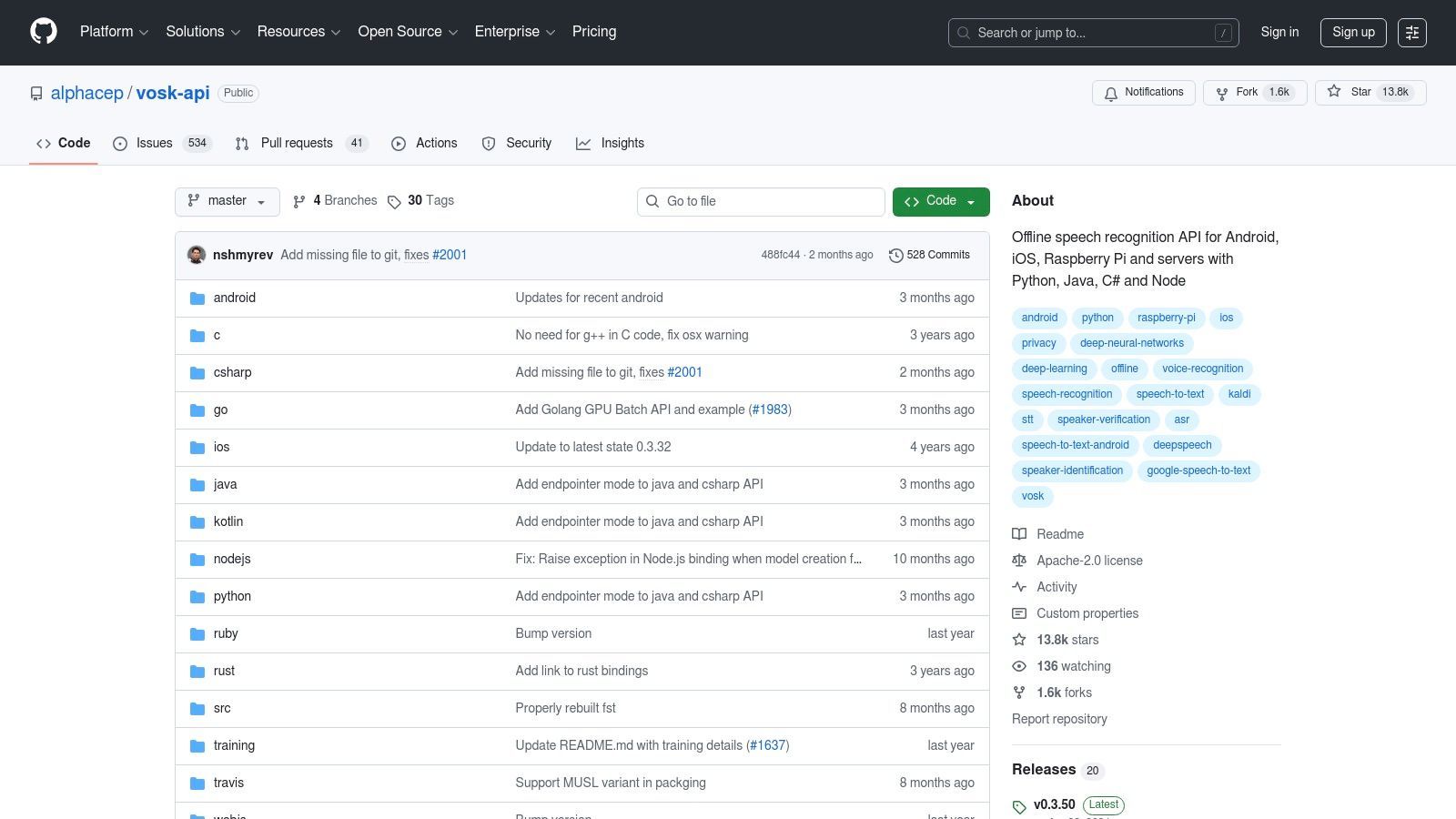
Lo que distingue a Vosk es su increíble versatilidad y compromiso con los principios de código abierto. Admite más de 20 idiomas con modelos de baja huella que ofrecen resultados sorprendentemente precisos sin necesidad de enormes recursos computacionales. Con enlaces para lenguajes de programación populares como Python, Java y C#, proporciona los bloques de construcción para que los desarrolladores integren la transcripción en tiempo real y en streaming en sus propias aplicaciones, desde asistentes de voz hasta herramientas de subtitulado sin conexión.
Casos de uso, pros y contras
Ideal para: Desarrolladores que crean aplicaciones habilitadas para voz, investigadores que necesitan transcripción sin conexión para datos confidenciales y aficionados que experimentan con el reconocimiento de voz en sistemas integrados.
Pros:
- Completamente Gratis y de Código Abierto: Vosk es verdaderamente gratuito, sin costos ocultos, suscripciones ni límites de uso.
- Funciona Completamente Sin Conexión: Sus datos de audio nunca abandonan su dispositivo, lo que garantiza la máxima privacidad y seguridad.
- Altamente Flexible: Se ejecuta en una amplia gama de hardware y se integra con numerosos lenguajes de programación.
Contras:
- Requiere Habilidades Técnicas: Es un kit de herramientas para desarrolladores, no una aplicación fácil de usar; la configuración e implementación requieren conocimientos de codificación.
- Precisión Variable: La precisión puede ser menor que la de los modelos de nube a gran escala, especialmente con mala calidad de audio o acentos de nicho.
Sitio web: https://github.com/alphacep/vosk-api
10. Amazon Transcribe (AWS)
Amazon Transcribe es un potente servicio de reconocimiento automático de voz (ASR) centrado en desarrolladores de Amazon Web Services (AWS). En lugar de una aplicación independiente, es una herramienta basada en la nube diseñada para integrarse en aplicaciones y flujos de trabajo, lo que la hace ideal para usuarios técnicos y empresas que necesitan una solución escalable. Maneja tanto la transcripción en streaming en tiempo real para eventos en vivo como el procesamiento por lotes para grandes volúmenes de archivos de audio pregrabados.
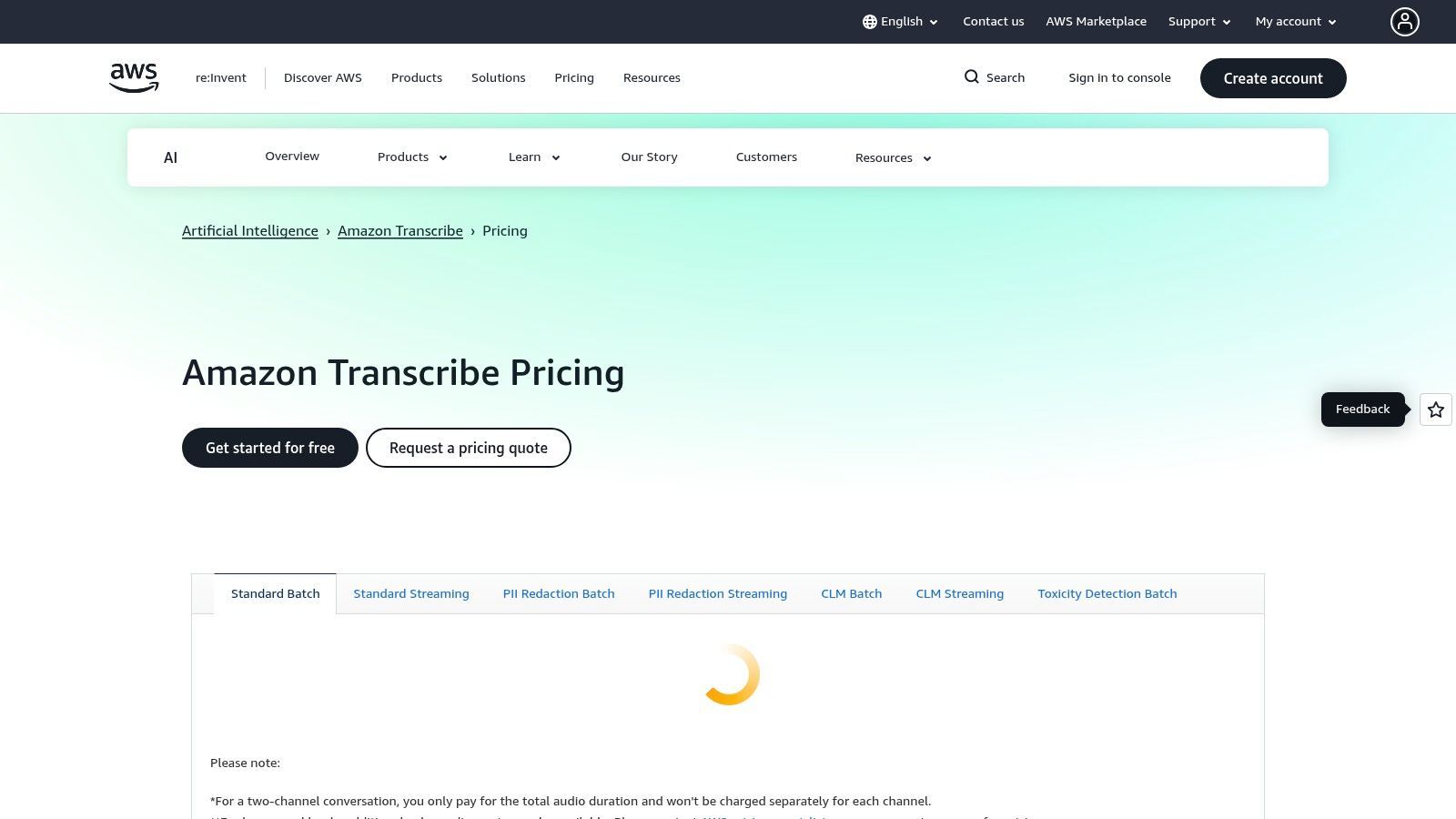
Lo que hace que Amazon Transcribe sea una opción notable entre el mejor software de transcripción gratuito es su generoso nivel gratuito de 12 meses. Este nivel permite a los nuevos clientes de AWS procesar 60 minutos de audio por mes sin costo, lo que es perfecto para evaluación o proyectos a pequeña escala. El servicio se destaca por sus funciones de nivel empresarial, que incluyen vocabulario personalizado para mejorar la precisión de los términos específicos del dominio, redacción automática de PII (Información de identificación personal) y modelos especializados para industrias como la medicina y las finanzas.
Casos de uso, pros y contras
Ideal para: Desarrolladores que crean aplicaciones con funciones de voz, empresas que necesitan transcribir llamadas de atención al cliente y empresas que requieren una solución de transcripción segura y compatible.
Pros:
- Generoso Nivel Gratuito para Evaluación: Los nuevos usuarios obtienen 60 minutos por mes gratis durante los primeros 12 meses, lo que permite una evaluación exhaustiva.
- Altamente Escalable y Robusto: Como parte del ecosistema de AWS, puede manejar prácticamente cualquier volumen de trabajos de transcripción y se integra perfectamente con otros servicios de AWS.
- Funciones Avanzadas: Ofrece herramientas potentes como redacción de PII, diarización de hablantes y listas de vocabulario personalizadas para una mayor precisión.
Contras:
- Requiere Cuenta de AWS y Configuración Técnica: No es una herramienta simple de "subir y listo"; requiere configuración dentro de la consola de AWS, lo que puede ser complejo para los no desarrolladores.
- Nivel Gratuito con Límite de Tiempo: La oferta gratuita expira después de 12 meses, después de lo cual todo el uso se factura según el pago por uso.
Sitio web: https://aws.amazon.com/transcribe/pricing/
11. Deepgram
Deepgram es una potente plataforma de transcripción centrada en desarrolladores diseñada para equipos e individuos que necesitan alta precisión y velocidad a través de una API. Si bien no es una aplicación independiente con una interfaz de usuario como otras en esta lista, ofrece una solución robusta para integrar el reconocimiento de voz a texto de clase mundial en flujos de trabajo y aplicaciones personalizadas. Proporciona tanto transcripción en streaming en tiempo real para audio en vivo como procesamiento por lotes para archivos de audio pregrabados, lo que la convierte en un motor flexible para varios proyectos.
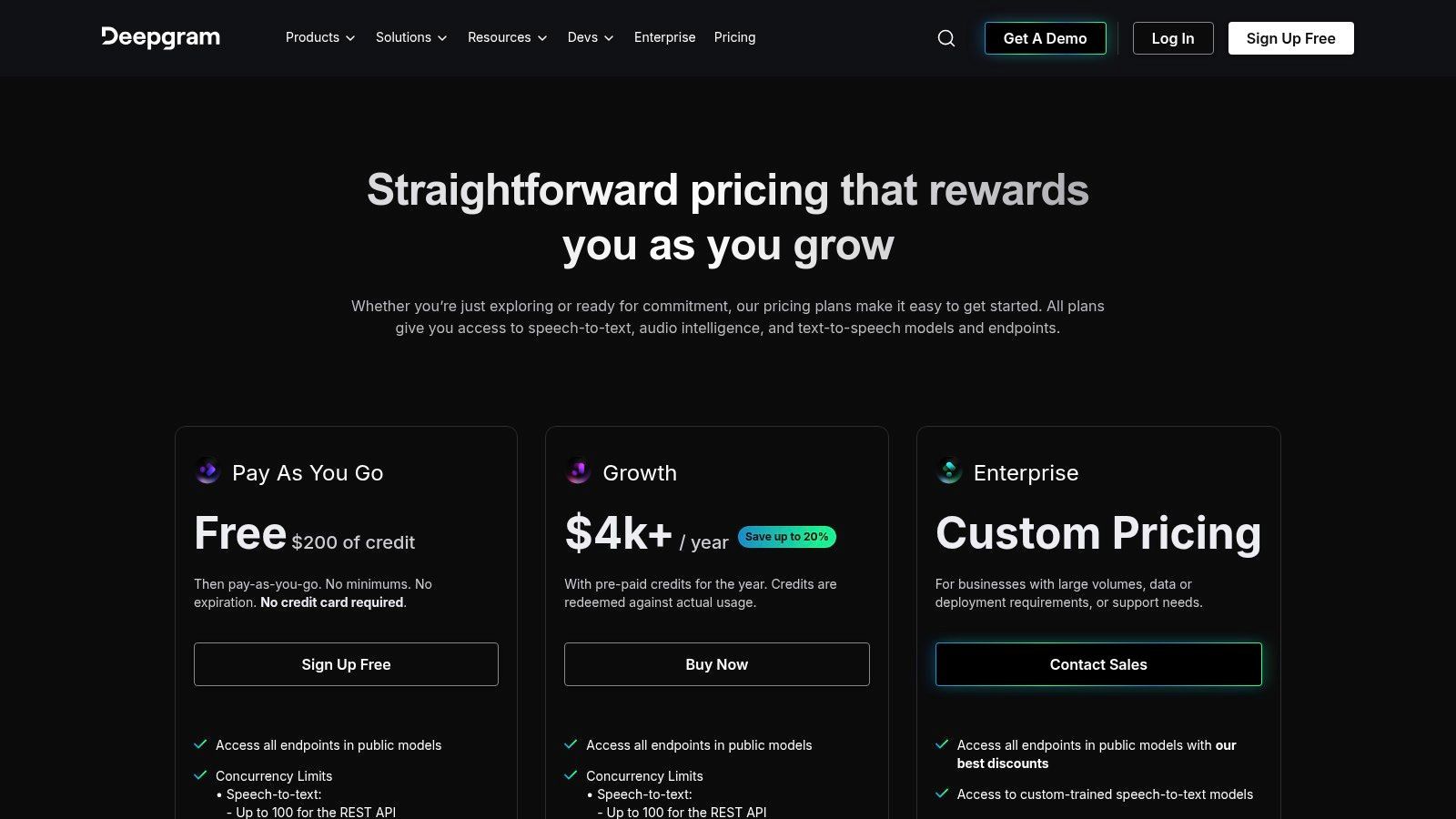
Lo que distingue a Deepgram es su experiencia moderna para desarrolladores y la calidad de sus modelos de transcripción. Funciones como la diarización de hablantes (separación de hablantes), la puntuación y el formato están integradas, lo que ahorra un tiempo de posprocesamiento significativo. Los nuevos usuarios reciben una generosa cantidad de créditos gratuitos para comenzar, lo que permite pruebas extensas para ver si la velocidad y la precisión de la plataforma cumplen con sus necesidades antes de comprometerse con un plan de pago. Esto la convierte en una excelente opción de software de transcripción gratuito para desarrolladores que buscan prototipar una nueva idea.
Casos de uso, pros y contras
Ideal para: Desarrolladores que crean aplicaciones con funciones de transcripción, empresas que necesitan automatizar la transcripción en sus flujos de trabajo y usuarios expertos en tecnología familiarizados con las API.
Pros:
- Alta Precisión y Velocidad: Conocido por sus modelos de transcripción rápidos y precisos adecuados para aplicaciones profesionales.
- Generosos Créditos Gratuitos: Los nuevos usuarios reciben $200 en créditos gratuitos, lo que permite una cantidad sustancial de transcripción para probar el servicio a fondo.
- Funciones Avanzadas: Ofrece potentes funciones de API como diarización, mejora de palabras clave y selección de modelos.
Contras:
- No es un Plan Permanentemente Gratuito: La oferta gratuita es un crédito único que se consume con el uso; no es un nivel gratuito mensual recurrente.
- Requiere Habilidades Técnicas: Principalmente un servicio basado en API, por lo que no es una herramienta lista para usar para usuarios no técnicos.
Sitio web: https://deepgram.com/pricing
12. Microsoft Azure AI Speech (Speech to Text)
Para desarrolladores o aquellos familiarizados con una configuración más técnica, el servicio AI Speech to Text de Microsoft Azure proporciona un motor potente y confiable. Como parte de la plataforma en la nube de Azure más grande, este servicio ofrece precisión de nivel empresarial y herramientas para integrar capacidades de transcripción directamente en las aplicaciones. Admite tanto streaming para transcripción en tiempo real como procesamiento por lotes para archivos de audio pregrabados, lo que la convierte en un backend flexible para proyectos personalizados.
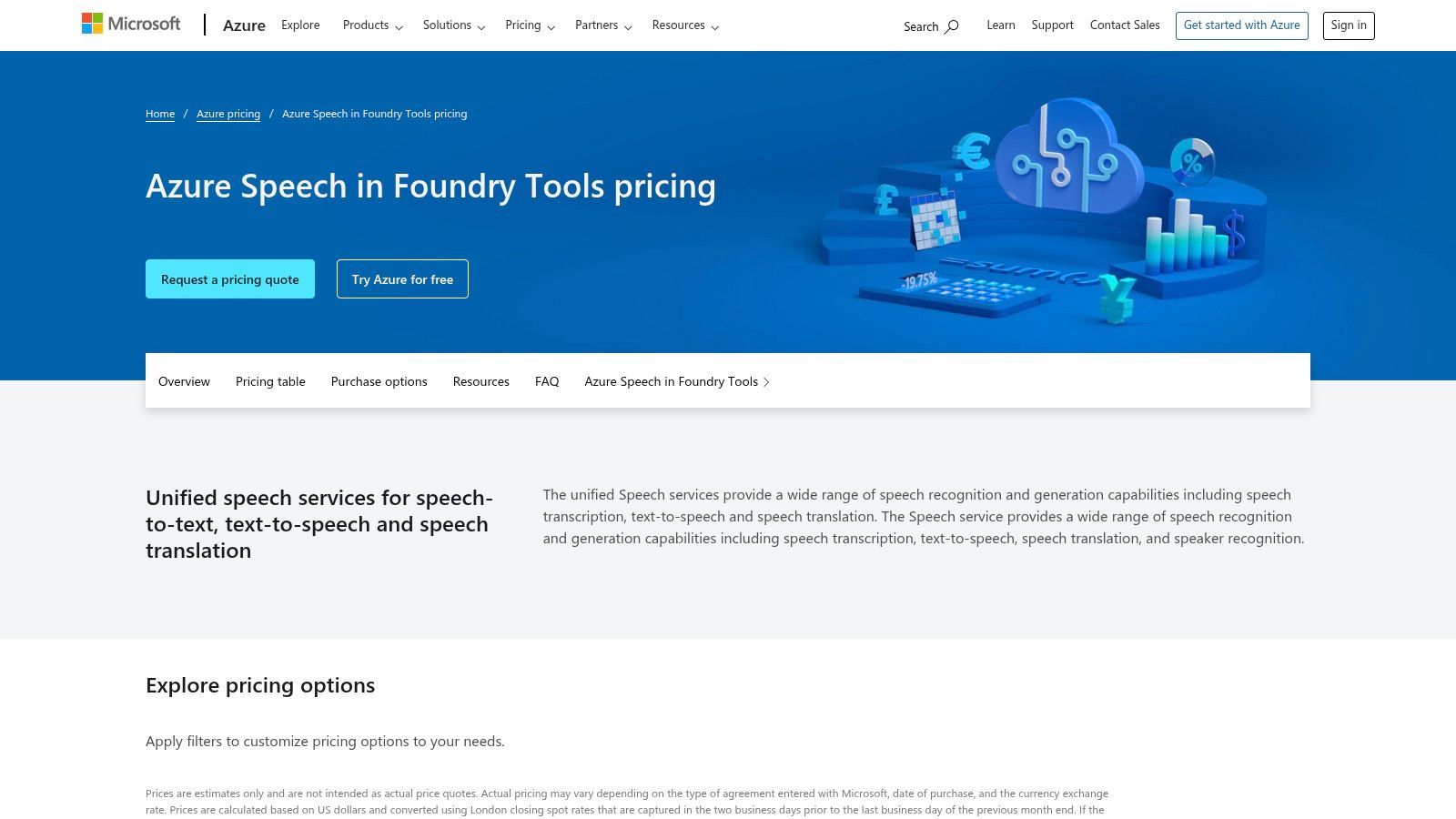
Lo que distingue a Azure en una lista del mejor software de transcripción gratuito es su nivel gratuito perpetuo "F0", que no es una prueba temporal. Este nivel está diseñado para prototipos y uso ligero, ofreciendo una asignación mensual constante de minutos de transcripción. Si bien requiere configurar una cuenta de Azure y administrar claves de API, es una excelente opción para los usuarios que necesitan una solución gratuita estable y a largo plazo para tareas de transcripción a pequeña escala y continuas.
Casos de uso, pros y contras
Ideal para: Desarrolladores que crean funciones de transcripción en aplicaciones, usuarios expertos en tecnología con necesidades de transcripción pequeñas pero regulares y empresas que prototipan soluciones habilitadas por voz.
Pros:
- Nivel Gratuito Perpetuo: El plan "F0" incluye hasta 5 horas de audio por mes, todos los meses, sin costo.
Política de Uso del Nivel Gratuito
Microsoft Azure actualiza sus límites de nivel gratuito ocasionalmente. Revisa siempre la asignación actual en tu panel de Azure para evitar facturaciones inesperadas más allá de la cuota mensual gratuita.
- Precisión de nivel empresarial: Aprovecha los potentes modelos de IA de Microsoft para obtener resultados de transcripción de alta calidad.
- Excelente documentación: Al ser un producto centrado en el desarrollador, proporciona una amplia documentación y SDK para varios lenguajes de programación.
Contras:
- Configuración técnica: Requiere crear una cuenta de Azure, navegar por su interfaz y gestionar claves API, lo que puede ser desalentador para los no desarrolladores.
- Facturación por uso: Cualquier uso que supere las 5 horas gratuitas al mes se facturará automáticamente sobre la base de pago por uso.
Sitio web: https://azure.microsoft.com/en-us/pricing/details/cognitive-services/speech-services/
Comparación de las 12 mejores herramientas de transcripción gratuitas
| Producto | Características principales | Calidad (★) | Precio / Valor (💰) | Público objetivo (👥) | Propuesta de valor única (✨) |
|---|---|---|---|---|---|
| 🏆 Transcript.LOL | Transcripción rápida con IA, detección de hablantes, editor de texto enriquecido, exportaciones con marcas de tiempo, generación de contenido | ★★★★★ (reclamado 99,8%) | 💰 Nivel gratuito; Ilimitado $120/año; Equipo $240/año | 👥 Podcasters, especialistas en marketing, educadores, profesionales legales, equipos | ✨ Política de privacidad sin entrenamiento; cargas de 10 horas; integraciones profundas y espacios de trabajo en equipo |
| Otter.ai | Transcripción de reuniones, etiquetas de hablantes, notas en vivo, integraciones con Zoom/Meet | ★★★★☆ | 💰 Nivel gratuito generoso; planes de pago para más minutos | 👥 Reuniones, estudiantes, profesionales | ✨ Notas de reuniones en vivo y fácil intercambio |
| Descript | Editor de audio/vídeo basado en texto, línea de tiempo, eliminación de palabras de relleno, subtítulos | ★★★★☆ | 💰 Gratuito (pocas horas); de pago para IA/funciones avanzadas | 👥 Creadores, podcasters, editores | ✨ Edita medios editando la transcripción; flujo de trabajo integrado |
| OpenAI Whisper | STT multilingüe de código abierto, CLI/Python, modelos locales/sin conexión | ★★★★☆ (depende del modelo) | 💰 Gratuito (autoalojado) — se aplican costos de hardware | 👥 Desarrolladores, usuarios avanzados | ✨ Uso sin conexión, sin tarifas por minuto, modelos flexibles |
| MacWhisper | GUI para Mac/iOS para Whisper, arrastrar y soltar, aceleración Apple Silicon | ★★★★☆ | 💰 Gratuito para empezar; compras dentro de la aplicación Pro | 👥 Usuarios de Mac que desean una GUI local | ✨ Interfaz frontal fácil sin código para Whisper |
| Google Live Transcribe | Subtítulos en tiempo real en el dispositivo, más de 70 idiomas, centrado en la privacidad | ★★★★☆ | 💰 Gratuito | 👥 Usuarios con necesidades de accesibilidad, conversaciones en vivo | ✨ Subtítulos instantáneos en el dispositivo; sin almacenamiento en servidor |
| Google Recorder | Grabación en el dispositivo + transcripción automática, sincronización web, clips buscables | ★★★★☆ | 💰 Gratuito (dispositivos Pixel) | 👥 Usuarios de Pixel, periodistas, tomadores de notas | ✨ Transcripción privada en el dispositivo + acceso web |
| YouTube (transcripciones) | Transcripciones automáticas/de creadores, marcas de tiempo clicables, líneas buscables | ★★★☆☆ | 💰 Gratuito | 👥 Espectadores que extraen diálogos de vídeos públicos | ✨ Fuente omnipresente para transcripciones de vídeos públicos |
| Vosk | STT ligero sin conexión, API de streaming, multilingüe, huella pequeña | ★★★☆☆ | 💰 Código abierto gratuito | 👥 Desarrolladores, dispositivos integrados y de borde | ✨ Modelos de bajos recursos para hardware modesto |
| Amazon Transcribe | STT en tiempo real y por lotes, dominios de llamadas/médicos, redacción de PII, vocabulario | ★★★★☆ | 💰 Nivel gratuito de 12 meses; pago por uso | 👥 Empresas, desarrolladores que necesitan cumplimiento | ✨ Seguridad de nivel empresarial e integración con AWS |
| Deepgram | API en tiempo real y por lotes, diarización, formato, opciones de modelo | ★★★★☆ | 💰 Créditos de prueba gratuitos; precios basados en el uso | 👥 Equipos de desarrollo, startups | ✨ API de alto rendimiento y herramientas de desarrollo modernas |
| Microsoft Azure AI Speech | SDK, streaming/lotes, multiplataforma, nivel F0 gratuito (5 horas/mes) | ★★★★☆ | 💰 Asignación gratuita perpetua; facturación por uso más allá | 👥 Desarrolladores, cargas de trabajo pequeñas, empresas | ✨ Nivel pequeño siempre gratuito; integración estrecha con el ecosistema de Azure |
Tomando tu decisión final: la herramienta adecuada para el trabajo
Navegar por el mundo del software de transcripción gratuito puede resultar abrumador, pero como hemos explorado, la gran variedad es una ventaja masiva. La búsqueda del mejor software de transcripción gratuito no se trata de coronar a un único ganador; se trata de encontrar la combinación perfecta para tu flujo de trabajo único, tu contenido y tu nivel de comodidad técnica. La "mejor" herramienta es la que se integra perfectamente en tu proceso, ahorrándote tiempo y esfuerzo sin comprometer la calidad.
Hemos cubierto un amplio espectro de soluciones, desde plataformas en la nube fáciles de usar diseñadas para su uso inmediato hasta potentes modelos de código abierto que ofrecen un control sin precedentes. Tu decisión final debe ser estratégica, basada en una comprensión clara de tus objetivos principales y los matices de la oferta gratuita de cada herramienta.
Resumen del panorama: un resumen basado en casos de uso
Elige Tu Herramienta por Propósito
Reuniones y Equipos
Otter.ai y Google Recorder son ideales para discusiones en vivo, notas internas y reuniones colaborativas.
Creadores y Podcasters
Descript y Transcript.LOL destacan en edición, resúmenes, subtítulos y reutilización de contenido.
Desarrolladores
Azure Speech, Deepgram, Amazon Transcribe y Whisper proporcionan APIs escalables y automatización.
Usuarios Enfocados en la Privacidad
MacWhisper, Vosk y configuraciones de Whisper sin conexión garantizan que tus datos nunca salgan de tu dispositivo.
Para simplificar tu elección, revisemos las fortalezas principales de los principales contendientes basándonos en las necesidades específicas del usuario. Este marco te ayudará a reducir rápidamente tus opciones de la docena que hemos analizado.
-
Para Creadores de Contenido, Podcasters y Marketers: Tus necesidades principales son la precisión, la velocidad y las funciones que ayudan a la reutilización del contenido. Transcript.LOL destaca por su generoso plan gratuito, transcripción de alta calidad y herramientas integradas para generar resúmenes, notas del programa y publicaciones en redes sociales. Para aquellos que editan video y audio como parte de su flujo de trabajo, Descript ofrece una experiencia de edición revolucionaria basada en texto que es difícil de superar, convirtiéndolo en una potencia para tareas de producción intensivas.
-
Para Reuniones, Equipos y Colaboración Corporativa: Cuando el objetivo es capturar discusiones en vivo y crear registros accionables, Otter.ai sigue siendo una fuerza dominante. Su transcripción en tiempo real, identificación de hablantes y funciones colaborativas están diseñadas específicamente para entornos de reuniones, lo que lo convierte en una excelente opción para profesionales de negocios y equipos.
-
Para Estudiantes, Investigadores y Periodistas: La precisión y la accesibilidad son primordiales. Para entrevistas y conferencias sobre la marcha, las aplicaciones móviles de Google como Live Transcribe y Google Recorder proporcionan una transcripción excelente y en tiempo real directamente en tu dispositivo. Para investigadores que manejan datos sensibles, la privacidad y las capacidades sin conexión de una configuración local de OpenAI Whisper, quizás accesible a través de una interfaz fácil de usar como MacWhisper, son invaluables.
-
Para Desarrolladores y Usuarios Técnicos: Tu enfoque está en la integración de API, la escalabilidad y el control. Para proyectos a pequeña escala o aplicaciones de prueba de concepto, los planes gratuitos permanentes de Microsoft Azure AI Speech o Amazon Transcribe (AWS) son excelentes puntos de partida. Si necesitas una API más moderna y un generoso crédito de prueba para probar a escala, Deepgram es una opción atractiva. Para un control total y cero costos continuos, autoalojar un modelo de código abierto como Vosk o OpenAI Whisper es la elección definitiva.
Pasos Siguientes Accionables: Cómo Elegir con Confianza
Leer reseñas es una cosa; la experiencia práctica es otra. El paso más crítico que puedes dar ahora es probar activamente tus dos o tres candidatos principales. No uses solo un archivo de audio genérico; usa tu audio.
- Reúne tus Archivos de Prueba: Selecciona algunas muestras de audio representativas. Incluye un archivo limpio y bien grabado, uno con ruido de fondo, uno con varios hablantes y uno que contenga jerga específica o acentos comunes en tu campo.
- Realiza una Comparación Cara a Cara: Sube los mismos archivos a cada plataforma que estés considerando. Evalúa no solo la precisión bruta, sino también el formato, el etiquetado de hablantes y la precisión de las marcas de tiempo.
- Evalúa el Flujo de Trabajo: ¿Qué tan intuitiva es la interfaz de usuario? ¿Qué tan fácil es exportar la transcripción en el formato que necesitas? Una herramienta con una precisión ligeramente menor aún podría ser la ganadora si te ahorra un tiempo significativo en edición y formato.
Al alinear las fortalezas de una herramienta con tus requisitos específicos y realizar una prueba práctica, puedes pasar del análisis a la acción. La herramienta gratuita adecuada está esperando para transformar tu flujo de trabajo, desbloquear información de tu contenido de audio y devolverte tu recurso más valioso: el tiempo.
¿Listo para experimentar una herramienta de transcripción diseñada para creadores de contenido modernos? Transcript.LOL combina precisión de primer nivel con potentes funciones de IA para ayudarte no solo a transcribir, sino también a reutilizar tu contenido sin esfuerzo. Pruébalo gratis y descubre qué tan rápido puedes convertir tu audio o video en transcripciones precisas, resúmenes atractivos y notas del programa listas para publicar en Transcript.LOL.