
The 12 Best Content Creation Tools for Social Media in 2026
Discover the top 12 content creation tools for social media in 2026. A detailed guide to the best apps for design, video, captions, and scheduling.
Kate
January 19, 2026
In 2026, social media success isn't just about creativity; it's about efficiency. The pressure to produce high-quality, multi-format content daily across platforms like TikTok, Instagram, and YouTube Shorts is immense. Juggling video editing, graphic design, caption writing, and scheduling can quickly lead to burnout, hindering your ability to connect with your audience consistently. This is where a well-curated tech stack becomes your competitive advantage.
Features Every Modern Social Media Tool Stack Needs
Modernste KI
Angetrieben von OpenAIs Whisper für branchenführende Genauigkeit. Unterstützung für benutzerdefinierte Vokabulare, bis zu 10 Stunden lange Dateien und ultraschnelle Ergebnisse.

Aus mehreren Quellen importieren
Importiere Audio- und Videodateien aus verschiedenen Quellen, einschließlich direktem Upload, Google Drive, Dropbox, URLs, Zoom und mehr.

In mehreren Formaten exportieren
Exportiere deine Transkripte in mehreren Formaten, einschließlich TXT, DOCX, PDF, SRT und VTT mit anpassbaren Formatierungsoptionen.
The right content creation tools for social media don't just save you time. They unlock new creative possibilities, ensure brand consistency, and provide the data you need to grow. Having the correct software streamlines your workflow, allowing you to focus on strategy and engagement rather than getting bogged down by manual, repetitive tasks. To truly succeed, you'll need to think about how AI can fit into your workflow, and this resource on mastering AI content creation for social media can provide actionable strategies.
Features That Separate Good Tools From Great Ones

Sprechererkennung
Identifiziere automatisch verschiedene Sprecher in deinen Aufnahmen und beschrifte sie mit ihren Namen.

Bearbeitungswerkzeuge
Bearbeite Transkripte mit leistungsstarken Werkzeugen wie Suchen und Ersetzen, Sprecherzuordnung, Rich-Text-Formate und Hervorhebungen.
Zusammenfassungen und Chatbot
Erstelle Zusammenfassungen und andere Erkenntnisse aus deinem Transkript, wiederverwendbare benutzerdefinierte Prompts und Chatbot für deine Inhalte.
In this guide, we'll move beyond generic feature lists to provide a practical breakdown of the 12 essential tools that solve specific problems for modern creators and social media managers. We'll explore everything from AI-powered video editors that turn long-form content into viral clips to scheduling platforms that simplify multi-channel publishing, helping you build a smarter, more sustainable content engine.
Modern content creation is no longer about isolated tools. The most successful creators build systems where transcription, editing, design, and publishing work together as a single workflow, multiplying output without increasing effort.
Jedes der unten aufgeführten Tools enthält eine detaillierte Analyse seiner besten Anwendungsfälle, Vor- und Nachteile sowie der aktuellen Preise, komplett mit Screenshots und direkten Links. Diese Ressource soll Ihnen helfen, die Plattformen, die am besten zu Ihren spezifischen Bedürfnissen, Ihrem Budget und Ihrer Content-Strategie passen, sicher auszuwählen, damit Sie bessere Inhalte schneller produzieren können.
1. Transcript.LOL
Am besten geeignet für: KI-gestützte Transkription und Content-Wiederverwendung
Transcript.LOL ist ein Eckpfeiler für moderne Content-Ersteller und geht weit über die grundlegende Sprach-zu-Text-Funktionalität hinaus. Es fungiert als leistungsstarke Engine für die Umwandlung von rohen Audio- und Videoinhalten in eine Vielzahl von hochwertigen Content-Assets. Basierend auf dem Whisper von OpenAI liefert es außergewöhnlich genaue (~99,8 %) und schnelle Transkriptionen, liefert oft Ergebnisse in Sekundenschnelle für typische Dateien und unterstützt massive Uploads von bis zu 10 Stunden Länge. Diese grundlegende Genauigkeit macht es zu einem der zuverlässigsten Content-Erstellungstools für soziale Medien und stellt sicher, dass alle nachgelagerten Inhalte auf einer soliden, fehlerfreien Basis aufgebaut sind.
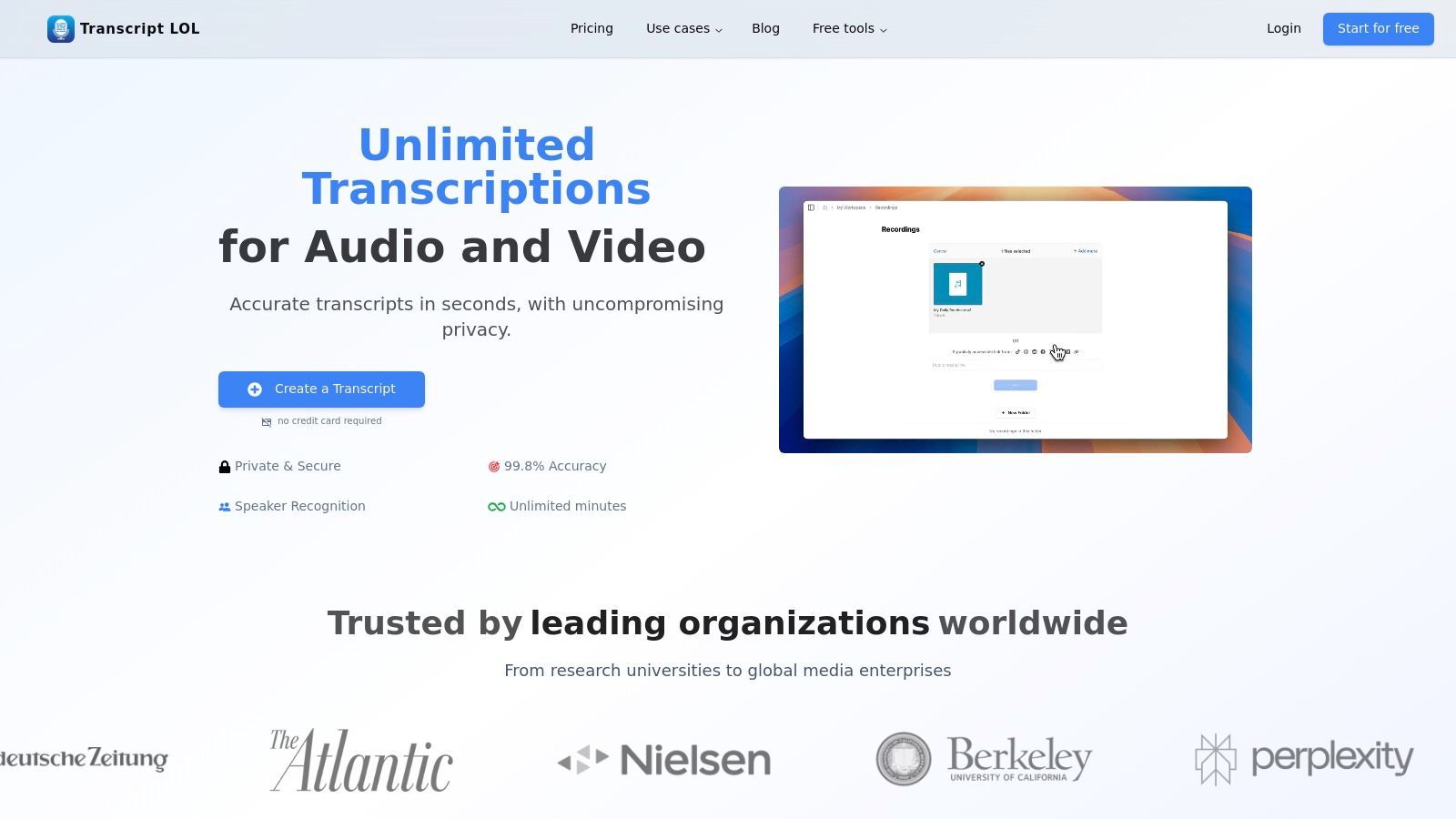
Die wahre Stärke der Plattform liegt in ihren fortschrittlichen Post-Transkriptions-Outputs. Mit einem einzigen Klick kann eine vollständige Podcast-Episode in eine prägnante Zusammenfassung, eine detaillierte Mindmap für einen Blogbeitrag, eine Reihe von wichtigen Aktionspunkten für einen Newsletter und eine Reihe von Social-Media-Posts, die für Plattformen wie X (ehemals Twitter) und LinkedIn zugeschnitten sind, umgewandelt werden. Diese Fähigkeit beschleunigt den Workflow der Content-Wiederverwendung dramatisch und ermöglicht es, dass ein einzelnes Langform-Content-Stück den Social-Media-Kalender einer ganzen Woche füllt.
Wichtige Funktionen & Workflow-Integration
Die Benutzererfahrung ist auf Effizienz ausgelegt. Sie können Medien von praktisch überall importieren: direkte Uploads, Google Drive, YouTube-URLs, Zoom-Aufnahmen oder sogar über WhatsApp- und Telegram-Bots. Nach der Transkription ist der Text mit Funktionen wie automatischer Sprecherkennzeichnung und Suchen/Ersetzen vollständig bearbeitbar, was die Bereinigung minimiert.
Für Teams bietet Transcript.LOL gemeinsame Arbeitsbereiche, die kollaboratives Bearbeiten und zentrales Content-Management ermöglichen. Die strikte Datenschutzrichtlinie der Plattform, die kein Training vorsieht, ist ein wichtiges Unterscheidungsmerkmal und stellt sicher, dass sensible oder proprietäre Inhalte vertraulich bleiben.
Unsere Einschätzung: Transcript.LOL ist nicht nur ein Transkriptionsdienst; es ist eine Plattform zur Content-Vervielfältigung. Seine Fähigkeit, Ideen aus Audio und Video zu extrahieren, zusammenzufassen und neu zu formatieren, macht es zu einem unverzichtbaren Werkzeug für jeden Creator, der seine Leistung mit minimalem Aufwand maximieren möchte.
Preis- und Planübersicht
- Kostenlos: Enthält 2 Transkripte pro Tag (max. 20 Minuten pro Datei). Ideal zum Testen und für sehr leichte Nutzung.
- Unbegrenzt: 120 $/Jahr für einen Benutzer. Bietet unbegrenzte Transkriptionen, Dateigrößenbeschränkungen von 10 Stunden/5 GB und Zugriff auf alle erweiterten KI-Outputs.
- Team: 240 $/Jahr für zwei Benutzer. Enthält alle "Unbegrenzt"-Funktionen plus kollaborative Tools wie gemeinsame Arbeitsbereiche und Benutzerverwaltung.
Vorteile:
- Elite-Genauigkeit & Geschwindigkeit: Die OpenAI Whisper-Engine bietet branchenführende Transkriptionsqualität.
- Erweiterte KI-Outputs: Generiert Zusammenfassungen, Social-Media-Posts, Mindmaps und mehr aus einem einzigen Transkript.
- Datenschutz zuerst: Garantiert, dass Benutzerdaten niemals für das Training von KI-Modellen verwendet werden.
- Flexible Integrationen: Unterstützt eine breite Palette von Importquellen, einschließlich Cloud-Laufwerken, Videoplattformen und einer Zapier-Integration.
Nachteile:
- Einschränkende kostenlose Stufe: Die 20-Minuten-Beschränkung im kostenlosen Plan ist für Podcaster oder Video-Ersteller mit Langform-Inhalten unzureichend.
- Keine offiziellen Compliance-Zertifizierungen: Es fehlen aufgeführte HIPAA/SOC2-Zertifizierungen, die für die Verwendung in stark regulierten Branchen eine Überprüfung erfordern können.
Website: https://transcript.lol
Erkunden Sie detaillierte Beispiele für die Umwandlung von Langform-Videos in Social-Media-fähige Inhalte, indem Sie mehr über Podcast- und YouTube-Transkription auf Transcript.LOL erfahren.
2. Canva
Canva hat sich zur bevorzugten Design-Suite für Nicht-Designer entwickelt und ist damit ein unverzichtbares Werkzeug für die Erstellung von Social-Media-Inhalten. Es zeichnet sich durch die schnelle Erstellung professionell aussehender Grafiken, Karussells, Stories und Kurzvideos ohne steile Lernkurve aus. Seine Kernstärke liegt in einer riesigen Bibliothek von Vorlagen und Stock-Assets, die es Benutzern ermöglicht, markenkonforme Inhalte in Minuten statt Stunden zu erstellen. Für Social-Media-Manager ist es ein komplettes Ökosystem, das Erstellung, Markenmanagement und sogar Planung abdeckt.
Was Canva auszeichnet, ist die Integration von benutzerfreundlichen KI-Tools und Workflow-Funktionen. Die Funktion Magic Resize kann ein einzelnes Design mit einem Klick für mehrere soziale Plattformen anpassen (z. B. einen Instagram-Post in eine Story und ein Facebook-Banner). Die Funktion Brand Kit sorgt für Konsistenz, indem Logos, Farbpaletten und Schriftarten gespeichert werden, während der integrierte Content Planner die direkte Planung auf wichtigen Plattformen ermöglicht und die Notwendigkeit eines separaten Planungstools reduziert.
Wichtige Funktionen & Anwendungsfälle
- Am besten geeignet für: Schnelles, vorlagenbasiertes Design für Nicht-Designer, Erstellung von markenkonsistenten statischen und Video-Assets sowie schnelle plattformübergreifende Wiederverwendung.
- Herausragende Funktionen:
- Magic Studio: Eine Suite von über 25 KI-gestützten Tools für Aufgaben wie Hintergrundentfernung, Texterstellung und Videobearbeitung.
- Brand Kits: Zentralisieren Sie Marken-Assets, um die Konsistenz über alle Designs und Teammitglieder hinweg zu gewährleisten.
- Content Planner: Planen Sie Posts direkt aus der Canva-Oberfläche auf Instagram, Facebook, LinkedIn und mehr.
- Preise: Canva bietet einen robusten kostenlosen Plan mit großzügigem Zugang zu Vorlagen und Assets. Der Pro-Plan (119,99 $/Jahr für eine Person) schaltet Premium-Assets, die vollständige Magic Studio-Suite und Brand Kits frei.
- Website: https://www.canva.com
Vorteile:
- Extrem intuitiv und für Anfänger leicht zu erlernen.
- Eine riesige Bibliothek von Vorlagen und Stock-Medien vereinfacht den kreativen Prozess.
- Integrierte Planungs- und Markenmanagement-Tools optimieren Workflows.
Nachteile:
- Video- und Motion-Editing-Funktionen sind im Vergleich zu dedizierter Software grundlegend.
- Einige Premium-Assets unterliegen spezifischen Lizenzregeln, die für die kommerzielle Nutzung sorgfältig geprüft werden müssen.
3. Adobe Express
Adobe Express ist die Antwort des Kreativriesen auf optimierte All-in-One-Content-Erstellung und positioniert sich als leistungsstarke Alternative für diejenigen, die im Adobe-Ökosystem eingebettet sind. Es vereinfacht den Prozess der Erstellung professioneller Social-Media-Grafiken, Webseiten und Kurzvideos und nutzt die renommierte Kreativtechnologie von Adobe in einem zugänglicheren Paket. Für Teams, die auf Adobe-Assets wie Stockfotos und Schriftarten angewiesen sind, bietet Express einen kohärenten Workflow, der die Lücke zwischen komplexen professionellen Tools und dem Bedarf an Geschwindigkeit im Social-Media-Marketing schließt.
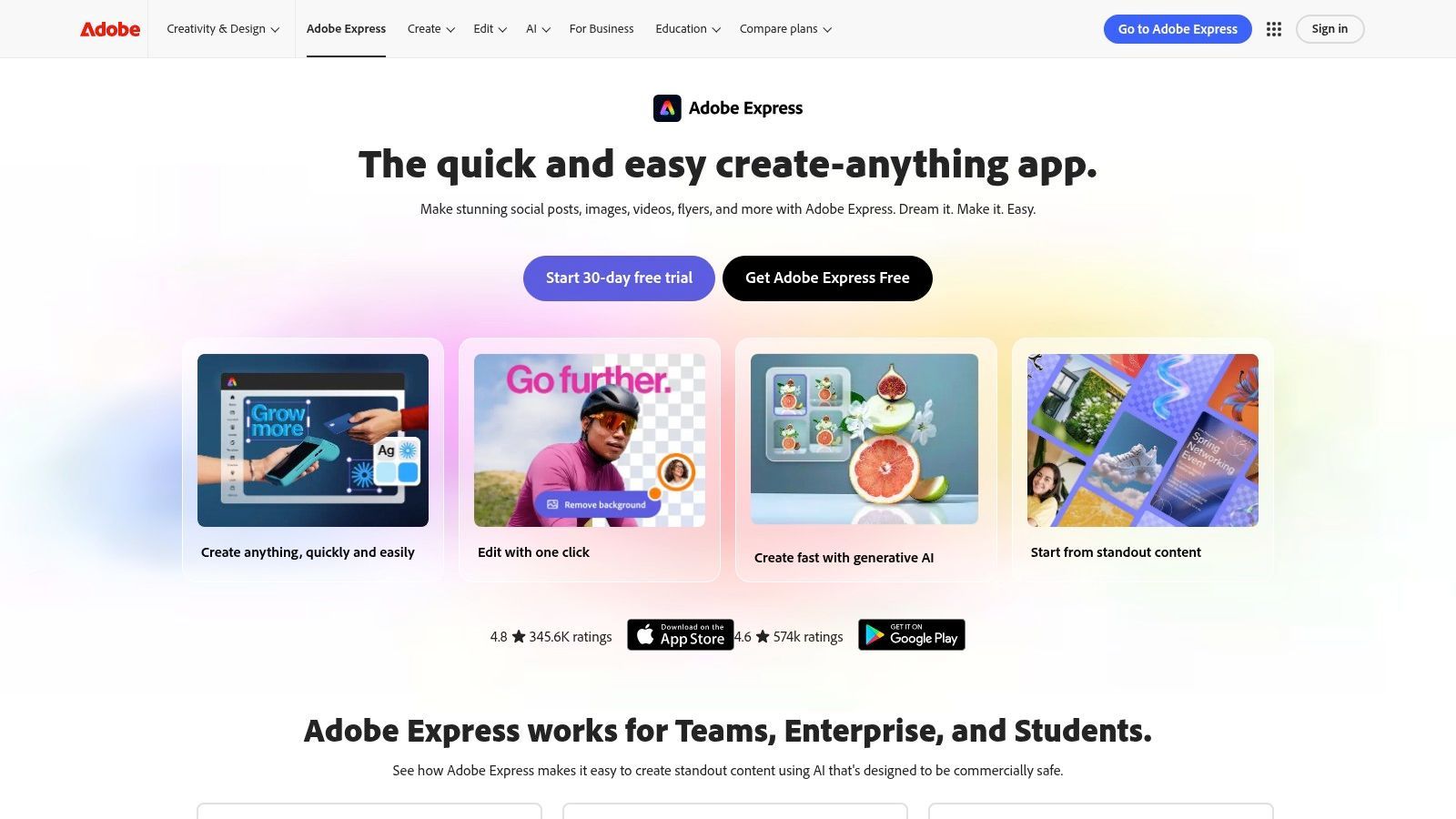
Was Adobe Express auszeichnet, ist seine tiefe Integration mit der gesamten Creative Cloud und seine leistungsstarken KI-Funktionen, die von Adobe Firefly angetrieben werden. Benutzer können nahtlos auf Bibliotheken und Brand Kits zugreifen, die in Photoshop oder Illustrator erstellt wurden, und so eine unübertroffene Markenkonformität gewährleisten. Die Plattform umfasst generative KI zur Erstellung von Bildern aus Textaufforderungen und zur Anwendung von Texteffekten, die alle auf kommerziell sicheren Adobe Stock-Bildern trainiert wurden. Dies macht es zu einem der robustesten Content-Erstellungstools für Social-Media-Teams, die sowohl Benutzerfreundlichkeit als auch professionelle Assets benötigen.
Wichtige Funktionen & Anwendungsfälle
- Am besten geeignet für: Teams, die bereits in das Adobe-Ökosystem investiert sind, hochwertige markenkonforme Inhalte erstellen und professionelle Stock-Assets und generative KI nutzen.
- Herausragende Funktionen:
- Adobe Firefly Generative AI: Erstellen Sie einzigartige Bilder und Texteffekte aus einfachen Textaufforderungen, wobei Credits im Premium-Plan enthalten sind.
- Verknüpfte Assets & Bibliotheken: Synchronisieren Sie Assets wie Logos, Farben und Grafiken direkt aus anderen Adobe Creative Cloud-Apps für perfekte Konsistenz.
- Content Scheduler: Planen, Vorschauen und Veröffentlichen von Inhalten direkt auf Instagram, Facebook, X (Twitter) und anderen wichtigen Plattformen.
- Preise: Ein großzügiger kostenloser Plan ist mit Kernfunktionen verfügbar. Der Premium-Plan (9,99 $/Monat) schaltet die gesamte Sammlung von über 200 Millionen Adobe Stock-Assets, über 1.000 Premium-Schriftarten und mehr generative KI-Credits frei.
- Website: https://www.adobe.com/express
Vorteile:
- Tiefe Integration in das Adobe Creative Cloud-Ökosystem, Schriftarten und Stock.
- Leistungsstarke, kommerziell sichere generative KI-Funktionen.
- Hervorragender Workflow zur Aufrechterhaltung der Markenkonformität über Teams hinweg.
Nachteile:
- Die Benutzeroberfläche kann sich für sehr einfache Aufgaben etwas schwerfälliger anfühlen als bei Wettbewerbern.
- Einige erweiterte Funktionen und Effekte sind auf die Desktop-Version beschränkt.
4. CapCut
CapCut hat sich schnell zum dominanten Videoeditor für Kurzform-Social-Content entwickelt, insbesondere für Plattformen wie TikTok, Reels und YouTube Shorts. Es bietet eine perfekte Balance zwischen leistungsstarken Bearbeitungsfunktionen und einer bemerkenswert einfachen, mobil-zentrierten Benutzeroberfläche. Sein Hauptvorteil ist die Geschwindigkeit; Creator können schnell trendige Vorlagen, Effekte und Sounds nutzen, um kulturell relevante Videos in Minuten zu produzieren. Es vereinfacht komplexe Aufgaben wie Keyframing, Speed Ramping und das Hinzufügen von ansprechenden Untertiteln und macht professionelle Videoinhalte für jedermann zugänglich.
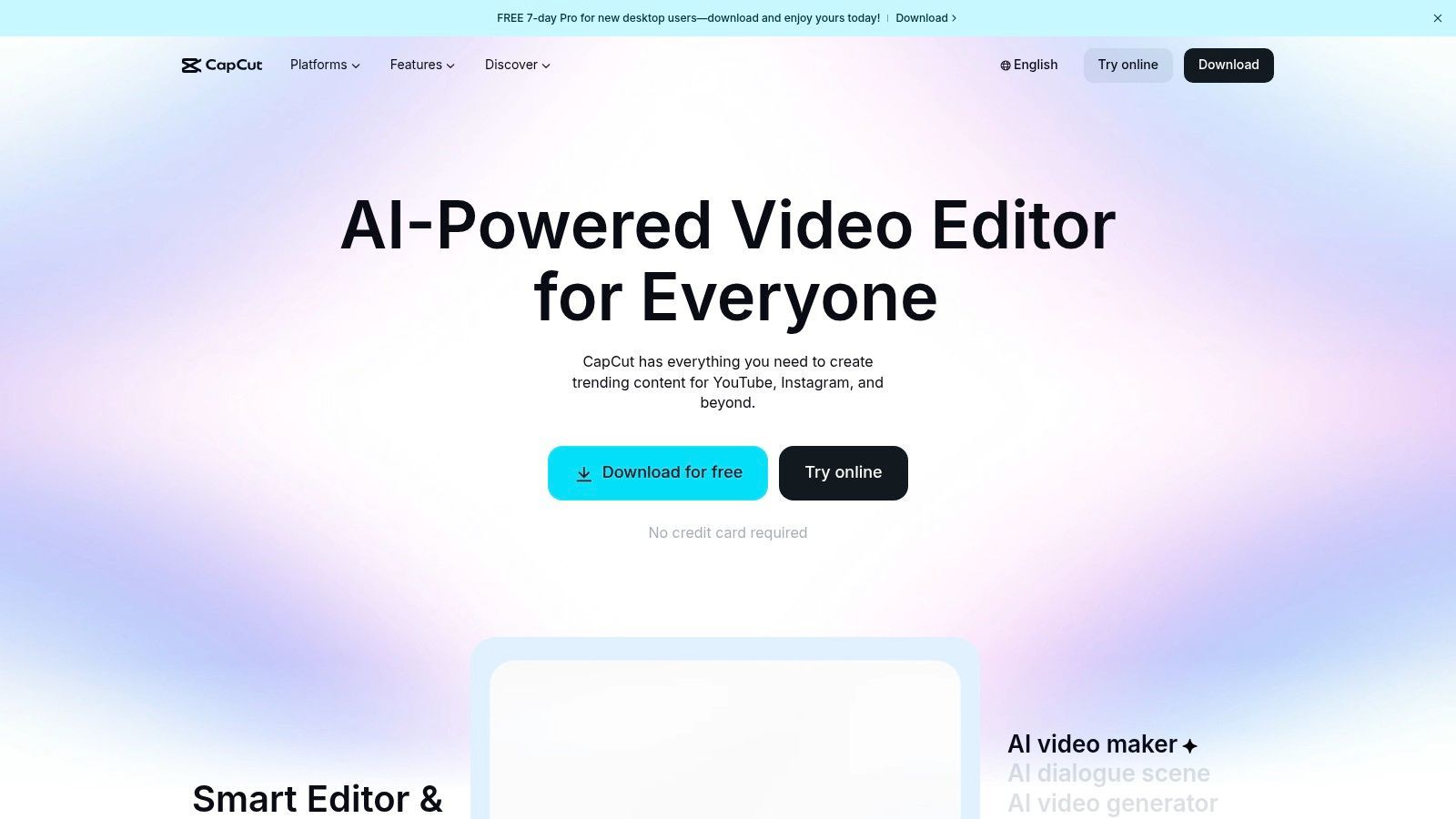
Was CapCut auszeichnet, ist seine leistungsstarke, integrierte Auto-Untertitelungs- und Textanpassungs-Engine, die für moderne, stummgeschaltete Sehgewohnheiten entscheidend ist. Seine Fähigkeit, Untertitel mit hoher Genauigkeit zu generieren und zu animieren, macht es zu einem der effektivsten Content-Erstellungstools für soziale Medien. In Kombination mit seiner wachsenden Suite von KI-Tools wie Hintergrundentfernung und Motion Tracking sowie seiner plattformübergreifenden Verfügbarkeit (Mobil, Desktop und Web) bietet es einen nahtlosen Workflow für Creator, die unterwegs bearbeiten.
Wichtige Funktionen & Anwendungsfälle
- Am besten geeignet für: Erstellung von trendigen Kurzform-Videos für TikTok, Reels und Shorts; schnelle, hochwertige Auto-Untertitelung; und mobil-zentrierte Bearbeitungs-Workflows.
- Herausragende Funktionen:
- Auto-Untertitel: Branchenführende automatische Transkription und animierte Textstile, die hochgradig anpassbar sind. Sie können mehr über die Erstellung von Video-Untertitel erfahren und warum das so wichtig ist.
- Umfangreiche Vorlagen- & Effekte-Bibliothek: Ständig aktualisiert mit trendigen Videoformaten, Audio- und visuellen Effekten, die mit einem Fingertipp angewendet werden können.
- Cloud-Synchronisierung & Zusammenarbeit: Projekte können über Geräte (Mobil, Desktop, Web) synchronisiert und mit Teammitgliedern zur kollaborativen Bearbeitung geteilt werden.
- Preise: CapCut bietet eine sehr leistungsfähige kostenlose Version. Der Pro-Plan (Preise variieren, liegen aber bei ca. 7,99 $/Monat) schaltet Cloud-Speicher, Premium-Effekte und erweiterte KI-Funktionen frei.
- Website: https://www.capcut.com
Vorteile:
- Extrem schnell für die Produktion von trendigen Kurzform-Video-Bearbeitungen.
- Hervorragende, hochgenaue Auto-Untertitelungs- und Text-to-Speech-Funktionen.
- Großzügige kostenlose Stufe und nahtlose plattformübergreifende Synchronisierung.
Nachteile:
- Preise und Funktionsverfügbarkeit können auf verschiedenen Plattformen und in verschiedenen Regionen inkonsistent sein.
- Als ByteDance-Produkt war seine Verfügbarkeit in den USA und seine Datenpolitik periodisch unsicher.
5. Descript
Descript revolutioniert die Video- und Audiobearbeitung, indem es sie so einfach macht wie die Bearbeitung eines Textdokuments. Es ist ein leistungsstarkes Werkzeug für Creator, die mit gesprochenen Inhalten wie Podcasts, Interviews oder Tutorials arbeiten. Anstatt komplexe Zeitachsen zu manipulieren, bearbeiten Sie das automatisch generierte Transkript, und die entsprechenden Video- oder Audiocuts werden automatisch vorgenommen. Dieser einzigartige Workflow beschleunigt dramatisch die Erstellung und Wiederverwendung von Langform-Inhalten in ansprechende Social-Media-Clips.
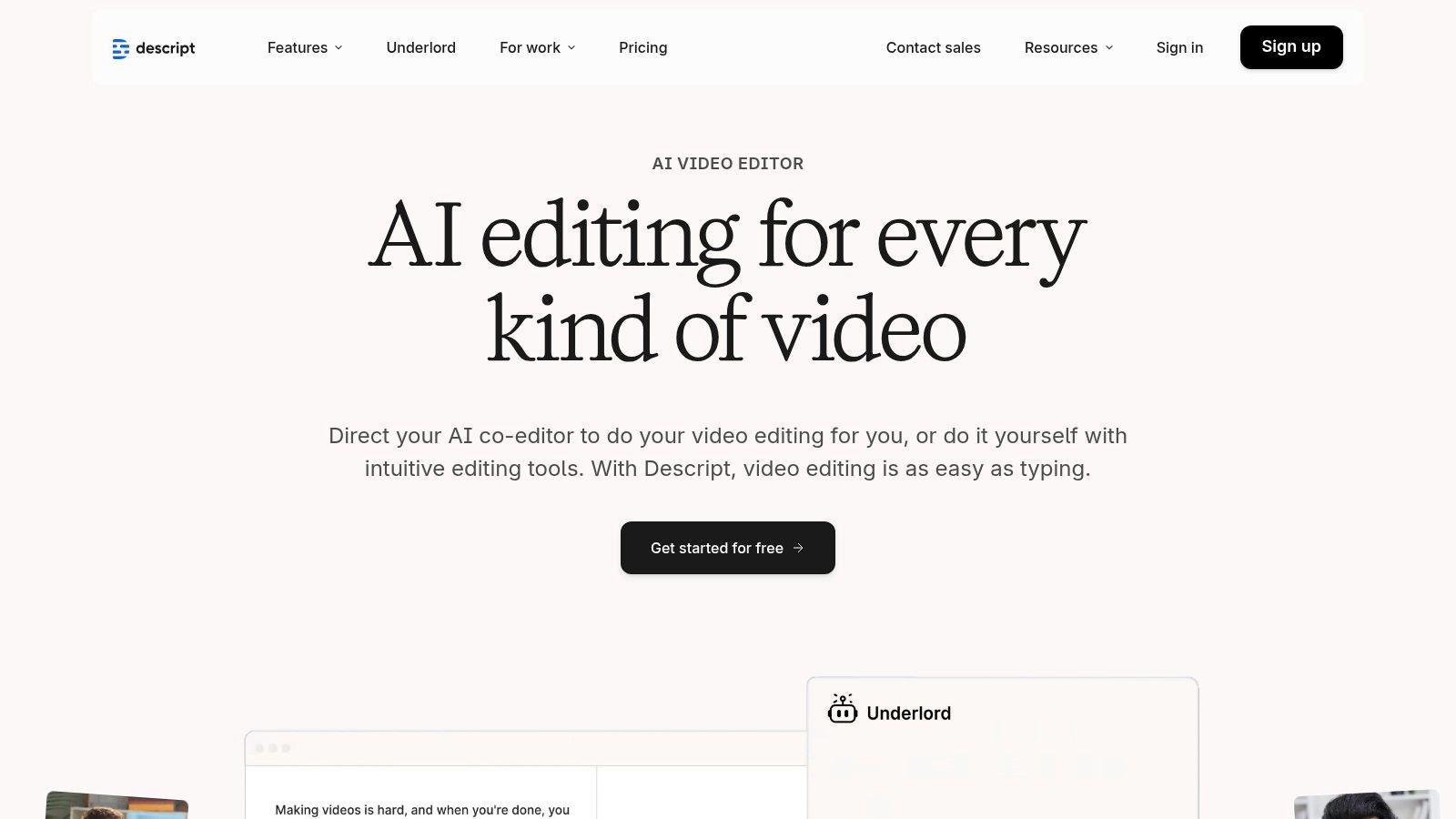
Was Descript wirklich auszeichnet, ist seine Suite von KI-gestützten Funktionen, die auf Effizienz ausgelegt sind. Studio Sound verbessert Sprachaufnahmen mit einem einzigen Klick auf professionelle Qualität und entfernt Hintergrundgeräusche und Echos. Die Plattform kann auch automatisch Füllwörter wie "äh" und "ähm" aus Ihrem gesamten Projekt erkennen und entfernen. Für Creator, die Korrekturen vornehmen oder neue Zeilen hinzufügen möchten, kann die KI-Stimmenklon-Funktion Overdub Audio in Ihrer eigenen Stimme generieren und so unzählige Stunden beim Neuaufnehmen sparen.
Wichtige Funktionen & Anwendungsfälle
- Am besten geeignet für: Podcaster, Interviewer und Video-Ersteller, die gesprächsintensive Inhalte schnell bearbeiten und in kurze Social-Media-Clips mit Untertiteln wiederverwenden möchten.
- Herausragende Funktionen:
- Textbasierte Bearbeitung: Bearbeiten Sie Video und Audio, indem Sie einfach das Transkript bearbeiten, was die Content-Erstellung unglaublich schnell und intuitiv macht.
- Studio Sound & Füllwortentfernung: KI-gestützte Tools zur sofortigen Bereinigung von Audio, Entfernung von Hintergrundgeräuschen und repetitiven Füllwörtern.
- Overdub (KI-Stimme): Korrigieren Sie Audiofehler oder fügen Sie neue Erzählungen hinzu, indem Sie tippen und eine realistische Kopie Ihrer eigenen Stimme verwenden.
- Preise: Descript hat einen kostenlosen Plan für grundlegende Bearbeitungen. Der Creator-Plan (12 $/Benutzer/Monat) fügt mehr Transkriptionsstunden und wasserzeichenfreie Exporte hinzu, während der Pro-Plan (24 $/Benutzer/Monat) unbegrenztes Overdub und den vollständigen Funktionsumfang freischaltet.
- Website: https://www.descript.com
Vorteile:
- Extrem schneller und intuitiver Workflow für die Bearbeitung von gesprochenen Inhalten.
- Hochwertige, integrierte Transkription ist in allen Plänen enthalten.
- Leistungsstarke KI-Funktionen wie Studio Sound und Overdub sparen erheblich Bearbeitungszeit.
Nachteile:
- Die Zeitachsenbearbeitung ist weniger granular und leistungsfähig im Vergleich zu professionellen Videoeditoren wie Adobe Premiere Pro.
- Zusätzliche Transkriptionsstunden über die Planvorgaben hinaus können kostspielig sein.
6. VEED
VEED ist eine leistungsstarke, browserbasierte Videobearbeitungsplattform, die speziell für die Geschwindigkeit und die Anforderungen von Social Media entwickelt wurde. Sie zentralisiert eine Reihe von KI-gesteuerten Tools, die sonst zeitaufwändige Aufgaben wie Untertitelung, Audiobereinigung und Clip-Wiederverwendung optimieren. Ihr Kernreiz ist die Zugänglichkeit; jeder kann polierte, ansprechende Videoinhalte erstellen, ohne Software herunterladen oder fortgeschrittene Bearbeitungsfähigkeiten benötigen zu müssen, was sie zu einer ausgezeichneten Wahl für Teams macht, die schnelle, kollaborative Video-Workflows benötigen.
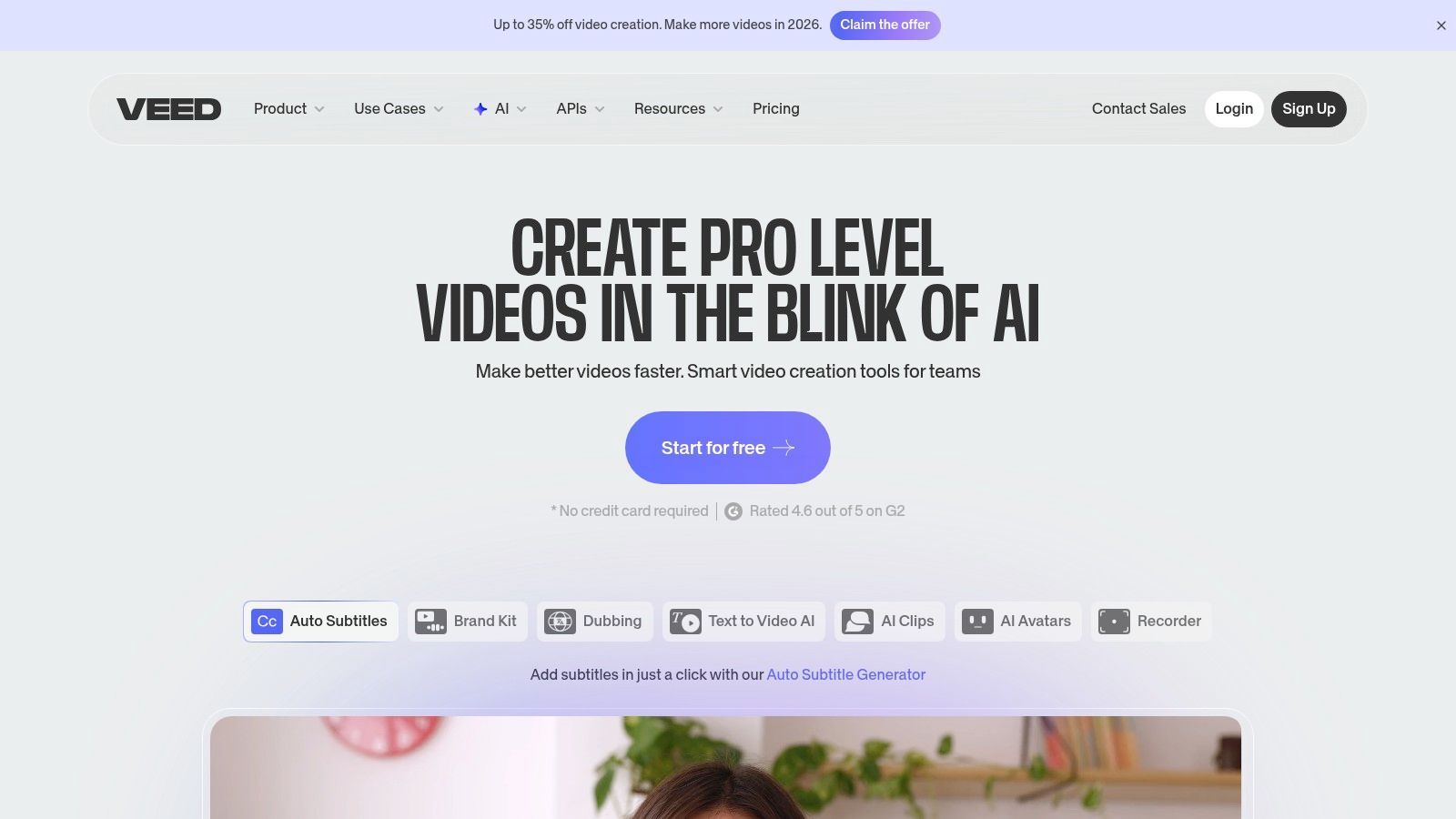
Was VEED wirklich auszeichnet, ist sein Fokus auf KI-gestützte Verbesserungen, die direkt auf die Herausforderungen von Social-Media-Videos eingehen. Das herausragende Merkmal der Plattform ist die hochgenaue automatische Untertitelung und Übersetzung, ein entscheidendes Element zur Maximierung der Reichweite und Zugänglichkeit. Tools wie der KI-Augenkontaktkorrektor und der Hintergrundgeräusch-Entferner helfen Creatorn, professionell auszusehen und zu klingen, selbst bei einfachen Aufnahme-Setups. Für Teams vereinfachen die kollaborativen Arbeitsbereiche und teilbaren Überprüfungslinks den Feedbackprozess und beseitigen Engpässe und beschleunigen die Content-Freigabe. Wenn Sie tiefer in die Technologie hinter diesen Funktionen eintauchen möchten, können Sie mehr über den Einfluss von Speech-to-Text auf Videoinhalte erfahren.
Wichtige Funktionen & Anwendungsfälle
- Am besten geeignet für: Social-Media-Manager und Teams, die ein schnelles, All-in-One-Online-Tool zum Bearbeiten, Untertiteln und Verbessern von Kurzform-Videos benötigen.
- Herausragende Funktionen:
- KI-Video- & Audio-Tools: Enthält automatische Untertitel, Ein-Klick-Übersetzung, Rauschunterdrückung und Augenkontaktkorrektur zur Verbesserung der Videoqualität.
- KI-Clipper: Findet automatisch die ansprechendsten Momente in längeren Videos und erstellt kurze, teilbare Clips.
- Kollaborative Arbeitsbereiche: Ermöglicht Teammitgliedern, Projekte in einer zentralen, browserbasierten Umgebung zu kommentieren, zu bearbeiten und zu überprüfen.
- Preise: VEED bietet einen kostenlosen Plan mit grundlegenden Funktionen und wasserzeichenbehafteten Exporten. Bezahlte Pläne beginnen mit Basic (216 $/Jahr pro Benutzer), der das Wasserzeichen entfernt, und Pro (384 $/Jahr pro Benutzer), der automatische Untertitel und Übersetzungsfunktionen freischaltet.
- Website: https://www.veed.io
Vorteile:
- Vollständig browserbasiert, erfordert keine Softwareinstallation.
- Eine breite Palette von KI-Tools beschleunigt gängige Social-Video-Bearbeitungsaufgaben erheblich.
- Kollaborative Funktionen erleichtern Teams und Stakeholdern die Überprüfung von Inhalten.
Nachteile:
- Erweiterte Funktionen sind hinter höherwertigen Plänen gesperrt.
- Live-Chat-Support ist in den kostenlosen und niedrigeren Plänen begrenzt.
7. Kapwing
Kapwing ist ein leistungsstarker, browserbasierter Videoeditor, der für die Geschwindigkeit und die Anforderungen der Social-Media-Content-Erstellung entwickelt wurde. Er zeichnet sich durch die Umwandlung von Langform-Videos in ansprechende Kurzform-Clips, Memes und Reels aus und ist damit ein Favorit bei Creatorn und Social-Media-Managern. Seine Stärke liegt in seiner intuitiven, zeitleistenbasierten Benutzeroberfläche in Kombination mit intelligenten KI-Tools, die mühsame Bearbeitungsaufgaben automatisieren und so eine schnelle Produktion von hochwertigen Videoinhalten ohne komplexe Software ermöglichen.
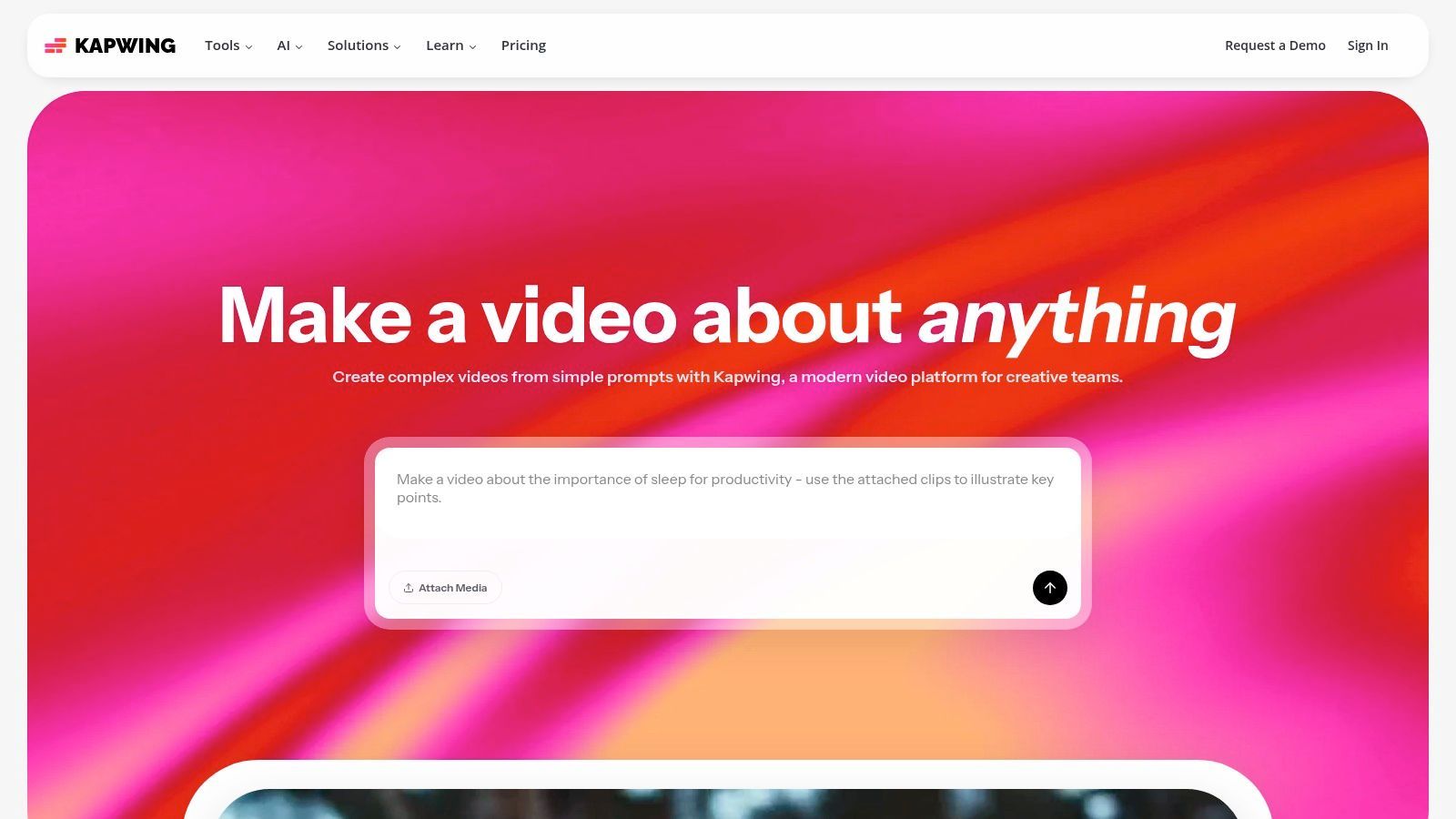
Was Kapwing wirklich auszeichnet, ist sein Fokus auf Creator-zentrierte Workflows und KI-gestützte Effizienz. Funktionen wie Smart Cut entfernen automatisch Pausen, während sein branchenführendes Werkzeug zur automatischen Untertitelung genaue Untertitel generiert, die einfach angepasst und animiert werden können. Für Teams bietet Kapwing Brand Kits zur Aufrechterhaltung der visuellen Konsistenz und gemeinsame Arbeitsbereiche für nahtlose Zusammenarbeit und positioniert sich damit als eines der vielseitigsten Content-Erstellungstools für Social-Media-Videos.
Wichtige Funktionen & Anwendungsfälle
- Am besten geeignet für: Wiederverwendung von Langform-Inhalten in Kurzclips, schnelles Hinzufügen von animierten Untertiteln zu Videos und kollaborative teamorientierte Videobearbeitung.
- Herausragende Funktionen:
- KI-gestützte Bearbeitung: Enthält Tools zur automatischen Generierung von Untertiteln, Entfernung von Pausen (Smart Cut), Audiobereinigung und Erstellung von Clips aus langen Videos.
- Brand Kit & Zusammenarbeit: Speichern Sie Marken-Assets wie Logos, Farben und Schriftarten und nutzen Sie gemeinsame Arbeitsbereiche für Teamprojekte.
- Hochwertige Exporte: Bezahlte Pläne unterstützen 4K-Videoexporte und bieten unbegrenzten Cloud-Speicher für Projekte.
- Preise: Kapwing hat einen kostenlosen Plan mit wasserzeichenbehafteten Exporten, die auf 4 Minuten begrenzt sind. Der Pro-Plan (16 $/Monat bei jährlicher Abrechnung) entfernt Wasserzeichen, erhöht Limits und gewährt Zugriff auf alle KI-Funktionen.
- Website: https://www.kapwing.com
Vorteile:
- Die extrem einfache Benutzeroberfläche macht schnelle Videobearbeitung für Nicht-Editoren zugänglich.
- Hervorragende KI-gestützte Untertitelungs- und Smart-Cutting-Tools sparen erhebliche Zeit.
- Großzügige KI-Kreditlimits und Funktionen in bezahlten Plänen bieten ein gutes Preis-Leistungs-Verhältnis.
Nachteile:
- Kostenlose Exporte enthalten ein auffälliges Wasserzeichen und haben strenge Längenbeschränkungen.
- Die Browserleistung kann bei komplexen oder langen 4K-Zeitleisten gelegentlich langsam werden.
8. Buffer
Buffer ist einer der ursprünglichen und vertrauenswürdigsten Namen im Bereich Social-Media-Planung, geschätzt für seine übersichtliche Benutzeroberfläche, Zuverlässigkeit und seinen geradlinigen Ansatz. Es optimiert den Veröffentlichungsprozess, indem es Benutzern ermöglicht, eine Warteschlange mit Inhalten zu füllen und diese automatisch gemäß einem voreingestellten Zeitplan für jeden Social-Channel zu veröffentlichen. Obwohl es für die Planung bekannt ist, hat es sich zu einer umfassenderen Plattform entwickelt, die Erstellung, Engagement und grundlegende Analysen unterstützt, was es zu einem ausgezeichneten Werkzeug für Solo-Manager und kleine Teams macht.
Was Buffer auszeichnet, ist sein Fokus auf Einfachheit und eine intuitive Benutzererfahrung. Im Gegensatz zu größeren, komplexeren Suiten macht Buffer es einfach, Ihren gesamten Content-Kalender zu visualisieren und mehrere Kanäle zu verwalten, ohne sich überfordert zu fühlen. Sein integrierter KI-Assistent ist eine leistungsstarke Ergänzung zur Überwindung von Schreibblockaden und hilft bei der Generierung von Post-Ideen, dem Umschreiben von Texten und der Wiederverwendung bestehender Inhalte direkt im Composer. Dies macht es zu einem hocheffizienten Content-Erstellungstool für soziale Medien, insbesondere wenn Geschwindigkeit Priorität hat.
Wichtige Funktionen & Anwendungsfälle
- Am besten geeignet für: Einzelpersonen und kleine Teams, die eine zuverlässige, erschwingliche und einfach zu bedienende Planungsplattform mit hilfreicher KI-Schreibunterstützung benötigen.
- Herausragende Funktionen:
- KI-Assistent: Integriert in den Composer, um Ideen zu brainstormen, Captions zu generieren und Inhalte für verschiedene Plattformen wiederzuverwenden.
- Warteschlangenbasierte Planung: Legen Sie für jeden Social-Channel einen eindeutigen Posting-Zeitplan fest und fügen Sie einfach Inhalte zur Warteschlange hinzu, um sie automatisch zu veröffentlichen.
- Start Page: Erstellen Sie eine einfache, schöne Landingpage für Ihren Bio-Link, um Traffic von sozialen Medien zu Ihren wichtigsten Inhalten zu leiten.
- Preise: Buffer hat einen großzügigen kostenlosen Plan für bis zu 3 Kanäle. Der Essentials-Plan (6 $/Monat pro Kanal) fügt Analyse- und Engagement-Tools hinzu.
- Website: https://buffer.com
Vorteile:
- Extrem übersichtliche, intuitive Benutzeroberfläche, die leicht zu beherrschen ist.
- Erschwingliche und transparente Preisgestaltung basierend auf der Anzahl der Kanäle.
- Zuverlässige und konsistente Post-Planung mit minimalen Fehlern.
Nachteile:
- Analyse- und Berichtsfunktionen sind weniger robust als bei dedizierten Analyseplattformen.
- Kollaborations- und Asset-Management-Funktionen sind im Vergleich zu Enterprise-Level-Suiten schlanker.
9. Later
Later hat sich eine Nische als führende visuell-orientierte Social-Media-Management-Plattform geschaffen und ist damit ein Favorit bei Marken und Creatorn, die Wert auf Ästhetik auf Plattformen wie Instagram, Pinterest und TikTok legen. Es geht über einfache Planung hinaus, indem es Tools anbietet, die Benutzern helfen, ihr gesamtes Content-Raster visuell zu planen. Sein Drag-and-Drop-Kalender bietet eine klare Vorschau darauf, wie ein Feed aussehen wird, und gewährleistet so eine kohärente und markenkonforme Präsenz, bevor etwas veröffentlicht wird.

Was Later auszeichnet, ist seine tiefe Integration mit Creator-zentrierten Workflows. Die Plattform umfasst ein Link-in-Bio-Tool, das eine anpassbare, shoppable Landingpage erstellt und Social-Media-Profile in Traffic- und Umsatztreiber verwandelt. Es vereinfacht auch die Verwaltung von User-Generated Content (UGC), indem es Benutzern ermöglicht, Posts aus ihrer Community zu finden, zu sammeln und zu planen. Für Teams optimieren Genehmigungsworkflows und ein KI-Caption-Writer den Content-Erstellungsprozess von der Ideenfindung bis zur Veröffentlichung.
Wichtige Funktionen & Anwendungsfälle
- Am besten geeignet für: Visuelle Planung von Instagram- und Pinterest-Feeds, Verwaltung von UGC-Kampagnen und Erstellung einer umfassenden Link-in-Bio-Seite.
- Herausragende Funktionen:
- Visueller Planer: Drag-and-Drop zum Anordnen kommender Posts und Vorschau, wie Ihr Instagram-Raster aussehen wird.
- Link in Bio: Ein leistungsstarkes Tool zur Erstellung einer benutzerdefinierten Landingpage mit klickbaren Links und getaggten Posts für Ihre Social-Media-Bio.
- KI-Caption-Writer: Generiert Caption-Ideen und Variationen, um Schreibblockaden zu überwinden und die Content-Erstellung zu beschleunigen.
- Preise: Later bietet einen kostenlosen Plan mit grundlegender Planung für ein Social-Set. Bezahlte Pläne beginnen mit dem Starter-Plan (25 $/Monat) für einen Benutzer und gehen bis zum Growth-Plan (45 $/Monat), der mehr Analyse- und Funktionsoptionen hinzufügt.
- Website: https://later.com
Vorteile:
- Der ausgezeichnete visuelle Kalender und die Rastervorschau sind ideal für ästhetisch fokussierte Marken.
- Das integrierte Link-in-Bio-Tool ist leistungsstark und hochgradig anpassbar.
- Teamkollaboration und Post-Genehmigungsfunktionen vereinfachen Content-Workflows.
Nachteile:
- Kostenlose und niedrigere Pläne haben erhebliche Einschränkungen bei Post-Kontingenten und Funktionen.
- Erweiterte Analyse- und Listening-Tools sind höheren Preisplänen vorbehalten.
10. Jasper
Jasper ist ein führender KI-Schreibassistent, der Marketingteams dabei unterstützt, ihre Content-Erstellung für soziale Medien zu skalieren. Er geht über die generische KI-Textgenerierung hinaus, indem er die Stimme, den Ton und den Styleguide einer bestimmten Marke lernt. Dies ermöglicht es Creatorn, hochwertige, markenkonforme Social-Media-Captions, Anzeigentexte, Videoskripte und Blogbeiträge in beschleunigtem Tempo zu erstellen. Seine Stärke liegt in der Standardisierung der Markenbotschaft über alle Kanäle und Teammitglieder hinweg, was ihn zu einem der effektivsten Content-Erstellungstools für Social-Media-Marketing macht.
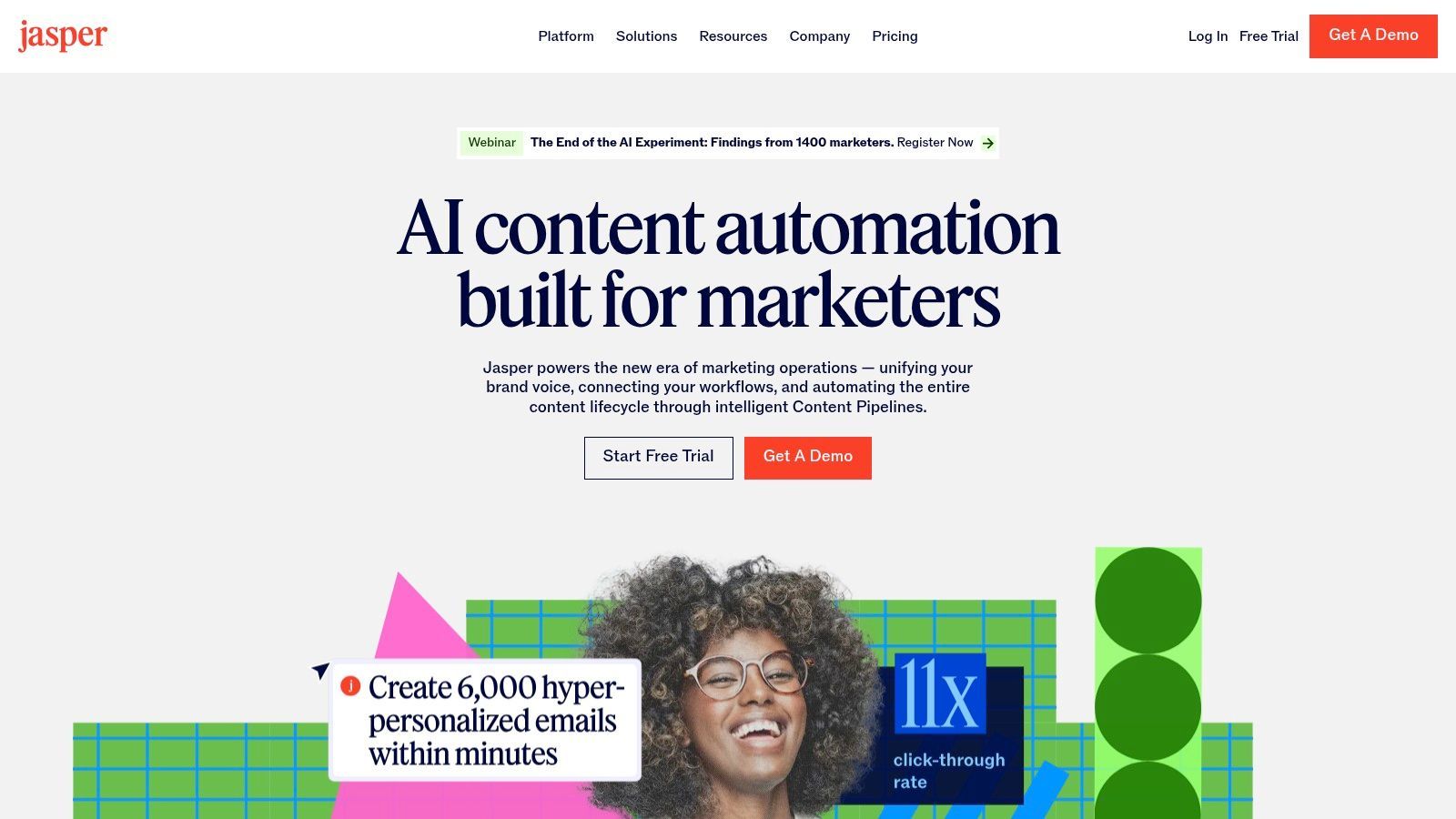
Was Jasper auszeichnet, ist sein Fokus auf unternehmensweite Markenkonformität und Workflow-Integration. Die Funktion Brand Voice der Plattform analysiert Ihre bestehenden Inhalte, Styleguides und Produktkataloge, um ein einzigartiges KI-Modell zu erstellen, das genau wie Ihre Marke klingt. Dies ist von unschätzbarem Wert für die Generierung mehrerer Caption-Varianten für A/B-Tests oder die schnelle Anpassung von Langform-Inhalten für soziale Medien, was perfekt zu modernen Content-Wiederverwendungsstrategien passt. Obwohl Jasper ein leistungsstarkes Werkzeug ist, ist es immer gut, sich anderer Optionen bewusst zu sein. Erwägen Sie die Erkundung von Jasper AI-Alternativen, um zu sehen, welche anderen KI-gestützten Content-Generierungstools verfügbar sind.
Wichtige Funktionen & Anwendungsfälle
- Am besten geeignet für: Marketingteams, die die Markenstimme standardisieren, Social-Media-Texte und Captions schnell generieren und Content-Workflows optimieren möchten.
- Herausragende Funktionen:
- Benutzerdefinierte Markenstimme: Trainieren Sie Jasper auf den Stil, Ton und die Botschaft Ihres Unternehmens für konsistente, markenkonforme KI-generierte Inhalte.
- Vorlagen & Rezepte: Greifen Sie auf eine riesige Bibliothek von vorgefertigten Vorlagen für spezifische Aufgaben wie Instagram-Captions, Videoskripte und Facebook-Anzeigentexte zu.
- Kollaborationstools: Die Business-Stufe bietet teamorientierte Workflows, Projektordner und Benutzerberechtigungen für nahtlose Zusammenarbeit.
- Preise: Jasper bietet einen Creator-Plan ab 49 $/Monat (monatlich abgerechnet) für eine Markenstimme. Der Pro-Plan richtet sich an Teams und bietet mehr Markenstimmen und Kollaborationsfunktionen. Eine kostenlose Testversion ist verfügbar.
- Website: https://www.jasper.ai
Vorteile:
- Speziell für Marketingteams entwickelt, beschleunigt die Erstellung von Captions und Varianten erheblich.
- Strukturierte Onboarding-Ressourcen und eine hilfreiche Testversion erleichtern den Einstieg.
- Hervorragend geeignet zur Aufrechterhaltung einer konsistenten Markenstimme über alle Social-Media-Outputs hinweg.
Nachteile:
- Die Preise sind höher als bei vielen leichten KI-Schreibtools, wobei der beste Wert bei jährlicher Abrechnung erzielt wird.
- Generierte Inhalte erfordern immer noch menschliche Aufsicht und Bearbeitung für optimale Qualität und Genauigkeit.
11. Envato Elements
Envato Elements ist ein All-you-can-eat-Abonnementdienst für kreative Assets und damit eine unverzichtbare Ressource für Social-Media-Teams, die einen ständigen Strom hochwertiger Grafiken, Video-Vorlagen und Audio benötigen. Sein Wert liegt in der Bereitstellung unbegrenzter Downloads aus einer Bibliothek von Millionen von Elementen unter einer einzigen, einfachen kommerziellen Lizenz. Dies eliminiert die Reibung beim Kauf einzelner Assets und ermöglicht es Creatorn, frei mit verschiedenen Grafiken, Motion-Effekten und Klanglandschaften ohne Budgetbeschränkungen zu experimentieren.
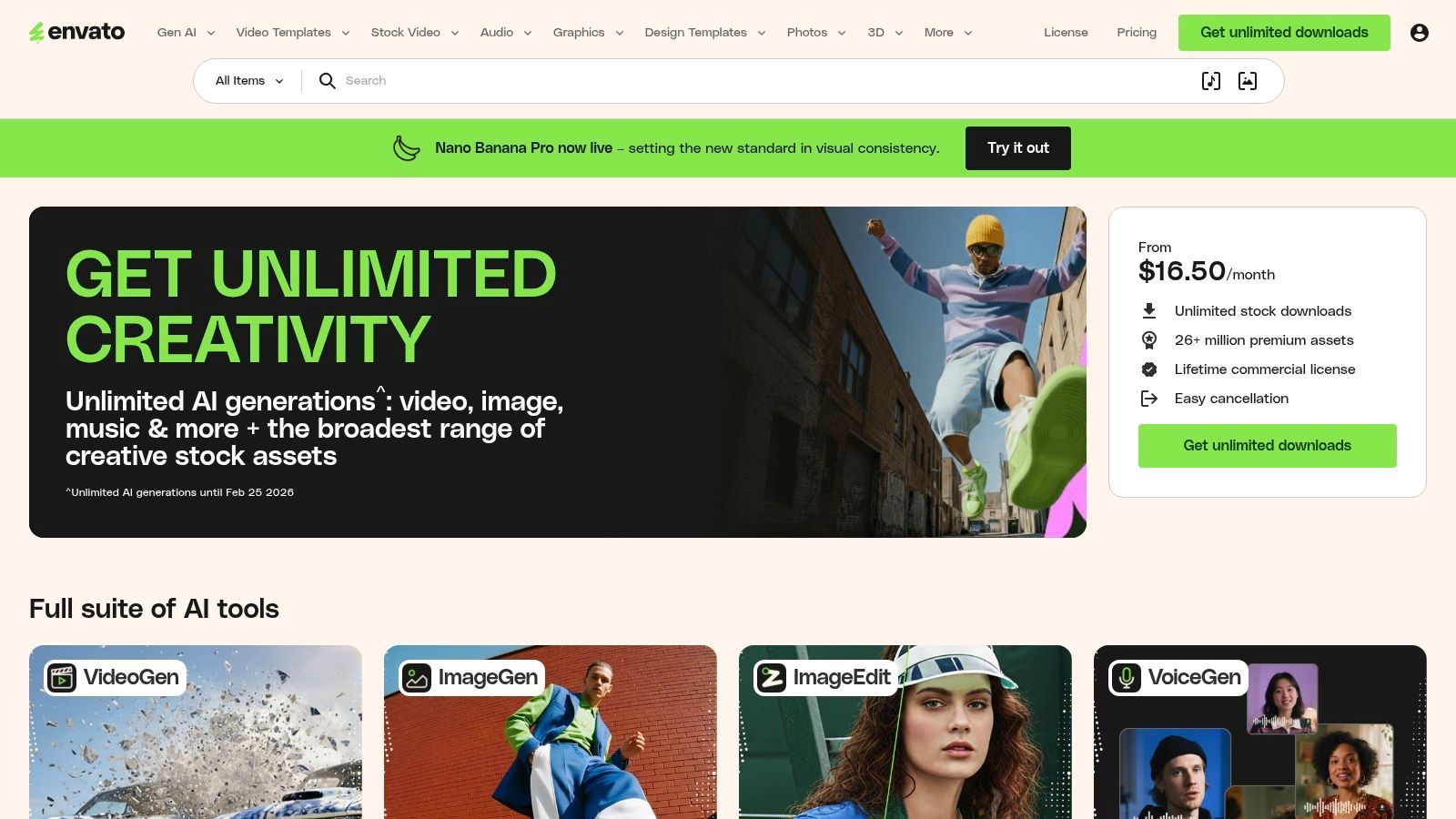
Was Envato Elements von anderen Stock-Plattformen unterscheidet, ist die schiere Breite seines Katalogs in Kombination mit seiner unkomplizierten Lizenzierung. Anstatt nur Fotos anzubieten, gibt es alles von After Effects-Vorlagen für ansprechende Video-Intros über Präsentationsvorlagen für Instagram-Karussells bis hin zu lizenzfreier Musik für TikToks. Dies macht es zu einem der umfassendsten Content-Erstellungstools für Social-Media-Agenturen und Inhouse-Teams, die vielfältige, professionelle Inhalte in großem Maßstab produzieren möchten, ohne mehrere Abonnements oder komplexe Lizenzvereinbarungen verwalten zu müssen.
Wichtige Funktionen & Anwendungsfälle
- Am besten geeignet für: Teams, die eine riesige und vielfältige Bibliothek von kreativen Assets benötigen, darunter Video-Vorlagen, Grafiken, Musik und Schriftarten, unter einer einfachen Lizenz für unbegrenzte Downloads.
- Herausragende Funktionen:
- 26 Mio.+ Kreativ-Assets: Eine riesige Bibliothek, die Video-Vorlagen, Stock-Videos, lizenzfreie Musik, Soundeffekte, Grafik-Vorlagen und mehr umfasst.
- Einfache kommerzielle Lizenzierung: Eine einzige Lizenz deckt die meisten kommerziellen Nutzungen ab und vereinfacht die rechtliche Konformität für Social-Media-Inhalte.
- Unbegrenzte Downloads: Laden Sie so viele Assets herunter, wie Sie unter einer Fair-Use-Richtlinie benötigen, was kreative Experimente fördert.
- Preise: Der Individual-Plan kostet 16,50 $/Monat (jährlich abgerechnet). Teams-Pläne beginnen bei 29 $/Monat pro Mitglied und bieten Teammanagement-Funktionen.
- Website: https://elements.envato.com
Vorteile:
- Extrem kostengünstig im Vergleich zum Kauf von Assets einzeln von Stock-Websites.
- Die große Vielfalt an Asset-Typen deckt nahezu alle Social-Media-Content-Bedürfnisse ab.
- Das vereinfachte Lizenzmodell reduziert den Verwaltungsaufwand für kommerzielle Projekte.
Nachteile:
- Die Qualität der Assets kann inkonsistent sein, was etwas Zeit zur Kuratierung der besten Optionen erfordert.
- KI-Generierungs-Credits und Funktionen variieren je nach spezifischem Abonnementplan.
12. Storyblocks
Storyblocks ist ein Stock-Media-Kraftpaket für Creator und Teams, die eine hohe Menge an Social-Media-Videoinhalten produzieren. Sein Kernangebot dreht sich um ein Abonnementmodell, das unbegrenzte Downloads von hochwertigen Videos, Audio und Bildern bietet und Kosten pro Asset eliminiert. Dies macht es zu einer unverzichtbaren Ressource für Agenturen, Freiberufler und Marken, die eine riesige, planbare Bibliothek zur Befüllung ihrer Content-Kalender benötigen, ohne sich um schwankende Budgets sorgen zu müssen.
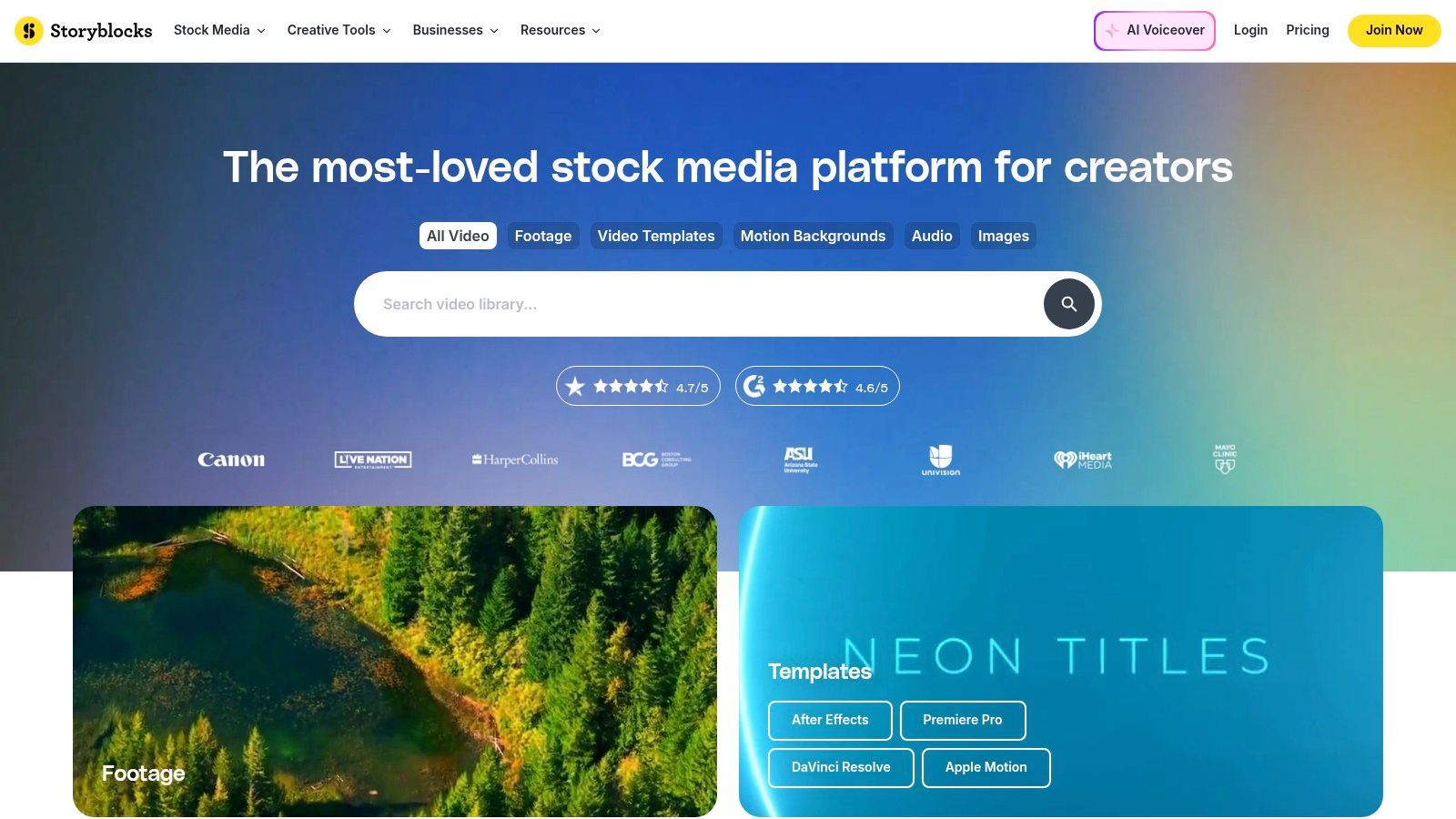
Was Storyblocks von anderen Stock-Bibliotheken unterscheidet, ist sein Creator-zentriertes Toolkit und seine Lizenzierung. Die Plattform umfasst Maker, einen leichten Videoeditor zum schnellen Zusammenstellen von Clips, Hinzufügen von Text und Exportieren von Social-Media-fähigen Videos direkt im Browser. Darüber hinaus deckt ihre einfache, lizenzfreie Lizenz kommerzielle und persönliche Projekte weltweit und auf Dauer ab und bietet so Sicherheit für markenbezogene Social-Media-Inhalte. Diese Kombination aus unbegrenzten Assets und integrierten Bearbeitungswerkzeugen macht es zu einem wertvollen Bestandteil des Content-Erstellungs-Toolkits für Social-Media-Profis.
Wichtige Funktionen & Anwendungsfälle
- Am besten geeignet für: Video-Creator mit hohem Volumen, Agenturen und Social-Media-Manager, die eine konstante Versorgung mit B-Roll, Musik und Vorlagen mit einem planbaren Budget benötigen.
- Herausragende Funktionen:
- Unbegrenzter All-Access: Laden Sie so viele 4K/HD-Videos, Audio, Fotos und Vorlagen herunter, wie Sie aus einer Bibliothek von über einer Million Assets benötigen.
- Maker für Social Media: Ein einfacher, browserbasierter Videoeditor, der für die schnelle Erstellung von Social-Media-Anzeigen, Stories und Posts mit Stock-Assets entwickelt wurde.
- Flexible Lizenzierung: Eine einzige, unkomplizierte Lizenz deckt fast alle Anwendungsfälle ab, einschließlich kommerzielles Social-Media-Marketing.
- Preise: Der Starter-Plan kostet 29 $/Monat für 5 monatliche Downloads. Der Unlimited All-Access-Plan (65 $/Monat) bietet das beste Preis-Leistungs-Verhältnis und unbegrenzte Downloads aller Medientypen.
- Website: https://www.storyblocks.com
Vorteile:
- Vorhersehbare, Pauschalpreise sind für Heavy User sehr kostengünstig.
- Starker Fokus auf hochwertige Video-Assets, einschließlich 4K-Aufnahmen und Motion Graphics.
- Integrierter Videoeditor vereinfacht die Erstellung schneller Social-Media-Assets.
Nachteile:
- Weniger kostengünstig für Benutzer, die nur wenige Assets pro Monat benötigen.
- Die Asset-Bibliothek ist zwar groß, kann aber einige Überschneidungen mit anderen großen Stock-Diensten aufweisen.
Vergleich der Top 12 Social-Media-Content-Tools
| Produkt | Kernfunktionen | UX / Qualität | Wert / Preis | Zielgruppe | Einzigartige Verkaufsargumente |
|---|---|---|---|---|---|
| Transcript.LOL 🏆 | Whisper-basierte Transkription, Sprechererkennung, 10-Stunden-Uploads, Multi-Format-Export, Integrationen | ★★★★★ (~4,8) | 💰 Kostenlose Stufe; Unbegrenzt 120 $/Jahr; Team 240 $/Jahr | 👥 Podcaster, Creator, Teams, Forscher, Juristen | ✨ Whisper-Genauigkeit + benutzerdefinierter Wortschatz, strenge Datenschutzrichtlinie ohne Training, KI-Zusammenfassungen & Content-Wiederverwendung |
| Canva | Vorlagen, Design- & Videotools, Brand Kits, KI-Helfer | ★★★★★ (sehr einfach) | 💰 Freemium; Pro-Abonnement | 👥 Vermarkter, Social-Teams, Nicht-Designer | ✨ Riesige Vorlagenbibliothek, Magic Resize, integrierter Planer |
| Adobe Express | Vorlagen, Adobe Stock-Zugang, generative KI-Credits, Markensteuerung | ★★★★ | 💰 Freemium; Premium (Stock & Credits) | 👥 Teams, die Adobe-Assets & Markenkonformität benötigen | ✨ Tiefes Adobe-Ökosystem, Stock- & Marken-Workflows |
| CapCut | Kurzform-Editor, Vorlagen, Auto-Untertitel, Effekte, Cloud-Projekte | ★★★★ | 💰 Kostenlose Stufe; Bezahlte Funktionen/regionale Preise | 👥 Kurzform-Creator (TikTok/Shorts/Reels) | ✨ Schnelle Trend-Bearbeitungen, starke Auto-Untertitelung |
| Descript | Textbasierte Bearbeitung, hochwertige Transkription, Overdub, Studio Sound | ★★★★★ | 💰 Freemium; Bezahlte Pläne mit Transkriptionsstunden | 👥 Podcaster, Interviewer, Pädagogen | ✨ Transkript-erste Bearbeitung, KI-Stimmen-Overdub, Füllwortentfernung |
| VEED | Browser-Editor, automatische Untertitel, KI-Dubbing, Hosting & Kollaboration | ★★★★ | 💰 Freemium; Bezahlte Stufen | 👥 Teams und Remote-Reviewer, Social-Editoren | ✨ Kein-Installations-Web-Workflow + KI-Dubbing & Hosting |
| Kapwing | Web-Editor, automatische Untertitel, Brand Kit, gemeinsame Arbeitsbereiche | ★★★★ | 💰 Freemium (Wasserzeichen); Bezahlte Pläne entfernen Limits | 👥 Creator, die Langform- zu Kurzform-Inhalten wiederverwenden | ✨ Einfache Benutzeroberfläche, schnelle Wiederverwendung, großzügige KI-Credits auf höheren Stufen |
| Buffer | Warteschlangenplanung, KI-Caption-Ideenfindung, grundlegende Analysen, Posteingang | ★★★★ | 💰 Erschwingliche bezahlte Pläne pro Kanal | 👥 Social-Manager, KMUs | ✨ Zuverlässige warteschlangenbasierte Veröffentlichung und einfache Analysen |
| Later | Visueller Planer, Stapelplanung, Link-in-Bio, UGC-Sammlung | ★★★★ | 💰 Freemium; Bezahlte Growth- & Enterprise-Pläne | 👥 Instagram/TikTok-Creator, Influencer | ✨ Visueller Kalender, Genehmigungen, UGC/Produkt-Tagging |
| Jasper | KI-Texterstellung, Markenstimme & Styleguides, Vorlagen | ★★★★ | 💰 Abonnement (bester Wert jährlich) | 👥 Marketingteams, Content-Autoren | ✨ Markenbewusste Vorlagen für Captions, Skripte & Anzeigen |
| Envato Elements | Unbegrenzte Asset-Bibliothek: Vorlagen, Video, Audio, Schriftarten | ★★★★ | 💰 Abonnement (unbegrenzte Downloads) | 👥 Designteams, Agenturen, Creator | ✨ Riesiger Pool an Assets für kommerzielle Nutzung unter einer Lizenz |
| Storyblocks | Unbegrenzte Stock-Medien (Video/Audio/Fotos), KI-Toolkit, Maker-Editor | ★★★★ | 💰 Abonnement für All-Access (4K inklusive) | 👥 Video-intensive Creator, Agenturen | ✨ Vorhersehbare unbegrenzte Stock-Medien, 4K-Unterstützung und Adobe-Plugins |
Auswahl des richtigen Stacks für Ihre Social-Media-Strategie
Die Navigation durch die expansive Landschaft der Content-Erstellungstools für soziale Medien kann überwältigend sein, aber die Reise zur Zusammenstellung Ihres perfekten Toolkits muss nicht kompliziert sein. Wie wir gesehen haben, liegt das Geheimnis eines effizienten und leistungsstarken Workflows nicht darin, ein einziges magisches Werkzeug zu finden, das alles kann. Stattdessen geht es darum, strategisch einen "Stack" von spezialisierten Anwendungen zusammenzustellen, die sich gegenseitig ergänzen und Ihre einzigartigen kreativen und operativen Engpässe direkt adressieren.
Die effektivsten Content-Strategien basieren auf einem soliden Fundament. Indem Sie mit einem Kern-Asset, wie einer Video- oder Audioaufnahme, beginnen und es systematisch zerlegen, erschließen Sie eine Fülle von Wiederverwendungsmöglichkeiten. Hier wird ein hochwertiges Transkript zu einem unschätzbaren Katalysator, der eine einzige Langform-Aufnahme mit minimalem Aufwand in Dutzende von verschiedenen Social-Media-Assets verwandelt.
Faster Content Repurposing
One long-form video or podcast can be transformed into dozens of short clips, captions, and posts—saving hours of manual work every week.
Consistent Brand Presence
Templates, brand kits, and AI-assisted writing ensure every post aligns with your brand voice, even when multiple tools or team members are involved.
Scalable Content Production
Automated workflows allow creators and teams to increase output without increasing workload, making daily publishing sustainable.
Reduced Creative Burnout
By eliminating repetitive tasks, creators can spend more time on ideation and engagement instead of editing, formatting, and rework.
Aufbau Ihres integrierten Workflows
Betrachten Sie den praktischen Workflow, den wir skizziert haben: Ein Creator beginnt mit einem grundlegenden Tool wie Transcript.LOL, um sofort eine genaue Textversion seines Inhalts zu erstellen. Von dort aus verzweigt sich der Prozess nahtlos. Das Transkript liefert die Grundlage für KI-gestützte Tools wie Jasper, um überzeugende Bildunterschriften und Zusammenfassungen zu erstellen und gleichzeitig die wirkungsvollsten Zitate und Ausschnitte zu identifizieren.
Diese identifizierten Momente werden dann an einen Videoeditor wie CapCut oder Descript weitergegeben, um sie in ansprechende Kurzclips zu verwandeln. Gleichzeitig wird eine Designplattform wie Canva oder Adobe Express verwendet, um visuell ansprechende Thumbnails und Zitatgrafiken zu erstellen. Schließlich stellt ein Planungstool wie Buffer oder Later sicher, dass diese vielfältige Palette an Inhalten konsistent und effektiv auf allen Ihren ausgewählten Plattformen verbreitet wird. Dieses integrierte System verwandelt die Content-Erstellung von einer Reihe zusammenhangloser Aufgaben in einen optimierten, wiederholbaren Prozess.
Schlüsselfaktoren für Ihre Entscheidung
Bei der Auswahl Ihres idealen Sets an Content-Erstellungstools für soziale Medien ist es entscheidend, über Funktionslisten hinauszublicken und die praktischen Gegebenheiten Ihrer Situation zu berücksichtigen. Ihre Wahl sollte von einem klaren Verständnis Ihrer spezifischen Bedürfnisse und Ziele geleitet sein.
Stellen Sie sich diese kritischen Fragen:
- Was ist mein primäres Content-Format? Sind Sie ein Podcaster, ein Video-Creator oder ein Autor? Ihr Hauptformat bestimmt die wichtigsten Tools in Ihrem Stack.
- Wo liegen meine größten Zeitfresser? Identifizieren Sie die mühsamsten und zeitaufwändigsten Teile Ihres aktuellen Prozesses. Sind es das Schreiben von Bildunterschriften, das Bearbeiten von Clips oder das Erstellen von Grafiken? Priorisieren Sie Tools, die diese spezifischen Aufgaben automatisieren oder vereinfachen.
- Was ist mein Budget? Viele leistungsstarke Tools bieten robuste kostenlose Tarife. Beginnen Sie dort und investieren Sie erst dann in kostenpflichtige Pläne, wenn Sie den Return on Investment durch gesparte Zeit oder verbesserte Ergebnisse klar rechtfertigen können.
- Wie wichtig ist die Zusammenarbeit? Wenn Sie mit einem Team arbeiten, priorisieren Sie Tools mit starken Kollaborationsfunktionen, wie z. B. gemeinsame Arbeitsbereiche, Kommentare und Genehmigungsworkflows.
Letztendlich ist es das Ziel, eine symbiotische Beziehung zwischen Ihren Tools zu schaffen, bei der die Ausgabe des einen zur Eingabe für das andere wird. Durch die sorgfältige Auswahl von Anwendungen, die spezifische Probleme lösen und gut zusammenarbeiten, können Sie eine leistungsstarke Content-Engine aufbauen, die Ihnen nicht nur unzählige Stunden spart, sondern auch die Qualität und Wirkung Ihrer Social-Media-Präsenz verbessert. Das richtige Toolkit ermöglicht es Ihnen, sich weniger auf die manuelle Arbeit der Erstellung und mehr auf das zu konzentrieren, was wirklich zählt: Ihre Botschaft.
Bereit, das Fundament Ihrer Content-Repurposing-Engine aufzubauen? Beginnen Sie damit, Ihre Audio- und Videoinhalte in genaue, umsetzbare Texte umzuwandeln. Transcript.LOL bietet den perfekten Ausgangspunkt und ermöglicht es Ihnen, schnell Transkripte zu generieren, die Ihren gesamten Workflow von der Ideenfindung bis zur Verbreitung befeuern. Probieren Sie es noch heute kostenlos unter Transcript.LOL aus und sehen Sie, wie ein großartiges Transkript das volle Potenzial Ihrer Inhalte erschließen kann.