
7 Best Speech to Text Software Options for 2025 (In-Depth...
Discover the 7 best speech to text software solutions of 2025. We compare features, pricing, and accuracy to help you find the perfect tool for your needs.
Kate, Praveen
November 21, 2025
In 2025, the demand for fast, accurate, and intelligent transcription has never been higher. From podcasters and corporate teams to journalists and legal professionals, the right tool can transform hours of audio or video into actionable text, searchable data, and repurposed content. The core challenge is no longer if you can transcribe audio, but how efficiently and effectively you can do it.
With so many options on the market, from powerful developer-focused APIs to user-friendly apps, choosing the best speech to text software for your specific workflow can be overwhelming. This guide cuts through the noise. We will dive deep into the top platforms, evaluating them on critical factors like accuracy, speed, unique features, speaker identification, pricing models, and real-world use cases. Our goal is to provide a clear, comprehensive roundup that helps you select a solution that not only transcribes but also accelerates your entire content pipeline.
This article moves beyond surface-level descriptions. For each tool, you will find:
- A detailed review of its core functionality and standout features.
- Clear pros and cons to help you make an informed decision.
- Actionable insights on who the software is best suited for.
- Screenshots and direct links to help you explore further.
We’ve done the research to help you find a tool that saves you time, enhances accessibility, and unlocks new value from your spoken-word content. Let’s explore the solutions that are defining the future of transcription.
1. Transcript.LOL
Transcript.LOL positions itself as a powerhouse in the competitive landscape of the best speech to text software, offering a comprehensive suite of tools that moves far beyond basic transcription. Built on OpenAI's advanced Whisper engine, it delivers exceptional accuracy and speed, making it an ideal choice for professionals and teams who require more than just a plain text file. The platform is engineered to handle demanding workloads, effortlessly processing audio and video files up to 10 hours long or 5 GB in size, establishing it as a go-to solution for long-form content creators and researchers.
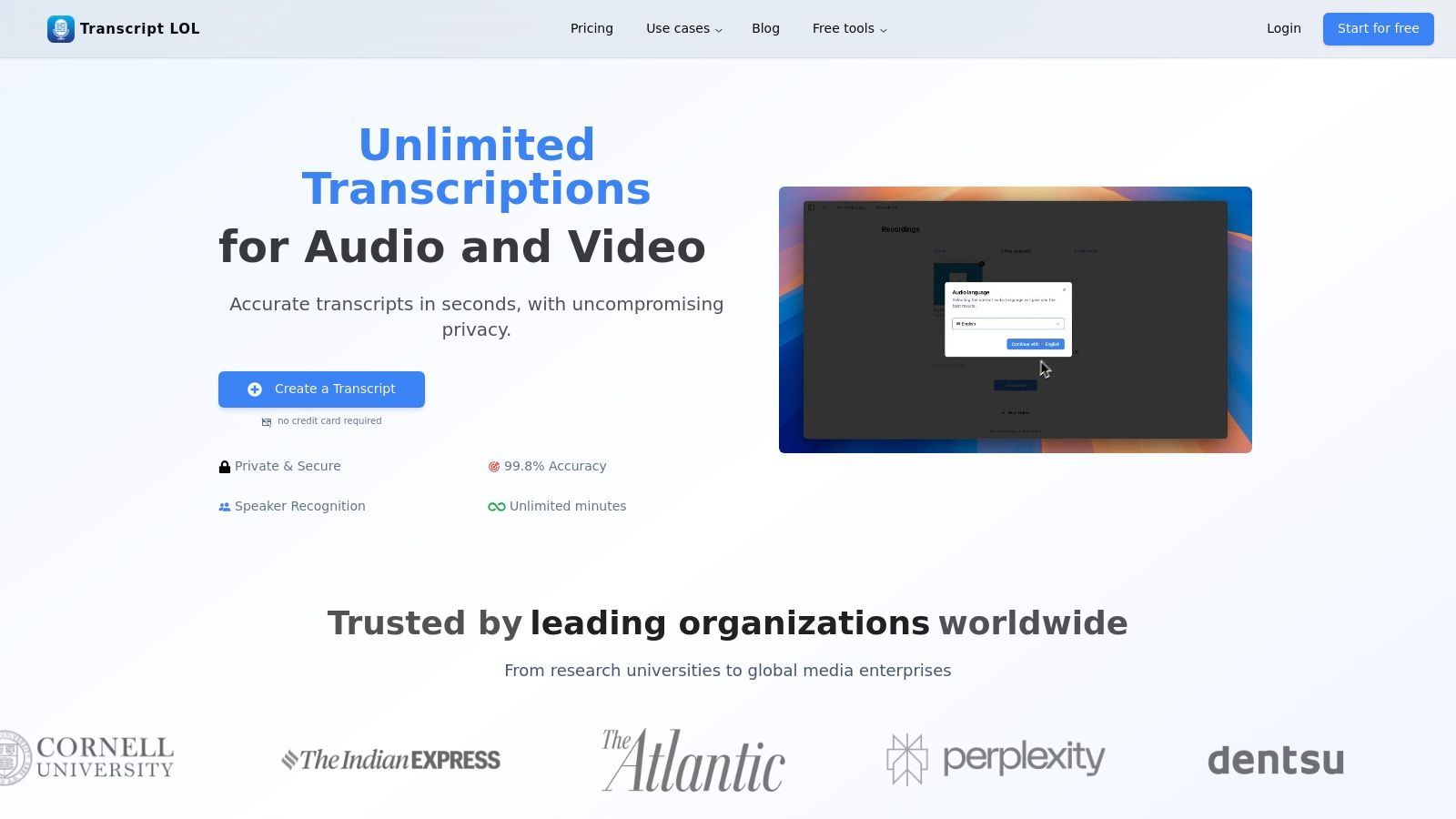
What truly sets Transcript.LOL apart is its focus on turning raw transcripts into actionable content. It’s not just about converting audio to text; it’s about what you can do with that text afterward. The platform integrates powerful AI features that automatically generate summaries, chapter breakdowns, action items, and even quizzes from your transcript. This transforms a typically time-consuming post-production task into an automated, efficient workflow, a major advantage for content marketers, podcasters, and corporate teams.
Core AI Capabilities That Go Beyond Transcription
State-of-the-art AI
Powered by OpenAI's Whisper for industry-leading accuracy. Support for custom vocabularies, up to 10 hours long files, and ultra fast results.

Import from multiple sources
Import audio and video files from various sources including direct upload, Google Drive, Dropbox, URLs, Zoom, and more.

Editing tools
Edit transcripts with powerful tools including find & replace, speaker assignment, rich text formats, and highlighting.
Core Features and Capabilities
Transcript.LOL is packed with features designed for both individual power users and collaborative teams:
- Exceptional Accuracy and Flexibility: Leveraging OpenAI's Whisper, the platform boasts up to 99.8% accuracy. Users can enhance this further with custom vocabulary support for specialized terms, names, or jargon. It accepts a vast array of input sources, including direct uploads, cloud drives (Google Drive, Dropbox), and direct links from platforms like YouTube, Zoom, and Vimeo.
- AI-Powered Content Generation: This is the platform's standout capability. Beyond transcription, it can produce a variety of AI-generated assets:
- Summaries & Chapters: Get a concise overview or a detailed breakdown of your content.
- Social Media Posts: Automatically create ready-to-publish posts for platforms like LinkedIn and X (formerly Twitter).
- Quizzes & Mind Maps: Excellent for educational content, turning lectures or interviews into learning tools.
- Chatbot Prompts: Generate reusable prompts for further content exploration with AI.
- Advanced Editing and Export: The platform features a rich-text editor with speaker detection and labeling, find-and-replace functionality, and easy speaker assignment. When you’re ready, you can export your work in multiple formats, including TXT, DOCX, PDF, and subtitle formats like SRT and VTT.
- Team-Oriented Workflow: For organizations, Transcript.LOL provides shared workspaces, granular access controls, and robust search capabilities across all team content. Integrations with Zapier and a dedicated API allow it to plug seamlessly into existing enterprise pipelines.
Meeting-Focused Transcription Features

Speaker detection
Automatically identify different speakers in your recordings and label them with their names.

Export in multiple formats
Export your transcripts in multiple formats including TXT, DOCX, PDF, SRT, and VTT with customizable formatting options.
Summaries and Chatbot
Generate summaries & other insights from your transcript, reusable custom prompts and chatbot for your content.
Integrations
Connect with your favorite tools and platforms to streamline your transcription workflow.
Privacy and Pricing
A significant differentiator for Transcript.LOL is its commitment to user privacy. The platform operates under a strict no-training policy, guaranteeing that your uploaded files are never used to train AI models. This is a critical assurance for users handling sensitive content in legal, medical, or corporate environments.
To help you choose the right approach for your project, here’s a quick breakdown of the most common timestamping methods and where they shine.
Key Timestamp Methods and Their Primary Use Cases
| Timestamp Method | Primary Platform | Key Benefit | Best For |
|---|---|---|---|
| YouTube Chapters | YouTube | Enhances navigation directly on the video player and improves SEO. | Long-form content, tutorials, interviews, and podcasts. |
| SRT/VTT Files | Various Platforms | Provides accurate, time-synced captions for accessibility and SEO. | Any video requiring subtitles, especially for social media or global audiences. |
| Burnt-In Timecodes | Video Editing | Displays a running timecode overlay directly on the video frame. | Production dailies, legal depositions, and review copies for editors. |
Each of these methods serves a different purpose, from making a YouTube video more user-friendly to ensuring a legal deposition is accurately documented. Choosing the right one depends entirely on your end goal.
Privacy-First Transcription You Can Trust
Transcript.LOL follows a strict no-training policy, meaning your audio, video, and transcripts are never used to train AI models. This makes it a reliable choice for sensitive business, legal, and research content. Your data remains private, secure, and fully under your control at all times.
The pricing structure is straightforward and provides a clear path for users to scale:
| Plan | Price (Billed Annually) | Key Features | Best For |
|---|---|---|---|
| Free Tier | $0 | 2 transcripts/day, 20-min max upload, low-priority processing | Testing the platform or transcribing short clips. |
| Unlimited | $120/year | Unlimited transcripts, 10-hour uploads, priority processing, all AI features | Individual creators, researchers, and professionals. |
| Team | $240/year (for 2 users) | All Unlimited features plus shared workspaces and access controls | Businesses, agencies, and collaborative teams. |
Final Verdict
Transcript.LOL earns its spot as a leading choice for the best speech to text software by successfully bridging the gap between high-accuracy transcription and intelligent content creation. Its ability to handle long files, combined with a privacy-first policy and a powerful suite of AI-driven content repurposing tools, provides immense value. While the free plan is limited, the paid tiers offer an unlimited, high-priority workflow that can save professionals countless hours. If you want a tool that treats transcription as the beginning of your content lifecycle, not the end, Transcript.LOL is an exceptional and well-rounded solution.
Pros:
- High accuracy and speed powered by OpenAI Whisper, with support for very long files.
- Turns transcripts into usable content like summaries, social posts, and quizzes.
- Robust team features, integrations, and wide platform import options.
- Privacy-first approach with a strict no-training policy on user data.
Cons:
- Free plan is limited and best suited for testing purposes.
- Requires high-quality audio for optimal accuracy, as with any transcription service.
Website: https://transcript.lol
2. Nuance Dragon
Nuance Dragon stands as a titan in the world of professional dictation, offering a suite of highly accurate, command-driven speech-to-text solutions. For decades, it has been the go-to tool for professionals in demanding fields like law, healthcare, and enterprise who require more than simple transcription. Dragon excels at turning spoken words into text in real-time and allows users to control their entire computer with voice commands, making it one of the best speech to text software options for power users and accessibility.
Unlike many modern cloud-only services, Dragon offers a powerful desktop application alongside cloud and mobile versions, giving users flexibility in how they work. This ecosystem approach ensures that whether you're at your desk or on the move, your custom vocabularies and user profiles are synchronized.
Key Features and Offerings
Dragon's product lineup is tailored to specific professional needs, ensuring users get a tool optimized for their workflow.
- Custom Vocabularies & Macros: You can train Dragon to recognize industry-specific jargon, acronyms, and names, significantly boosting accuracy. Users can also create voice-activated macros to automate multi-step tasks, such as inserting a boilerplate text block or filling out a form with a single command.
- Deep Command and Control: Go beyond dictation to fully operate your computer. Launch applications, navigate menus, click buttons, and browse the web entirely hands-free. This is a critical feature for accessibility and productivity.
- Multiple Product Tiers: Dragon is not a one-size-fits-all solution. It offers Dragon Professional v16 as a perpetual desktop license, Dragon Professional Anywhere as a cloud-based subscription for enterprise, and Dragon Anywhere Mobile for iOS and Android.
Who Is It Best For?
Nuance Dragon is the ideal choice for professionals who spend a significant portion of their day creating detailed documents and need to maintain high levels of productivity. Legal professionals, physicians, authors, and corporate executives will find its deep customization and hands-free control invaluable. It's also a leading solution for users with physical disabilities who require robust accessibility tools to interact with their computers.
Practical Tip: To maximize Dragon's accuracy, spend time in the initial training wizard and use the "Add words to vocabulary" feature early and often. For example, if you are a lawyer, add specific case names, legal precedents, and client names to your custom dictionary before you begin dictating documents.
| Feature Comparison | Dragon Professional (Desktop) | Dragon Professional Anywhere (Cloud) |
|---|---|---|
| Platform | Windows Only | Windows, Cloud, Mobile App |
| Licensing | Perpetual (One-time fee) | Subscription (Annual) |
| Profile Management | Local | Centralized (Cloud-synced) |
| Best For | Individuals, small businesses | Large teams, enterprise |
Pros:
- Exceptional accuracy with specialized vocabularies.
- Mature, feature-rich product refined over decades.
- Powerful hands-free computer control and accessibility features.
Cons:
- Primarily Windows-focused; no modern Mac desktop version.
- The upfront cost for a perpetual license can be substantial.
Website: https://dragon.nuance.com
3. Otter.ai
Otter.ai has carved out a unique niche in the speech-to-text landscape by focusing on a specific, high-value problem: transcribing and summarizing meetings and conversations. It transforms live or recorded audio into smart, collaborative notes complete with speaker identification, timestamps, and actionable summaries. This meeting-centric approach makes it one of the best speech to text software solutions for teams, students, and professionals who need to capture and recall conversational intelligence.
Unlike general-purpose dictation tools, Otter.ai is designed for collaboration. Its "OtterPilot" can automatically join meetings on Zoom, Google Meet, and Microsoft Teams, acting as an AI notetaker that allows participants to focus on the discussion rather than on typing. The resulting transcripts are searchable, shareable, and integrated into a team workspace.
Key Features and Offerings
Otter.ai's platform is built around making meeting content accessible and useful long after the call has ended.
- Live Transcription and Speaker Identification: Otter transcribes conversations in real time, automatically differentiating between speakers. This is crucial for understanding the context of who said what in multi-person discussions.
- Automated Meeting Summaries: Using AI, Otter generates a concise summary of the key topics and action items discussed in a meeting. This allows users to quickly grasp the important takeaways without reading the entire transcript.
- Deep Integrations: The platform seamlessly connects with popular calendar and video conferencing tools. The OtterPilot can auto-join and record scheduled meetings, and users can even use it to capture audio from in-person conversations via the mobile app.
- Collaborative Workspace: Transcripts can be highlighted, commented on, and shared with team members. This transforms a simple text file into an interactive document for follow-ups and project management.
Who Is It Best For?
Otter.ai is ideal for corporate teams, project managers, students, journalists, and anyone who regularly participates in meetings. It excels in environments where capturing accurate records of conversations is essential for productivity and accountability. Business professionals can use it to ensure no action item is missed, while students can record lectures for easier review. If your primary need is turning spoken conversations into organized, searchable notes, Otter.ai is a top-tier choice. For a closer look at its capabilities, you can learn more about how Otter.ai functions as an AI note-taker for Zoom.
Practical Tip: Before an important meeting, use the "Custom Vocabulary" feature to add names of attendees, project codenames, and specific company jargon. This significantly improves Otter's accuracy and reduces the amount of post-meeting cleanup required on the transcript.
| Feature Comparison | Otter.ai Business | Otter.ai Enterprise |
|---|---|---|
| Transcription Minutes | 6000 per user/month | Custom |
| Per-Conversation Limit | 4 hours | 4 hours |
| Admin & Security | Standard | Advanced (SAML, SSO) |
| Best For | Small to medium teams | Large organizations, regulated industries |
Pros:
- Excellent real-time speaker identification.
- Seamless integration with major video conferencing platforms.
- Powerful AI-driven summaries and collaborative features.
Cons:
- Primarily focused on meetings; not ideal for general-purpose dictation.
- Accuracy can be lower in noisy environments or with strong accents.
Website: https://otter.ai
4. Microsoft Azure AI Speech
Microsoft Azure AI Speech serves as the foundational speech-to-text engine for developers and enterprises building sophisticated voice-enabled applications.
Built for Developers, Not End Users
Azure AI Speech is not a plug-and-play transcription app. It is designed for engineering teams who want to embed speech recognition into their own platforms, applications, or workflows. Expect powerful customization, but also a technical setup process.
Rather than a standalone app, it's a powerful cloud-based service within the Azure ecosystem, designed for custom integration. This makes it one of the best speech to text software choices for businesses that need to build transcription capabilities directly into their products, workflows, or infrastructure with enterprise-grade security and scalability.
Azure AI Speech excels in providing building blocks for transcription, offering both real-time streaming and batch processing for pre-recorded audio files. Its strength lies in its deep customization options and seamless integration with other Azure services, allowing organizations to create highly tailored and secure voice solutions that meet specific compliance and operational needs.
Key Features and Offerings
Azure AI Speech provides a comprehensive toolkit for developers to embed advanced speech recognition into their applications.
- Custom Model Training: A standout feature is the ability to create custom speech models. You can upload your own audio data and transcripts to train a model that recognizes unique industry jargon, product names, or accents, significantly improving accuracy for specialized use cases.
- Diarization & Language ID: The service can automatically distinguish between different speakers in an audio file (diarization) and identify the language being spoken from a wide range of supported languages and dialects. This is essential for transcribing meetings, interviews, and customer service calls.
- Flexible Deployment Options: While primarily a cloud service, Azure AI Speech can be deployed in containers. This allows organizations in sensitive industries like healthcare or finance to run the transcription models on-premises or at the edge, keeping data within their own network for maximum security and privacy.
Who Is It Best For?
Microsoft Azure AI Speech is built for developers, large enterprises, and technology companies that require a robust, scalable, and customizable speech-to-text API to integrate into their own software or internal systems. It's ideal for creating voice-controlled applications, building call center analytics tools, or embedding transcription features into media platforms. It is not an out-of-the-box tool for individual end-users but rather a platform for building those tools.
Practical Tip: When using Azure AI Speech, start with the base model to gauge its performance. If you encounter accuracy issues with domain-specific terms, use the Custom Speech portal to upload a dataset of text (like product manuals or industry reports) and corresponding audio to fine-tune a model. This can dramatically improve recognition for your specific needs. Learn more about how these factors influence speech to text accuracy.
| Feature Comparison | Standard Model (Pay-as-you-go) | Custom Speech Model |
|---|---|---|
| Setup | Immediate use via API | Requires data upload and training |
| Accuracy | High for general conversation | Very high for specific domains |
| Cost | Standard per-hour rate | Training and hosting costs apply |
| Best For | General applications, quick start | Niche industries, high-accuracy needs |
Pros:
- Enterprise-grade security, compliance, and global Azure integration.
- Extensive customization options for domain-specific accuracy.
- Flexible deployment with container support for on-premises use.
Cons:
- Pricing can be complex, with costs for storage, training, and usage.
- Requires technical expertise (developer skills) to implement.
Website: https://azure.microsoft.com/en-us/products/ai-services/ai-speech
5. Google Cloud Speech-to-Text (V2)
Google Cloud Speech-to-Text stands at the forefront of developer-focused transcription, offering a powerful and scalable API that leverages Google's advanced AI research. Unlike end-user applications, this service provides the raw building blocks for developers to integrate state-of-the-art transcription directly into their own software and workflows. By harnessing models like the high-accuracy 'Chirp', it delivers some of the best speech to text software performance available for both real-time and batch processing tasks.
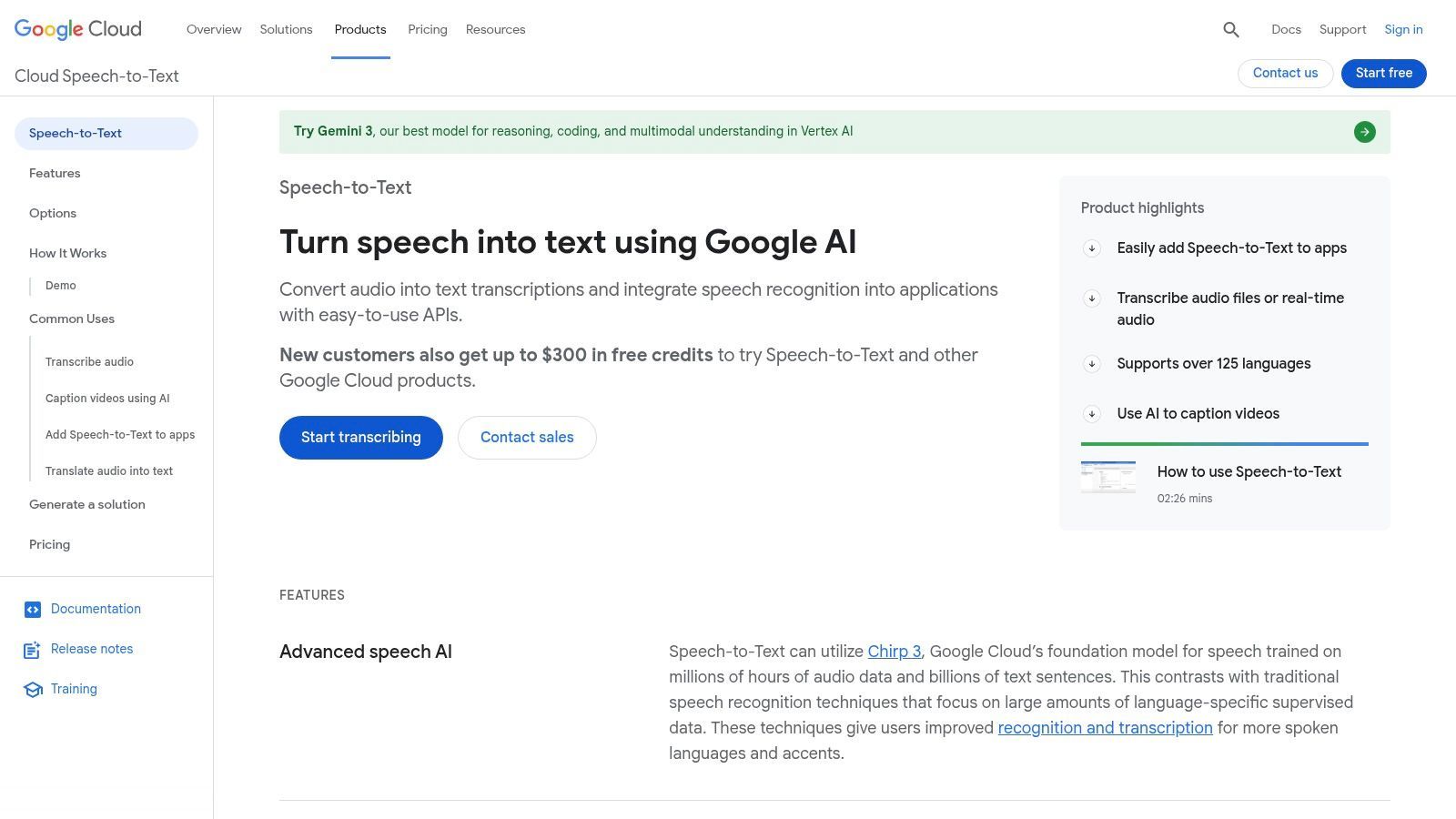
The platform is designed for flexibility, allowing businesses to choose the right balance of speed, accuracy, and cost for their specific needs. Its deep integration with the Google Cloud Platform (GCP) ecosystem means it works seamlessly with other cloud services like storage and computing, making it a go-to choice for businesses already invested in Google's infrastructure.
Key Features and Offerings
Google Cloud's API is built for versatility, catering to a wide range of transcription scenarios from live captioning to large-scale audio analysis.
- High-Accuracy Models: Access to Google's cutting-edge transcription models, including the universal 'Chirp' model, which is trained on millions of hours of audio and supports over 100 languages with remarkable accuracy.
- Flexible Processing Options: Supports both real-time transcription for live audio streams and batch transcription for pre-recorded files. This dual capability makes it suitable for applications like live-event captioning and offline media processing.
- Dynamic Batch Tier: A unique pricing option that provides significant discounts (up to 50% or more) for transcription jobs that are not time-sensitive. By allowing Google to process the audio during off-peak times, users can dramatically lower costs for large-volume projects.
- Wide Language and Dialect Coverage: Extensive support for numerous languages and their specific dialects, ensuring high-quality transcription for a global user base.
Who Is It Best For?
Google Cloud Speech-to-Text is the ideal solution for developers, startups, and enterprises looking to build applications with built-in transcription capabilities. It's perfect for companies creating podcast transcription services, video captioning tools, voice-controlled applications, or call center analytics software. Any organization with a high volume of audio data to process will find the scalable infrastructure and cost-effective batch options highly valuable.
Practical Tip: For large archives of audio files (e.g., recorded meetings or interviews) that don't require immediate turnaround, use the Dynamic Batch feature. This can cut transcription costs by more than half, making large-scale projects much more affordable. Check the GCP console for current pricing, as it can fluctuate.
| Feature Comparison | Standard Model | Chirp Universal Model |
|---|---|---|
| Use Case | General-purpose, cost-effective | Highest accuracy, broad language |
| Language Support | Varies by model | 100+ languages |
| Pricing | Standard Tier | Premium Tier |
| Best For | Standard applications | Quality-critical, multilingual apps |
Pros:
- Exceptional accuracy, leveraging Google's premier AI models.
- Flexible pricing tiers, including the deeply discounted Dynamic Batch option.
- Highly scalable and integrates seamlessly with the broader GCP ecosystem.
Cons:
- Requires technical expertise to implement; it's an API, not an out-of-the-box application.
- Pricing can be complex and requires careful monitoring in the GCP console.
Website: https://cloud.google.com/speech-to-text
6. Amazon Transcribe
Amazon Transcribe is a fully managed, AI-powered automatic speech recognition (ASR) service from Amazon Web Services (AWS). Rather than a standalone application, it's a powerful building block for developers and businesses looking to integrate highly accurate speech-to-text capabilities into their own applications and workflows. It excels at processing large volumes of audio, making it one of the best speech to text software solutions for scalable, automated transcription needs.
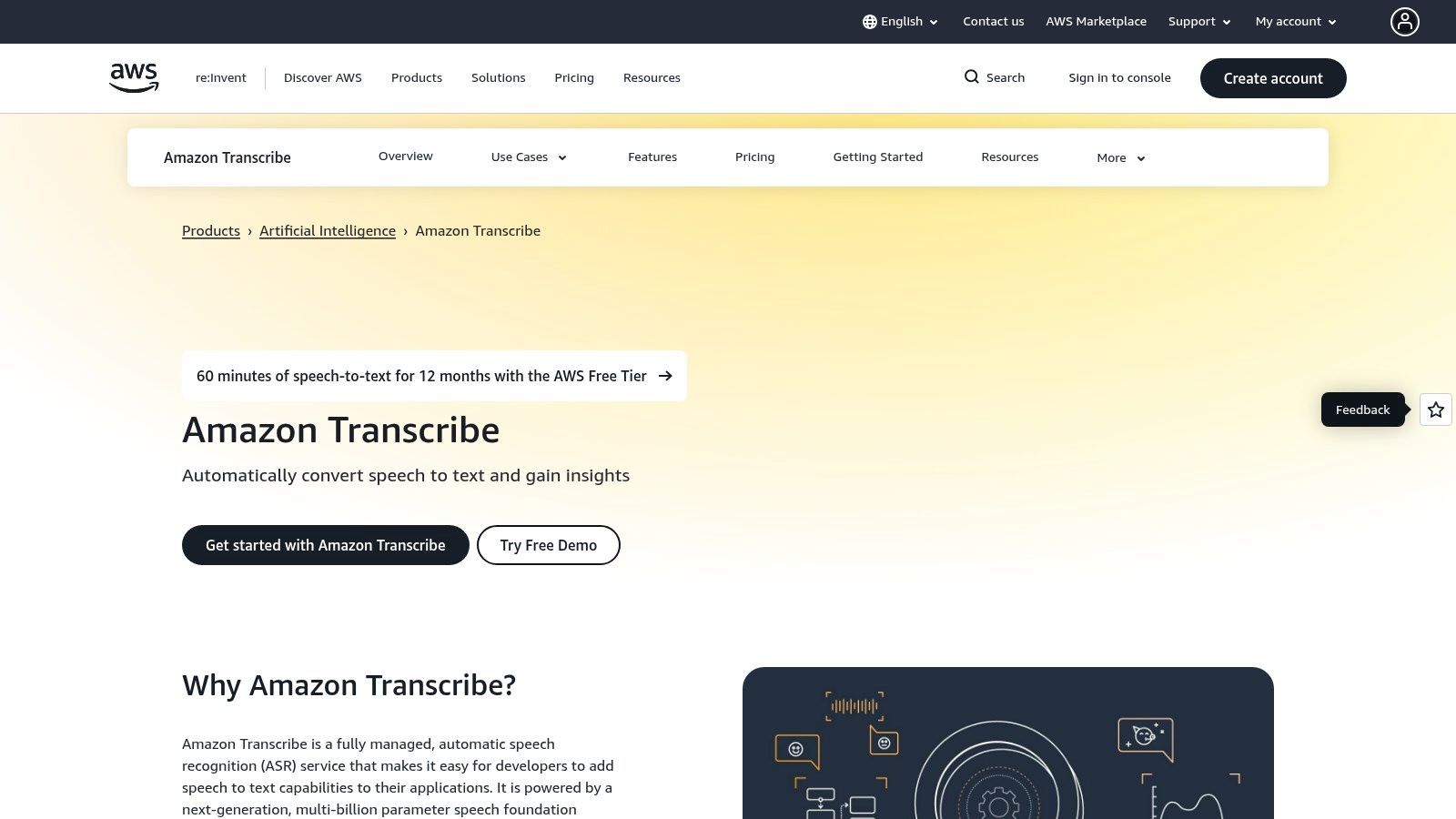
As part of the vast AWS ecosystem, Transcribe is designed for reliability and scale. It supports both real-time (streaming) transcription for live events and batch processing for pre-recorded audio files stored in services like Amazon S3. This flexibility allows it to power everything from live captioning on a webinar to analyzing thousands of hours of customer service calls.
Key Features and Offerings
Amazon Transcribe is packed with features designed for enterprise-grade applications, focusing on accuracy, security, and data analysis.
- Batch and Streaming Transcription: Process large archives of audio files at once or transcribe live audio streams in real time. The service automatically handles punctuation and formatting for improved readability.
- Custom Language Models (CLM): Train Transcribe on your own domain-specific data sets. This allows you to create custom models that accurately recognize unique product names, industry jargon, or specific speaker accents, significantly improving transcription quality for specialized use cases.
- PII Redaction & Toxicity Detection: Automatically identify and redact personally identifiable information (PII) like social security numbers or addresses from transcripts. It can also flag toxic or inappropriate language, which is crucial for content moderation and compliance.
- Call Analytics: A specialized feature for contact centers, Transcribe Call Analytics provides turn-by-turn transcripts enriched with insights like customer sentiment, non-talk time, and call categorization, all powered by machine learning.
Who Is It Best For?
Amazon Transcribe is the ideal choice for developers, enterprises, and contact centers that need to integrate a scalable and robust transcription service into their products or internal systems. Media companies use it for subtitling, startups use it to power voice features in their apps, and businesses use it to gain insights from their audio data. It’s less suited for individuals looking for a simple, off-the-shelf dictation app.
Practical Tip: To get the most accurate results for industry-specific audio, leverage the Custom Language Models feature. For example, a medical company can upload a text file with thousands of pharmaceutical names and medical terms. This trains Transcribe to recognize those specific words, dramatically reducing errors compared to a generic model.
| Feature Comparison | Standard Transcription | Transcribe Call Analytics |
|---|---|---|
| Primary Use | General-purpose audio transcription | Contact center call analysis |
| Output | Plain text transcript | Enriched transcript with sentiment, categorization |
| Pricing Model | Per-second of audio processed | Per-second (higher rate than standard) |
| Best For | Media captioning, meeting notes | Customer service quality assurance, agent training |
Pros:
- Predictable, pay-as-you-go pricing and deep integration with the AWS ecosystem.
- Powerful built-in features like PII redaction and call analytics for regulated industries.
- Highly scalable to handle virtually any volume of audio.
Cons:
- The pricing structure, with various tiers and feature surcharges, can be complex.
- Requires some technical knowledge to implement; not a simple end-user application.
- Integrating with other AWS services (like S3 for storage) can incur separate costs.
Website: https://aws.amazon.com/transcribe/
7. Rev
Rev offers a unique hybrid approach to transcription, blending the speed of artificial intelligence with the precision of human expertise. It stands out by providing users with a fast, automated speech-to-text service for immediate results, while also offering a straightforward path to upgrade any file to a 99% accurate human-powered transcript. This makes it an incredibly versatile solution for anyone who needs reliable transcripts but may have varying requirements for accuracy and turnaround time, positioning it as one of the best speech to text software choices for a wide range of users.
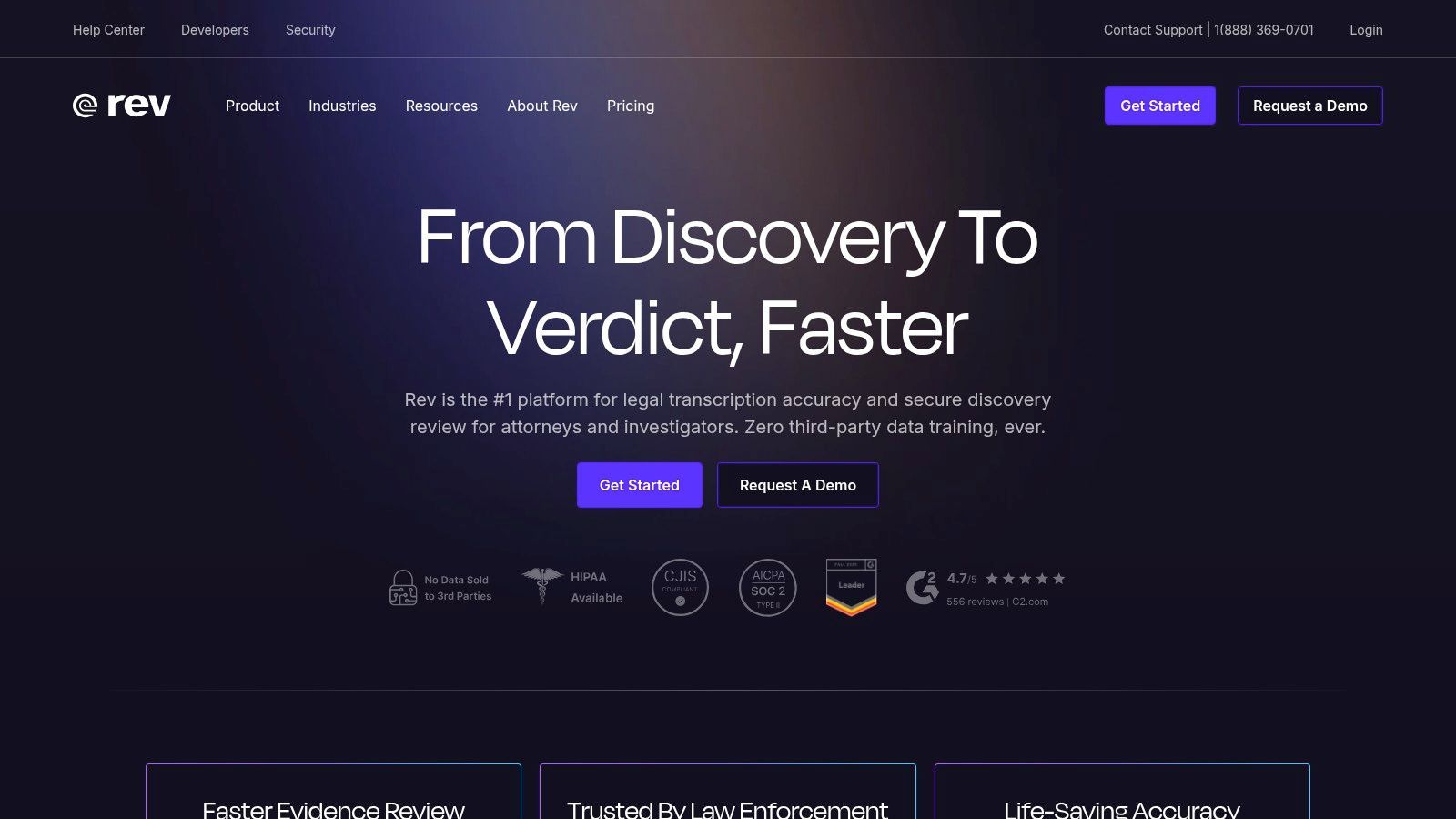
The platform is built around a simple, web-based workflow: upload your audio or video file, choose your service, and receive your transcript. This ease of use, combined with its powerful features like an interactive editor and integrations with popular meeting platforms, makes Rev a go-to for professionals in media, marketing, and corporate environments.
Key Features and Offerings
Rev’s services are designed to cater to both automated and human-centric transcription needs, giving users flexibility and control over the final product.
- Hybrid Transcription Model: Start with an instant AI-generated draft that is typically around 90% accurate. For mission-critical content where every word matters, you can seamlessly upgrade to a human-verified transcript with a guaranteed 99% accuracy rate.
- AI Notetaker Integrations: Rev offers an AI Notetaker that integrates directly with Zoom, Microsoft Teams, and Google Meet. This tool automatically joins your meetings, records them, and provides a transcript and summary, making it easy to keep track of key decisions and action items.
- Interactive Transcript Editor: All transcripts, whether AI or human-generated, come with access to an interactive editor. This tool allows you to listen to the audio while you review the text, make corrections, highlight key sections, and easily export the final version in various formats.
- Team & Enterprise Solutions: For organizations, Rev provides centralized billing, user management, and discounted rates on its human services. This makes it simple to manage transcription needs across multiple departments or projects.
Who Is It Best For?
Rev is the ideal choice for podcasters, video creators, journalists, and marketers who need both quick drafts for content creation and highly accurate final transcripts for captions or publications. Corporate teams also benefit greatly from the AI Notetaker for documenting meetings. The platform's transparent pricing and clear service tiers make it easy for users to understand the cost of transcription services and choose the right option for their budget and accuracy needs.
Practical Tip: For long-form interviews or webinars, use the AI transcription service first to get a quick, low-cost draft. Use the interactive editor to make initial corrections and identify the most important segments. Then, if needed, you can upgrade only the critical clips to the human transcription service to save on costs while still achieving 99% accuracy on the parts that matter most.
| Feature Comparison | Rev AI Transcription | Rev Human Transcription |
|---|---|---|
| Accuracy | ~90% (Automated) | 99% (Human-Guaranteed) |
| Turnaround Time | Minutes | Typically within 24 hours |
| Pricing Model | Per-minute (low cost) / Subscription | Per-minute (premium cost) |
| Best For | Quick drafts, internal notes, initial content review | Final publications, legal/medical use, video captions |
Pros:
- Flexible model combines AI speed with human accuracy.
- Transparent and straightforward per-minute pricing.
- Excellent integrations with video conferencing tools.
Cons:
- Human transcription costs are significantly higher than AI.
- Turnaround time for human services can vary based on audio quality and length.
Website: https://www.rev.com
Top 7 Speech-to-Text Tools Comparison
| Solution | 🔄 Implementation complexity | ⚡ Resource requirements | ⭐ Expected outcomes | 📊 Ideal use cases | 💡 Key advantages |
|---|---|---|---|---|---|
| Transcript.LOL | Low — web app, turnkey with team workspace | Moderate — paid plans for unlimited long-file support | ⭐⭐⭐⭐⭐ Very high accuracy (Whisper + custom vocab) + AI summaries | Podcasters, creators, researchers, teams needing fast repurposing | Fast long-file support, rich exports, no‑training privacy, integrations |
| Nuance Dragon | Medium — desktop install and profile tuning; macros setup | Medium — Windows-centric; upfront license or cloud subscription | ⭐⭐⭐⭐ High accuracy for trained profiles and dictation | Legal, medical, accessibility, power users needing hands‑free control | On‑device privacy, deep vocab/macros, mature stability |
| Otter.ai | Low — instant signup and meeting integrations | Low — subscription for advanced/team features; cloud processing | ⭐⭐⭐ Good meeting transcripts with speaker ID and summaries | Live meetings, shared notes, teams wanting searchable transcripts | Live captioning, easy UI, strong meeting platform integrations |
| Microsoft Azure AI Speech | High — developer/API integration; custom models and containers | High — Azure subscription, engineering effort, optional containers | ⭐⭐⭐⭐→⭐⭐⭐⭐⭐ High when customized; enterprise-grade features | Enterprises, regulated data, on-prem/edge deployments | Enterprise security/compliance, custom acoustic/language models, container support |
| Google Cloud Speech-to-Text (V2) | High — API integration and model selection | High — GCP account, per-second billing; can use Dynamic Batch | ⭐⭐⭐⭐ High accuracy, wide language coverage, flexible models | Developer apps, high-volume or multilingual transcription | Competitive pricing tiers, Dynamic Batch discounts, strong models (Chirp) |
| Amazon Transcribe | High — AWS integration and feature configuration | High — AWS account, pay-per-use; may require other AWS services | ⭐⭐⭐⭐ Reliable with analytics and PII redaction options | Call centers, regulated environments, analytics-heavy workflows | PII redaction, call analytics, deep AWS ecosystem integration |
| Rev | Low — web upload workflow; optional human upgrade | Low–Medium — pay-as-you-go; add cost/time for human transcription | ⭐ (AI) / ⭐⭐⭐⭐⭐ (Human) AI fast; human upgrade for near‑99% accuracy | Creators needing mixed speed/accuracy, formal transcripts requiring QA | Simple workflow, transparent pricing, option to combine AI + human review |
Making the Final Choice: From Transcription to Transformation
Navigating the landscape of speech-to-text technology can feel overwhelming, but as we've explored, the diversity of tools available means there is a perfect solution for virtually every need.
How to Choose the Right Speech-to-Text Tool
Accuracy Matters
High transcription accuracy saves time on manual corrections. Test tools with real-world audio that includes accents, background noise, and multiple speakers before committing.
Workflow Compatibility
Choose a platform that fits your existing workflow. Integrations with cloud storage, meeting tools, or publishing platforms reduce friction and improve adoption.
Cost vs Scale
Some tools charge per minute, others offer flat pricing. Make sure the pricing model supports your current usage and future growth without surprises.
What Comes After Transcription
Modern tools do more than convert speech to text. Look for features like summaries, content repurposing, and collaboration to maximize value.
From the developer-centric power of cloud-based APIs to the collaborative polish of team-oriented platforms, the best speech to text software is ultimately the one that integrates seamlessly into your specific workflow and amplifies your productivity. The journey from spoken word to usable text is no longer just about accuracy; it's about what you can do with that text once it's captured.
We've covered a spectrum of powerful options. For developers building custom voice-enabled applications, the scalability and precision of APIs from Google Cloud, Microsoft Azure, and Amazon Transcribe are unparalleled. These services provide the foundational building blocks for creating sophisticated, AI-driven solutions tailored to unique business requirements. On the other end of the spectrum, professionals who demand high-fidelity dictation and hands-free computer control will find Nuance Dragon remains the gold standard, offering specialized vocabularies for industries like legal and healthcare.
For collaborative environments, platforms like Otter.ai and Rev have carved out essential niches. Otter.ai excels at transforming meetings into actionable records with real-time transcription and speaker identification, making it a favorite for corporate teams and students. Rev combines the speed of AI with the precision of human transcriptionists, offering a hybrid model that guarantees high accuracy for journalists, podcasters, and video creators who cannot afford errors.
A Quick Recap: Matching Your Need to the Right Tool
To simplify your decision, consider your primary objective. This quick-reference guide distills the core strengths of each platform we reviewed:
- For Custom Development & Scalability: Google Cloud Speech-to-Text, Microsoft Azure AI Speech, and Amazon Transcribe offer robust, flexible APIs for building voice features into your own applications.
- For Professional Dictation & Control: Nuance Dragon is the go-to for individuals in specialized fields requiring deep vocabulary support and hands-free workflow integration.
- For Collaborative Meeting Notes: Otter.ai provides a user-friendly, real-time solution designed to make team meetings more productive and accessible.
- For Guaranteed High Accuracy: Rev’s hybrid model of AI and human review is ideal for final-draft content where precision is non-negotiable, like professional media and legal documentation.
- For All-in-One Content Repurposing: Transcript.LOL stands out for users who see transcription as the start of the content creation process, not the end. It’s built for creators and marketers who need to turn audio into summaries, social media posts, and more.
Key Factors to Guide Your Decision
Before you commit, take a moment to evaluate your potential choice against these critical implementation factors:
- Integration and Workflow: How well does the software fit into your existing tool stack? Look for integrations with platforms you already use, like cloud storage (Google Drive, Dropbox), video conferencing tools (Zoom, Google Meet), or editing software. A tool that creates friction is a tool you won't use.
- Accuracy in Your Environment: Test each contender with audio that reflects your typical use case. Consider background noise, multiple speakers, accents, and industry-specific jargon. Most services offer a free trial, which is the perfect opportunity to run a real-world accuracy test.
Don’t Skip Real-World Testing
Even the best speech-to-text software can struggle with poor audio quality, heavy accents, or overlapping speakers. Always test with real recordings from your actual workflow before finalizing a tool.
- Scalability and Pricing: Your needs today might not be your needs tomorrow. Evaluate the pricing models carefully. Is it a per-minute fee, a flat monthly subscription, or a tiered system? Ensure the cost structure aligns with your projected usage, whether you're transcribing one podcast a week or thousands of customer service calls a day.
Ultimately, choosing the best speech to text software is a strategic decision that can save you countless hours and unlock new potential in your audio and video content. The right tool doesn't just convert speech to text; it transforms raw information into a valuable, actionable asset.
Ready to see how transcription can be the first step in a powerful content creation workflow? Transcript.LOL goes beyond simple accuracy by providing AI-powered tools to instantly turn your transcripts into summaries, social media content, and more. Stop just transcribing and start creating by visiting Transcript.LOL to try it for free.