
I 12 migliori software di trascrizione per interviste nel 2026
Trova il miglior software di trascrizione per interviste con la nostra recensione approfondita. Confrontiamo accuratezza, funzionalità e prezzi per aiutarti a scegliere lo strumento giusto.
Kate, Praveen
January 5, 2026
La trascrizione delle interviste è un compito non negoziabile per giornalisti, ricercatori, podcaster e creatori di contenuti. È il ponte tra una conversazione parlata e intuizioni attuabili, archivi ricercabili e contenuti finali raffinati. Ma il processo tradizionale, meticoloso e manuale di digitare ogni parola, aggiungere timestamp ai relatori e riascoltare sezioni poco chiare è un enorme spreco di tempo che prosciuga l'energia creativa e analitica. Fortunatamente, l'IA ha rivoluzionato questo flusso di lavoro.
Il miglior software di trascrizione per interviste di oggi può fornire una versione testuale altamente accurata del tuo file audio o video in pochi minuti, non ore, liberandoti per concentrarti sulla sostanza della conversazione. Ma con una dozzina di opzioni competitive sul mercato, ognuna con punti di forza, debolezza e modelli di prezzo diversi, come si sceglie quella giusta? Questa guida taglia il rumore. Abbiamo testato e analizzato rigorosamente le migliori piattaforme specificamente per le esigenze della trascrizione di interviste.
Ci concentriamo sui fattori critici:
- Accuratezza con più relatori, accenti e rumori di fondo.
- Politiche sulla privacy e gestione dei dati (chi si addestra sui tuoi dati?).
- Velocità di elaborazione dall'upload alla trascrizione completata.
- Strumenti di collaborazione per la modifica e la condivisione basate su team.
- Funzionalità avanzate come l'identificazione del relatore e vocabolari personalizzati.
Perché la qualità della trascrizione delle interviste è importante?
La trascrizione di alta qualità non si limita a convertire l'audio in testo. L'etichettatura accurata degli oratori, i timestamp puliti e la comprensione contestuale influiscono direttamente sulla validità della ricerca, sulla credibilità dei contenuti e sulla velocità di pubblicazione. Scegliere lo strumento sbagliato può comportare ore di pulizia manuale.
Per coloro che conducono interviste video, un primo passo cruciale prima della trascrizione è imparare come estrarre efficacemente l'audio dal video per garantire di avere un file audio pulito.
Che tu sia un podcaster solista con un budget limitato, un giornalista con scadenze strette o un ampio team di ricerca con rigorose esigenze di sicurezza, questo confronto approfondito ti aiuterà a trovare la soluzione perfetta. Ogni recensione include screenshot, collegamenti diretti e una valutazione onesta per aiutarti a prendere una decisione informata.
1. Transcript.LOL
Transcript.LOL si posiziona come una soluzione di prim'ordine, all-in-one e si distingue come il miglior software di trascrizione per interviste grazie alla sua eccezionale combinazione di velocità, accuratezza e funzionalità avanzate basate sull'intelligenza artificiale. Sfrutta una versione migliorata del modello Whisper di OpenAI, offrendo un'accuratezza quasi umana (~99,8%) che gestisce in modo affidabile più oratori, accenti diversi e terminologia complessa. Questa precisione riduce significativamente la necessità di correzioni manuali, un importante risparmio di tempo per giornalisti, ricercatori e podcaster che lavorano con lunghe registrazioni di interviste.
Strumenti flessibili di importazione, esportazione e modifica

Importa da più fonti
Importa file audio e video da varie fonti tra cui caricamento diretto, Google Drive, Dropbox, URL, Zoom e altro.

Strumenti di modifica
Modifica le trascrizioni con strumenti potenti tra cui trova e sostituisci, assegnazione dei parlanti, formati di testo arricchito ed evidenziazione.

Esporta in più formati
Esporta le tue trascrizioni in più formati tra cui TXT, DOCX, PDF, SRT e VTT con opzioni di formattazione personalizzabili.
La piattaforma è progettata per gestire carichi di lavoro impegnativi. Accetta file di grandi dimensioni fino a 10 ore o 5 GB ciascuno, ospitando di tutto, da lunghe interviste podcast a seminari accademici di un'intera giornata. Le sue versatili opzioni di importazione, tra cui caricamento diretto, unità cloud (Google Drive, Dropbox), Zoom e incollando direttamente l'URL, semplificano il flusso di lavoro per i professionisti che reperiscono contenuti da più piattaforme.
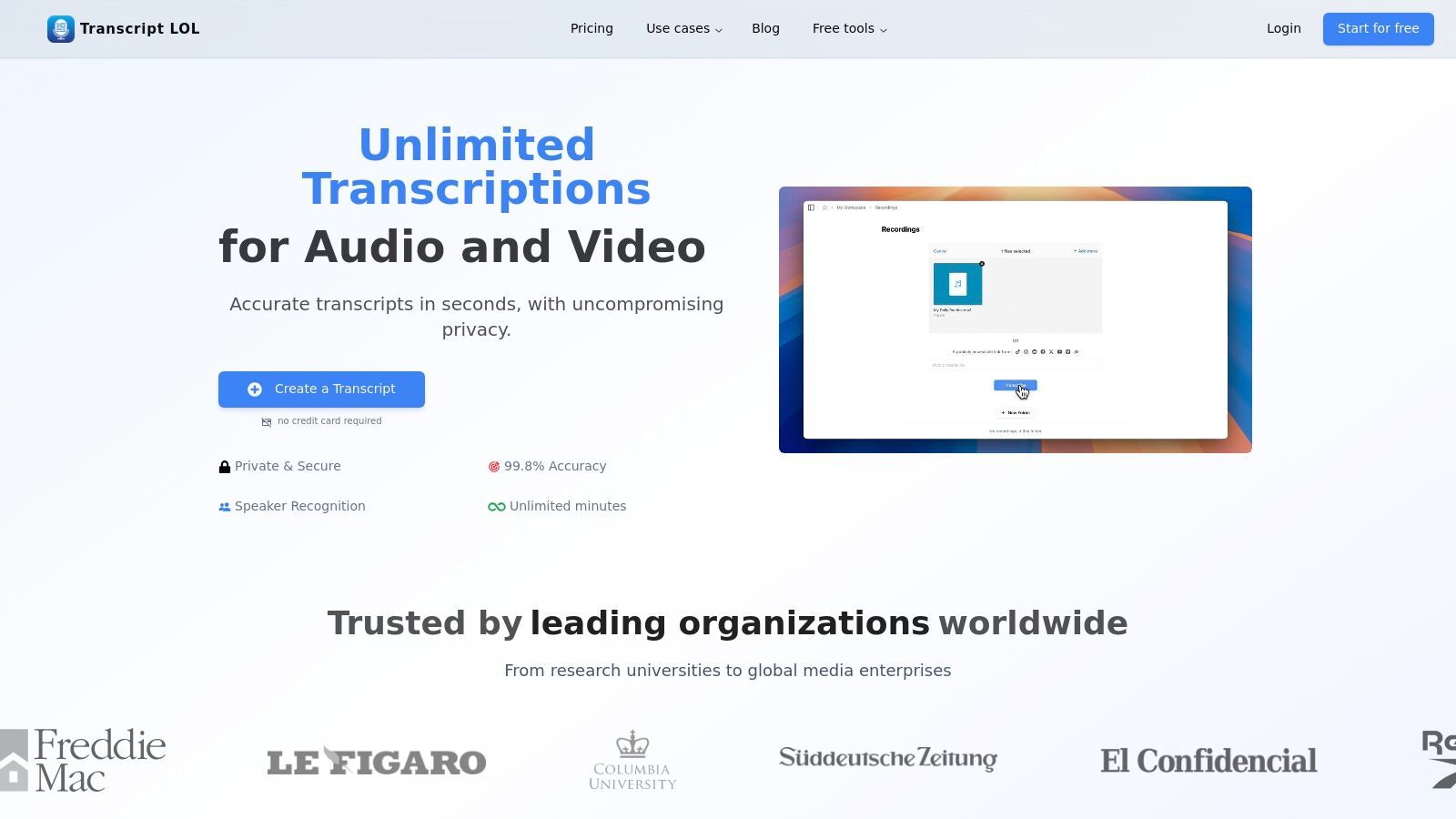
Perché eccelle per le interviste
Ciò che distingue veramente Transcript.LOL è la sua suite di strumenti AI post-trascrizione progettati per massimizzare il valore di ogni intervista. Oltre a un semplice file di testo, genera automaticamente riassunti concisi, identifica argomenti chiave per i segnalibri dei capitoli e può persino creare quiz, mappe mentali o post sui social media dal contenuto. Questo trasforma una singola intervista in un archivio di risorse riutilizzabili, ideale per marketer e creatori di contenuti. Per chi è nuovo al processo, Transcript.LOL offre consigli pratici su come trascrivere correttamente un'intervista per garantire i migliori risultati.
Funzionalità principali e usabilità
- Elevata precisione e velocità: Alimentato da Whisper di OpenAI e potenziato con supporto per vocabolario personalizzato per prestazioni superiori.
- Ampio supporto file: Gestisce file massicci da 10 ore/5 GB e si integra con Zoom, YouTube, Google Drive e altro ancora.
- Generazione di contenuti AI: Crea riassunti, capitoli, elementi d'azione, post social e altre risorse direttamente dalle trascrizioni.
- Solida politica sulla privacy: Una rigorosa politica di non addestramento garantisce che i dati delle tue interviste non vengano mai utilizzati per addestrare modelli AI.
- Collaborazione di squadra: Offre spazi di lavoro condivisi, organizzazione di cartelle e gestione degli accessi per progetti collaborativi.
Capacità di trascrizione basate sull'IA
IA all'avanguardia
Alimentato da Whisper di OpenAI per una precisione leader nel settore. Supporto per vocabolari personalizzati, file fino a 10 ore e risultati ultra rapidi.

Rilevamento dei parlanti
Identifica automaticamente diversi parlanti nelle tue registrazioni e etichettali con i loro nomi.
Riassunti e Chatbot
Genera riassunti e altri approfondimenti dalla tua trascrizione, prompt personalizzati riutilizzabili e chatbot per i tuoi contenuti.
Prezzi e Limitazioni
Transcript.LOL offre un generoso piano gratuito che include due trascrizioni al giorno (fino a 20 minuti ciascuna) senza richiedere una carta di credito. Per i professionisti, il piano Illimitato (120 $/anno) offre trascrizioni illimitate, limiti di caricamento di 10 ore e accesso a tutte le funzionalità AI. Un piano Team (240 $/anno per 2 utenti) aggiunge spazi di lavoro collaborativi.
Una potenziale limitazione è la mancanza di certificazioni di conformità rivolte al pubblico come HIPAA o SOC 2 sul suo sito web. Le organizzazioni con requisiti normativi rigorosi dovrebbero condurre la propria due diligence prima dell'adozione. Tuttavia, per la stragrande maggioranza degli utenti, la sua combinazione di accuratezza di alto livello, potenti strumenti AI e un forte impegno per la privacy lo rende una scelta impareggiabile.
Sito Web: https://transcript.lol
2. Otter.ai
Otter.ai è diventato uno strumento di riferimento per la trascrizione in tempo reale, in particolare per interviste e riunioni dal vivo. Il suo punto di forza risiede nelle profonde integrazioni con piattaforme di videoconferenza come Zoom, Google Meet e Microsoft Teams. Può unirsi automaticamente alle chiamate programmate, registrare l'audio e generare una trascrizione live con etichette dei relatori, agendo come un dedicato addetto alle note AI.
Questa funzionalità live cambia il gioco per giornalisti e ricercatori che hanno bisogno di concentrarsi sulla conversazione senza preoccuparsi di perdere dettagli chiave. Dopo l'intervista, Otter fornisce una trascrizione interattiva in cui è possibile fare clic su qualsiasi parola per ascoltare l'audio corrispondente. Il suo "OtterPilot" basato sull'intelligenza artificiale può anche generare automaticamente riassunti, elementi di azione e una bozza della riunione, il che accelera il processo di estrazione di citazioni e approfondimenti chiave. Questo lo rende uno dei migliori software di trascrizione per interviste condotte da remoto.
Prezzi e Funzionalità Chiave
Otter.ai opera su un modello freemium. Il piano Basic gratuito offre minuti di trascrizione limitati e un limite di 30 minuti per conversazione. I piani a pagamento sbloccano maggiore capacità:
- Piano Pro: A partire da 16,99 $/mese, offre più minuti mensili e un limite di 90 minuti per trascrizione.
- Piano Business: A 35 $/utente/mese, offre generosi 6.000 minuti per utente e un limite di 4 ore, ideale per utenti intensivi.
La piattaforma è meno adatta ai ricercatori qualitativi che necessitano di un'accuratezza e una separazione dei relatori senza compromessi, come dettagliato in questa guida al software di trascrizione per la ricerca qualitativa. Tuttavia, per rapidi tempi di consegna e note di riunione collaborative, eccelle.
Ideale per: Giornalisti, studenti e team aziendali che necessitano di trascrizione live e riassunti automatici da riunioni virtuali.
Sito Web: https://otter.ai
3. Rev
Rev si distingue nel settore della trascrizione offrendo un potente modello ibrido che combina la trascrizione AI veloce e conveniente con un servizio professionale gestito da esseri umani. Questo doppio approccio lo rende una scelta eccellente quando l'accuratezza è non negoziabile, come con registrazioni di interviste rumorose, conversazioni con forti accenti o interviste che coinvolgono più relatori difficili da distinguere. Gli utenti possono scegliere il servizio che meglio si adatta alle loro esigenze su base per file.
La piattaforma fornisce un editor interattivo raffinato per rivedere e perfezionare le trascrizioni, un'app mobile per la registrazione in movimento e un AI Notetaker che si integra con le principali piattaforme di riunione. Per le organizzazioni in settori regolamentati, Rev offre anche opzioni di conformità a livello aziendale come HIPAA e SOC 2, garantendo la sicurezza dei dati e la privacy per contenuti di interviste sensibili. Questa flessibilità lo rende uno strumento versatile per una vasta gamma di esigenze di trascrizione professionale.
Prezzi e Funzionalità Chiave
I prezzi di Rev sono divisi tra i suoi servizi AI e umani. La trascrizione AI è basata su abbonamento, mentre i servizi umani sono a pagamento per minuto.
- Trascrizione Umana: A partire da 1,50 $ per minuto audio con garanzia di accuratezza del 99%.
- Abbonamento Rev Max: Per 29,99 $/mese (fatturato annualmente), questo piano include 20 ore di trascrizione AI, l'AI Notetaker e sconti sui servizi umani.
- Abbonamento AI: È disponibile una prova gratuita, con piani a pagamento che offrono più minuti e funzionalità.
Il servizio umano può diventare costoso per gli utenti con grandi volumi di audio, ma fornisce un livello di qualità che l'AI da sola spesso non può eguagliare. Puoi saperne di più sulle sfumature dell'accuratezza del riconoscimento vocale per decidere quale opzione è migliore. Il chiaro flusso di acquisto di Rev ti consente di combinare facilmente i servizi.
Ideale per: Ricercatori, professionisti legali e giornalisti che necessitano di un'elevata accuratezza garantita per registrazioni audio complesse o di scarsa qualità.
Sito Web: https://www.rev.com
4. Trint
Trint è una potente piattaforma di trascrizione in stile redazione progettata per flussi di lavoro editoriali e di produzione ad alto rischio. Il suo punto di forza principale è la combinazione di trascrizione AI veloce con robusti strumenti collaborativi. I team possono evidenziare, commentare e modificare contemporaneamente le trascrizioni, rendendo facile estrarre citazioni chiave, costruire narrazioni e produrre contenuti da filmati di interviste grezze in modo rapido.
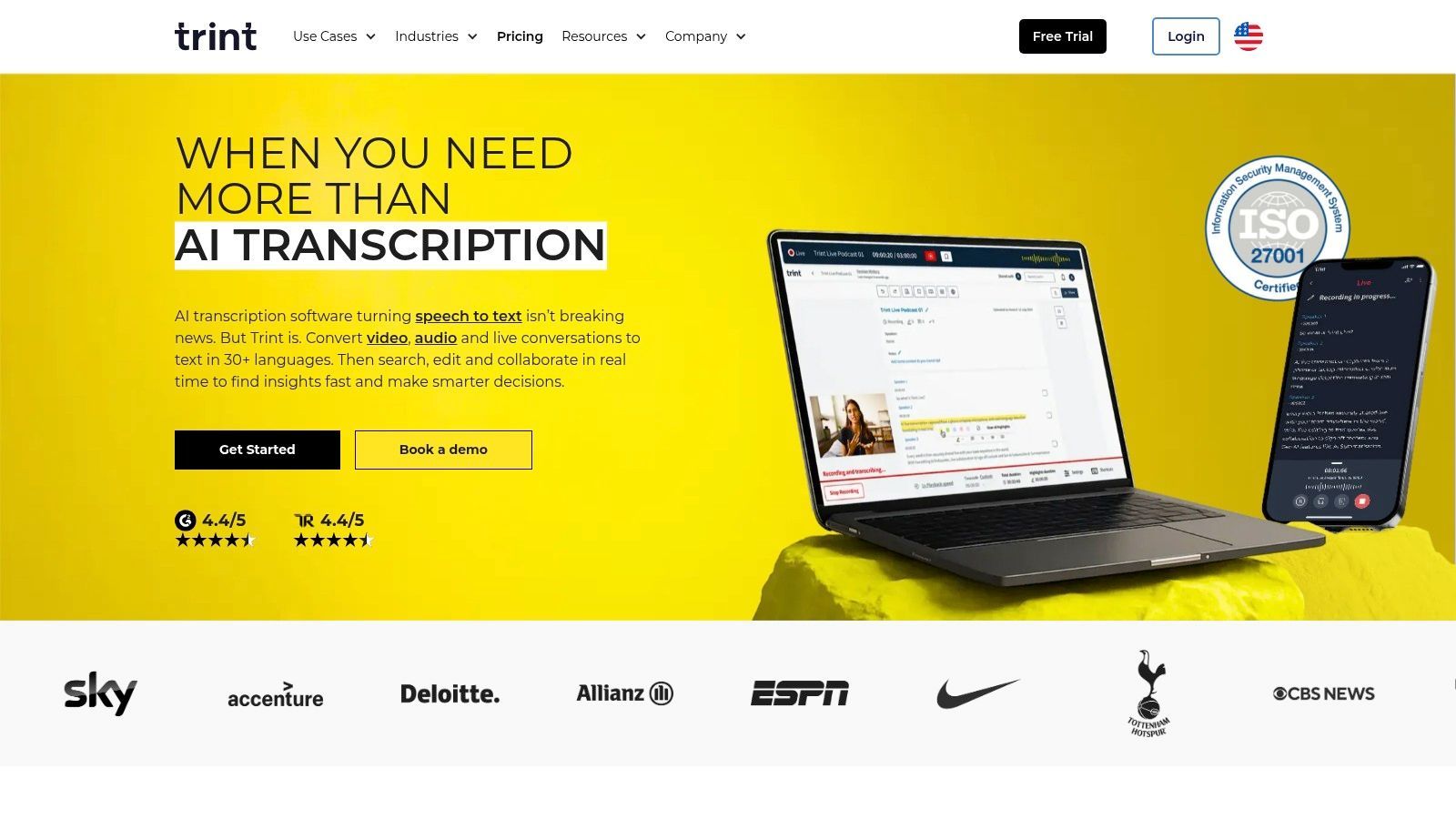
La piattaforma supporta la trascrizione in oltre 40 lingue e può tradurre il testo finale in più di 70 lingue, una funzionalità cruciale per le redazioni globali e i creatori di contenuti. Le sue capacità di trascrizione live consentono ai team di catturare eventi mentre accadono, rendendola una scelta eccellente per conferenze stampa, interviste in live streaming e media broadcast. L'attenzione di Trint alla sicurezza di livello aziendale e ai flussi di lavoro basati su team lo rende uno dei migliori software di trascrizione per interviste in ambienti mediatici professionali.
Prezzi e Funzionalità Chiave
I prezzi di Trint sono orientati ai team professionali con abbonamenti basati su postazioni. I piani possono risultare restrittivi per utenti singoli o per coloro con esigenze infrequenti.
- Piano Starter: A 80 $/utente/mese, questo piano è limitato alla trascrizione di 7 file per utente ogni mese.
- Piano Advanced: A partire da 100 $/utente/mese, offre trascrizione "illimitata", funzionalità in tempo reale e collaborazione.
- Piano Enterprise: Prezzi personalizzati per team più grandi che necessitano di sicurezza avanzata e accesso API.
Sebbene i piani "illimitati" siano generosi, sono soggetti a politiche di uso corretto che potrebbero interessare utenti estremamente intensivi. L'alto costo della piattaforma e i limiti di file sul piano entry-level la rendono meno adatta agli utenti occasionali, ma il suo set di strumenti specializzati è inestimabile per il suo pubblico di riferimento.
Ideale per: Giornalisti, case di produzione e team di marketing che necessitano di una piattaforma collaborativa e sicura per trasformare interviste in contenuti pubblicati.
Sito Web: https://trint.com
5. Descript
Descript rivoluziona il post-produzione di interviste unendo la trascrizione a un editor audio e video completo. La sua funzionalità distintiva è l'editing basato sul testo; trascrivi la tua intervista e poi edita l'audio o il video semplicemente eliminando parole o frasi nella trascrizione. Questo flusso di lavoro intuitivo fa risparmiare molto tempo a podcaster, giornalisti e creatori di video che hanno bisogno di trasformare rapidamente filmati di interviste grezze in contenuti raffinati.
La piattaforma include anche potenti strumenti come la rimozione di parole riempitive con un clic ("um", "uh"), l'etichettatura automatica dei relatori e capacità di registrazione remota tramite l'integrazione SquadCast. Questo rende Descript una soluzione all-in-one per l'intero ciclo di vita dell'intervista, dalla registrazione alla trascrizione e all'editing finale. Per gli utenti che sfruttano le sue capacità oltre la semplice trascrizione, le sue robuste funzionalità sono paragonabili ai migliori software di editing per podcast disponibili. Questo approccio integrato lo rende uno dei migliori software di trascrizione per interviste quando il prodotto finale è un asset pubblicato.
Prezzi e Funzionalità Chiave
I prezzi di Descript si basano su un modello "media-minutes", che include trascrizione, registrazione remota e altre funzionalità. È disponibile un piano gratuito con funzionalità limitate.
- Piano Creator: A partire da 15 $/utente/mese, include 10 ore di trascrizione e registrazione remota al mese.
- Piano Pro: A 30 $/utente/mese, offre 30 ore al mese e accesso a funzionalità AI avanzate come Studio Sound per il miglioramento audio.
Sebbene il suo punto di forza principale sia l'editing multimediale, la curva di apprendimento può essere ripida per coloro che necessitano solo di una semplice trascrizione. Il suo flusso di lavoro incentrato sull'editing potrebbe essere eccessivo per i ricercatori che si concentrano principalmente sull'analisi dei dati delle interviste piuttosto che sulla creazione di contenuti multimediali.
Ideale per: Podcaster, creatori di video e giornalisti che necessitano di modificare interviste audio/video direttamente dalla trascrizione.
Sito Web: https://www.descript.com
6. Sonix
Sonix si posiziona come un servizio di trascrizione AI premium focalizzato sull'accuratezza, progettato per professionisti che richiedono output raffinati e capacità di editing avanzate. Combina una trascrizione automatizzata veloce con un sofisticato editor nel browser che consente una facile revisione e correzione. La piattaforma eccelle nella produzione di trascrizioni con una precisa diarizzazione dei relatori e timestamp parola per parola, rendendo semplice la navigazione di lunghe registrazioni di interviste.
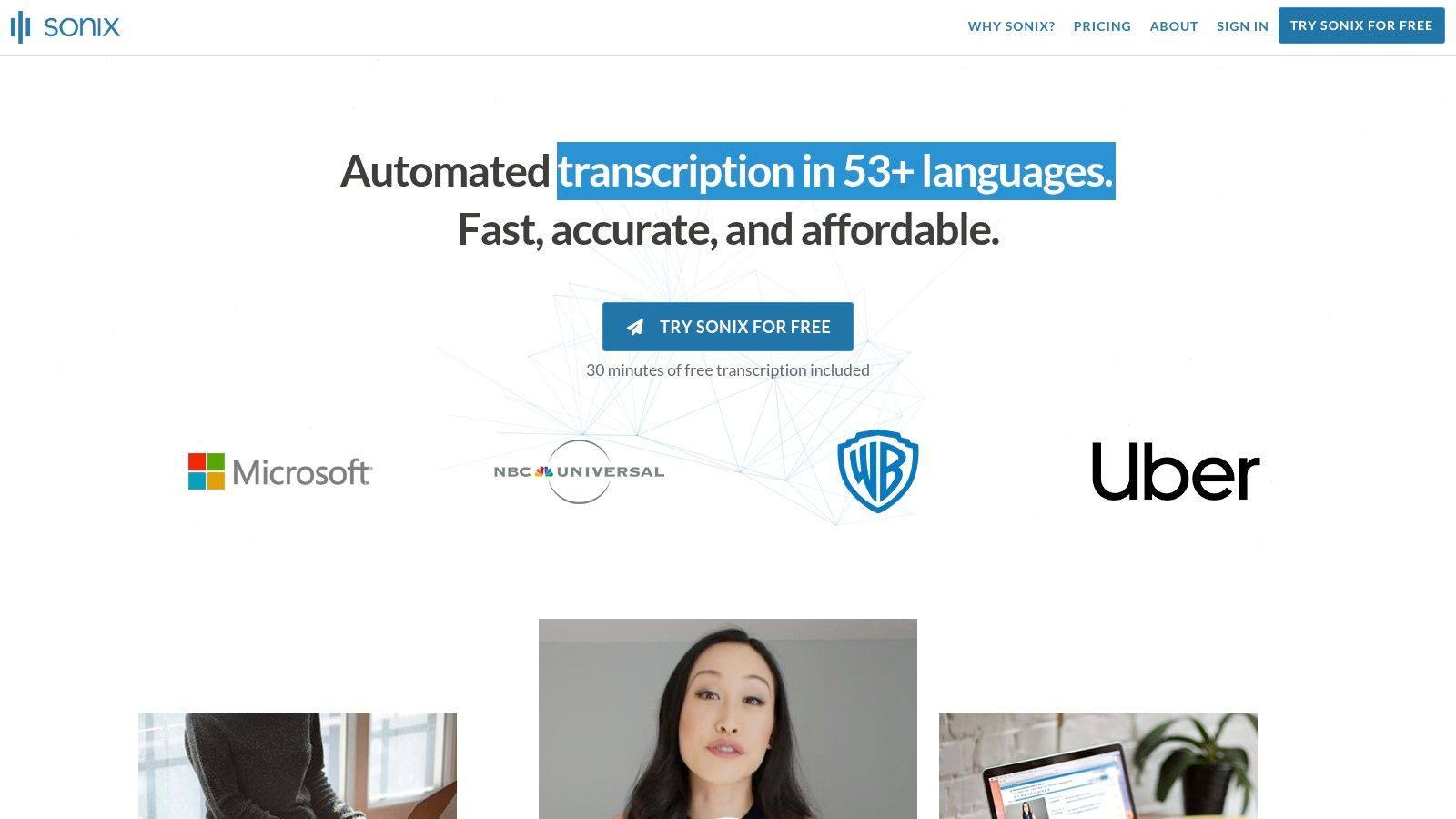
La sua forza risiede nel suo set completo di strumenti, che include funzionalità di collaborazione, un dizionario personalizzato per migliorare l'accuratezza per gergo o nomi specifici e ampie opzioni di esportazione (inclusi SRT per sottotitoli e vari formati di testo). Questo lo rende una scelta eccellente per team di produzione multimediale, professionisti legali e ricercatori accademici che necessitano di più di un semplice file di testo grezzo e apprezzano un flusso di lavoro post-trascrizione raffinato.
Prezzi e Funzionalità Chiave
Sonix offre sia opzioni di abbonamento che pay-as-you-go, con fatturazione trasparente al secondo, in modo da pagare solo per ciò che si utilizza.
- Standard (Pay-as-you-go): 10 $ all'ora. Ottimo per progetti occasionali e una tantum.
- Abbonamento Premium: A partire da 22 $/utente/mese, include 1 ora di credito di trascrizione e una tariffa scontata di 5 $ per ora aggiuntiva. Questo piano sblocca le funzionalità di collaborazione e il dizionario personalizzato.
- Enterprise: Prezzi personalizzati per team che necessitano di sicurezza avanzata, accesso API e fatturazione centralizzata.
Sebbene potente, vale la pena notare che servizi avanzati come la traduzione automatica e l'analisi AI comportano costi aggiuntivi. Tuttavia, per i team che necessitano di un editor di trascrizione affidabile e ricco di funzionalità, Sonix è un'opzione di prim'ordine.
Ideale per: Ricercatori, team legali e professionisti dei media che necessitano di elevata accuratezza e di un robusto editor collaborativo.
Sito Web: https://sonix.ai
7. Happy Scribe
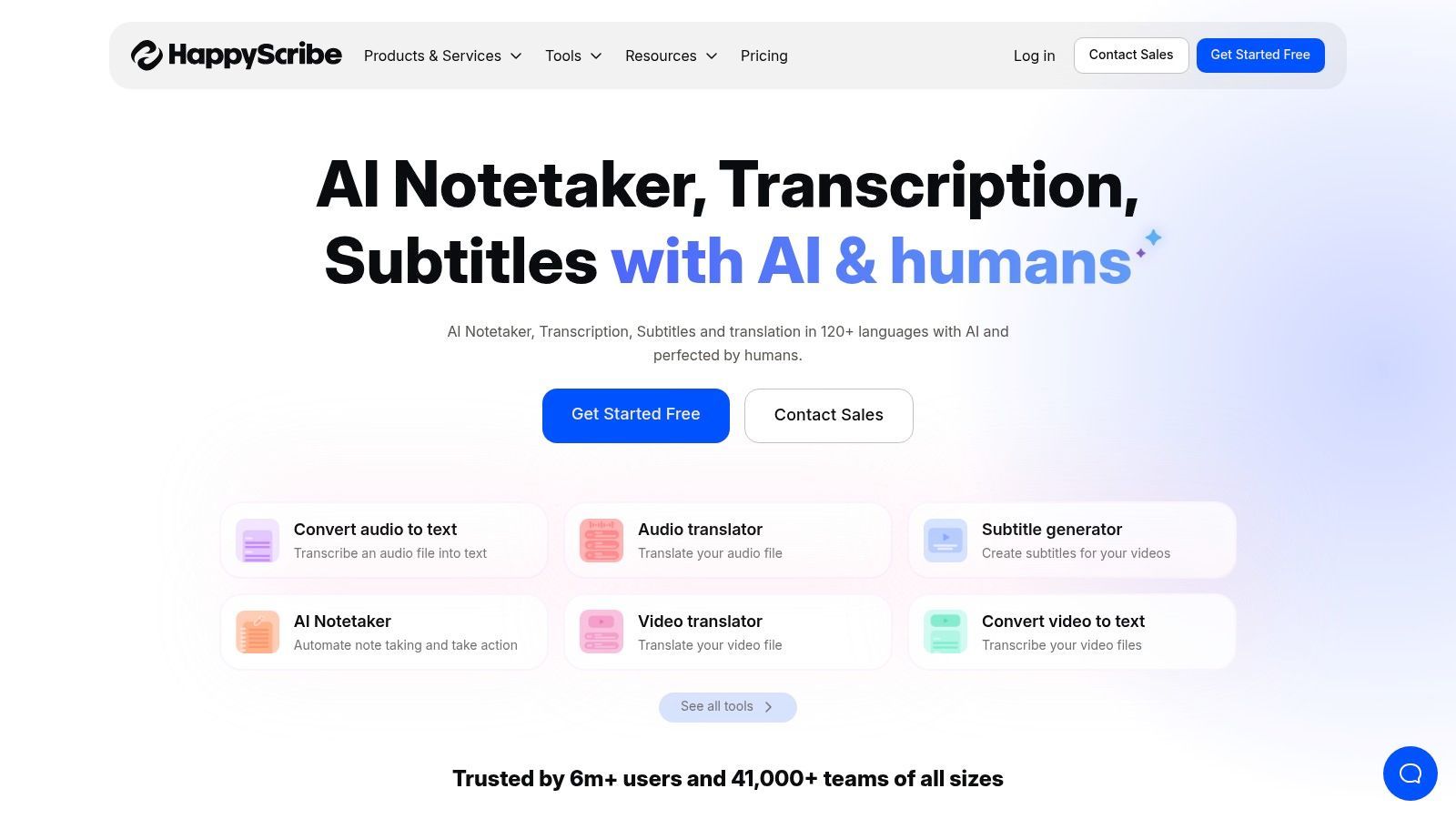
Happy Scribe è una piattaforma di trascrizione versatile che si distingue offrendo sia servizi di trascrizione AI automatizzata che gestiti da esseri umani. Questo modello ibrido è ideale per gli utenti che necessitano della velocità dell'AI per le bozze iniziali ma richiedono la rifinitura della revisione umana per le trascrizioni di interviste finali e pronte per la pubblicazione. Il suo ampio supporto linguistico, che copre oltre 120 lingue e dialetti, lo rende anche un forte contendente per giornalisti e ricercatori internazionali.
La piattaforma si integra perfettamente con popolari piattaforme di archiviazione cloud e video come Google Drive, Dropbox, YouTube e Zoom, semplificando il flusso di lavoro dalla registrazione alla trascrizione. Questo lo rende uno dei migliori software di trascrizione per interviste quando è necessario un equilibrio tra automazione e accuratezza a livello umano.
Prezzi e Funzionalità Chiave
Happy Scribe utilizza un modello pay-as-you-go e di abbonamento per i suoi servizi AI, mentre la sua trascrizione umana è prezzata al minuto.
- Piano Gratuito: Offre una prova limitata per testare il servizio.
- Piano Basic: A partire da 17 $/mese per 120 minuti di trascrizione AI.
- Piano Pro: A 29 $/mese, include 300 minuti.
- Trascrizione Umana: Prezzata al minuto, a partire da circa 2,00 $/minuto, offrendo un'accuratezza quasi perfetta con un tempo di consegna di 24 ore.
Lo svantaggio principale è che i servizi umani possono diventare costosi per interviste di lunga durata o progetti estesi. Tuttavia, la capacità di combinare la velocità dell'AI con il controllo qualità umano su richiesta fornisce una soluzione flessibile e potente per i professionisti che non possono compromettere l'accuratezza per il loro output finale.
Ideale per: Giornalisti, podcaster e ricercatori che necessitano di trascrizioni multilingue ad alta accuratezza e desiderano l'opzione di passare alla revisione umana.
Sito Web: https://www.happyscribe.com
8. Temi
Temi, di proprietà del gigante della trascrizione umana Rev, offre un servizio di trascrizione automatizzata semplice e pay-as-you-go. Il suo principale elemento di differenziazione è la sua semplicità e l'assenza di requisiti di abbonamento, che lo rendono perfetto per gli utenti che necessitano di trascrizioni AI di alta qualità occasionalmente. Basta caricare il file audio o video e il suo motore automatizzato fornisce una trascrizione, solitamente in pochi minuti.
La piattaforma è ideale per giornalisti, ricercatori o proprietari di piccole imprese che hanno esigenze di trascrizione sporadiche e desiderano evitare un impegno mensile. Dopo aver ricevuto la trascrizione, è possibile utilizzare l'intuitivo editor basato sul web di Temi per correggere eventuali imprecisioni, regolare le etichette dei relatori e modificare i timestamp. Questa combinazione di velocità, semplicità e un potente editor lo rende uno dei migliori software di trascrizione per interviste quando è necessaria solo una consegna rapida e senza fronzoli senza costi ricorrenti.
Prezzi e Funzionalità Chiave
I prezzi di Temi sono notoriamente trasparenti e basati interamente sull'utilizzo. Non ci sono piani mensili, livelli o costi nascosti.
- Pay-As-You-Go: Una tariffa fissa di 0,25 $ per minuto audio.
- Prova Gratuita: Il tuo primo file inferiore a 45 minuti viene trascritto gratuitamente, offrendo una generosa opportunità per testare il servizio.
La piattaforma include un editor interattivo e consente di esportare la trascrizione finale in vari formati, tra cui Word, PDF, TXT, SRT e VTT. Sebbene il modello solo AI significhi che l'accuratezza può fluttuare con scarsa qualità audio o forti accenti, il suo collegamento diretto con Rev fornisce un percorso di aggiornamento senza interruzioni se decidi che la perfezione umana è richiesta.
Ideale per: Freelance, studenti e professionisti che necessitano di trascrizioni AI veloci ed economiche per interviste su base ad hoc.
Sito Web: https://www.temi.com
9. Scribie
Scribie si distingue come un servizio di trascrizione umana dedicato, offrendo un processo semplice in quattro fasi per gli utenti che danno priorità all'accuratezza rispetto alla consegna istantanea dell'AI. È un'ottima scelta per interviste con audio impegnativo, come quelle con forti accenti, più relatori sovrapposti o rumori di fondo significativi, dove i sistemi automatizzati spesso faticano. Il servizio garantisce un'accuratezza del 99% per audio chiaro, fondamentale per lavori legali, accademici o giornalistici in cui la precisione è non negoziabile.
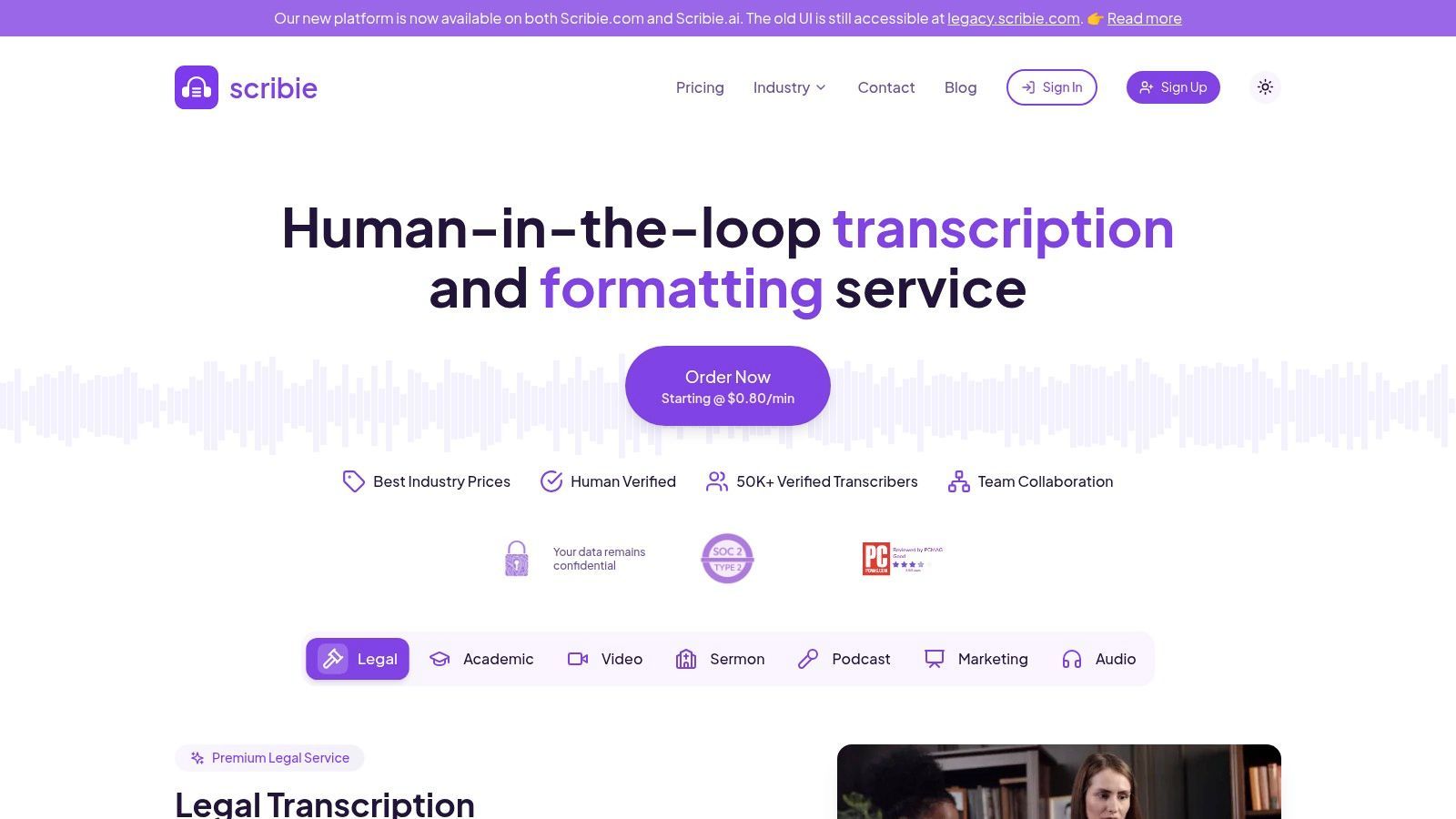
La forza della piattaforma risiede nel suo processo di ordinazione trasparente e semplice. Carichi il tuo file, selezioni il tempo di consegna desiderato e qualsiasi add-on, e ricevi una trascrizione di alta qualità. A differenza delle soluzioni puramente software, Scribie non offre trascrizione live o bot per riunioni. Invece, si concentra sulla fornitura di un prodotto finale raffinato, rendendolo una delle migliori opzioni di trascrizione quando la revisione umana è essenziale per un'intervista. La piattaforma include anche revisioni gratuite se non sei soddisfatto della qualità.
Prezzi e Funzionalità Chiave
I prezzi di Scribie sono trasparenti e basati sui minuti audio, con costi variabili in base al tempo di consegna e agli add-on.
- Automatizzato: 0,10 $/minuto per una trascrizione generata dall'AI.
- Manuale: A partire da 1,25 $/minuto per un tempo di consegna di 24 ore. I costi aumentano per consegne più rapide.
- Add-on: Funzionalità come la trascrizione verbatim rigorosa (inclusi "um" e "ah"), la codifica temporale audio e consegne più rapide sono disponibili a un costo aggiuntivo per minuto.
Sebbene sia un servizio esclusivamente in inglese e manchi delle funzionalità in tempo reale degli strumenti AI, Scribie è un cavallo di battaglia affidabile per progetti che richiedono il massimo livello di accuratezza da registrazioni di interviste complesse.
Ideale per: Ricercatori, professionisti legali e giornalisti che necessitano di trascrizioni altamente accurate e verificate da esseri umani di interviste con audio di scarsa qualità o più relatori.
Sito Web: https://scribie.com
10. Microsoft 365 – Trascrivi in Word
Per individui e organizzazioni già integrate nell'ecosistema Microsoft, la funzionalità integrata Trascrivi in Word per il web è un'opzione sorprendentemente capace e conveniente. Invece di aggiungere un altro abbonamento o software al tuo flusso di lavoro, questo strumento sfrutta il tuo abbonamento Microsoft 365 esistente. Ti consente di caricare un file audio/video preregistrato o di registrare un'intervista direttamente nel tuo browser.
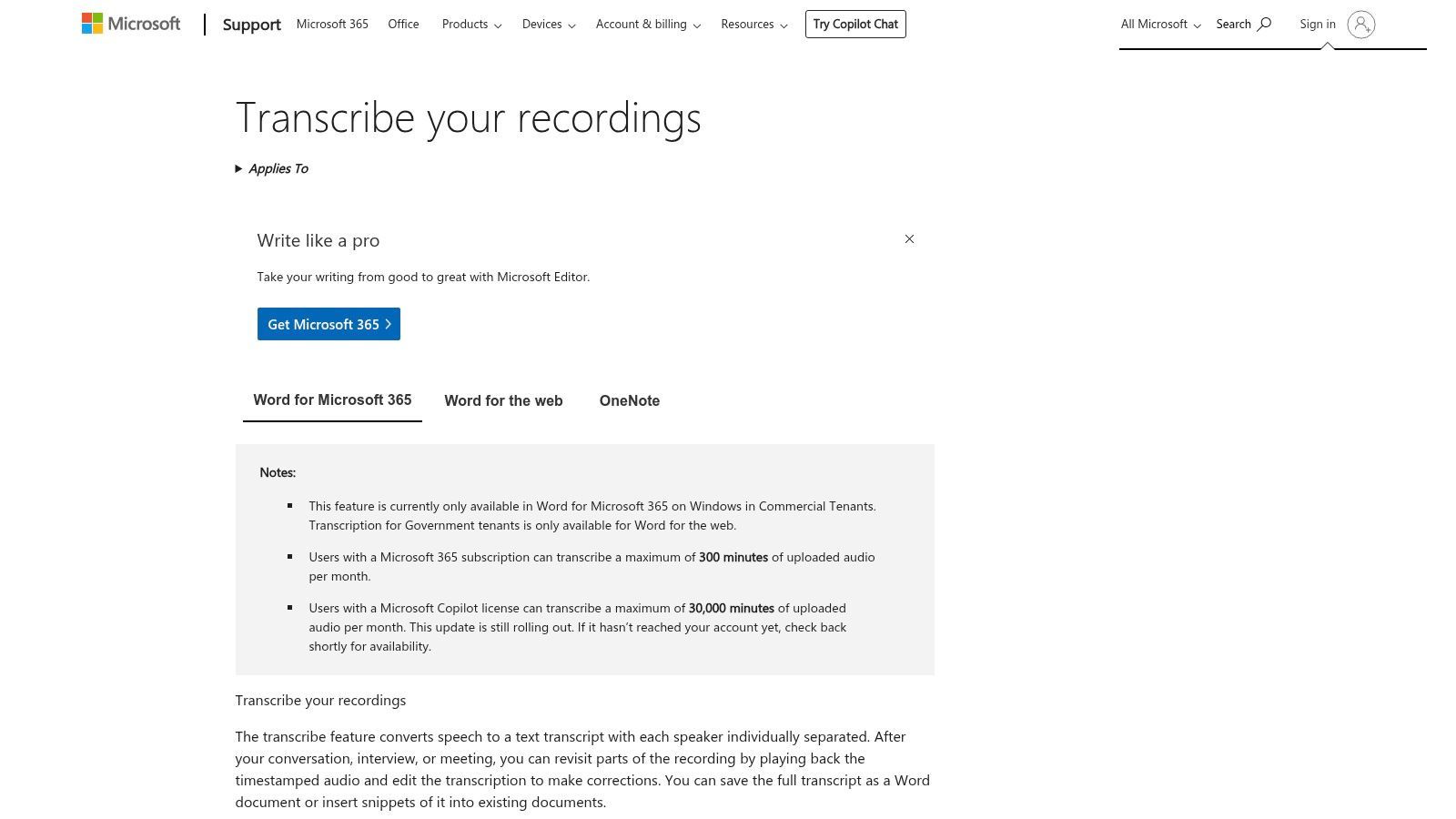
La piattaforma separa automaticamente i relatori e fornisce timestamp, archiviando la trascrizione in modo sicuro nel tuo OneDrive. Con un clic, puoi inserire la trascrizione completa o citazioni specifiche direttamente nel tuo documento Word, semplificando il processo di stesura di report, articoli o note di ricerca. Regolato dagli standard di privacy e sicurezza di livello aziendale di Microsoft, fornisce un ambiente sicuro per contenuti di interviste sensibili, rendendolo uno dei migliori software di trascrizione per interviste in un contesto aziendale.
Prezzi e Funzionalità Chiave
L'accesso a Trascrivi in Word è incluso negli abbonamenti Microsoft 365 idonei; non ci sono costi aggiuntivi. Tuttavia, l'utilizzo è limitato, il che è un fattore chiave da considerare:
- Limite di caricamento: Gli abbonati ricevono in genere 300 minuti di trascrizione audio caricata al mese. Questo limite si applica solo ai file caricati, non alle registrazioni live.
- Registrazione Live: Non ci sono limiti dichiarati sulla quantità di audio che puoi registrare e trascrivere direttamente in Word.
Sebbene il suo set di funzionalità sia meno esteso rispetto alle suite di trascrizione specializzate, la sua integrazione senza interruzioni con Word e OneDrive lo rende incredibilmente efficiente per gli utenti che non necessitano di editing avanzato o strumenti di collaborazione. È una soluzione potente ed economica nascosta in bella vista per milioni di utenti Microsoft 365.
Ideale per: Utenti aziendali, ricercatori e studenti che dispongono già di un abbonamento Microsoft 365 e necessitano di uno strumento semplice e integrato per la trascrizione di interviste di base.
11. Riverside
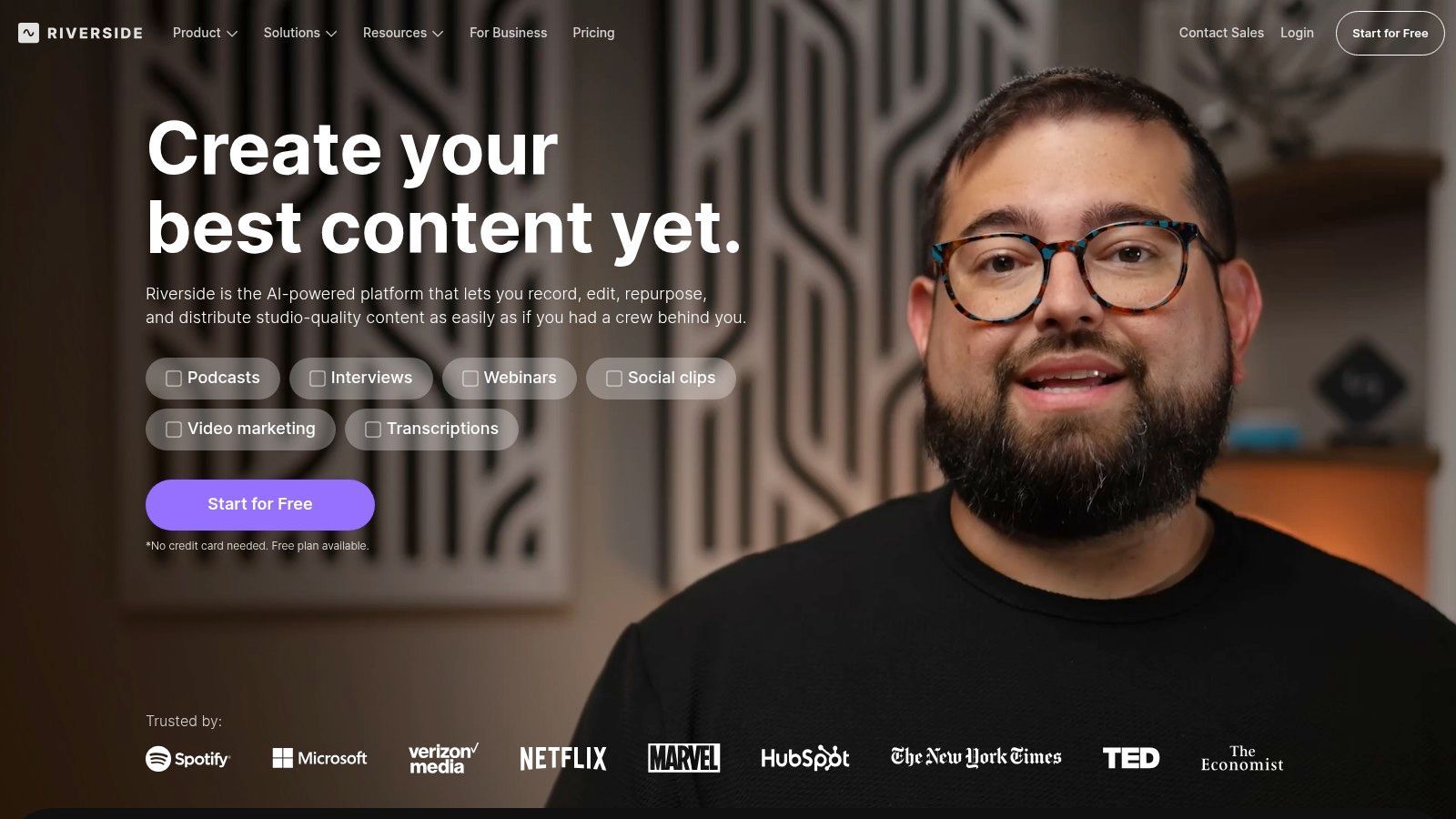
Riverside è più di un semplice strumento di trascrizione; è uno studio di registrazione remoto ad alta fedeltà dotato di una potente trascrizione integrata. È progettato per podcaster e creatori di video che necessitano di una qualità audio e video impeccabile dalle loro interviste. La piattaforma registra tracce audio e video locali separate in 4K e 48 kHz per ogni partecipante, eliminando problemi di qualità causati da connessioni Internet scadenti.
Questa attenzione alla qualità sorgente lo rende un'offerta unica nel settore della trascrizione. Invece di essere un servizio autonomo, la sua funzionalità di trascrizione fa parte di un flusso di lavoro completo di creazione di contenuti. Dopo la registrazione, l'AI di Riverside può generare una trascrizione altamente accurata da queste tracce audio pulite e isolate. Gli utenti possono quindi utilizzare l'editor basato sul testo per modificare il video stesso, creare brevi clip per i social media e rimuovere parole riempitive, rendendolo uno dei migliori software di trascrizione per interviste in cui la qualità della registrazione è fondamentale.
Prezzi e Funzionalità Chiave
I prezzi di Riverside si basano sulle ore di registrazione, non sui minuti di trascrizione. Il piano gratuito offre un assaggio con registrazione limitata e filigrana.
- Piano Standard: A partire da 19 $/mese per 5 ore di registrazione di tracce separate e trascrizione illimitata.
- Piano Pro: A 29 $/mese, aumenta la registrazione a 15 ore e aggiunge funzionalità di live streaming.
- Piano Business: Prezzi personalizzati per esigenze aziendali, inclusi supporto dedicato e funzionalità di team.
La piattaforma è eccessiva se hai solo bisogno di trascrivere file audio esistenti. Tuttavia, per coloro che desiderano acquisire, trascrivere e modificare interviste all'interno di un unico ecosistema senza interruzioni, il suo valore è ineguagliabile. Le sue funzionalità AI, come Magic Clips e l'editing automatico, sono progettate per trasformare interviste registrate in contenuti raffinati con il minimo sforzo.
Ideale per: Podcaster, creatori di video e marketer che necessitano di una soluzione completa per registrare interviste di alta qualità e trascriverle per la produzione di contenuti.
Sito Web: https://riverside.fm
12. Notta
Notta si posiziona come un potente servizio di trascrizione all-in-one progettato per team che conducono e analizzano frequentemente interviste. Eccelle sia nella trascrizione in tempo reale per riunioni live che nell'elaborazione di file audio/video caricati. La piattaforma si integra direttamente con i calendari per unirsi, registrare e trascrivere automaticamente le riunioni da piattaforme come Zoom e Google Meet, rendendola una parte integrante del flusso di lavoro per team di vendita, reclutatori e giornalisti.
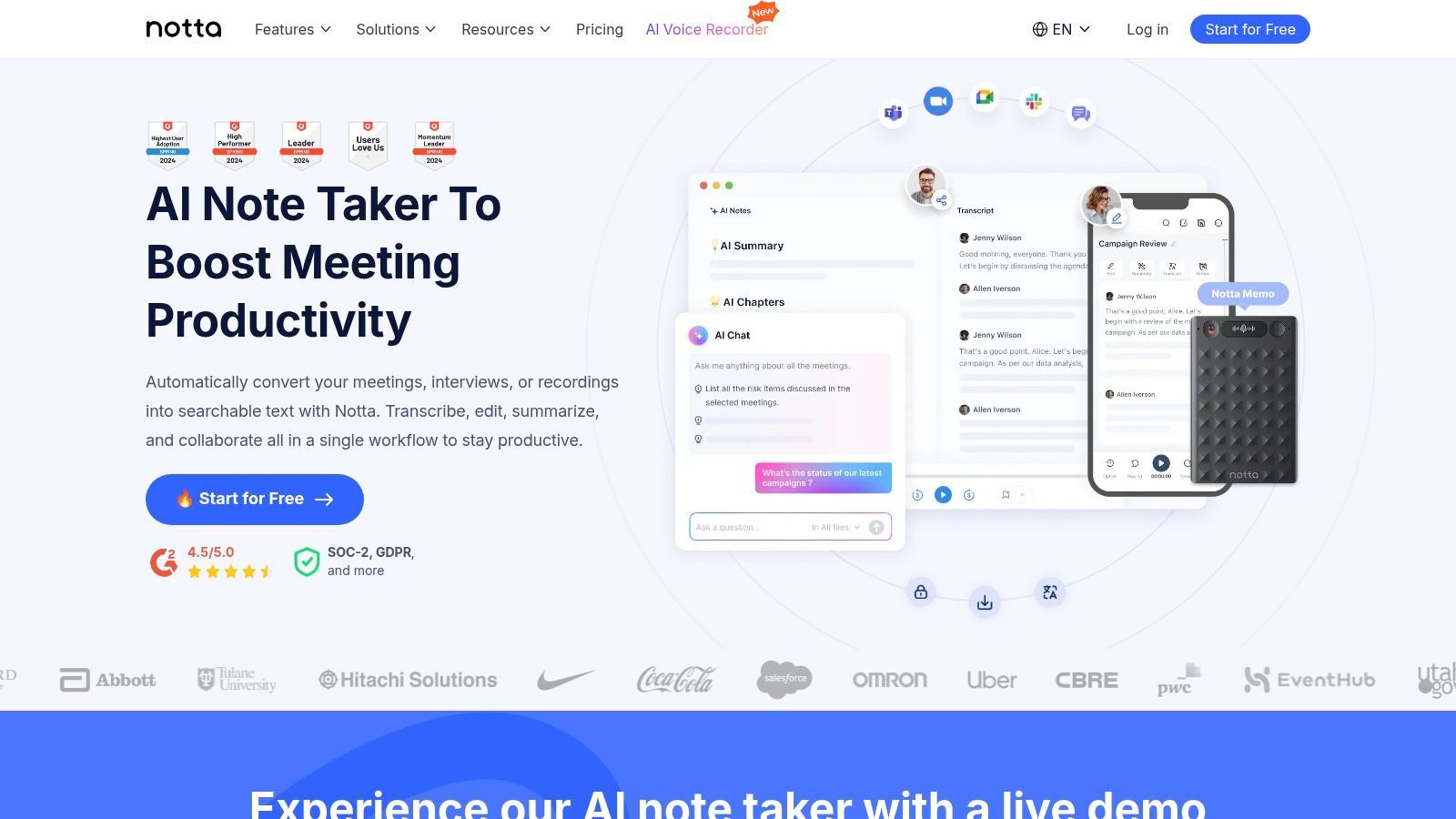
Ciò che distingue Notta per i flussi di lavoro ricchi di interviste sono i suoi riassunti basati sull'intelligenza artificiale, gli elementi di azione e le capacità di traduzione. Dopo che un'intervista è stata trascritta, l'AI può generare riassunti concisi utilizzando modelli personalizzabili, il che è prezioso per aggiornare rapidamente i membri del team o registrare note in un CRM. Le sue funzionalità di traduzione lo rendono anche uno dei migliori software di trascrizione per interviste condotte in più lingue, ampliando il suo appeal per i team internazionali.
Prezzi e Funzionalità Chiave
Notta offre un modello di prezzi a livelli, incluso un piano gratuito con una piccola indennità mensile di minuti. I suoi piani a pagamento sono progettati per volumi più elevati e collaborazione di team:
- Piano Pro: A partire da 13,99 $/mese, questo piano fornisce 1.800 minuti al mese e sblocca la trascrizione in tempo reale e più opzioni di esportazione.
- Piano Business: Per 59 $/utente/mese, offre trascrizione "illimitata" (con un limite di 5 ore per registrazione) e funzionalità di team come controlli amministrativi.
- Piano Enterprise: Prezzi personalizzati con funzionalità avanzate come SAML SSO e supporto dedicato.
Sebbene alcune funzionalità di traduzione avanzate siano add-on a pagamento e il piano illimitato abbia limiti per registrazione, le generose indennità di minuti di Notta e il robusto set di integrazioni (inclusi Zapier e Salesforce) lo rendono un forte contendente per gli ambienti aziendali.
Ideale per: Team di vendita, reclutatori e organizzazioni internazionali che necessitano di trascrizione integrata con riassunti AI e traduzione.
Sito Web: https://www.notta.ai
Confronto dei 12 migliori strumenti di trascrizione per interviste
| Prodotto | Funzionalità principali | Qualità ★ | Prezzi e valore 💰 | Target 👥 | Eccezionale ✨ |
|---|---|---|---|---|---|
| Transcript.LOL 🏆 | AI basata su Whisper, vocabolario personalizzato, caricamenti fino a 10 ore/5 GB, rilevamento relatori, esportazioni TXT/DOCX/PDF/SRT/VTT, ampie integrazioni | ★★★★★ 4,8/5 (1.246 recensioni) | 💰 Gratuito (2/giorno, 20 min); Illimitato Individuale 120 $/anno; Team 240 $/anno (2 utenti) | 👥 Podcaster, creatori, marketer, ricercatori, team, aziende | ✨ Ultra-veloce + accuratezza ~99,8%, privacy rigorosa senza addestramento, riassunti/mappe mentali/quiz AI e integrazioni profonde |
| Otter.ai | Trascrizione live, ID relatore, app mobili, integrazione Zoom/Meet/Teams | ★★★★☆ | 💰 Freemium; livelli Business con minuti generosi | 👥 Giornalisti, ricercatori, team, addetti alle note di riunione | ✨ Unisciti automaticamente alle riunioni, flussi di lavoro e modelli di riunione AI |
| Rev | Trascrizione AI + umana, sottotitoli/didascalie, editor interattivo, opzioni di conformità | ★★★★☆ | 💰 AI + opzione umana a pagamento per minuto; combina acquisti AI/umani | 👥 Legale, media, interviste critiche per l'accuratezza, aziende | ✨ Trascrizioni umane su richiesta 99%+, conformità aziendale (opzioni HIPAA/SOC2) |
| Trint | Trascrizione AI multilingue, traduzione, collaborazione in tempo reale, ricerca | ★★★★☆ | 💰 Piani basati su postazioni; Starter ha limiti di file | 👥 Giornalisti, team di produzione, progetti multilingue | ✨ Traduzione in oltre 70 lingue, flussi di lavoro editoriali di redazione |
| Descript | Editing audio/video basato su testo, rimozione parole riempitive, registrazione remota (Rooms) | ★★★★☆ | 💰 Freemium; modello media-minuti sui piani a pagamento | 👥 Podcaster, editor, creatori di contenuti | ✨ Editing/pubblicazione integrati, flussi di lavoro di rimozione riempitivi e Overdub |
| Sonix | Diarizzazione relatori, timestamp, editor web raffinato, API, strumenti di esportazione | ★★★★☆ | 💰 Pay-as-you-go + abbonamenti; fatturazione prorata al secondo | 👥 Ricercatori, team legali e media | ✨ Prezzi trasparenti al secondo, dizionario personalizzato e accesso API |
| Happy Scribe | Trascrizione/sottotitolazione AI + umana, traduzioni, molti formati di esportazione | ★★★★☆ | 💰 Pagamento per minuto per umano; crediti AI/abbonamenti | 👥 Editori, progetti multilingue, editor che necessitano di QC umano | ✨ Opzione di revisione umana, forti esportazioni/integrazioni di piattaforme |
| Temi | Trascrizioni AI veloci basate sul web, editor semplice, esportazioni standard | ★★★★☆ | 💰 Pay-as-you-go a basso costo; primo file gratuito (≤45 min) | 👥 Utenti occasionali, intervistatori ad hoc | ✨ Nessun abbonamento, flusso di lavoro molto semplice e veloce |
| Scribie | Trascrizione umana con timecoding, tracciamento relatori, opzioni rush | ★★★★☆ | 💰 Prezzi umani per minuto; tariffe competitive | 👥 Interviste critiche per l'accuratezza, ricercatori | ✨ Add-on trasparenti, politica di revisione, flusso di ordinazione chiaro |
| Microsoft 365 – Trascrivi in Word | Registra/carica in Word web, etichettatura relatori, archiviazione OneDrive | ★★★★☆ | 💰 Incluso con abbonamento M365 idoneo (limiti mensili di minuti) | 👥 Organizzazioni che utilizzano M365, flussi di lavoro di interviste/documenti di base | ✨ Integrazione nativa Word/OneDrive e controlli aziendali |
| Riverside | Registrazioni locali multitraccia di alta qualità, pulizia AI, generazione trascrizioni, pubblicazione | ★★★★☆ | 💰 Piani a livelli; Pro+ offre trascrizioni illimitate | 👥 Podcaster, produttori, creatori di interviste remote | ✨ Acquisizione locale multitraccia 4K/48kHz + post-produzione integrata |
| Notta | Registrazione live, importazioni, riassunti AI, traduzioni, opzioni admin e SSO | ★★★★☆ | 💰 Freemium; Business 'illimitato' (limiti per registrazione) | 👥 Team con molte interviste, pipeline di vendita e ricerca | ✨ Elevate indennità di minuti per utente, integrazioni CRM/Zapier e controlli amministrativi |
La trascrizione AI si sta evolvendo rapidamente
Gli strumenti di trascrizione ora vanno oltre il testo, offrendo riassunti, approfondimenti e riutilizzo dei contenuti. Funzionalità e prezzi cambiano frequentemente, quindi rivedere la scelta dello strumento ogni 6-12 mesi può sbloccare flussi di lavoro migliori.
Fare la Tua Scelta Finale: Dalla Trascrizione all'Insight
Navigare nel panorama del software di trascrizione può sembrare opprimente, ma il viaggio dall'audio grezzo al testo attuabile è ora più accessibile che mai. Abbiamo esplorato una dozzina di potenti contendenti, da potenze basate sull'IA come Transcript.LOL e Descript a servizi potenziati da umani come Rev e Scribie. Ogni strumento offre una miscela unica di accuratezza, velocità, funzionalità e prezzi, sottolineando una verità critica: il miglior software di trascrizione per interviste non è una soluzione universale.
La tua scelta ideale dipende direttamente dalle tue esigenze e dal tuo flusso di lavoro specifici. Un giornalista che lavora con scadenze strette darà priorità alla velocità e all'identificazione degli oratori, mentre un ricercatore accademico potrebbe valorizzare l'accuratezza dei timestamp e le funzionalità di collaborazione sopra ogni altra cosa. La chiave è andare oltre un semplice elenco di funzionalità e mappare le capacità del software direttamente alle tue attività quotidiane.
Riepilogo delle Tue Opzioni Principali
Distilliamo le nostre scoperte in casi d'uso principali per guidare la tua decisione:
- Per Creatori di Contenuti e Podcaster: Strumenti come Descript, Riverside e la nostra scelta migliore, Transcript.LOL, cambiano le regole del gioco. Trasformano la trascrizione da un semplice record alla base del tuo motore di contenuti, consentendo un facile editing, la creazione di clip e il riutilizzo. La capacità di modificare l'audio modificando il testo è un miglioramento rivoluzionario del flusso di lavoro.
- Per Ricercatori e Accademici: Accuratezza, sicurezza e output dettagliati sono fondamentali. Servizi come Trint e Sonix offrono funzionalità robuste per l'analisi, mentre Transcript.LOL offre un vantaggio cruciale con la sua rigorosa politica sulla privacy "nessun addestramento sui dati dell'utente", garantendo che i dati sensibili delle interviste rimangano riservati.
- Per Collaborazione Aziendale e di Team: L'integrazione senza interruzioni è fondamentale. Otter.ai e Notta eccellono qui, collegandosi direttamente alle piattaforme di riunione come Zoom e Google Meet per fornire trascrizioni e riepiloghi in tempo reale, aumentando la produttività del team e la condivisione delle conoscenze.
- Per Massima Accuratezza e Uso Legale/Medico: Quando la precisione è non negoziabile, i servizi ibridi sono lo standard di riferimento. Rev e Happy Scribe sfruttano professionisti umani per rivedere e perfezionare le trascrizioni generate dall'IA, offrendo un'accuratezza quasi perfetta per applicazioni critiche.
Fattori Chiave per Guidare la Tua Decisione
Come scegliere lo strumento giusto per la trascrizione delle interviste
Accuratezza prima della velocità
Un'elevata accuratezza della trascrizione riduce i tempi di modifica e previene citazioni errate, il che è fondamentale per il giornalismo, la ricerca e le interviste legali.
Privacy e utilizzo dei dati
Verifica sempre se il tuo audio viene utilizzato per addestrare modelli di IA. Gli strumenti incentrati sulla privacy proteggono conversazioni sensibili e proprietà intellettuale.
Compatibilità del flusso di lavoro
Lo strumento migliore si integra naturalmente nel modo in cui registri, modifichi e pubblichi interviste, senza imporre passaggi o strumenti aggiuntivi.
Scalabilità e controllo dei costi
Guarda oltre le prove gratuite. Valuta come i prezzi scalano man mano che il volume delle tue interviste cresce nel corso di mesi o anni.
Prima di impegnarti, rifletti su queste domande essenziali. Rispondere a queste domande illuminerà il percorso verso lo strumento giusto.
- Qual è il tuo obiettivo principale? Stai trascrivendo per documentazione, creazione di contenuti, analisi qualitativa o accessibilità? Il tuo obiettivo finale determina quali funzionalità sono essenziali rispetto a quelle desiderabili.
- Qual è il tuo budget? Le tue opzioni vanno da strumenti gratuiti e limitati come la funzionalità di Trascrizione in Word a piattaforme basate su abbonamento e servizi a pagamento al minuto. Determina il tuo budget mensile o per progetto per restringere il campo.
- Quanto è importante la privacy dei dati? Per coloro che gestiscono interviste riservate o sensibili, la politica sui dati di un fornitore è un fattore critico. Cerca servizi che dichiarino esplicitamente che non utilizzeranno i tuoi dati per addestrare i loro modelli di intelligenza artificiale.
- Come si presenta il tuo flusso di lavoro? Considera l'intero processo. Da dove proviene il tuo audio? In quale formato si trova? Cosa devi fare con la trascrizione dopo che è stata generata? Il miglior software si integrerà perfettamente nel tuo processo esistente, senza costringerti ad adottarne uno nuovo.
In definitiva, l'obiettivo dell'utilizzo di un software di trascrizione è risparmiare tempo, sbloccare approfondimenti e semplificare il tuo lavoro. Lo sforzo iniziale che investi nella scelta della piattaforma giusta ripagherà per anni, trasformando un compito un tempo temuto in una parte fluida e produttiva del tuo processo. Non stai più solo convertendo il parlato in testo; stai creando una risorsa ricercabile, modificabile e condivisibile che estende il valore di ogni singola conversazione.
Massimizza il valore delle tue trascrizioni
La trascrizione non è più solo una comodità, è un bene strategico. Trascrizioni di alta qualità rendono le tue interviste ricercabili, facili da citare e pronte per la pubblicazione, la modifica o il riutilizzo su diverse piattaforme. Se scelto con cura, lo strumento giusto non solo fa risparmiare tempo, ma trasforma il modo in cui organizzi, analizzi e condividi contenuti conversazionali.
Pronto a trasformare il tuo flusso di lavoro di interviste con uno strumento che privilegia privacy, potenza e semplicità? Scopri come Transcript.LOL combina una trascrizione AI velocissima e altamente accurata con un editor user-friendly e un fermo impegno a non addestrare mai sui tuoi dati. Inizia oggi stesso e trasforma le tue conversazioni in contenuti, approfondimenti e registrazioni di valore con fiducia.