
12 beste Meeting-Transkriptionssoftware-Optionen für 2025
Entdecken Sie die 12 besten Meeting-Transkriptionssoftware-Tools des Jahres 2025. Vergleichen Sie Funktionen, Preise und Anwendungsfälle, um die perfekte Lösung für Ihr Team zu finden.
Kate, Praveen
November 15, 2025
Die Navigation auf dem überfüllten Markt für die beste Meeting-Transkriptionssoftware kann eine Herausforderung sein. Bei Dutzenden von Plattformen, die perfekte Genauigkeit und nahtlose Integration versprechen, ist es schwierig zu wissen, welches Tool wirklich Ihren spezifischen Bedürfnissen entspricht, egal ob Sie Podcaster, Teamleiter in einem Unternehmen oder Forscher sind. Dieser Leitfaden durchdringt das Rauschen, um einen detaillierten, praktischen Vergleich der derzeit besten verfügbaren Optionen zu bieten. Wir gehen über generische Funktionslisten hinaus, um Ihnen einen ehrlichen Einblick zu geben, was jede Plattform am besten kann, wo sie Schwächen hat und für wen sie entwickelt wurde.
Diese Ressource soll Ihnen helfen, schnell eine fundierte Entscheidung zu treffen. Für jedes Tool finden Sie eine prägnante Aufschlüsselung seiner Kernfunktionalität, idealen Anwendungsfälle, Preisstrukturen und wichtigsten Vor- und Nachteile. Wir haben direkte Links und Screenshots aufgenommen, um Ihnen einen klaren Einblick in die Benutzererfahrung zu geben, bevor Sie sich festlegen. Wir werden etablierte Akteure wie Otter.ai und Rev zusammen mit integrierten Lösungen von Zoom, Microsoft Teams und Google Meet sowie innovative KI-Assistenten wie Fireflies.ai und Fathom untersuchen.
Die besten Meeting-Transkriptionssoftware-Optionen sind im Wesentlichen spezialisierte Tools, die darauf ausgelegt sind, den Prozess der Umwandlung gesprochener Worte in schriftliche Aufzeichnungen zu optimieren und zu automatisieren. Für eine breitere Perspektive, wie Technologie Content-Workflows revolutioniert, sollten Sie andere führende Content-Automatisierungstools erkunden. Unser Ziel ist es, Sie mit den Erkenntnissen auszustatten, die Sie benötigen, um die richtige Software auszuwählen, die nicht nur Gespräche erfasst, sondern sie auch in umsetzbare Intelligenz umwandelt und Ihnen wertvolle Zeit und Mühe spart. Tauchen wir ein in die Top-Anwärter.
1. Transcript.LOL
Transcript.LOL positioniert sich als Kraftpaket im Bereich der Meeting-Transkription und nutzt die Whisper AI von OpenAI, um eine außergewöhnliche Genauigkeit zu liefern. Es ist eine umfassende Plattform, die nicht nur für die Transkription, sondern auch für die Umwandlung von gesprochenem Inhalt in eine breite Palette von umsetzbaren Assets entwickelt wurde, was sie zu einer der besten Meeting-Transkriptionssoftware-Optionen für Profis macht, die Effizienz suchen. Die Plattform verarbeitet problemlos große Dateien von bis zu 10 Stunden Länge und unterstützt verschiedene Quellen wie direkte Uploads, Cloud-Dienste und Videoplattformen.
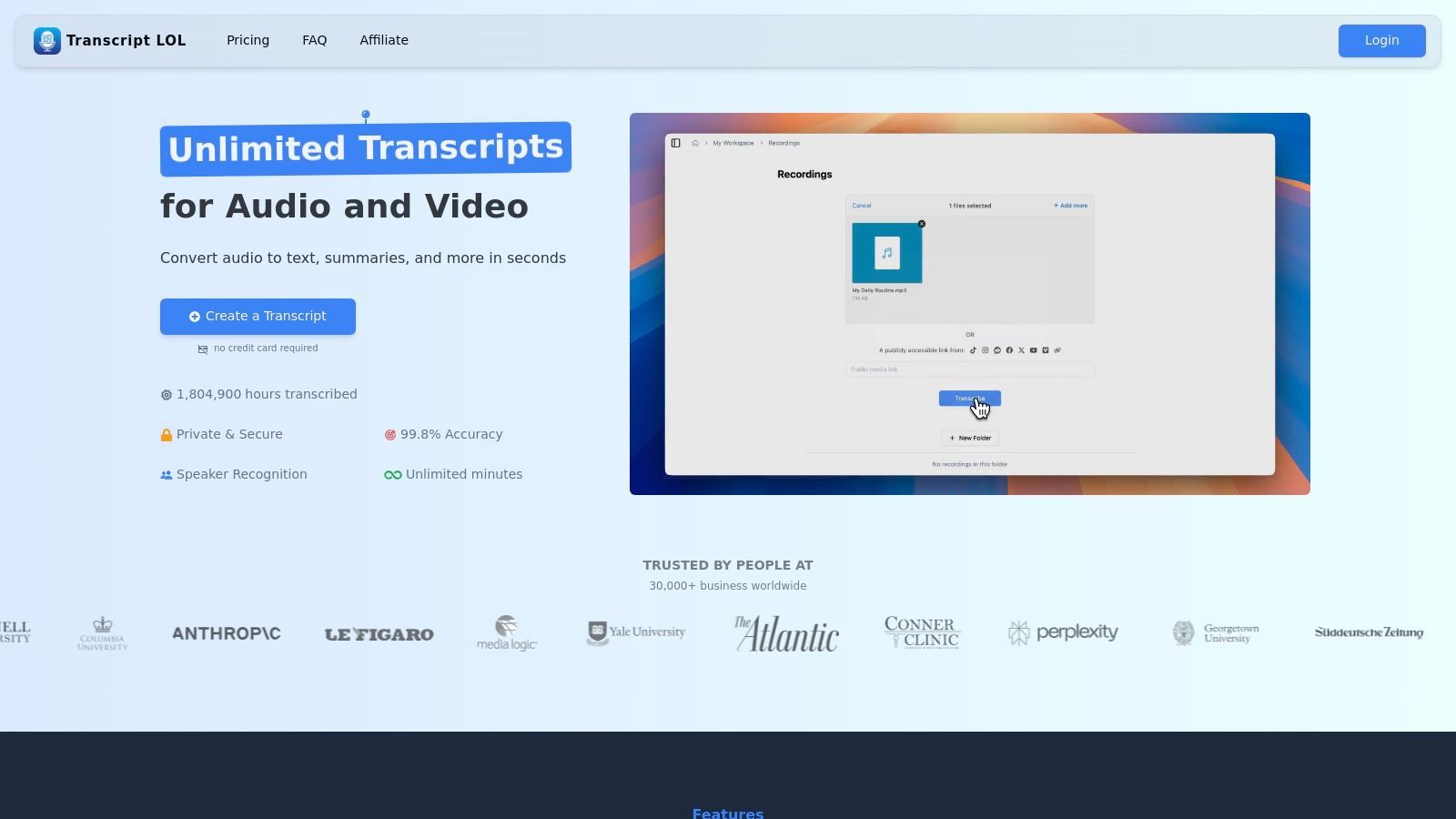
Was Transcript.LOL auszeichnet, ist seine Suite von Content-Generierungs-Tools. Neben einem nahezu fehlerfreien Transkript ermöglicht es Benutzern, sofort Zusammenfassungen zu erstellen, Aktionspunkte zu identifizieren, Social-Media-Posts zu entwerfen oder sogar Quizfragen aus Meeting-Inhalten zu generieren. Diese Funktionalität ist ein erheblicher Zeitsparer für Vermarkter, Unternehmens-Teams und Pädagogen, die Informationen schnell wiederverwenden müssen. Sein Engagement für den Datenschutz mit einer strengen Richtlinie gegen die Nutzung von Kundendaten für das Training fügt eine entscheidende Vertrauensschicht für die Verarbeitung sensibler Geschäftsgespräche hinzu. Für diejenigen mit spezifischen Fragen zu Sicherheit und Funktionen finden Sie detaillierte Antworten zu Transcript.LOL.
Hauptmerkmale & Benutzererfahrung
Die Benutzeroberfläche ist sauber und intuitiv und vereinfacht den Prozess vom Upload bis zum Export. Die Sprechererkennung ist zuverlässig und der Rich-Text-Editor ermöglicht einfache Korrekturen und Formatierungen vor dem Export in verschiedene Formate wie DOCX, PDF, SRT und VTT.
- Transkriptionsgenauigkeit: Bietet eine branchenführende Genauigkeitsrate von 99,8 %.
- Content-Generierung: Einzigartige KI-Tools zur Erstellung von Zusammenfassungen, Aktionspunkten, Mindmaps und Social-Media-Inhalten.
- Vielseitige Eingaben: Unterstützt Uploads von Google Drive, Dropbox, Zoom, YouTube und direkten URLs.
- Sicherheit: Unternehmenssicherheit mit einer festen Datenschutzrichtlinie ohne Trainingsdaten.
Preise und Pläne
Transcript.LOL bietet eine flexible Preisstruktur. Ein kostenloser Plan bietet 2 tägliche Transkripte (jeweils bis zu 20 Minuten) und ist somit für Tests oder leichte Nutzung zugänglich. Für Vielnutzer bietet der Unlimited-Plan eine Prioritätsverarbeitung und hebt die Beschränkungen der Dateilänge auf. Der Teams-Plan fügt Kollaborationstools und zentrale Abrechnung hinzu und richtet sich an Geschäftsanforderungen.
Vorteile:
- Extrem hohe Transkriptionsgenauigkeit dank Whisper AI.
- Einzigartige Content-Boosting-Tools zur Wiederverwendung von Meeting-Inhalten.
- Robuste Datenschutzvorkehrungen und Unternehmenssicherheit.
- Unterstützt lange Dateien und zahlreiche Eingabequellen.
Nachteile:
- Der kostenlose Plan hat eine Dateilängenbeschränkung von 20 Minuten und eine geringere Verarbeitungspriorität.
- Erweiterte Funktionen sind hinter kostenpflichtigen Abonnements gesperrt.
2. Otter.ai
Otter.ai ist ein führender Name im Bereich der Meeting-Transkriptionssoftware, bekannt für seinen Echtzeit-KI-Meeting-Assistenten, der sich nahtlos in wichtige Videokonferenzplattformen integriert. Er fungiert als automatischer Notiznehmer, der an Ihren Zoom-, Google Meet- oder Microsoft Teams-Anrufen teilnimmt, um Live-Transkripte zu erstellen, Sprecher zu identifizieren und prägnante, teilbare Zusammenfassungen zu produzieren. Dies macht ihn zu einem unschätzbaren Werkzeug für Teams, die ein durchsuchbares, kollaboratives Archiv ihrer Diskussionen erstellen möchten.
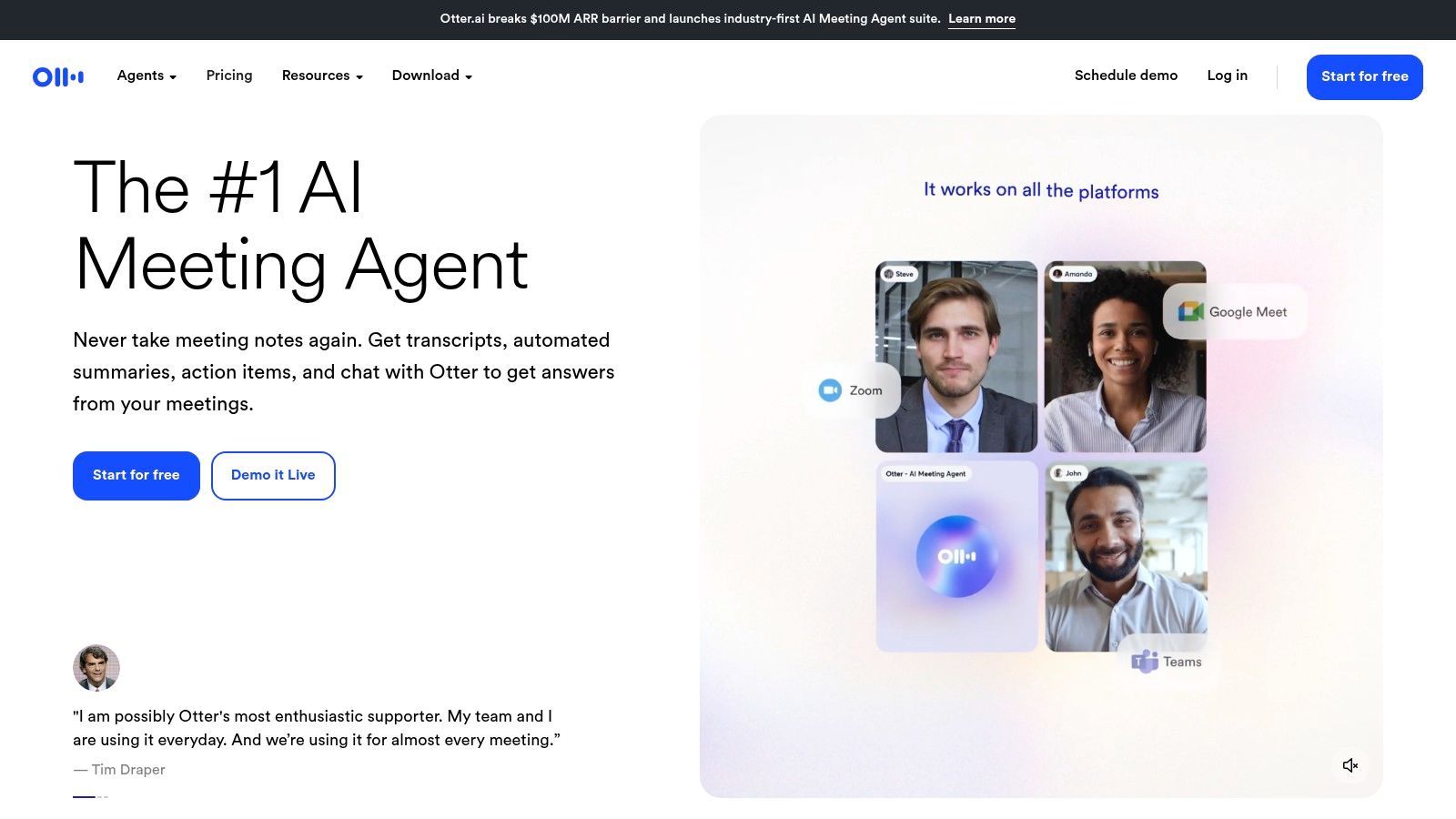
Die Plattform zeichnet sich durch ihre Funktion Otter AI Chat aus, mit der Teilnehmer Fragen stellen und sofort Antworten aus den Meeting-Inhalten erhalten können, sowohl während als auch nach dem Anruf. Dies verwandelt das Transkript von einem statischen Dokument in eine interaktive Wissensdatenbank. Seine benutzerfreundliche Oberfläche und robusten Kollaborationstools wie Team-Arbeitsbereiche und benutzerdefinierte Vokabulare sind darauf ausgelegt, die Produktivität von Unternehmen, Pädagogen und Journalisten gleichermaßen zu steigern.
Wichtige Details & Anwendungsfälle
- Am besten geeignet für: Teams, die Live-Notizen für die Zusammenarbeit und durchsuchbare Meeting-Archive benötigen.
- Hauptmerkmale: Echtzeit-Transkription, KI-generierte Zusammenfassungen, Otter AI Chat, automatische Meeting-Teilnahme und benutzerdefinierte Vokabulare.
- Preise: Bietet eine kostenlose Stufe mit begrenzten Minuten. Kostenpflichtige Pläne beginnen bei 10 $/Benutzer/Monat (jährlich abgerechnet) für mehr Minuten und Funktionen.
- Vorteile: Hervorragende Kollaborations- und Freigabetools, vorhersehbare monatliche Transkriptionslimits pro Plan.
- Nachteile: Die kostenlosen und günstigeren Pläne haben strenge Minutenbegrenzungen pro Gespräch, und erweiterte Sicherheitsfunktionen sind teuren Enterprise-Stufen vorbehalten.
Website: https://otter.ai/
3. Zoom – AI Companion (Zoom Workplace)
Für Organisationen, die tief in das Zoom-Ökosystem integriert sind, bietet der native AI Companion der Plattform eine leistungsstarke und kostengünstige Transkriptionslösung. Anstatt ein eigenständiges Produkt zu sein, ist AI Companion eine integrierte Funktionssuite, die mit kostenpflichtigen Zoom Workplace-Plänen geliefert wird und darauf ausgelegt ist, das Meeting-Erlebnis direkt in der App zu verbessern. Es generiert automatisch Zusammenfassungen, intelligente Aufzeichnungen mit Highlights und nächste Schritte, was es zu einer der besten Meeting-Transkriptionssoftware-Optionen für bestehende Zoom-Benutzer macht.
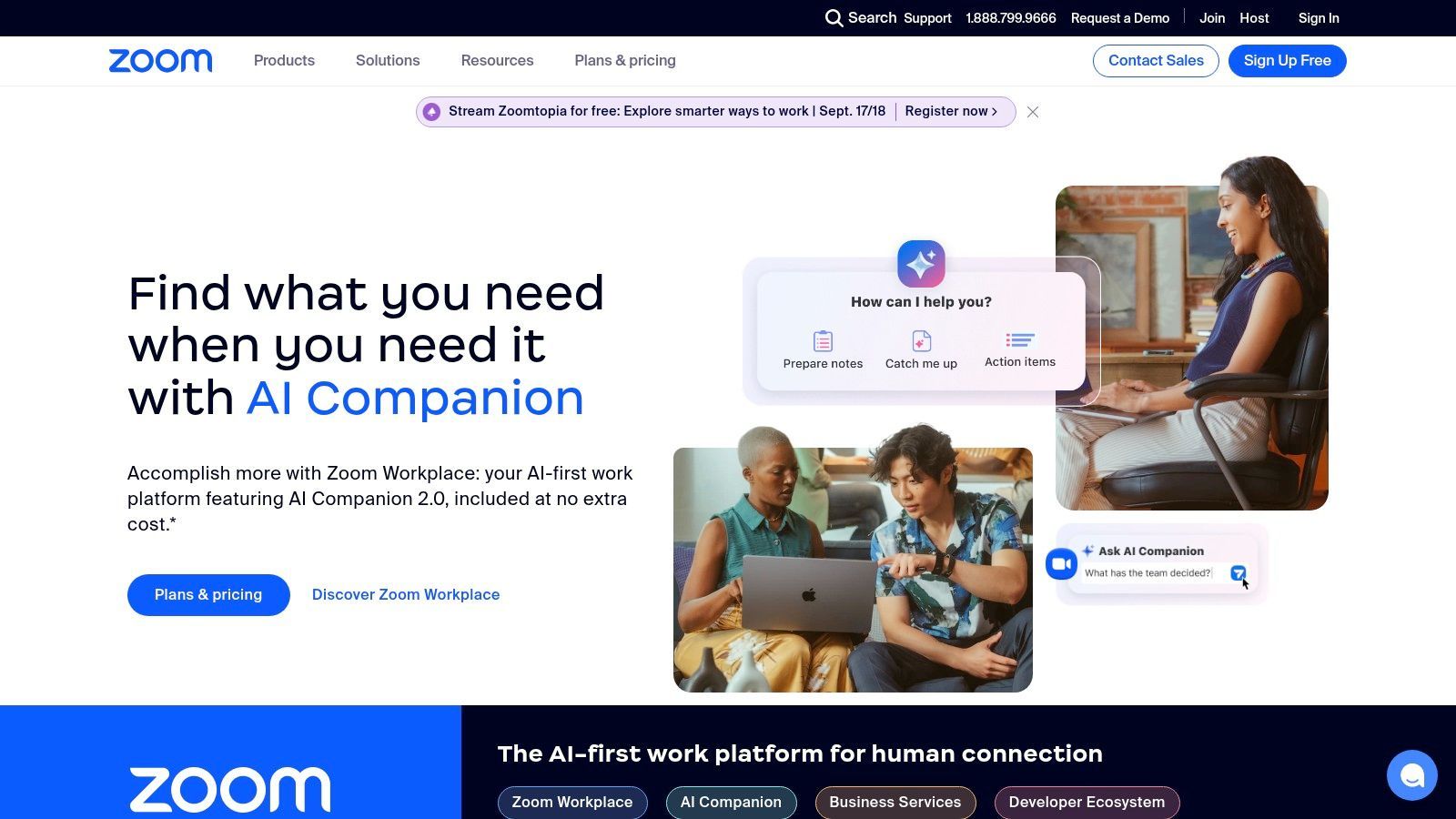
Der Hauptvorteil von AI Companion ist seine nahtlose Integration. Benutzer können seine Funktionen während eines Meetings mit einem einzigen Klick aktivieren und Live-Transkripte und Zusammenfassungen generieren, ohne dass Drittanbieter-Bots oder Anwendungen erforderlich sind. Diese enge Integration erstreckt sich über die gesamte Zoom-Plattform, einschließlich Meetings, Team Chat und Telefon, und bietet einen einheitlichen KI-Assistenten, der den Kontext Ihrer Kommunikation versteht und hilft, Workflows von Anfang bis Ende zu optimieren.
Wichtige Details & Anwendungsfälle
- Am besten geeignet für: Unternehmen und Teams, die Zoom bereits als ihre primäre Kommunikationsplattform nutzen.
- Hauptmerkmale: KI-gestützte Meeting-Zusammenfassungen, intelligente Aufzeichnungen mit Kapiteln, Live-Transkription und Generierung von Aktionspunkten.
- Preise: Kostenlos in kostenpflichtigen Zoom Workplace-Plänen enthalten, die bei 15,99 $/Benutzer/Monat (jährlich abgerechnet) beginnen.
- Vorteile: Keine zusätzlichen Kosten für kostenpflichtige Zoom-Benutzer, tiefe und nahtlose Integration in das Zoom-Ökosystem.
- Nachteile: Bietet den größten Wert nur bei der Nutzung innerhalb von Zoom; kein eigenständiger Dienst für andere Meeting-Plattformen.
Website: https://zoom.us/
4. Microsoft Teams (Microsoft 365)
Für Organisationen, die bereits im Microsoft 365-Ökosystem verankert sind, bietet Microsoft Teams eine leistungsstarke und nahtlos integrierte Lösung für die Meeting-Transkription. Es bietet native Echtzeit-Untertitel und Transkripte nach dem Meeting direkt auf der Plattform, wodurch die Notwendigkeit von Drittanbieter-Tools entfällt. Dieser Ansatz stellt sicher, dass alle Meeting-Daten, von Aufzeichnungen bis hin zu Transkripten, innerhalb der sicheren Microsoft 365-Umgebung eines Unternehmens verbleiben, was die Einhaltung von Vorschriften und die Governance vereinfacht.
Die Stärke der Plattform liegt in ihren gestaffelten Fähigkeiten. Während Standardlizenzen eine zuverlässige Transkription bieten, schaltet ein Upgrade auf Teams Premium oder die Hinzufügung einer Copilot-Lizenz erweiterte KI-Funktionen frei. Dazu gehören intelligente Meeting-Zusammenfassungen, KI-generierte Notizen und live übersetzte Untertitel, was es zu einer vielseitigen Meeting-Transkriptionssoftware macht. Diese native Integration ist besonders vorteilhaft für Unternehmen, die Sicherheit und eine einheitliche Benutzererfahrung über ihren digitalen Arbeitsplatz hinweg priorisieren.
Wichtige Details & Anwendungsfälle
- Am besten geeignet für: Unternehmen, die stark in die Microsoft 365-Suite investiert sind und eine sichere, integrierte Transkription benötigen.
- Hauptmerkmale: Live-Untertitel, Transkripte nach dem Meeting mit Sprecheridentifikation, intelligente Zusammenfassungen (Premium/Copilot) und live übersetzte Untertitel (Premium).
- Preise: Grundlegende Funktionen sind in Microsoft 365-Plänen enthalten. Erweiterte Funktionen erfordern Teams Premium (ab 7 $/Benutzer/Monat) oder Copilot für Microsoft 365 (30 $/Benutzer/Monat).
- Vorteile: Hervorragend für Sicherheit und Governance, nahtlose native Erfahrung für bestehende Teams-Benutzer. Um mehr über seine Fähigkeiten zu erfahren, erfahren Sie mehr über die Transkription von Online-Meetings.
- Nachteile: Erweiterte KI-Funktionen sind hinter teuren Add-on-Lizenzen gesperrt, und die Lizenzstruktur kann komplex zu navigieren sein.
Website: https://www.microsoft.com/microsoft-teams/
5. Google Meet (Google Workspace)
Für Teams, die tief in das Google-Ökosystem integriert sind, bietet Google Meet eine native und zunehmend leistungsstarke Transkriptionslösung. Anstatt ein eigenständiges Tool zu sein, sind seine Funktionen direkt in das Videokonferenz-Erlebnis integriert und bieten einen nahtlosen Workflow für Benutzer. Wenn aktiviert, kann Google Meet automatisch ein Transkript eines aufgezeichneten Meetings erstellen und es als Google Doc direkt im Google Drive des Hosts speichern. Dies macht es zu einer der bequemsten Optionen für Unternehmen, die Google Workspace bereits für ihre täglichen Abläufe nutzen.
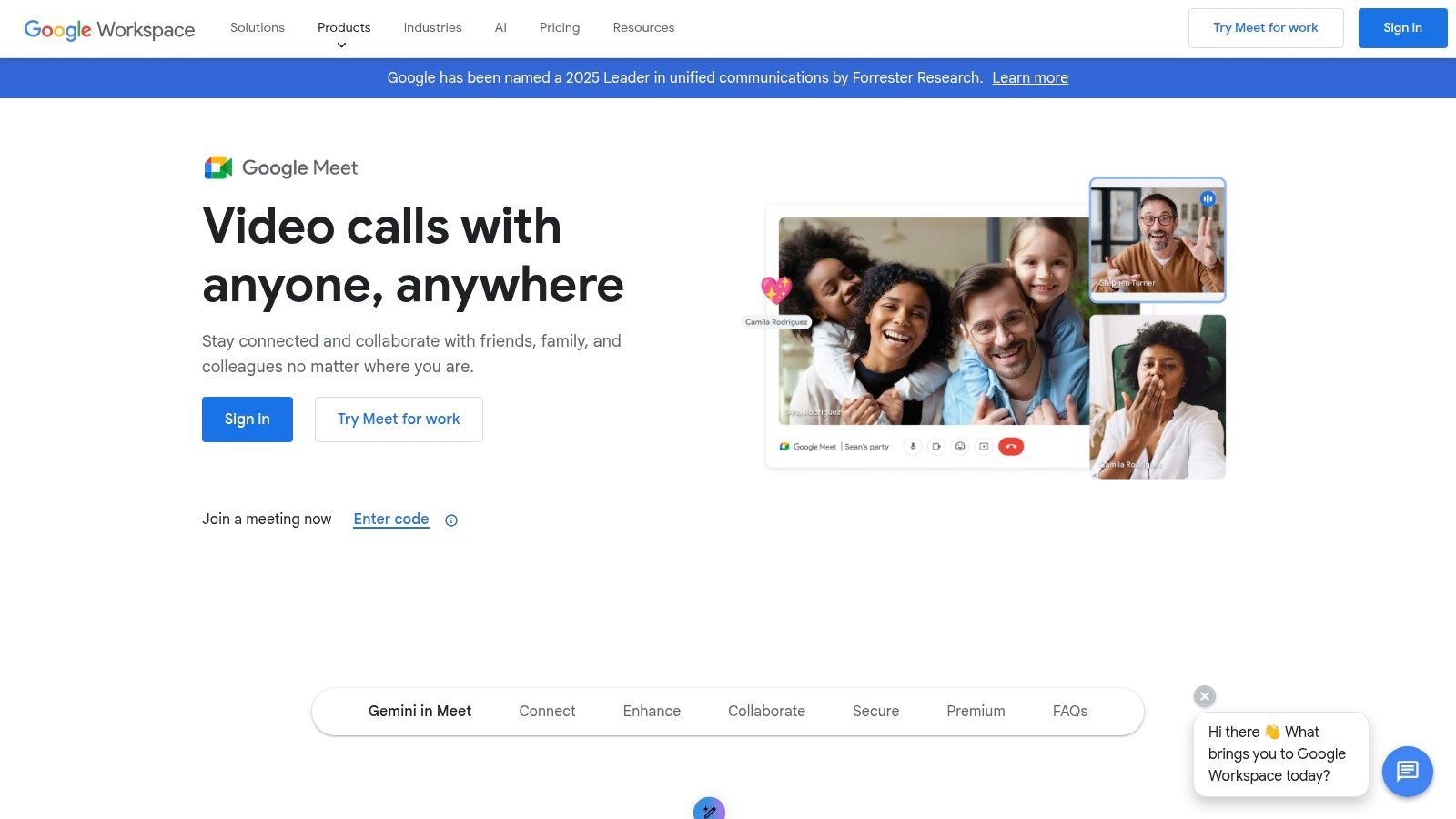
Der Hauptvorteil dieser besten Meeting-Transkriptionssoftware ist ihre enge Integration. Transkripte werden automatisch mit der entsprechenden Meeting-Aufzeichnung und dem Kalenderereignis verknüpft und erben dieselben Freigabeberechtigungen für erhöhte Sicherheit. Dies macht die Notwendigkeit von Drittanbieter-Software überflüssig und vereinfacht den Prozess der Speicherung und Freigabe von Meeting-Notizen. Es ist jedoch wichtig zu beachten, dass der Zugriff auf diese Funktion an bestimmte Google Workspace-Abonnementstufen gebunden ist, was sie für einzelne Benutzer oder Benutzer kostenloser Pläne weniger zugänglich macht.
Wichtige Details & Anwendungsfälle
- Am besten geeignet für: Organisationen, die Google Workspace intensiv nutzen und eine sichere, integrierte Transkriptionslösung benötigen.
- Hauptmerkmale: Native Meeting-Transkription, automatisches Speichern in Google Drive, Integration mit Google Kalender und Sicherheitsberechtigungen, die an die Workspace-Umgebung gebunden sind.
- Preise: Verfügbar in ausgewählten Google Workspace-Plänen, einschließlich Business Standard, Business Plus, Enterprise und Education Plus. Nicht für kostenlose Gmail-Konten verfügbar.
- Vorteile: Nahtlose Integration für bestehende Google Workspace-Benutzer, starke Sicherheits- und Berechtigungskontrollen.
- Nachteile: Die Verfügbarkeit von Funktionen ist verwirrend und streng durch die Abonnementstufe begrenzt; kein eigenständiges Produkt.
Website: https://workspace.google.com/products/meet/
6. Rev
Rev zeichnet sich auf dem Markt für Meeting-Transkriptionssoftware durch ein leistungsstarkes Hybridmodell aus, das KI-gesteuerte Geschwindigkeit mit menschlich gesteuerter Genauigkeit kombiniert. Während es einen dedizierten KI-Notiznehmer für Zoom, Microsoft Teams und Google Meet anbietet, ist sein Hauptunterscheidungsmerkmal der On-Demand-Zugriff auf ein Netzwerk professioneller menschlicher Transkriptoren, der eine Genauigkeit von 99 % garantiert, wenn Präzision nicht verhandelbar ist. Dies macht es zu einer idealen Lösung für juristische, medizinische oder akademische Kontexte, in denen wortgetreue Transkripte unerlässlich sind.
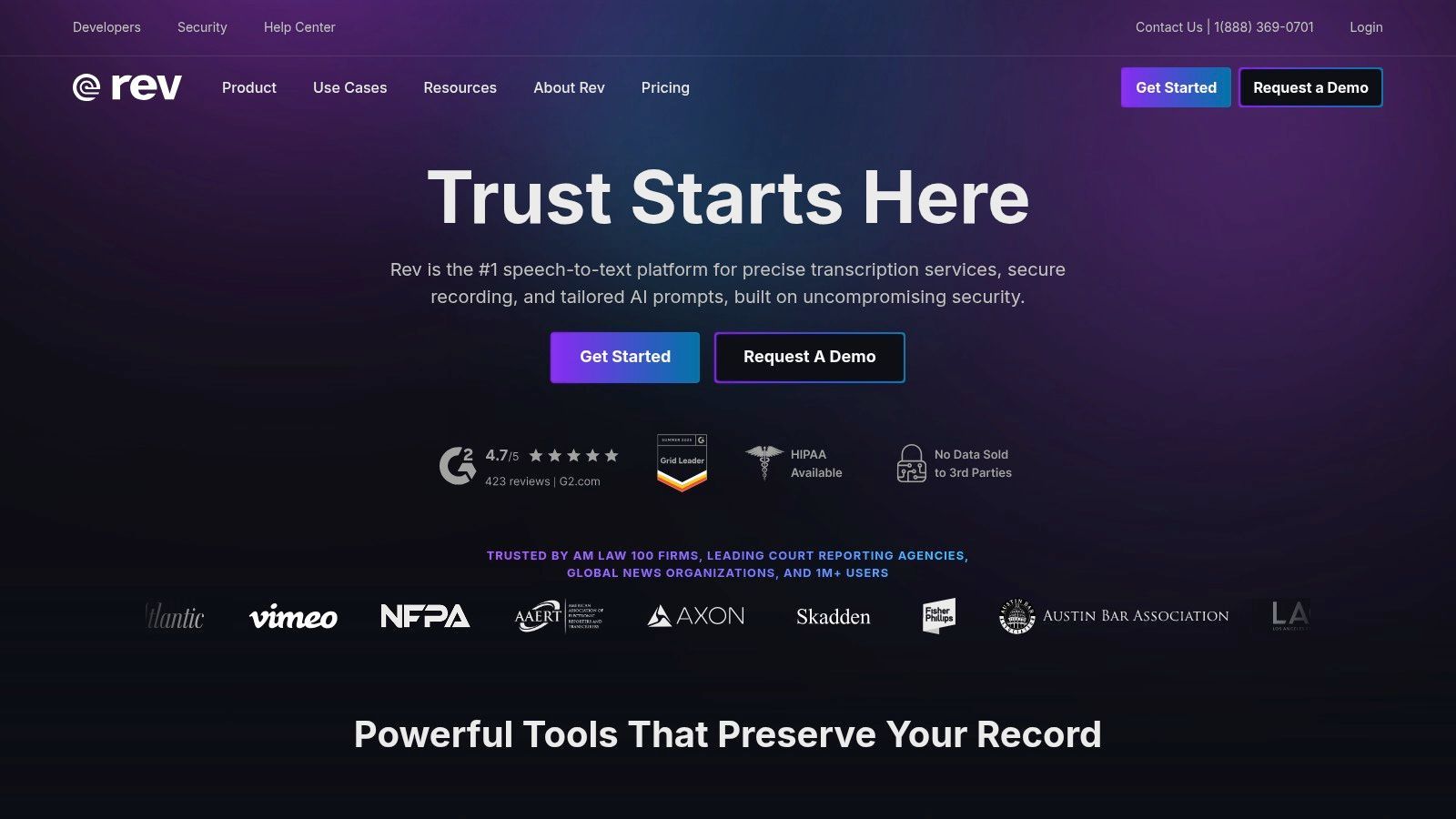
Die Plattform ist auf Flexibilität ausgelegt und ermöglicht es Benutzern, mit einem automatisierten KI-Transkript zu beginnen und dann nahtlos mit einem einzigen Klick auf eine menschlich verifizierte Version aufzurüsten. Revs robuste Sicherheitslage, einschließlich HIPAA- und SOC 2 Typ II-Konformität, bietet Sicherheit für Organisationen in regulierten Branchen. Dieser duale Ansatz stellt sicher, dass Benutzer niemals zwischen der Kosteneffizienz von KI und der unübertroffenen Qualität eines professionellen Dienstes Kompromisse eingehen müssen.
Wichtige Details & Anwendungsfälle
- Am besten geeignet für: Organisationen in regulierten Branchen, die hochgenaue, konforme Transkripte benötigen.
- Hauptmerkmale: Hybride KI- und menschliche Transkriptionsdienste, 99 % Genauigkeitsgarantie bei menschlichen Transkripten, KI-Notiznehmer für Live-Meetings und Unternehmenssicherheitskonformität.
- Preise: KI-Transkriptionspläne beginnen bei 29,99 $/Monat für 20 Stunden. Menschliche Transkription ist Pay-per-Minute, beginnend bei 1,50 $/Minute.
- Vorteile: Unübertroffene Genauigkeit mit der Option der menschlichen Transkription, starke Sicherheits- und Compliance-Funktionen, skalierbar für große Mengen.
- Nachteile: Die Kosten für menschliche Transkription können sich bei langen Meetings schnell summieren, und die KI-Transkriptionspläne haben feste Stundenlimits.
Website: https://www.rev.com/
7. Fireflies.ai
Fireflies.ai ist ein KI-Meeting-Assistent, der den gesamten Prozess der Erfassung, Transkription, Zusammenfassung und Analyse von Sprachgesprächen automatisiert. Er integriert sich in alle wichtigen Videokonferenzplattformen wie Zoom, Google Meet und Microsoft Teams, nimmt automatisch an Ihren Meetings teil, um eine detaillierte und durchsuchbare Aufzeichnung zu liefern. Seine Stärke liegt darin, unstrukturierte Gesprächsdaten in organisierte, umsetzbare Erkenntnisse für Teams umzuwandeln.
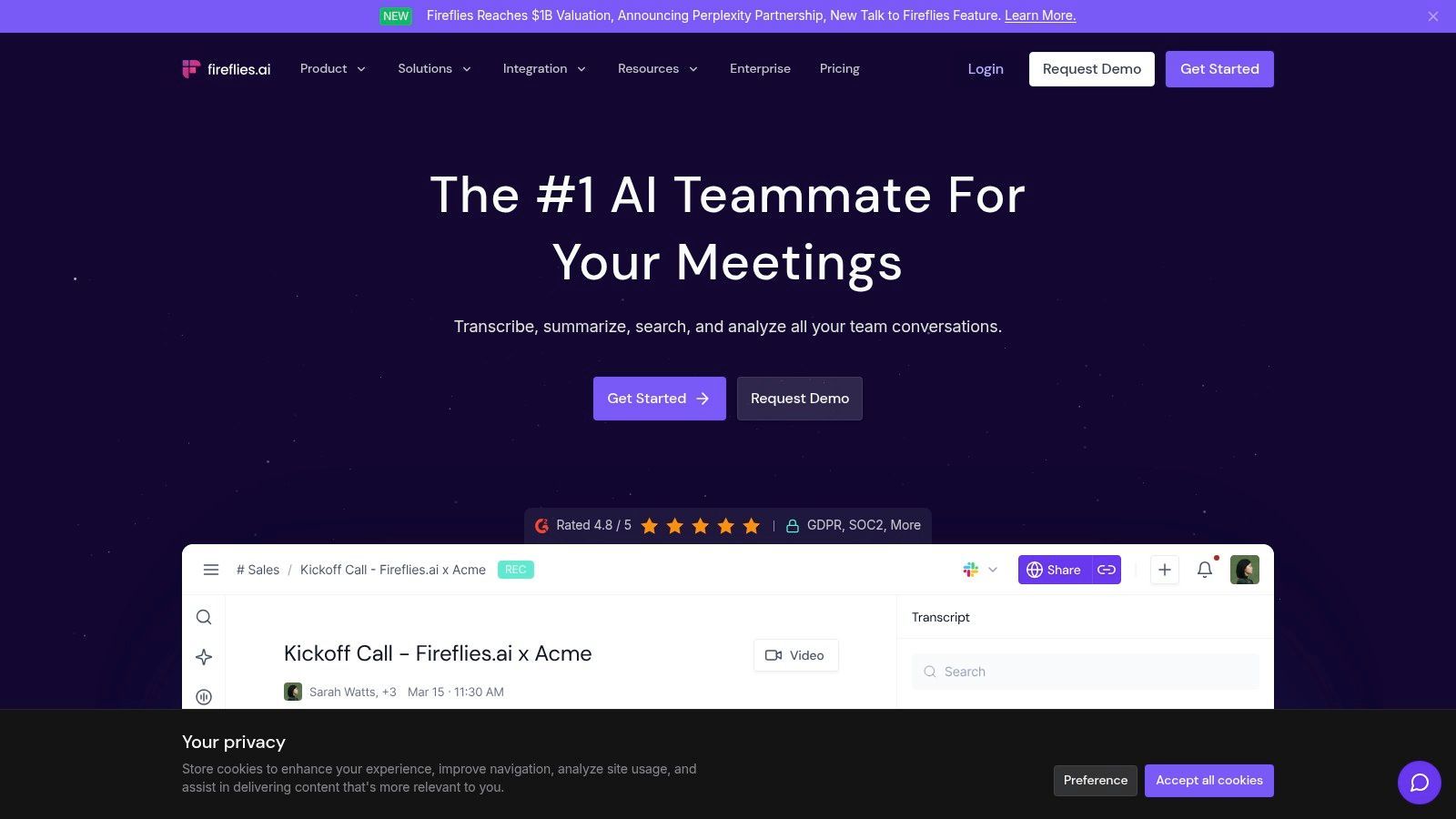
Das herausragende Merkmal der Plattform ist ihre leistungsstarke Gesprächsintelligenz, die Themen, Stimmungen und andere wichtige Kennzahlen über Anrufe hinweg verfolgt. Dies macht sie zu einer außergewöhnlichen Meeting-Transkriptionssoftware für Vertriebs- und Kundenerfolgsteams. Mit ihrem KI-Assistenten "AskFred" können Benutzer Fragen zu ihren Meetings stellen und sofort Antworten erhalten, während ihre umfangreiche Integrationsbibliothek Anrufdaten direkt in CRMs und andere Workflow-Tools integriert. Diese Funktionalität ist besonders nützlich für diejenigen, die ihre Vertriebsanruf-Transkription optimieren möchten.
Wichtige Details & Anwendungsfälle
- Am besten geeignet für: Vertriebsteams und Organisationen, die tiefe Gesprächsanalysen und CRM-Integrationen benötigen.
- Hauptmerkmale: KI-gestützte Zusammenfassungen und Q&A, Themen- und Stimmungsanalyse, umfangreiche CRM-Integrationen (Salesforce, HubSpot) und robuste Suchfilter.
- Preise: Bietet eine kostenlose Stufe mit begrenzten Transkriptionsguthaben. Kostenpflichtige Pläne beginnen bei 10 $/Benutzer/Monat (jährlich abgerechnet) für mehr Funktionen und Speicherplatz.
- Vorteile: Großzügige kostenlose Stufe, eine breite Palette leistungsstarker Integrationen und erweiterte Gesprächsanalysen.
- Nachteile: Unbegrenzte Nutzungsansprüche unterliegen Fair-Use-Richtlinien, und einige erweiterte Intelligenzfunktionen sind höheren Stufen vorbehalten.
Website: https://fireflies.ai/
8. Fathom
Fathom positioniert sich als leistungsstarker KI-Notiznehmer und unterscheidet sich durch einen außergewöhnlich großzügigen kostenlosen Plan für immer. Es zeichnet, transkribiert und fasst Ihre Anrufe auf Zoom, Microsoft Teams und Google Meet zusammen und bietet so einen zugänglichen Einstieg in die Welt der Meeting-Transkriptionssoftware. Die Plattform generiert automatisch Anrufnotizen und synchronisiert sie direkt mit CRMs wie Salesforce und HubSpot, wodurch die Workflows nach dem Meeting für Vertriebs- und Kundenerfolgsteams optimiert werden.
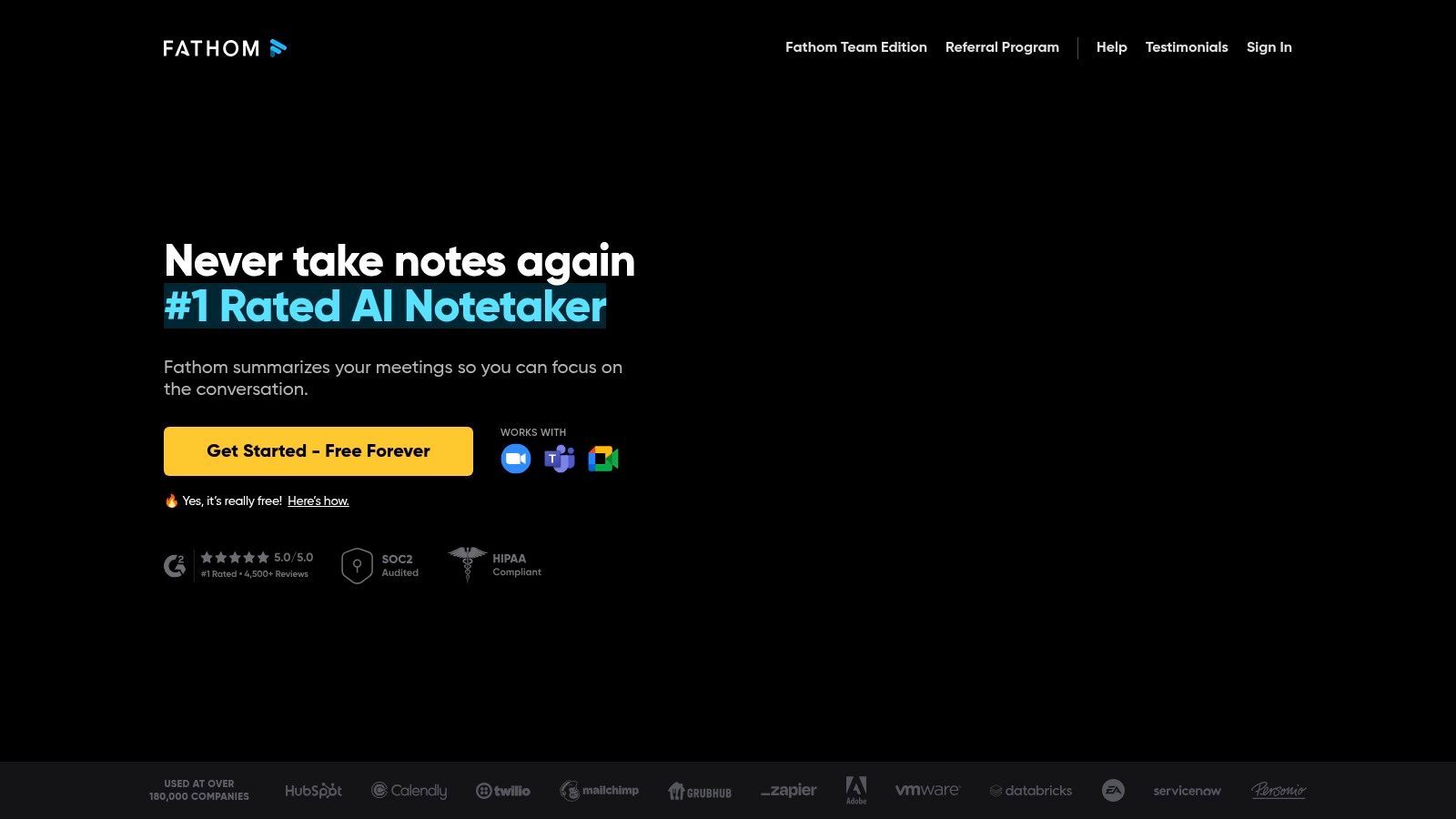
Die Plattform ist darauf ausgelegt, wichtige Momente durch Hervorheben von Teilen des Live-Transkripts zur Erstellung von Clips sofort teilbar zu machen. Während seine kostenlose Stufe robust ist, schalten kostenpflichtige Pläne erweiterte KI-gestützte Zusammenfassungen, verbesserte Team-Kollaborationsfunktionen und mehr administrative Kontrolle frei. Dieser gestaffelte Ansatz ermöglicht es Einzelpersonen, kostenlos zu starten, und ermöglicht es wachsenden Teams, bei Bedarf zu anspruchsvolleren Funktionen zu skalieren, was es zu einer flexiblen Wahl für verschiedene Benutzer macht.
Wichtige Details & Anwendungsfälle
- Am besten geeignet für: Einzelpersonen und Vertriebsteams, die einen kostenlosen, qualitativ hochwertigen Ausgangspunkt mit einem klaren Upgrade-Pfad suchen.
- Hauptmerkmale: Unbegrenzte kostenlose Aufzeichnung und Transkription, CRM-Integration (Salesforce, HubSpot), Ein-Klick-Zusammenfassungsgenerierung und Echtzeit-Anrufhervorhebung.
- Preise: Bietet einen umfassenden kostenlosen Plan. Kostenpflichtige Pläne beginnen bei 24 $/Benutzer/Monat (jährlich abgerechnet) für erweiterte Funktionen und Teamverwaltung.
- Vorteile: Ausgezeichneter kostenloser Plan für Einzelbenutzer, direkte Integration mit beliebten CRMs.
- Nachteile: Erweiterte KI-Zusammenfassungen sind eine Premium-Funktion, und teamweite Compliance-Einstellungen sind höheren Stufen vorbehalten.
Website: https://fathom.video/
9. Sembly AI
Sembly AI positioniert sich als intelligenter Teamassistent, der über einfache Transkription hinausgeht, um umsetzbare Gesprächsintelligenz zu liefern. Er nimmt an Ihren Anrufen auf Plattformen wie Zoom, Google Meet und Microsoft Teams teil, um Diskussionen aufzuzeichnen, zu transkribieren und zu analysieren. Seine Kernstärke liegt in der automatischen Identifizierung wichtiger Elemente wie Aufgaben, Probleme und Risiken, wodurch unstrukturierte Gespräche in organisierte, wertvolle Daten für Projektmanagement und Teamüberwachung umgewandelt werden.
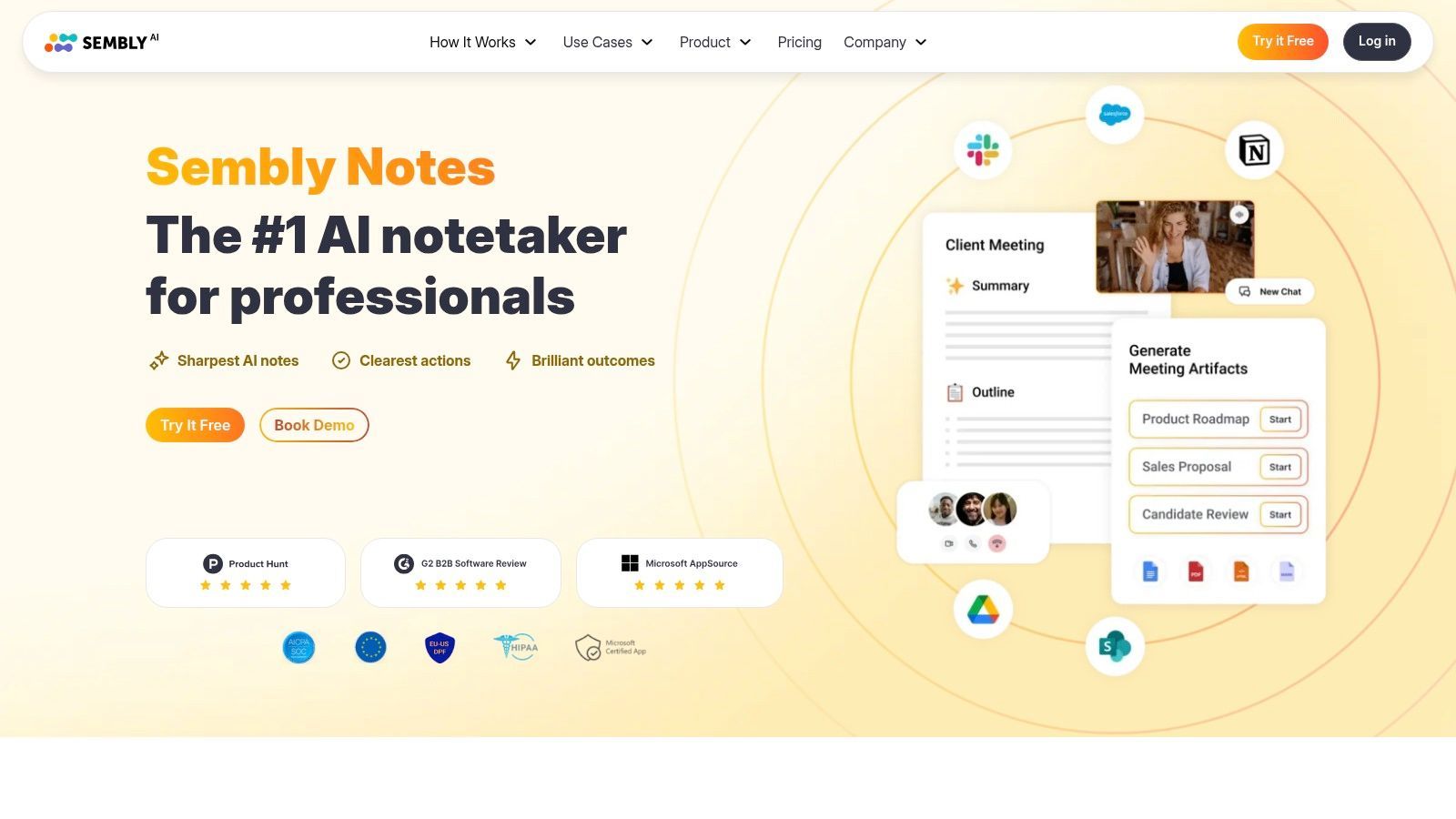
Die Plattform zeichnet sich durch robuste Workspace-Analysen und Teammanagement-Funktionen aus und ist damit eine der besten Meeting-Transkriptionssoftware-Optionen für Manager, die Einblicke in die Teamdynamik suchen. Mit Funktionen wie KI-generierten Meeting-Notizen (GlanceView™) und "Semblian 2.0" für verbesserte KI-Fähigkeiten bietet es einen umfassenden Überblick über die Meeting-Ergebnisse. Dieser Fokus auf strukturierte Datenextraktion und Teamleistung macht Sembly AI zu einem leistungsstarken Werkzeug für Organisationen, die ihre Meeting-Kultur optimieren möchten.
Wichtige Details & Anwendungsfälle
- Am besten geeignet für: Manager und Teams, die Gesprächsintelligenz und automatisierte Aufgaben-/Risikoidentifikation benötigen.
- Hauptmerkmale: KI-Meeting-Notizen, automatische Aufgaben- und Risikoextraktion, Workspace-Analysen, Videoaufzeichnung und erweiterte Teammanagement-Optionen.
- Preise: Ein begrenzter kostenloser Plan ist verfügbar. Kostenpflichtige Pläne beginnen bei 10 $/Benutzer/Monat (jährlich abgerechnet) und bieten mehr Funktionen und unbegrenzte Online-Aufzeichnungen.
- Vorteile: Starke Teamanalysen mit Risiko- und Problemidentifikation, wettbewerbsfähige pro-Sitz-Preise mit jährlichen Rabatten.
- Nachteile: Upload-Minuten sind in Nicht-Enterprise-Plänen monatlich begrenzt, und einige Analyse- und Admin-Steuerungen erfordern höhere Stufen.
Website: https://www.sembly.ai/
10. Grain
Grain ist eine leistungsstarke Meeting-Intelligence-Plattform, die Videoanrufe in eine Bibliothek mit teilbarem Wissen und Erkenntnissen verwandelt. Sie zeichnet, transkribiert und fasst Meetings von Plattformen wie Zoom und Google Meet zusammen, aber ihre wahre Stärke liegt darin, wichtige Momente leicht verdaulich und verteilbar zu machen. Benutzer können mit einem einzigen Klick Highlight-Clips aus langen Aufzeichnungen erstellen und diese in Playlists kuratieren, um sie mit Teammitgliedern, Stakeholdern oder Kunden zu teilen. Dies macht sie zu einer der besten Meeting-Transkriptionssoftware-Optionen für Sales Coaching, Benutzerforschung und interne Kommunikation.
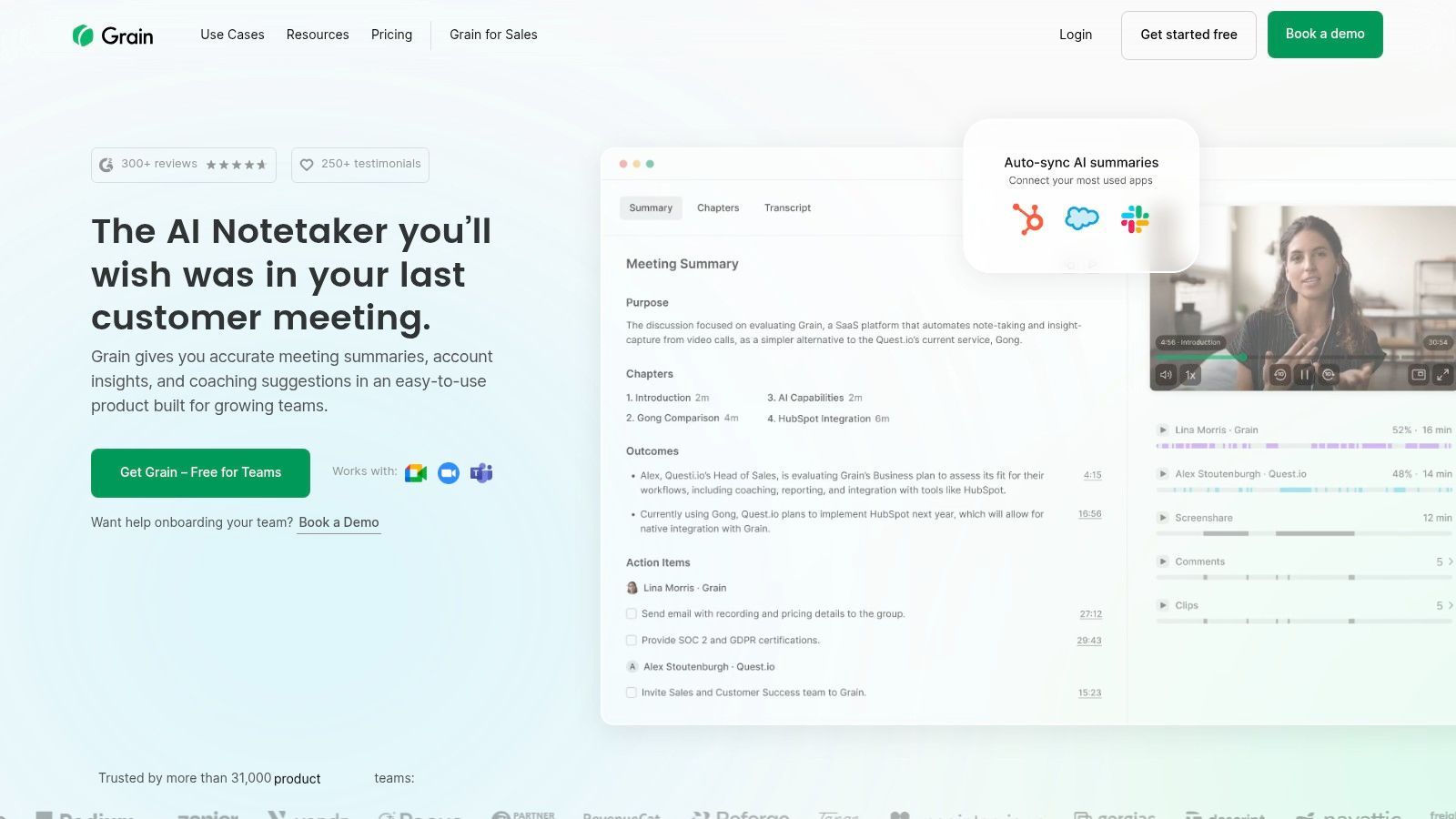
Die Plattform ist für die Teamkollaboration konzipiert und bietet ein einzigartiges Preismodell mit kostenlosen "Viewer"-Sitzen, wodurch die gesamte Organisation von Meeting-Erkenntnissen profitieren kann, ohne dass jeder eine kostenpflichtige Lizenz benötigt. Grain's KI-gestützte Notizen und durchsuchbaren Transkripte stellen sicher, dass wichtige Informationen nie verloren gehen, und verwandeln Gespräche in umsetzbare Intelligenz, die Geschäftsentscheidungen vorantreibt und die Teamabstimmung verbessert.
Wichtige Details & Anwendungsfälle
- Am besten geeignet für: Vertriebs-, Produkt- und Kundenerfolgsteams, die spezifische Meeting-Momente für Coaching und Analyse teilen müssen.
- Hauptmerkmale: KI-generierte Notizen und Zusammenfassungen, Video-Clipping mit einem Klick, Highlight-Playlists, durchsuchbare Aufzeichnungsbibliothek und kostenlose Viewer-Sitze.
- Preise: Bietet einen kostenlosen Plan für Einzelpersonen. Kostenpflichtige Teampläne beginnen bei 15 $/Benutzer/Monat (jährlich abgerechnet).
- Vorteile: Hervorragend zum Erstellen und Teilen von Video-Snippets, flexibles Sitzmodell ist kostengünstig für große Teams.
- Nachteile: Pläne können sich ändern, daher sollten Benutzer aktuelle Angebote überprüfen; einige erweiterte Funktionen sind höheren Stufen vorbehalten.
Website: https://grain.com/
11. Notta
Notta ist ein KI-gestützter Transkriptionsdienst, der sich durch Vielseitigkeit auszeichnet und Live-Meeting-Aufzeichnungen, Datei-Uploads und leistungsstarke Workflow-Automatisierungen bietet. Er integriert sich in wichtige Plattformen wie Zoom, Google Meet und Microsoft Teams, um Echtzeit-Transkripte bereitzustellen, erweitert aber auch seine Nützlichkeit mit einer Chrome-Erweiterung und Bildschirmaufzeichnungsfunktionen. Dies macht ihn zu einer umfassenden Lösung zur Erfassung von Diskussionen aus praktisch jeder Quelle, von formellen Meetings bis hin zu spontanen webbasierten Gesprächen.
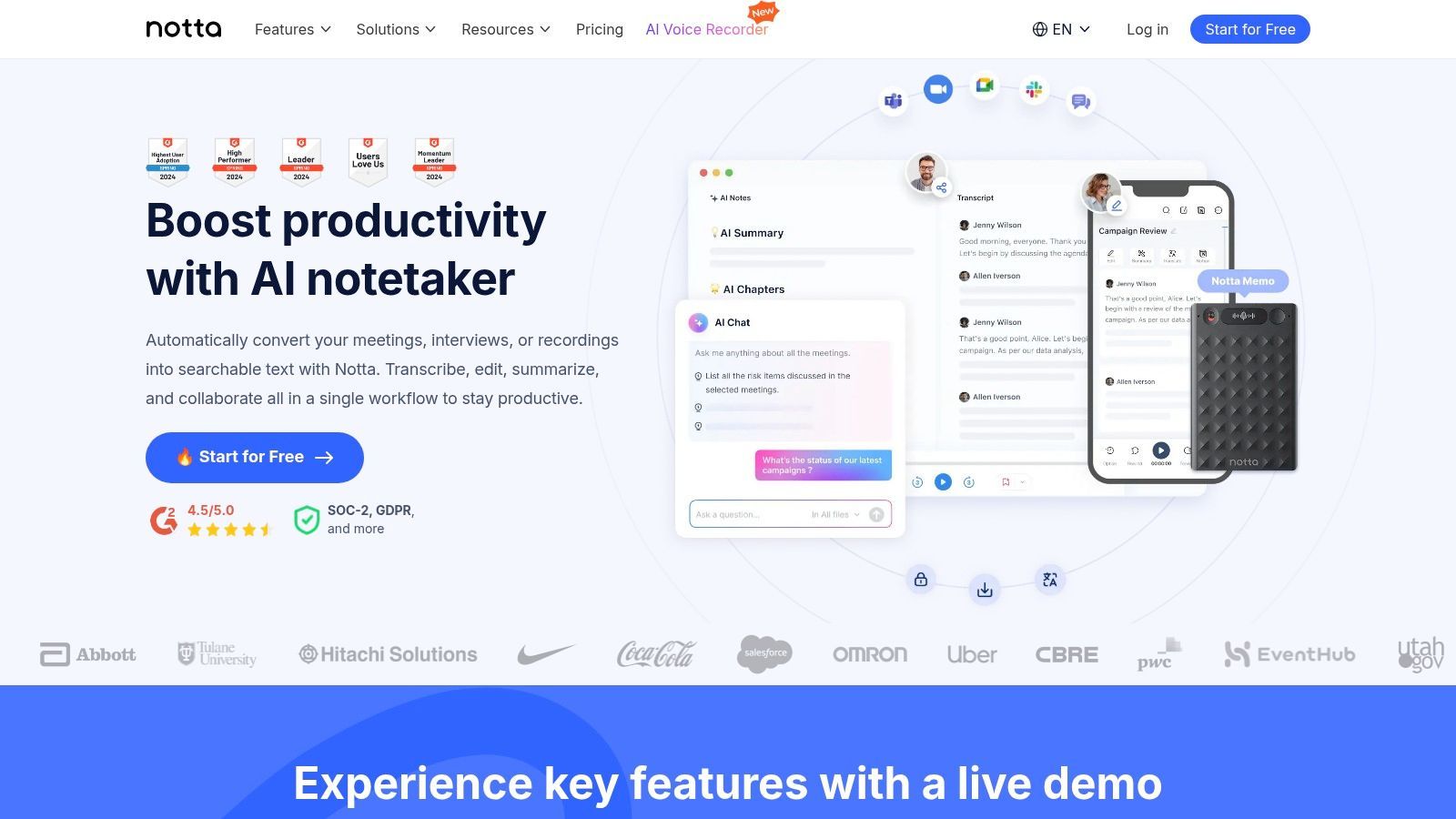
Die Plattform zeichnet sich durch ihre robuste mehrsprachige Unterstützung und KI-gesteuerten Zusammenfassungen aus, die auch in verschiedene Sprachen übersetzt werden können. Diese Funktion ist besonders wertvoll für globale Teams und Content-Ersteller, die ihre Diskussionen für verschiedene Zielgruppen wiederverwenden müssen. Mit einem starken Fokus auf individuelle und unternehmerische Bedürfnisse bietet Notta eine der besten Meeting-Transkriptionssoftware-Optionen für diejenigen, die hochvolumige, genaue Transkripte mit flexiblen Integrationen benötigen. Für diejenigen, die daran interessiert sind, diese Transkripte zu nutzen, können Sie die Anwendungsfälle der Transkription für die Content-Erstellung untersuchen, um zu sehen, wie sie Ihrem Workflow zugute kommen können.
Wichtige Details & Anwendungsfälle
- Am besten geeignet für: Einzelpersonen und Teams, die Transkriptionen mit hohem Volumen mit mehrsprachigen und Bildschirmaufzeichnungsfunktionen benötigen.
- Hauptmerkmale: Live-Transkription für Meetings, Datei-Uploads, KI-Zusammenfassungen und -Übersetzung, Bildschirmrekorder, Chrome-Erweiterung und Unternehmenssicherheit.
- Preise: Ein kostenloser Plan ist verfügbar. Kostenpflichtige Pläne beginnen bei 8,25 $/Benutzer/Monat (jährlich abgerechnet) und bieten mehr Transkriptionsminuten.
- Vorteile: Großzügige Transkriptionsminutenkontingente in kostenpflichtigen Plänen, wettbewerbsfähige Preise und breite Integrationsunterstützung.
- Nachteile: Einige Funktionen wie die Übersetzung erfordern zusätzliche Kosten in niedrigeren Stufen, und unbegrenzte Transkription ist höheren Preisplänen vorbehalten.
Website: https://www.notta.ai/
12. Sonix
Sonix ist ein hochgenauer automatisierter Transkriptionsdienst, der für Fachleute entwickelt wurde, die schnelle, zuverlässige Transkripte aus Audio- und Videodateien benötigen. Obwohl es sich nicht um einen Live-Meeting-Assistenten handelt, ist es hervorragend für die Verarbeitung nach dem Meeting geeignet und somit ein leistungsstarkes Werkzeug für Journalisten, Forscher und Content-Ersteller, die auf präzise Dokumentation aus aufgezeichneten Interviews, Webinaren und Diskussionen angewiesen sind. Es unterstützt über 38 Sprachen und bietet Transkription, Übersetzung und Untertitelung auf einer einzigen, intuitiven Plattform.
Das herausragende Merkmal der Plattform ist ihr leistungsstarker In-Browser-Editor, mit dem Benutzer Transkripte einfach überprüfen, bearbeiten und teilen können. Mit Sprecherbeschriftung, Wort-für-Wort-Zeitstempeln und einem benutzerdefinierten Wörterbuch für branchenspezifischen Jargon optimiert Sonix den gesamten Postproduktions-Workflow. Dies macht es zu einer der besten Meeting-Transkriptionssoftware-Optionen für Teams, die Genauigkeit und kollaboratives Bearbeiten nach Abschluss eines Meetings priorisieren.
Wichtige Details & Anwendungsfälle
- Am besten geeignet für: Journalisten, Podcaster und Forscher, die hochgenaue Transkripte für die Analyse nach dem Meeting und die Content-Erstellung benötigen.
- Hauptmerkmale: Mehrsprachige Transkription und Übersetzung, leistungsstarker In-Browser-Editor, benutzerdefiniertes Wörterbuch, Sprecher-Diarisierung und verschiedene Exportformate (SRT, VTT, docx).
- Preise: Bietet eine Pay-as-you-go-Option für 10 $/Stunde. Abonnements beginnen bei 5 $/Stunde plus 22 $/Benutzer/Monat (monatlich abgerechnet).
- Vorteile: Hervorragende Genauigkeit und ein robuster Editor, flexible Pay-as-you-go-Abrechnung ist ideal für seltene Benutzer.
- Nachteile: Die Abrechnung pro Stunde kann für Benutzer mit hohem Volumen an langen Aufzeichnungen teuer werden, und erweiterte Kollaborationsfunktionen erfordern höhere Stufen.
Website: https://sonix.ai/
Vergleich der Top 12 Meeting-Transkriptionssoftware
| Plattform | Kernfunktionen & Fähigkeiten | Benutzererfahrung & Qualität ★ | Einzigartige Verkaufsargumente ✨ | Zielgruppe 👥 | Preise & Wert 💰 |
|---|---|---|---|---|---|
| Transcript.LOL 🏆 | Whisper-basiert, 10h Uploads, Sprechererkennung, Multi-Format-Export | ★★★★☆ (99,8 % Genauigkeit) + Rich-Editing-Tools | Zusammenfassungen, Quiz, Mindmaps, Social-Media-Inhalte | Podcaster, Vermarkter, Pädagogen, Juristen, Teams | Kostenlos mit 2 täglichen Transkripten; erschwingliche Einzel- und Teampläne |
| Otter.ai | Echtzeit-Transkription, Meeting-Zusammenfassungen, Mehrsprachige Unterstützung | ★★★★☆ Klare Grenzen, gute Suche/Export | Otter AI Chat, nahtlose Zoom/Teams-Integration | Teams, Einzelpersonen, die Live-Notizen suchen | Gestaffelte Monatspläne mit definierten Limits |
| Zoom – AI Companion | Meeting-Zusammenfassungen, Live-Notizen, KI-Aktionen, Mobiler Rekorder | ★★★★ Tiefe Zoom-Integration | In kostenpflichtigen Zoom-Plänen enthalten | Zoom-Benutzer, Unternehmen | In kostenpflichtigen Zoom Workplace-Plänen enthalten |
| Microsoft Teams | Live-Untertitel, Transkripte, mehrsprachige KI über Premium/Copilot | ★★★★ Unternehmensqualität, nahtlos in Teams | Erweiterte KI und Übersetzung über Add-ons verfügbar | Microsoft 365 Organisationen | Erfordert zusätzliche Lizenzen für erweiterte Funktionen |
| Google Meet | Herunterladbare Transkripte, aufgezeichnete Untertitel, Verfügbarkeit in mehreren Stufen | ★★★ Reibungslose Google Workspace-Integration | Enge Google Drive/Kalender-Integration | Google Workspace-Benutzer | Funktionssätze variieren je nach Workspace-SKU |
| Rev | KI + 99 % menschliche Transkription, HIPAA/SOC2-Konformität | ★★★★★ Genauigkeit Priorität, konform | Option für menschliche Transkription, Unternehmenssicherheit | Regulierte Branchen, Compliance-fokussiert | Pay-per-Minute für menschliche Transkription; KI-Pläne mit Stundenlimits |
| Fireflies.ai | Meeting-Transkription, Zusammenfassungen, Gesprächsanalysen | ★★★★ Großzügige kostenlose Stufe, breite Integrationen | "AskFred" KI, CRM- & Slack-Integrationen | Vertrieb, Teams, CRM-Benutzer | Kostenlose Stufe + kostenpflichtige Pläne mit Limits |
| Fathom | Unbegrenzte kostenlose Aufzeichnungen, KI-Zusammenfassungen, CRM- & Zapier-Sync | ★★★★ Starke kostenlose Stufe, einfache Upgrades | Desktop- & Chrome-Integration | Einzelbenutzer, Vertriebsteams | Kostenloser Plan; kostenpflichtige Stufen für erweiterte Funktionen |
| Sembly AI | Meeting-Notizen, Aufgabenextraktion, Teamanalysen | ★★★★ Wettbewerbsfähige Preise, gute Team-Tools | Risiko- und Problemidentifikation, Workspace-Analysen | Teams, Unternehmen | Pro Sitzplatz mit jährlichen Rabatten |
| Grain | KI-Notizen, Highlights, Playlists, Vertriebsintegrationen | ★★★★ Flexible Sitzplatzvergabe, teilbare Snippets | Kostenlose Viewer-Sitze, Fokus auf Vertriebs-/Umsatzintelligenz | Vertriebsteams, Marketing | Variiert; Pläne sorgfältig prüfen |
| Notta | Mehrsprachige Transkription, Sprecher-ID, KI-Zusammenfassungen | ★★★★ Hohes Kontingent, wettbewerbsfähige Preise | Übersetzung, Bildschirmaufzeichnung, starke Admin-Kontrollen | Einzelpersonen & große Teams | Mehrere Stufen; unbegrenzte Transkription in Business-Plänen |
| Sonix | Genaue KI-Transkription, mehrsprachig, benutzerdefinierte Wörterbücher | ★★★★ Flexible Abrechnung, exzellenter Editor | API-Zugriff, Enterprise SSO/SAML | Medien, Unternehmen, Enterprise | Pay-as-you-go oder Abonnements |
Abschließende Gedanken
Die Navigation in der überfüllten Landschaft der Meeting-Transkriptionssoftware kann überwältigend sein, aber wie wir gesehen haben, geht es bei dem perfekten Werkzeug weniger darum, eine Einheitslösung zu finden, als vielmehr darum, die Plattform zu identifizieren, die mit Ihrem spezifischen Workflow, Ihrer Teamgröße und Ihrem Budget übereinstimmt. Die richtige Wahl hängt letztendlich davon ab, was Sie nach dem Ende des Meetings erreichen möchten.
Von der nahtlosen Integration nativer Tools wie Zoom's AI Companion und Microsoft Teams, die unglaublichen Komfort für Benutzer bieten, die bereits in diesen Ökosystemen leben, bis hin zu den leistungsstarken, KI-gesteuerten Analysen von Plattformen wie Fireflies.ai und Grain, die Gespräche in umsetzbare Daten verwandeln, ist die Entwicklung dieser Technologie unbestreitbar. Wir haben gesehen, wie spezialisierte Dienste wie Rev durch menschlich gesteuerte Transkription unübertroffene Genauigkeit bieten, während Neulinge wie Fathom außergewöhnlichen Wert bieten, indem sie qualitativ hochwertige Funktionen völlig kostenlos anbieten.
So wählen Sie die beste Meeting-Transkriptionssoftware für Sie aus
Die endgültige Entscheidung erfordert eine sorgfältige Bewertung Ihrer individuellen Anforderungen. Jagen Sie nicht nur die längste Funktionsliste; konzentrieren Sie sich stattdessen auf die Fähigkeiten, die die größten Auswirkungen auf Ihre tägliche Produktivität haben werden.
Berücksichtigen Sie diese kritischen Faktoren, bevor Sie sich festlegen:
- Genauigkeit vs. Geschwindigkeit: Benötigen Sie ein fehlerfreies, menschlich verifiziertes Transkript für rechtliche oder Veröffentlichungszwecke (wie bei Rev) oder reicht ein hochgenaues, nahezu sofortiges KI-generiertes Transkript (wie von Otter.ai oder Sonix) für interne Notizen und Zusammenfassungen aus?
- Integration und Workflow: Wie gut passt das Tool in Ihren bestehenden Tech-Stack? Wenn Ihr Team in Slack, CRM oder Projektmanagement-Tools lebt, spart Ihnen eine Plattform mit robusten nativen Integrationen wie Fireflies.ai oder Sembly AI unzählige Stunden.
- Primärer Anwendungsfall: Sind Sie ein Content-Ersteller, der Meeting-Clips für soziale Medien wiederverwenden muss? Ein Tool wie Grain ist dafür gemacht. Sind Sie ein Forscher, der qualitative Daten analysieren muss? Die Such- und Tagging-Funktionen einer Plattform wie Notta könnten Ihre beste Wahl sein.
- Budget und Skalierbarkeit: Beginnen Sie mit der Bewertung von kostenlosen Optionen wie Fathom, um die Kernvorteile zu verstehen. Wenn Ihre Bedürfnisse wachsen, sollten Sie die Preismodelle berücksichtigen. Pro Benutzer Gebühren können sich für große Teams summieren, während die Abrechnung pro Minute für seltene Benutzer kostengünstiger sein kann.
Die Zukunft ist automatisiert und umsetzbar
Die wichtigste Erkenntnis ist, dass die beste Meeting-Transkriptionssoftware mehr tut, als nur Sprache in Text umzuwandeln. Sie erschließt die wertvollen, unstrukturierten Daten, die in Ihren Gesprächen gefangen sind, macht sie durchsuchbar, teilbar und vor allem umsetzbar. Durch die Automatisierung der Notiznahme und die Generierung intelligenter Zusammenfassungen befreit diese Tools Ihr Team, sich auf das zu konzentrieren, was wirklich wichtig ist: kreatives Denken, strategische Planung und den Aufbau sinnvoller Verbindungen. Die richtige Software zeichnet nicht nur auf, was gesagt wurde; sie hilft Ihnen, etwas Sinnvolles damit zu tun.
Bereit, Transkriptionen zu erleben, die schnell, einfach und unglaublich erschwinglich sind? Wenn Sie hochwertige Transkripte aus Ihren Audio- oder Videodateien benötigen, ohne die Komplexität eines vollwertigen Meeting-Assistenten, probieren Sie Transcript.LOL aus. Erhalten Sie Ihr erstes Transkript in wenigen Minuten unter Transcript.LOL.