
El Mejor Software de Transcripción de Video en 2026 (In-...
Descubre el mejor software de transcripción de video con nuestra guía de 2026. Comparamos servicios de IA y humanos por precisión, velocidad, precio y características clave.
Kate, Praveen
January 20, 2026
El contenido de video es el rey, pero su potencial completo permanece bloqueado sin texto accesible y buscable. Ya sea que seas un creador de contenido que busca un mejor SEO, un investigador que analiza entrevistas o un equipo que colabora en grabaciones de reuniones, convertir palabras habladas en texto preciso es un paso crítico. La transcripción manual es lenta y costosa, pero el panorama moderno del software de transcripción para video ofrece una solución potente y eficiente.
Características que Potencian la Transcripción Moderna de Video
IA de última generación
Impulsado por Whisper de OpenAI para una precisión líder en la industria. Soporte para vocabularios personalizados, archivos de hasta 10 horas y resultados ultra rápidos.

Importar desde múltiples fuentes
Importa archivos de audio y video desde diversas fuentes, incluyendo carga directa, Google Drive, Dropbox, URLs, Zoom y más.

Exportar en múltiples formatos
Exporta tus transcripciones en múltiples formatos incluyendo TXT, DOCX, PDF, SRT y VTT con opciones de formato personalizables.
Esta guía elimina el ruido para ayudarte a encontrar la herramienta adecuada para tus necesidades específicas. Hemos revisado meticulosamente las principales plataformas disponibles, yendo más allá de las afirmaciones de marketing para proporcionar una evaluación honesta de su rendimiento en el mundo real. Encontrarás un análisis detallado de cada opción, completo con capturas de pantalla, enlaces directos y desgloses claros de sus precios, precisión y características clave.
Exploraremos una diversa gama de soluciones, desde suites de edición todo en uno como Descript y Adobe Premiere Pro hasta plataformas especializadas de IA como Trint y Otter.ai. También cubriremos servicios de alta precisión impulsados por humanos como Rev y APIs enfocadas en desarrolladores de Google y Amazon. Nuestro objetivo es sencillo: brindarte la información necesaria para seleccionar el mejor software de transcripción para video que optimizará tu flujo de trabajo, mejorará la accesibilidad y desbloqueará el máximo valor de cada pieza de contenido de video que produzcas.
Por qué el Video sin Texto es Difícil de Escalar
El video por sí solo es difícil de buscar, referenciar y reutilizar. El texto transforma el contenido hablado en conocimiento estructurado e indexable. La transcripción es la base para el SEO, la accesibilidad y la colaboración.
1. Transcript.LOL
Transcript.LOL se posiciona como una opción principal para software de transcripción para video, combinando velocidad excepcional, privacidad robusta y un conjunto de herramientas inteligentes posteriores a la transcripción. Es una solución ideal para profesionales que requieren más que un simple archivo de texto de su contenido de video. La plataforma se basa en el motor Whisper de OpenAI, mejorado con soporte de vocabulario personalizado, lo que le permite alcanzar una tasa de precisión declarada del 99.8% en audio claro, convirtiendo horas de video en texto preciso y con marca de tiempo en minutos.
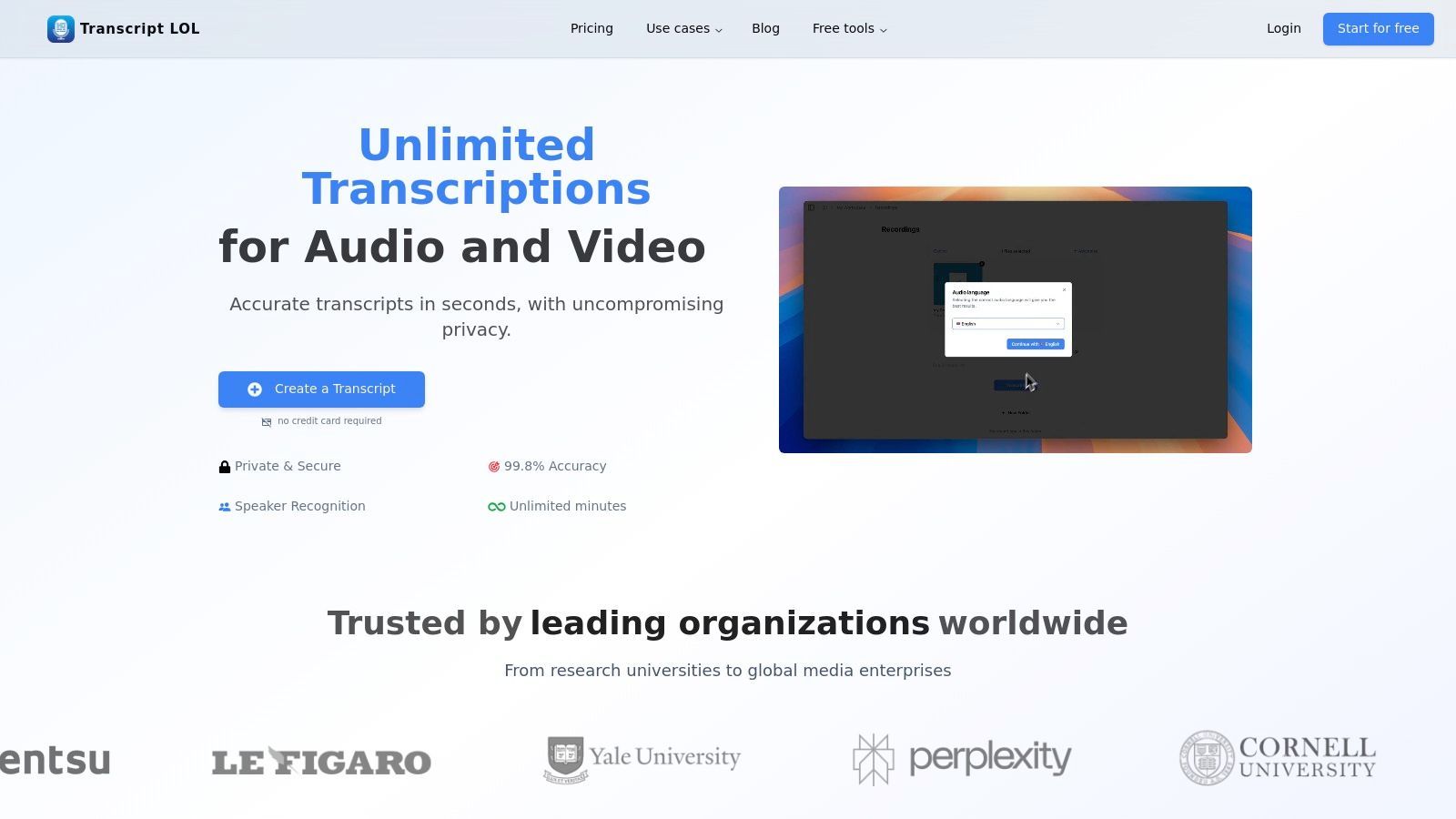
Lo que realmente lo distingue es su integración integral del flujo de trabajo y su estricta postura de privacidad primero. A diferencia de muchos servicios que utilizan datos de clientes para el entrenamiento de IA, Transcript.LOL tiene una política estricta de no entrenamiento, ofreciendo una capa crítica de seguridad para contenido sensible. La plataforma se destaca en la transformación de una transcripción simple en activos accionables, detectando y etiquetando automáticamente a los oradores y proporcionando un editor de texto enriquecido para correcciones sin problemas.
Características Clave y Casos de Uso
Este servicio es más que un simple transcriptor; es un motor de reutilización de contenido. Más allá de las exportaciones estándar TXT, DOCX y SRT/VTT, su IA puede generar resúmenes, identificar puntos de acción, crear cuestionarios a partir de contenido educativo e incluso redactar publicaciones en redes sociales o indicaciones para chatbots a partir de la transcripción de su video. Esto lo hace invaluable para los especialistas en marketing que crean clips promocionales, los educadores que desarrollan materiales de curso o los investigadores que analizan datos cualitativos.
Precios y Planes
- Nivel Gratuito: Permite 2 transcripciones gratuitas por día (máximo 20 minutos cada una).
- Plan Ilimitado ($120/año): Ofrece transcripciones ilimitadas, admite cargas de hasta 10 horas de duración e incluye funciones avanzadas de IA.
- Plan de Equipo ($240/año para 2 usuarios): Agrega espacios de trabajo colaborativos y organización de carpetas.
¿Quién Obtiene el Mayor Valor de la Transcripción de Video?
Creadores de Contenido y Profesionales del Marketing
Convierte videos largos en blogs, subtítulos, clips y publicaciones para redes sociales. Las transcripciones hacen que la reutilización sea rápida, consistente y amigable con el SEO.
Educadores y Estudiantes
Las grabaciones de conferencias se convierten en material de estudio buscable. Los conceptos clave se revisan instantáneamente sin reproducir videos completos.
Investigadores y Periodistas
Las entrevistas se convierten en conjuntos de datos analizables. Las citas, temas y evidencias son más fáciles de extraer y verificar.
Equipos de Negocios y Remotos
Las grabaciones de reuniones se convierten en elementos de acción y documentación. Las decisiones permanecen claras, buscables y responsables.
2. Descript
Descript revoluciona la edición de vídeo y audio haciéndola tan sencilla como editar un documento de texto. Su innovación principal es un potente servicio de transcripción impulsado por IA que se vincula directamente a tu línea de tiempo de vídeo. Cuando eliminas una palabra o frase de la transcripción generada, Descript elimina automáticamente los segmentos de audio y vídeo correspondientes, creando un flujo de trabajo intuitivo para los creadores. Este enfoque único lo convierte en una opción destacada para podcasters, YouTubers y equipos de contenido que buscan una postproducción eficiente.
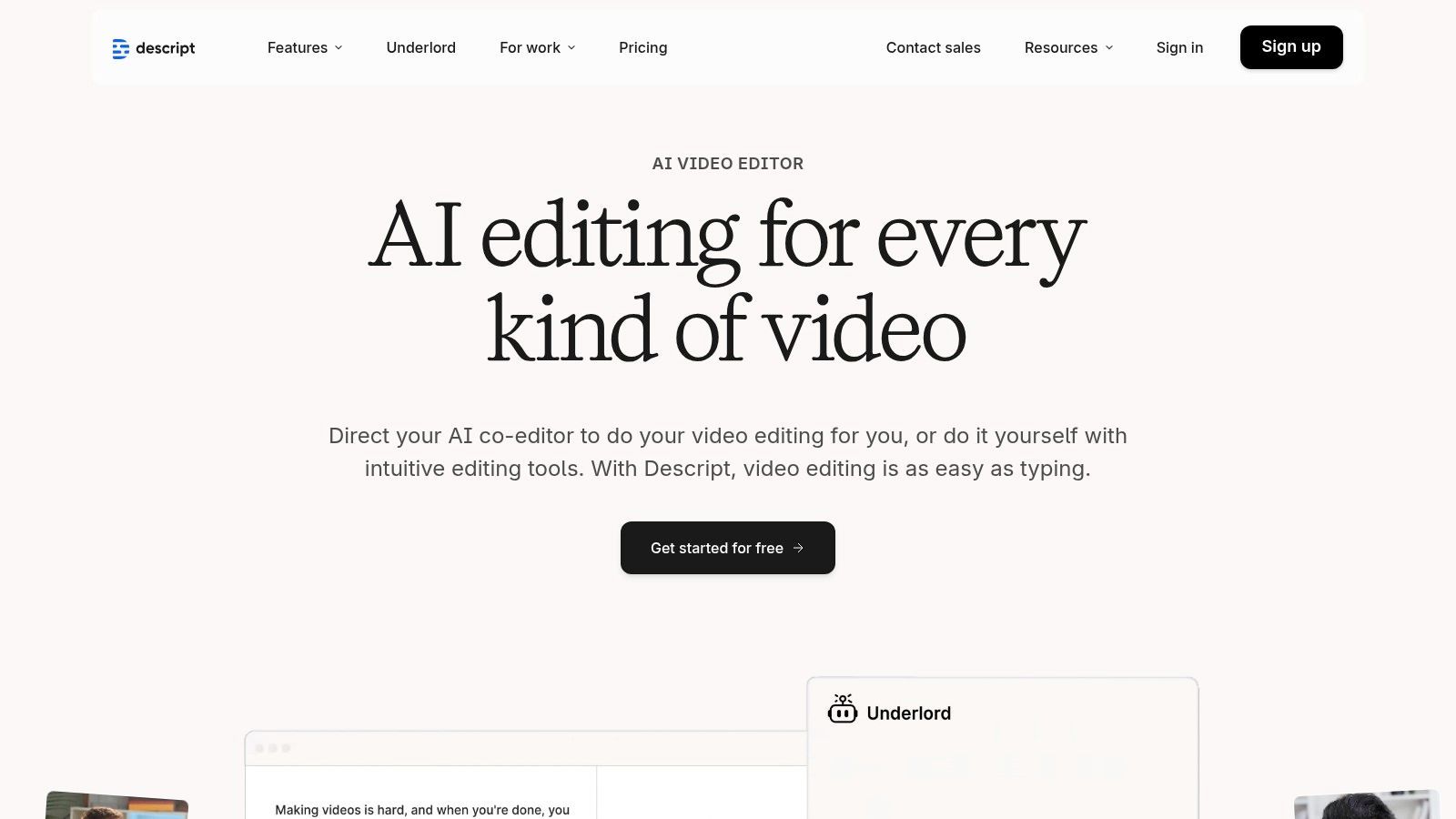
Esta plataforma es mucho más que software de transcripción para vídeo; es un estudio de creación de contenido todo en uno. Funciones como "Studio Sound" mejoran la calidad del audio con un solo clic, mientras que la función "Overdub" te permite crear un clon de IA de tu voz para corregir errores. La eliminación automática de palabras de relleno (para "eh" y "ah") y una herramienta de corrección de contacto visual agilizan aún más el proceso de edición, ahorrando a los creadores un tiempo inmenso.
Características Clave y Precios
Descript ofrece un modelo de precios escalonado que incluye un plan gratuito con transcripción limitada y resolución de exportación de vídeo. Los planes de pago, que comienzan con el nivel "Creator" a $12/mes (facturado anualmente), desbloquean límites de transcripción más altos, exportación de vídeo 4K y funciones avanzadas de IA. Los niveles "Pro" y "Enterprise" proporcionan más herramientas de colaboración, límites de uso más altos y funciones de seguridad mejoradas como el cumplimiento de SOC 2 Tipo II.
- Ideal para: Podcasters, creadores de vídeo y equipos de marketing que necesitan una solución integrada de transcripción y edición de vídeo.
- Pros: El flujo de trabajo de "editar vídeo editando texto" es excepcionalmente eficiente; un sólido conjunto de herramientas de IA incluidas añade un valor significativo.
- Contras: El sistema de créditos para horas de transcripción y funciones de IA puede ser confuso al principio; cambios recientes en su estructura de planes han sido un punto de contención para algunos usuarios de larga data.
- Sitio web: https://www.descript.com
3. Adobe Premiere Pro – Voz a Texto
Para los editores de vídeo que ya trabajan dentro del ecosistema de Adobe, la función Voz a Texto en Premiere Pro ofrece un nivel de integración sin igual. Esta herramienta elimina la necesidad de aplicaciones de terceros o de intercambiar archivos al integrar la transcripción directamente en la línea de tiempo de edición. Analiza automáticamente tu audio y genera una transcripción buscable que está sincronizada en el tiempo con tus clips de vídeo, convirtiendo Premiere Pro en un potente editor de vídeo basado en texto. Este flujo de trabajo nativo cambia las reglas del juego para los profesionales que buscan la máxima eficiencia en su proceso de postproducción.
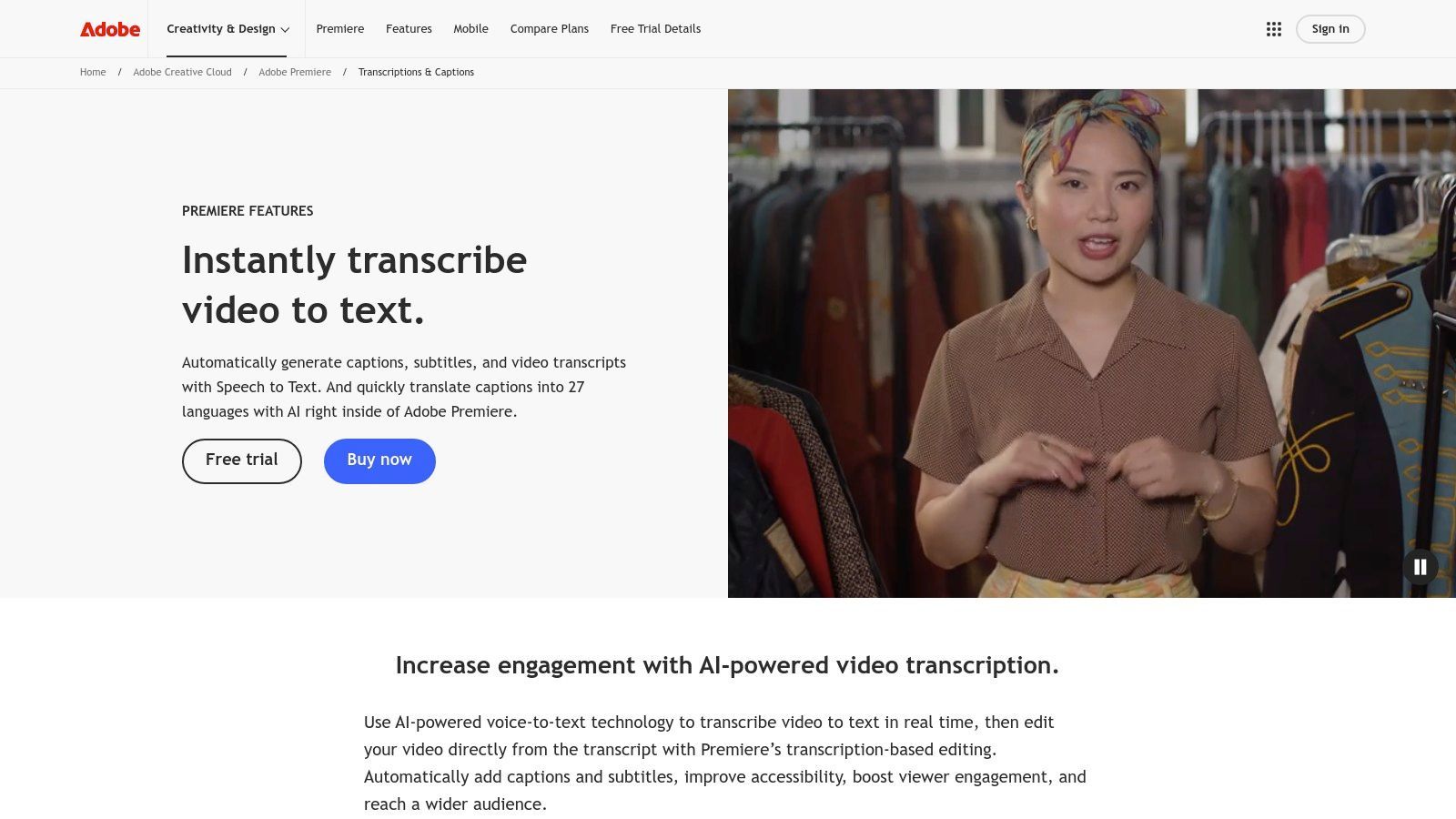
Esta funcionalidad es más que un simple complemento; es una parte central de un NLE (editor no lineal) de nivel profesional. La transcripción generada se puede utilizar para crear rápidamente subtítulos y, a continuación, se pueden estilizar y personalizar directamente en la línea de tiempo. Esto lo convierte en una pieza esencial de software de transcripción para vídeo para cineastas, documentalistas y agencias de contenido que requieren un control preciso sobre su resultado final. La integración perfecta garantiza que cualquier edición en la transcripción se refleje en la línea de tiempo, agilizando tareas de edición complejas.
Características Clave y Precios
La función Voz a Texto se incluye con una suscripción a Adobe Premiere Pro, que forma parte de la suite Creative Cloud. Los precios de Premiere Pro solo comienzan en $22.99/mes, con opciones para el plan completo de Creative Cloud Todas las Aplicaciones. Este modelo de suscripción incluye transcripciones automáticas ilimitadas, lo que lo distingue de los servicios que cobran por minuto u hora. También proporciona acceso a actualizaciones continuas de funciones de IA e integraciones con otras aplicaciones de Adobe como After Effects y Audition.
- Ideal para: Editores de vídeo profesionales, cineastas y casas de producción ya invertidas en el ecosistema de Adobe Creative Cloud.
- Pros: El flujo de trabajo estrechamente integrado dentro de un editor de vídeo líder elimina la necesidad de herramientas externas; escala excepcionalmente bien para postproducción de alta gama.
- Contras: Requiere una suscripción completa a Premiere Pro, que puede ser cara y excesiva para usuarios que solo necesitan transcripción; los aumentos de precio de Creative Cloud pueden afectar el costo a largo plazo.
- Sitio web: https://www.adobe.com/products/premiere/speech-to-text.html
4. Kapwing
Kapwing destaca como un editor de vídeo basado en navegador diseñado para la velocidad y la creación de contenido para redes sociales. Su fortaleza reside en un flujo de trabajo rápido e integrado de subtítulos automáticos y transcripción, lo que lo convierte en una excelente opción para creadores y equipos de marketing que necesitan agregar subtítulos, traducir contenido y reutilizar vídeos rápidamente. La plataforma está diseñada para la accesibilidad, sin necesidad de instalar software para empezar.
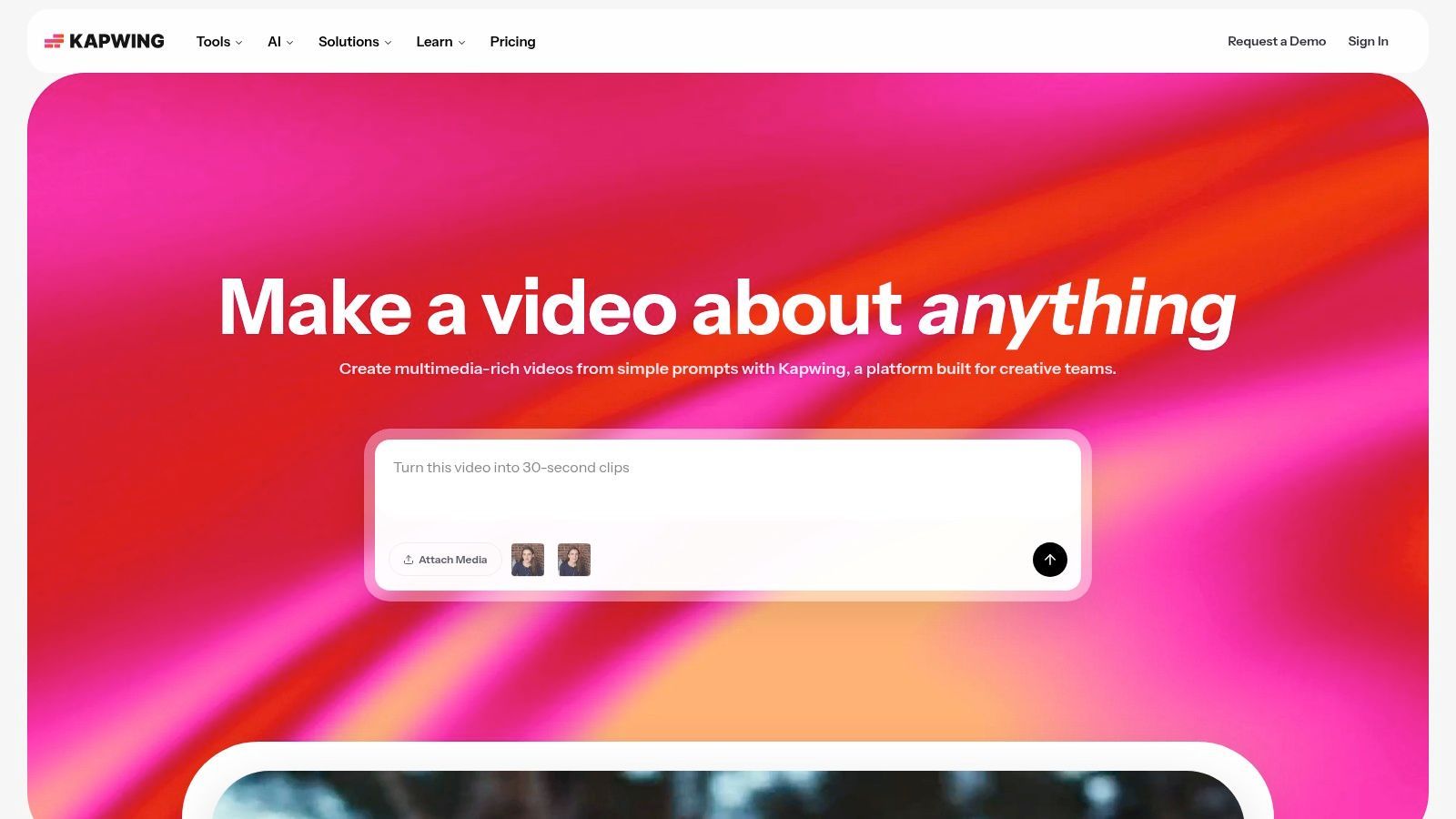
Si bien Kapwing es un editor de vídeo con todas las funciones, su uso como software de transcripción para vídeo es una característica principal para muchos usuarios. La herramienta puede generar automáticamente subtítulos y permite una fácil traducción a varios idiomas. Los usuarios pueden luego exportar los subtítulos como archivos SRT, VTT o TXT, o incrustarlos directamente en el vídeo en varios formatos amigables para redes sociales. Funciones como espacios de trabajo colaborativos y kits de marca en niveles de pago agilizan aún más el proceso de creación de contenido para los equipos.
Características Clave y Precios
Kapwing opera con un modelo freemium. El plan gratuito es bastante funcional pero incluye una marca de agua y tiene límites de duración de exportación. Los planes de pago comienzan con el nivel "Pro" a $16/mes (facturado anualmente), que elimina la marca de agua, aumenta los límites de exportación a 2 horas, permite exportaciones 4K y proporciona una generosa cantidad de créditos de subtítulos automáticos (1 crédito = 1 minuto). El nivel "Business" está diseñado para equipos más grandes, ofreciendo más créditos y funciones de colaboración mejoradas.
- Ideal para: Gerentes de redes sociales, creadores de contenido y equipos de marketing que necesitan una herramienta rápida y todo en uno para edición y subtitulado.
- Pros: Completamente basado en navegador para un fácil acceso; minutos generosos de subtítulos automáticos en planes de pago; un sólido conjunto de herramientas para la reutilización en redes sociales.
- Contras: La marca de agua y las limitaciones de exportación del plan gratuito pueden ser restrictivas; los usuarios intensivos pueden encontrar los precios más altos que los servicios dedicados solo a la transcripción.
- Sitio web: https://www.kapwing.com
5. Rev
Rev se ha establecido como un servicio de referencia para transcripciones de alta calidad, combinando una potente IA con una vasta red de profesionales humanos para ofrecer una precisión sin igual. Es reconocido por su garantía de precisión del 99% en servicios impulsados por humanos, lo que lo convierte en una opción confiable para proyectos donde la precisión es innegociable, como procedimientos legales, investigación académica y producciones de calidad de transmisión. La plataforma ofrece un modelo sencillo de pago por minuto que simplifica la presupuestación para proyectos únicos.
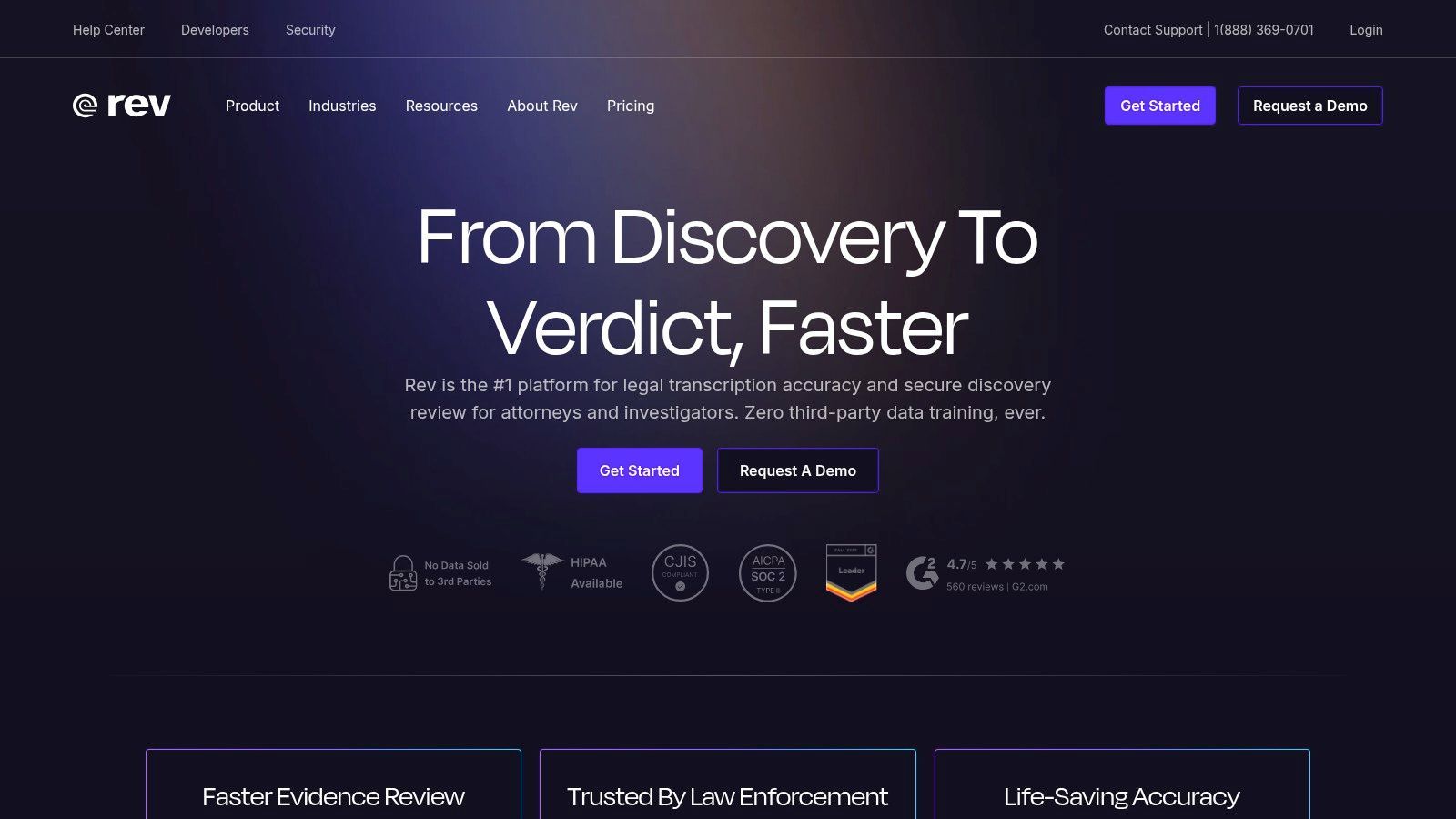
Si bien su transcripción humana es una oferta principal, Rev también proporciona un competitivo software de transcripción para vídeo automatizado con tiempos de respuesta rápidos. Este doble enfoque permite a los usuarios elegir la mejor opción según su presupuesto y necesidades de precisión. La plataforma incluye un editor interactivo para revisar y pulir transcripciones, junto con servicios de subtítulos y subtítulos en idiomas extranjeros, lo que la convierte en una solución integral para creadores de contenido globales. Su API también permite una integración perfecta en los flujos de trabajo de medios existentes.
Características Clave y Precios
Los precios de Rev se basan principalmente en una tarifa por minuto. La transcripción humana comienza en $1.50 por minuto de audio/vídeo, mientras que la transcripción automatizada es significativamente más barata a $0.25 por minuto. Hay disponible una suscripción a Rev Max por $29.99/mes (facturada anualmente) que incluye 20 horas de transcripción automatizada y descuentos en servicios humanos. Los planes empresariales ofrecen precios personalizados, seguridad mejorada y gestión de cuentas dedicada.
- Ideal para: Profesionales de los campos legal, médico y de medios, cineastas y empresas que requieren transcripciones y subtítulos de alta precisión garantizada.
- Pros: Garantía de precisión líder en la industria del 99% para transcripción humana; modelos flexibles de pago por uso y suscripción se adaptan a diferentes necesidades.
- Contras: El costo de la transcripción humana puede ser sustancial para contenido de vídeo de larga duración; navegar por las diferentes páginas de precios para diversos servicios puede ser confuso para los nuevos usuarios.
- Sitio web: https://www.rev.com
6. Otter.ai
Otter.ai es conocido principalmente como un asistente de reuniones con IA, pero su potente motor de transcripción lo convierte en una herramienta formidable para convertir archivos de vídeo y audio pregrabados en texto. Sobresale en entornos como conferencias, entrevistas y reuniones de equipo, donde su capacidad para distinguir entre hablantes y generar resúmenes automatizados proporciona un valor inmenso. Los usuarios pueden importar archivos de vídeo existentes, y la plataforma los procesa rápidamente, creando una transcripción interactiva y con marca de tiempo lista para su revisión y exportación.
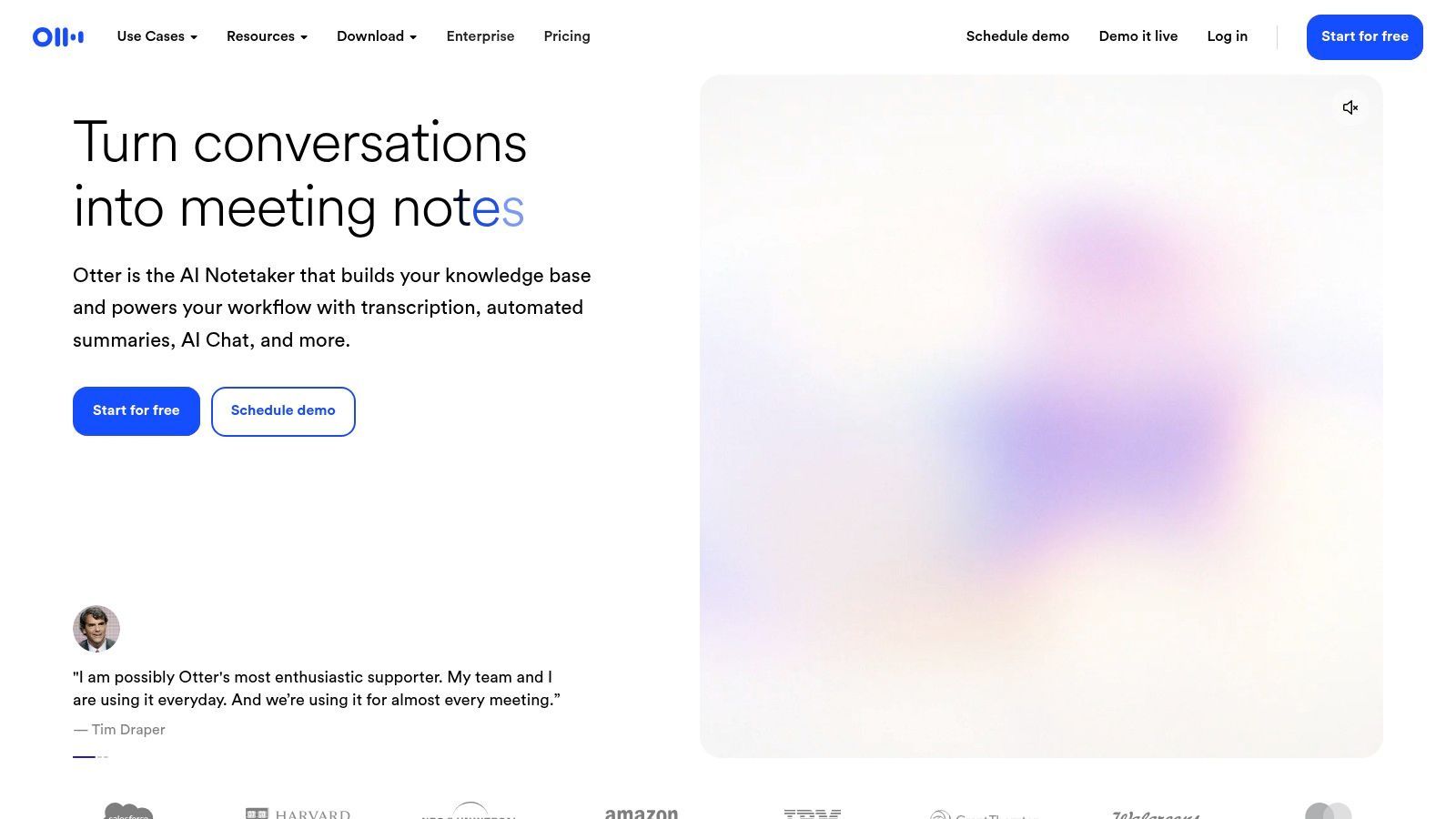
Aunque no es un editor de vídeo, Otter.ai es una pieza excepcional de software de transcripción para contenido de vídeo que necesita ser documentado, reutilizado o analizado. Sus diferenciadores clave son sus funciones de colaboración e inteligencia automatizada. La plataforma genera un resumen "Otter AI Chat", esquemas y elementos de acción a partir de la transcripción, lo que permite a los equipos captar rápidamente las ideas clave sin tener que ver todo el vídeo. Esto lo hace perfecto para crear notas de programas, actas de reuniones a partir de videollamadas o resúmenes educativos de grabaciones de conferencias.
Características Clave y Precios
Otter.ai ofrece un plan Básico gratuito con minutos de transcripción limitados y un límite de importación de 30 minutos por archivo. El plan Pro de pago, a $10 por usuario/mes (facturado anualmente), aumenta significativamente estos límites y añade más opciones de importación y exportación. Los niveles Business y Enterprise están diseñados para equipos más grandes, ofreciendo facturación centralizada, seguridad avanzada y funciones administrativas.
- Ideal para: Estudiantes, periodistas y equipos empresariales que necesitan transcribir reuniones, entrevistas y conferencias para documentación y colaboración.
- Pros: Excelente identificación de hablantes y resúmenes automatizados; sólidas funciones de colaboración y búsqueda facilitan la búsqueda de información.
- Contras: Los límites de duración de archivo y transcripción mensual pueden ser restrictivos en los planes de nivel inferior; las estructuras de planes y los precios han sido conocidos por cambiar con frecuencia.
- Sitio web: https://otter.ai
7. Trint
Trint es una potente plataforma de transcripción basada en navegador diseñada para entornos de alto riesgo como el periodismo, el marketing y las comunicaciones corporativas. Su fortaleza reside en su flujo de trabajo colaborativo, al estilo de una sala de redacción, que permite a los equipos editar, verificar y compartir transcripciones en tiempo real. La plataforma combina la transcripción automática de IA con un editor interactivo, lo que facilita la búsqueda, el resaltado de citas clave e incluso la adición de comentarios para colegas, agilizando todo el proceso de producción de contenido desde el metraje en bruto hasta la historia publicada.
La Transcripción por IA se Está Convirtiendo en el Estándar
El contenido de formato corto, los ciclos de publicación más rápidos y los equipos globales exigen velocidad. La transcripción por IA ahora ofrece resultados utilizables en minutos, no en días. La transcripción manual ya no puede seguir el ritmo.
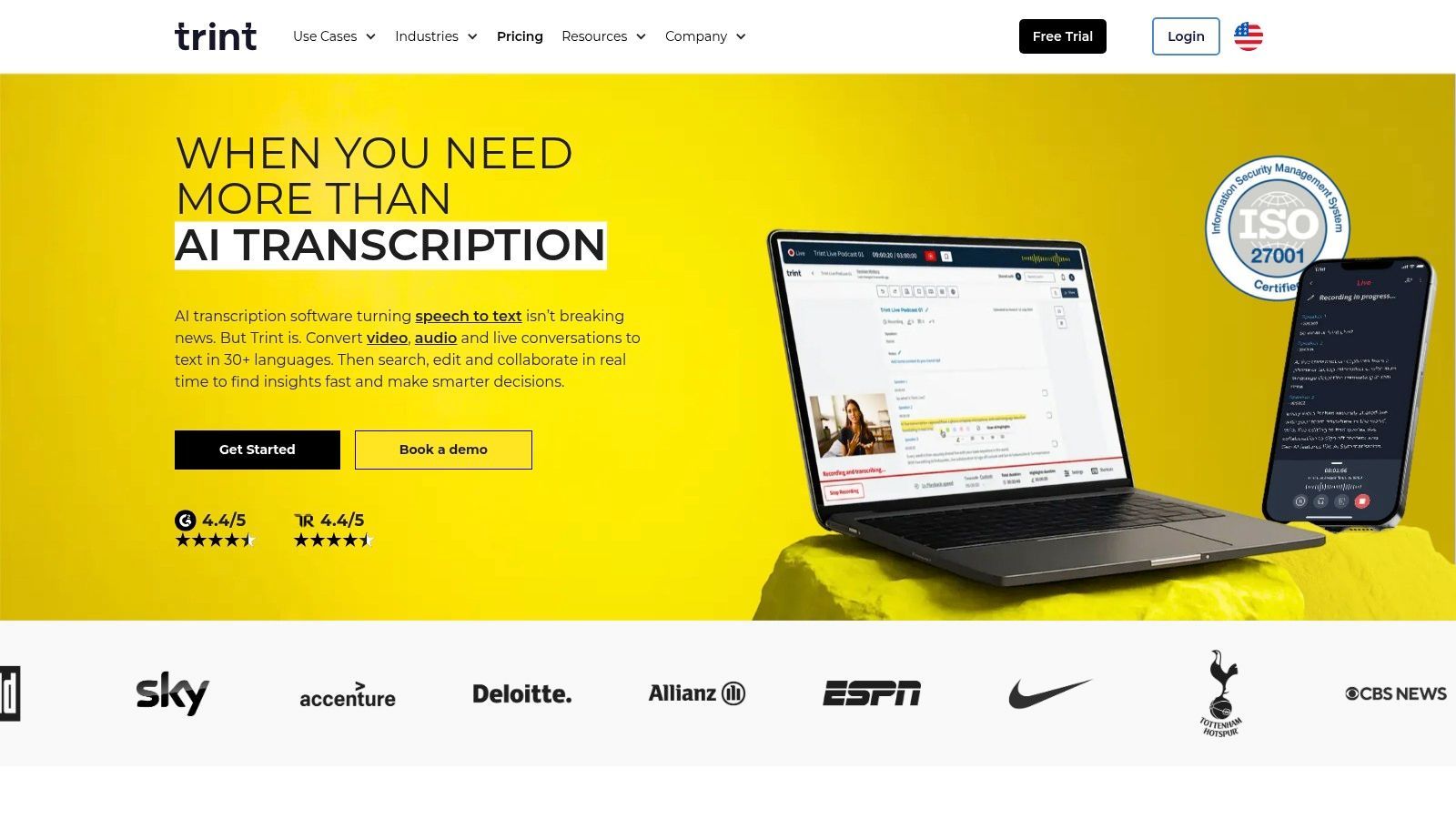
Este servicio va más allá del software de transcripción para vídeo básico al integrar capacidades de traducción y en vivo. Los usuarios pueden transcribir contenido en más de 40 idiomas y traducirlo a más de 50, rompiendo las barreras del idioma para equipos globales. La plataforma también ofrece transcripción en vivo para eventos y reuniones, capturando conversaciones a medida que ocurren. Para organizaciones más grandes, Trint proporciona espacios de trabajo para equipos, protocolos de seguridad avanzados y acceso a API para integrar su motor de transcripción directamente en los flujos de trabajo existentes.
Características Clave y Precios
Trint opera con un modelo basado en suscripción con varios niveles. El plan "Starter" comienza en $60 por usuario/mes (facturado anualmente) e incluye 7 cargas de archivos. El plan "Advanced", a $75 por usuario/mes, ofrece transcripción ilimitada, aunque pueden aplicarse políticas de uso justo. Los planes personalizados "Enterprise" están disponibles para equipos más grandes que necesitan funciones avanzadas de colaboración, acceso a API y seguridad mejorada.
- Ideal para: Periodistas, equipos de marketing empresarial e investigadores académicos que requieren funciones sólidas de colaboración, traducción y transcripción en vivo.
- Pros: Excelente colaboración en tiempo real y herramientas editoriales; sólidas capacidades de transcripción y traducción multilingüe.
- Contras: Precio más alto en comparación con muchos competidores; el modelo de suscripción primero puede no ser ideal para usuarios con necesidades de transcripción infrecuentes.
- Sitio web: https://trint.com
8. Sonix
Sonix logra un poderoso equilibrio entre velocidad, precisión y funciones colaborativas, posicionándose como una herramienta robusta para equipos profesionales. Ofrece transcripción automática en más de 50 idiomas, completa con etiquetado de hablantes y marcas de tiempo precisas. La característica destacada de la plataforma es su editor en el navegador altamente funcional, que permite a los usuarios revisar, editar y compartir transcripciones sin problemas, lo que lo convierte en una excelente opción para equipos que necesitan trabajar en el mismo archivo simultáneamente.
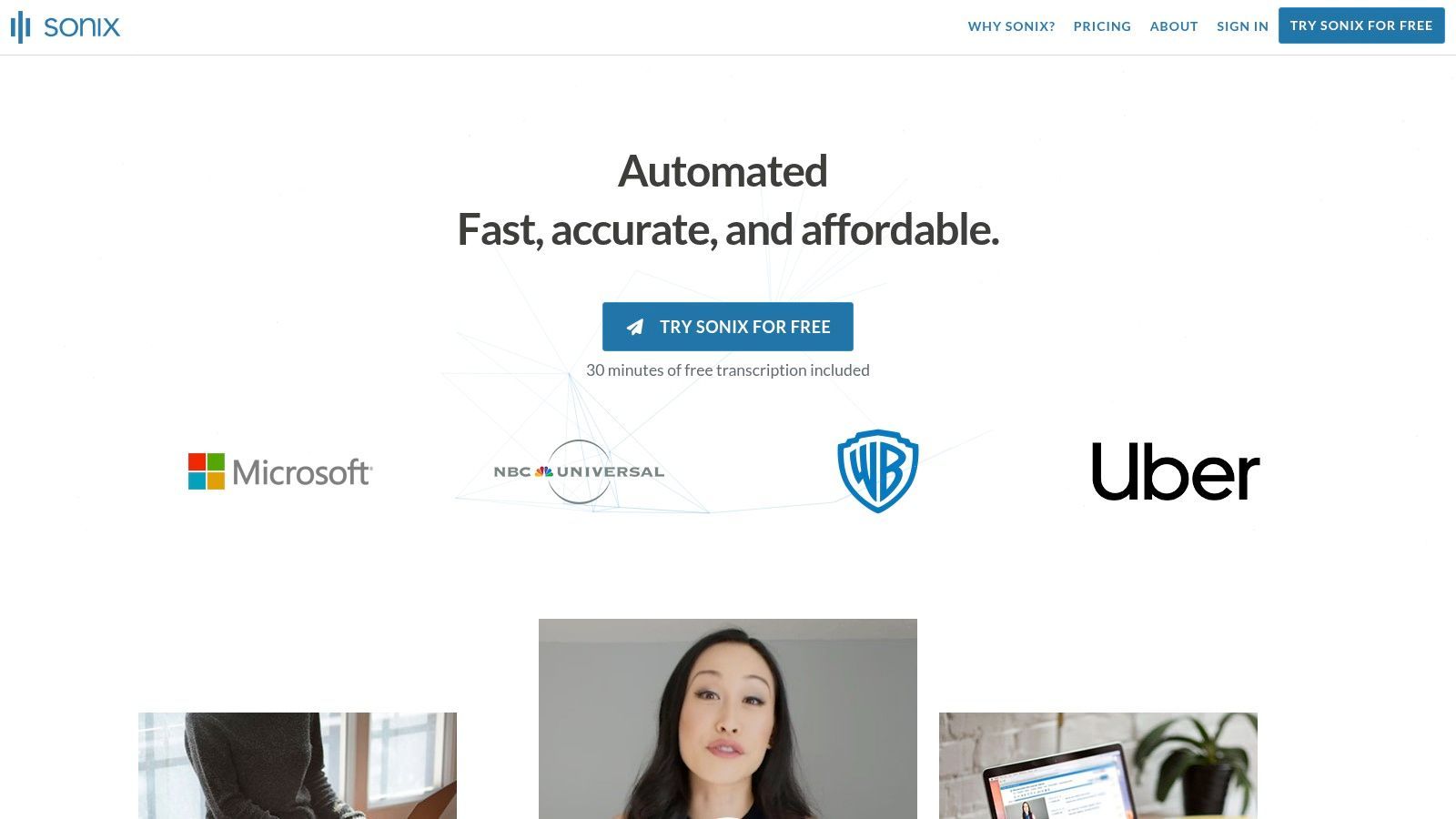
Más que un simple transcriptor básico, Sonix es un software de transcripción para vídeo integral que se integra directamente en los flujos de trabajo profesionales. Puede generar resúmenes automáticos, crear análisis temáticos y producir subtítulos que se pueden traducir y personalizar. Las integraciones con herramientas como Zoom, Adobe Premiere Pro y Final Cut Pro permiten a los creadores de contenido incorporar transcripciones directamente en sus líneas de tiempo de edición, optimizando significativamente el proceso de postproducción para profesionales del vídeo.
Características Clave y Precios
Sonix ofrece precios flexibles con una prueba gratuita que incluye 30 minutos de transcripción. Su modelo de precios incluye una opción de pago por uso a $10/hora y planes de suscripción. La suscripción "Premium" comienza en $5/hora más una tarifa mensual de $22 (facturada anualmente), ofreciendo tarifas por hora más bajas y funciones para equipos. El nivel "Enterprise" proporciona seguridad avanzada, API para desarrolladores y facturación centralizada para organizaciones más grandes.
- Ideal para: Equipos profesionales, periodistas e investigadores que requieren transcripción rápida, precisa y colaborativa con soporte multilingüe.
- Pros: Precios flexibles con opciones de suscripción y pago por uso; el editor en el navegador y las herramientas para equipos son excelentes para la colaboración.
- Contras: La interfaz puede resultar demasiado compleja para usuarios con necesidades de transcripción muy sencillas; los costos pueden aumentar para funciones como la traducción o la incrustación de subtítulos.
- Sitio web: https://sonix.ai
9. Happy Scribe
Happy Scribe proporciona una solución flexible y potente tanto para la transcripción y subtitulación automatizada como para la realizada por humanos. Destaca por su amplio soporte de idiomas y herramientas dedicadas para crear subtítulos y transcripciones de calidad profesional. Este enfoque de doble servicio permite a los usuarios elegir entre la velocidad y asequibilidad de la IA para borradores rápidos o la precisión de los transcriptores humanos para proyectos finales de alto riesgo, lo que lo convierte en una opción versátil para creadores de contenido globales, educadores y empresas.
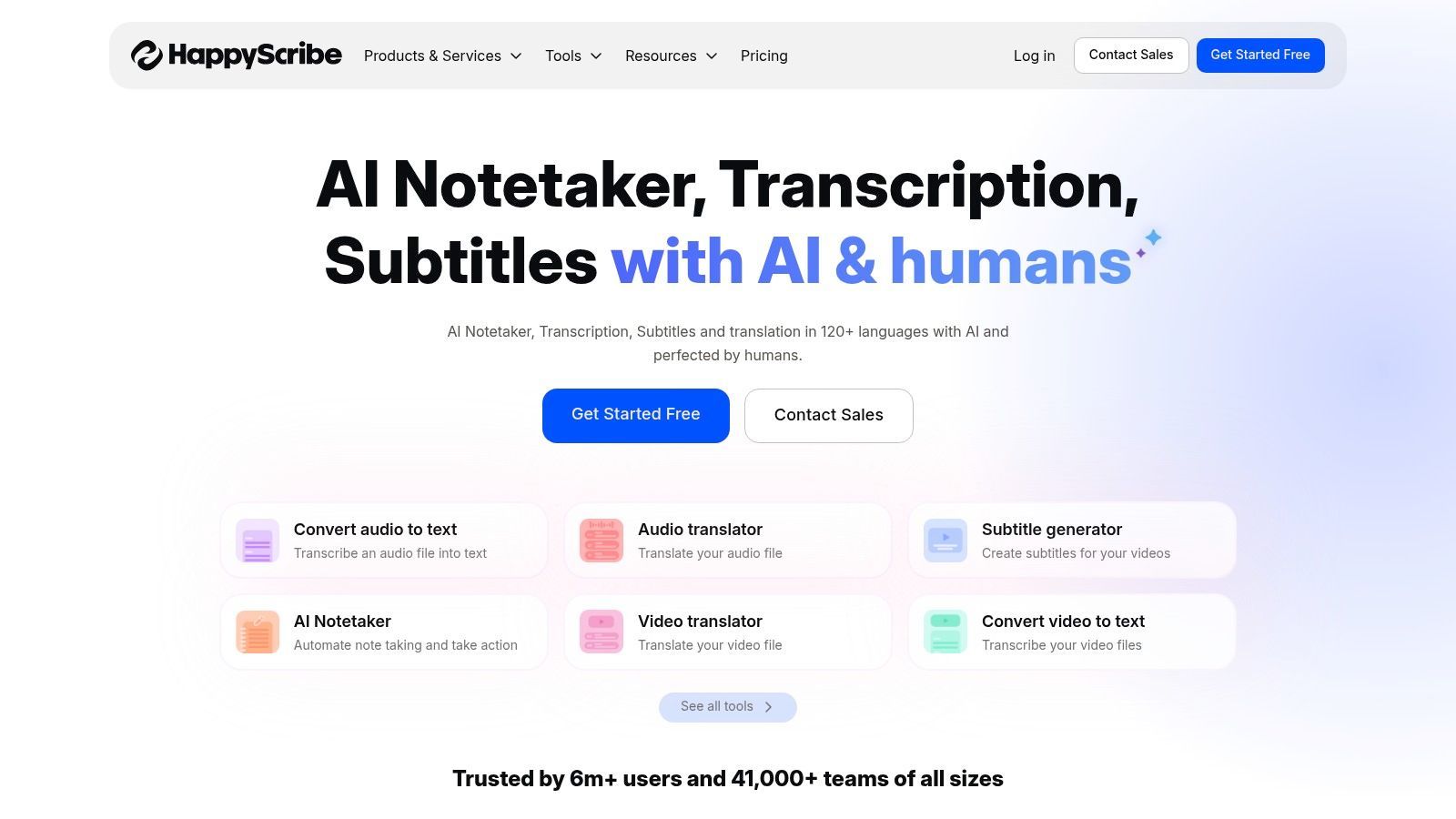
La plataforma está diseñada para optimizar el flujo de trabajo de subtitulación. Después de generar una transcripción, los usuarios pueden acceder a un editor interactivo para pulir el texto y la sincronización. Happy Scribe sobresale en sus capacidades de exportación, ofreciendo una amplia gama de formatos como SRT y VTT, que son esenciales para plataformas de vídeo como YouTube y Vimeo. Para los equipos, el plan Business añade funciones de colaboración, glosarios personalizados y guías de estilo para garantizar la coherencia de la marca en todo el contenido de vídeo, solidificando su posición como un robusto software de transcripción para vídeo.
Características Clave y Precios
Happy Scribe ofrece una prueba gratuita para probar sus servicios. El servicio de transcripción de IA está disponible principalmente a través de un modelo de suscripción, que comienza en $10/mes (facturado anualmente) por 120 minutos de transcripción. La transcripción humana se factura por minuto, con precios claros y directos que varían según el idioma. La plataforma incluye una calculadora transparente para estimar los costos de los servicios realizados por humanos. Los planes de nivel superior como Business y Enterprise desbloquean espacios de trabajo para equipos, acceso a API e integraciones avanzadas.
- Ideal para: Creadores de contenido, instituciones educativas y empresas que necesitan subtítulos de alta calidad en varios idiomas.
- Pros: Ofrece una opción flexible entre servicios rápidos de IA y de alta precisión humana; amplias opciones de exportación de subtítulos y un sólido soporte de idiomas.
- Contras: El costo por minuto de la transcripción humana puede resultar caro para grandes volúmenes de contenido; el sistema de créditos para servicios de IA requiere algo de planificación.
- Sitio web: https://www.happyscribe.com
10. Simon Says
Simon Says está diseñado para flujos de trabajo de producción de vídeo profesional, ofreciendo servicios robustos de transcripción, traducción y subtitulación. Destaca por su profunda integración con software de edición no lineal (NLE) como Adobe Premiere Pro, Final Cut Pro y Avid Media Composer. Este enfoque permite a los editores y casas de producción importar transcripciones y subtítulos directamente en sus líneas de tiempo, reduciendo drásticamente el esfuerzo manual de sincronizar texto con vídeo y convirtiéndolo en una opción para entornos de postproducción serios.
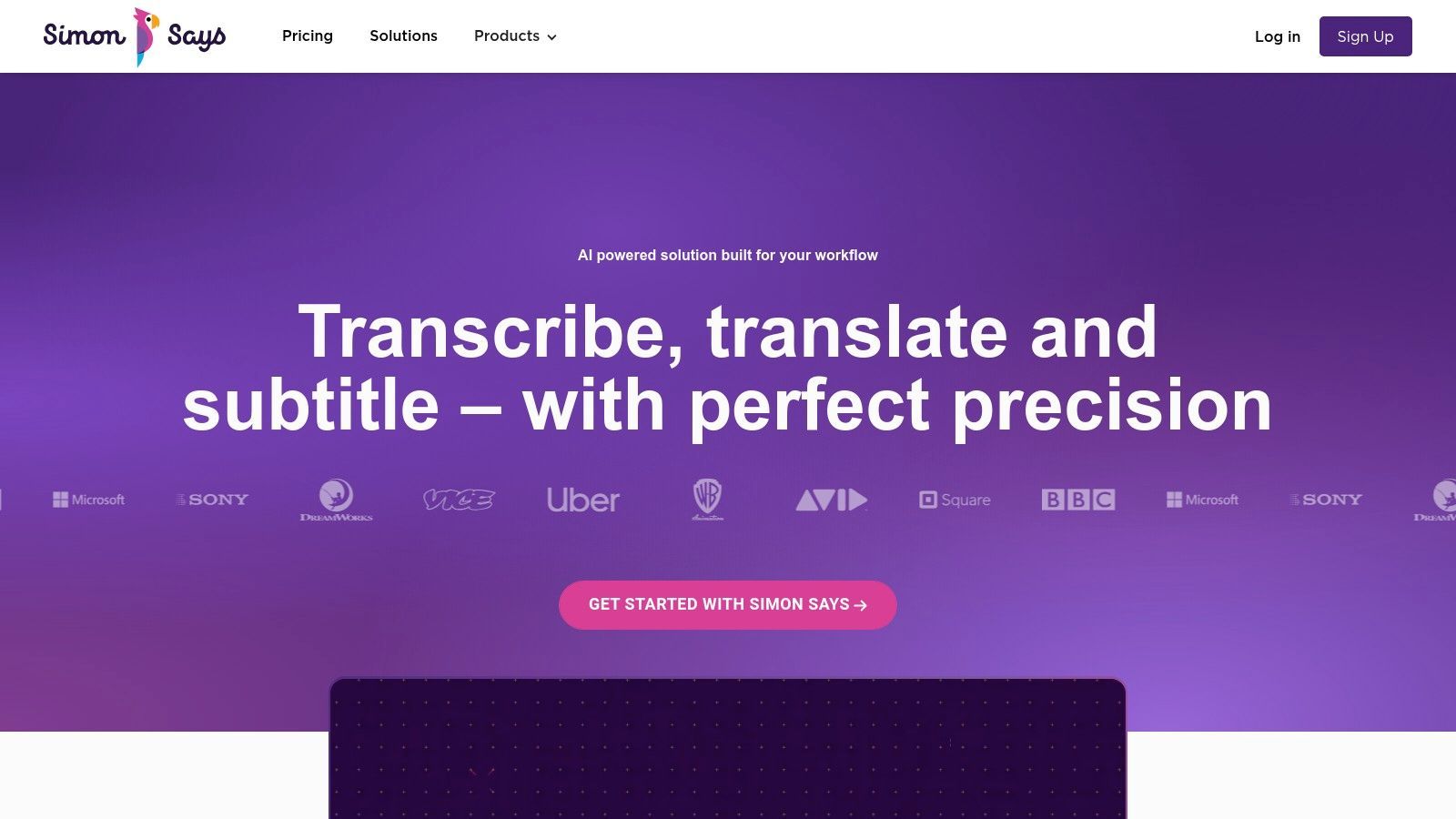
La plataforma admite más de 100 idiomas y proporciona herramientas como un editor visual de subtítulos y diccionarios personalizados para garantizar la precisión y la coherencia de la marca. Lo que hace de Simon Says un software de transcripción para vídeo único son sus opciones de escalabilidad y seguridad. Atiende a freelancers individuales con precios de pago por uso, al tiempo que ofrece soluciones locales y aisladas para estudios y empresas con estrictos requisitos de seguridad, garantizando que los activos multimedia sensibles permanezcan protegidos.
Características Clave y Precios
Simon Says ofrece tarifas de pago por uso (a partir de aproximadamente $0.50/minuto) y planes de suscripción. El plan "Pro" a $22/mes (facturado anualmente) incluye 60 minutos de créditos de transcripción por mes, con minutos adicionales facturados a una tarifa con descuento. Los planes de nivel superior "Pro+" y "Team" ofrecen más créditos, funciones de colaboración y soporte prioritario. Los planes Enterprise proporcionan precios personalizados para necesidades de alto volumen e instalaciones locales.
- Ideal para: Editores de vídeo profesionales, casas de producción y equipos empresariales que requieren flujos de trabajo de transcripción seguros e integrados con NLE.
- Pros: Excelente soporte de exportación para software de edición profesional; precios flexibles que se escalan desde freelancers hasta grandes estudios; la opción local ofrece máxima seguridad.
- Contras: La interfaz está diseñada para profesionales y puede resultar menos intuitiva para usuarios ocasionales; los créditos de suscripción requieren supervisión para evitar cargos por exceso.
- Sitio web: https://www.simonsaysai.com
11. Google Cloud Speech-to-Text
Google Cloud Speech-to-Text proporciona una potente API centrada en desarrolladores para convertir audio hablado en vídeos en texto a gran escala. En lugar de una aplicación orientada al usuario, es un servicio fundamental que las empresas pueden integrar en su propio software y flujos de trabajo. Su principal ventaja es la capacidad de manejar enormes volúmenes de contenido de vídeo con modelos de transcripción especializados, incluido uno optimizado específicamente para audio de vídeo, que a menudo contiene ruido de fondo y varios hablantes.
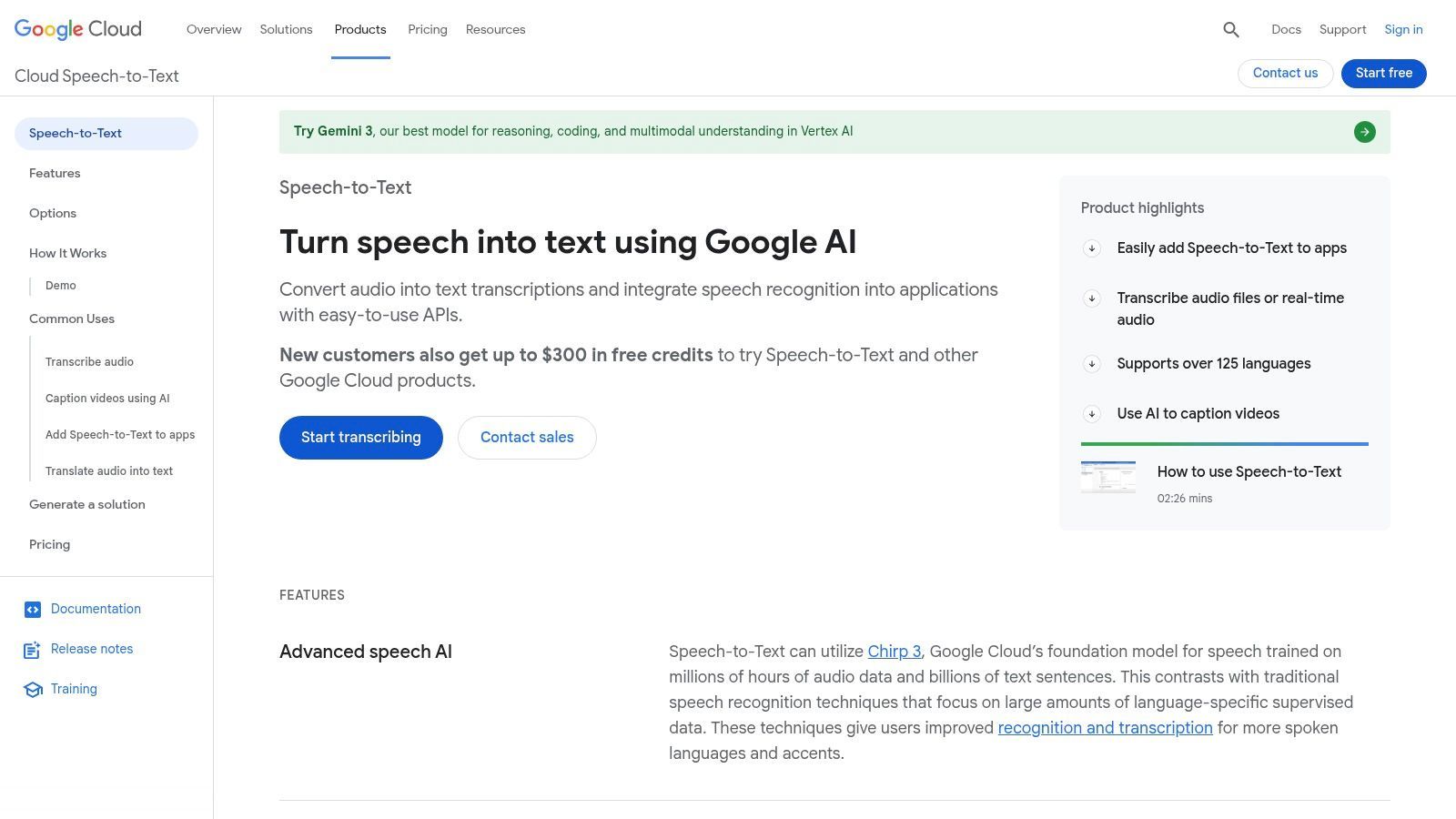
Esta plataforma no es una simple herramienta de carga y transcripción, sino un backend robusto para crear soluciones personalizadas. Como pieza de software de transcripción para vídeo, sobresale en escenarios que requieren automatización y pipelines personalizados, como el archivo de medios, el análisis de contenido a gran escala o la incorporación de funciones de transcripción en una aplicación propietaria. Su integración con el ecosistema más amplio de Google Cloud Platform (GCP), incluido Google Cloud Storage, permite un manejo de datos seguro y sin problemas para grandes bibliotecas de vídeo.
Características Clave y Precios
Google Cloud Speech-to-Text utiliza un modelo de precios de pago por uso, facturado por minuto de audio procesado, con un generoso nivel gratuito. El costo varía según las funciones utilizadas y el modelo de transcripción seleccionado, siendo el modelo "vídeo" ligeramente más caro pero más preciso para contenido de vídeo. Hay descuentos significativos disponibles para uso de alto volumen a través del procesamiento por lotes dinámico, lo que lo hace rentable para necesidades a nivel empresarial. Sin embargo, los usuarios también deben tener en cuenta los posibles costos relacionados con el almacenamiento de datos y la salida de red dentro de GCP.
- Ideal para: Desarrolladores, empresas y empresas de medios que crean flujos de trabajo de transcripción personalizados o procesan archivos de vídeo muy grandes.
- Pros: Altamente escalable y preciso con tarifas por minuto competitivas y grandes descuentos por volumen; ofrece control granular para la automatización.
- Contras: Requiere experiencia técnica y esfuerzo de desarrollo para implementar e integrar; el costo total puede ser complejo, con cargos adicionales por almacenamiento y otros servicios de GCP.
- Sitio web: https://cloud.google.com/speech-to-text
12. Amazon Transcribe (AWS)
Amazon Transcribe es un servicio de reconocimiento automático de voz (ASR) totalmente administrado de Amazon Web Services (AWS), diseñado para desarrolladores y empresas que necesitan integrar potentes capacidades de transcripción en sus aplicaciones y flujos de trabajo. A diferencia de las plataformas orientadas al usuario, Transcribe es una herramienta basada en API construida para la escalabilidad, lo que la hace ideal para procesar grandes volúmenes de archivos multimedia o transcribir transmisiones de vídeo en vivo en tiempo real. Su fortaleza radica en su robustez, precisión e integración profunda con el ecosistema más amplio de AWS.
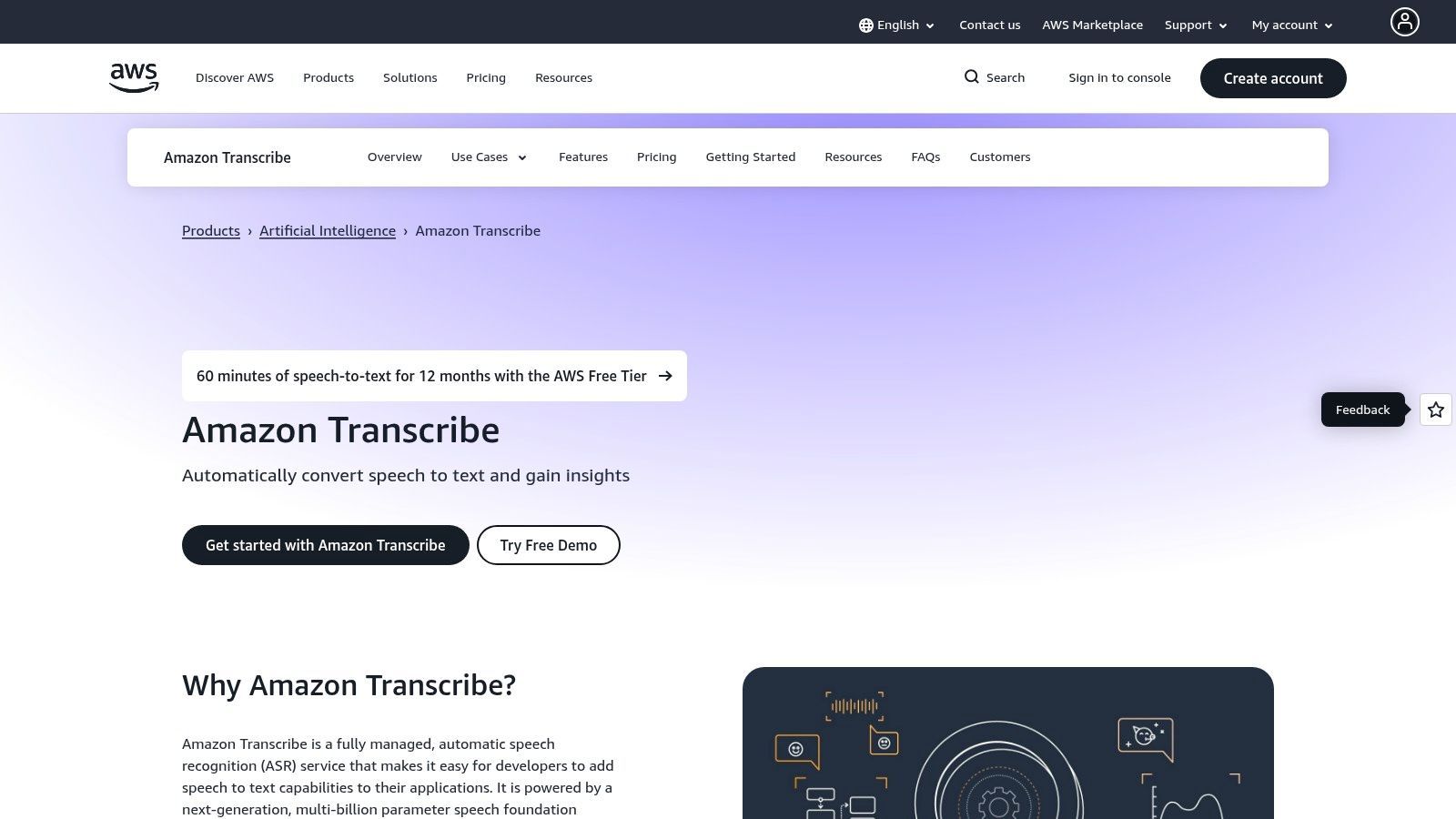
Este servicio es una pieza fundamental de la infraestructura de software de transcripción para vídeo en lugar de una aplicación independiente. Ofrece funciones avanzadas como vocabularios personalizados para reconocer nombres de productos específicos o jerga de la industria, diarización de hablantes para identificar quién está hablando y redacción de PII para eliminar automáticamente información confidencial de las transcripciones. Para las organizaciones en industrias reguladas, Transcribe ofrece opciones de cumplimiento, incluida la elegibilidad para HIPAA, lo que la convierte en una opción segura para aplicaciones médicas y legales.
Características Clave y Precios
Amazon Transcribe opera con un modelo de precios de pago por uso, facturado por segundo de audio procesado. El nivel estándar tiene una tarifa por minuto que disminuye con mayores volúmenes de uso, lo que lo hace rentable a escala. Hay un nivel gratuito perpetuo que incluye 60 minutos de transcripción gratuita por mes durante los primeros 12 meses. Pueden aplicarse costos adicionales por funciones como modelos de lenguaje personalizados o por el uso de otros servicios de AWS como Amazon S3 para almacenamiento.
- Ideal para: Desarrolladores, grandes empresas y empresas de medios que crean aplicaciones personalizadas o pipelines de procesamiento de contenido automatizado.
- Pros: Altamente escalable y confiable con una sólida precisión; excelente para subtítulos de transmisión en vivo e integración en pilas tecnológicas existentes.
- Contras: Requiere experiencia técnica (configuración de AWS y conocimiento de API) para implementar; los precios pueden volverse complejos a medida que se aplican cargos adicionales de almacenamiento y cómputo.
- Sitio web: https://aws.amazon.com/transcribe
Comparación de las 12 Mejores Herramientas de Transcripción de Vídeo
| Producto | Características principales | Calidad y UX | Precio y Valor | Audiencia objetivo | Puntos de venta únicos |
|---|---|---|---|---|---|
| 🏆 Transcript.LOL | Transcripción rápida basada en Whisper, detección de hablantes, editor enriquecido, exportaciones multiformato, cargas de 10 horas | ★ 4.8/5 (reclamado 99.8%), editor rápido + extras de IA | 💰 Gratis (2/día, 20m), Ilimitado $120/año, Equipo $240/año (2 usuarios) | 👥 Podcasters, creadores, especialistas en marketing, investigadores, equipos, empresas | ✨ Privacidad primero (sin entrenamiento), resúmenes, cuestionarios, mapas mentales, amplias integraciones |
| Descript | Editor de audio/vídeo basado en texto, etiquetas de hablantes, subtítulos automáticos, Overdub | ★ 4.6/5, flujo de trabajo intuitivo de edición por texto | 💰 Freemium; planes de pago / minutos de medios y modelo de créditos | 👥 Podcasters, YouTubers, equipos de edición | ✨ Voz Overdub, eliminación de palabras de relleno, exportación 4K |
| Adobe Premiere Pro – Speech to Text | Transcripción integrada, pistas de subtítulos, traducción de subtítulos en NLE | ★ 4.5/5, nativo de NLE, sin ediciones de ida y vuelta | 💰 Incluido con la suscripción a Creative Cloud | 👥 Editores de vídeo, equipos de postproducción | ✨ Integración estrecha con Premiere, flujos de trabajo profesionales escalables |
| Kapwing | Subtítulos automáticos en navegador, traducción, exportaciones en formato social | ★ 4.4/5, rápido y fácil para formato corto | 💰 Gratis + marca de agua; planes de pago / minutos de crédito | 👥 Creadores de redes sociales, equipos de marketing | ✨ Reutilización rápida, exportaciones listas para redes sociales |
| Rev | Transcripción de IA + humana, subtítulos, editor interactivo, aplicación móvil | ★ 4.7/5 (humana ~99%), tiempo de respuesta confiable | 💰 Pago por uso por minuto; opciones de suscripción | 👥 Necesidades legales, de medios, de alta precisión | ✨ Transcripciones humanas al 99%, precios claros por minuto |
| Otter.ai | Transcripción de reuniones, resúmenes, elementos de acción, integraciones de reuniones | ★ 4.3/5, fuerte búsqueda y colaboración | 💰 Freemium; niveles Pro / Business | 👥 Equipos, estudiantes, profesores | ✨ Integraciones de reuniones en vivo (Zoom/Meet), resúmenes automáticos |
| Trint | Transcripción de IA multilingüe, traducción, uso compartido en vivo, API | ★ 4.2/5, flujos editoriales estilo sala de redacción | 💰 Suscripción primero; planes de equipo/API | 👥 Periodistas, especialistas en marketing, equipos de traducción | ✨ Funciones de traducción + colaboración editorial |
| Sonix | Transcripción rápida de IA, editor en el navegador, traducciones, subtítulos | ★ 4.3/5, buen equilibrio entre velocidad/precio | 💰 Pago por uso o suscripción; minutos de prueba | 👥 Freelancers, equipos que necesitan velocidad y valor | ✨ Más de 50 idiomas, integraciones con Zoom/Premiere |
| Happy Scribe | Transcripción de IA y humana, traducción de subtítulos, muchos formatos de exportación | ★ 4.2/5, amplio soporte de idiomas y subtítulos | 💰 Pago por minuto (humano), sistema de créditos para IA | 👥 Creadores, educadores, equipos de localización | ✨ Guías de estilo, glosarios, enfoque en subtítulos |
| Simon Says | Transcripción profesional, traducción, editor visual de subtítulos, exportaciones NLE | ★ 4.1/5, conjunto de herramientas de nivel profesional | 💰 Pago por uso y créditos de suscripción | 👥 Estudios, profesionales de postproducción | ✨ Exportación profunda a NLE, SKUs seguros locales/sin conexión |
| Google Cloud Speech-to-Text | API para desarrolladores, modelos de vídeo, lotes y streaming, integración GCS | ★ 4.2/5, escalable y automatizable | 💰 Precios de API por minuto, descuentos por volumen | 👥 Desarrolladores, empresas, pipelines a gran escala | ✨ Modelo de vídeo, lotes dinámicos y niveles de volumen |
| Amazon Transcribe (AWS) | STT en tiempo real y por lotes, vocabularios personalizados, redacción de PII | ★ 4.2/5, nivel empresarial y compatible | 💰 Basado en el uso (por segundo/minuto), descuentos por niveles | 👥 Desarrolladores, empresas, subtítulos en vivo | ✨ Redacción de PII, elegibilidad HIPAA, precios regionales |
Tomando la Decisión Correcta: ¿Qué Software de Transcripción es el Mejor para Usted?
Navegar por el abarrotado mercado de software de transcripción para vídeo puede ser abrumador, pero la extensa lista que hemos explorado revela una verdad clara: la "mejor" herramienta es la que se alinea perfectamente con su flujo de trabajo específico, presupuesto y demandas del proyecto. No existe una solución única para todos. Su decisión final depende de una evaluación cuidadosa de las compensaciones entre la velocidad automatizada, la precisión a nivel humano, la rentabilidad y la profunda integración con su kit de herramientas creativo o profesional existente.
Elegir la Herramienta Equivocada Crea Fricción
Pagar de más por funciones no utilizadas desperdicia presupuesto. Las herramientas poco potentes ralentizan a los equipos. Siempre adapta el software de transcripción a los flujos de trabajo reales.
El primer paso para tomar tu decisión es definir tu objetivo principal. ¿Eres un gerente de redes sociales que necesita generar subtítulos para docenas de videos cortos al día? ¿O eres un profesional legal que requiere una transcripción literal y certificada para pruebas judiciales? La respuesta reducirá inmediatamente tus opciones entre las doce potentes plataformas que hemos revisado.
Características que Van Más Allá de la Transcripción Básica

Detección de hablantes
Identifica automáticamente diferentes hablantes en tus grabaciones y etiquétalos con sus nombres.

Herramientas de edición
Edita transcripciones con herramientas potentes como buscar y reemplazar, asignación de hablantes, formatos de texto enriquecido y resaltado.
Resúmenes y Chatbot
Genera resúmenes y otros análisis de tu transcripción, prompts personalizados reutilizables y chatbot para tu contenido.
Puntos Clave para tu Proceso de Toma de Decisiones
Para simplificar tu elección, destilaremos los hallazgos principales de nuestro análisis. Tu herramienta ideal probablemente se encuentre en una de estas categorías distintas:
- Para Velocidad y Agilidad en Redes Sociales: Si tu prioridad es la creación rápida de contenido para plataformas como TikTok, Instagram Reels y YouTube Shorts, herramientas como Transcript.LOL, Kapwing y Descript son destacadas. Priorizan la velocidad, la facilidad de uso y las funciones de edición integradas que convierten la transcripción en una parte fluida del proceso de producción de video.
- Para Precisión Profesional y Cumplimiento: Cuando la precisión es innegociable, como en los campos legal, médico o académico, los servicios híbridos como Rev, Trint y Happy Scribe ofrecen una combinación crucial de velocidad de IA y verificación humana. Aunque son más caros, proporcionan la seguridad y la certificación que los sistemas automatizados por sí solos no pueden garantizar.
- Para Integración Profunda de Edición de Video: Los editores de video y los equipos de producción que trabajan dentro de su NLE (Editor No Lineal) encontrarán los flujos de trabajo más eficientes con soluciones integradas. Speech to Text de Adobe Premiere Pro es la opción obvia para los usuarios de Adobe, mientras que los plugins de Simon Says aportan potentes capacidades de transcripción directamente al software de edición profesional.
- Para Escalabilidad y Desarrollo Personalizado: Para grandes empresas o desarrolladores que crean aplicaciones personalizadas, la potencia bruta de Google Cloud Speech-to-Text y Amazon Transcribe es inigualable. Estas plataformas ofrecen la máxima flexibilidad y escalabilidad, pero requieren una experiencia técnica considerable para implementarlas de manera efectiva.
Un Marco Práctico para la Selección
Antes de comprometerte con una suscripción, hazte estas preguntas críticas:
- ¿Cuál es mi caso de uso principal? ¿Es para SEO, accesibilidad (subtítulos), reutilización de contenido (creación de publicaciones de blog a partir de videos) o fines de archivo?
- ¿Qué nivel de precisión es aceptable? ¿Puedo tolerar una tasa de error del 5% y corregirla yo mismo, o necesito una precisión del 99%+ desde el principio?
- ¿Qué importancia tiene el tiempo de respuesta? ¿Necesito transcripciones en minutos, o puedo esperar varias horas o un día para obtener resultados verificados por humanos?
- ¿Cuál es mi presupuesto? ¿Busco un modelo de pago por uso de bajo costo o una suscripción mensual integral para un equipo?
- ¿Se ajusta a mi flujo de trabajo existente? ¿Qué tan fácilmente se integra la herramienta con mi editor de video, almacenamiento en la nube o plataformas de colaboración? Considerar dónde encaja la transcripción entre tus otras herramientas de creación de contenido para redes sociales es vital para construir un proceso eficiente y sostenible.
En última instancia, elegir el software de transcripción de video adecuado es una inversión en tu eficiencia y en la accesibilidad de tu contenido. Al ir más allá de las afirmaciones de marketing y centrarte en tus necesidades operativas únicas, puedes seleccionar una plataforma que no solo transcriba tu audio, sino que mejore activamente todo tu ciclo de vida de creación de contenido. La herramienta perfecta está ahí fuera, esperando transformar tus palabras habladas en texto potente, buscable y atractivo.
¿Listo para experimentar un flujo de trabajo de transcripción diseñado para la velocidad y la simplicidad? Si eres un creador enfocado en generar contenido atractivo para redes sociales, Transcript.LOL ofrece una solución increíblemente rápida, precisa y fácil de usar para obtener tus transcripciones y subtítulos de video en segundos. Pruébalo tú mismo y descubre lo fácil que puede ser la transcripción de video en Transcript.LOL.