
The 12 Best Software to Transcribe Video for Accuracy in...
Discover the top software to transcribe video with our 2026 review. Compare AI and human services for accuracy, features, and pricing to find your perfect fit.
Kate
February 12, 2026
In a content-driven world, video is king. But unlocking its full potential for accessibility, SEO, content repurposing, and research requires an accurate transcript. Manually transcribing video is a time-consuming, error-prone task that modern workflows simply can't afford. The good news is that a new generation of AI-powered software to transcribe video has made the process faster, more affordable, and more accurate than ever.
But with dozens of options, how do you choose the right one? This guide cuts through the noise. We have analyzed the top 12 platforms, evaluating them on the critical features that matter most: accuracy, speed, speaker detection, export formats, integrations, and pricing. Our goal is to provide a clear, comprehensive resource that helps you make an informed decision without wading through marketing jargon.
Features Every Modern Transcription Tool Should Offer
State-of-the-art AI
Powered by OpenAI's Whisper for industry-leading accuracy. Support for custom vocabularies, up to 10 hours long files, and ultra fast results.

Import from multiple sources
Import audio and video files from various sources including direct upload, Google Drive, Dropbox, URLs, Zoom, and more.

Export in multiple formats
Export your transcripts in multiple formats including TXT, DOCX, PDF, SRT, and VTT with customizable formatting options.
Whether you're a podcaster needing SRT files, a marketer creating social clips, or a researcher analyzing interviews, this list will help you find the perfect tool to turn your spoken content into valuable, usable text. Beyond simply providing accurate transcripts, leveraging this software also unlocks powerful content repurposing strategies, allowing creators to expand their reach across multiple platforms effortlessly.
Each option in our list includes screenshots, direct links, and a practical breakdown of its best use cases and potential limitations. We've done the heavy lifting so you can quickly identify the best software to transcribe video for your specific needs and get back to creating.
1. Transcript.LOL: The Ultimate AI-Powered Content Engine
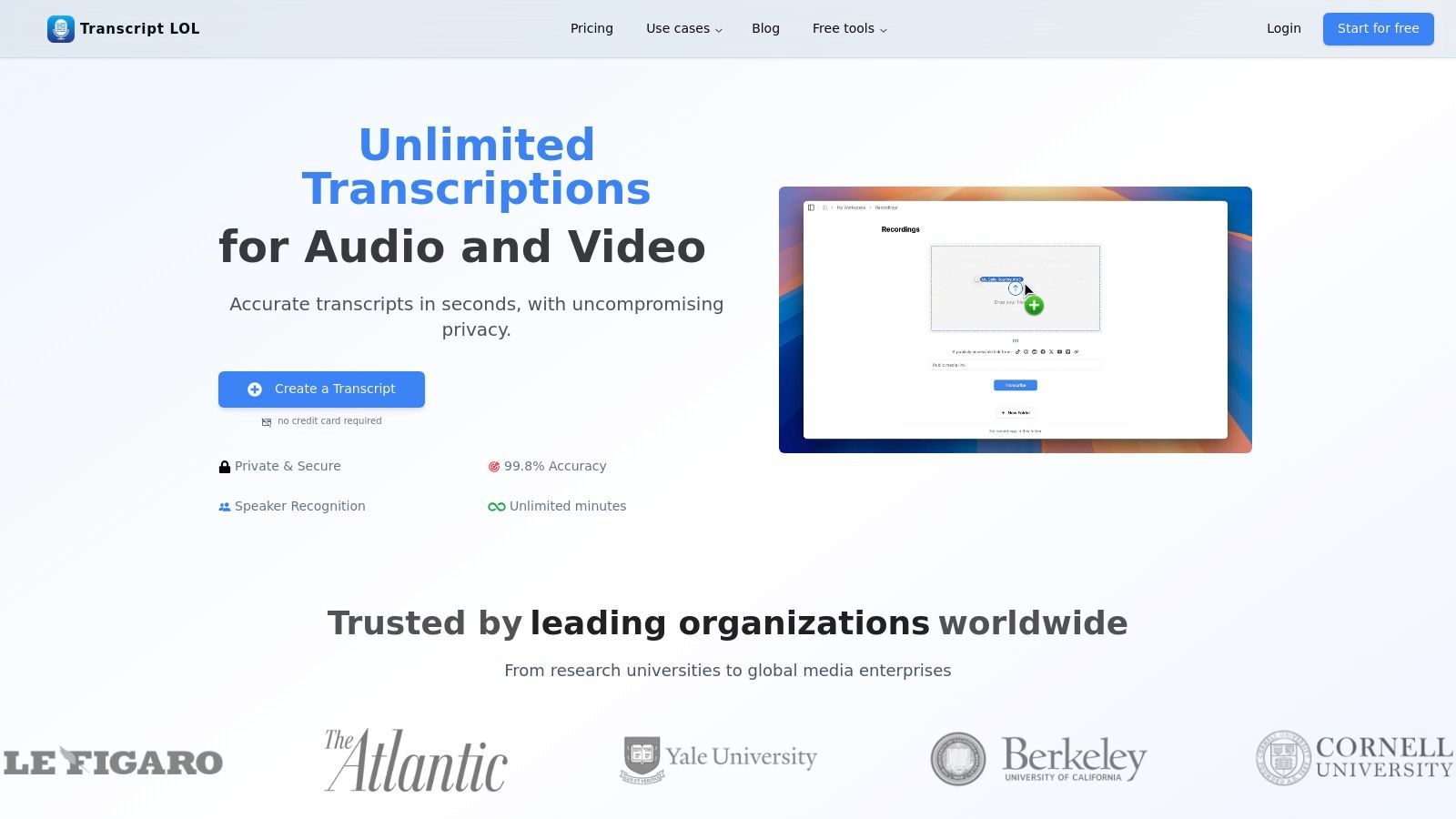
Transcript.LOL transcends the role of a simple transcription service, positioning itself as a comprehensive content repurposing engine. It stands out by not only converting audio and video to text with exceptional accuracy but also by transforming that text into a suite of ready-to-use content assets. This makes it a powerful choice for professionals who need more than just a transcript; they need actionable content derived from their video files.
Why Content Repurposing Matters?
A transcript is more than documentation. It becomes raw material for blogs, social posts, newsletters, and training notes. Tools that automate this step save hours of manual rewriting and dramatically increase content output.
The platform's foundation is built on OpenAI's Whisper, enhanced with custom vocabulary support to achieve a reported accuracy rate of approximately 99.8%. This level of precision is crucial for professionals who rely on flawless text. It capably handles large and long-form content, accepting files up to 10 hours long from a wide array of sources, including direct uploads, Google Drive, YouTube, and even messaging apps like WhatsApp and Telegram.
What Makes Transcript.LOL a Standout Choice
Where this software truly excels is in its post-transcription workflow. With a single click, it can generate a variety of derivatives from the source material, effectively multiplying its value. This feature set makes it an indispensable tool for content marketers, teams, and educators aiming to maximize their output.
- Content Generation: Instantly create summaries, potential quiz questions, detailed mind maps, and key action items directly from your transcript.
- Social Media Acceleration: It can generate ready-made social media posts, complete with hashtags and calls to action, tailored for platforms like Twitter, LinkedIn, and Facebook.
- Privacy-First Design: The platform operates on a strict policy of not using customer data to train its AI models, offering a crucial layer of security for sensitive business or personal content.
- Robust Integrations: Seamlessly connect with tools like Zoom and Zapier, or utilize its API for custom workflows, making it a flexible hub for your content operations.
Practical Use Cases
For a content marketer, a one-hour webinar can become a blog post summary, a dozen social media snippets, a list of key takeaways for an email newsletter, and a mind map for internal strategy sessions, all generated within minutes. A corporate team can use it to transcribe a meeting, automatically extracting action items and distributing a concise summary to all stakeholders.
Pricing and Limitations
Transcript.LOL offers a functional free tier, allowing users to process two transcripts per day with a 20-minute upload limit. This is a great way to test the platform's core capabilities. For more demanding users, the individual and team plans offer unlimited transcription and access to all advanced features. You can explore the different subscription options on their pricing information page.
One consideration is that the website does not publicly list formal compliance certifications like HIPAA or SOC 2. Organizations in highly regulated industries should conduct their own due diligence to ensure the platform meets their specific compliance requirements before full-scale adoption.
2. Rev
Rev has established itself as a go-to platform for high-accuracy transcription, combining AI efficiency with the precision of human experts. It is an ideal software to transcribe video when accuracy is non-negotiable, such as for broadcast media, legal proceedings, or academic research.
Accuracy Trade-Off Alert
Fully automated tools may struggle with heavy accents, overlapping speech, or noisy recordings. For legal, compliance, or broadcast use, consider human-verified transcripts to avoid costly mistakes.
The platform offers a tiered service model, allowing users to choose between rapid AI-generated transcripts or a 99% accuracy guarantee from their network of human transcriptionists.
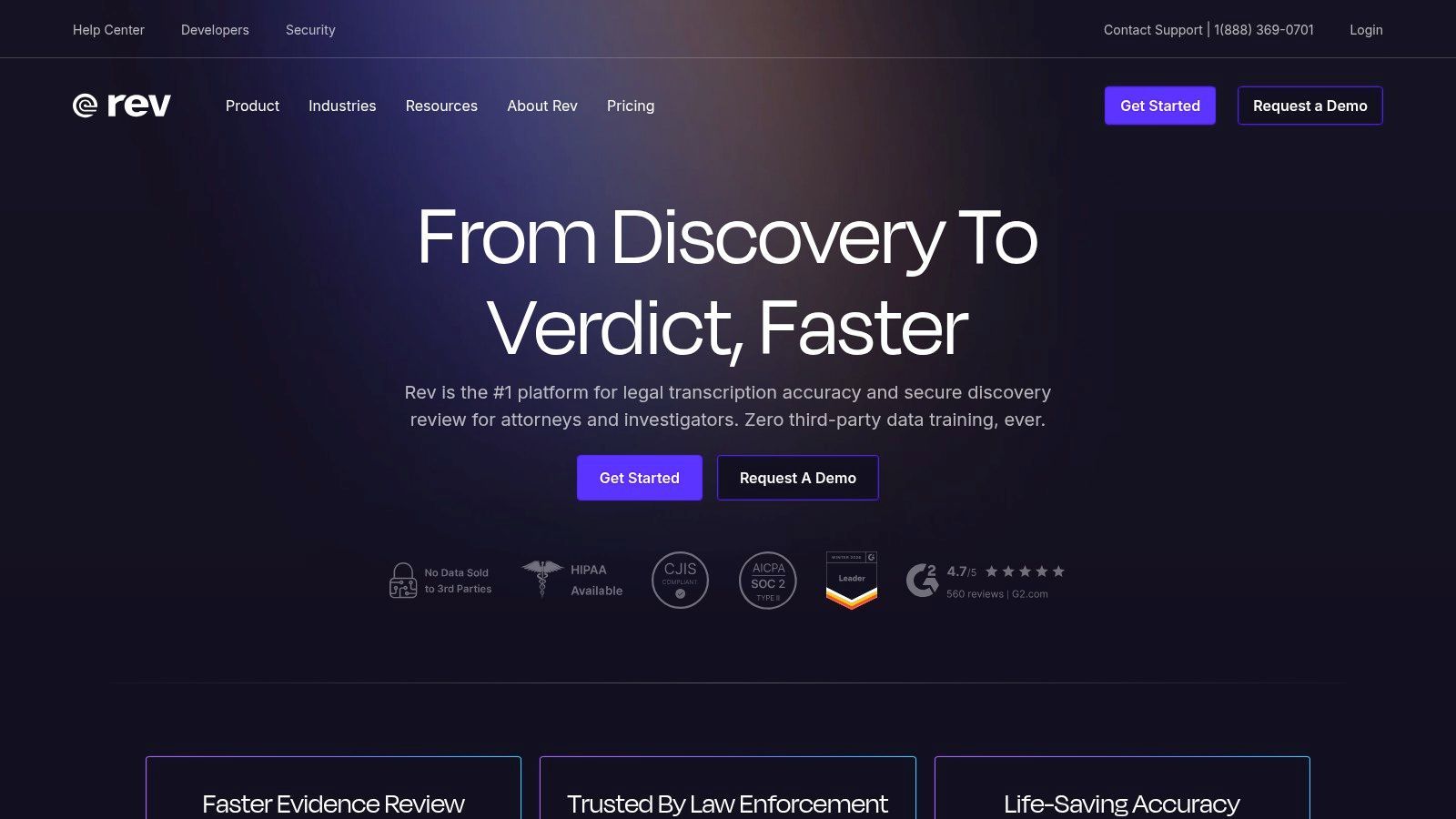
Rev’s standout feature is its dedication to compliance-focused outputs. For creators needing to meet FCC and ADA standards, their human-powered captioning service ensures video content is accessible and legally compliant. The platform also integrates directly with popular video hosting sites like YouTube and Vimeo, streamlining the process of adding professional captions.
Key Features and Pricing
Rev’s pricing is straightforward and based on audio/video minutes, making it easy to budget for projects.
- Human Transcription: Starts at $1.50 per minute for a 99% accuracy transcript, delivered within hours.
- Automated AI Transcription: A more affordable option at $0.25 per minute, providing a transcript in minutes for less critical applications.
- English Captions: Also $1.50 per minute for human-powered, FCC/ADA-compliant captions.
- Global Subtitles: For reaching international audiences, priced from $5 to $12 per minute, translated by professionals.
The intuitive web editor allows for easy review and adjustments to both AI and human transcripts. While the human service costs more than purely AI-driven software, the investment guarantees a level of quality that automated systems can’t yet match, especially with challenging audio.
Website: https://www.rev.com/
3. Otter.ai
Otter.ai has carved out a niche as a meeting-first AI notetaker, making it an excellent software to transcribe video, especially for recurring meetings, interviews, and lectures. It excels at real-time transcription, connecting directly to platforms like Zoom, Google Meet, and Microsoft Teams to provide live notes. This functionality transforms video conferences into searchable, actionable records for business teams, educators, and podcasters.
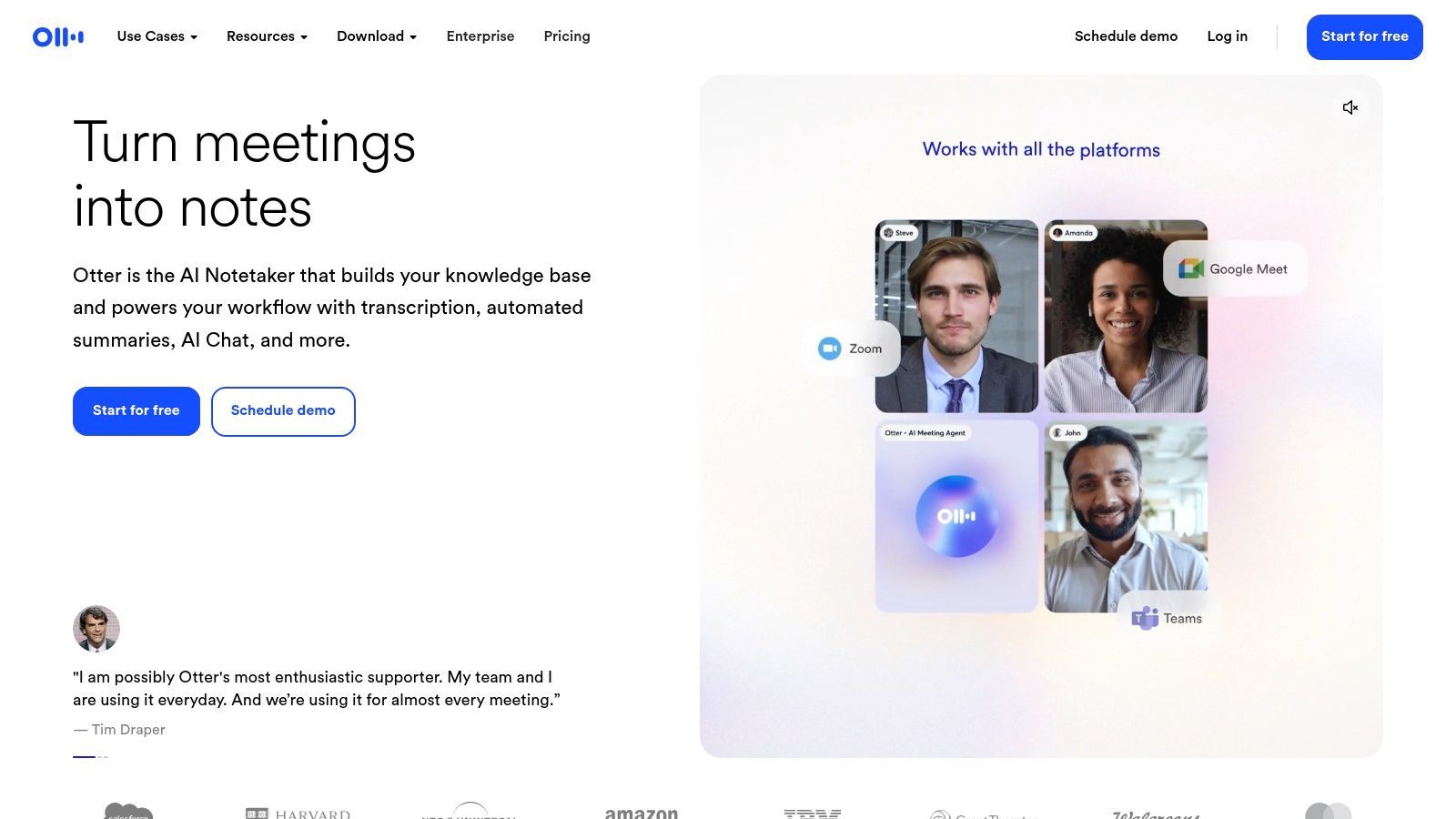
The platform’s standout feature is its collaborative workspace. After a meeting, Otter generates an AI-powered summary, highlights key takeaways, and assigns action items, all within a shareable document. Team members can comment, highlight, and search through past conversations, creating a powerful knowledge base. While it offers a mature ecosystem, users can learn more about transcription privacy to ensure their data handling meets their needs.
Key Features and Pricing
Otter.ai offers a freemium model with paid tiers unlocking more advanced features and higher transcription limits.
- Basic (Free): Transcribe up to 30 minutes per conversation with a 300-minute monthly cap.
- Pro: Starting at $16.99 per month, this plan increases limits to 90 minutes per conversation and 1,200 minutes monthly, allowing more file imports.
- Business: At $30 per user/month, this tier provides team features like shared workspaces, advanced search, and 6,000 monthly minutes.
- Key Features: Live transcription, speaker identification, AI-generated summaries, and integrations with major meeting platforms.
While its accuracy is strong with clear audio, it can struggle with heavy accents or background noise, often requiring manual edits.
Workflow Features That Save Time

Speaker detection
Automatically identify different speakers in your recordings and label them with their names.

Editing tools
Edit transcripts with powerful tools including find & replace, speaker assignment, rich text formats, and highlighting.
Summaries and Chatbot
Generate summaries & other insights from your transcript, reusable custom prompts and chatbot for your content.
However, for collaborative teams needing an organized and searchable archive of their video discussions, Otter.ai is an industry leader.
Website: https://otter.ai/
4. Descript
Descript has revolutionized video and audio production by transforming it into a process as simple as editing a text document. This platform is more than just software to transcribe video; it’s an all-in-one creative suite where the automatically generated transcript serves as the foundation for editing the media itself. This "edit by text" workflow is ideal for podcasters, YouTubers, and marketing teams who need to produce polished content efficiently.
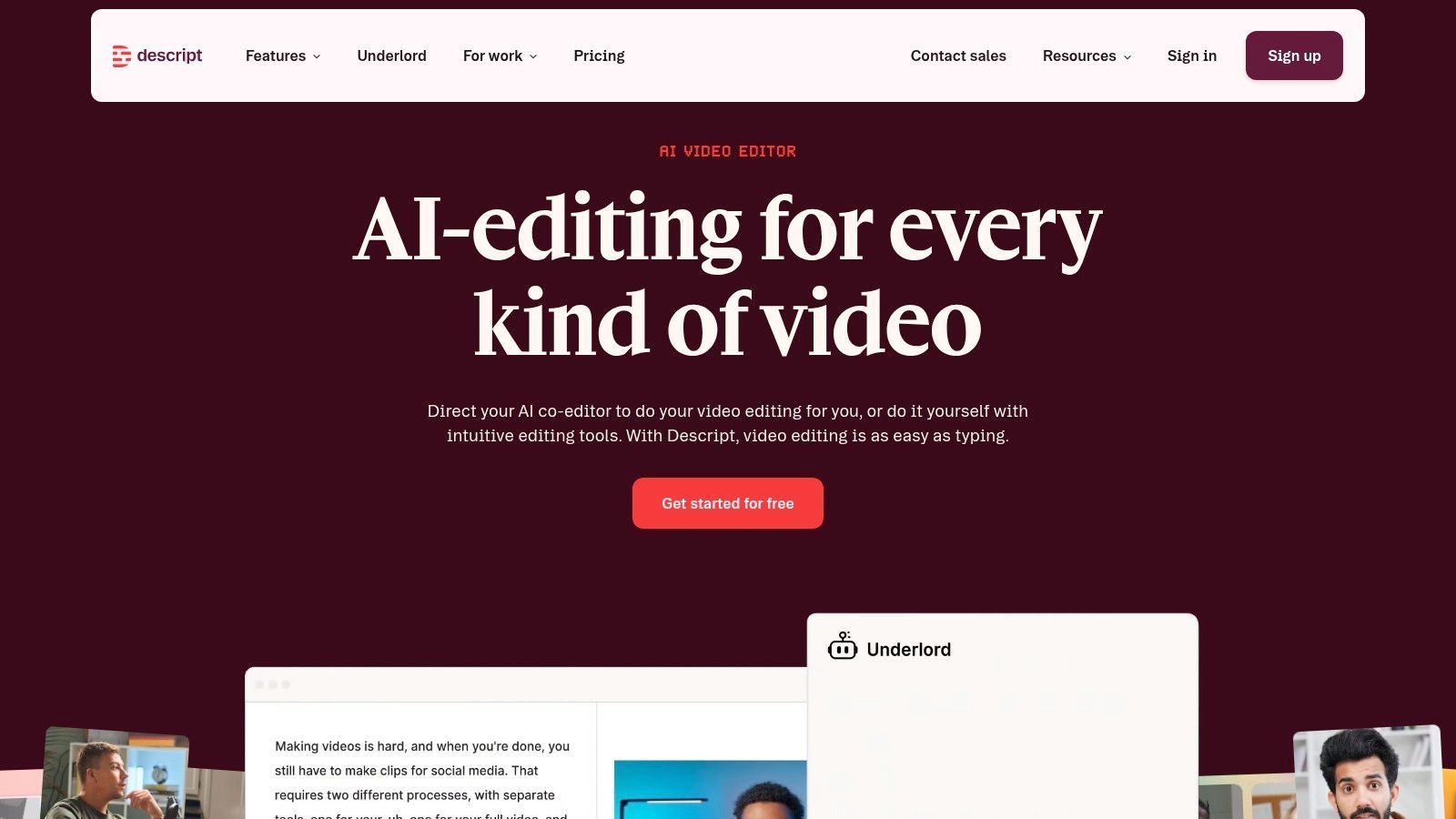
What sets Descript apart is its powerful suite of integrated creator tools. Beyond high-accuracy transcription, users gain access to AI features like Overdub, which can clone your voice to fix audio mistakes, and Studio Sound, which removes background noise with one click. These features streamline complex editing tasks, making professional-grade production accessible without specialized skills. Understanding the different use cases for transcription can help you leverage these tools effectively.
Key Features and Pricing
Descript offers a tiered subscription model that scales with creator needs, including a functional free plan for getting started.
- Free Plan: Includes 1 hour of transcription per month, limited Studio Sound, and standard video editing at 720p.
- Creator Plan: At $12 per user/month (billed annually), this plan provides 10 hours of transcription and watermark-free video exports up to 4K resolution.
- Pro Plan: For $24 per user/month (billed annually), users get 30 hours of transcription, unlimited access to Overdub and Studio Sound, and advanced editing features.
- Enterprise Plan: Custom pricing for teams needing advanced security, dedicated support, and onboarding.
While there is a learning curve to master the full editor and a desktop app is required for the best experience, its innovative approach to content creation makes Descript a powerful choice for anyone who regularly produces video or audio content.
Website: https://www.descript.com/
5. Trint
Trint is an AI-powered transcription platform built for high-stakes, collaborative environments like newsrooms, marketing agencies, and research teams. It combines automated transcription with a powerful, interactive editor designed to streamline workflows from raw video to finished story. This software to transcribe video excels in environments where multiple stakeholders need to review, verify, and edit transcripts together in real-time.
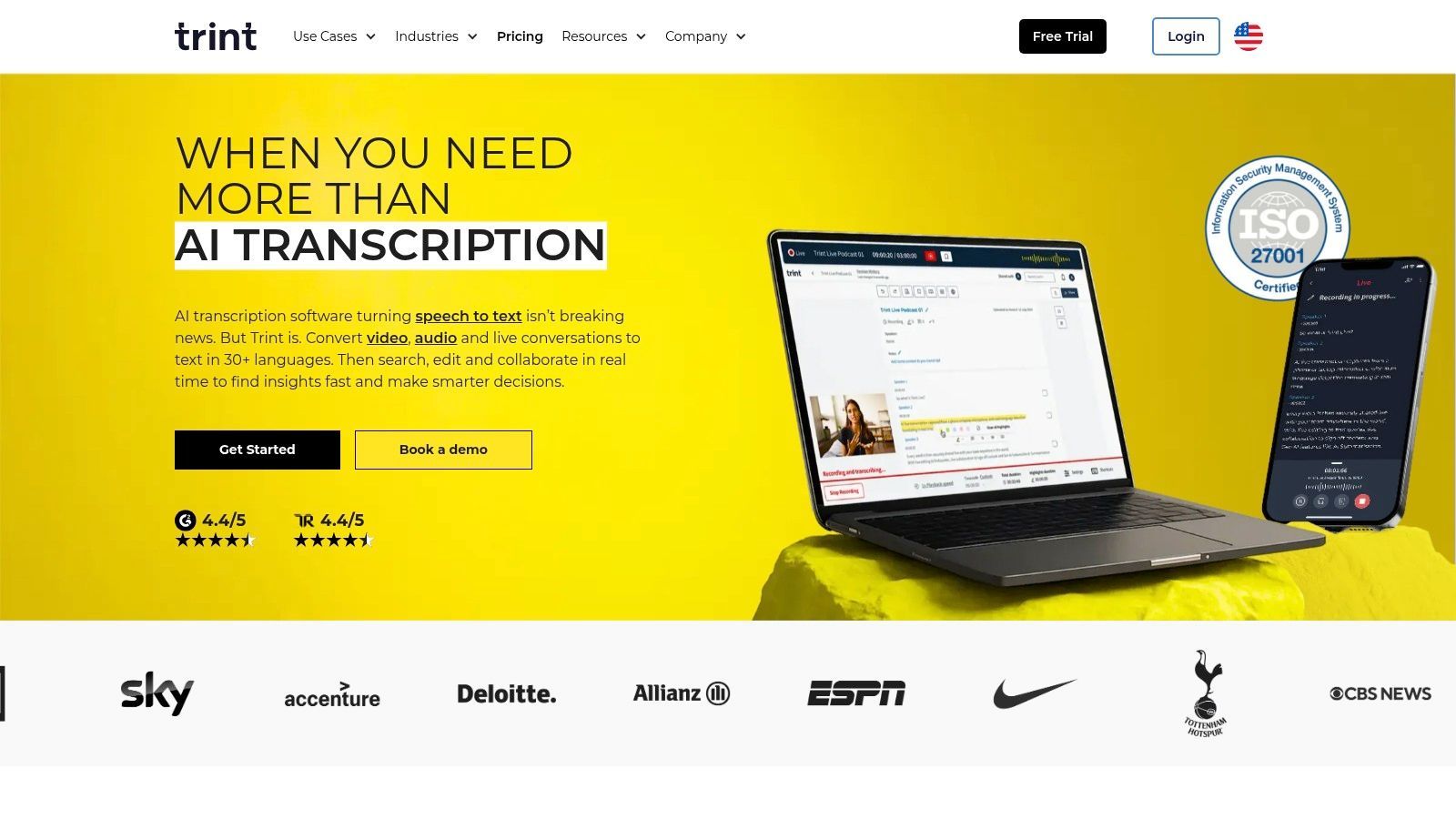
Trint's standout capability lies in its collaboration and security features. Teams can highlight key quotes, leave comments, and assign tasks directly within the transcript editor, making it a central hub for content production. With ISO 27001 certification and granular user permissions, it provides the enterprise-grade security that corporate and media organizations require, ensuring sensitive video content remains protected throughout the transcription process.
Key Features and Pricing
Trint’s pricing is structured in subscription tiers designed for individuals, small teams, and large enterprises, with features scaling at each level.
- Starter Plan: From $60 per user/month, allowing for the transcription of 7 files per month. This plan is ideal for individuals with moderate transcription needs.
- Advanced Plan: From $75 per user/month, offering unlimited transcriptions and advanced collaboration features like real-time shared editing.
- Enterprise Plan: Custom pricing for large organizations requiring advanced security, custom APIs, and dedicated account management.
- Translation and Subtitles: The platform supports transcription and translation in over 40 languages, with robust caption editing tools that export to SRT, VTT, and STL formats.
While the platform has file limits (3 hours or 3 GB per upload), its focus on team-based workflows and security makes it a top choice for professional organizations. The interactive editor seamlessly links text to the original video, simplifying verification and content creation.
Website: https://trint.com/
6. Sonix
Sonix provides fast, automated transcription and translation with a focus on a streamlined workflow and transparent pricing. It is a powerful software to transcribe video for professionals who need both transcription and translation capabilities in over 50 languages. The platform is built around a polished, in-browser editor that makes reviewing and correcting AI-generated text simple and efficient.
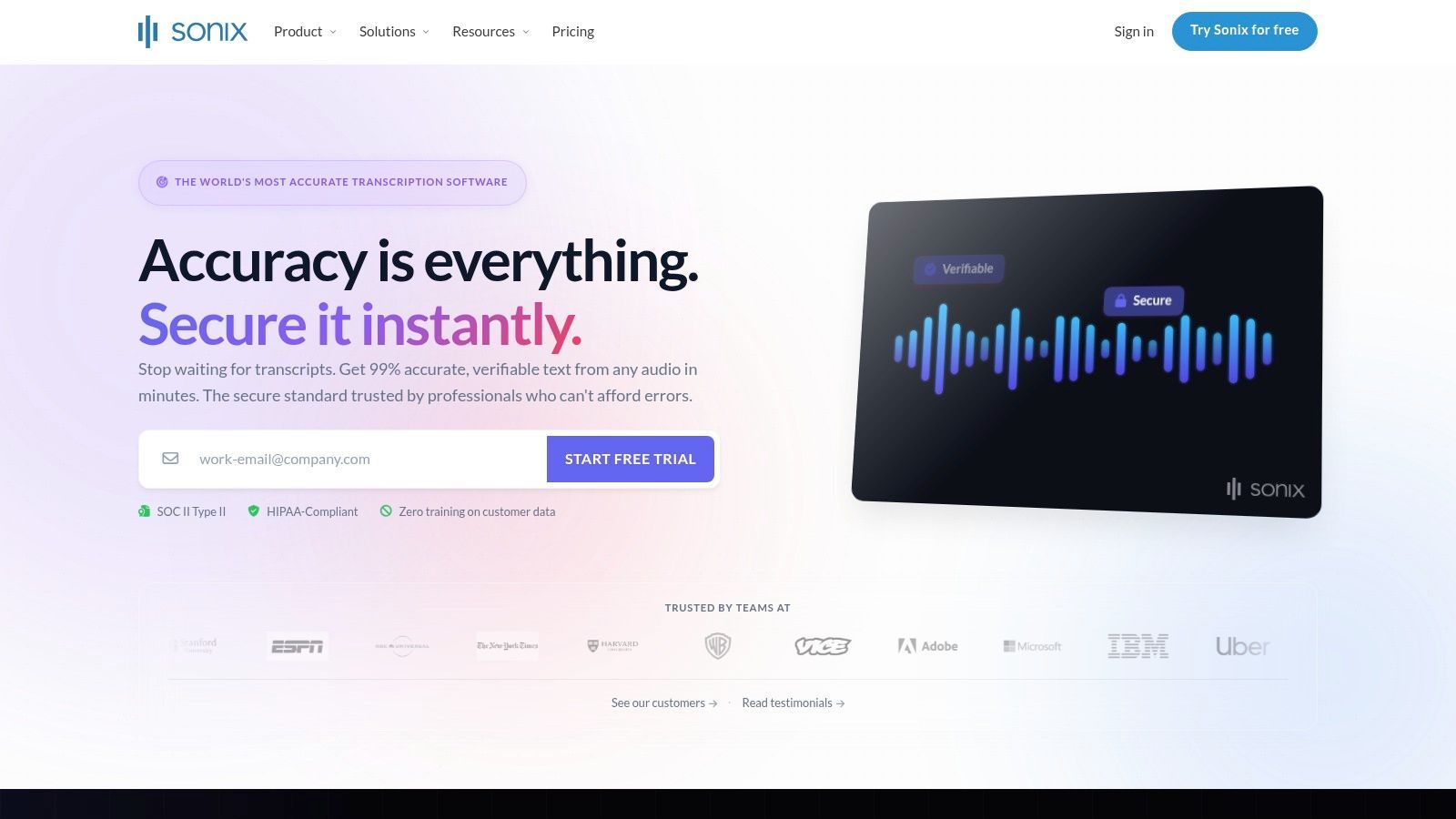
The platform’s strength lies in its clear, hour-based pricing and robust feature set, including accurate speaker diarization and custom dictionary support. This makes Sonix a great fit for users with predictable workloads, such as podcasters, marketers, and researchers who regularly process a set number of hours of content each month and require a high-quality editing environment.
Key Features and Pricing
Sonix offers both pay-as-you-go and subscription models, catering to different usage volumes. The plans provide flexibility and access to advanced team features as you scale.
- Standard Pay-as-you-go: $10 per hour, billed per minute. Ideal for one-off projects.
- Premium Subscription: $5 per hour plus a $22 per user/month fee. This plan is designed for frequent users and includes collaboration tools and advanced exporting options.
- Enterprise Subscription: Custom pricing for high-volume needs, offering centralized billing, user management, and enhanced security.
- Automatic Translation: The service can translate your transcripts to dozens of languages, with pricing integrated into the hourly rate structure.
The intuitive editor allows you to click on any word and hear the corresponding audio, significantly speeding up the proofreading process. While its per-hour billing for features like translation might be costly for some, the high accuracy and refined user experience offer substantial value for teams prioritizing efficiency.
Website: https://sonix.ai/
7. Happy Scribe
Happy Scribe offers a versatile platform that caters to both automated and human-powered transcription needs, making it a strong choice for media teams, educators, and content creators. It provides a balanced ecosystem for those who need the speed of AI for initial drafts and the precision of human proofreading for final, polished outputs. This flexibility makes it a valuable piece of software to transcribe video for various project scales.
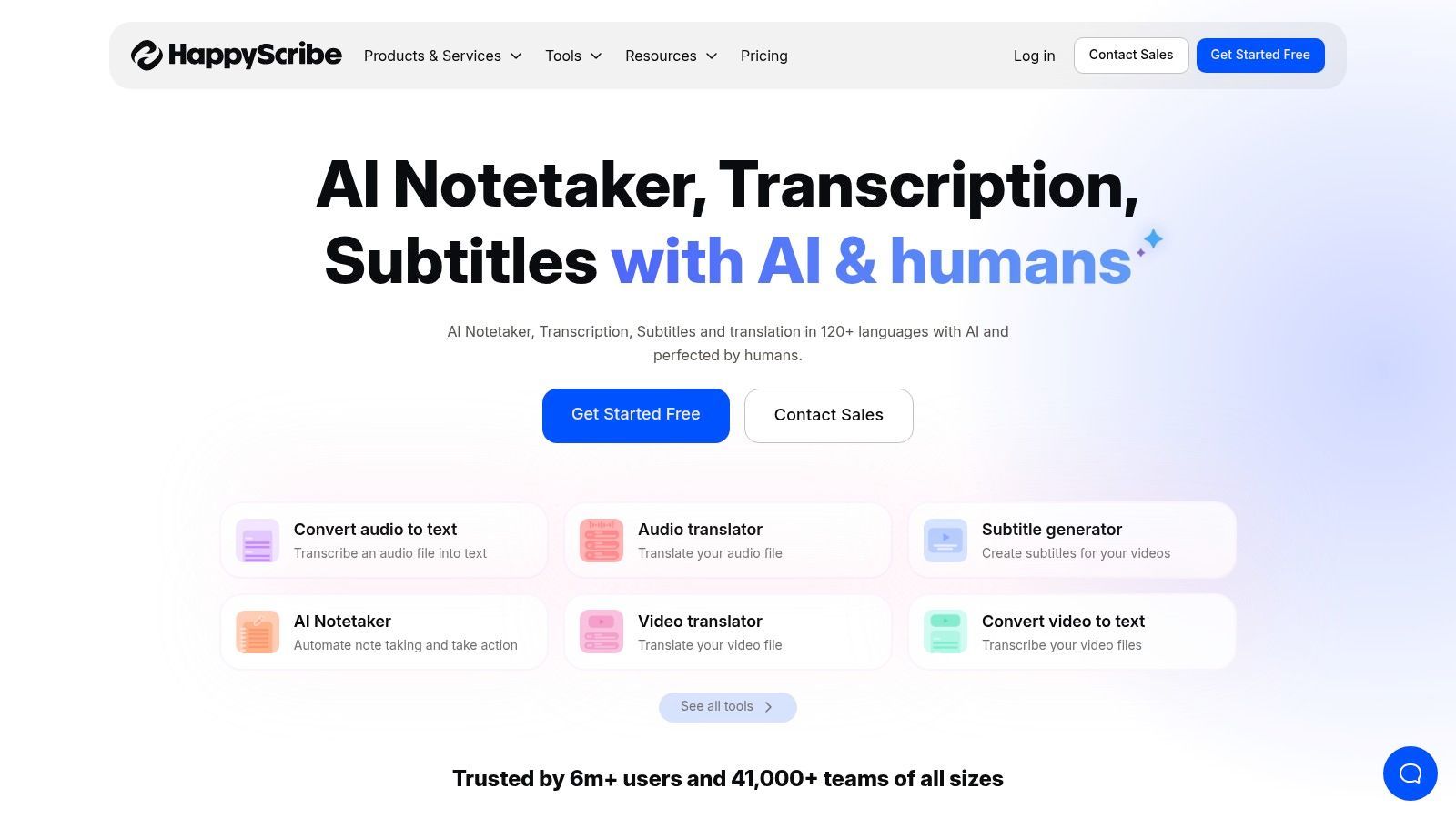
The platform stands out with its wide support for subtitle formats and extensive integrations. Users can connect directly to cloud storage like Google Drive and Dropbox or video platforms like YouTube and Vimeo, streamlining content workflows. Happy Scribe also integrates with meeting platforms such as Zoom and Google Meet, simplifying the process of transcribing team discussions or webinars.
Key Features and Pricing
Happy Scribe operates on a subscription model that includes a set number of AI transcription minutes, with optional per-minute pricing for human services.
- Free Plan: Includes a limited trial to test the service.
- Basic Plan: Starts at $17/month for 120 minutes of AI transcription.
- Pro Plan: Priced at $29/month for 300 minutes, designed for more frequent users.
- Business Plan: At $49/month, it offers 600 minutes and additional team collaboration features.
- Human-made Transcription: Starts at $1.75 per minute for 99% accuracy, with pricing varying by language and turnaround time.
While the AI service is efficient, the real strength lies in the seamless upgrade path to human proofreading within the same interface. The platform’s collaborative editor and broad export options make it particularly useful for teams managing multilingual content or requiring specific subtitle formats for distribution.
Website: https://www.happyscribe.com/
8. VEED.io
VEED.io is a powerful, browser-based video editing suite where transcription is a core component of the creative workflow. It excels as software to transcribe video for social media managers and content creators who need to quickly add stylish, animated, or burned-in captions to their content. The platform integrates transcription directly into its editor, allowing users to generate, style, and permanently embed subtitles without juggling multiple tools.
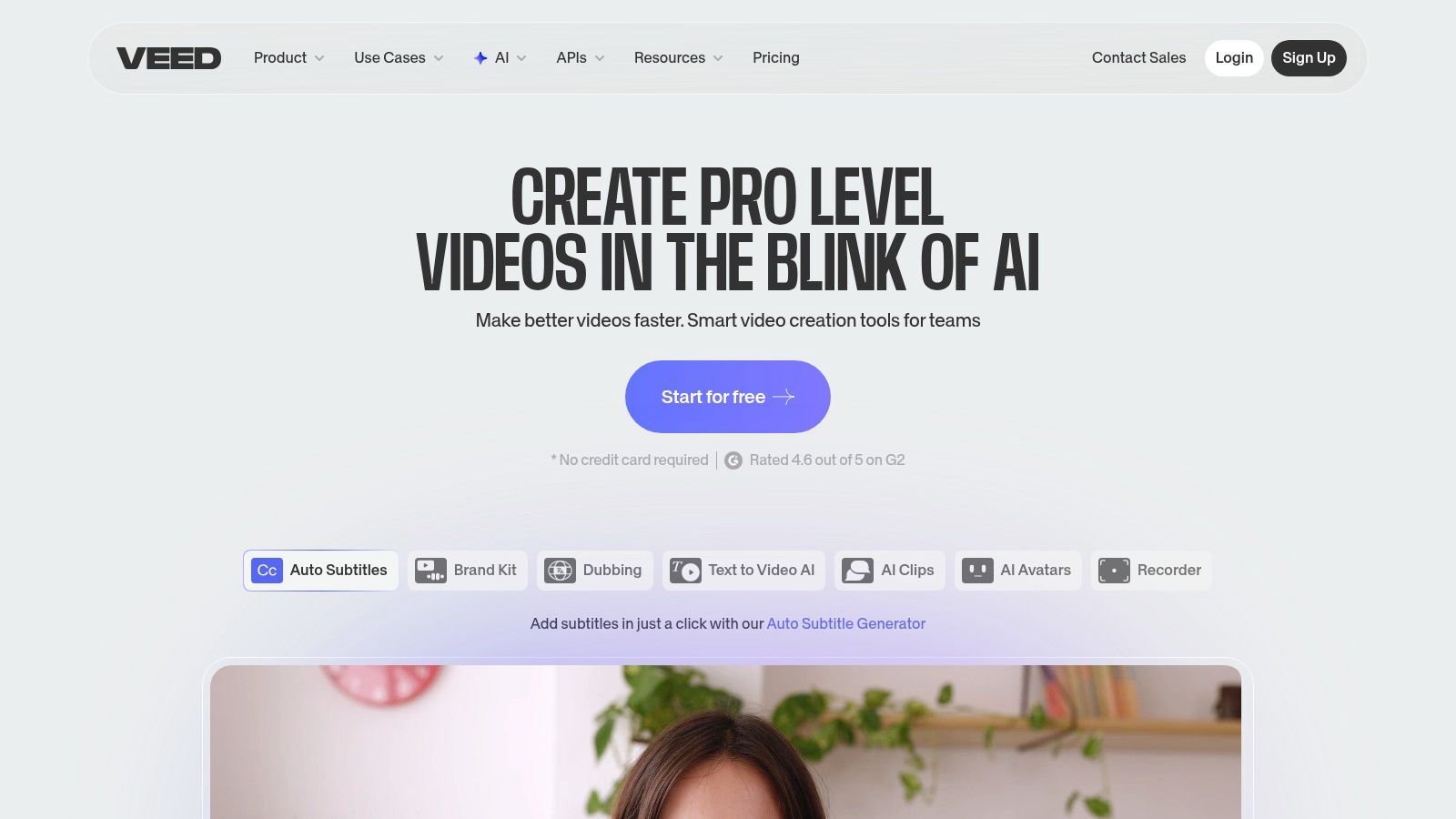
The platform’s standout feature is its emphasis on visual customization. Users can choose from a vast library of dynamic caption styles, animations, and fonts to match their brand aesthetic. This makes VEED.io perfect for producing engaging short-form video for platforms like TikTok, Instagram Reels, and YouTube Shorts, where visually appealing captions can significantly boost viewer retention. The entire process runs in the browser, eliminating the need for software installations.
Key Features and Pricing
VEED.io offers a tiered subscription model that unlocks more advanced features and removes watermarks.
- Free Plan: Includes auto-subtitling for up to 10 minutes per month with a watermark.
- Basic Plan: Starts at $18 per month for 720 minutes of transcription annually and watermark-free exports.
- Pro Plan: Priced at $30 per month, this plan includes 1,440 minutes of transcription per year and allows users to download subtitle files (SRT, VTT).
- Business Plan: At $59 per month, it offers 4,800 transcription minutes and advanced features like custom branding and analytics.
While VEED.io’s core strength is its integrated video editing and caption styling, its transcription accuracy is solid for clear audio. The main limitation is that downloading standard subtitle files requires a paid subscription, positioning it more as a video creation tool than a pure transcription service.
Website: https://www.veed.io/
9. Kapwing
Kapwing is an online video editor that integrates AI-powered transcription directly into its creative suite, making it a strong choice for content creators and social media teams. It is an excellent software to transcribe video when the primary goal is to quickly generate and style subtitles for social content. The platform combines video editing tools with an automated subtitling feature, allowing users to create, transcribe, and burn captions into their videos all in one place.
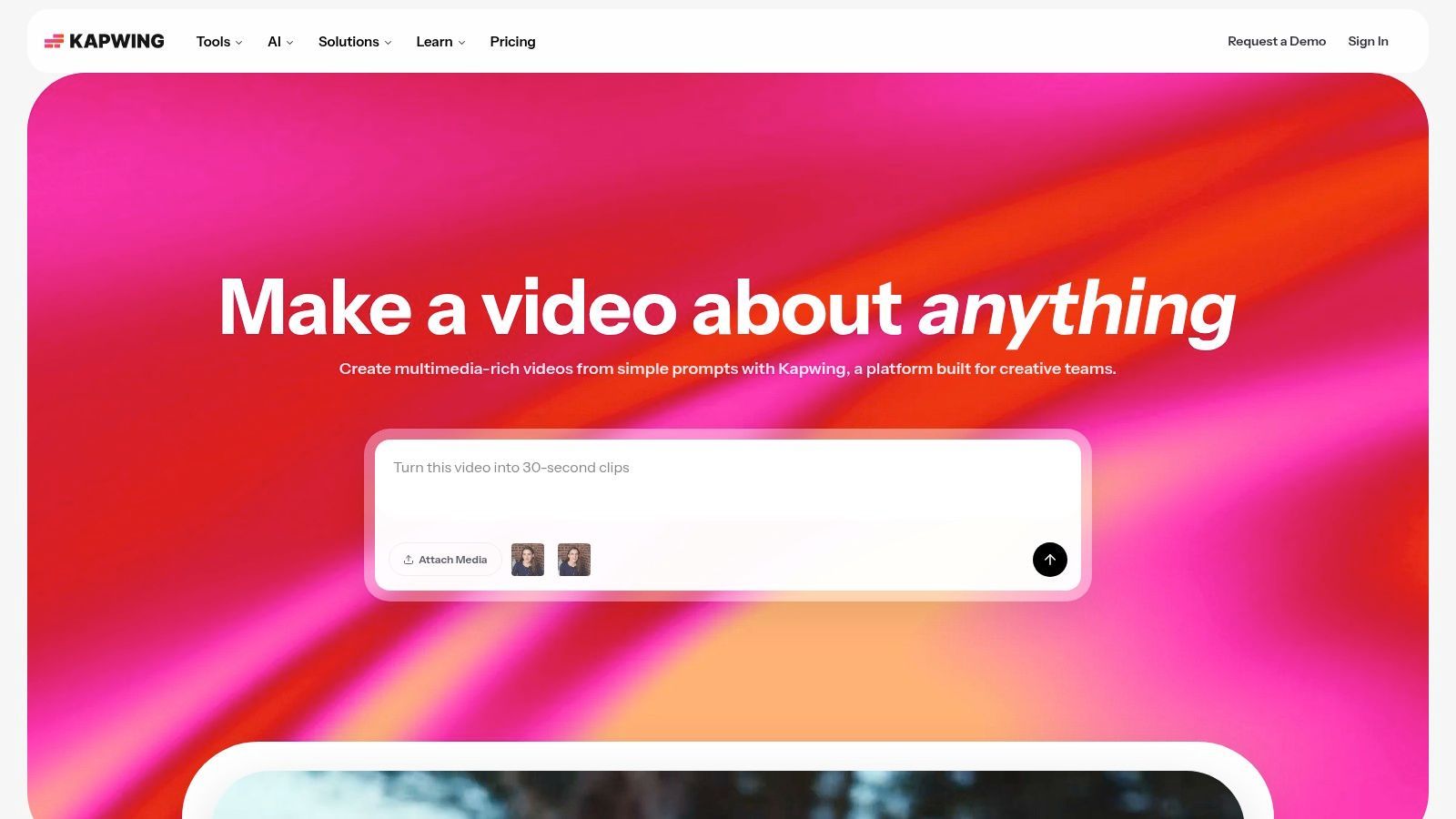
Kapwing's standout quality is its accessibility for creators who need more than just a transcript; they need a finished video product. The auto-subtitling tool supports over 60 languages, and its editor provides extensive control over the appearance of captions, including font, color, and animation. This makes it ideal for producing engaging, shareable video clips for platforms like Instagram, TikTok, and YouTube Shorts where visual appeal is key.
Key Features and Pricing
Kapwing uses a credit-based system for its AI features, including transcription, with generous monthly allotments in its paid plans.
- Free Plan: Includes 10 minutes of transcription per month, but exports are watermarked and limited to 7 minutes in length.
- Pro Plan: Starts at $16 per month (billed annually) and includes 300 minutes of transcription/translation per month, 4K exports, and no watermarks.
- Business Plan: For $50 per month (billed annually), teams get 1,800 minutes of transcription/translation, shared workspaces, and brand kits.
- AI Features: Credits are used for auto-subtitling, AI video generation, and other smart tools, so users must manage their monthly allowance.
While the free plan's limitations can be a drawback, the Pro plan offers significant value for creators who regularly produce subtitled video content. The platform's all-in-one approach saves time by eliminating the need to move between separate transcription and video editing tools.
Website: https://www.kapwing.com/
10. Adobe Premiere Pro (Speech to Text)
For video editors already working within the Adobe ecosystem, Premiere Pro’s integrated Speech to Text feature offers a seamless and cost-effective transcription solution. It eliminates the need to export video or use third-party tools, building the transcription process directly into the editing timeline. This makes it a powerful software to transcribe video for professionals who want to accelerate their captioning and editing workflows without ever leaving their primary application.
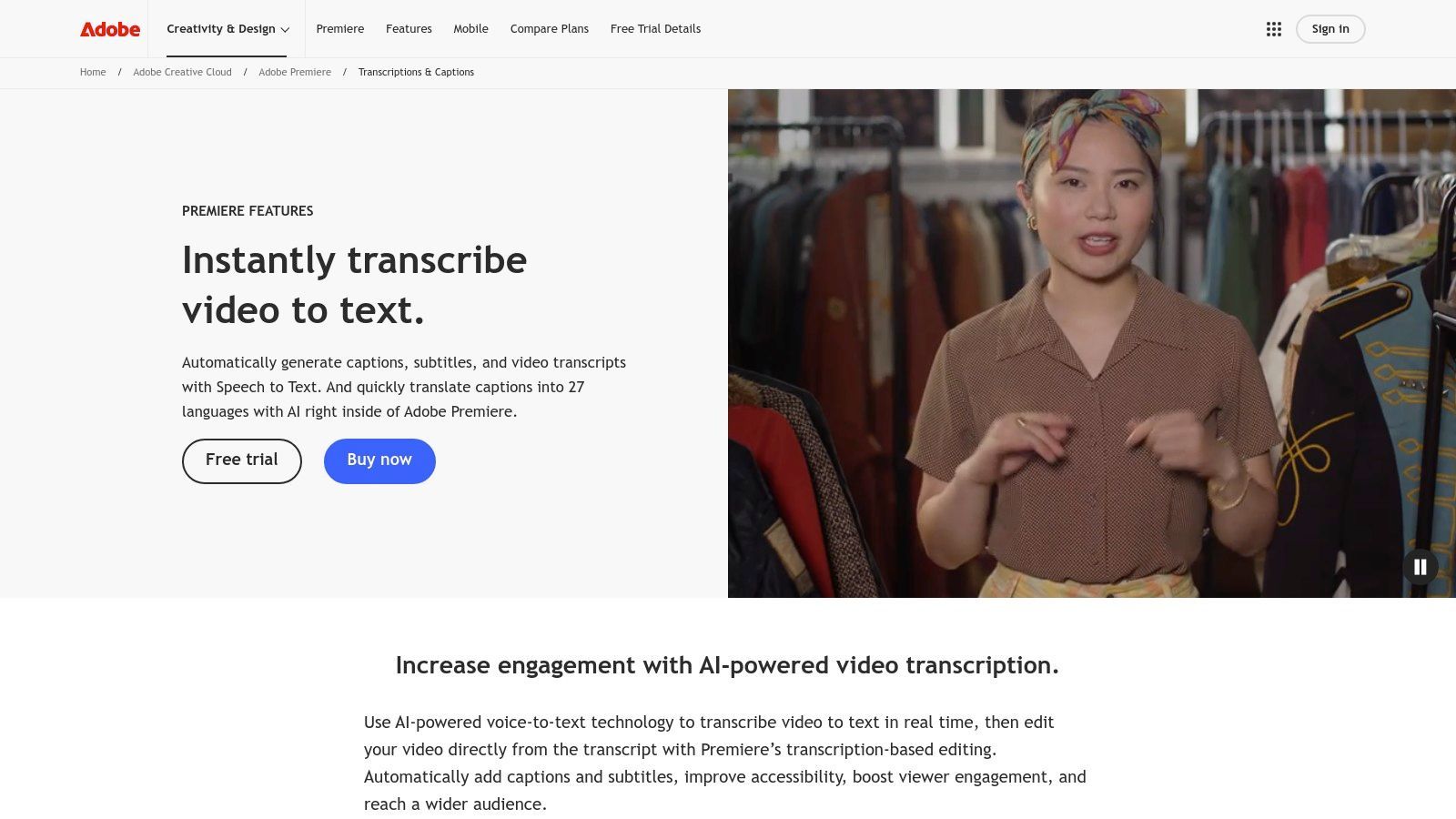
The standout capability of this tool is transcript-driven editing. Editors can search for specific words in the transcript, highlight the text, and instantly cut or remove the corresponding video clips from the timeline. This text-based approach to video editing significantly speeds up the process of creating rough cuts and soundbite-heavy content. For further insights into optimizing video workflows, you can explore various techniques on our video content blog.
Key Features and Pricing
The transcription service is included with an Adobe Creative Cloud subscription that contains Premiere Pro, meaning there are no additional per-minute fees.
- Integrated Speech to Text: Transcription is built directly into the Premiere Pro interface, generating an interactive transcript from your video sequence.
- On-Device Transcription: Users can download language packs to perform transcriptions offline, ensuring privacy and security for sensitive projects.
- Transcript-Driven Editing: Edit your video by simply cutting, copying, and pasting text in the transcript panel.
- Caption Generation: Instantly convert the transcript into a caption track, with full control over design, timing, and export to formats like SRT.
While requiring a Premiere Pro subscription, the lack of per-minute costs makes it highly economical for high-volume video producers. The main trade-off is the heavier system requirements compared to lightweight, web-based tools.
Website: https://www.adobe.com/products/premiere/speech-to-text.html
11. Amazon Transcribe (AWS)
Amazon Transcribe is a powerful, developer-centric automatic speech recognition (ASR) service from Amazon Web Services (AWS). It's the ideal software to transcribe video for organizations that need to integrate transcription directly into their applications, media workflows, or large-scale data processing pipelines. Rather than a standalone app, it provides a robust API for both batch and real-time transcription, offering deep customization and scalability.
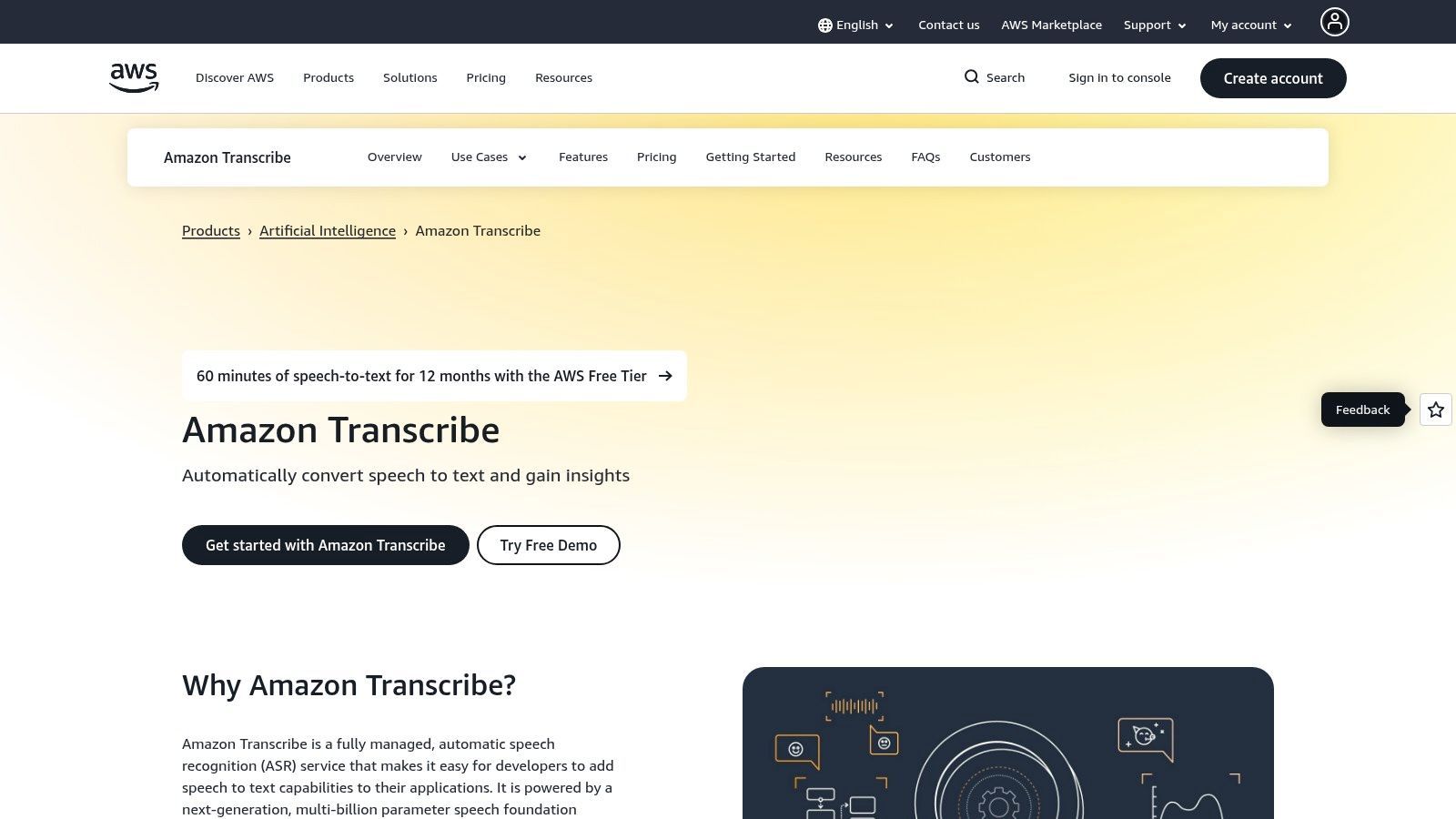
The platform stands out for its enterprise-grade features and seamless integration within the AWS ecosystem. Users can leverage advanced capabilities like personally identifiable information (PII) redaction to protect sensitive data, custom vocabularies to improve accuracy for specific jargon, and channel identification to separate speakers in multi-channel audio. This makes it a go-to for regulated industries or companies building sophisticated media products.
Key Features and Pricing
Amazon Transcribe uses a pay-as-you-go model billed per second of audio processed, with pricing varying by region and usage tier.
- Standard Transcription (Batch): Starts around $0.024 per minute, with pricing decreasing at higher volumes.
- Real-Time Transcription: Pricing is higher for live streaming audio, typically starting around $0.024 per minute.
- Call Analytics: Offers advanced features for contact centers, including sentiment analysis and issue detection, with custom pricing.
- AWS Free Tier: New customers receive a generous free tier, often including 60 minutes of transcription per month for the first 12 months, allowing for thorough evaluation.
While it requires engineering effort to set up and integrate via its API, the service's scalability, security, and tight integration with other AWS services (like S3 for storage) create an automated and efficient transcription engine for businesses operating at scale.
Website: https://aws.amazon.com/transcribe/
12. Microsoft Azure Speech to Text
Microsoft Azure Speech to Text is a powerful, developer-focused service offering enterprise-grade automatic speech recognition (ASR). It is an excellent software to transcribe video for organizations already invested in the Azure ecosystem or for those needing to build custom applications with robust, scalable transcription capabilities. The platform supports both real-time and batch processing, making it versatile for live event captioning or analyzing large archives of video content.
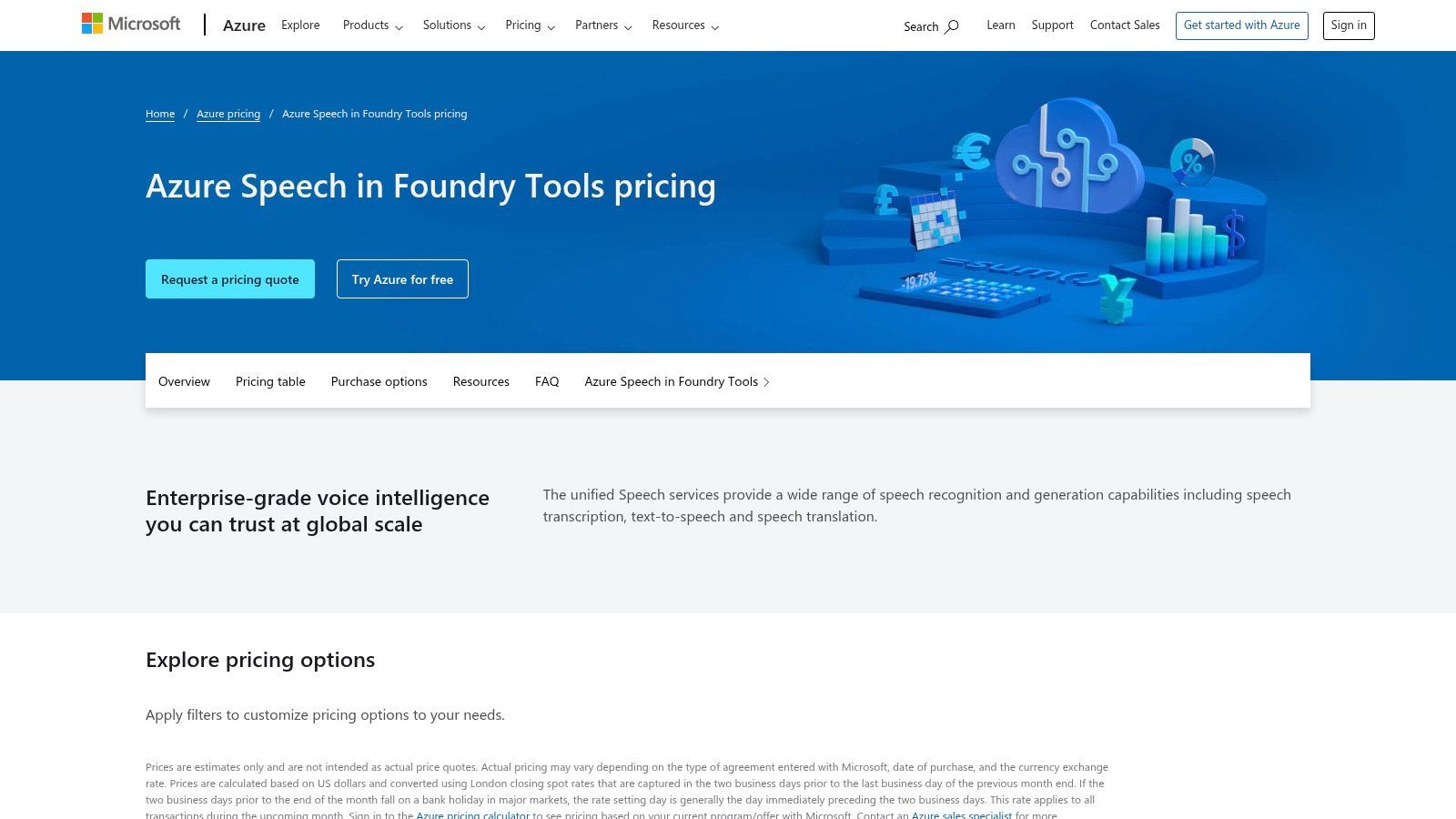
Azure’s key differentiator is its deep integration and deployment flexibility. It works seamlessly with other Azure services like Blob Storage and offers custom model support to improve accuracy for specific domains, accents, or acoustic environments. For businesses with strict data or operational requirements, Azure provides containerized deployment, allowing the service to run on-premises. However, this power comes at the cost of simplicity; it requires developer expertise to implement and manage effectively.
Key Features and Pricing
Azure’s pricing is usage-based and can be complex, varying by region and commitment levels. It's best suited for high-volume needs where cost optimization is a priority.
- Pay-as-you-go: Standard transcription is priced at $1 per audio hour.
- Custom Speech Models: Training custom models is priced at $1.35 per compute hour.
- Commitment Tiers: Significant discounts are available for high-volume users who commit to monthly usage, potentially lowering costs by over 50%.
- Free Tier: A generous free tier includes 5 audio hours per month for evaluation and small-scale projects.
While not a simple plug-and-play solution, Azure’s API-driven approach provides unparalleled control and scalability for developers creating transcription-powered applications.
Website: https://azure.microsoft.com/pricing/details/cognitive-services/speech-services/
Top 12 Video Transcription Tools Comparison
| Product | Core features ✨ | Quality ★ | Price / Value 💰 | Target 👥 | USP / Notes |
|---|---|---|---|---|---|
| 🏆 Transcript.LOL | Whisper + custom vocab, 10‑hr uploads, speaker labels, multi-format exports, AI summaries & content repurposing | ★★★★★ (4.8★; ~99.8% claim) | Free tier; Unlimited $120/yr; Team $240/yr 💰 | Creators, podcasters, marketers, educators, legal, teams 👥 | 🏆 Recommended — privacy-first (no-training), wide integrations & fast editable outputs ✨ |
| Rev | Human + AI transcription, FCC/ADA captions, web editor, YouTube/Drive integrations | ★★★★★ (Human 99%+) | Per-minute pricing; add-ons for compliance 💰 | Broadcast, compliance-focused teams, enterprises 👥 | Broadcast-ready captions & strong compliance options |
| Otter.ai | Live transcription (Zoom/Meet/Teams), summaries, searchable transcripts, team workspaces | ★★★★☆ | Free & paid team plans; import limits on low tiers 💰 | Meetings, business teams, educators, podcasters 👥 | Best for recurring meetings & live collaborative notes |
| Descript | Text-based audio/video editing, Overdub, Studio Sound, captions & exports | ★★★★☆ | Subscription (creator-focused tiers) 💰 | Creators, podcast/video teams, editors 👥 | Edit-by-text workflow & advanced creator tools |
| Trint | Transcription, subtitle export, translation, collaborative review tools | ★★★★☆ | Subscription; enterprise plans, trial limits 💰 | Newsrooms, marketing teams, enterprises 👥 | Business-grade security (ISO 27001) & translation workflows |
| Sonix | Auto transcription & translation (50+ languages), timestamps, custom dictionary, polished editor | ★★★★☆ | Transparent per-hour pricing; subs for heavy use 💰 | Teams with predictable per-hour needs, content teams 👥 | Clear pricing and streamlined editor for fast edits |
| Happy Scribe | AI + human transcription/subtitling, translations, many subtitle formats, integrations | ★★★★☆ | Credit-based billing; human proofreading add-ons 💰 | Educators, media teams, translators 👥 | Flexible AI/human mix and broad subtitle support |
| VEED.io | Auto-subtitles, animated captions, translation, browser-based styling tools | ★★★★☆ | Free limited; Pro/Business for downloads & full features 💰 | Creators & marketers producing short-form video 👥 | Fast styling & dynamic captions without installs |
| Kapwing | Auto-subtitling & translation (60+ langs), credit pools, 4K export, shared workspace | ★★★★☆ | Credit-based usage; Pro removes watermark 💰 | Small teams & social creators 👥 | Simple editor with generous subtitle credits |
| Adobe Premiere Pro (Speech to Text) | Integrated speech-to-text, transcript-driven editing, offline packs, caption export | ★★★★☆ | Included with Premiere (Creative Cloud subscription) 💰 | Video editors in Adobe ecosystem 👥 | No per-minute fees; tight Adobe editing workflow |
| Amazon Transcribe (AWS) | Batch & streaming APIs, PII redaction, channel ID, custom vocab/models | ★★★★☆ | Pay-as-you-go per-second; Free tier for eval 💰 | Developers, product teams, enterprises 👥 | Highly scalable API with deep AWS integration |
| Microsoft Azure Speech to Text | Real-time & batch APIs, diarization, custom models, container deployment | ★★★★☆ | Pay-as-you-go; commitment tiers for discounts 💰 | Enterprises, dev teams using Azure 👥 | Flexible deployment (containers) & Azure ecosystem integration |
Who Benefits Most from AI Transcription Software?
🎙️ Podcasters
Turn every episode into show notes, captions, and SEO-friendly blog posts automatically. Reduce editing time while improving discoverability across platforms.
📈 Marketers
Repurpose webinars and demos into social clips, summaries, and email content. Extract quotes and key takeaways instantly to fuel campaigns.
🎓 Educators
Convert lectures into study materials, summaries, and revision guides. Improve accessibility and help students search content faster.
🧑💼 Teams
Document meetings with speaker labels and action items. Create a searchable knowledge base that keeps everyone aligned.
Choosing the Right Software to Transcribe Your Video Content
Navigating the landscape of video transcription tools can feel overwhelming, but as we've explored, the "best" choice is not a one-size-fits-all solution. Your ideal software to transcribe video hinges entirely on your specific goals, workflow, budget, and the nature of your content. We’ve covered everything from standalone AI powerhouses and integrated NLE features to human-powered services, each excelling in different scenarios.
The key takeaway is that the right tool acts as a powerful multiplier for your content efforts. It’s no longer just about getting a plain text file; it's about unlocking the latent value trapped within your video and audio files. This means transforming a single recording into accessible blog posts, engaging social media clips, searchable knowledge bases, and accurate legal records.
Industry Shift
AI transcription is quickly becoming a standard workflow step across teams. Manual note-taking and typing are being replaced by instant, automated transcripts. Companies now expect searchable meeting records and content assets by default.
How to Select Your Ideal Transcription Tool
To make an informed decision, move beyond the marketing copy and focus on a practical evaluation based on your primary use case. Before you commit to a subscription, consider these final checkpoints:
- Define Your "Must-Have" Feature: Are you a video editor who needs frame-accurate captions directly in your timeline? Adobe Premiere Pro is your most direct route. Do you require legally binding, near-perfect accuracy for compliance? A human service like Rev is non-negotiable.
- Evaluate Your Content Repurposing Needs: If your goal is to maximize your content's reach, a tool like Transcript.LOL, which automatically generates social media carousels, detailed show notes, and insightful summaries, offers unparalleled value. This shifts the function from simple transcription to a comprehensive content generation engine.
- Consider Your Technical Ecosystem: For developers or large organizations needing to build transcription into custom applications, API-centric platforms like Amazon Transcribe or Microsoft Azure provide the necessary flexibility and scalability. However, this path requires technical expertise that most content creators don't need.
- Assess Your Global Reach: As your content grows, you might need to reach international audiences. While transcription is the first step, translation is the next. When considering comprehensive language solutions that leverage similar AI advancements for professional needs, exploring the capabilities of the top translation software for business can provide valuable insights into managing multilingual content effectively.
Your Actionable Next Step: The Real-World Test
The single most effective way to choose the right software to transcribe video is to put it to the test. Nearly every platform we've discussed, including Descript, Otter.ai, and Sonix, offers a free trial or a freemium plan. Don't just upload a clean, professionally recorded audio clip.
Instead, challenge the software. Upload a real-world video that is representative of your typical content. Use a file with multiple speakers, background noise, and industry-specific jargon. This hands-on experience will reveal more about a tool's true accuracy, usability, and workflow integration than any feature list ever could. By investing a small amount of time in testing, you can confidently select a partner that will save you countless hours and help you achieve your content goals.
Ready to stop just transcribing and start transforming your video content? Transcript.LOL was built for creators and marketers who need more than just words on a page. See for yourself how our AI can turn a single video into a full suite of ready-to-publish assets by trying it for free today at Transcript.LOL.