
The 12 Best Free Audio Transcription Software Tools of 2026
Discover the 12 best free audio transcription software tools of 2026. Get accurate, fast, and private transcripts for meetings, podcasts, and interviews.
Kate, Praveen
February 20, 2026
Converting spoken words into text is no longer a luxury reserved for large enterprises. For podcasters, journalists, students, and marketers, a reliable transcript is essential for creating accessible content, conducting research, and improving workflow efficiency. But navigating the world of transcription services can be daunting, with many powerful tools hidden behind expensive paywalls.
The good news is that a powerful ecosystem of free audio transcription software has emerged, offering everything from simple mobile apps to sophisticated, privacy-focused platforms. In this guide, we cut through the noise to analyze the 12 best free tools available today. We evaluate each one on its accuracy, limitations, unique features, and ideal use case, helping you find the perfect fit without spending a dime. Understanding the importance of transcription extends to various content creation efforts, such as when you look to create a podcast from YouTube, making the right tool indispensable.
What “Free” Really Means in Transcription?
Most tools labeled free come with limits , minutes caps, file restrictions, or missing exports. Always check upload limits, privacy policies, and editing features before committing. The right free tool should still save time, not create extra work.
This resource provides a detailed breakdown of cloud-based services with generous free tiers, powerful open-source models for developers, and user-friendly desktop apps that prioritize your privacy. Each review includes screenshots and direct links, so you can start transcribing immediately.
1. Transcript.LOL
Transcript.LOL positions itself as a premier AI-first transcription platform, delivering a powerful combination of accuracy, speed, and strict data privacy. It leverages OpenAI's Whisper engine to achieve near-perfect transcripts, making it an exceptional choice for professionals who need more than just raw text. The platform excels at transforming audio and video into a suite of ready-to-use content, from editable documents to social media posts and detailed summaries.

Import from multiple sources
Import audio and video files from various sources including direct upload, Google Drive, Dropbox, URLs, Zoom, and more.

Export in multiple formats
Export your transcripts in multiple formats including TXT, DOCX, PDF, SRT, and VTT with customizable formatting options.
Key Strengths and Use Cases
Transcript.LOL stands out by building an entire content workflow around the core transcript. It’s not just about converting speech to text; it’s about what you can do next.
- Exceptional Accuracy and Speed: Powered by a fine-tuned Whisper model, it claims ~99.8% accuracy. This level of precision is ideal for podcasters, journalists, and researchers who cannot afford misinterpretations.
- Generative AI Features: Go beyond transcription with one-click outputs like summaries, chapter markers, action items, mind maps, and even blog posts or social media copy derived from your audio.
- Privacy-First Architecture: With a strict no-training policy, your data is never used to train AI models. This commitment is crucial for corporate teams, legal professionals, and anyone handling sensitive information.
- Extensive Integrations: It seamlessly connects with Google Drive, Zoom, YouTube, and offers a robust API and Zapier integration for automating workflows.
Workflow Featuress That Save Time

Speaker detection
Automatically identify different speakers in your recordings and label them with their names.

Editing tools
Edit transcripts with powerful tools including find & replace, speaker assignment, rich text formats, and highlighting.
Summaries and Chatbot
Generate summaries & other insights from your transcript, reusable custom prompts and chatbot for your content.
Limitations and Pricing
The free plan is designed for trial and light use, offering two transcripts per day with a 20-minute upload limit. For serious volume, the Unlimited plan ($120/year) is a strong value proposition, offering unlimited transcriptions, 10-hour file limits, and priority processing. The Team plan ($240/year) adds shared workspaces and user management, making it an efficient tool for collaborative content production. While it emphasizes privacy, organizations in regulated fields like healthcare should verify specific compliance needs (e.g., HIPAA).
2. Otter.ai
Otter.ai is a leading name in real-time transcription, designed primarily for meetings, lectures, and interviews. It acts as an AI-powered assistant that records audio, writes notes, and generates summaries, making it a powerful tool for professionals, students, and teams who need to capture live conversations accurately. Its seamless integrations with platforms like Zoom and Google Meet set it apart as a go-to for automated meeting minutes.
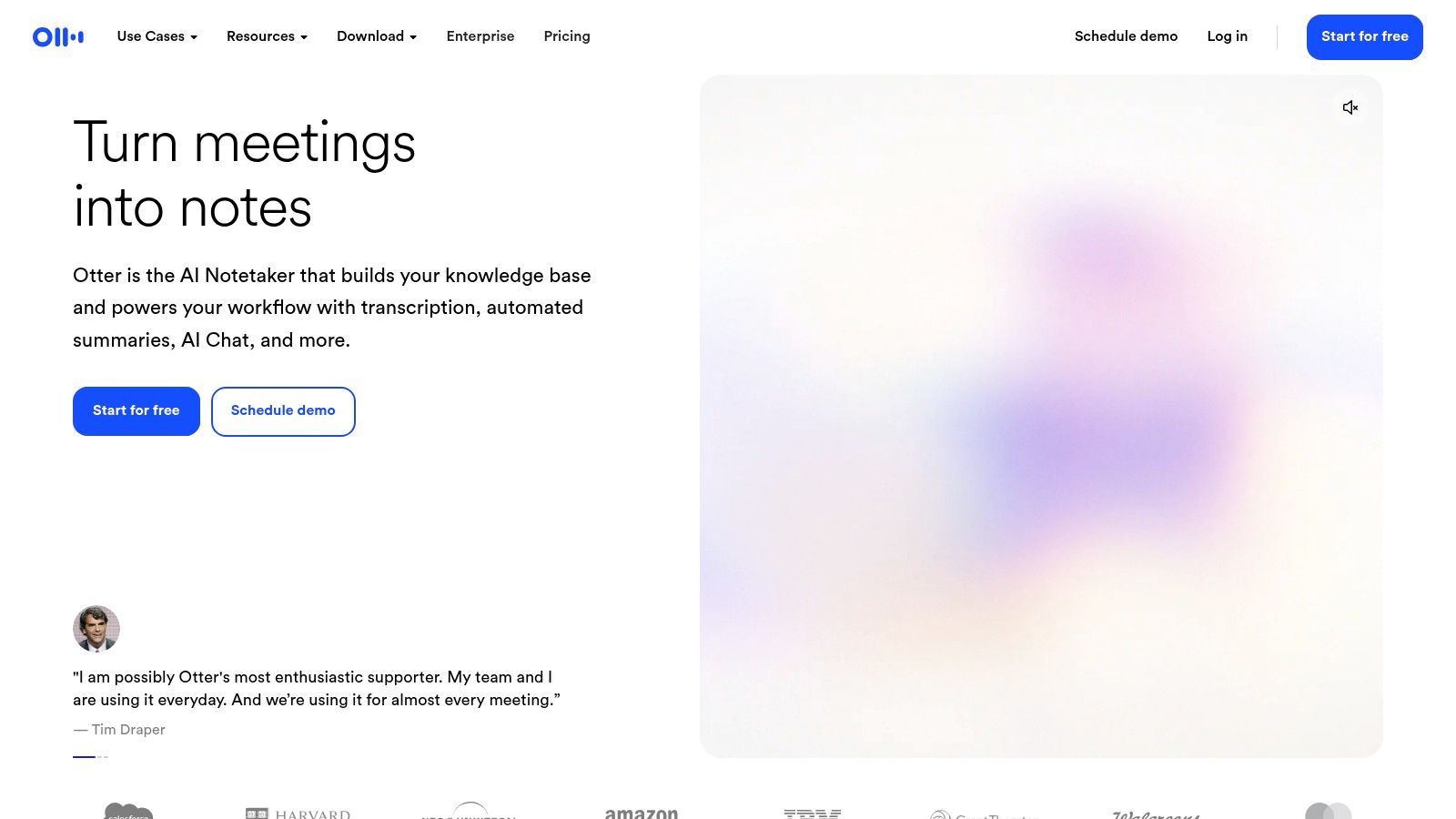
The free "Basic" plan is a great entry point, offering 300 monthly transcription minutes and conversations up to 30 minutes long. While generous for testing, this free audio transcription software limits you to three lifetime audio file imports. This restriction means it's best suited for live transcription rather than processing a backlog of existing recordings.
Key Features and Limitations
- Free Plan: Includes 300 transcription minutes per month.
- Best Use Case: Excellent for live transcription of meetings and interviews via its web or mobile apps.
- Limitations: The free tier has a strict three-file lifetime import limit and lacks advanced features like AI summaries and custom vocabulary, which are reserved for paid plans. For services with more flexible upload policies, you can explore the pricing for different transcription services to find one that fits your needs.
- Pros: High accuracy with clear audio, speaker identification, and integrations with major meeting tools.
- Cons: Not ideal for transcribing large batches of pre-recorded files on the free plan.
Website: https://otter.ai
3. OpenAI Whisper (open-source)
OpenAI Whisper is a powerful, open-source automatic speech recognition (ASR) system that offers exceptionally high accuracy for developers and technical users. Unlike web-based services, Whisper runs locally on your machine or in a cloud environment, giving you complete control over your data and workflows. Its versatility shines with its support for multiple languages and various model sizes, allowing users to balance transcription speed with accuracy based on their hardware capabilities.
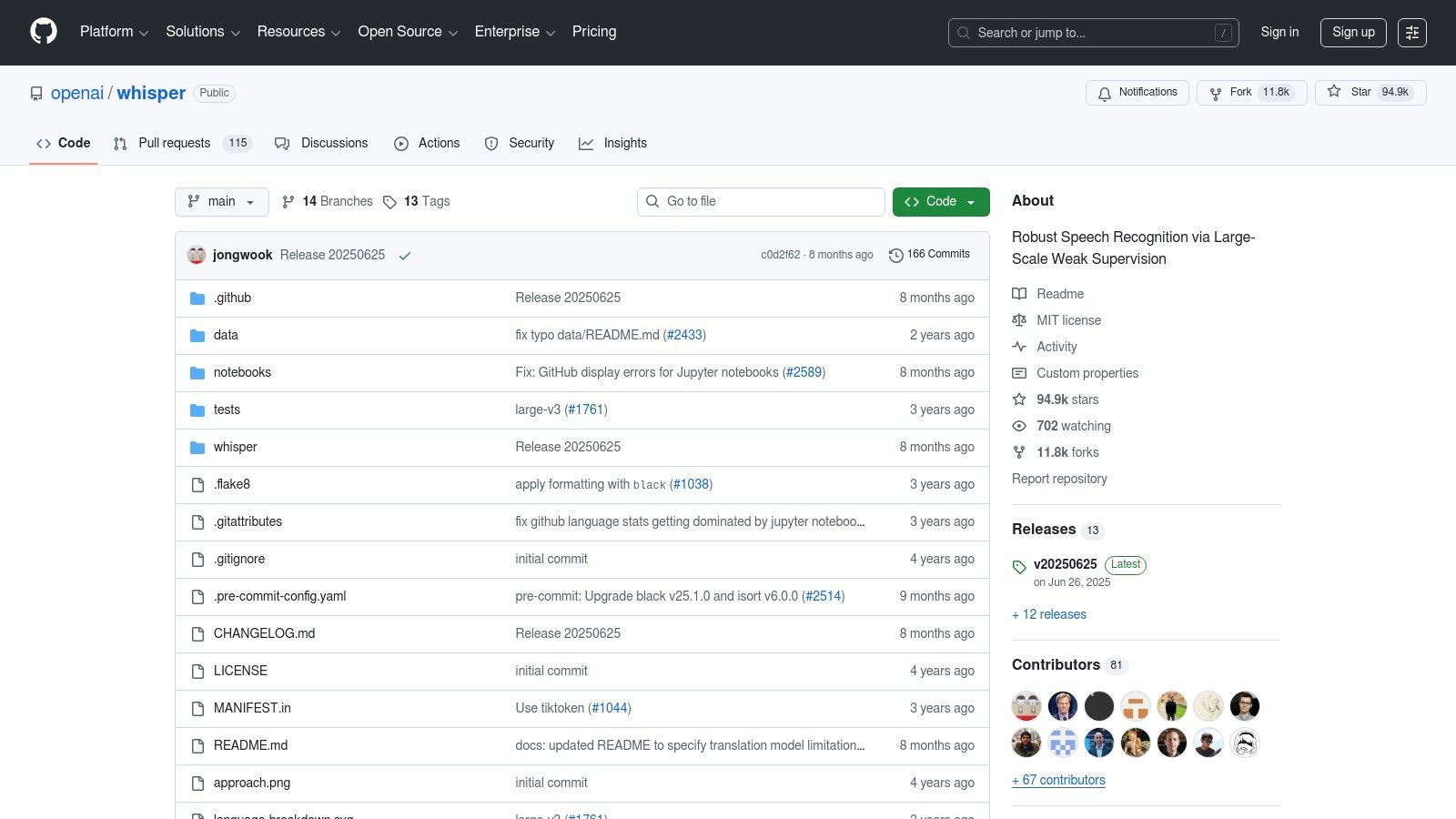
As an open-source tool, this free audio transcription software has no subscription fees, though you are responsible for your own computing costs. It requires a technical setup using Python and the command line, making it less suitable for non-technical users seeking a simple upload-and-go solution. For those needing a more accessible interface built on Whisper's technology, you can explore the documentation for user-friendly transcription tools.
Key Features and Limitations
- Free Plan: Completely free to use (MIT license); users only pay for their own compute resources (e.g., cloud GPU time).
- Best Use Case: Ideal for developers, researchers, and power users who need high-accuracy, private, and customizable transcription for large volumes of audio.
- Limitations: Requires technical expertise to install and run. Performance depends heavily on your hardware, and occasional "hallucinations" (invented text) have been reported in some use cases.
- Pros: State-of-the-art accuracy, excellent multilingual support, full data privacy, and no ongoing service fees.
- Cons: Not a user-friendly, one-click solution; requires a command-line interface and can be resource-intensive.
Website: https://github.com/openai/whisper
4. whisper.cpp
For users who prioritize privacy, offline access, and technical control, whisper.cpp offers a powerful solution. It’s a highly optimized C/C++ port of OpenAI's Whisper model designed to run efficiently on local hardware, including standard CPUs and Apple Silicon. This makes it an ideal piece of free audio transcription software for developers, researchers, and tech-savvy individuals who want to transcribe sensitive audio without uploading it to the cloud.
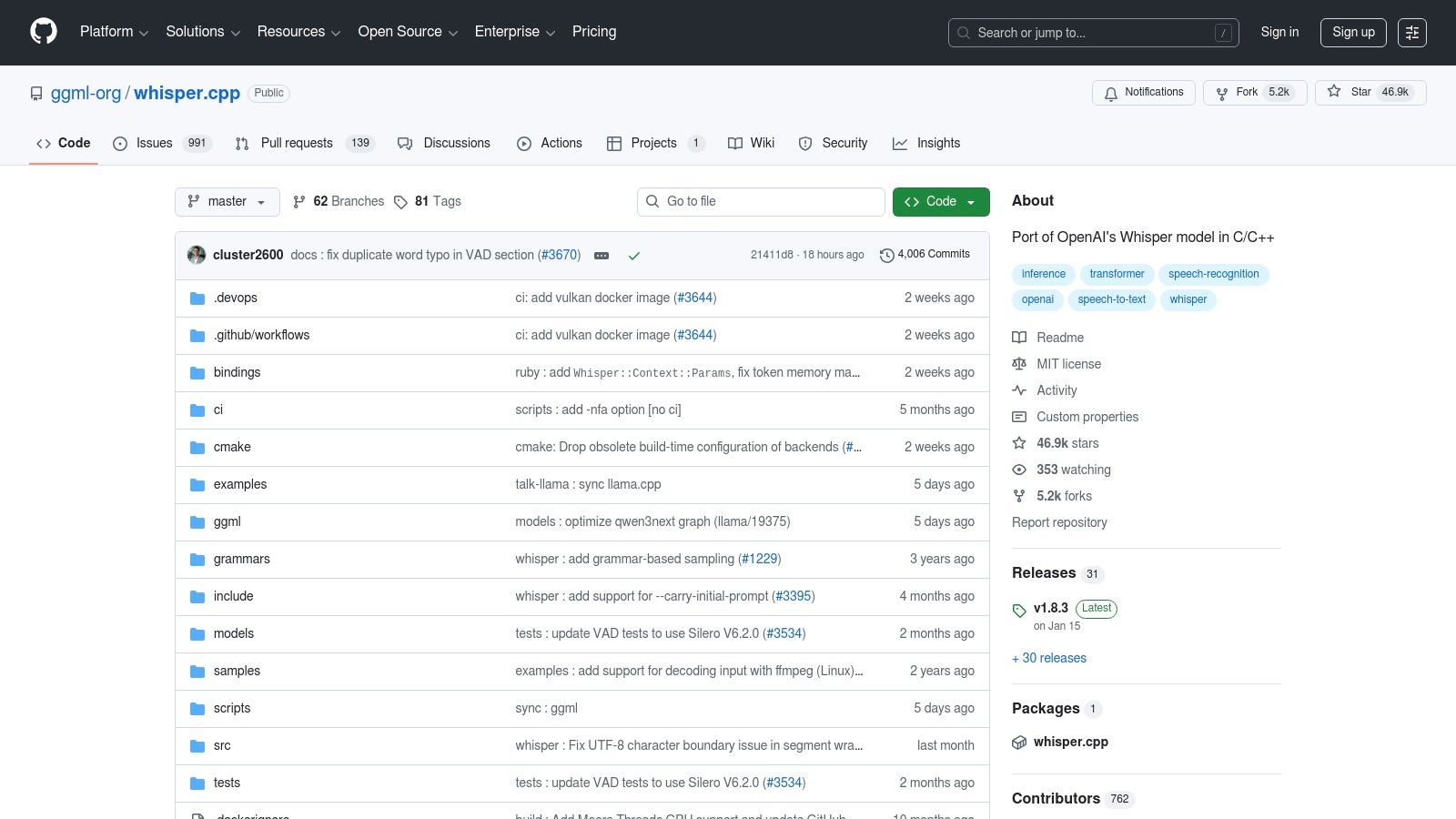
Unlike web-based services, whisper.cpp runs directly from the command line on your computer. It leverages quantized models to reduce memory usage and speed up processing, enabling high-quality transcription even on modest devices. While it requires some technical setup, its performance and complete data privacy are unparalleled for a free tool, as nothing ever leaves your machine.
Key Features and Limitations
- Free Plan: Completely free and open-source, with no usage limits or fees.
- Best Use Case: Transcribing audio files locally for maximum privacy and control, especially for users comfortable with command-line tools.
- Limitations: The command-line interface presents a steeper learning curve for non-technical users. It may also require manual audio file conversion (e.g., to 16-bit WAV) before processing, adding an extra step to the workflow.
- Pros: Runs entirely on your hardware for total privacy, extremely fast on consumer CPUs and Apple Silicon, and has no ongoing costs.
- Cons: Not user-friendly for beginners and lacks the polished interface of commercial transcription services.
Website: https://github.com/ggml-org/whisper.cpp
5. Vosk
Vosk is a free, open-source, and offline speech recognition toolkit for developers and privacy-conscious users. Unlike cloud-based services, Vosk runs entirely on your local machine, from a powerful desktop to a low-resource device like a Raspberry Pi. This makes it an ideal solution for applications where data privacy is paramount, internet connectivity is unreliable, or real-time on-device processing is required.
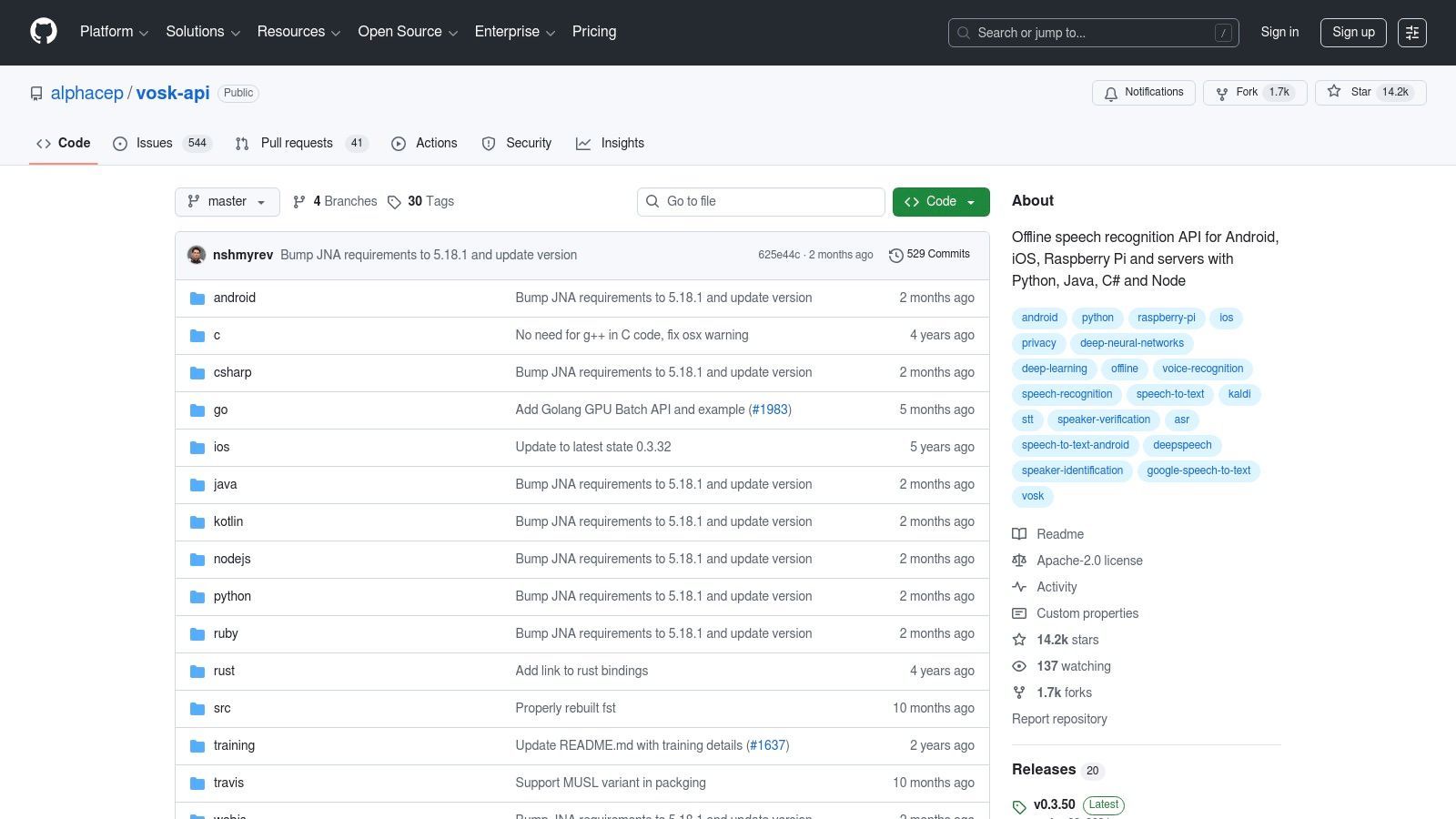
As a toolkit, it requires technical knowledge to set up and integrate into an application. It provides compact models (around 50 MB) and supports multiple programming languages, including Python, Java, and C++. While its accuracy might not match large-scale cloud models for complex audio, its performance is impressive for its resource footprint, making it a powerful piece of free audio transcription software for custom projects.
Key Features and Limitations
- Free Plan: Completely free and open-source under the Apache 2.0 license.
- Best Use Case: Building custom applications that need on-device, offline transcription for privacy or performance reasons.
- Limitations: Requires programming skills to implement and is not a ready-to-use application for non-developers. Model accuracy can be lower than cloud-based competitors, especially with noisy audio.
- Pros: Total privacy with 100% offline operation, low resource requirements, and broad language support.
- Cons: Not user-friendly for beginners and demands significant setup effort.
Website: https://github.com/alphacep/vosk-api
6. Google Live Transcribe (Android)
Google Live Transcribe is a powerful accessibility app designed for Android users, offering free, real-time captions for live conversations. Developed by Google, its primary goal is to make everyday interactions more accessible by turning spoken words into text on a phone screen. While not a traditional file-based transcription tool, it excels at providing instant, on-device transcription, making it a valuable resource for live note-taking and aiding communication.
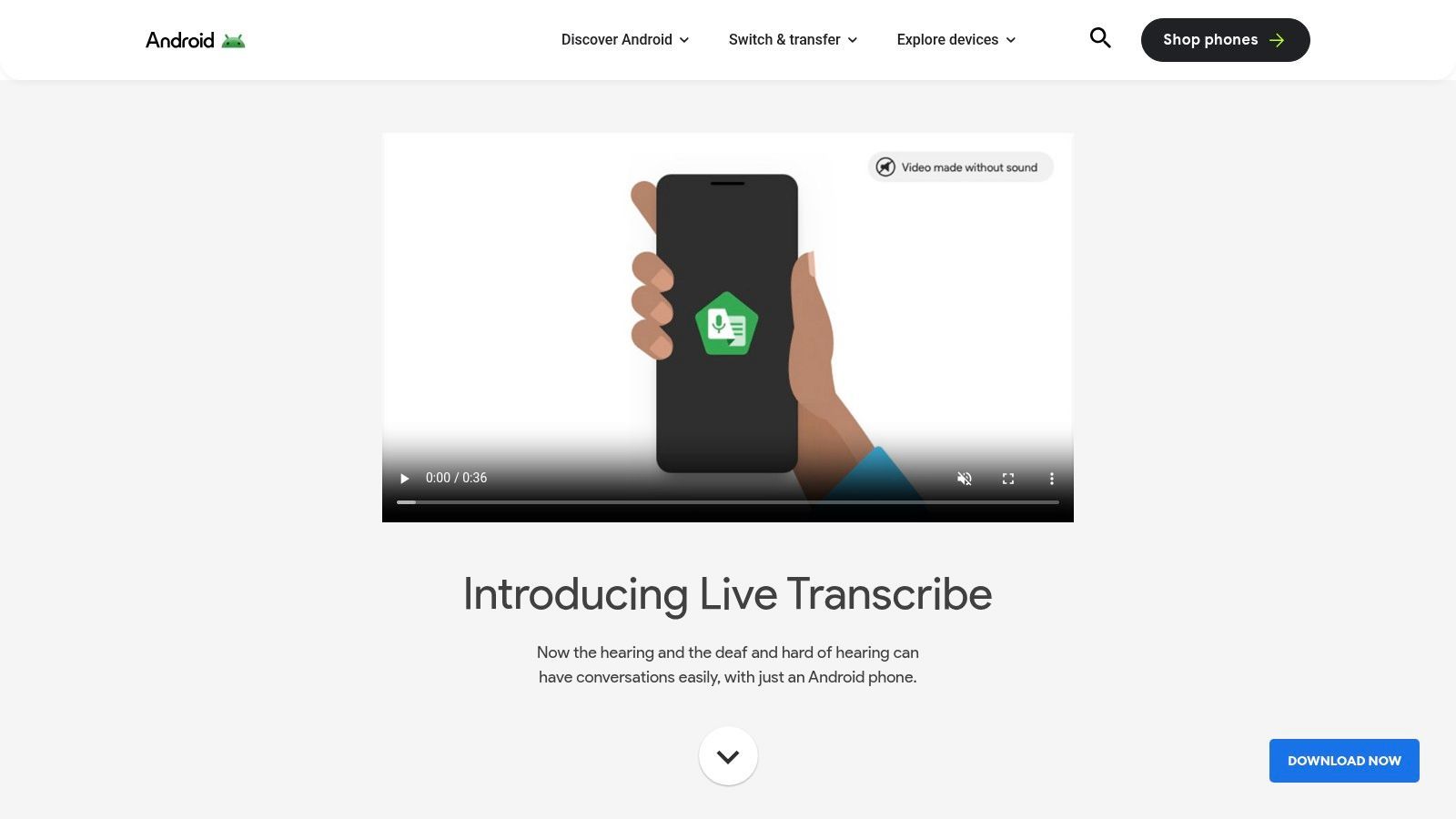
The app is completely free and leverages Google's speech recognition technology to support over 70 languages. Because the transcription happens on-device, it offers a high degree of privacy, as conversations are not stored on external servers. This makes it an excellent piece of free audio transcription software for sensitive discussions or situations where internet connectivity is unreliable.
Key Features and Limitations
- Free Plan: The app is entirely free with no hidden costs or minute caps.
- Best Use Case: Perfect for in-person conversations, lectures, and accessibility scenarios where instant, private captioning is needed. Different use cases for transcription can be explored to see how various tools fit specific needs.
- Limitations: It is designed exclusively for live audio capture through the device's microphone and does not support uploading pre-recorded audio or video files. Export options are also limited, focusing on real-time display rather than creating polished documents.
- Pros: Completely free, highly accurate for live speech, privacy-focused with on-device processing, and supports a vast number of languages.
- Cons: Not suitable for transcribing existing files; exclusive to the Android platform.
Website: https://www.android.com/accessibility/live-transcribe/
Choosing the Right Type of Free Tool
Cloud Platforms
Cloud-based transcription platforms allow you to upload audio files and receive transcripts instantly without any complex setup. They are built for speed, accessibility, and collaboration, making them ideal for creators, remote teams, and businesses that need quick turnaround times.
Offline & Open-Source
Offline and open-source transcription tools run entirely on your own device, ensuring maximum privacy and control over your data. Since they don’t rely on subscriptions or usage caps, they are especially useful for developers and professionals working with sensitive or confidential content.
Mobile Apps
Mobile transcription apps make it easy to capture speech in real time during lectures, meetings, or interviews. Because they are always available on your phone, they are perfect for taking quick notes and recording ideas on the go.
Creator Editors
Creator-focused transcription editors combine subtitle generation with built-in video editing tools. This makes them highly efficient for social media publishing and short-form content workflows, especially for YouTubers and content creators.
7. Google Recorder (Pixel)
For Google Pixel phone owners, one of the best free audio transcription software options is already built into their device. The Google Recorder app offers surprisingly accurate, on-device transcription in real-time, making it an incredibly convenient and private tool for capturing lectures, interviews, or personal notes without needing an internet connection. It transforms your phone into a powerful recording and transcription device, complete with searchable transcripts and speaker labels.
Since all processing happens locally, it’s a great choice for sensitive conversations. The app also allows users to easily export both the audio and the full transcript to Google Docs for further editing or sharing. Newer Pixel models leverage AI like Gemini Nano to provide instant summaries, further boosting its utility for users who need quick insights from their recordings.
Key Features and Limitations
- Free Plan: Completely free with unlimited use for Google Pixel phone owners.
- Best Use Case: Perfect for individuals needing immediate, private, on-the-go transcription without relying on cloud services.
- Limitations: Its primary drawback is its exclusivity; it is only available on Google Pixel devices. Advanced features like AI-powered summaries may be restricted to the latest phone models, creating a fragmented user experience.
- Pros: Seamless on-device processing ensures privacy, high accuracy for clear audio, and convenient export options.
- Cons: Not available to non-Pixel users, and feature sets vary significantly depending on the device model.
Website: https://www.androidauthority.com/google-recorder-june-pixel-drop-3450607/
8. MacWhisper
MacWhisper is a dedicated macOS and iOS application that brings the power of OpenAI's Whisper model directly to your Apple device. It offers a user-friendly graphical interface, making it a fantastic choice for users who want the accuracy of Whisper without the complexity of command-line tools. Its core appeal lies in its private, on-device processing, ensuring your audio files never leave your machine.
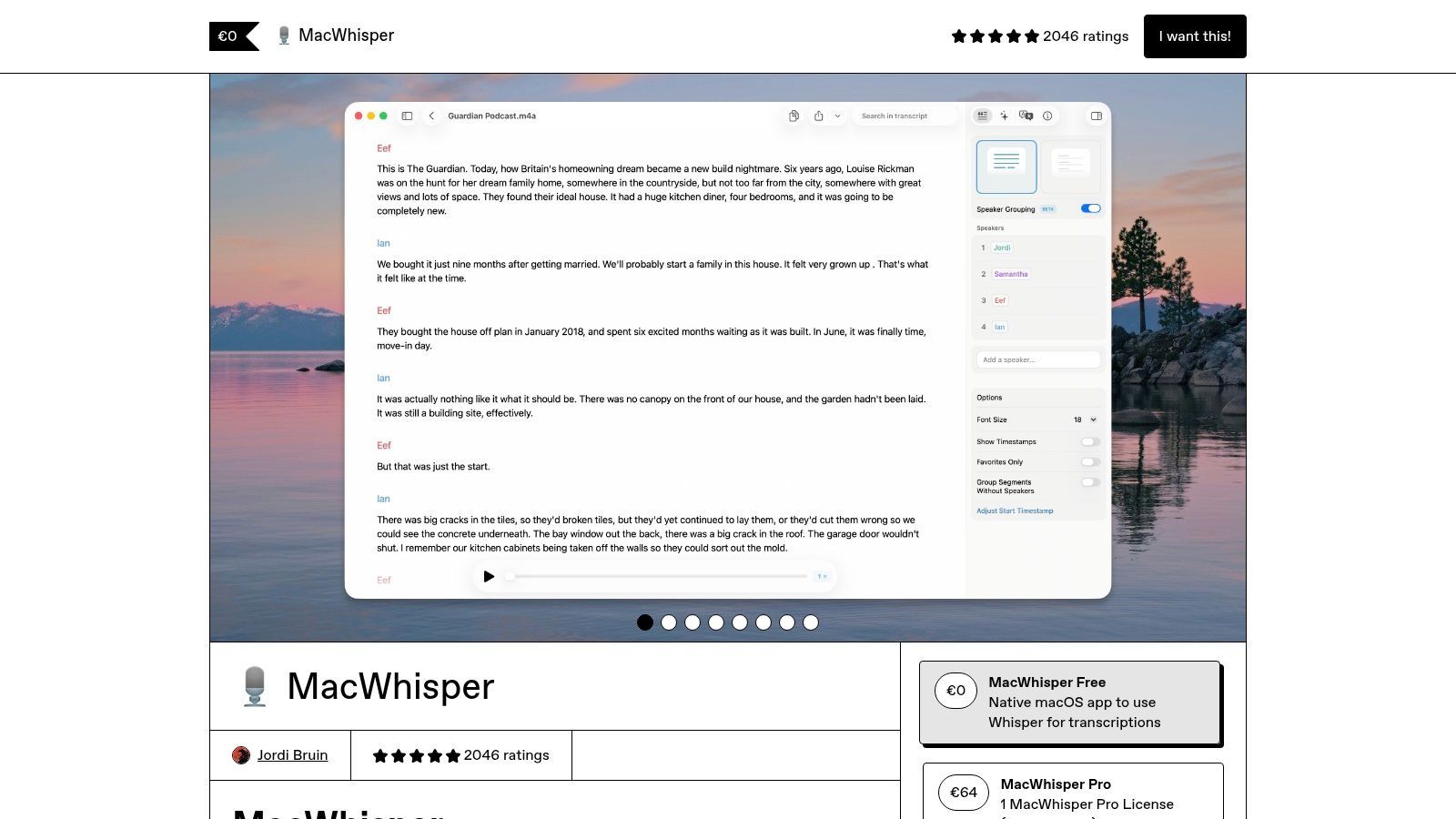
The free version provides essential transcription capabilities using the "Tiny" Whisper model, which is great for clear, simple audio. For higher accuracy on more complex recordings, a one-time purchase or subscription unlocks the larger, more powerful models and advanced features. This model makes MacWhisper an accessible piece of free audio transcription software for casual use, with a clear upgrade path for professionals.
Key Features and Limitations
- Free Plan: Provides unlimited transcriptions using the base-level Whisper model.
- Best Use Case: Ideal for macOS users who need a private, offline transcription solution for sensitive audio or prefer a simple GUI over command-line tools.
- Limitations: The free tier's model may be less accurate for noisy or accented audio compared to the paid Pro version's larger models. The software is exclusive to the Apple ecosystem.
- Pros: Completely private and offline, user-friendly interface, and robust export options including TXT, SRT, and VTT.
- Cons: Higher accuracy models are locked behind a paywall, and some users have reported occasional friction with license management.
Website: https://goodsnooze.gumroad.com/l/macwhisper
9. Kapwing
Kapwing is primarily a browser-based video editor that doubles as a handy transcription tool through its auto-subtitle generator. It's designed for content creators who need to quickly add captions to short video clips for social media or other web-based projects. Its strength lies in its simplicity and no-install workflow, making it an accessible option for generating text from audio within a video context.
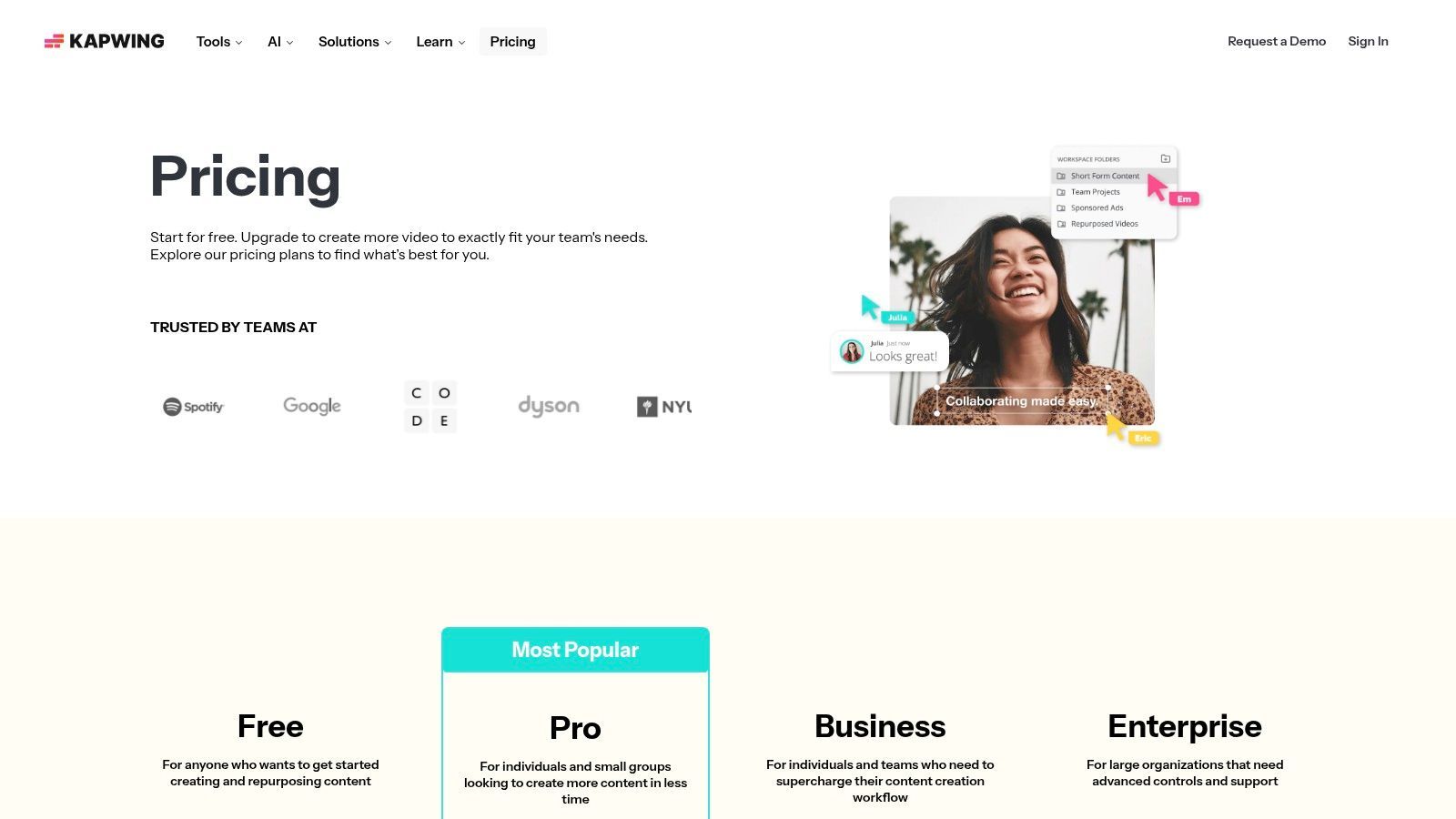
The free plan offers a limited number of transcription minutes per month and applies a watermark to exported videos. While it functions as free audio transcription software, its primary purpose is video captioning, not standalone audio transcription. This makes it ideal for creators who want to quickly process a short clip without committing to a dedicated software installation or subscription.
Key Features and Limitations
- Free Plan: Includes limited monthly transcription credits and a watermark on exports.
- Best Use Case: Excellent for generating subtitles for short social media videos directly in the browser.
- Limitations: The free plan's constraints on project length and the inclusion of a watermark make it less suitable for professional or long-form content. Full features like SRT/VTT exports and watermark removal require a paid subscription.
- Pros: Extremely easy to use, entirely web-based, and perfect for quick captioning tasks.
- Cons: Not a dedicated audio transcription service; the free tier is restrictive for serious transcription needs.
Website: https://www.kapwing.com/pricing/
10. VEED.IO
VEED.IO is primarily an online video editor that integrates a powerful automatic transcription and subtitling tool, making it ideal for content creators. Its workflow is built for users who need to not only transcribe audio or video but also immediately edit and style the resulting captions directly onto their video content. This all-in-one approach simplifies the process of making videos accessible and engaging for social media.
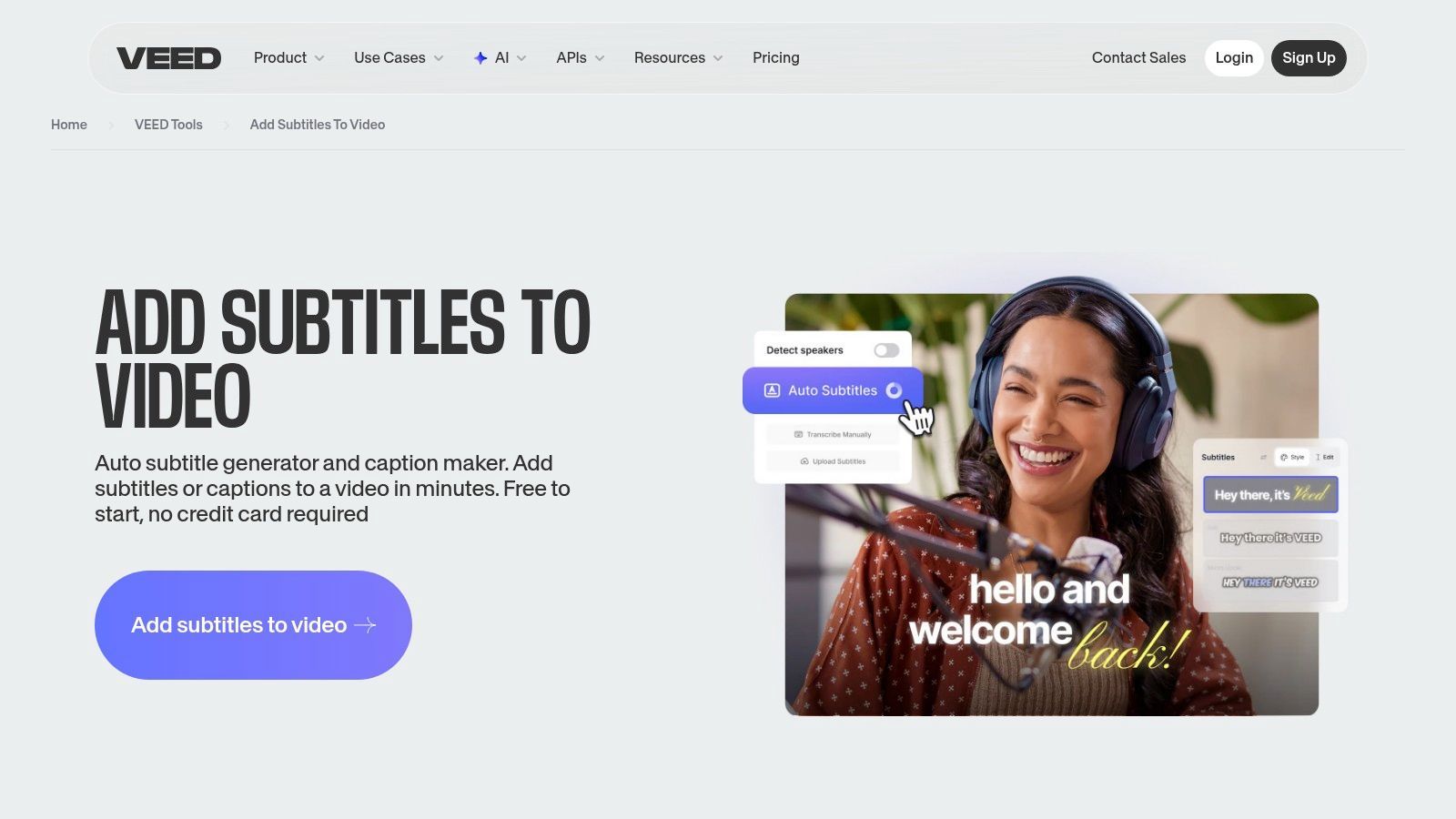
The platform offers a free-to-start tier that allows users to experience its auto-subtitle generator. While this free audio transcription software is perfect for testing, it comes with limits on transcription minutes and export options. To download an SRT file or remove watermarks, you will need to upgrade, positioning VEED.IO as a freemium tool best suited for creators who plan to invest in an integrated video editing and transcription solution.
Key Features and Limitations
- Free Plan: Includes limited transcription minutes and basic features; exports come with a watermark.
- Best Use Case: Perfect for video creators who need to quickly generate, style, and burn subtitles into their content for platforms like Instagram, TikTok, or YouTube.
- Limitations: The free plan is more of a trial. Key functionalities like downloading SRT/VTT files and watermark-free exports are locked behind a paywall. It is less suited for pure audio-only transcription tasks.
- Pros: Seamless integration of transcription and video editing tools, user-friendly interface, and no software installation required.
- Cons: Not a truly free solution for exporting clean transcript files; primarily video-focused.
Website: https://www.veed.io/tools/add-subtitles
11. Notta.ai
Notta.ai is a versatile transcription platform that shines in both pre-recorded file processing and live meeting capture. It provides a generous free plan that allows users to test its core functionality without a credit card, making it an excellent starting point for individuals and small teams. Its key differentiators include a Chrome extension and a meeting bot that can automatically join and transcribe meetings from platforms like Zoom, Google Meet, and Microsoft Teams.
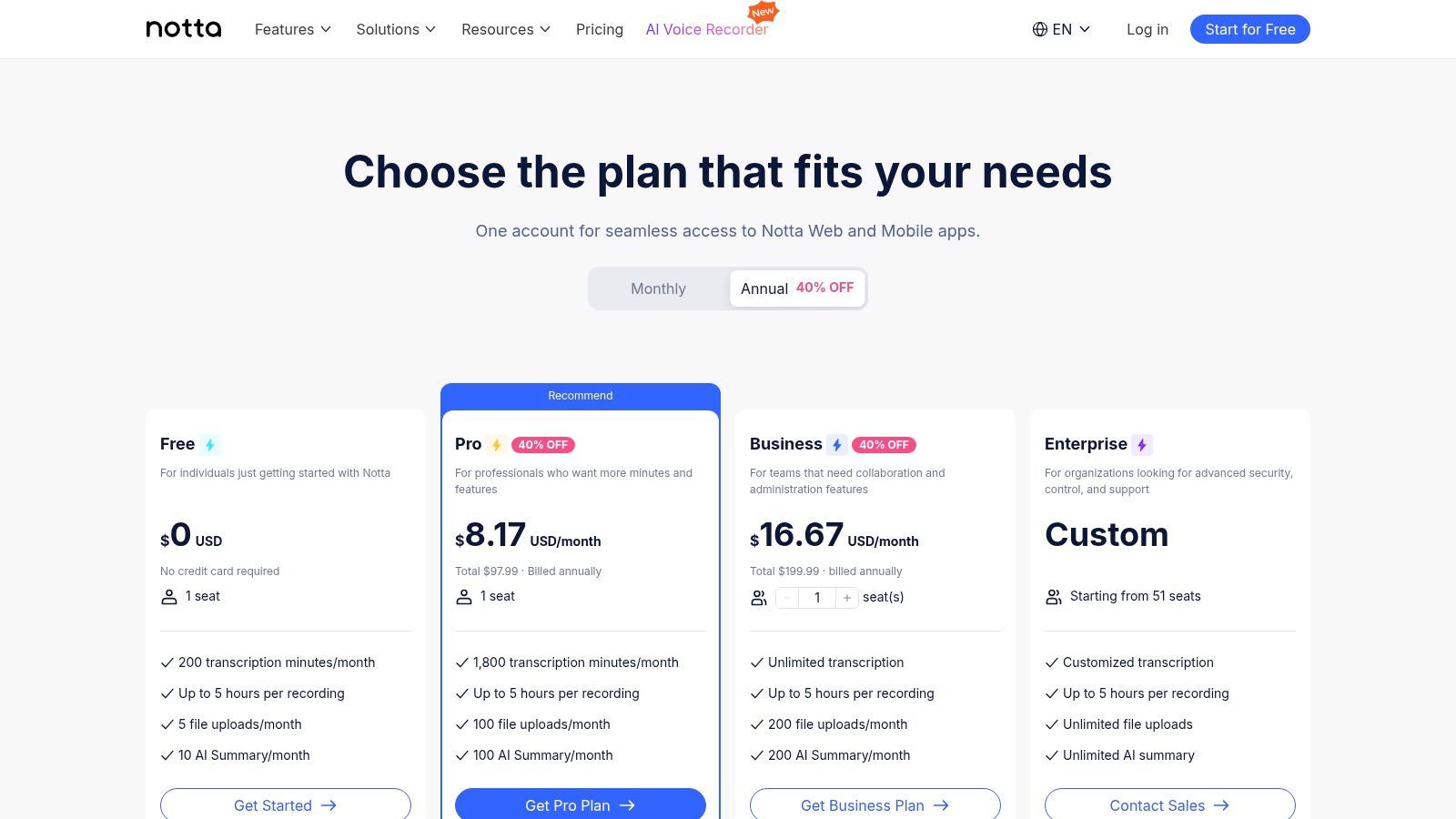
The free plan offers 120 minutes of transcription per month, a significant allowance for regular use. While it supports file imports and live recordings, individual transcription durations are capped, making it better for shorter audio clips or brief meetings. This makes Notta.ai a practical piece of free audio transcription software for those who need consistent, small-batch transcription rather than processing long, single-file recordings.
Key Features and Limitations
- Free Plan: Includes 120 transcription minutes per month.
- Best Use Case: Transcribing short audio/video files and capturing live meetings automatically with its bot or Chrome extension.
- Limitations: The free plan imposes short per-recording time limits (e.g., 3-5 minutes), which restricts its use for longer-form content like lectures or lengthy interviews. Advanced features like AI summaries are also reserved for paid tiers.
- Pros: Generous monthly minute allowance, cross-platform meeting capture tools, and a user-friendly interface for managing transcripts.
- Cons: Short recording duration caps on the free tier can be limiting for many common use cases.
Website: https://www.notta.ai/en/pricing/
12. Amazon Transcribe
Amazon Transcribe is a powerful automatic speech recognition (ASR) service from Amazon Web Services (AWS), designed primarily for developers and teams. Instead of a ready-to-use application, it provides a robust API that can be integrated into custom workflows. It excels at processing large volumes of audio files stored in the cloud and offers both batch and real-time streaming transcription.
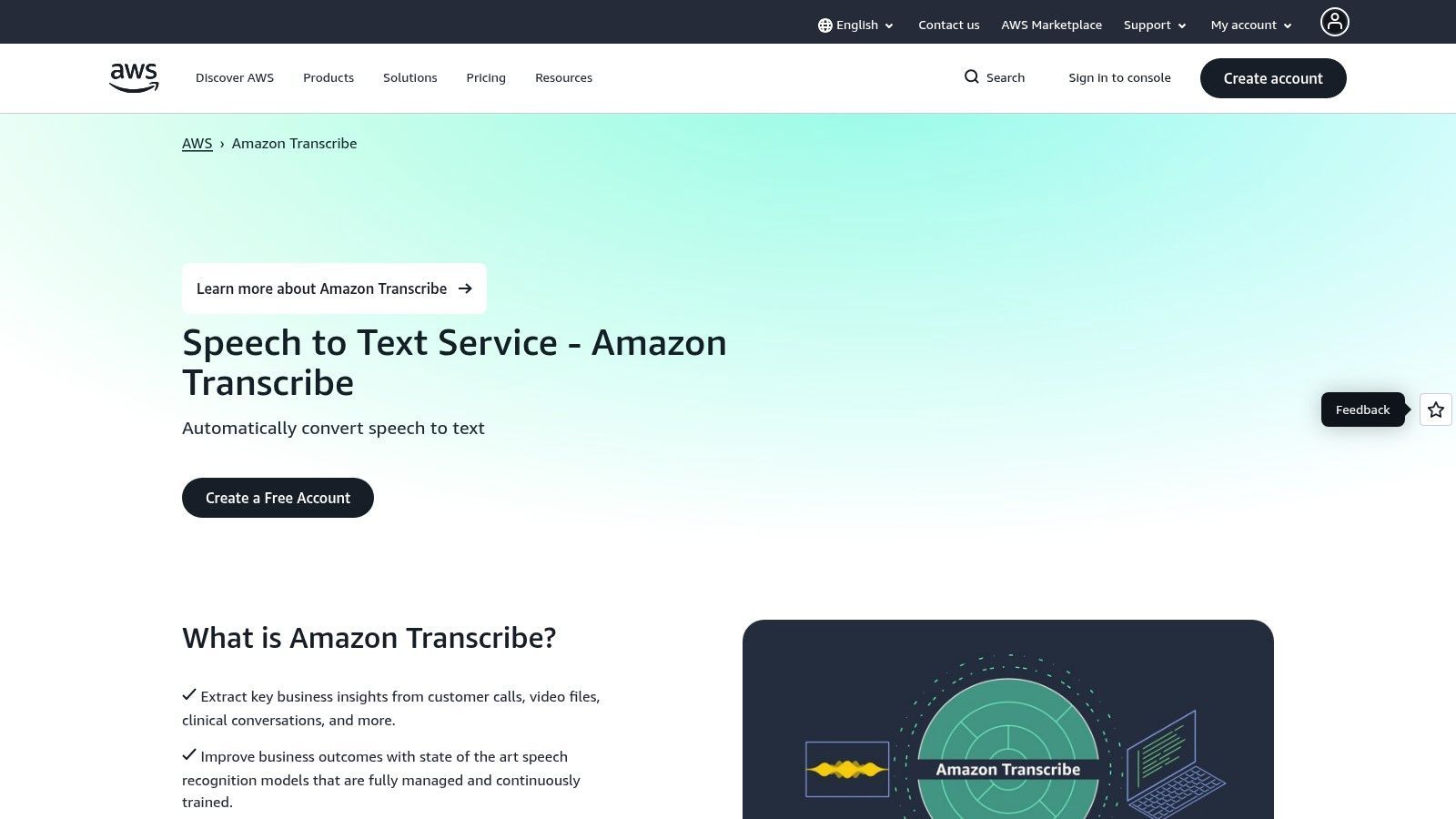
Its "free" aspect comes from the AWS Free Tier, which typically includes 60 minutes of transcription per month for the first 12 months after signing up for an AWS account. While this makes it a great option for developers to prototype applications or test accuracy, it is not a permanently free solution for ongoing use. It’s best suited for those already in the AWS ecosystem.
Key Features and Limitations
- Free Plan: New AWS accounts get 60 minutes of transcription per month for the first 12 months.
- Best Use Case: Ideal for developers building applications that require transcription or businesses with automated, large-scale transcription needs.
- Limitations: The free minutes are temporary and limited. Once exhausted, you move to a pay-as-you-go model. The service requires technical knowledge to set up and use via APIs, making it unsuitable for non-technical users looking for simple file uploads.
- Pros: Enterprise-grade reliability, deep integration with other AWS services (like S3), and advanced features like custom vocabulary.
- Cons: Not a user-friendly tool for the average consumer; pricing can become complex after the free tier expires.
Website: https://aws.amazon.com/pm/transcribe/
12 Free Audio Transcription Tools Comparison
| Product | Core features | Accuracy & UX | Price / Value | Target audience | Unique selling points |
|---|---|---|---|---|---|
| Transcript.LOL 🏆 | Whisper + custom vocab, speaker detection, rich editor, multi-format export | ★★★★★ (~99.8%), very fast, editable transcripts | 💰 Free tier; Unlimited $120/yr; Team $240/yr — high value | 👥 Podcasters, creators, researchers, teams | ✨ Privacy/no-training; generative outputs (summaries, quizzes, social copy); extensive integrations |
| Otter.ai | Live transcription, searchable notes, Zoom/Meet integrations, speaker labels | ★★★★ — reliable for meetings, mobile apps | 💰 Free 300 min/mo; paid for advanced exports & AI summaries | 👥 Meetings, students, interviewers | ✨ Live meeting integration, mobile apps |
| OpenAI Whisper (open-source) | Local ASR, multiple model sizes, multilingual, Python CLI | ★★★★ — strong accuracy (varies by model); dev setup required | 💰 Free (compute costs only) | 👥 Developers, power users | ✨ Open-source, full local control, multilingual |
| whisper.cpp | C/C++ optimized port, CPU & Apple Silicon support, quantized models | ★★★★ — very fast on consumer CPUs, offline | 💰 Free (local compute) | 👥 Users needing efficient on-device transcription | ✨ CPU/Apple Silicon optimized; low memory footprint |
| Vosk | Compact offline models, mobile/embedded bindings, streaming API | ★★★ — lightweight; suitable for low-resource devices | 💰 Free, small model sizes | 👥 Embedded devices, privacy-first apps | ✨ Tiny models (~50MB), broad runtime bindings |
| Google Live Transcribe (Android) | On-device real-time captions, 70+ languages, instant captions | ★★★★ — instant, accessibility-focused | 💰 Free | 👥 Accessibility users, live conversations | ✨ On-device privacy; accessibility-first design |
| Google Recorder (Pixel) | On-device recorder + searchable transcripts, exports to Docs, summaries | ★★★★ — seamless on Pixel devices | 💰 Free (with Pixel) | 👥 Pixel owners needing private, instant transcription | ✨ Deep Pixel integration; on-device summaries |
| MacWhisper | GUI app for running Whisper locally on macOS/iOS; export formats | ★★★★ — user-friendly local Whisper | 💰 Free core; Pro upgrades available | 👥 Mac/iOS users wanting private GUI transcription | ✨ One-click GUI for Whisper; offline processing |
| Kapwing | Browser-based auto-subtitling + editor, SRT/VTT exports | ★★★ — fast web workflow; watermark on free plan | 💰 Free limited (watermark); paid removes limits | 👥 Social creators, quick captioning | ✨ No-install subtitle + video editing in browser |
| VEED.IO | Online editor with auto-subtitles, styling, burn-in captions | ★★★ — creator-friendly editing & captions | 💰 Free-to-start; paid for higher minutes/features | 👥 Video creators needing quick captions + edits | ✨ Integrated editing + subtitle styling |
| Notta.ai | Meeting & file transcription, Chrome extension, meeting bot, summaries | ★★★★ — practical free plan, meeting capture tools | 💰 Free 120 min/mo; paid tiers for more minutes | 👥 Meeting-heavy users, cross-platform teams | ✨ Meeting bots & extensions, no-card trial options |
| Amazon Transcribe | Batch & streaming APIs, custom vocab, PII redaction, AWS integrations | ★★★★ — enterprise-grade accuracy & scalability | 💰 Free trial minutes; pay-per-minute thereafter | 👥 Developers, enterprises on AWS | ✨ Deep AWS ecosystem integration; PII redaction |
Choosing the Right Free Tool for Your Transcription Needs
Navigating the landscape of free audio transcription software reveals a powerful truth: there is a specialized tool for nearly every possible need. As we've explored, the "best" choice is not a one-size-fits-all solution but rather a decision driven entirely by your specific goals, technical comfort level, and the ultimate purpose of your transcript. Your ideal tool depends on whether you're archiving personal voice notes, documenting a critical business meeting, or repurposing a podcast into a dozen new content assets.
Don’t Choose Based on “Free” Alone
A free plan with strict limits can slow you down more than it helps. Hidden caps on minutes, exports, or file length often create friction later. Always test real-world workflows before committing.
Key Takeaways for Selecting Your Software
The sheer variety of options can be overwhelming, but your decision-making process can be simplified by focusing on a few core factors. For developers and those prioritizing absolute data privacy and offline processing, open-source models like OpenAI Whisper and its efficient implementation, whisper.cpp, offer unparalleled control and state-of-the-art accuracy. These require a hands-on approach but reward users with complete autonomy over their data and transcription pipeline.
Conversely, for users who need instant, on-the-go transcription, mobile-centric apps like Google's Live Transcribe and Recorder are indispensable. They excel at capturing fleeting thoughts and live conversations directly on your device, making them perfect for students, journalists, and anyone who relies on voice notes. Meanwhile, online video editors like Kapwing and VEED.IO have integrated impressive transcription features, making them a top choice for content creators focused primarily on generating subtitles and captions for social media videos.
Making the Strategic Choice for Your Workflow
To make the right decision, start by defining your primary use case.
- For Technical Users & Privacy Advocates: If you have the technical skills and prioritize offline processing and data security above all, an open-source tool like Whisper or Vosk is your best bet.
- For On-the-Go Note Takers: If you need to capture live audio, interviews, or personal memos, the convenience of a mobile app like Google Recorder is unmatched.
- For Meeting Productivity: If your main goal is to document meetings, assign action items, and create summaries for internal teams, the free tiers of platforms like Otter.ai and Notta.ai are designed specifically for this collaborative workflow.
- For Content Repurposing: If you see transcription not as the end product but as the starting point for creating blog posts, social media updates, and marketing materials, then a generative AI-powered tool like Transcript.LOL is the clear winner. Its focus on turning audio into derivative content provides a significant creative advantage.
When selecting a free transcription tool, it's also helpful to consider other resources that can streamline your content creation process. For a broader perspective on essential tools for content creators, check out this guide. Ultimately, the best free audio transcription software is the one that seamlessly integrates into your existing process, removing friction and unlocking new potential from your spoken words.
Ready to turn your audio into high-quality, actionable content? Transcript.LOL provides a generous free plan that combines best-in-class accuracy with powerful AI features to help you create more, faster. Sign up for free today and experience how effortless content repurposing can be.