
The 12 Best Software for Qualitative Data Analysis in 2026
Discover the best software for qualitative data analysis. We compare NVivo, ATLAS.ti, MAXQDA, and more to find the right tool for your research.
Kate, Praveen
February 8, 2026
Qualitative data, from interviews, focus groups, and open-ended surveys, is rich with human context that spreadsheets simply can't capture. To uncover themes, patterns, and meaningful stories from your research, you need specialized tools designed for the job. But with so many options available, choosing the right one can feel overwhelming. This guide cuts through the noise to provide a practical review of the best software for qualitative data analysis, moving beyond marketing claims to offer a realistic look at what works for different needs.
Why Specialized QDA Tools Matter?
Qualitative insights don’t live neatly inside spreadsheets. Dedicated tools help you code themes, track patterns, and surface hidden stories faster. Without them, analysis becomes manual, slow, and inconsistent.
Whether you're conducting academic research, analyzing customer feedback, or building a legal case, the right QDA software can transform your workflow. We will explore the unique strengths of each platform, from industry giants like NVivo and ATLAS.ti to modern, web-based alternatives like Delve. We will also examine how to build a powerful and efficient research process from start to finish, including how to integrate fast, accurate transcripts from services like Transcript.LOL into your analysis.
This comprehensive listicle is designed to help you find the perfect match for your project, budget, and technical comfort level. For each tool, you'll find a clear breakdown of its core features, ideal use cases, pros and cons, platform availability, and direct links to learn more. We'll help you identify the best software to turn your raw data into compelling, actionable insights.
What To Look For In Any QDA Software?
Ease of Coding
Quick tagging, highlighting, and grouping should feel effortless. If coding takes too many clicks, analysis slows down dramatically.
Collaboration Support
Teams need shared workspaces, version control, and role permissions. Without these, research becomes messy and inconsistent.
Clean Data Inputs
Strong analysis starts with clean, structured transcripts. Well-prepared text makes coding faster, themes clearer, and insights more reliable. Messy or manual notes slow everything down.
Export & Reporting
Your insights should be easy to extract and present. Strong exports save hours when creating reports or publications.
1. Transcript.LOL
While not a traditional CAQDAS (Computer-Assisted Qualitative Data Analysis Software) platform itself, Transcript.LOL is the foundational first step in any modern qualitative analysis workflow. It establishes its position as the best software for qualitative data analysis by automating the most time-consuming and critical precursor to analysis: transcription. Its AI-powered engine, built on OpenAI's Whisper, delivers exceptionally fast and accurate transcripts from audio or video files, boasting an impressive ~99.8% accuracy rate. This precision is vital, as the integrity of any qualitative study hinges on the fidelity of its source data.
The platform streamlines the entire data preparation process. Researchers can upload diverse media formats, including lengthy interviews up to 10 hours, from various sources like direct files, cloud drives, or even a Zoom integration. The output is a clean, time-stamped, and speaker-labeled transcript ready for import into any dedicated QDA tool. This seamless conversion saves researchers dozens, if not hundreds, of hours, allowing them to focus on analysis rather than manual transcription.
Core Transcript Preparation Features
These foundational features make Transcript.LOL the fastest way to move from raw recordings to analysis-ready text. No manual cleanup or formatting required.
State-of-the-art AI
Powered by OpenAI's Whisper for industry-leading accuracy. Support for custom vocabularies, up to 10 hours long files, and ultra fast results.

Import from multiple sources
Import audio and video files from various sources including direct upload, Google Drive, Dropbox, URLs, Zoom, and more.

Export in multiple formats
Export your transcripts in multiple formats including TXT, DOCX, PDF, SRT, and VTT with customizable formatting options.
Why It Stands Out
Transcript.LOL excels with its "no-training" privacy policy, a crucial feature for researchers handling sensitive or confidential interview data. This policy ensures user data is never used to train AI models, providing a level of security that is essential for academic and corporate research.
Protect Sensitive Research Data
Many AI tools silently train on your uploads. For academic, legal, or confidential interviews, this creates serious compliance risks. Always choose platforms with strict no-training policies.
Beyond core transcription, its built-in AI tools offer a preliminary layer of analysis. Features that generate summaries, identify action items, and create mind maps can help researchers quickly grasp key themes before diving into formal coding. For qualitative researchers looking for more insights on optimizing their workflow, the platform offers a helpful blog with practical advice.
Key Features & Considerations
- Accuracy & Speed: Industry-leading accuracy and rapid turnaround, even for large files.
- Strong Privacy: A strict "no-training" data policy protects sensitive information.
- Workflow Integration: Exports in multiple formats (TXT, DOCX, SRT) for easy import into NVivo, ATLAS.ti, Dedoose, and others.
- AI-Powered Insights: Automated summaries, chapter creation, and mind maps provide high-level overviews.
- Team Collaboration: Shared workspaces and cross-file search support collaborative research projects.
| Feature | Details |
|---|---|
| Best For | Academia, market research, journalism, legal teams, any researcher needing fast, accurate data prep. |
| Pricing | Free tier available; Unlimited plan at $120/year; Team plan at $240/year for 2 users. |
| Platform | Web, with multiple import integrations (Chrome, Zoom, cloud drives). |
| Key Advantage | Combines top-tier transcription accuracy with a robust privacy stance and useful AI tools. |
Visit Transcript.LOL to learn more.
2. NVivo (Lumivero shop)
NVivo is a titan in the world of QDA, and the Lumivero shop serves as its official US storefront. It acts as the central hub for purchasing and managing the entire NVivo ecosystem, making it a crucial stop for academics, institutional buyers, and individual researchers seeking the best software for qualitative data analysis. This platform simplifies access to various license types, including perpetual and student subscriptions, alongside essential add-ons.
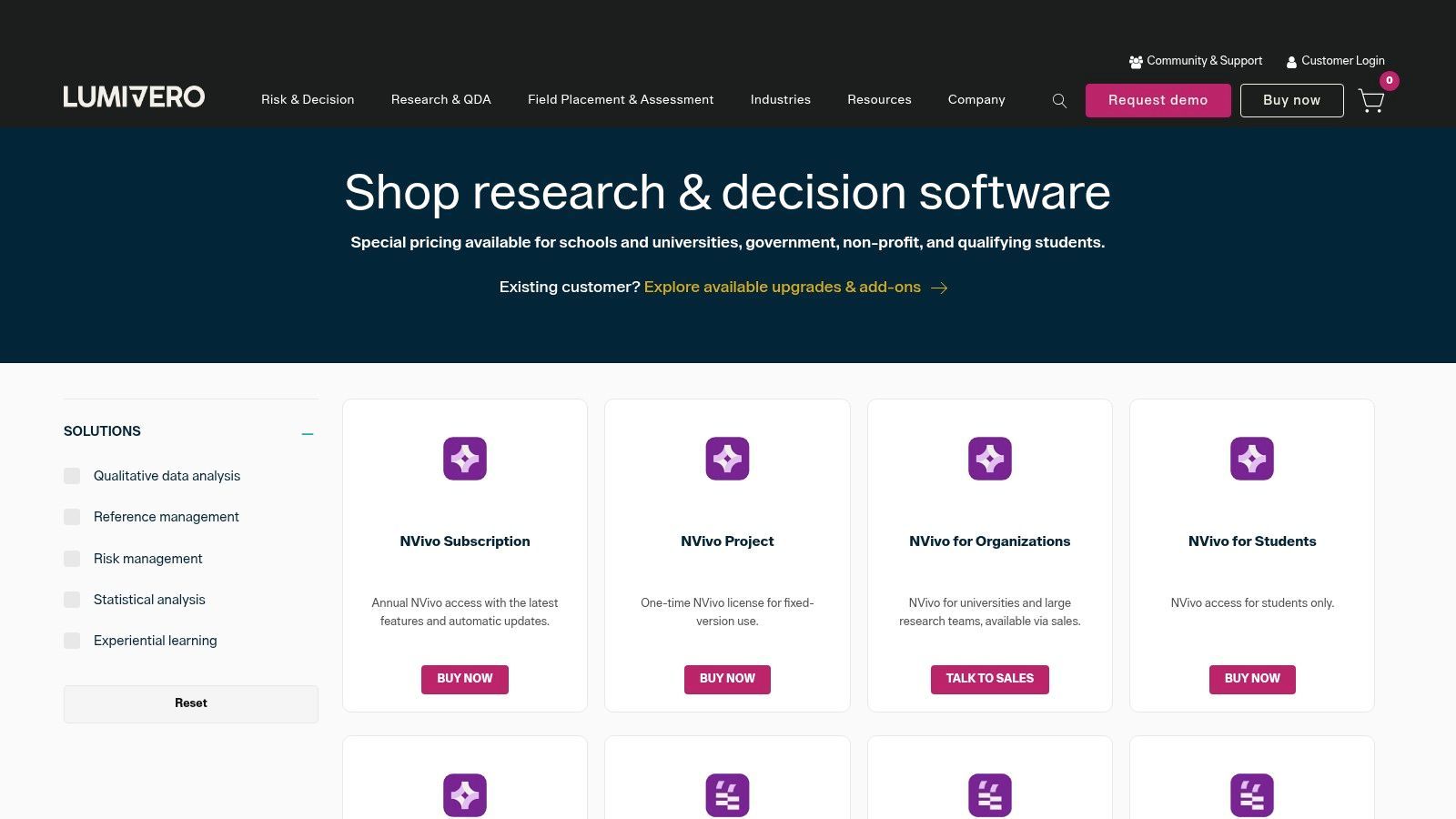
The software itself is renowned for its comprehensive toolset, which supports deep, complex analysis of text, audio, video, and social media data. Researchers can perform intricate coding, run sophisticated matrix queries, and generate detailed visualizations to uncover nuanced patterns. What makes the Lumivero shop notable is its streamlined bundling of NVivo with powerful modules like the NVivo AI Assistant for automated thematic coding and the Collaboration Cloud for team projects. It also integrates NVivo Transcription services, providing a cohesive workflow from raw data to final report.
Key Offerings and User Experience
- Deep Feature Set: NVivo offers unparalleled depth for coding, querying, and mixed-methods analysis, making it an academic standard.
- Centralized Add-Ons: The Lumivero shop is the official source to bundle NVivo with its AI Assistant, Transcription, and Collaboration Cloud modules.
- License Flexibility: It provides clear options for individual, student, and enterprise licensing, including both subscription and one-time perpetual licenses.
- Learning Curve: Its extensive capabilities come with a higher learning curve, making it less suitable for quick, simple projects.
Practical Tip: Before purchasing, use the free trial to assess the learning curve. For projects involving numerous interviews, consider the workflow of importing transcripts. NVivo works seamlessly with .docx and .txt files, so using a service like Transcript.LOL to prepare accurate transcripts first can save significant time on data preparation.
Website: https://lumivero.com/shop
3. ATLAS.ti (official order portal)
ATLAS.ti is a powerhouse in the qualitative research field, and its official order portal is the direct gateway for acquiring this versatile software. As a leading contender for the best software for qualitative data analysis, ATLAS.ti offers a robust suite of tools available on desktop (Windows/Mac) and via a web-based application. The portal, managed through Cleverbridge, streamlines the procurement process for individual researchers, students, and large institutions alike, handling everything from license selection to formal quotes and purchase orders.
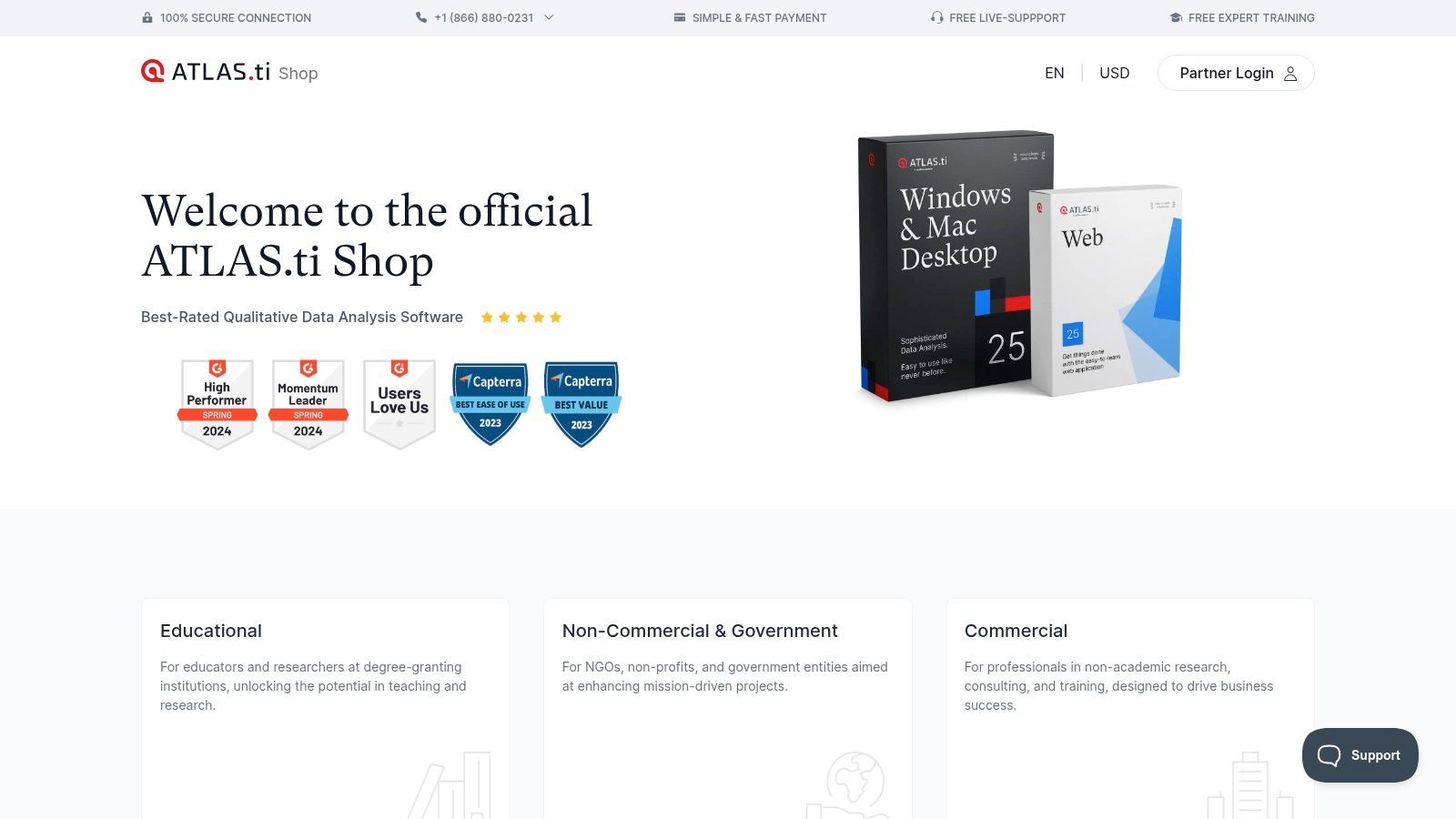
The software is celebrated for its powerful analytical capabilities, especially its network visualization tools that allow users to map complex relationships within their data. It supports a wide range of data types, including text, images, audio, and video, making it highly adaptable for diverse research projects. The platform’s strength lies in its blend of flexibility, offering both powerful desktop applications for offline work and a collaborative web version for team-based projects. The order portal provides clear pathways to access its extensive documentation and training resources, which are essential for mastering its deep feature set.
Key Offerings and User Experience
- Platform Flexibility: Offers dedicated desktop apps for Windows and Mac alongside a collaborative ATLAS.ti Web, catering to different workflow preferences.
- Enterprise-Ready Procurement: The official portal supports institutional purchasing needs with options for quotes, purchase orders, and tax handling.
- Powerful Visualization: Excels at creating network views to visually explore connections between codes, memos, and documents.
- Onboarding Required: Similar to other advanced tools, its comprehensive features require a significant time investment to learn and utilize effectively.
Practical Tip: Leverage the platform’s multimedia capabilities by preparing high-quality transcripts beforehand. Using a service like Transcript.LOL to generate accurate .docx or .txt transcripts of your audio and video files ensures they can be imported and coded immediately, streamlining the initial data preparation phase and allowing you to focus on analysis.
Website: https://order.atlasti.com
4. MAXQDA (official site)
MAXQDA has firmly established itself as a powerful, all-in-one environment for qualitative and mixed-methods research. Its official website serves as the direct portal for purchasing licenses tailored to academic, commercial, and nonprofit users, positioning it as a top contender for the best software for qualitative data analysis. The platform clearly presents its tiered offerings, including MAXQDA Standard and the more advanced Analytics Pro, which integrates quantitative text analysis and statistical modules.
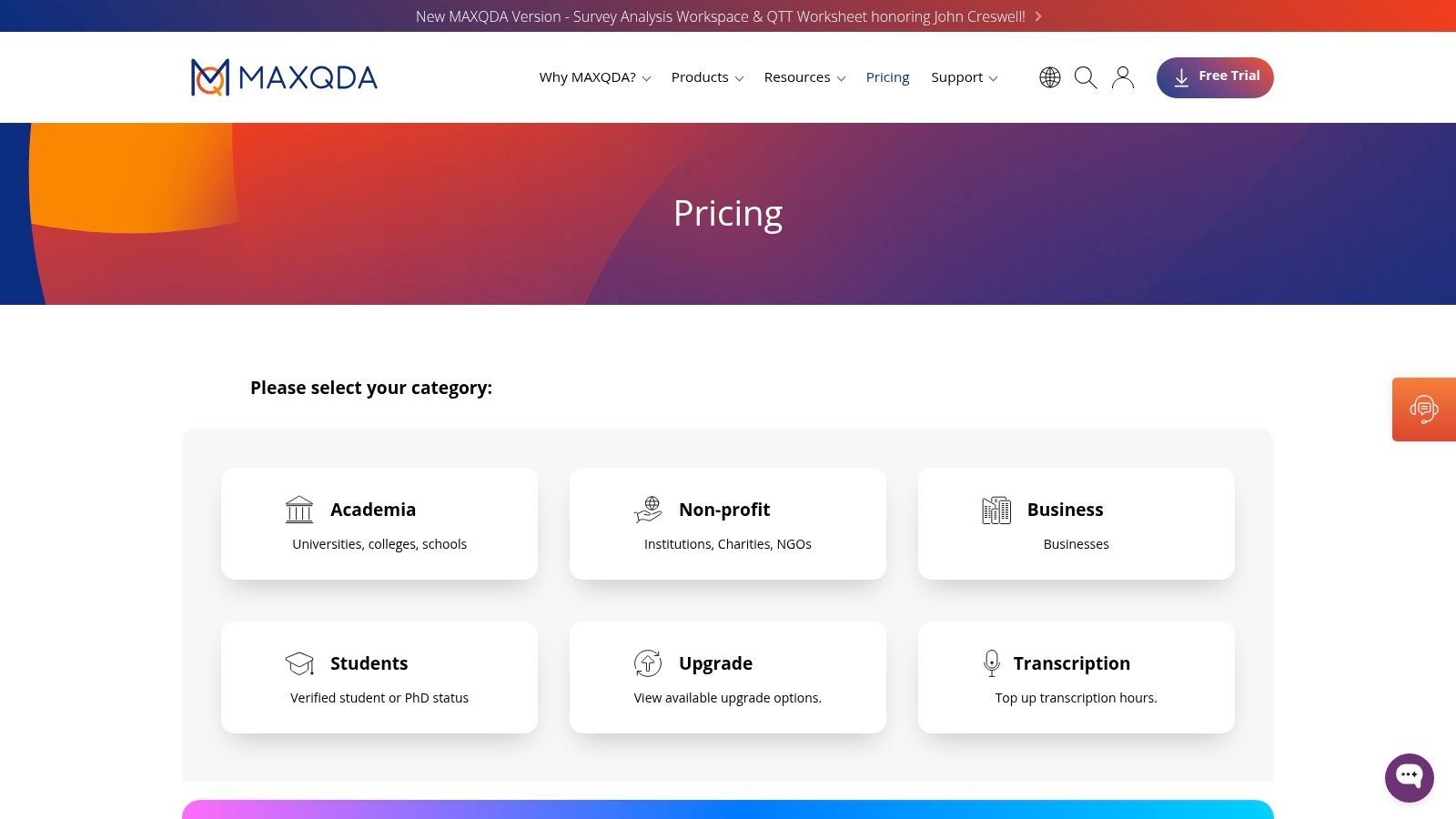
What sets MAXQDA apart is its elegant integration of traditional QDA tools with modern AI-powered features, all accessible through a single interface. The website is the gateway to its ecosystem of add-ons, including the TeamCloud for managed collaboration, AI Assist for automated summaries and suggestions, and MAXQDA Tailwind for generating AI-driven insights from coded data. This cohesive approach allows researchers to move from transcription to complex analysis without leaving the platform, streamlining the entire workflow from start to finish.
Industry Shift Toward AI Assistance
Modern QDA platforms now embed AI for coding, summarizing, and clustering themes automatically. Manual tagging alone is quickly becoming outdated.
Key Offerings and User Experience
- All-in-One Workflow: Combines classic CAQDAS with built-in statistics and text analysis, ideal for mixed-methods projects.
- Integrated AI Tools: Offers AI Assist and the subscription-based Tailwind to accelerate analysis and discovery.
- Managed Collaboration: The TeamCloud add-on provides a structured environment for group projects, ensuring version control and consistency.
- Pricing Nuances: Final prices are only displayed after selecting a region and configuring the cart, and key features like AI insights and team collaboration require separate subscriptions.
Practical Tip: Leverage the 7-day free trials for add-ons like MAXQDA Tailwind to evaluate their utility for your project before committing. For transcription-heavy work, MAXQDA’s direct import of .docx and .txt files is highly efficient. Preparing your interview recordings with a service like Transcript.LOL ensures you start your analysis with clean, accurate transcripts, maximizing the software's analytical power.
Website: https://www.maxqda.com/pricing
5. Dedoose (official site)
Dedoose is a unique, 100% web-based QDA platform designed from the ground up for collaboration. Its official site is the direct portal for accessing its highly flexible, team-oriented environment, making it one of the best software for qualitative data analysis options for distributed research groups, academic institutions, and mixed-methods projects. The platform excels at streamlining teamwork through real-time updates and role-based permissions, all accessible from any browser.
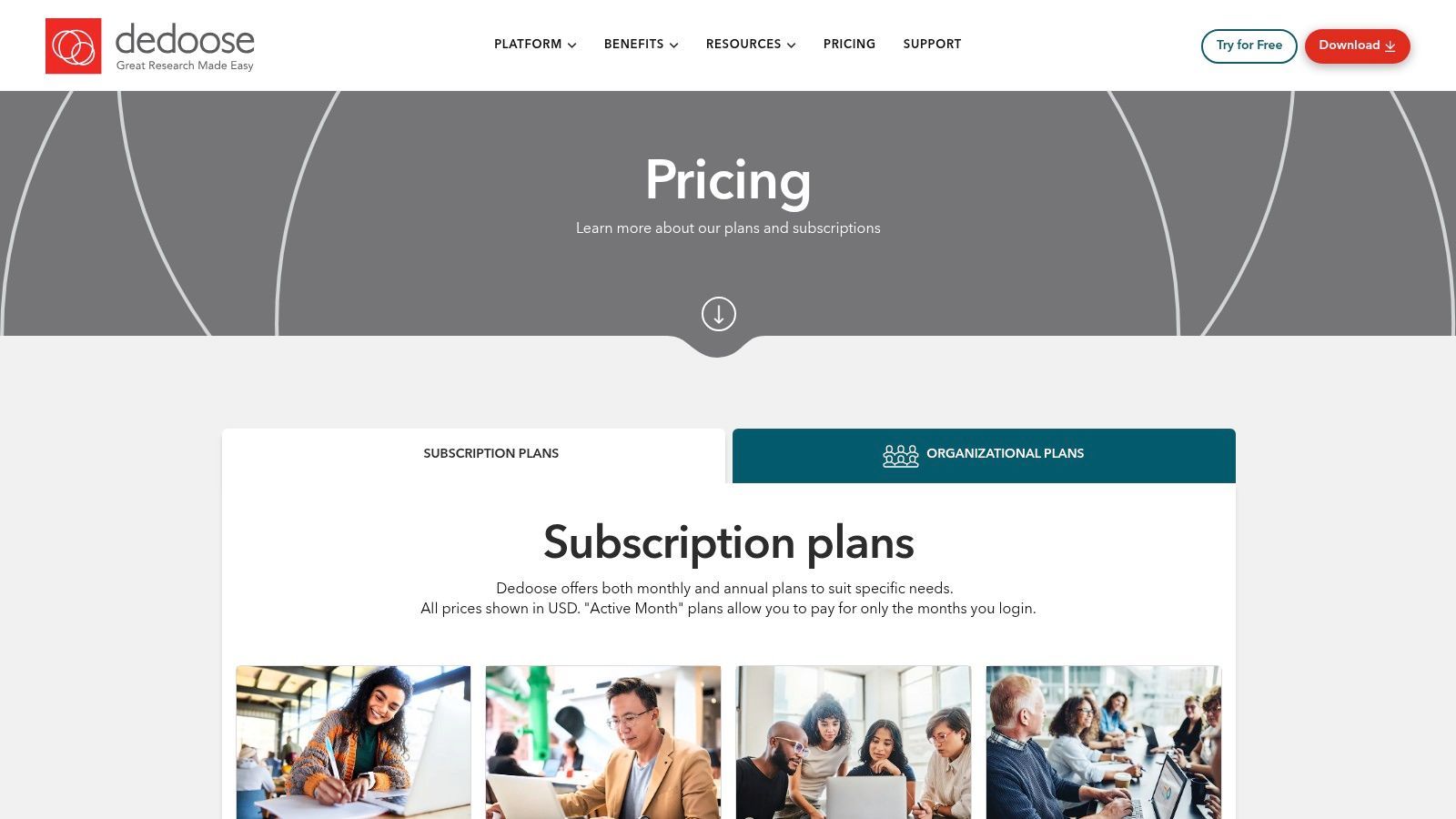
What truly sets Dedoose apart is its innovative "active-month" billing model, where users only pay for the months they log in. This makes it exceptionally cost-effective for semester-based academic work or grant-funded projects with intermittent activity. The website provides clear pathways for individual researchers or organizations to set up centralized billing, manage user access, and leverage project-specific encryption for data security. Its integrated Learning Center and dedicated support also make onboarding entire teams straightforward.
Key Offerings and User Experience
- Active-Month Billing: The pay-as-you-go model is ideal for academic calendars and fluctuating project needs, offering significant cost savings.
- Real-Time Collaboration: Multiple users can code and analyze data simultaneously, with changes visible to the team instantly.
- Strong Security and Admin Tools: Features project-specific encryption, role-based permissions, and centralized group billing for institutional use.
- Internet-Dependent: As a fully cloud-based tool, it has no offline desktop application and requires a stable internet connection for smooth operation.
Practical Tip: Dedoose is excellent for analyzing interview transcripts. To optimize your workflow, get high-quality transcripts in .docx format from a service like Transcript.LOL. You can easily import these documents into your Dedoose project, allowing your team to immediately start coding collaboratively without wasting time on manual data entry.
Website: https://www.dedoose.com/pricing/pricing-subscriptions
6. Quirkos (official site)
Quirkos positions itself as a uniquely accessible and visual tool, making it a strong contender for the best software for qualitative data analysis, especially for newcomers. Its official site is the direct gateway to its distinct offerings, which include both cloud-based and offline desktop versions. The platform emphasizes an intuitive, drag-and-drop interface with bubble-like "quirks" representing codes, designed to lower the barrier to entry for students, non-specialists, and those overwhelmed by more complex software.
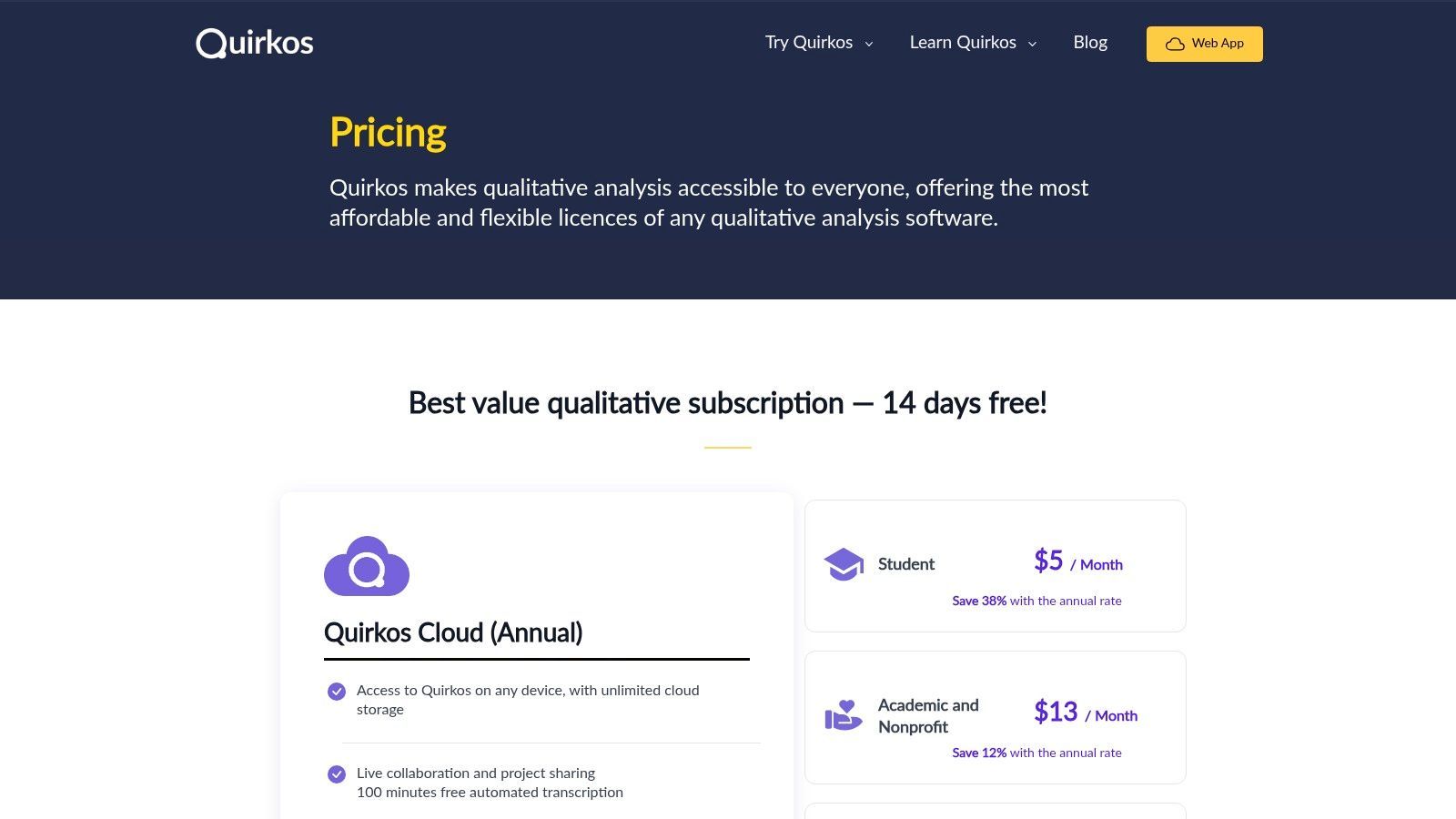
The website clearly lays out its licensing options, from affordable monthly subscriptions for Quirkos Cloud to one-time perpetual licenses for the desktop app. A major draw for the cloud version is its built-in collaboration features, allowing teams to work on projects in real-time. The cloud plans also bundle free automated transcription minutes, streamlining the initial data preparation phase. This makes Quirkos an all-in-one solution for small teams or classrooms needing a straightforward yet effective QDA tool without a steep learning curve or prohibitive cost.
Key Offerings and User Experience
- Visual Interface: Its colorful, tactile bubble interface makes coding and exploring connections intuitive and engaging, which is ideal for teaching.
- Flexible Licensing: Quirkos offers both cloud subscriptions with live collaboration and perpetual offline desktop licenses to suit different needs and budgets.
- Gentle Learning Curve: The software is designed for fast onboarding, allowing users to start analyzing data quickly without extensive training.
- Limited Advanced Features: It lacks some of the complex querying and statistical tools found in more established software like NVivo or ATLAS.ti, making it less suitable for highly intricate research.
Practical Tip: Quirkos Cloud includes free transcription credits, which is great for getting started. For larger projects with many interviews or for achieving the highest accuracy, pre-processing your audio through a dedicated service like Transcript.LOL and importing the resulting .docx files can ensure your analysis is built on a flawless data foundation from the start.
Website: https://www.quirkos.com/licences.html
7. Delve (Delvetool.com)
Delve is a modern, browser-based platform designed to make qualitative analysis more accessible and collaborative. As a web-native tool, it requires no software installation, positioning itself as a nimble and intuitive choice for researchers, students, and teams who need to get started quickly. Its focus on simplicity makes it a strong contender for the best software for qualitative data analysis for those who find traditional CAQDAS tools overly complex.
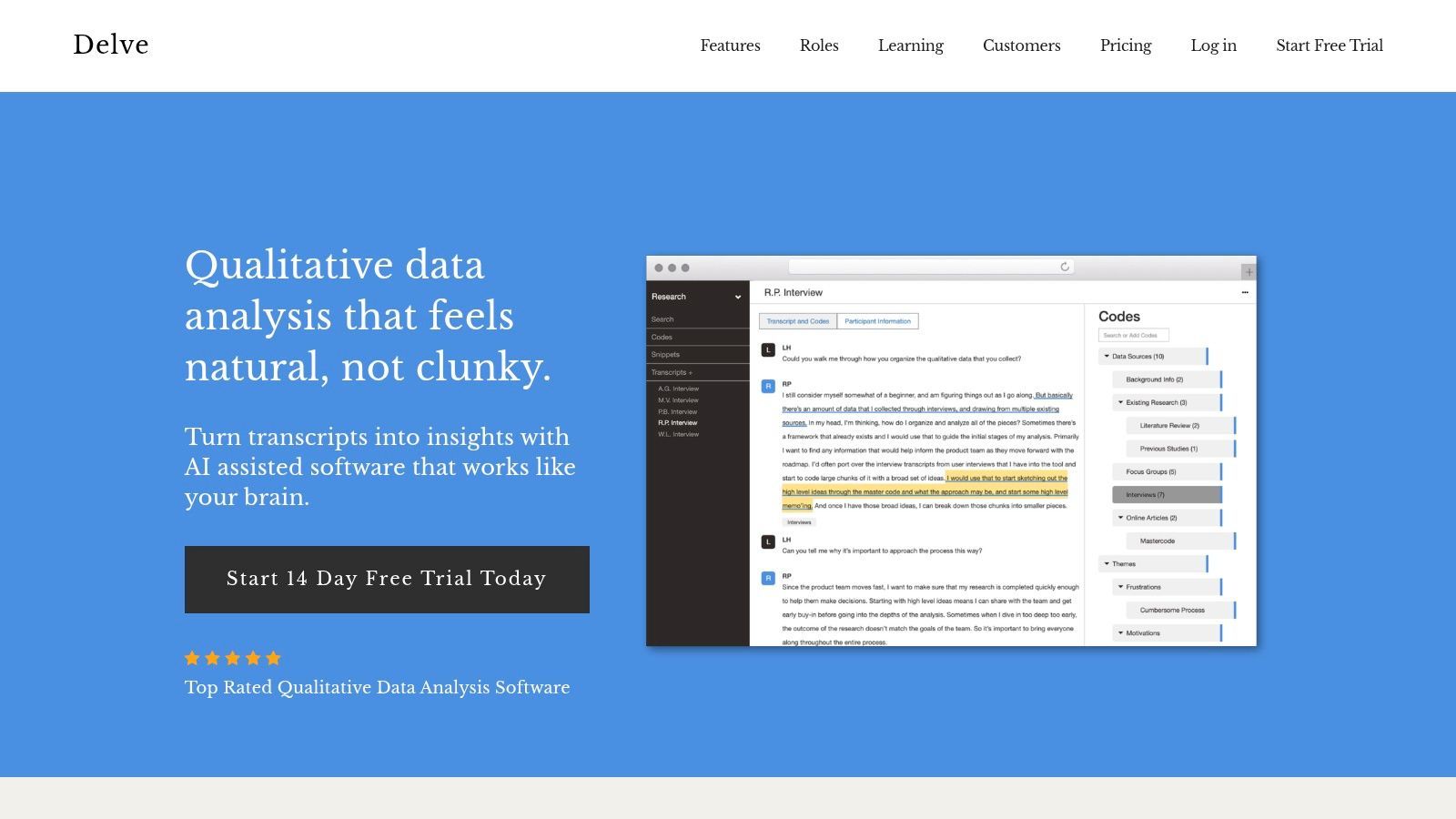
The platform shines in team settings, particularly for establishing coding consistency. Delve’s standout feature is its built-in intercoder reliability (ICR) tool, which automates the calculation of agreement between coders, a task that is often manual and time-consuming in other software. It also offers AI-assisted features to suggest codes and themes, supported by extensive educational resources like tutorials and webinars. Its straightforward, month-to-month billing and free trial lower the barrier to entry for users on a budget or those with short-term project needs.
Workflow Boosters

Speaker detection
Automatically identify different speakers in your recordings and label them with their names.

Editing tools
Edit transcripts with powerful tools including find & replace, speaker assignment, rich text formats, and highlighting.
Summaries and Chatbot
Generate summaries & other insights from your transcript, reusable custom prompts and chatbot for your content.
Key Offerings and User Experience
- Low Learning Curve: Delve is exceptionally user-friendly, allowing new users to begin coding transcripts within minutes.
- Automated Intercoder Reliability: Its built-in tools simplify the process of comparing coding across team members, making it ideal for collaborative research and academic training.
- Web-Based Accessibility: Being fully browser-based, it allows users to access their projects from any computer with an internet connection.
- Limited Advanced Features: Lacks the deep, complex querying and mixed-methods capabilities of more robust desktop applications like NVivo or ATLAS.ti.
Practical Tip: Delve is perfect for thematic analysis of interview transcripts. To maximize efficiency, use Transcript.LOL to produce clean .docx or .txt transcripts. You can then copy and paste the text directly into a Delve project, allowing you to bypass data preparation and jump straight into coding and analysis.
Website: https://delvetool.com/
8. Provalis Research (via MSMiami retailer)
For researchers and institutions seeking powerful, statistics-heavy QDA tools, MSMiami serves as a streamlined US retailer for the Provalis Research software suite. This platform provides a clear and direct purchasing path for acquiring essential tools like QDA Miner, WordStat, and ProSuite, making it an excellent resource for those who need some of the best software for qualitative data analysis with a quantitative edge. The site simplifies institutional procurement with transparent USD pricing, distinct license tiers, and flexible term options.
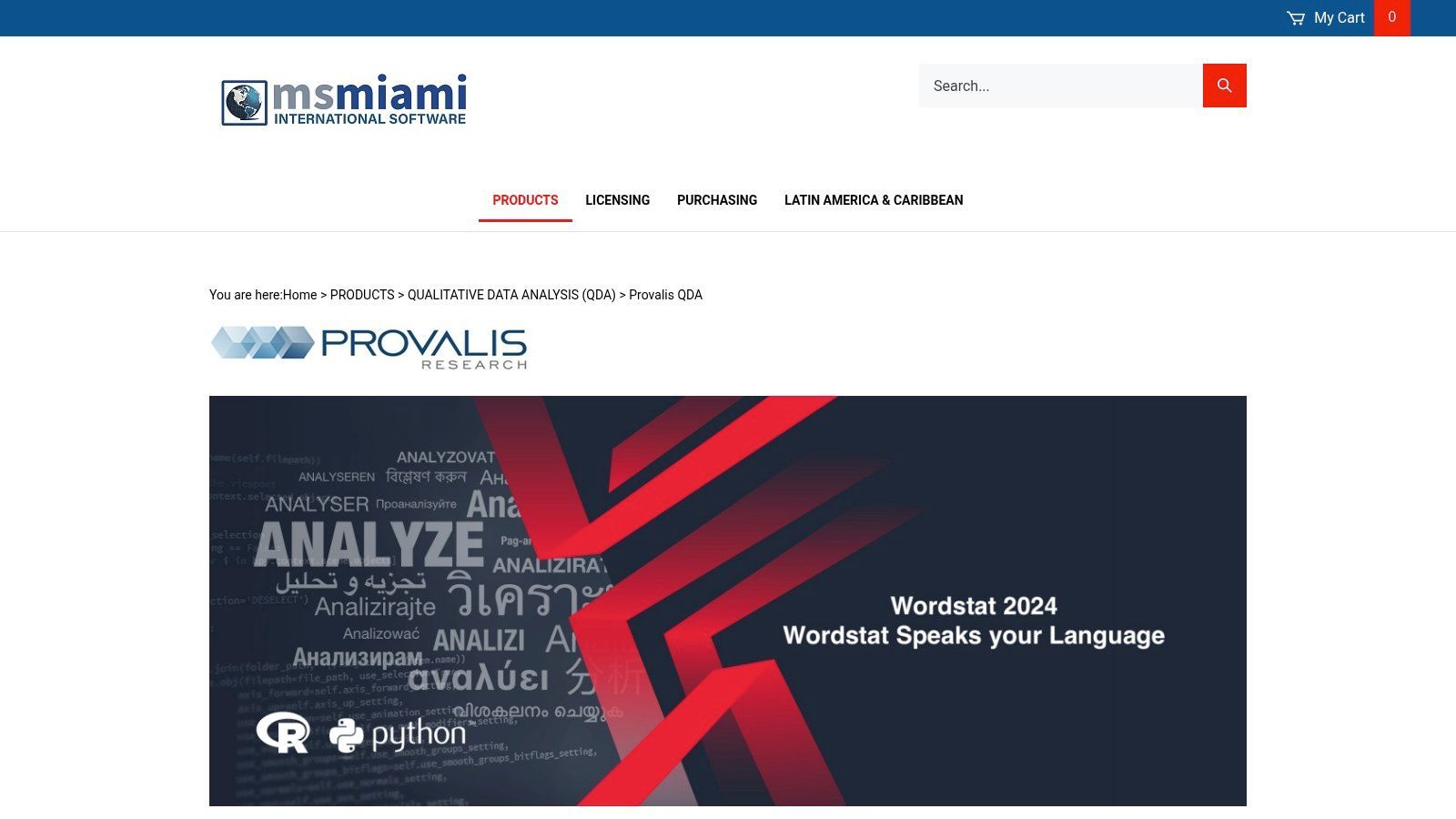
The Provalis suite is known for its mixed-methods capabilities. QDA Miner handles traditional qualitative coding, while WordStat excels at advanced text mining and statistical analysis, allowing for sophisticated content analysis on a large scale. The MSMiami storefront makes it easy to purchase these tools individually or as a bundle (ProSuite) with clear product codes suitable for academic, government, or commercial buyers. Its focus on immediate electronic delivery ensures researchers can get started without delay.
Key Offerings and User Experience
- Mixed-Methods Power: Combines deep qualitative coding (QDA Miner) with advanced quantitative text analysis (WordStat).
- Transparent Institutional Purchasing: The MSMiami site offers clear, upfront USD pricing for academic, government, and commercial licenses.
- Flexible Licensing: Provides options for annual and multi-year licenses, catering to both short-term projects and long-term institutional needs.
- Platform Limitations: The core software is primarily Windows-based, and its collaboration features are less integrated than modern cloud-native platforms.
Practical Tip: Provalis tools are ideal for analyzing large volumes of text-based data, such as survey responses or interview transcripts. To maximize efficiency, prepare your transcripts in a clean .docx or .txt format using a service like Transcript.LOL before importing them into QDA Miner. This ensures your data is ready for the powerful text mining and statistical functions in WordStat.
Website: https://www.msmiami.com/Provalis_QDA_s/82.htm
9. Transana (official site)
Transana is a highly specialized qualitative analysis tool optimized for video and audio data, making it a standout choice for media-heavy research. The official website is the direct source for its Professional and Multiuser editions, which are particularly well-suited for fields like education, usability studies, and ethnography. It carves its niche by focusing on deep, synchronized transcription and analysis workflows, positioning itself as some of the best software for qualitative data analysis when the primary data is multimedia.
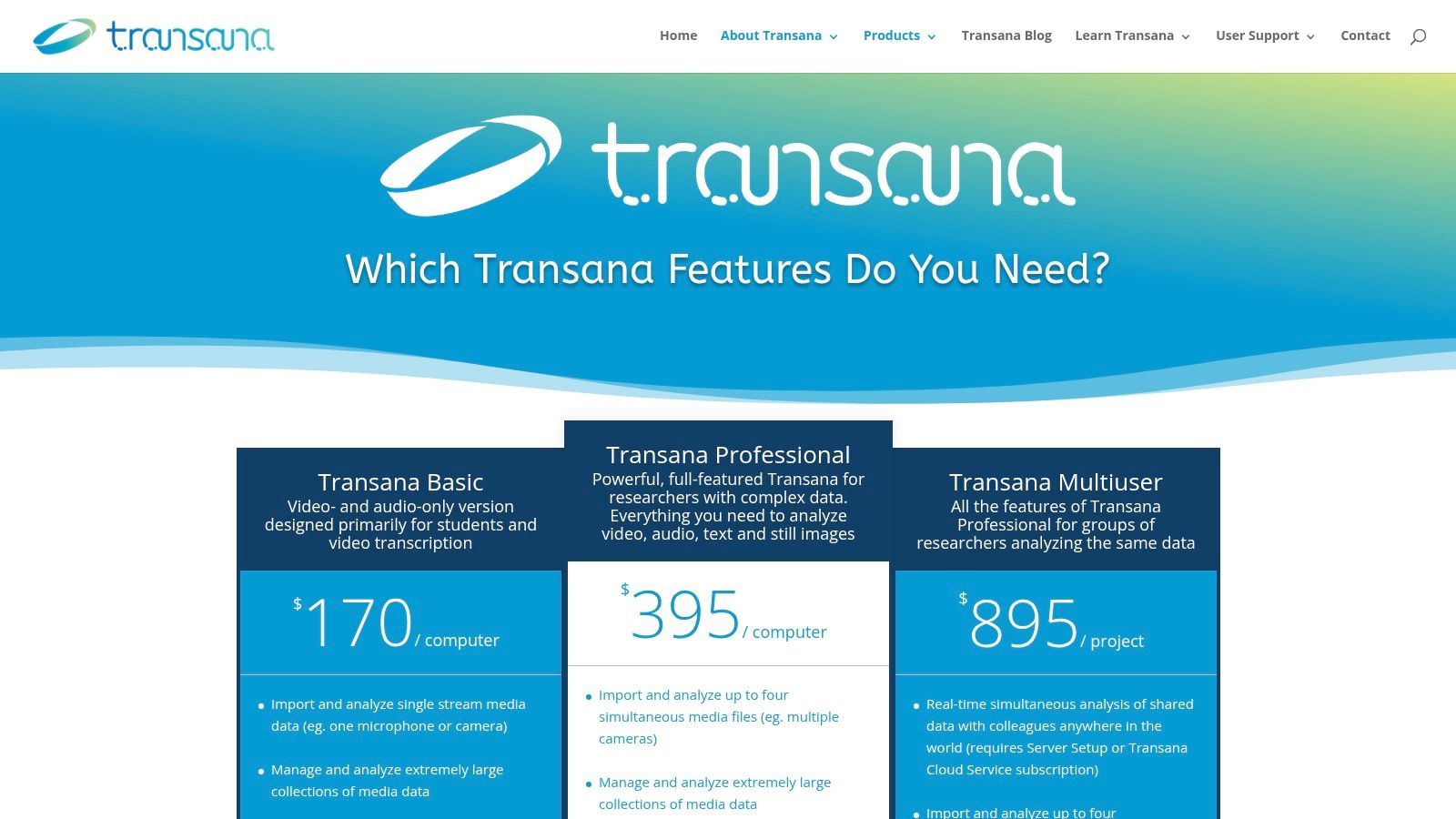
Unlike many subscription-based models, Transana offers clear perpetual licenses, providing long-term value for academic labs and individual researchers. The software allows for the analysis of multiple synchronized video or audio files, which is invaluable for studying group interactions or complex events. Its Multiuser edition supports real-time collaborative analysis, and an optional cloud service facilitates remote teamwork. While it also imports text, PDF, and survey data for mixed-methods projects, its core strength lies in its sophisticated media handling capabilities.
Key Offerings and User Experience
- Multimedia Specialization: Offers deep workflows for video and audio, including synchronized transcription and coding directly on media timelines.
- Perpetual Licensing: Provides a clear, one-time purchase model that is budget-friendly for labs, classrooms, and long-term projects.
- Collaborative Analysis: The Multiuser edition, paired with its optional cloud service, enables real-time collaboration among research teams.
- Niche Focus: Its interface and tools are highly specialized for media analysis, which may feel less intuitive for researchers working primarily with text.
Practical Tip: Transana's strength is analyzing media alongside its transcript. For maximum efficiency, generate highly accurate transcripts with a service like Transcript.LOL first. You can then import the .txt files and link them to your video or audio, allowing you to focus immediately on coding and interpreting the synchronized data rather than on manual transcription.
Website: https://www.transana.com/products/
10. HyperRESEARCH (ResearchWare official site)
HyperRESEARCH, available directly from the ResearchWare official site, is a veteran cross-platform tool that champions simplicity and affordability in qualitative analysis. The website serves as the direct-to-consumer portal, offering straightforward US-based pricing and a refreshingly simple perpetual license model. This makes it an excellent choice for academics, students, and small labs looking for the best software for qualitative data analysis without the commitment of a recurring subscription.
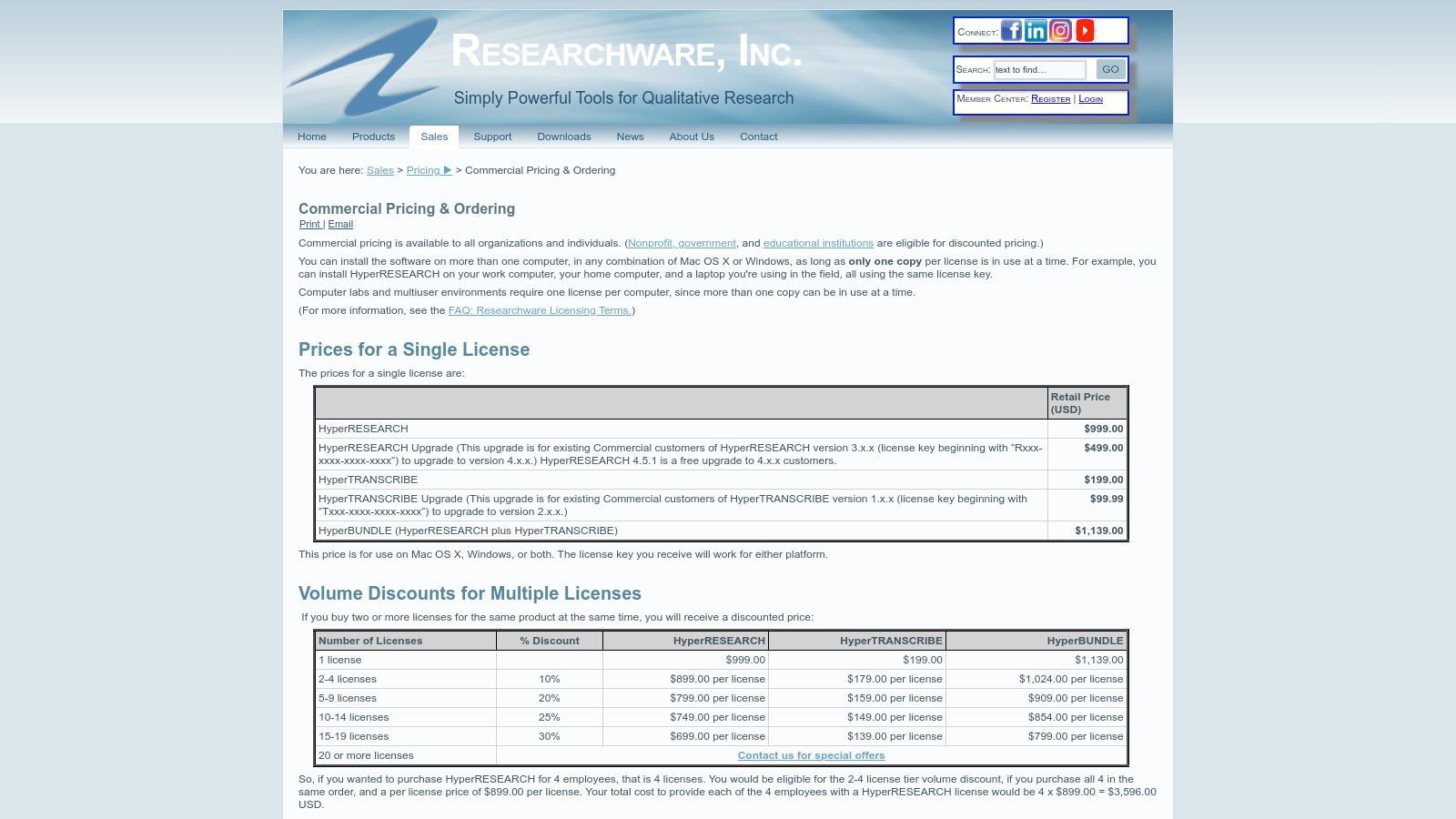
The software provides a solid foundation for coding text, audio, images, and video, and the ResearchWare site makes it easy to bundle it with its sister product, HyperTRANSCRIBE, for integrated transcription workflows. What sets this platform apart is its transparent, tiered pricing structure for commercial, government, educational, and student users, with significant discounts for the latter. The licensing is also generous, allowing a single user to install the software on multiple personal machines (with one active use at a time), which is ideal for researchers who work across different devices.
Key Offerings and User Experience
- Perpetual License Model: A key differentiator is its one-time purchase model, appealing to users who prefer owning software outright.
- Transparent Tiered Pricing: The website clearly lays out costs for different sectors, with substantial discounts for students and educators.
- Cross-Platform Functionality: HyperRESEARCH works seamlessly on both Windows and macOS, a significant advantage for mixed-platform teams.
- Fewer Modern Features: It lacks some of the advanced AI and cloud collaboration tools found in newer, subscription-based competitors.
Practical Tip: The ResearchWare site offers bundle deals for HyperRESEARCH and HyperTRANSCRIBE. If your project involves transcribing interviews, purchasing the bundle can create a more integrated workflow. Prepare your audio files and use HyperTRANSCRIBE to create clean transcripts before importing them into HyperRESEARCH for coding and analysis.
Website: https://www.researchware.com/sales/pricing/commercial-pricing.html
11. Taguette (official open-source site)
Taguette is a free and open-source tool that carves out a unique niche in the QDA landscape. Available as both a hosted web app and a downloadable local installation, it offers a simple, text-centric approach, making it one of the best software for qualitative data analysis options for students, small labs, and researchers on a budget. The official site is the go-to place for downloads, documentation, and access to the hosted version, emphasizing its community-driven and privacy-first ethos.
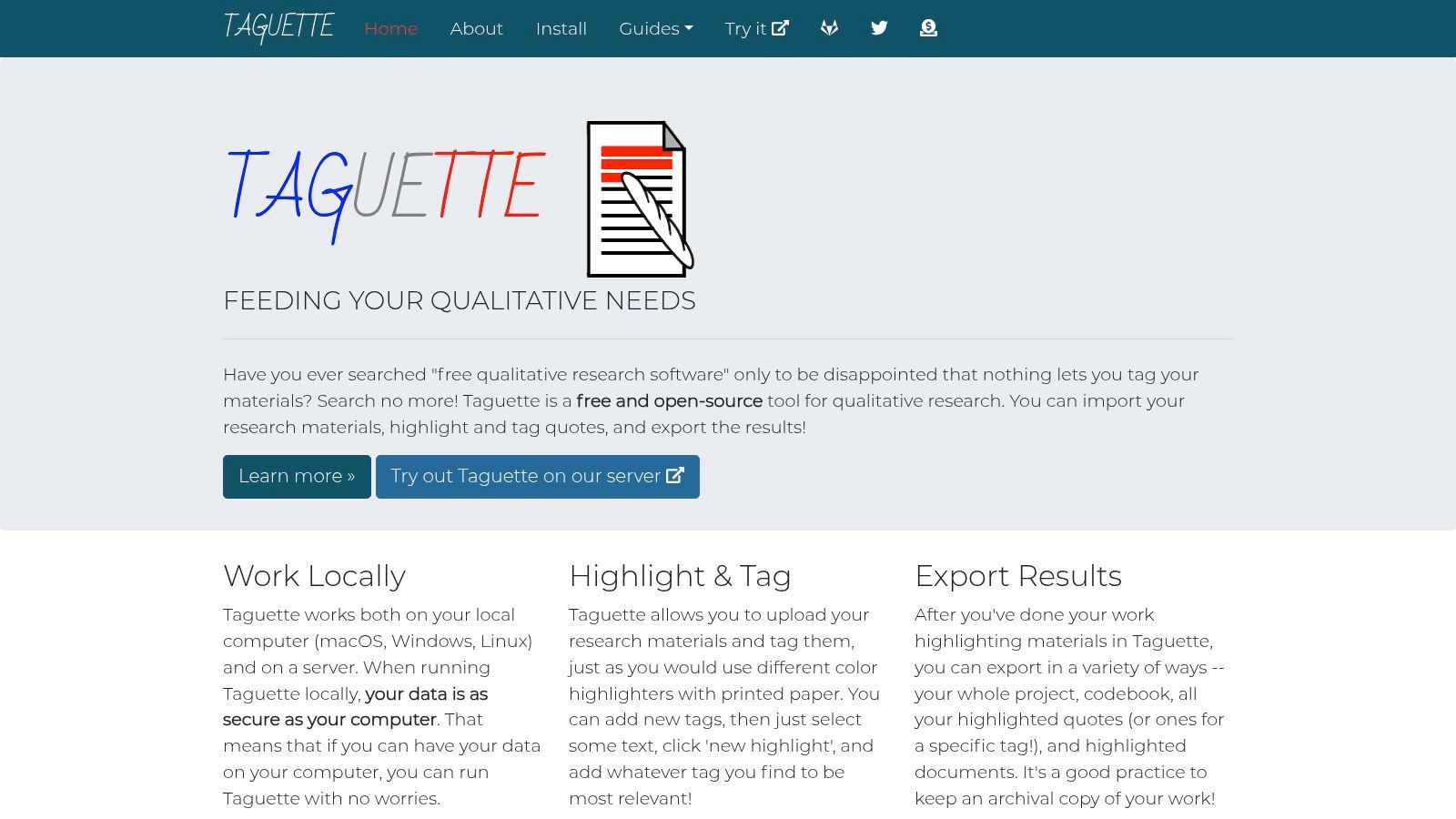
The platform is designed for simplicity, allowing users to quickly highlight text, apply codes from a manageable codebook, and export their findings. Its major strength lies in its accessibility and cost-effectiveness. The local install option is particularly valuable for projects involving sensitive data, as it allows for completely offline work. While it lacks the advanced multimedia handling or complex querying of commercial suites, its focus on core QDA tasks makes it an incredibly effective tool for straightforward textual analysis.
Key Offerings and User Experience
- Zero-Cost and Open-Source: Completely free under a BSD license, with development supported by optional donations.
- Flexible Deployment: Use the hosted web app for quick access or install locally on Windows, Mac, or Linux for offline use and enhanced privacy.
- Simplified Workflow: Focuses on essential highlighting and coding features, making it easy to learn for beginners and workshops.
- Text-Centric: Best suited for document-based analysis and lacks robust features for audio, video, or image data.
Practical Tip: Taguette is ideal for teaching qualitative methods or for projects with a tight budget. For interview-based research, first get your audio transcribed into clean .docx files using a service like Transcript.LOL. You can then import these documents into Taguette for a fast, free, and efficient coding workflow without any software investment.
Website: https://www.taguette.org/
12. Capterra – Qualitative Data Analysis Software category
Capterra serves as a comprehensive software marketplace, and its dedicated category for qualitative data analysis software is an essential starting point for researchers. Instead of being a single tool, it’s a powerful comparison engine that aggregates user reviews, feature lists, and pricing models from dozens of vendors. This makes it an invaluable resource for anyone trying to find the best software for qualitative data analysis that fits their specific budget, team size, and project complexity.
The platform allows users to apply filters for features like auto-transcription, sentiment analysis, and data visualization, creating a tailored shortlist in minutes. By consolidating real user feedback, Capterra provides a grounded perspective on the pros and cons of each tool, moving beyond marketing claims. It offers a bird's-eye view of the market, helping researchers quickly identify top-rated options or niche software they might have otherwise missed. It’s the ideal first step before committing to free trials or demos.
Key Offerings and User Experience
- Aggregated User Reviews: Gathers authentic user ratings and detailed feedback, highlighting real-world strengths and weaknesses of various QDA tools.
- Side-by-Side Comparison: Features a robust filtering system to directly compare software based on features, pricing models, and intended user base.
- Broad Vendor Coverage: Includes a wide range of options from industry leaders like NVivo and ATLAS.ti to emerging and specialized platforms.
- Potentially Outdated Information: Pricing details and feature sets can sometimes lag behind official vendor websites, requiring secondary verification.
Practical Tip: Use Capterra to build an initial list of 3-4 potential tools. Pay close attention to reviews that mention transcript handling. Once you've identified platforms that work well with .docx or .txt files, you can confidently use a service like Transcript.LOL to prepare your data for a smooth import and analysis workflow.
Website: https://www.capterra.com/qualitative-data-analysis-software/
Top 12 Qualitative Data Analysis Tools — Comparison
| Product | ✨ Core features | ★ Quality / UX | 💰 Pricing / Value | 👥 Target audience | 🏆 Standout / USP |
|---|---|---|---|---|---|
| Transcript.LOL 🏆 | Whisper-based fast transcription; custom vocab; speaker detection; multi-format exports; repurposing tools | ≈99.8% accuracy; ultra-fast; 4.8★ (1,246 reviews) | 💰 Free tier; Individual $120/yr; Team $240/yr | 👥 Podcasters, marketers, educators, journalists, teams | 🏆 Privacy-first (no-training policy); broad integrations; automated summaries & content repurposing |
| NVivo (Lumivero) | Robust coding, queries, visualizations; transcription & AI add-ons | Mature, powerful; steeper learning curve ★★★★ | 💰 License + add-ons (varies by tier) | 👥 Academics, large research teams, enterprises | Deep CAQDAS features + extensive training/resources ✨ |
| ATLAS.ti | Desktop + Web; multimedia support; network visualizations | Enterprise-ready procurement; feature-rich ★★★★ | 💰 Quote-based / portal pricing | 👥 Enterprise researchers, teams | Strong visualization tools & enterprise purchasing flow ✨ |
| MAXQDA | CAQDAS + integrated statistics; AI Tailwind & transcription add-ons | Powerful mixed-methods tools; moderate curve ★★★★ | 💰 Region-based pricing; add-ons extra | 👥 Mixed-methods researchers, analysts | Built-in analytics + modern AI features ✨ |
| Dedoose | Web-native collaboration; role permissions; project encryption | Easy onboarding; real-time collaboration ★★★ | 💰 Active-month billing (pay when used) | 👥 Universities, distributed research teams | Flexible semester-friendly billing & team support ✨ |
| Quirkos | Lightweight cloud + desktop; live collaboration; friendly UI | Very approachable; fast onboarding ★★★★ | 💰 Affordable; cloud subs or lifetime desktop | 👥 Students, instructors, small teams | Teaching-friendly, low learning curve; quick setup ✨ |
| Delve | Web-only; AI-assisted coding; automated intercoder reliability | Low learning curve; education-focused ★★★★ | 💰 Month-to-month; free trial | 👥 Instructors, student cohorts, small teams | Built-in intercoder reliability & classroom resources ✨ |
| Provalis (via MSMiami) | QDA Miner, WordStat, SimStat; ProSuite bundles | Strong text-mining; Windows-centric ★★★★ | 💰 Clear USD pricing; academic/commercial tiers | 👥 Institutions needing advanced text mining | Transparent retailer pricing + full product bundles ✨ |
| Transana | Multimedia-first analysis; synchronized transcripts; multiuser edition | Excellent for media-heavy projects ★★★★ | 💰 Perpetual pricing; optional cloud services | 👥 Ethnographers, educators, usability researchers | Specialized multimedia workflows and value pricing ✨ |
| HyperRESEARCH | Cross-platform QDA; HyperTRANSCRIBE add-on; perpetual licenses | Simple UI; classroom-friendly ★★★ | 💰 Perpetual license with education discounts | 👥 Classrooms, small labs, individual researchers | Straightforward perpetual licensing; student discounts ✨ |
| Taguette | Open-source; hosted or local install; text-centric coding | Lightweight, privacy-friendly; easy start ★★★ | 💰 Free (donations welcome) | 👥 Students, privacy-conscious teams, labs | Free, local/offline install for privacy-sensitive use ✨ |
| Capterra (category) | Aggregated reviews, side-by-side comparisons, filters | Useful shortlist tool; review quality varies ★★★★ | 💰 Free to use | 👥 Buyers researching QDA/transcription vendors | Broad vendor coverage & user review aggregation ✨ |
Choosing Your Path: How to Select the Right QDA Software for Your Project
Navigating the landscape of qualitative data analysis software can feel overwhelming, but the extensive list we've explored reveals a core truth: the best software for qualitative data analysis is not a one-size-fits-all solution. Instead, it is the tool that most closely mirrors the unique contours of your project, your team, and your analytical goals. From the academic rigor of NVivo and ATLAS.ti to the streamlined, collaborative nature of Delve and Dedoose, your ideal choice hinges on a thoughtful evaluation of your specific needs.
The journey to uncovering deep, meaningful insights is a process, not a purchase. This guide has laid out the key players, from industry powerhouses to nimble, accessible newcomers. We've seen how specialized tools like Transana excel with video analysis, while open-source options like Taguette offer a free entry point for straightforward projects. The critical takeaway is to move beyond feature lists and consider the practical realities of your workflow.
Start With Clean Data First
Even the most powerful analysis software fails with messy transcripts. Accurate, structured text dramatically improves coding speed, reliability, and final insights.
Key Factors in Your Decision-Making Matrix
Before committing to a platform, reflect on these essential questions. The answers will guide you to the right software on our list and ensure your investment of time and money yields the best possible results.
- Project Scale and Complexity: Are you analyzing a handful of interviews for a quick report, or are you managing a multi-year longitudinal study with thousands of data points? Tools like MAXQDA and Provalis Research are built for complexity, while Quirkos and Delve shine with more focused projects.
- Team Collaboration: Is your research a solo endeavor, or are multiple coders working simultaneously? Cloud-based platforms like Dedoose and Delve are designed for real-time collaboration, whereas desktop-centric applications like NVivo and ATLAS.ti have specific (and often more expensive) team versions.
- Data Types: What kind of data are you working with? If your project is heavily reliant on video and audio files, a tool like Transana with its integrated transcription and media synchronization features is invaluable. If you're primarily analyzing text, your options are much broader.
- Budget and Licensing: What is your budget? Subscriptions for Dedoose can be paused, offering flexibility for grant-funded or sporadic projects. Perpetual licenses for NVivo or MAXQDA represent a significant upfront investment but may be more cost-effective long-term. Meanwhile, free tools like Taguette eliminate this barrier entirely.
- Learning Curve and Technical Skill: How much time can you dedicate to learning a new system? Tools like Delve and Quirkos are known for their intuitive interfaces and gentle learning curves, making them excellent choices for beginners or teams needing to get up and running quickly. More comprehensive platforms like ATLAS.ti and NVivo offer immense power but demand a greater time commitment to master.
The Foundational Step: High-Quality Transcription
Regardless of which software you ultimately select, one principle remains constant: the quality of your analysis is directly dependent on the quality of your data. For any research involving interviews, focus groups, video recordings, or audio notes, the process begins with transcription. A clean, accurate, and properly formatted transcript is the bedrock upon which all subsequent coding and analysis are built.
Attempting to analyze directly from audio or using inaccurate, automated transcripts introduces friction, errors, and significant time sinks into your workflow. Every single QDA tool on this list, from NVivo to Taguette, functions more effectively when fed a reliable text source. This is where integrating a specialized service becomes a strategic advantage, transforming a tedious prerequisite into a seamless part of your research infrastructure. By starting with a perfect transcript, you empower your chosen software to do what it does best: help you find the story within the data.
Ready to build a powerful and efficient qualitative analysis workflow? Start with the most critical component: a flawless transcript. Transcript.LOL provides fast, 99%+ accurate, human-perfected transcripts that integrate seamlessly with every QDA tool mentioned in this guide. Visit Transcript.LOL to upload your audio or video and receive a pristine, analysis-ready document that will accelerate your path to discovery.