
The 7 Best Font for Subtitles in 2026 for Ultimate Readab...
Discover the best font for subtitles to ensure maximum clarity and accessibility. Our expert guide covers the top 7 choices for any video project.
Kate, Praveen
February 25, 2026
Choosing the best font for subtitles is more than an aesthetic preference; it's a fundamental aspect of accessibility, viewer engagement, and overall message clarity. A poorly selected font can make your content difficult to read, especially for viewers with visual impairments or those watching on smaller screens like mobile phones. The right typeface ensures your dialogue and narration are delivered seamlessly, supporting your visual story instead of distracting from it.
Subtitles Are Only Half the Job
Choosing a great font improves readability, but you still need accurate, time-synced captions to make them useful. Without clean transcripts, even the best typography can’t save your workflow. Good subtitles start with precise text first — styling comes secon
This guide moves beyond generic advice to provide a detailed breakdown of the technical and design elements that constitute great subtitle typography. We will explore why factors like a large x-height, clear character spacing, and specific screen optimizations are essential for creating legible on-screen text. You will find a curated roundup of seven excellent fonts that perform well in various contexts, from global multilingual projects to content requiring top-tier accessibility.
For each font, we provide actionable tips on ideal sizing, weight, and styling. This curated list will help you make an informed choice that strengthens your video's impact and guarantees your message is understood by every viewer. We'll show you exactly how to implement your chosen font, making sure your subtitles are as professional and effective as the rest of your production.
Core Subtitle Workflow Features
IA all'avanguardia
Alimentato da Whisper di OpenAI per una precisione leader nel settore. Supporto per vocabolari personalizzati, file fino a 10 ore e risultati ultra rapidi.

Importa da più fonti
Importa file audio e video da varie fonti tra cui caricamento diretto, Google Drive, Dropbox, URL, Zoom e altro.

Esporta in più formati
Esporta le tue trascrizioni in più formati tra cui TXT, DOCX, PDF, SRT e VTT con opzioni di formattazione personalizzabili.
1. Inter (Rasmus Andersson)
Inter è un carattere tipografico moderno, neo-grottesco, meticolosamente progettato da Rasmus Andersson specificamente per gli schermi dei computer. La sua alta altezza della x e le forme aperte delle lettere garantiscono che rimanga eccezionalmente chiaro anche a piccole dimensioni, rendendolo una scelta affidabile per i sottotitoli su vari dispositivi e risoluzioni. Questo font è stato creato da zero per risolvere i problemi di leggibilità comuni con il testo dell'interfaccia utente, e lo stesso DNA lo rende uno dei migliori font per i sottotitoli oggi.
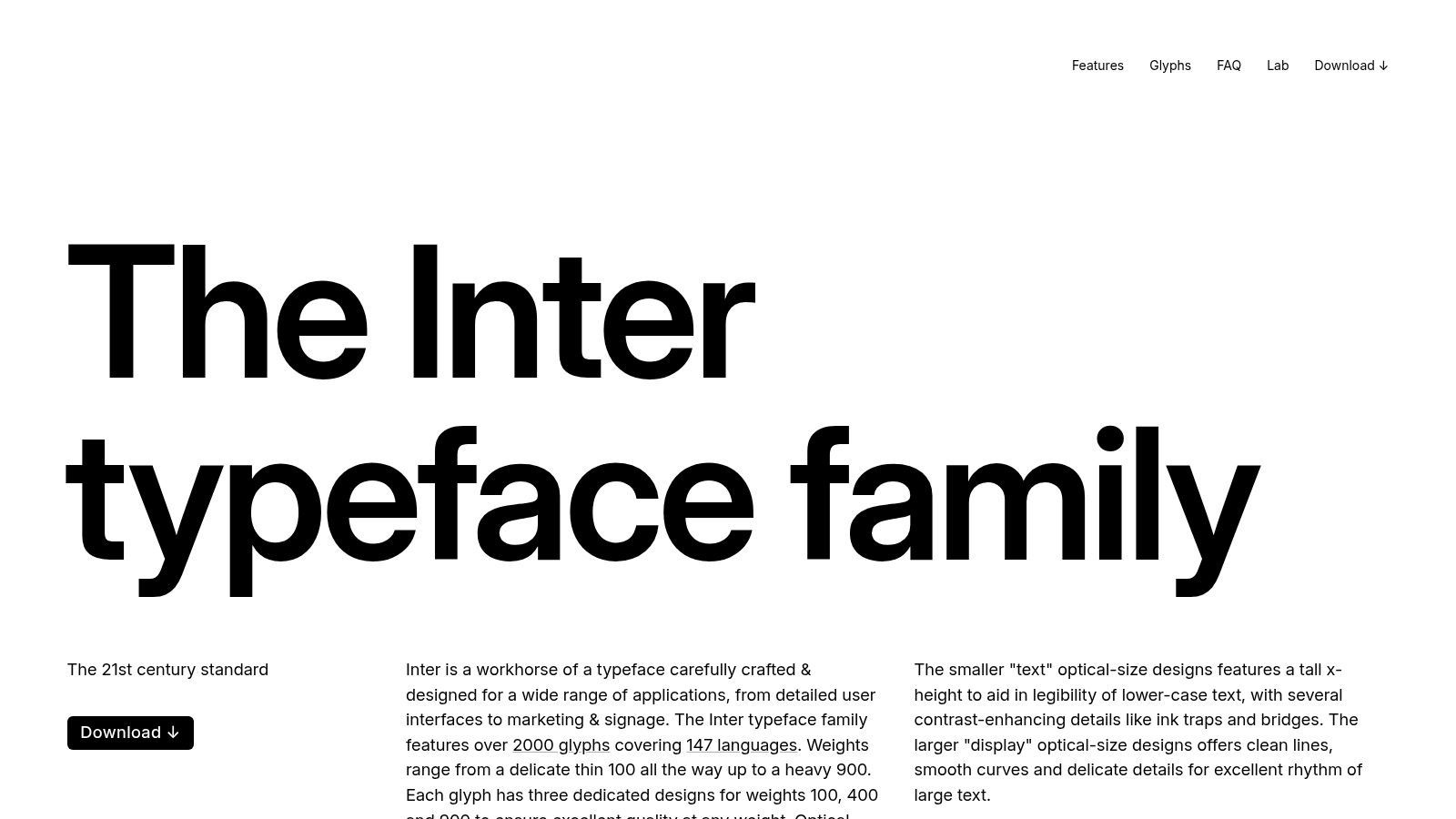
Essendo un font completamente gratuito e open-source sotto la SIL Open Font License, Inter può essere utilizzato per qualsiasi progetto commerciale senza costi di licenza. Puoi scaricarlo direttamente dal sito ufficiale. La sua ubiquità su piattaforme moderne come Figma e vari framework web significa che c'è meno probabilità che il font scelto venga sostituito da un sistema predefinito stridente quando i sottotitoli vengono visualizzati sul web.
How Clean Subtitles Transform Your Content?
Faster Editing
With a ready transcript, you can jump straight to exact timestamps instead of scrubbing the timeline. Finding a line takes seconds, not minutes. Editing becomes precise and stress-free.
Better Accuracy
Text lets you quickly spot mistakes, misheard words, or unclear phrases. Fixing captions visually is far easier than replaying audio again and again. Your final subtitles look professional.
Consistent Formatting
Once text is generated, you can apply fonts, sizes, and styles consistently across the whole video. No uneven captions or mismatched styling. Everything stays clean and branded.
Reusable Content
Your subtitles double as transcripts, blog posts, summaries, or social captions. One recording turns into multiple assets. You get more value from the same content.
Perché Funziona per i Sottotitoli
Il design di Inter dà priorità alla chiarezza sopra ogni altra cosa. I suoi caratteri sono distinti, prevenendo confusioni comuni come 'I' e 'l'. Il font è dotato di un esteso hinting, un processo che regola la visualizzazione del font per allinearsi perfettamente alla griglia di pixel di uno schermo. Ciò si traduce in un testo nitido e definito che evita la sfocatura che può affliggere altri font su display a bassa risoluzione.
Concetto Chiave: La forza di Inter risiede nella sua neutralità e precisione tecnica. Non distrae lo spettatore con un'enfasi stilistica; offre semplicemente testo leggibile che si sente nativo su qualsiasi schermo su cui si trova.
Implementazione e Dimensionamento
Per l'implementazione dei sottotitoli, il formato font variabile di Inter è un vantaggio significativo. Consente regolazioni precise di peso e inclinazione senza la necessità di caricare file di font separati. Questo è perfetto per creare enfasi (ad esempio, utilizzando un peso semi-bold per un oratore specifico) senza compromettere l'efficienza del file dei sottotitoli.
| Caso d'uso | Peso Raccomandato | Dimensione Ideale (Relativa a 1080p) | Note |
|---|---|---|---|
| Dialogo Standard | Regular (400) | 48-56px | Una solida base per la visione generale. |
| Enfasi/Urla | SemiBold (600) | 52-60px | Usare con parsimonia per evitare affaticamento visivo. |
| Sussurri/Appunti | Regular (400) | 42-48px | Può essere abbinato a corsivo per chiarezza. |
Quando si lavora con uno strumento come Transcript.LOL, è possibile esportare la trascrizione come file SRT o VTT. Sebbene questi file non incorporino i font, è possibile specificare Inter nell'editor video (come Premiere Pro o DaVinci Resolve) o tramite CSS per i lettori video web per garantire che i sottotitoli vengano visualizzati esattamente come previsto. Il suo ampio supporto linguistico che copre script latini, greci e cirillici lo rende un punto di partenza versatile, sebbene richieda font complementari per gli script CJK.
Sito Web: https://rsms.me/inter/
2. Noto Sans (Google)
Sviluppata da Google, la famiglia di font Noto è stata creata con un obiettivo monumentale: supportare tutte le lingue del mondo con un'estetica visivamente armoniosa. Noto Sans è la componente sans-serif di questo progetto e si distingue come il miglior font per sottotitoli quando si tratta di contenuti multilingue. Il suo design pulito e aperto garantisce la leggibilità, mentre la sua missione principale di supporto linguistico globale lo rende un punto di forza per progetti internazionali.
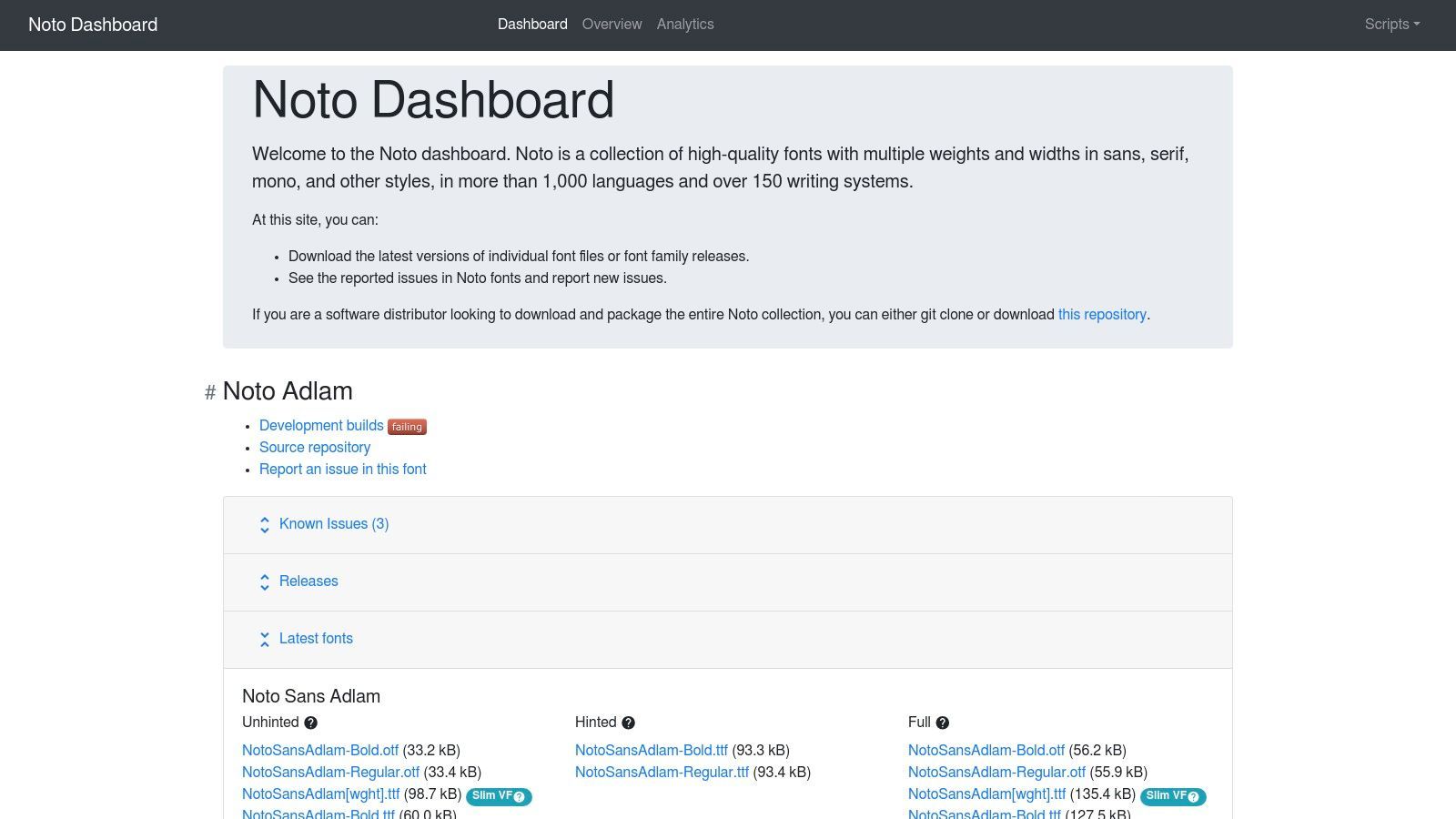
Come progetto open-source sotto la SIL Open Font License, l'intera famiglia Noto è completamente gratuita per uso commerciale, inclusi video broadcast e web. Ciò elimina complesse difficoltà di licenza, specialmente per i team aziendali che gestiscono contenuti globali. La chiave è abbinare il font Noto Sans principale con le sue controparti regionali specifiche, come Noto Sans CJK per cinese, giapponese e coreano, per mantenere un aspetto coerente tra diversi script.
Perché Funziona per i Sottotitoli
Noto Sans eccelle nella sua vasta gamma di supporto per caratteri. Quando il tuo video necessita di sottotitoli in inglese, cirillico e giapponese, l'uso della famiglia Noto impedisce bruschi cambiamenti nello stile e nel peso del font tra le lingue. I caratteri sono progettati per condividere un'altezza e uno spessore del tratto comuni, creando un'esperienza visiva coesa che non distrae dal contenuto. Questa è una considerazione critica per molti creatori, e puoi esplorare diverse applicazioni di sottotitolazione in vari settori per vedere come questo si applica.
Concetto Chiave: La forza di Noto è la sua universalità. Fornisce una soluzione tipografica singola e unificata per progetti che altrimenti richiederebbero un mosaico di font diversi, spesso non corrispondenti, per ogni lingua.
Implementazione e Dimensionamento
Per un uso pratico, non è necessario scaricare l'intera famiglia Noto da diversi gigabyte. Invece, seleziona i file di font specifici per le lingue di cui hai bisogno. Per i lettori video basati sul web, ciò significa che puoi servire Noto Sans per gli script latini e poi richiamare Noto Sans CJK solo quando viene selezionata una lingua CJK, ottimizzando i tempi di caricamento.
| Caso d'uso | Peso Raccomandato | Dimensione Ideale (Relativa a 1080p) | Note |
|---|---|---|---|
| Dialogo Globale | Regular (400) | 50-58px | Garantisce coerenza tra script latini e CJK. |
| Enfasi (Tutti gli Script) | Bold (700) | 54-62px | Il peso bold è chiaro e distinto in tutte le famiglie Noto. |
| Informazioni Secondarie | Regular (400) | 44-50px | Ottimo per testo su schermo come indicatori di posizione o ora. |
Dopo aver generato i sottotitoli con uno strumento come Transcript.LOL, puoi applicare Noto Sans all'interno del software di editing o specificarlo nel CSS del lettore web. Poiché Noto è un Google Font, è incredibilmente facile da implementare sul web utilizzando la regola @import. Ciò garantisce che gli spettatori di tutto il mondo vedano una traccia di sottotitoli coerente e di alta qualità indipendentemente dalla lingua.
Sito Web: https://notofonts.github.io/
3. Source Sans 3 (Adobe)
Source Sans 3 è un carattere tipografico sans-serif "workhorse" creato da Adobe, originariamente progettato per interfacce utente. Le sue forme delle lettere equilibrate e aperte, combinate con un'altezza x generosa, offrono un'eccezionale leggibilità sugli schermi, che si traduce perfettamente nel lavoro di sottotitolazione e captioning. Essendo una delle famiglie open-source di punta di Adobe, offre una base matura, stabile e prevedibile per creare testo video chiaro e accessibile.
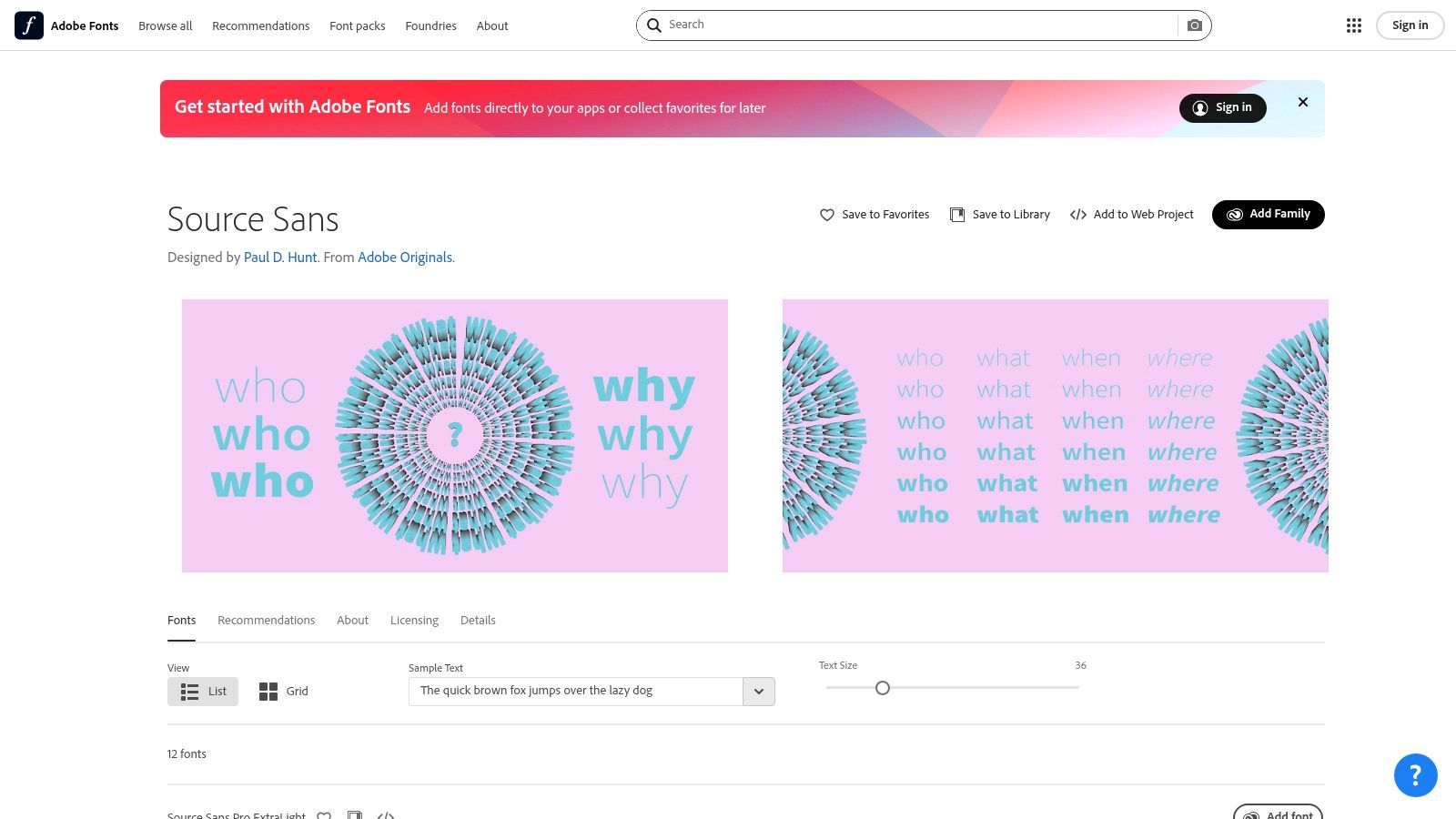
Disponibile gratuitamente sotto la SIL Open Font License, Source Sans 3 può essere facilmente scaricato da Adobe Fonts o Google Fonts. Ciò semplifica l'incorporazione sui siti web e l'inclusione nelle applicazioni senza preoccuparsi dei costi di licenza. La sua integrazione senza interruzioni nell'ecosistema Adobe Creative Cloud (Premiere Pro, After Effects) significa anche che gli editor video possono utilizzarlo senza passaggi di installazione aggiuntivi, garantendo la coerenza dei font dalla progettazione al rendering finale.
Perché Funziona per i Sottotitoli
Il vantaggio principale di Source Sans 3 è il suo aspetto neutro ma professionale. I suoi caratteri sono chiaramente distinguibili, con ampio spazio che impedisce alle lettere di sfocarsi insieme a dimensioni ridotte. La famiglia di font è estesa, fornendo un'ampia gamma di pesi e uno stile corsivo che consente una chiara differenziazione tra oratori, dialoghi fuori campo o parole enfatizzate senza dover passare a un tipo di carattere diverso.
Concetto Chiave: Source Sans 3 offre affidabilità e prevedibilità. Le sue metriche mature garantiscono un wrapping di riga e uno spazio tra i caratteri coerenti, il che è fondamentale per il testo temporizzato in cui ogni millisecondo conta.
Implementazione e Dimensionamento
La famiglia completa di pesi di Source Sans 3 offre ai creatori un controllo preciso sull'aspetto dei sottotitoli. L'uso di un peso regolare per il dialogo standard e di un peso più audace per le righe importanti aiuta a guidare efficacemente l'attenzione dello spettatore. Anche il suo formato font variabile consente regolazioni fluide, offrendo un controllo infinito tra i pesi per stili di sottotitoli personalizzati.
| Caso d'uso | Peso Raccomandato | Dimensione Ideale (Relativa a 1080p) | Note |
|---|---|---|---|
| Dialogo Standard | Regular (400) | 46-54px | Un default pulito e altamente leggibile. |
| Enfasi/Termini Chiave | Semibold (600) | 50-58px | Fornisce una chiara enfasi senza essere opprimente. |
| Narrazione/Fuori Campo | Regular Italic | 46-54px | Separa efficacemente il testo del narratore dal dialogo su schermo. |
Dopo aver generato i sottotitoli in uno strumento come Transcript.LOL, è possibile esportare il file SRT o VTT e applicare Source Sans 3 nel software di editing. Poiché è un font standard web, specificarlo nel CSS per un lettore video HTML5 è semplice e affidabile. Sebbene il suo supporto per latino, greco e cirillico sia eccellente, potrebbe essere necessario abbinarlo ad altri font per progetti multilingue completi che coinvolgono CJK o altri script.
Sito Web: https://fonts.adobe.com/fonts/source-sans
4. Roboto (Google)
Roboto è una famiglia di caratteri tipografici sans-serif neo-grotteschi sviluppata da Google come font di sistema per il suo sistema operativo Android. Il suo design presenta curve amichevoli e aperte, creando un ritmo di lettura naturale meno rigido di molti dei suoi predecessori. Poiché è stato progettato per schermi mobili ad alta risoluzione, il suo obiettivo principale è la chiarezza e la lettura confortevole, rendendolo una scelta incredibilmente affidabile e sicura per i sottotitoli.
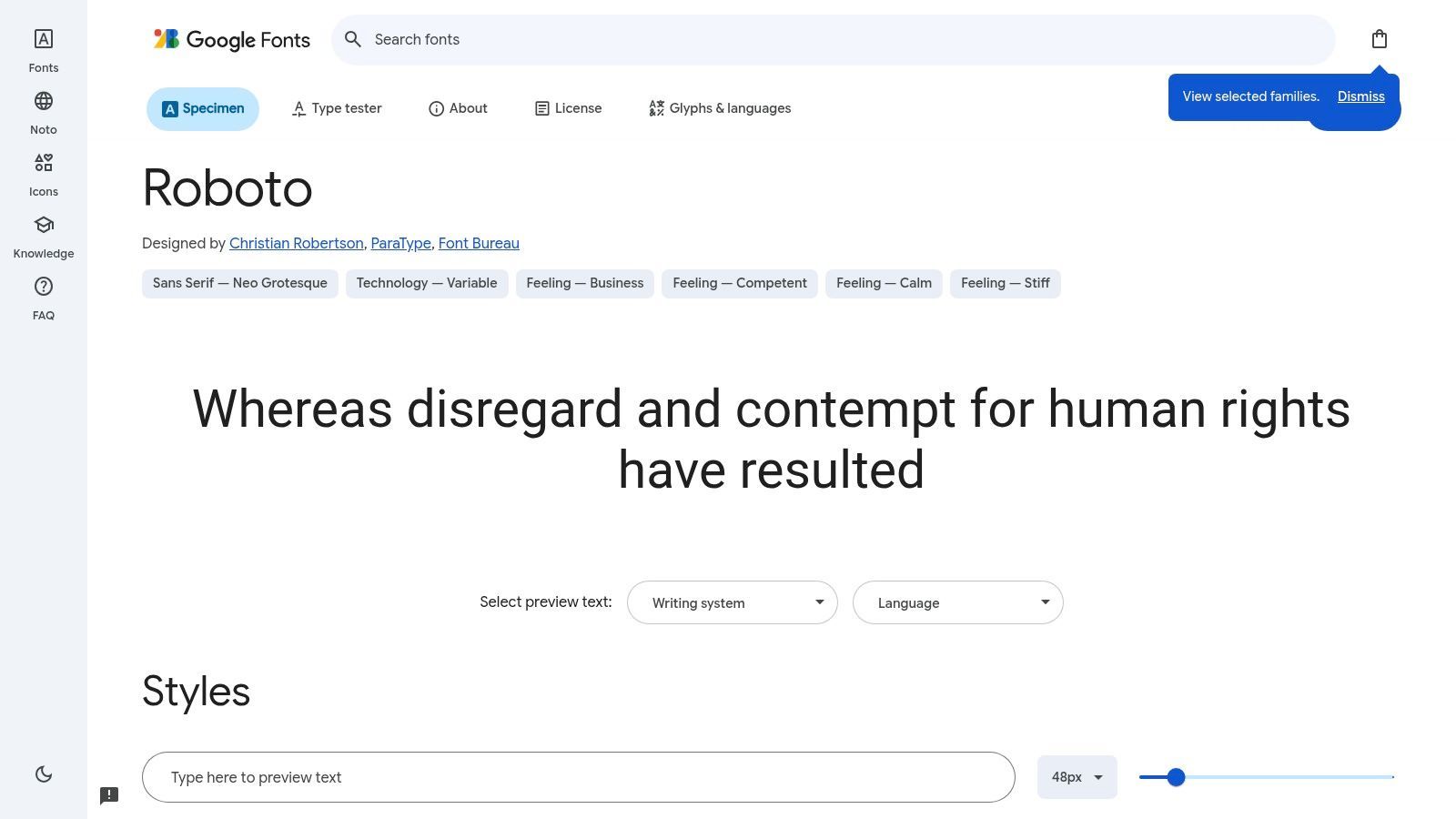
Disponibile gratuitamente su Google Fonts sotto la licenza Apache, Roboto è un "workhorse" che può essere utilizzato senza restrizioni in qualsiasi progetto. La sua estrema popolarità sul web e su Android significa che è probabilmente già installato sul dispositivo di un utente, riducendo significativamente la possibilità che i tuoi sottotitoli vengano visualizzati con un font di sistema meno leggibile. Questa ubiquità garantisce un'esperienza visiva coerente, specialmente per i contenuti distribuiti su YouTube o incorporati nei siti web.
Perché Funziona per i Sottotitoli
Roboto bilancia forme meccaniche e geometriche con curve amichevoli e umaniste. Questa duplice natura gli consente di essere neutro e discreto, pur mantenendo un'eccellente leggibilità. Le forme delle lettere sono ben spaziate e sufficientemente distinte da evitare l'affollamento, anche con un tratto di sfondo o un'ombra applicati. Per i creatori di video che si rivolgono a un vasto pubblico su dispositivi mobili, Roboto offre un aspetto e una sensazione nativi che si integrano perfettamente.
Concetto Chiave: La forza di Roboto è la sua familiarità. Gli spettatori sono così abituati a vederlo sui loro telefoni e nelle app Google che diventa quasi invisibile, permettendo loro di concentrarsi interamente sul contenuto del dialogo.
Implementazione e Dimensionamento
L'ampia famiglia di Roboto, comprese le varianti Regular, Condensed e Mono, offre flessibilità. Per i sottotitoli standard, la larghezza regolare è ideale. Le sue forme chiare e robuste reggono bene a vari pesi, fornendo un buon contrasto rispetto a sfondi video complessi senza dover essere eccessivamente audaci.
| Caso d'uso | Peso Raccomandato | Dimensione Ideale (Relativa a 1080p) | Note |
|---|---|---|---|
| Dialogo Standard | Regular (400) | 46-54px | Un ottimo default che appare nativo sulla maggior parte degli schermi. |
| Enfasi/Urla | Medium (500) | 50-58px | Fornisce un'enfasi notevole senza essere opprimente. |
| Sussurri/Appunti | Light (300) | 42-48px | Abbina a corsivo per mantenere la chiarezza. |
Dopo aver generato il file dei sottotitoli con un servizio di trascrizione, puoi impostare Roboto nell'editor video o definirlo nel CSS del lettore web. Un vantaggio chiave è abbinarlo alla famiglia di font Noto di Google per un supporto linguistico completo oltre ai suoi script latini, greci e cirillici nativi. L'uso dei giusti strumenti di trascrizione video e audio può aiutarti a esportare rapidamente file SRT o VTT, che sono quindi pronti per lo styling nell'editor scelto.
Sito Web: https://fonts.google.com/specimen/Roboto
5. Open Sans (Steve Matteson)
Open Sans è un tipo di carattere tipografico sans-serif umanista commissionato da Google e progettato da Steve Matteson. Le sue forme aperte, le ampie aperture e l'elevata altezza x sono state specificamente progettate per un'eccellente leggibilità su schermi di tutte le dimensioni, dai grandi monitor ai piccoli dispositivi mobili. Questa attenzione alla chiarezza digitale lo rende un candidato altamente affidabile e popolare per il miglior font per sottotitoli, garantendo che il tuo testo sia leggibile e amichevole.
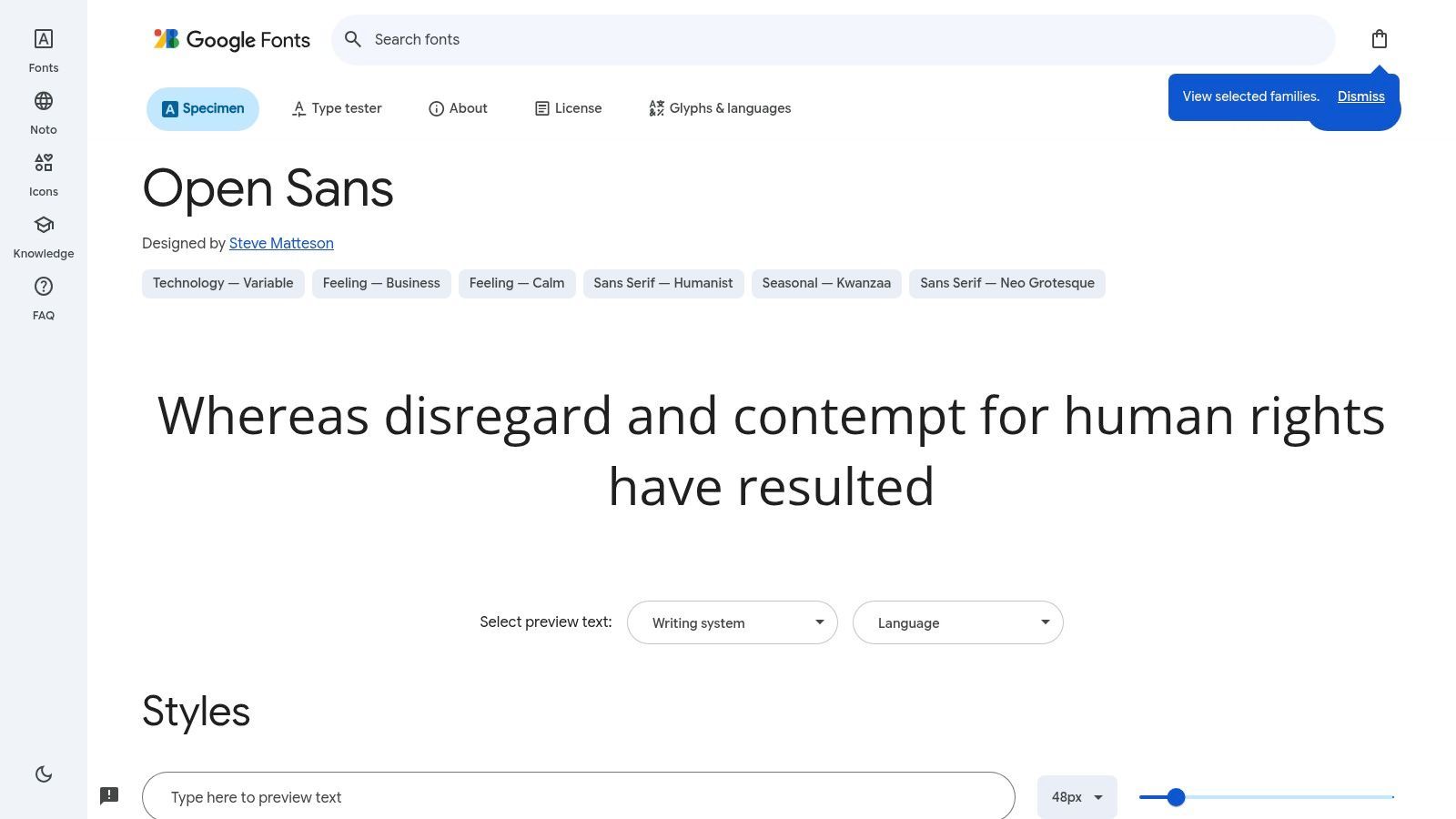
Essendo un Google Font di punta, Open Sans è completamente gratuito sotto la licenza Apache 2.0. La sua ampia disponibilità sul web significa che i sottotitoli stilizzati con esso probabilmente verranno visualizzati correttamente per la stragrande maggioranza degli spettatori senza la necessità di incorporare il file del font. Questa ampia adozione fornisce un'esperienza visiva coerente su diverse piattaforme e browser, riducendo le sostituzioni di font inaspettate.
Perché Funziona per i Sottotitoli
Il punto di forza principale di Open Sans è la sua "neutralità amichevole". Presenta le informazioni in modo chiaro senza imporre una forte personalità, permettendo al contenuto video di rimanere il focus principale. I caratteri sono ben distinti e l'ampio spazio impedisce alle lettere di sfocarsi, il che è fondamentale per dialoghi veloci. Le sue prestazioni comprovate su miliardi di pagine web danno ai creatori fiducia nella sua leggibilità.
Concetto Chiave: Open Sans offre un'esperienza di lettura sicura, accessibile e familiare. La sua ubiquità è una caratteristica, non un difetto, poiché riduce il carico cognitivo per gli spettatori che sono già abituati a vederlo online.
Implementazione e Dimensionamento
Open Sans è disponibile come font variabile, offrendo un controllo granulare su peso e larghezza. Questa flessibilità è ottima per adattare i sottotitoli alle linee guida del marchio o per aggiungere un'enfasi sottile senza la necessità di più file di font. Un peso leggermente più audace può spesso migliorare la leggibilità rispetto a sfondi video complessi.
| Caso d'uso | Peso Raccomandato | Dimensione Ideale (Relativa a 1080p) | Note |
|---|---|---|---|
| Dialogo Standard | Regular (400) | 50-58px | Le sue forme aperte funzionano bene a questa dimensione. |
| Enfasi/Urla | SemiBold (600) | 54-62px | Fornisce una chiara enfasi senza essere opprimente. |
| Sussurri/Appunti | Light (300) | 44-50px | Abbina a corsivo per una sottile differenziazione. |
Dopo aver creato i sottotitoli in uno strumento come Transcript.LOL ed esportato il file SRT/VTT, puoi facilmente applicare Open Sans. Negli editor video, è quasi sempre disponibile come font di sistema o può essere rapidamente installato. Per i lettori video basati sul web, puoi richiamarlo direttamente dall'API di Google Fonts utilizzando una semplice importazione CSS, rendendo l'implementazione semplice. Il suo ampio set di caratteri include script latini, greci, cirillici ed ebraici.
Sito Web: https://fonts.google.com/specimen/Open+Sans
6. Verdana (Matthew Carter, Microsoft)
Verdana è un classico tipo di carattere tipografico sans-serif umanista progettato dal leggendario Matthew Carter per Microsoft. È stato progettato fin dall'inizio per un unico scopo: essere eccezionalmente leggibile su schermi di computer a bassa risoluzione. La sua generosa larghezza, l'ampio spazio tra i caratteri e l'elevata altezza x sono state soluzioni innovative ai problemi di chiarezza su schermo negli anni '90, e queste stesse qualità lo rendono un font altamente affidabile per i sottotitoli, specialmente su dispositivi più vecchi.
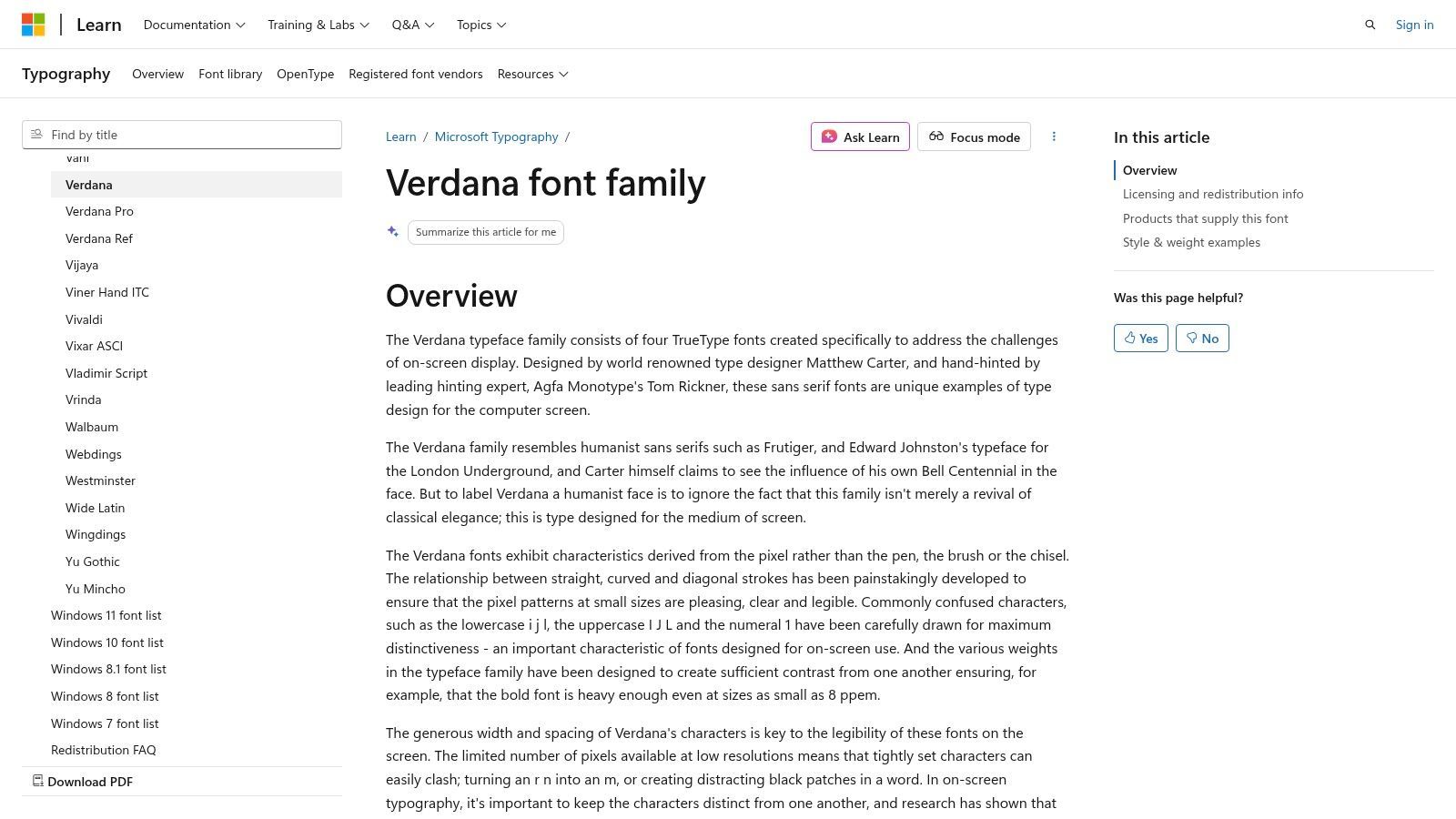
Essendo un font incluso in Microsoft Windows e Office, Verdana è ampiamente disponibile ma presenta alcune restrizioni di licenza commerciale sulla ridistribuzione. Sebbene di solito sia possibile utilizzarlo per contenuti video senza problemi, incorporarlo in un'applicazione web o in un dispositivo potrebbe richiedere una licenza specifica. La sua ubiquità negli ambienti aziendali, tuttavia, lo rende una scelta sicura e familiare per video di formazione interna o presentazioni in cui la coerenza tra le macchine Windows è fondamentale.
Perché Funziona per i Sottotitoli
Il punto di forza principale di Verdana è la sua resistenza all'ambiguità. Le forme delle lettere sono state disegnate per essere il più distinte possibile, anche a dimensioni ridotte. Ad esempio, la 'I' maiuscola, la 'l' minuscola e il numero '1' sono tutti facilmente distinguibili, prevenendo interpretazioni errate durante dialoghi veloci. Questa precisione "hand-hinted" garantisce che i caratteri rimangano nitidi ed evitino la sfocatura, una caratteristica fondamentale per mantenere la leggibilità rispetto a sfondi video complessi.
Concetto Chiave: Verdana è il font di riserva definitivo. Quando non puoi controllare il dispositivo o la qualità del display dello spettatore, il suo design ampio e chiaro fornisce una rete di sicurezza, garantendo che i tuoi sottotitoli rimangano leggibili in condizioni non ideali.
Implementazione e Dimensionamento
La semplicità di Verdana è il suo pregio. Non offre i pesi estesi di un moderno font variabile, quindi l'implementazione si concentra sui suoi stili regolari e bold di base. Il suo generoso spazio integrato significa che raramente è necessario aggiungere ulteriore tracking. Quando crei sottotitoli, ricorda che i suoi caratteri larghi occupano più spazio orizzontale rispetto a un font condensato come Arial.
| Caso d'uso | Peso Raccomandato | Dimensione Ideale (Relativa a 1080p) | Note |
|---|---|---|---|
| Dialogo Standard | Regular | 50-58px | La sua larghezza naturale lo rende chiaro a questa dimensione. |
| Enfasi/Urla | Bold | 54-62px | Fornisce un forte contrasto senza perdere chiarezza. |
| Display Legacy | Regular | 46-52px | Eccelle dove altri font potrebbero sfocarsi o pixelarsi. |
Quando utilizzi uno strumento come Transcript.LOL per generare i tuoi file SRT o VTT, puoi facilmente applicare Verdana nel tuo software di editing video. Poiché è un font di sistema su quasi tutte le macchine Windows e macOS, puoi essere certo che verrà visualizzato correttamente per una vasta parte del tuo pubblico. Se hai domande sui formati di file, puoi trovare risposte sulle differenze tra VTT e SRT nelle nostre FAQ.
Sito Web: https://learn.microsoft.com/en-us/typography/font-list/verdana
7. Atkinson Hyperlegible (Braille Institute)
Atkinson Hyperlegible è un tipo di carattere tipografico sans-serif progettato dal Braille Institute con un unico obiettivo: massimizzare la leggibilità per i lettori ipovedenti. Ogni carattere è stato intenzionalmente disegnato per essere il più distinto possibile, riducendo drasticamente la confusione comune tra lettere come 'I', 'l' e '1'. Questo approccio "accessibilità prima di tutto" lo rende una scelta eccezionale e compassionevole per i sottotitoli, garantendo chiarezza per il pubblico più ampio possibile.
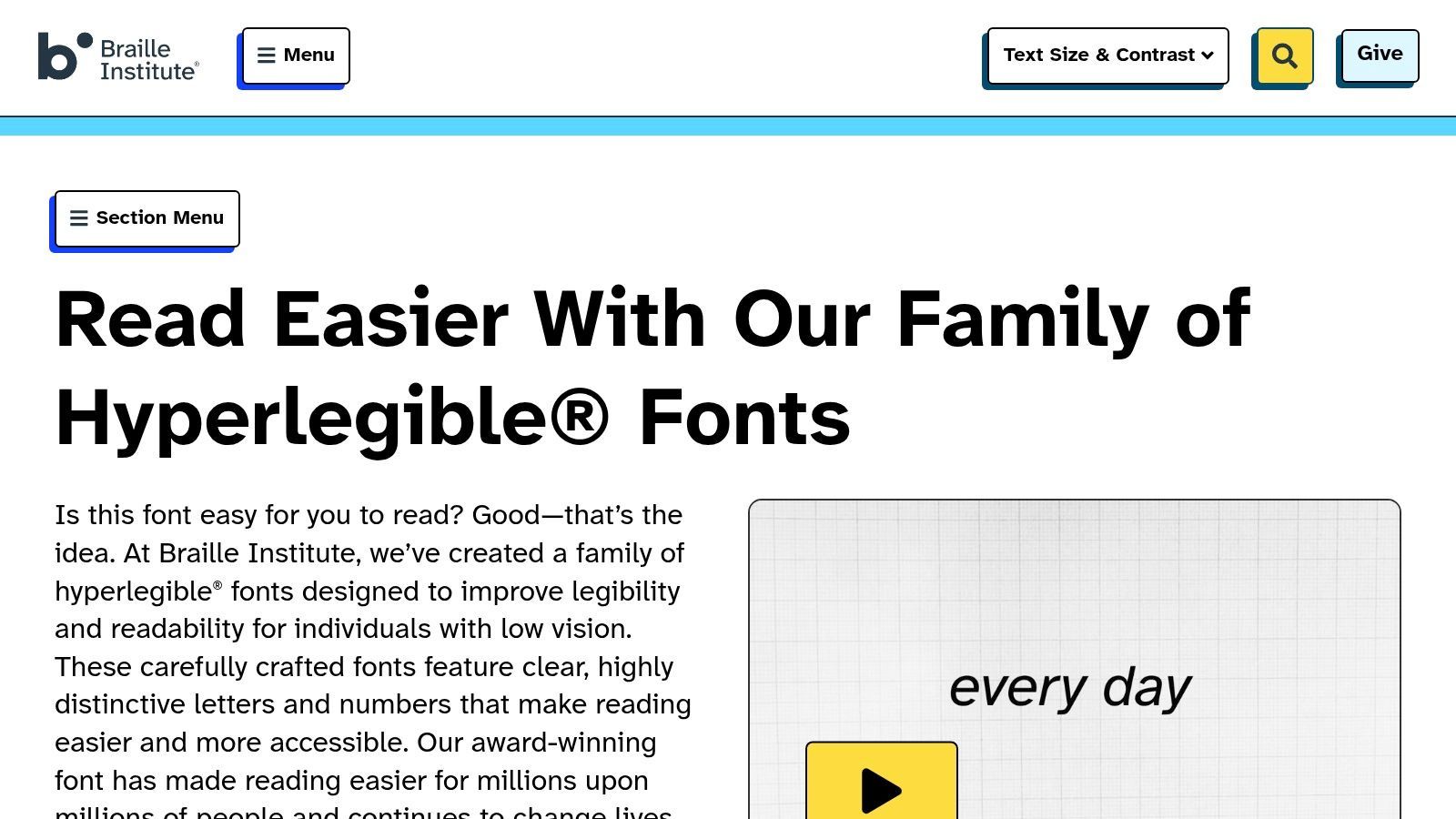
Essendo un font gratuito e open-source sotto la SIL Open Font License, Atkinson Hyperlegible è disponibile per qualsiasi progetto personale o commerciale senza costi. Il Braille Institute lo mantiene attivamente, con la versione 2025 "Next" che espande le sue opzioni di peso, aggiungendo preziosa flessibilità di styling per i sottotitoli. Questo font è un forte segnale che i tuoi contenuti danno priorità all'accessibilità, rendendolo ideale per video educativi, sanitari o governativi.
Perché Funziona per i Sottotitoli
La forza del font deriva dal suo design appositamente creato. A differenza dei tipi di carattere adattati per la leggibilità, Atkinson Hyperlegible è nato da essa. Le sue forme delle lettere inequivocabili, lo spazio generoso e le chiare distinzioni dei tratti assicurano che il testo rimanga leggibile anche in condizioni difficili, come su piccoli schermi mobili, display a bassa risoluzione o per spettatori con disabilità visive. Le sue forme dei caratteri leggermente più assertive risaltano rispetto a sfondi video complessi.
Concetto Chiave: Atkinson Hyperlegible non è solo una scelta di font; è una dichiarazione di accessibilità. Dà priorità alle esigenze degli spettatori ipovedenti senza compromettere la qualità estetica per tutti gli altri.
Implementazione e Dimensionamento
I pesi ampliati nella versione "Next" sono fondamentali per lo styling dei sottotitoli. L'uso di un peso più audace per l'enfasi è ora molto più efficace. Quando sei pronto per aggiungere didascalie al tuo video, puoi preparare il testo con uno strumento come Transcript.LOL, che semplifica il processo di creazione ed esportazione dei file di sottotitoli. Puoi trovare istruzioni dettagliate sui formati di esportazione supportati nella documentazione ufficiale.
| Caso d'uso | Peso Raccomandato | Dimensione Ideale (Relativa a 1080p) | Note |
|---|---|---|---|
| Dialogo Standard | Regular | 50-58px | La sua chiarezza intrinseca consente una solida presenza. |
| Enfasi/Urla | Bold | 54-62px | Fornisce una chiara distinzione senza diventare squadrato. |
| Sussurri/Appunti | Regular | 44-50px | Abbina a corsivo per una sottile differenziazione. |
Per applicare il font, specificherai Atkinson Hyperlegible all'interno del tuo software di editing video o tramite CSS per un lettore video basato sul web. Sebbene fornisca un forte supporto per gli script latini, ricorda di abbinarlo a un font complementare se il tuo progetto richiede set di caratteri CJK o non latini.
Sito Web: https://www.brailleinstitute.org/freefont/
Top 7 Font per Sottotitoli — Confronto
| Tipo di carattere | Complessità di implementazione 🔄 | Requisiti di risorse ⚡ | Risultati attesi 📊⭐ | Casi d'uso ideali 💡 | Vantaggi chiave ⭐ |
|---|---|---|---|---|---|
| Inter (Rasmus Andersson) | Bassa — facile da auto-ospitare; gli assi variabili richiedono renderer moderni | Moderata — font variabile con ~2.000 glifi; incentrato sul latino (necessita di complementari per CJK) | Rendering nitido di testo piccolo; default affidabile per sottotitoli | Sottotitoli web e mobili per script latini; didascalie UI | Hinting ottimizzato per schermo; peso/inclinazione variabili; open-source |
| Noto Sans (Google) | Media — richiede la selezione/abbinamento di sottofamiglie appropriate (es. CJK) | Alta — vasta copertura di script; si consiglia il subsetting per il web ⚡ | Didascalie cross-lingua coerenti tra script | Sottotitoli multilingue/broadcast inclusi CJK e pipeline globali | Copre quasi tutti gli script; attivamente mantenuto; gratuito |
| Source Sans 3 (Adobe) | Bassa — incorporazione semplice; metriche prevedibili | Moderata — famiglia LGC completa con opzioni variabili | Wrapping e timing prevedibili; buona leggibilità a dimensioni di sottotitoli | UI/sottotitoli per latino/greco/cirillico; ecosistemi Adobe/Google Fonts | Metriche mature; hinting affidabile; open-source |
| Roboto (Google) | Bassa — ubiquo su Android/Chrome; semplice da distribuire | Moderata — più varianti (Flex, Condensed, ecc.); abbinare per non-LGC | Rendering coerente su Android/web; solida leggibilità a piccole dimensioni | App Android-first e sottotitoli mobili/web | Estremamente comune (riduce i fallback); buona chiarezza a piccole dimensioni |
| Open Sans (Steve Matteson) | Bassa — facile da auto-ospitare o servire tramite CDN | Moderata — font variabile disponibile; ampia supporto LGC | Didascalie neutre e altamente leggibili che si fondono con il contenuto | Sottotitoli web che necessitano di neutralità e ampia compatibilità | Leggibilità comprovata; ampio supporto ecosistemico; gratuito |
| Verdana (Matthew Carter) | Bassa su Windows; la ridistribuzione potrebbe essere limitata per uso in bundle | Bassa — progettato per renderer legacy/a bassa risoluzione; famiglia compatta | Eccellente leggibilità su lettori a bassa risoluzione o legacy | Fallback su dispositivi/lettori datati; situazioni che richiedono la massima distinzione dei glifi | Progettato per piccole dimensioni; ampio spazio riduce la confusione dei caratteri |
| Atkinson Hyperlegible (Braille Institute) | Bassa — facile da incorporare; distinte considerazioni di design per il branding | Bassa-Moderata — più pesi (Next, Mono) ma non enormi | Massimizzata differenziazione dei caratteri per spettatori ipovedenti | Didascalie critiche per l'accessibilità (sanità, istruzione, governo) | Forme delle lettere "accessibilità prima di tutto"; forte differenziazione; gratuito |
Dalla Scelta del Font al Montaggio Finale: Semplificare il Flusso di Lavoro dei Sottotitoli
La scelta del miglior font per i sottotitoli è una decisione di design critica che influisce direttamente sull'esperienza del pubblico. In questa guida, abbiamo esplorato una selezione curata di tipi di carattere, dalla chiarezza moderna di Inter e Roboto all'incomparabile accessibilità di Atkinson Hyperlegible. Ogni font offre un insieme distinto di vantaggi, sia che tu dia priorità al supporto linguistico globale con Noto Sans o alla classica leggibilità su schermo con Verdana.
Il tema centrale è chiaro: un ottimo font per sottotitoli deve essere leggibile, neutro e versatile. Dovrebbe servire il contenuto senza distrarre da esso. Fattori come un'altezza x generosa, contatori aperti e una chiara differenziazione tra caratteri simili (come 'I', 'l' e '1') non sono solo dettagli tipografici; sono le fondamenta della comunicazione accessibile. La tua scelta finale dipenderà dal tuo pubblico specifico, dalle piattaforme che utilizzi e dall'estetica del tuo marchio.
Concetti Chiave per il Tuo Prossimo Progetto
Per mettere in pratica queste conoscenze, ricorda questi principi fondamentali:
- Dai Priorità alla Leggibilità Sopra Ogni Cosa: Lo stile è secondario. Se gli spettatori hanno difficoltà a leggere il testo, il font ha fallito. Testa il font scelto su varie dimensioni dello schermo e dispositivi prima di impegnarti.
- Considera il Contesto: Un font che funziona per un documentario cinematografico su YouTube potrebbe non essere la scelta migliore per un clip veloce su TikTok. Abbina la personalità del font al tono del video e all'ambiente di visione.
- L'Accessibilità è Non Negoziabile: Font come Atkinson Hyperlegible sono appositamente progettati per spettatori ipovedenti, ma principi come un buon contrasto e forme semplici avvantaggiano tutti. Integrare l'accessibilità nel tuo flusso di lavoro fin dall'inizio amplia la tua portata e crea un'esperienza più inclusiva.
Dalla Selezione all'Implementazione
Una volta scelto il font perfetto, il passo successivo è creare il file dei sottotitoli effettivo. Questa è spesso la parte più dispendiosa in termini di tempo del processo, che coinvolge la trascrizione manuale e la temporizzazione precisa. Tuttavia, è qui che gli strumenti moderni possono cambiare completamente il tuo flusso di lavoro. Invece di passare ore a digitare e sincronizzare il testo, puoi automatizzare il lavoro pesante.
Manual Captioning Wastes Time
Hand-typing subtitles is slow, error-prone, and difficult to maintain at scale. Even small timing mistakes can quickly add up, disrupting the viewing experience and frustrating your audience. Automation isn’t just faster, it also ensures greater reliability, consistency, and efficiency across all your content.
An efficient process involves generating an accurate transcript with timestamps first, then applying your chosen font during the video editing stage. This separation of tasks ensures both speed and quality. By using a dedicated transcription service, you can get a near-perfect SRT or VTT file in minutes, freeing you to focus on the creative aspects of your video, like finalizing font size, color, and placement to ensure your subtitles are as professional and readable as possible.
Features for Professional Subtitles

Rilevamento dei parlanti
Identifica automaticamente diversi parlanti nelle tue registrazioni e etichettali con i loro nomi.

Strumenti di modifica
Modifica le trascrizioni con strumenti potenti tra cui trova e sostituisci, assegnazione dei parlanti, formati di testo arricchito ed evidenziazione.
Riassunti e Chatbot
Genera riassunti e altri approfondimenti dalla tua trascrizione, prompt personalizzati riutilizzabili e chatbot per i tuoi contenuti.
Ready to stop manually transcribing and start creating perfect subtitles faster? Transcript.LOL generates highly accurate, time-stamped transcripts and SRT/VTT files from your video or audio in minutes. Upload your content and see how simple it is to get your captioning workflow started at Transcript.LOL.