
Social Media Content Creation Tools: 12 Best Editors & Sc...
Discover the top social media content creation tools for 2026, from image/video editors and AI assistants to scheduling platforms that boost your workflow.
Praveen
February 6, 2026
In 2026, creating standout social media content is no longer about having one magic app. It's about building a smart, efficient tech stack that handles everything from the initial idea to the final post. The right combination of social media content creation tools can automate tedious tasks, unlock new creative possibilities, and give you back hours to focus on strategy and growth. But with countless options available, from AI video generators to all-in-one design suites, how do you choose the right ones for your specific workflow?
Why Your Tool Stack Matters?
Choosing random apps leads to messy workflows and wasted time. A smart stack connects tools together so content flows smoothly from idea to publish. The right combination saves hours every week and improves output quality.
Dieser Leitfaden durchschneidet den Lärm. Wir haben eine definitive, kategorisierte Liste der 12 besten Tools zur Erstellung von Social-Media-Inhalten zusammengestellt, die echte Probleme für Content-Ersteller und Vermarkter von heute lösen. Wir gehen über traditionelle Editoren hinaus und betrachten sogar, wie spezialisierte Tools wie ein KI-Meme-Generator die Erstellung von hochgradig teilbaren Inhalten für soziale Medien optimieren können.
Anstelle von generischen Funktionslisten finden Sie eine praktische Aufschlüsselung jeder Plattform. Für jedes Tool bieten wir eine klare Analyse, die Folgendes abdeckt:
- Am besten geeignet für: Der ideale Benutzer, von Solo-Podcastern bis hin zu Corporate-Marketingteams.
- Vorteile & Nachteile: Eine ehrliche Einschätzung von Stärken und Einschränkungen, basierend auf realer Nutzung.
- Preise: Eine Momentaufnahme von kostenlosen und kostenpflichtigen Tarifen, die Ihnen bei der effektiven Budgetierung helfen.
- Kernfunktion: Das Hauptproblem, das jedes Tool lösen soll.
Ob Sie lange Videos in Dutzende von Clips umwandeln, professionelle Grafiken in wenigen Minuten erstellen oder einen Monat voller Inhalte mit KI-Unterstützung planen möchten, diese Ressource hilft Ihnen, das perfekte Toolkit aufzubauen. Unser Ziel ist es, Sie zu befähigen, eine fundierte Entscheidung zu treffen, die besten Plattformen für Ihre Bedürfnisse zu finden und ein System zur Erstellung von Inhalten aufzubauen, das Zeit spart und aussagekräftige Ergebnisse erzielt. Jede Option enthält Screenshots und direkte Links, damit Sie sofort loslegen können.
1. Transcript.LOL
Transcript.LOL positioniert sich als Kraftpaket im Bereich der KI-Transkription und ist damit ein unverzichtbares Werkzeug unter den Tools zur Erstellung von Social-Media-Inhalten. Es geht über die einfache Sprach-zu-Text-Konvertierung hinaus und bietet einen umfassenden End-to-End-Workflow, der für Content-Ersteller und Teams entwickelt wurde, die Audio und Video mit minimalem Aufwand in hochwertige, umsetzbare Inhalte umwandeln müssen. Seine Grundlage, die auf OpenAIs Whisper-Engine basiert und mit Unterstützung für benutzerdefinierte Vokabulare erweitert wurde, gewährleistet außergewöhnliche Genauigkeit und Geschwindigkeit, selbst bei komplexen oder Nischenbegriffen.
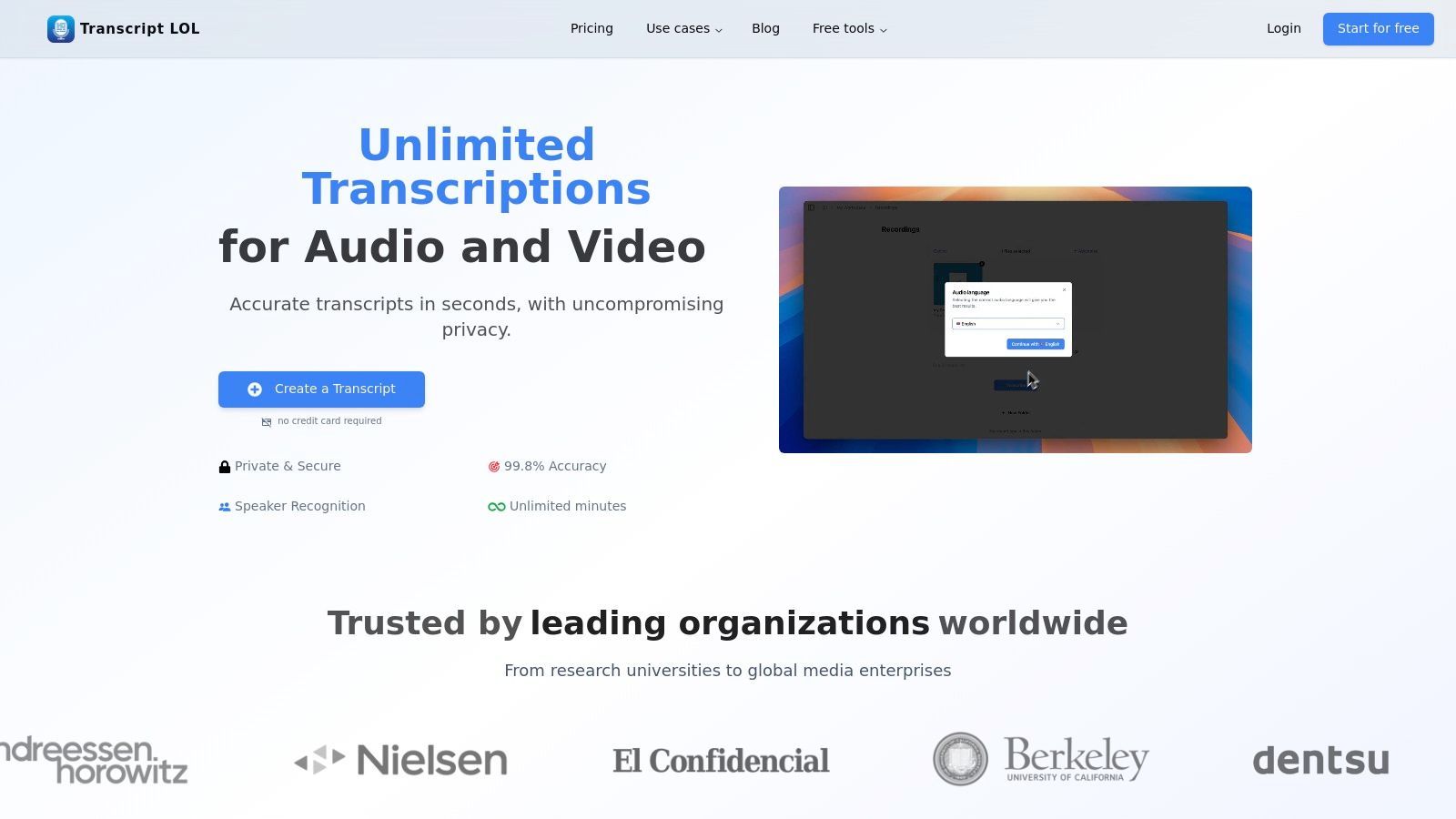
Die Plattform zeichnet sich dadurch aus, dass sie die Inhaltserstellung direkt in den Transkriptionsprozess integriert. Nach Erhalt eines sauberen, zeitgestempelten Transkripts mit genauen Sprecherkennzeichnungen können Benutzer sofort integrierte KI-Tools nutzen. Dies ermöglicht die sofortige Erstellung von Zusammenfassungen, wichtigen Aktionspunkten, Mindmaps und – am wichtigsten für Social-Media-Manager – von veröffentlichungsfertigen Blogbeiträgen und Social-Media-Inhalten. Allein diese Funktion reduziert drastisch die Zeit, die benötigt wird, um eine einzelne Podcast-Episode oder ein Video in eine plattformübergreifende Content-Kampagne umzuwandeln.
🚀 Core Workflow Features
Modernste KI
Angetrieben von OpenAIs Whisper für branchenführende Genauigkeit. Unterstützung für benutzerdefinierte Vokabulare, bis zu 10 Stunden lange Dateien und ultraschnelle Ergebnisse.

Aus mehreren Quellen importieren
Importiere Audio- und Videodateien aus verschiedenen Quellen, einschließlich direktem Upload, Google Drive, Dropbox, URLs, Zoom und mehr.

In mehreren Formaten exportieren
Exportiere deine Transkripte in mehreren Formaten, einschließlich TXT, DOCX, PDF, SRT und VTT mit anpassbaren Formatierungsoptionen.
Hauptmerkmale und Workflow
- Massenhafte & flexible Importe: Unterstützt den Upload großer Dateien (bis zu 10 Stunden / 5 GB) und integriert sich nahtlos mit Google Drive, Dropbox, Zoom und direkten URL-Importen, was den ersten Schritt jedes Content-Workflows optimiert.
- KI-gestützte Content-Wiederverwendung: Generieren Sie sofort Social-Media-Posts, Blog-Entwürfe, Chatbot-Prompts, Quizze oder Kapitelzusammenfassungen direkt aus der Transkriptionsschnittstelle.
- Umfangreiche Bearbeitung & Export: Bietet einen Rich-Text-Editor für einfache Korrekturen, Sprecherzuweisungen und Hervorhebungen. Transkripte können in mehreren Formaten exportiert werden, darunter TXT, DOCX, PDF, SRT und VTT für Untertitel.
- Datenschutzorientiertes Design: Eine strikte "No-Training"-Richtlinie stellt sicher, dass Ihre Daten vertraulich bleiben und niemals zum Trainieren von KI-Modellen verwendet werden, ein kritischer Aspekt für Unternehmens- oder sensible Inhalte.
- Teamkollaboration: Gemeinsame Arbeitsbereiche, Ordner und Zugriffsverwaltungsfunktionen erleichtern die effiziente Zusammenarbeit für Content-Teams.
Am besten geeignet für: Podcaster, Video-Ersteller und Content-Marketing-Teams, die ihre Content-Produktion maximieren möchten, indem sie lange Audio- und Videoinhalte effizient in eine Vielzahl von Social-Media-Assets umwandeln.
Preise:
- Kostenlos: 2 Transkripte täglich (20-Minuten-Limit), niedrige Priorität bei der Verarbeitung.
- Unbegrenzt: 120 $/Jahr für unbegrenzte Transkripte, 10-Stunden-Uploads und hohe Priorität bei der Verarbeitung.
- Team: 240 $/Jahr für zwei Benutzer mit Kollaborationsfunktionen.
Weitere Einblicke in effektive Strategien zur Content-Wiederverwendung finden Sie in detaillierten Anleitungen im Transcript.LOL Blog.
✨ Productivity Features

Sprechererkennung
Identifiziere automatisch verschiedene Sprecher in deinen Aufnahmen und beschrifte sie mit ihren Namen.

Bearbeitungswerkzeuge
Bearbeite Transkripte mit leistungsstarken Werkzeugen wie Suchen und Ersetzen, Sprecherzuordnung, Rich-Text-Formate und Hervorhebungen.
Zusammenfassungen und Chatbot
Erstelle Zusammenfassungen und andere Erkenntnisse aus deinem Transkript, wiederverwendbare benutzerdefinierte Prompts und Chatbot für deine Inhalte.
| Vorteile | Nachteile |
|---|---|
| Branchenführende Genauigkeit und Geschwindigkeit. | Eingeschränkte kostenlose Stufe erfordert kostenpflichtigen Plan für intensive Nutzung. |
| Integrierte KI-Tools zur Inhaltserstellung. | Fehlen expliziter Enterprise-Compliance-Zertifizierungen wie HIPAA oder SOC 2. |
| Unterstützt sehr lange Dateien und mehrere Importquellen. | |
| Starke Datenschutzrichtlinie und Funktionen für die Teamzusammenarbeit. |
2. Canva
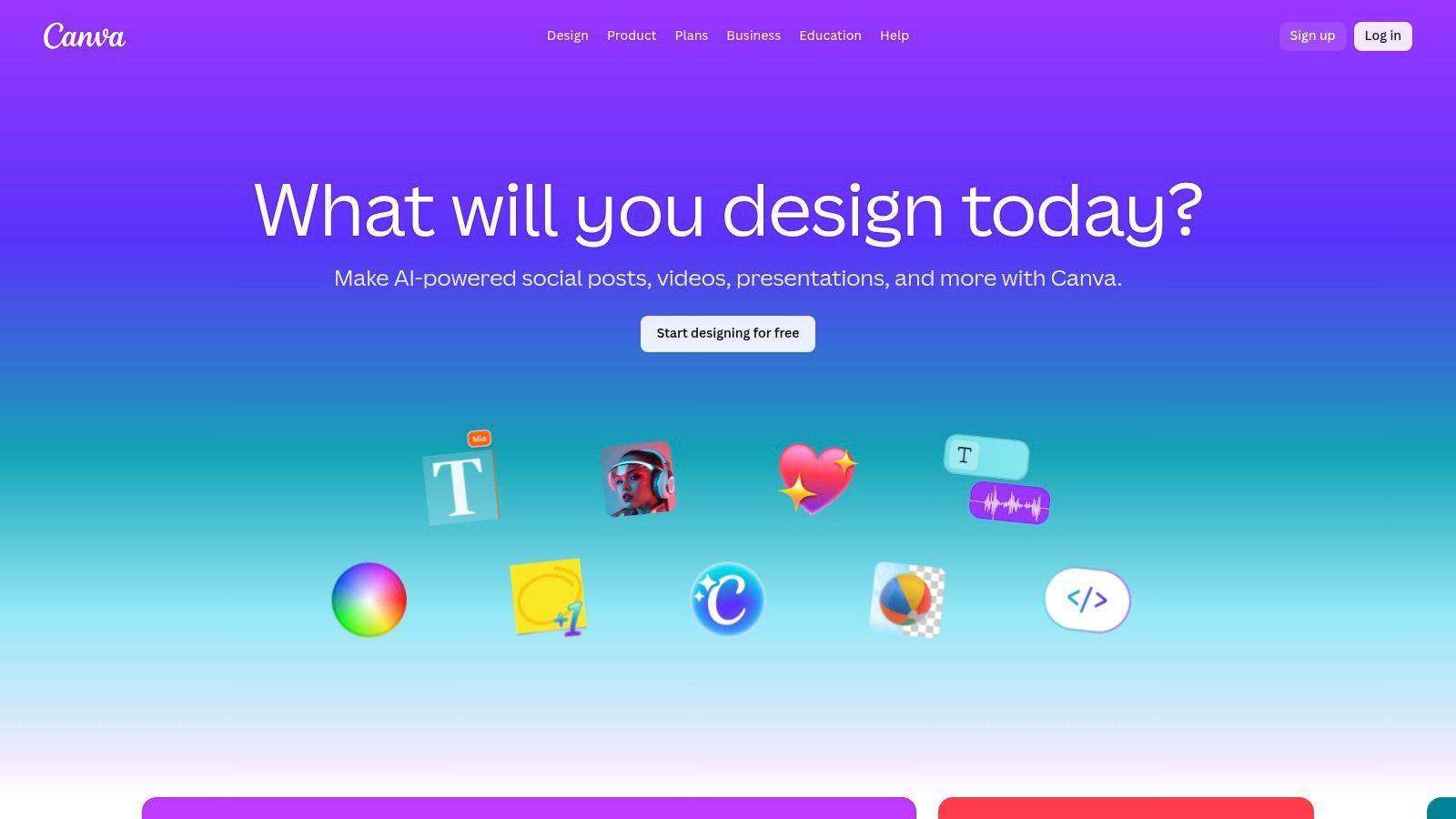
Canva hat sich zu einer unverzichtbaren Ressource für Social-Media-Manager und Content-Ersteller entwickelt und sich von einem einfachen Grafikdesign-Tool zu einer umfassenden Plattform für visuelle Kommunikation entwickelt. Seine Kernstärke liegt in seiner unglaublichen Zugänglichkeit; Benutzer ohne formale Designausbildung können in wenigen Minuten professionell aussehende Grafiken, Karussells und Kurzvideos erstellen, indem sie eine riesige Bibliothek anpassbarer Vorlagen verwenden. Dies macht es zu einem der vielseitigsten Tools zur Erstellung von Social-Media-Inhalten.
Für Teams ist die Brand Kit-Funktion von Canva ein Game-Changer, die sicherstellt, dass jedes von einem Teammitglied erstellte Asset mit den Markenrichtlinien übereinstimmt, einschließlich Logos, Farbpaletten und Schriftarten. Die jüngste Integration von "Magic Studio" bringt leistungsstarke KI-Funktionen wie Hintergrundentfernung, One-Click-Größenänderung für verschiedene Social-Media-Plattformen und sogar KI-gestützte Text- und Bilderstellung direkt in den Workflow. Dies beschleunigt den Erstellungsprozess vom ersten Konzept bis zum endgültigen Export erheblich.
Hauptmerkmale und Anwendungsfälle
- Am besten geeignet für: Schnelles Erstellen von markenkonformen Social-Media-Grafiken, Karussells, Präsentationen und Kurzvideoinhalten ohne umfangreiche Designkenntnisse.
- Vorteile: Extrem intuitive Drag-and-Drop-Oberfläche, riesiges Ökosystem an Vorlagen und Stock-Assets sowie hervorragende Kollaborationstools für Teams.
- Nachteile: Die Pro-Benutzer-Preisgestaltung für Teams kann für größere Organisationen kostspielig werden, und die starke Abhängigkeit von Premium-Stock-Elementen erfordert oft ein kostenpflichtiges Abonnement.
- Preise: Bietet einen robusten kostenlosen Plan. Canva Pro ist für Einzelpersonen verfügbar, während Canva for Teams pro Benutzer abgerechnet wird.
Website: https://www.canva.com
3. Adobe Express
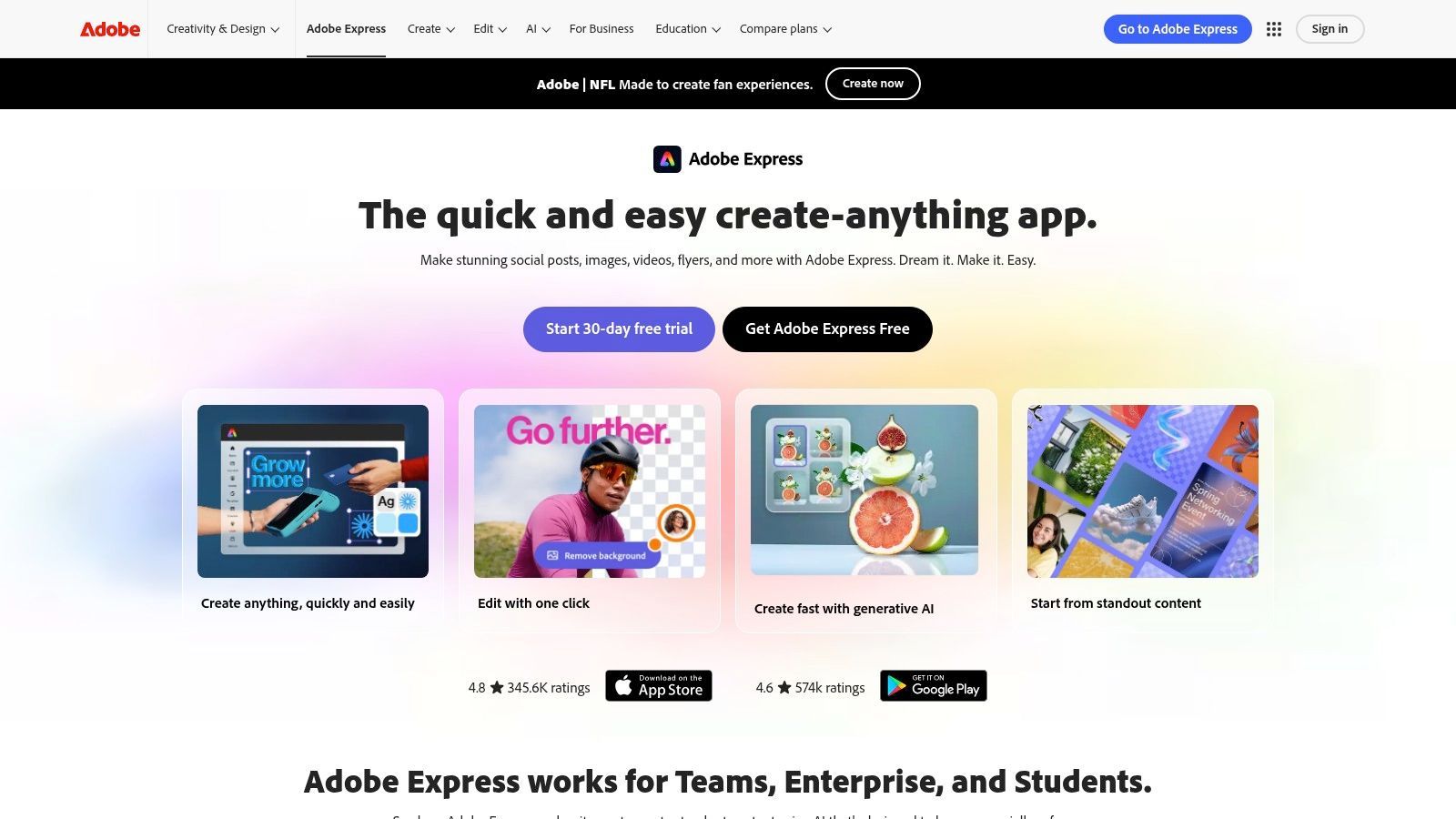
Adobe Express ist die leistungsstarke Antwort von Adobe auf die All-in-One-Inhaltserstellung und positioniert sich als direkter, robuster Konkurrent im Social-First-Designbereich. Es nutzt die Stärke des Adobe-Ökosystems und integriert Millionen von Adobe Stock-Assets und die beeindruckende generative KI Firefly direkt in eine zugängliche, webbasierte Plattform. Dies macht es zu einer idealen Wahl für Kreative und kleine Teams, die die professionelle Leistung von Adobe ohne die steile Lernkurve oder die Kosten der vollständigen Creative Cloud Suite wünschen.
Die Plattform zeichnet sich durch die Vereinheitlichung des Erstellungsprozesses von Anfang bis Ende aus. Benutzer können Bilder mit Firefly generieren, statische Beiträge oder Videogeschichten mit einer riesigen Bibliothek von Vorlagen entwerfen und die fertigen Inhalte dann direkt auf mehreren sozialen Netzwerken planen, ohne die App verlassen zu müssen. Dieser integrierte Workflow optimiert die Abläufe und macht es zu einem der effizientesten Tools zur Erstellung von Social-Media-Inhalten für die Verwaltung einer vollständigen Kampagne von einem einzigen Dashboard aus. Sein starker rechtlicher und kommerzieller Rahmen für KI-generierte Assets bietet auch Sicherheit für die geschäftliche Nutzung.
Hauptmerkmale und Anwendungsfälle
- Am besten geeignet für: Kleine Unternehmen und Content-Ersteller, die professionelle Design-, KI-Generierungs- und Planungs-Tools innerhalb einer einzigen, einheitlichen Plattform benötigen.
- Vorteile: Zugriff auf die hochwertige Adobe Stock-Bibliothek und Firefly AI, ein starker rechtlicher Rahmen für generierte Assets und eine reibungslose Übergabe an andere Adobe-Tools zur Skalierbarkeit.
- Nachteile: Monatliche generative KI-Credits sind begrenzt, und einige erweiterte Funktionen für Videobearbeitung und Markenverwaltung sind hinter dem Premium-Plan gesperrt.
- Preise: Ein umfassender kostenloser Plan ist verfügbar. Der Premium-Plan schaltet mehr Assets, Funktionen und höhere KI-Kreditlimits frei.
Website: https://www.adobe.com/express
4. CapCut (ByteDance)
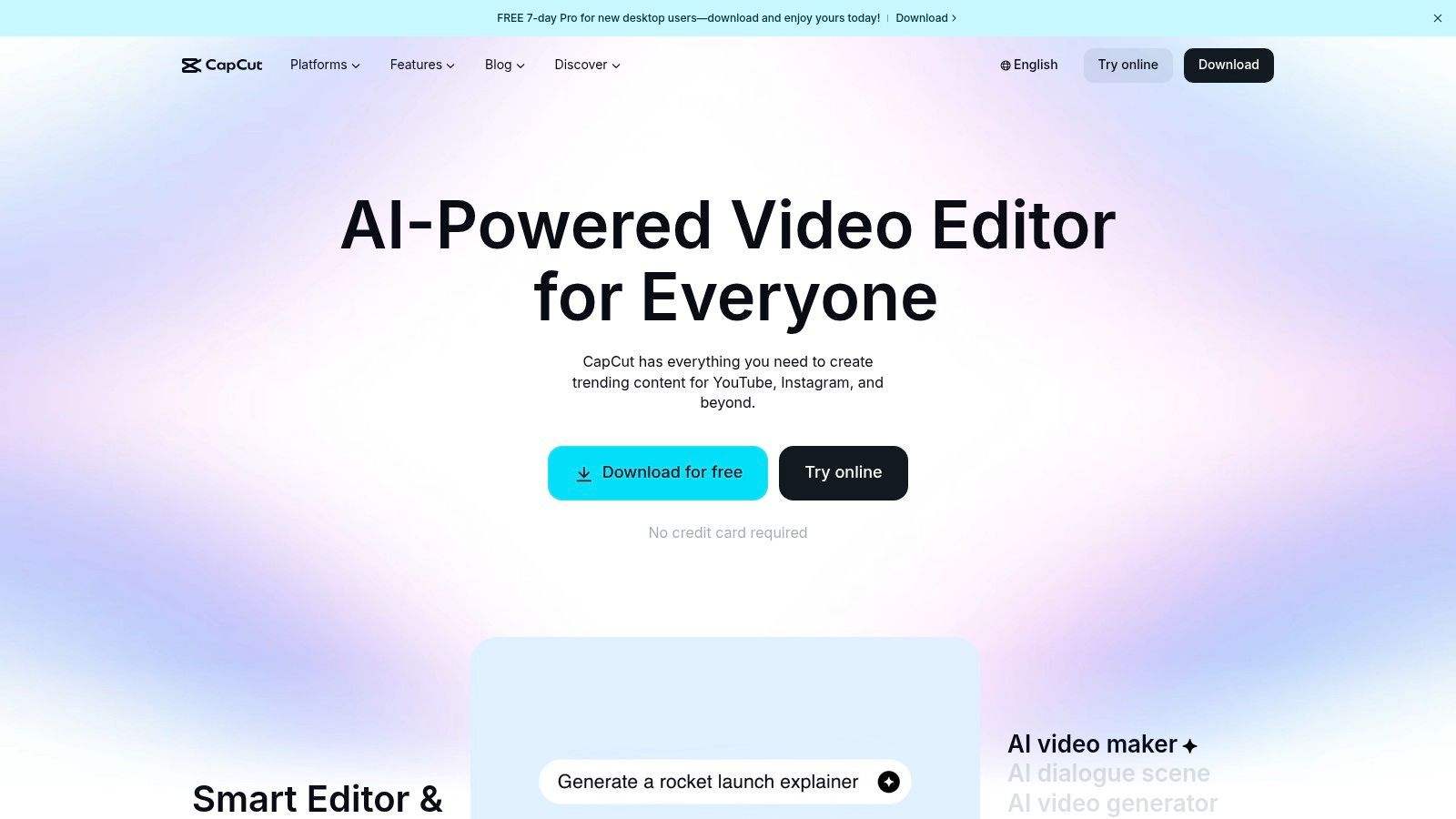
CapCut hat sich schnell zum bevorzugten Videoeditor für Inhalte entwickelt, die für TikTok, Instagram Reels und YouTube Shorts bestimmt sind. Entwickelt von ByteDance, dem gleichen Mutterunternehmen wie TikTok, bietet es ein nahtloses, Mobile-First-Bearbeitungserlebnis, das mit Funktionen ausgestattet ist, die perfekt auf aktuelle Social-Media-Trends abgestimmt sind. Seine Stärke liegt in seiner Geschwindigkeit und Einfachheit; Benutzer können Clips einfach schneiden, angesagte Audios hinzufügen und anspruchsvolle Effekte wie Motion Tracking und Speed Ramping direkt von ihrem Handy aus anwenden, was es zu einem Kraftpaket unter den Tools zur Erstellung von Social-Media-Inhalten für Kurzvideos macht.
Where Most Creators Lose Time?
Scattered Files
Footage, captions, and drafts live in different tools. Hunting for assets wastes more time than creating content.
Repetitive Work
Editing the same clip for five platforms manually drains energy. Smart systems automate resizing and formatting.
Idea Bottlenecks
Great content gets stuck because organizing thoughts takes longer than execution.
Publishing Delays
Without a clear workflow, posts miss trends and lose relevance before they go live.
Die tiefe Integration der Plattform mit der Social-Media-Kultur zeigt sich in ihrer riesigen Bibliothek an Vorlagen, Filtern und Effekten, die beliebte Videostile widerspiegeln. Funktionen wie automatische Untertitel und Text-to-Speech sind unglaublich robust und unerlässlich für die Erstellung zugänglicher, ansprechender Inhalte. Die Möglichkeit, Projekte über mobile, Desktop- und Webversionen hinweg zu synchronisieren, bietet einen flexiblen Workflow für Kreative, die unterwegs oder mit mehr Präzision auf einem größeren Bildschirm bearbeiten müssen.
Hauptmerkmale & Anwendungsfälle
- Am besten geeignet für: Die Erstellung von polierten, trendorientierten Kurzvideos für TikTok, Reels und Shorts mit minimalem Aufwand und einem mobilzentrierten Workflow.
- Vorteile: Schnelle, zugängliche Benutzeroberfläche mit einer riesigen Vorlagen-Community, starke automatische Untertitelung und sozialfreundliche Exportoptionen.
- Nachteile: Einige erweiterte Assets und Funktionen erfordern ein kostenpflichtiges Abonnement, und die Verfügbarkeit in den USA kann aufgrund politischer Faktoren schwanken. Es ist daher am besten, den aktuellen Status in den App-Stores zu überprüfen.
- Preise: Eine funktionsreiche kostenlose Version ist verfügbar. Ein Pro-Abonnement schaltet Premium-Effekte, Cloud-Speicher und erweiterte Tools frei.
Website: https://www.capcut.com
5. Descript
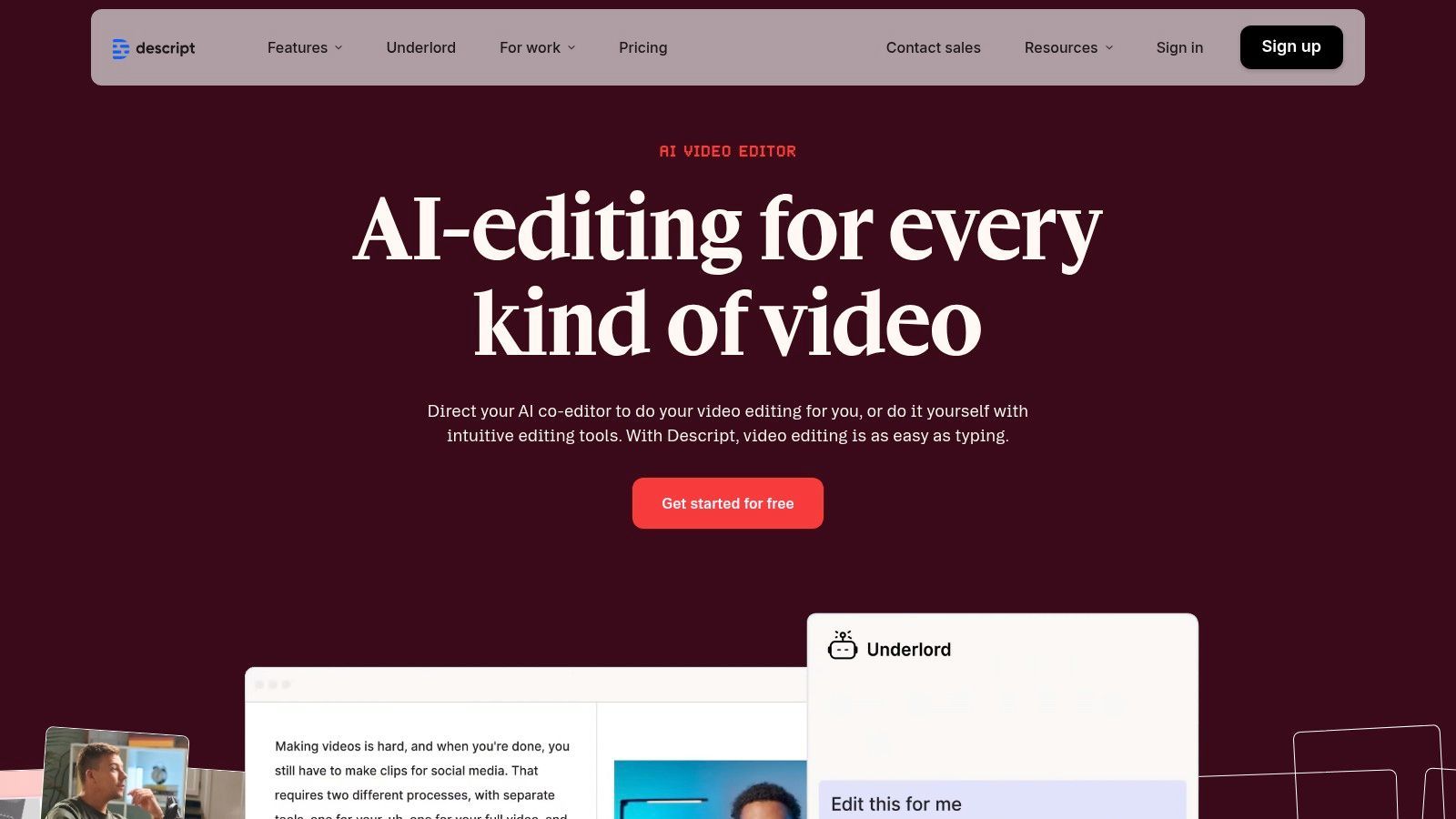
Descript hat die Audio- und Videobearbeitung revolutioniert, indem es seinen Workflow um eine Texttranskription herum aufgebaut hat, wodurch die Inhaltsmanipulation so einfach wird wie die Bearbeitung eines Textdokuments. Dieser einzigartige Ansatz ermöglicht es Kreativen, lange Aufnahmen zu schneiden, zu zerlegen und neu zu strukturieren, indem sie einfach Text hervorheben und löschen, wodurch die entsprechenden Audio-/Videosegmente sofort entfernt werden. Es ist zu einem unverzichtbaren Werkzeug für Podcaster und Videoproduzenten geworden, die lange Interviews oder Webinare in ansprechende Social-Media-Clips umwandeln möchten.
Die Plattform ist mit leistungsstarken KI-Funktionen ausgestattet, die die Postproduktion dramatisch beschleunigen. Mit einem einzigen Klick können Benutzer "Studio Sound" aktivieren, um Hintergrundgeräusche und Echos zu entfernen, Füllwörter wie "ähm" und "äh" automatisch zu eliminieren und sogar eine realistische Kopie ihrer eigenen Stimme zu generieren, um Fehler mit seiner Overdub-Funktion zu korrigieren. Für Social-Media-Manager ist Descript eines der effizientesten Tools zur Erstellung von Social-Media-Inhalten, um ein einzelnes Stück Inhalt in Dutzende von teilbaren Assets zu verwandeln.
Hauptmerkmale & Anwendungsfälle
- Am besten geeignet für: Podcaster, YouTuber und Vermarkter, die lange Audio-/Videoinhalte in kurze, untertitelte Social-Clips und Highlight-Reels umwandeln.
- Vorteile: Intuitive transkriptionsbasierte Bearbeitung spart erheblich Zeit, hervorragende KI-gestützte Audioverbesserung und nahtloser Workflow zur Erstellung von teilbaren Social-Media-Videos.
- Nachteile: Das kreditbasierte System für Transkriptionen und KI-Funktionen kann anfangs verwirrend sein, und eine starke Nutzung kann ein Upgrade auf einen höherwertigen Plan für mehr Minuten erfordern.
- Preise: Bietet einen kostenlosen Plan mit eingeschränkten Funktionen. Kostenpflichtige Pläne (Creator, Pro) schalten mehr Transkriptionsstunden und erweiterte KI-Funktionen frei.
Website: https://www.descript.com
6. Kapwing
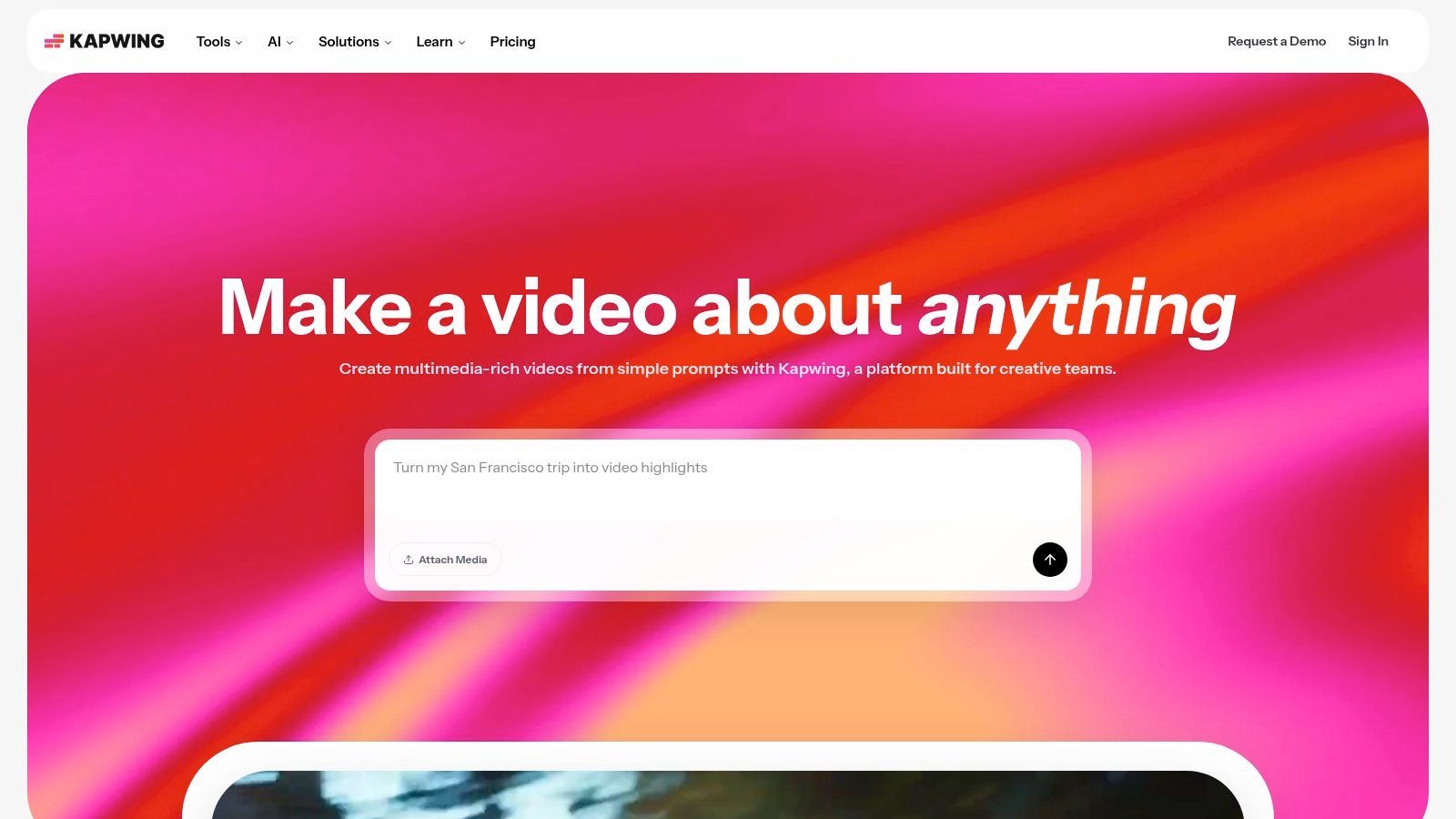
Kapwing hat sich eine Nische als leistungsstarker, browserbasierter kollaborativer Videoeditor geschaffen, was ihn zu einem unverzichtbaren Werkzeug für Social-Media-Teams macht, die schnell und remote arbeiten müssen. Seine Stärke liegt in seiner intuitiven, zeitleistenbasierten Benutzeroberfläche, die sich für erfahrene Redakteure vertraut anfühlt und dennoch für Anfänger zugänglich bleibt. Die Plattform ist speziell für die schnellen Anforderungen von Social Media konzipiert und ermöglicht es Benutzern, Videos mühelos für verschiedene Plattformen zu schneiden, zu untertiteln und in der Größe zu ändern.
Die Plattform zeichnet sich durch Aufgaben aus, die in herkömmlicher Software oft mühsam sind. Funktionen wie die Ein-Klick-Hintergrundentfernung, die automatische Untertitelerstellung und das KI-gestützte Dubbing und die Übersetzung straffen komplexe Arbeitsabläufe. Für Teams sorgen die gemeinsamen Arbeitsbereiche und die Unterstützung des Brand Kits von Kapwing dafür, dass alle Videoinhalte konsistent und markenkonform bleiben, unabhängig davon, wer sie erstellt. Dieser kollaborative Fokus macht es zu einem der praktischsten Tools zur Erstellung von Social-Media-Inhalten für verteilte Marketingabteilungen.
Don’t Stack Too Many Tools
More apps don’t automatically mean better results. Too many disconnected tools slow teams down and create chaos. Choose tools that integrate well instead of chasing every new feature.
Hauptmerkmale & Anwendungsfälle
- Am besten geeignet für: Social-Media-Teams, die ein kollaboratives Online-Tool für Untertitelung, Zuschneiden, Größenänderung und das Hinzufügen von Markenelementen zu Videoinhalten benötigen.
- Vorteile: Komplett browserbasiert ohne zu installierende Software, ideal für verteilte Teams. Bietet eine starke Pipeline für Untertitel und KI-Dubbing für schnelle Social-Video-Durchläufe.
- Nachteile: Der kostenlose Plan exportiert Videos mit Wasserzeichen und hat deutliche Längenbeschränkungen. Die intensive Nutzung von KI-Funktionen wie automatischen Untertiteln ist an monatliche Credits gebunden, was möglicherweise einen Plan der höheren Stufe erfordert.
- Preise: Ein kostenloser Plan ist mit Einschränkungen verfügbar. Bezahlte Pläne (Pro und Business) schalten Premium-Funktionen wie 4K-Exporte, keine Wasserzeichen und erhöhte KI-Credits frei.
Website: https://www.kapwing.com
7. InVideo (invideo AI)
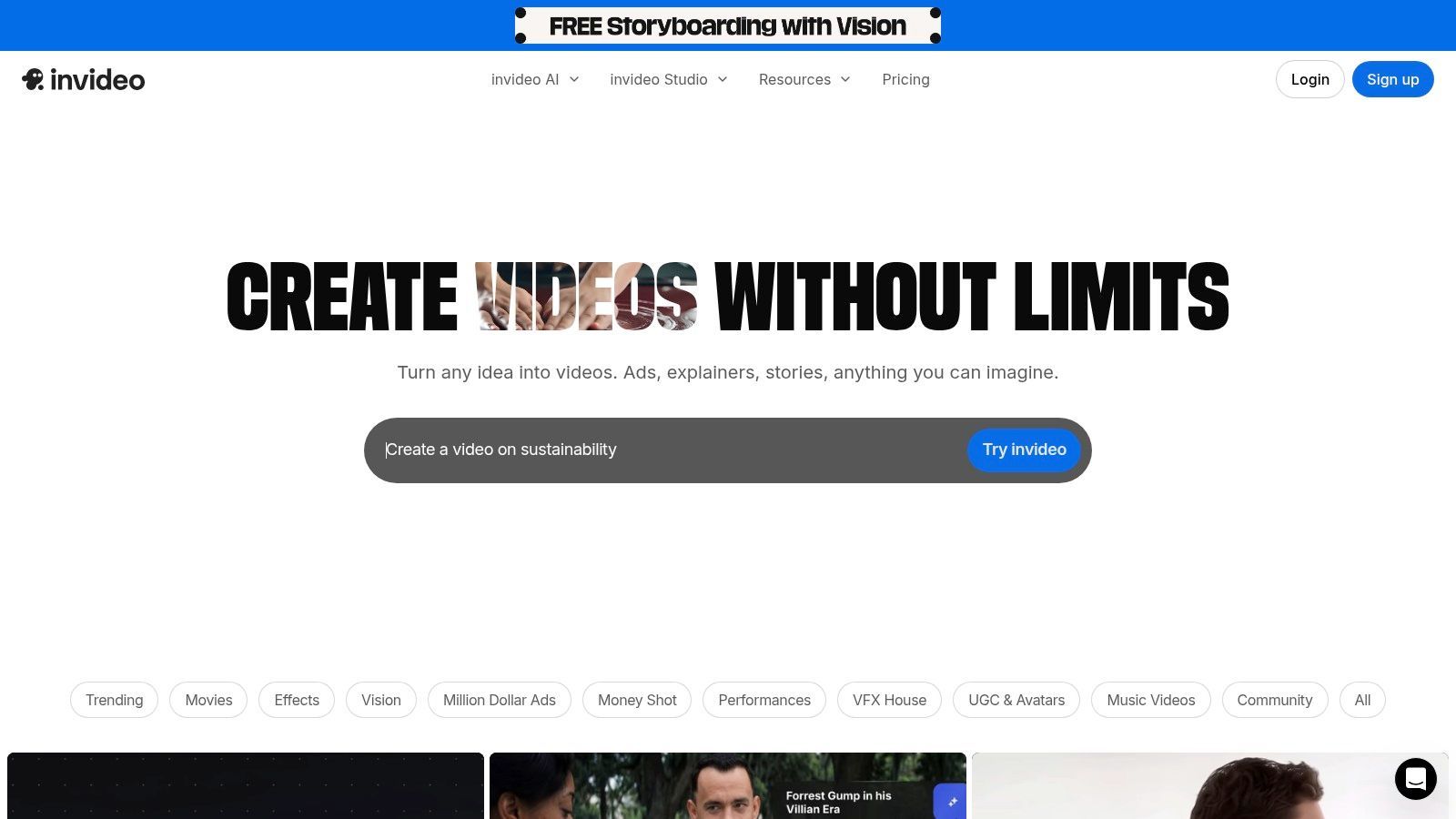
InVideo hat sich eine Nische als leistungsstarke KI-gesteuerte Videoproduktionsplattform geschaffen, die darauf ausgelegt ist, den Zeit- und Arbeitsaufwand für die Erstellung professionell aussehender Social-Media-Videos drastisch zu reduzieren. Seine Hauptstärke ist seine fortschrittliche KI-Engine, die aus einer einfachen Textaufforderung oder einem Skript ein vollständig bearbeitetes Video mit relevantem Stock-Material, Musik und Voiceovers erstellen kann. Dies macht es zu einem außergewöhnlichen Werkzeug für Vermarkter und Content-Ersteller, die eine große Menge an Videoinhalten wie Social-Media-Anzeigen, Werbeclips und Erklärvideos erstellen müssen, ohne über tiefgreifende Kenntnisse in der Videobearbeitung zu verfügen.
Die Plattform optimiert den gesamten Erstellungsprozess vom ersten Konzept bis zum endgültigen Rendering. Benutzer können ein Skript bereitstellen, und die KI findet automatisch passende visuelle Elemente aus ihrer umfangreichen Bibliothek, einschließlich Premium-iStock-Medien. Sie bietet auch Funktionen wie KI-generierte Avatare und realistische Sprachklone, die die Erstellung ansprechender Werbeanzeigen und Produktpräsentationen ermöglichen, ohne eine einzige Szene drehen zu müssen. Für Content-Ersteller, die ihre Videoausgabe skalieren möchten, ist InVideo eines der effizientesten Tools zur Erstellung von Social-Media-Inhalten, um Ideen in teilbare Inhalte zu verwandeln.
Hauptmerkmale & Anwendungsfälle
- Am besten geeignet für: Schnelle Erstellung von KI-gestützten Videos aus Textskripten, ideal für Social-Media-Anzeigen, Produkt-Erklärvideos und kurze Werbeinhalte.
- Vorteile: Der hocheffiziente Skript-zu-Video-Workflow spart erhebliche Produktionszeit, und die integrierte iStock-Bibliothek bietet Zugang zu hochwertigem Stock-Material. Das Quoten-System hilft, Ausgabe und Kosten effektiv zu verwalten.
- Nachteile: Die Pläne der Plattform basieren auf Credits und Quoten, was erfordert, dass Benutzer sorgfältig eine Stufe auswählen, die ihrer erwarteten Ausgabe entspricht. Erweiterte generative Funktionen sind oft hinter Plänen der höheren Stufe gesperrt.
- Preise: Bietet einen kostenlosen Plan mit Wasserzeichen. Bezahlte Pläne sind nach der Anzahl der KI-Generierungsminuten, iStock-Credits und dem pro Monat bereitgestellten Speicher gestaffelt.
Website: https://invideo.io
8. Microsoft Clipchamp
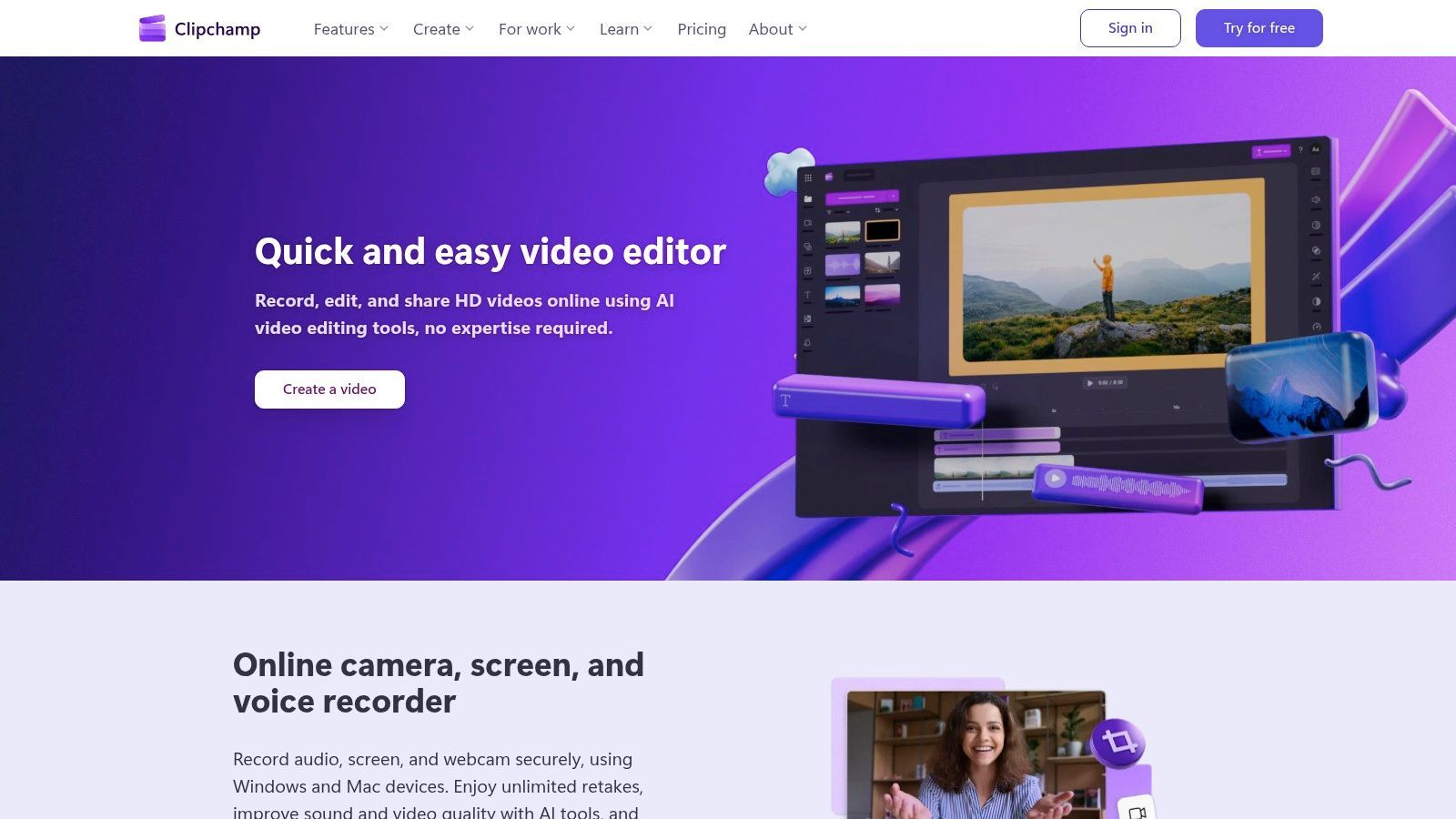
Microsoft Clipchamp hat sich als überraschend leistungsfähiger und zugänglicher Videoeditor etabliert, insbesondere für Content-Ersteller, die bereits in das Windows- und Microsoft 365-Ökosystem integriert sind. Als anfängerfreundliches Werkzeug bietet es eine übersichtliche Drag-and-Drop-Oberfläche, die das Zuschneiden von Clips, das Hinzufügen von Text-Overlays und das Anwenden von Effekten vereinfacht. Seine kostenlose Version ist bemerkenswert großzügig und bietet 1080p-Exporte ohne Wasserzeichen, was ein erheblicher Vorteil gegenüber vielen Wettbewerbern ist. Dies macht es zu einem ausgezeichneten, kostenlosen Ausgangspunkt für die Produktion hochwertiger Social-Media-Inhalte.
Die Plattform integriert mehrere KI-gestützte Funktionen, die für Social Media besonders nützlich sind, wie z. B. automatische Untertitel zur Erstellung barrierefreier Videos und Text-to-Speech zur Generierung von Voiceovers in mehreren Sprachen. Für Benutzer mit einem Microsoft 365-Abonnement schaltet Clipchamp Premium-Funktionen wie ein Marken-Kit zur Aufrechterhaltung der visuellen Konsistenz und 4K-Video-Exporte frei, was es zu einem der kostengünstigsten Tools zur Erstellung von Social-Media-Inhalten für diejenigen macht, die bereits für Office-Apps bezahlen. Die direkte Integration mit OneDrive optimiert auch den Workflow für Benutzer, die ihre Video-Assets in Microsofts Cloud speichern.
Hauptmerkmale & Anwendungsfälle
- Am besten geeignet für: Einzelpersonen und kleine Unternehmen im Microsoft-Ökosystem, die einen einfachen, kostenlosen Videoeditor zur Erstellung schneller Social-Media-Clips, Stories und Reels suchen.
- Vorteile: Ausgezeichneter kostenloser Plan mit 1080p-Exporten ohne Wasserzeichen, nahtlose OneDrive-Integration und eine intuitive Benutzeroberfläche, perfekt für Anfänger.
- Nachteile: Einige erweiterte Funktionen und Premium-Stock-Assets sind hinter einem Abonnement gesperrt, und der Funktionszugriff kann verwirrend sein, je nachdem, ob Sie einen eigenständigen Plan oder Microsoft 365 haben.
- Preise: Ein starker kostenloser Plan ist verfügbar. Premium-Funktionen sind in Microsoft 365 Personal/Family-Plänen oder über ein separates Clipchamp Premium-Abonnement enthalten.
Website: https://clipchamp.com
9. Buffer (AI Assistant + Publisher)
Buffer hat sich von einem Pionier-Tool für die Planung von Social Media zu einer robusten Publishing-Plattform entwickelt, die die Inhaltserstellung direkt in den Planungs-Workflow integriert. Sein herausragendes Merkmal ist der KI-Assistent, der im Composer integriert ist, um Ideen für Beiträge zu generieren, Bildunterschriften zu entwerfen und Inhalte mühelos für verschiedene soziale Netzwerke umzuformulieren. Diese einzigartige Kombination macht es zu einem der effizientesten Tools zur Erstellung von Social-Media-Inhalten für Benutzer, die ihren gesamten Publishing-Prozess von der Ideenfindung bis zur Analyse optimieren möchten.
Die Plattform ist besonders attraktiv für Solo-Creator und kleine Unternehmen aufgrund ihres klaren Preismodells pro Kanal, das eine niedrige Einstiegshürde bietet. Neben der Planung bietet Buffer eine umfassende Suite von Tools, darunter einen Content-Kalender, eine Engagement-Inbox zur Verwaltung von Kommentaren und detaillierte Analysen. Dieser ganzheitliche Ansatz ermöglicht es Content-Erstellern, ihre Präsenz zu verwalten, ohne zwischen mehreren Anwendungen wechseln zu müssen, was erhebliche Zeit spart und eine kohärente Content-Strategie gewährleistet.
Hauptmerkmale & Anwendungsfälle
- Am besten geeignet für: Content-Ersteller und kleine Teams, die KI-gestützte Texterstellung und Ideenfindung mit einer leistungsstarken Planungs- und Analyseplattform kombinieren möchten.
- Vorteile: Einfache und erschwingliche Preisgestaltung pro Kanal, ein integrierter KI-Assistent, der das Schreiben von Bildunterschriften beschleunigt, und eine All-in-One-Oberfläche für Planung und Engagement.
- Nachteile: Die Funktionen zur Inhaltserstellung sind textorientiert und erfordern, dass Benutzer sie mit einem dedizierten visuellen Tool wie Canva koppeln; KI-Kreditlimits variieren je nach Plan.
- Preise: Ein großzügiger kostenloser Plan ist verfügbar. Bezahlte Pläne (Essentials, Team, Agentur) werden pro Kanal berechnet, was sie skalierbar macht.
Website: https://buffer.com
10. Runway
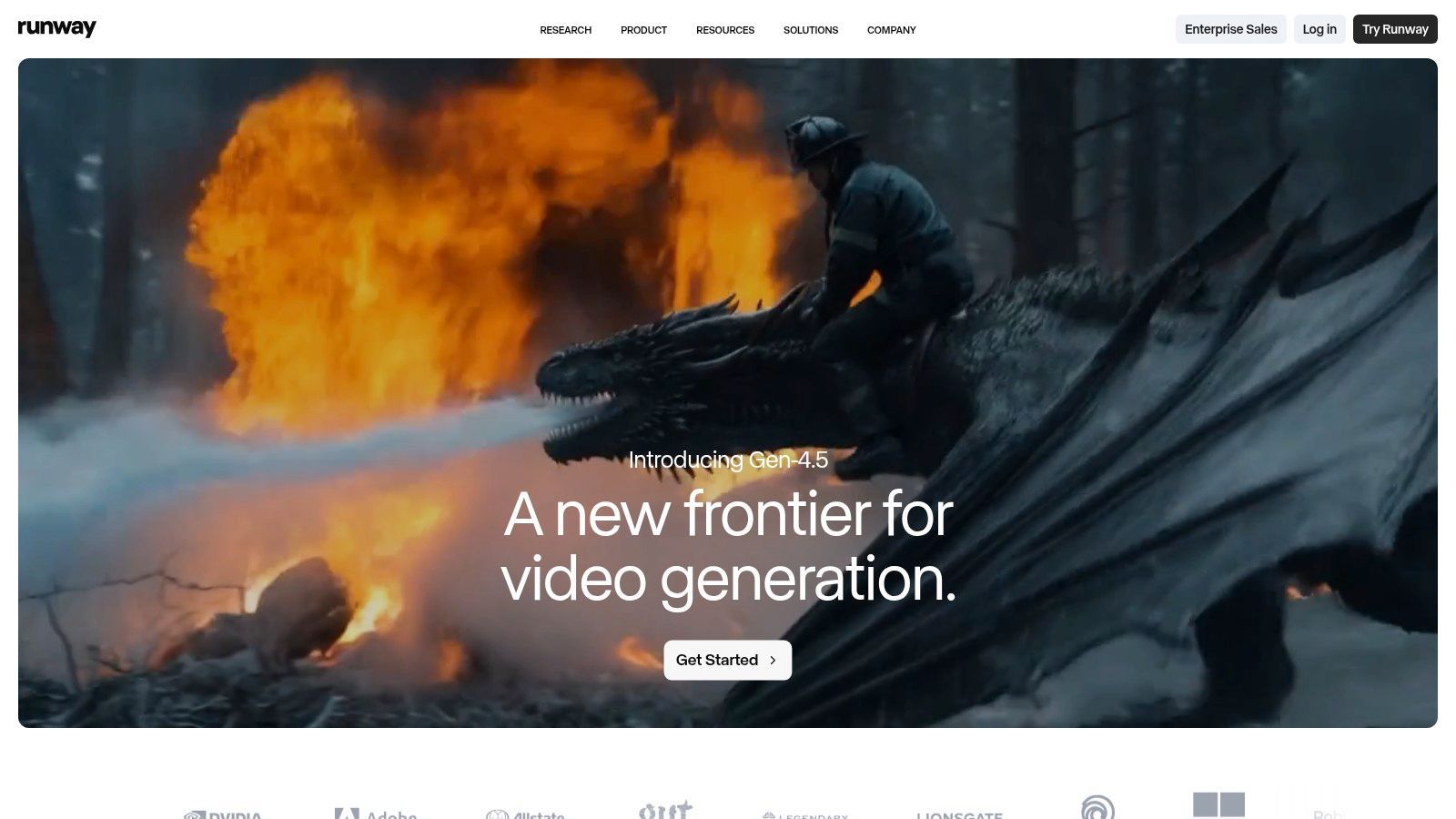
Runway hat sich zu einem Kraftpaket im Bereich der KI-Videos entwickelt und die Grenzen dessen, was für generative Inhalte möglich ist, verschoben. Es ermöglicht Content-Erstellern, Videoclips aus einfachen Textaufforderungen zu generieren, zu erweitern und zu bearbeiten, was es zu einem außergewöhnlichen Werkzeug für die Produktion von experimentellen, hochgradig visuellen Inhalten für soziale Medien macht. Für Teams, die schnell Ideen für Anzeigen entwickeln, einzigartige B-Rolls erstellen oder auffällige Motion Graphics generieren möchten, bietet Runway eine Suite leistungsstarker Modelle wie Gen-3 Alpha, um abstrakte Ideen in Sekundenschnelle zum Leben zu erwecken.
Diese Plattform zeichnet sich als eines der fortschrittlichsten Tools zur Erstellung von Social-Media-Inhalten für KI-native Videos aus. Sie geht über einfache Bearbeitung hinaus und dringt in den Bereich der reinen Kreation vor, wodurch Vermarkter und Künstler Kurzfilme und Reels produzieren können, die sonst komplexe VFX-Software und umfangreiche Produktionszeiten erfordern würden. Der Editor enthält auch praktische Werkzeuge zum Hochskalieren, Dubbing und sogar API-Zugriff zur Integration seiner generativen Fähigkeiten in benutzerdefinierte Workflows, was einen Einblick in die Zukunft der Content-Produktion bietet.
Hauptmerkmale & Anwendungsfälle
- Am besten geeignet für: Schnelle Ideenfindung und Generierung einzigartiger KI-Videoclips, animierter Sequenzen und abstrakter Motion Graphics für Anzeigen und experimentelle Social-Media-Inhalte.
- Vorteile: Spitzentechnologie-KI-Videogenerierungsmodelle, bietet eine vollständige Suite von Bearbeitungswerkzeugen und flexible Stufen, einschließlich kostenloser Testguthaben für den Einstieg.
- Nachteile: Das kreditbasierte System kann anfangs verwirrend sein, und hochwertige oder längere Video-Generierungen verbrauchen Credits sehr schnell, was potenziell zu hohen Kosten führt.
- Preise: Ein kostenloser Plan mit begrenzten Startguthaben ist verfügbar. Bezahlte Pläne (Standard, Pro, Unlimited) bieten zunehmend mehr Credits und Funktionen.
Website: https://runwayml.com
11. Luma AI (Dream Machine)
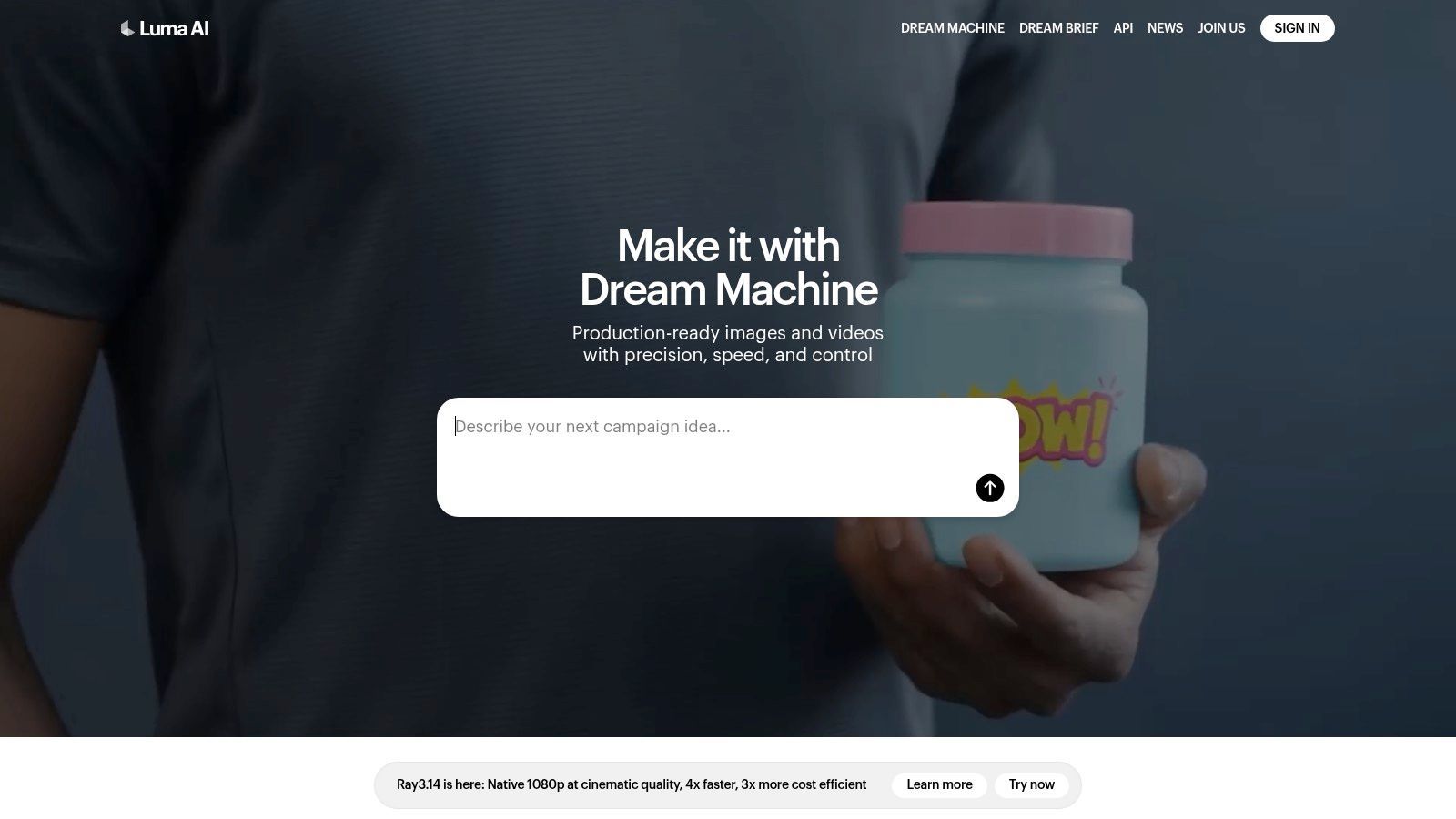
Luma AI's Dream Machine hat sich zu einem starken Konkurrenten im Bereich der KI-Videos entwickelt und ist spezialisiert auf die Generierung kurzer, hochgradig filmischer Videoclips aus Text- oder Bildaufforderungen. Sein Hauptvorteil liegt in seiner Fähigkeit, bemerkenswert realistische Bewegungen und flüssige Physik zu erzeugen, was es zu einem ausgezeichneten Werkzeug für die Erstellung dynamischer B-Rolls, Bewegungs-Hintergründe für Stories oder konzeptioneller Teaser macht, die sofort Aufmerksamkeit erregen. Für Content-Ersteller, die schnelle, hochwertige visuelle Snippets ohne den Aufwand des Drehs benötigen, bietet Luma AI eine überzeugende Lösung.
Die Plattform ist sowohl für Experimente als auch für professionelle Ergebnisse konzipiert, mit klaren Unterscheidungen zwischen Entwürfen und hochauflösenden Renderings. Dies ermöglicht es Benutzern, Ideen schnell zu testen, bevor sie Credits für einen endgültigen, polierten Clip verwenden. Bezahlte Stufen schalten kommerzielle Nutzungsrechte, 4K-Auflösung und HDR-Optionen frei, was sie zu einem praktikablen Teil des Werkzeugkastens professioneller Content-Ersteller macht. Als eines der fortschrittlicheren Tools zur Erstellung von Social-Media-Inhalten für KI-Videos ist es ideal, um jeder Content-Strategie eine Ebene anspruchsvoller Bewegung hinzuzufügen.
Hauptmerkmale & Anwendungsfälle
- Am besten geeignet für: Generierung kurzer, filmischer KI-Videoclips für Social-Media-Teaser, animierte Hintergründe und Konzeptvisualisierungen aus einfachen Text- oder Bildaufforderungen.
- Vorteile: Erzeugt hochwertige Bewegungen mit beeindruckender Physik im Vergleich zu Wettbewerbern, und sein klares, kreditbasiertes System erleichtert die Verwaltung der Generierungskosten.
- Nachteile: Clips sind auf kurze Dauer beschränkt (typischerweise 5-10 Sekunden), der kostenlose Plan hat ein Wasserzeichen mit begrenzten Generierungen, und Credits werden nicht von Monat zu Monat übertragen.
- Preise: Ein kostenloser Plan mit begrenzten Credits ist verfügbar. Bezahlte Pläne (Standard, Pro, Premier) werden auf monatlicher Abonnementbasis mit zunehmenden Kreditkontingenten und Funktionen angeboten.
Website: https://lumalabs.ai
12. InShot
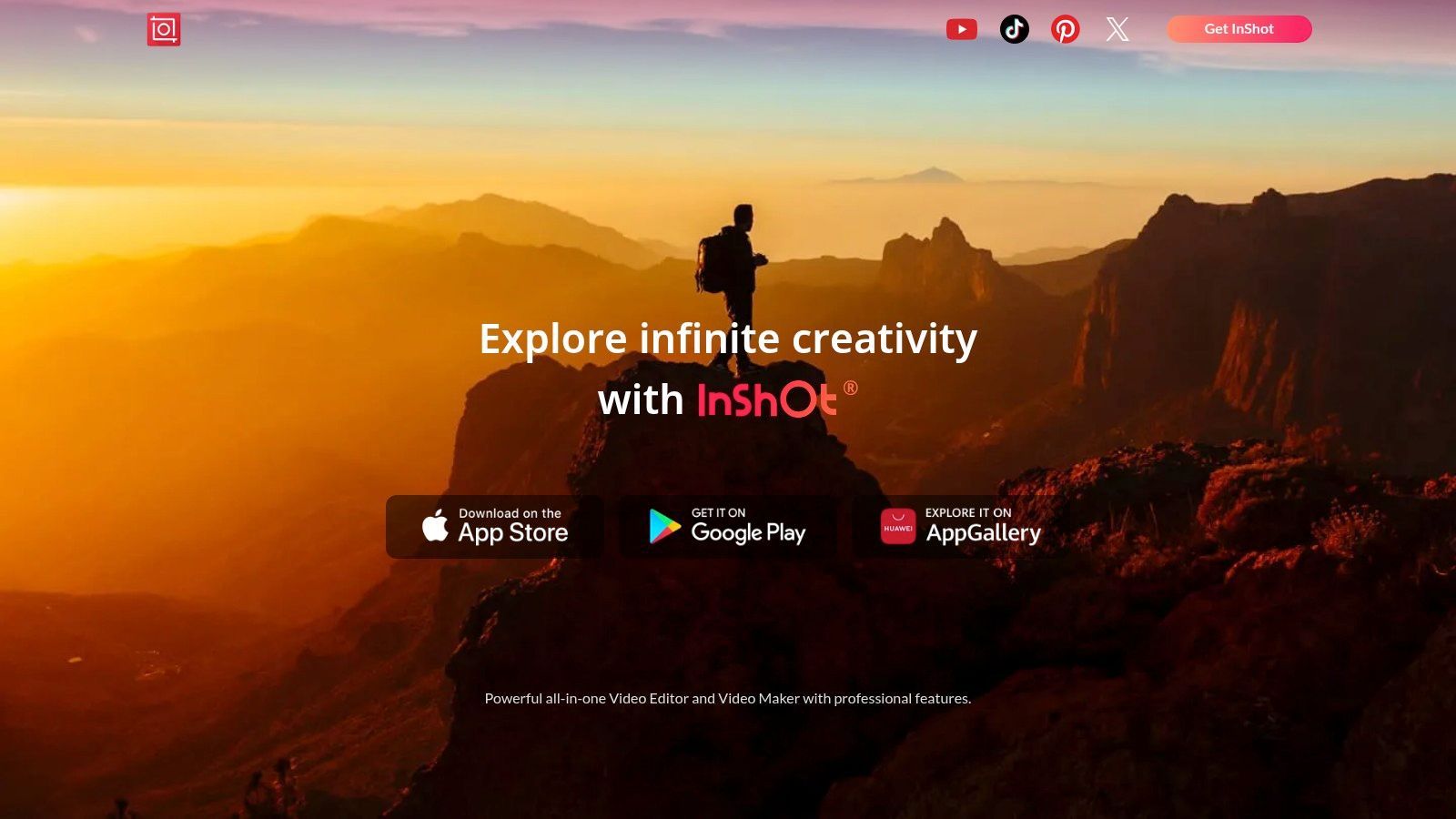
InShot hat sich eine bedeutende Nische als bevorzugter mobiler Videoeditor für Content-Ersteller geschaffen, die hochwertige Inhalte direkt von ihrem Telefon aus erstellen müssen. Es zeichnet sich durch die Vereinfachung des Bearbeitungsprozesses aus und bietet eine intuitive Timeline-Oberfläche, die das Zuschneiden von Clips, das Hinzufügen von Musik, das Anwenden von Filtern und das Integrieren von Übergängen unglaublich einfach macht. Für Content-Ersteller unterwegs dient es als leistungsstarkes Pocket-Studio, perfekt für die Zusammenstellung von TikToks, Instagram Reels und YouTube Shorts, ohne dass Material auf einen Desktop übertragen werden muss. Diese Zugänglichkeit macht es zu einem Grundpfeiler unter den Tools zur Erstellung von Social-Media-Inhalten für spontane Projekte mit schneller Bearbeitungszeit.
Die Plattform kombiniert Benutzerfreundlichkeit mit einer überraschend robusten Funktionsvielfalt. Benutzer können die Videogeschwindigkeit für dramatische Zeitlupen- oder Schnelleffekte einfach steuern, Text und animierte Sticker überlagern und grundlegende Farbkorrekturen durchführen. Obwohl es für komplexe Projekte möglicherweise keinen vollwertigen Desktop-Editor ersetzt, ist es dank seiner Fähigkeit, wesentliche Bearbeitungen durchzuführen und bis zu 4K-Auflösung (in kostenpflichtigen Plänen) zu exportieren, mehr als ausreichend für die Anforderungen der meisten Social-Media-Inhalte. Seine Stärke liegt in Geschwindigkeit und Komfort, wodurch Content-Ersteller in wenigen Minuten professionell aussehende Videos bearbeiten und veröffentlichen können.
Hauptmerkmale & Anwendungsfälle
- Am besten geeignet für: Schnelle, mobile Bearbeitung von Kurzvideoinhalten wie Instagram Reels, TikToks und YouTube Shorts direkt auf einem Mobilgerät.
- Vorteile: Extrem niedrige Kosten, um die meisten Funktionen freizuschalten, eine sehr sanfte Lernkurve und eine große Community, die viele Tutorials und Presets bereitstellt.
- Nachteile: Die Lizenzierung ist an den App Store (iOS oder Android) gebunden und nicht zwischen den Plattformen übertragbar, und In-App-Käufe können variieren.
- Preise: Bietet eine kostenlose Version mit Wasserzeichen und Werbung. Ein Pro-Abonnement ist als monatliche, jährliche oder einmalige Zahlung erhältlich, um alle Funktionen freizuschalten.
Website: https://inshot.com
Top 12 Tools zur Erstellung von Social-Media-Inhalten — Funktionsvergleich
| Produkt | Kernfunktionen | Qualität (★) | Preis / Wert (💰) | Zielgruppe (👥) | Einzigartig (✨) |
|---|---|---|---|---|---|
| Transcript.LOL 🏆 | Whisper-basierte Transkription, Sprechererkennung, Rich-Text-Editor, 10h/5GB Uploads, Multi-Format-Exporte | ★★★★☆ 4.8 | 💰 Kostenlos (begrenzt) · Unbegrenzt 120 $/Jahr · Team 240 $/Jahr | 👥 Podcaster, Teams, Forscher, Juristen, Unternehmen | ✨ Datenschutzrichtlinie ohne Schulung; KI-Zusammenfassungen, Quizze, Mindmaps; tiefe Integrationen |
| Canva | Vorlagen, Magic Studio KI, Marken-Kits, Multi-Format-Export | ★★★★☆ | 💰 Kostenlos · Pro/Teams pro Sitzplatz (bezahlte Assets) | 👥 Vermarkter, Social-Teams, Nicht-Designer | ✨ Riesige Vorlagen- & Asset-Bibliothek; sofortige Größenänderung |
| Adobe Express | Vorlagen + Video, Firefly Generative, Adobe Stock, Planung | ★★★★ | 💰 Kostenlos · Premium fügt Firefly-Credits & Assets hinzu | 👥 Kleine Teams, Adobe-Ökosystem-Nutzer | ✨ Firefly + Adobe Stock rechtliche/kommerzielle Schutzmaßnahmen |
| CapCut (ByteDance) | Mobile-First-Editor, automatische Untertitel, Vorlagen, Effekte | ★★★★ | 💰 Kostenlos · In-App-bezahlte Funktionen (Verfügbarkeit variiert) | 👥 Mobile Creator, TikTok/Reels-Editoren | ✨ Schneller mobiler Workflow mit Social-Native-Vorlagen |
| Descript | Bearbeitung per Transkript, Mehrspur, Overdub, Studio Sound, automatische Untertitel | ★★★★☆ | 💰 Kostenlose Stufe · Bezahlte Pläne mit Medienminuten/KI-Credits | 👥 Podcaster, Interviewer, Content-Wiederverwerter | ✨ Transkript-basierte Bearbeitung + Overdub-Stimmenklonung |
| Kapwing | Browser-Editor, automatische Untertitel, Dubbing, Vorlagen, Marken-Kit | ★★★★ | 💰 Kostenlos (Wasserzeichen/Limits) · Bezahlte Kreditstufen | 👥 Verteilt arbeitende Social-Teams, Vermarkter | ✨ Kein Installations-Browser-Workflow; starke Untertitel-Pipeline |
| InVideo | Skript-zu-Video, Stock-Integrationen (iStock), Vorlagen, Avatare | ★★★★ | 💰 Kredit-/Quota-basierte Pläne; Stock-Bundles | 👥 Anzeigen-Ersteller, Produkt-Vermarkter | ✨ Schnelle Anzeigen-/Social-Spot-Erstellung mit Stock-Paketen |
| Microsoft Clipchamp | Drag-and-Drop-Editor, KI-Untertitel/Voiceovers, Social-Vorlagen | ★★★★ | 💰 Kostenlos · 4K & Premium über Microsoft 365 | 👥 Haushalte, kleine Unternehmen, MS-Nutzer | ✨ Einfacher Editor + OneDrive/Windows-Integration |
| Buffer (AI Assistant) | Planung, KI-Bildunterschrift-/Ideengenerator, Analysen, Kalender | ★★★★ | 💰 Kostenlose Stufe · Preismodell pro Kanal | 👥 Kleine Teams, Solo-Creator, Social-Manager | ✨ Im Composer integrierte KI + unkomplizierte Planung |
| Runway | Text-zu-Video/Bild-Generierung, Editor-Tools, Upscaling, API | ★★★★ | 💰 Kostenlose Testguthaben · Kredit-basierte Stufen | 👥 Motion Designer, experimentelle Creator | ✨ Fortschrittliche Gen‑3/4 Video-Modelle und schnelle Iteration |
| Luma AI (Dream Machine) | Text/Bild-zu-Video, Reframing, 4K Upscaling, HDR-Optionen | ★★★★ | 💰 Kreditpläne · Bezahlte Upscaling/HDR-Stufen | 👥 Visuelle Creator, filmische Teaser | ✨ Hochauflösende kurze filmische Clips (5–10s) |
| InShot | Mobile Timeline, Übergänge, Filter, grundlegende Untertitel, 4K-Export | ★★★★ | 💰 Günstige Abonnements · In-App-Käufe | 👥 Mobile Editoren, Gelegenheits-Creator | ✨ Mobile-First-Einfachheit mit vielen Presets und Paketen |
Aufbau Ihres ultimativen Content-Creation-Stacks
Die Navigation in der riesigen Landschaft der Tools zur Erstellung von Social-Media-Inhalten kann überwältigend sein. Wir haben ein Dutzend leistungsstarker Plattformen untersucht, von KI-gesteuerten Video-Generatoren wie Runway und Luma AI bis hin zu All-in-One-Design-Suiten wie Canva und Adobe Express. Die zentrale Lektion ist klar: Es gibt kein einziges "bestes" Werkzeug, sondern nur die beste Kombination von Werkzeugen für Ihren spezifischen Workflow, Ihre Ziele und Ihre Zielgruppe. Die wahre Kraft liegt nicht darin, eine Plattform zu meistern, sondern darin, strategisch einen personalisierten "Stack" aufzubauen, bei dem jedes Werkzeug einen bestimmten Teil des Prozesses effizient handhabt.
Dieser Ansatz verwandelt die Inhaltserstellung von einer Reihe von unzusammenhängenden Aufgaben in ein optimiertes, wiederholbares System. Ihr Ziel sollte es sein, eine Content-Engine zu schaffen, die Reibungsverluste minimiert und den kreativen Output maximiert, sodass Sie konsistent und in großem Umfang hochwertige, ansprechende Assets produzieren können.
Modern Content Teams Work Differently
Today’s creators don’t start from scratch every day. They repurpose one core asset into dozens of posts. A strong tech stack turns every recording into weeks of content automatically.
Von rohen Ideen zu ausgefeilten Beiträgen: Ein Workflow-zentrierter Ansatz
Anstatt sich von endlosen Funktionslisten ablenken zu lassen, konzentrieren Sie sich auf Ihren Kern-Workflow zur Inhaltserstellung. Für viele Kreative, insbesondere diejenigen, die sich auf Langform-Video oder -Audio verlassen, beginnt der Prozess mit einem grundlegenden Inhaltselement. Hier wird ein spezialisiertes Werkzeug zum Eckpfeiler Ihres gesamten Stacks.
Ein hochwirksamer Workflow sieht oft so aus:
- Fundament: Beginnen Sie mit einem Langform-Asset wie einem Podcast, Webinar oder Interview. Nutzen Sie einen hochpräzisen Transkriptionsdienst wie Transcript.LOL, um Audio sofort in Text umzuwandeln. Dies schafft ein durchsuchbares, bearbeitbares Dokument, das als Ausgangsmaterial für alle nachfolgenden Inhalte dient.
- Ideenfindung & Extraktion: Nutzen Sie die KI-Funktionen Ihres Transkriptionstools, um Schlüsselthemen, überzeugende Zitate und potenzielle virale Momente herauszuziehen. Sie können Zusammenfassungen, Kapitelaufteilungen und sogar Entwürfe für Social-Media-Texte direkt aus dem Transkript generieren und so Stunden manueller Überprüfung einsparen.
- Visuelle Erstellung: Importieren Sie diese textbasierten Assets in eine Designplattform. Nutzen Sie Canva oder Adobe Express, um schnell Zitatkarten, Karussells oder Audiogramm-Vorlagen zu erstellen. Für Videos ermöglicht ein textbasierter Editor wie Descript das Zusammenstellen von Clips durch einfaches Hervorheben von Text.
- Ausfeilen & Optimieren: Nehmen Sie Ihre groben Videoclips und polieren Sie sie in einem mobil-nativen Editor. Tools wie CapCut oder InShot eignen sich perfekt zum Hinzufügen von angesagter Musik, automatischen Untertiteln und Effekten, die auf Plattformen wie TikTok und Instagram Reels Anklang finden.
- Distribution: Nutzen Sie schließlich ein Planungstool wie Buffer, um Ihre ausgefeilten Inhalte auf all Ihren Social-Media-Kanälen zu planen und zu veröffentlichen, um eine konsistente Auslieferung an Ihr Publikum zu gewährleisten.
So wählen Sie Ihren perfekten Stack
Die Auswahl der richtigen Tools zur Erstellung von Social-Media-Inhalten erfordert eine Selbstreflexion über Ihre Bedürfnisse. Bevor Sie sich zu einem Abonnement verpflichten, stellen Sie sich diese kritischen Fragen:
- Was ist mein primäres Inhaltsformat? Sind Sie ein Podcaster, der Audiogramme benötigt, ein YouTuber, der kurze Clips erstellt, oder ein Blogger, der beeindruckende Grafiken benötigt? Ihr Kernformat bestimmt Ihr wichtigstes Werkzeug.
- Was ist mein größter Engpass? Identifizieren Sie den zeitaufwendigsten Teil Ihres aktuellen Prozesses. Sind es das Schreiben von Show Notes, das Finden von ansprechenden Clips oder das Gestalten von Grafiken? Wählen Sie ein Werkzeug, das dieses Problem direkt löst.
- Was ist mein Budget und mein Fähigkeitsniveau? Seien Sie realistisch. Wenn Sie ein Solo-Kreativer sind, ist ein komplexes und teures Werkzeug möglicherweise übertrieben. Entscheiden Sie sich für Plattformen mit intuitiven Benutzeroberflächen und flexiblen Preisstufen.
- Wie gut integrieren sich diese Werkzeuge? Die effektivsten Stacks enthalten Werkzeuge, die nahtlos zusammenarbeiten. Prüfen Sie auf Integrationen und einfache Exportoptionen, die zu Ihrem etablierten Workflow passen.
Indem Sie sich auf die Lösung Ihrer spezifischen Herausforderungen konzentrieren, können Sie einen Stack aufbauen, der sich wie eine Erweiterung Ihres eigenen kreativen Prozesses anfühlt. Um sicherzustellen, dass Sie sich mit den effektivsten Plattformen ausstatten, erkunden Sie die 10 besten Tools zur Inhaltserstellung, die echte Ergebnisse erzielen. Das richtige Toolkit hilft Ihnen nicht nur bei der Erstellung von Inhalten; es befähigt Sie, effektiver mit Ihrem Publikum in Kontakt zu treten und eine stärkere Markenpräsenz in der überfüllten digitalen Welt aufzubauen.
Sind Sie bereit, das Fundament Ihrer Content-Repurposing-Engine zu bauen? Beginnen Sie damit, Ihre Audio- und Videoinhalte mit Transcript.LOL in umsetzbare Texte zu verwandeln. Es ist der schnellste und genaueste Weg, Ihre Medien zu transkribieren, wichtige Erkenntnisse zu extrahieren und Ihren gesamten Social-Media-Workflow zu starten. Probieren Sie Transcript.LOL kostenlos aus und sehen Sie, wie es Ihren Prozess revolutioniert.